报错提示
Workspace unavailable. The isolated Linux environment failed to start. You can still use file tools directly.
Workspace still starting. The isolated Linux environment is booting in the background (usually 10--30 seconds). Try again shortly.
排查步骤
如果你报了这两个错,你应该有三步骤要走:
第一,确定你是不是下载好了他所需的虚拟机,使用管理员权限启动claude桌面端,然后打开任务管理器,查看是否有下载自动进行。如果有下载正在进行,可能就是单纯你的网络不行,没下好需要的文件。
第二,确定本地的路径下文件是否正确。文件夹大概要有12g左右哦。如果没有,说明你没有下载完。
C:\Users\你的用户名\AppData\Local\Claude-3p\vm_bundles
比如我这个文件夹就有11.2g
第三,如果文件没毛病,就执行下面的脚本,否则做好准备:
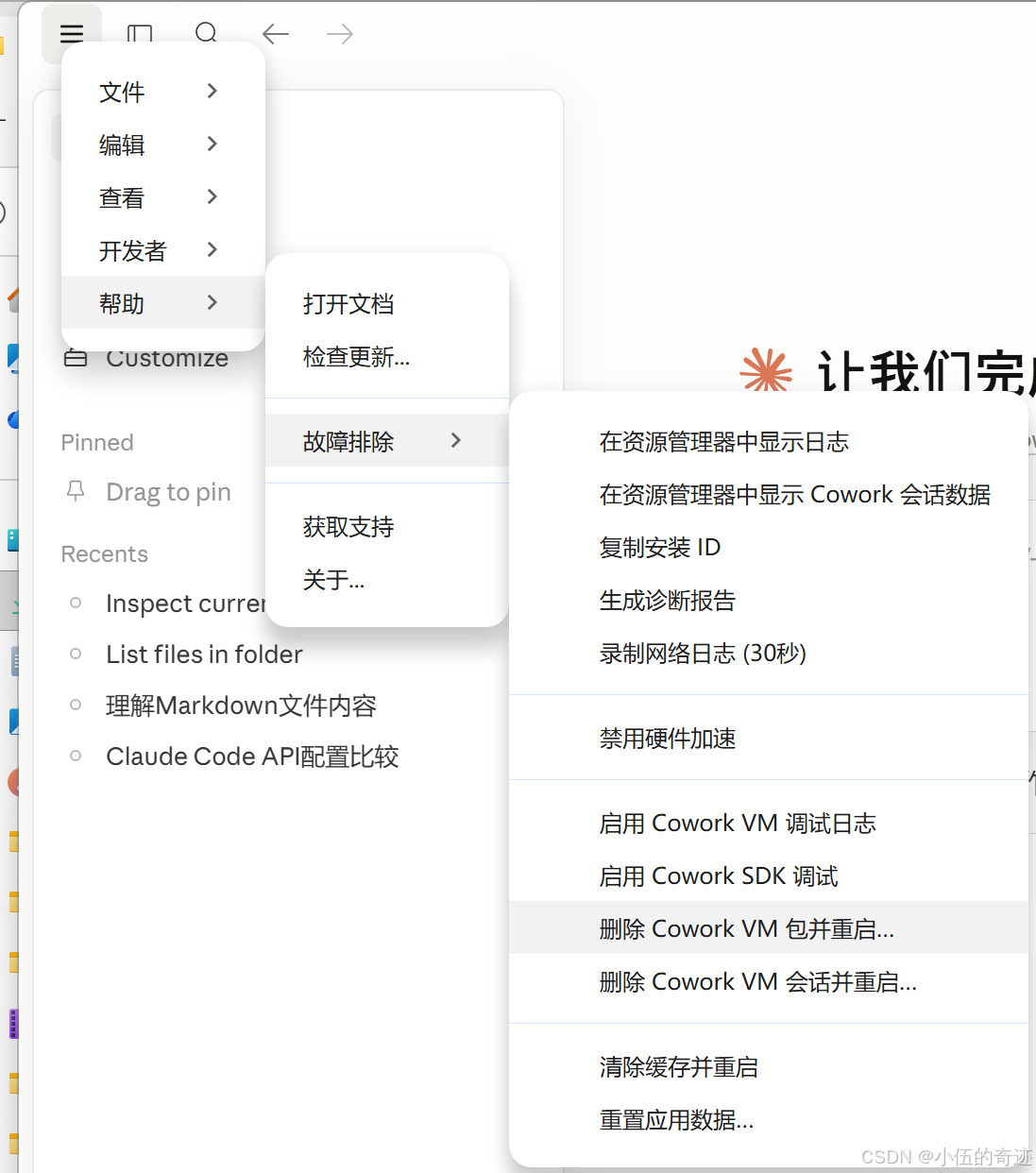
解决方案:
在powershell 执行以下脚本:
# 获取当前用户名
$user = $env:USERNAME

# 实际的 VM 文件存放路径
$realPath = "C:\Users\$user\AppData\Local\Claude-3p\vm_bundles\claudevm.bundle"

# 查找 Packages 目录下的 Claude 包文件夹(自动处理随机后缀)
$packageDir = Get-ChildItem -Path "C:\Users\$user\AppData\Local\Packages" -Filter "Claude_*" | Select-Object -First 1

if (-not $packageDir) {
    Write-Host "未找到 Claude 包目录,请确认应用是否正常安装"
    exit
}

# 需要映射的目标错误路径
$linkPath = "$($packageDir.FullName)\LocalCache\Roaming\Claude-3p\vm_bundles\claudevm.bundle"

# 强制创建目标文件夹结构
if (-not (Test-Path $linkPath)) {
    New-Item -ItemType Directory -Path $linkPath -Force | Out-Null
    Write-Host "已创建目标目录: $linkPath"
}

# 核心 VM 文件列表
$files = @("rootfs.vhdx", "vmlinuz", "initrd", "smol-bin.vhdx")

# 批量创建硬链接
foreach ($file in $files) {
    $targetFile = Join-Path $linkPath $file
    $sourceFile = Join-Path $realPath $file

    if (Test-Path $sourceFile) {
        if (-not (Test-Path $targetFile)) {
            New-Item -ItemType HardLink -Path $targetFile -Value $sourceFile | Out-Null
            Write-Host "✅ 成功创建硬链接: $file"
        } else {
            Write-Host "ℹ️ 硬链接已存在: $file"
        }
    } else {
        Write-Host "❌ 警告: 源文件不存在 $sourceFile"
    }
}

Write-Host "🎉 修复脚本执行完毕!"
https://linux.do/t/topic/2072551/12
以上是原贴链接。