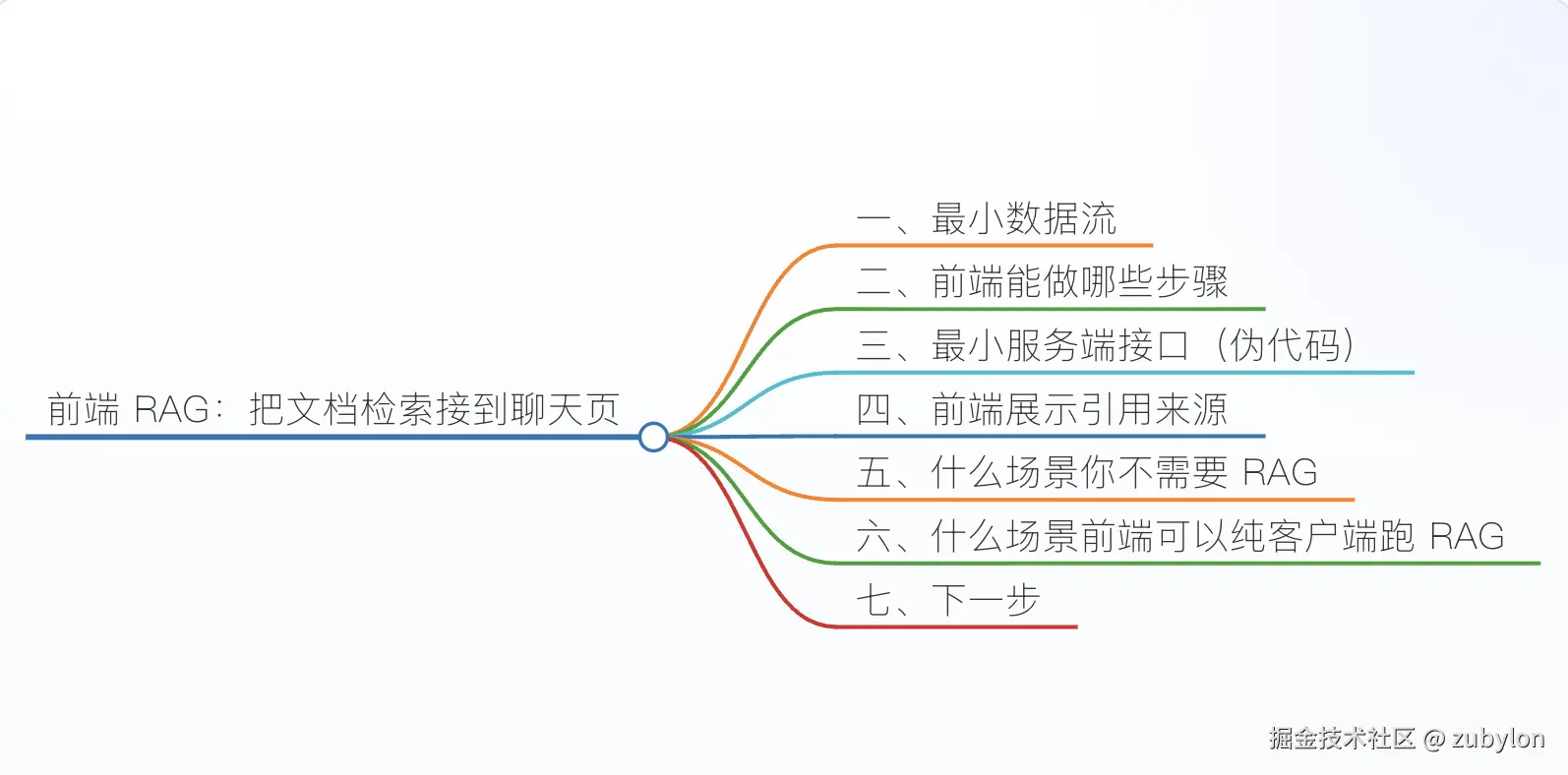
前端 RAG:把文档检索接到聊天页
RAG(Retrieval-Augmented Generation)听起来高大上,本质就一句话:问问题之前,先把相关资料塞进 Prompt。这一篇不讲理论,直接给一份前端开发者能跑起来的最小版本。
::: tip 你能学到
- 一个"能跑"的 RAG 数据流到底有几步;
- 哪些步骤可以放在前端、哪些必须放在服务端;
- 引用来源 UI 怎么不丑、不碍事。 :::
一、最小数据流
css
                    [Indexing 阶段,离线/上传时跑一次]
文档 ── 切片 ─→ Embedding ─→ 存向量库

                    [Query 阶段,用户每次提问跑]
用户问题 ── Embedding ─→ 向量检索 ─→ Top-K 切片
                                              │
                                              ▼
                              拼进 Prompt ── 调 LLM ── 流式吐回前端
                                                        │
                                                        ▼
引用来源 UI四个核心动作:切片、嵌入、检索、引用。
二、前端能做哪些步骤
| 步骤 | 推荐放哪 | 原因 |
|---|---|---|
| 切片 (chunking) | 服务端或上传时 | 算法稳定,不需要每次跑 |
| 文档 Embedding | 服务端 | API Key 不能暴露在浏览器 |
| 查询 Embedding | 可以放前端(用 transformers.js) | 节省服务端调用,且支持纯客户端场景 |
| 向量检索 | 服务端(pgvector / Qdrant / Milvus) | 数据规模大时必须 |
| LLM 调用 | 服务端 | 同上,Key 安全 |
| 引用来源 UI | 前端 | 显然 |
一个常见误区:以为 RAG 要把整个向量库放浏览器。不需要。前端只负责发问题、收答案、展示引用。
三、最小服务端接口(伪代码)
ts
// POST /api/rag/query
app.post('/api/rag/query', async (req, res) => {
  const { question } = req.body;

  // 1. 嵌入问题
  const qVec = await embed(question);

  // 2. 检索 top-5
  const hits = await vectorStore.search(qVec, { topK: 5 });

  // 3. 拼 prompt
  const context = hits
    .map((h, i) => `[${i + 1}] ${h.text}`)
    .join('\n\n');

  const prompt = `请基于以下资料回答问题。引用资料时用 [1][2] 标记。\n\n资料:\n${context}\n\n问题:${question}`;

  // 4. 流式调 LLM,把 hits 元信息也通过 SSE 发给前端
  res.setHeader('Content-Type', 'text/event-stream');
  res.write(`event: sources\ndata: ${JSON.stringify(hits)}\n\n`);

  for await (const chunk of llm.stream(prompt)) {
    res.write(`event: token\ndata: ${JSON.stringify({ delta: chunk })}\n\n`);
  }
  res.write('event: done\ndata: {}\n\n');
  res.end();
});
注意第 4 步:把检索结果 sources 先于 LLM 输出推到前端 ------这样引用 UI 可以提前占位,等 LLM 输出 [1] 时直接高亮对应卡片。
四、前端展示引用来源
vue
<script setup lang="ts">
import { ref } from 'vue';

interface Source {
  id: string;
  title: string;
  url: string;
  text: string;
}

const sources = ref<Source[]>([]);
const answer = ref('');
const isStreaming = ref(false);

async function ask(question: string) {
  sources.value = [];
  answer.value = '';
  isStreaming.value = true;

  const res = await fetch('/api/rag/query', {
    method: 'POST',
    headers: { 'Content-Type': 'application/json' },
    body: JSON.stringify({ question }),
  });

  // 简化的 SSE parser,参考流式渲染那篇
  const reader = res.body!.pipeThrough(new TextDecoderStream()).getReader();
  let buffer = '';

  while (true) {
    const { value, done } = await reader.read();
    if (done) break;
    buffer += value;

    const events = buffer.split('\n\n');
    buffer = events.pop() ?? '';

    for (const ev of events) {
      const lines = ev.split('\n');
      const event = lines.find((l) => l.startsWith('event:'))?.slice(7);
      const data = lines.find((l) => l.startsWith('data:'))?.slice(6);
      if (!data) continue;

      if (event === 'sources') {
        sources.value = JSON.parse(data);
      } else if (event === 'token') {
        answer.value += JSON.parse(data).delta;
      }
    }
  }

  isStreaming.value = false;
}
</script>

<template>
  <div class="rag">
    <!-- 答案,里面用正则把 [1] 高亮 -->
    <div class="answer" v-html="renderWithCitations(answer, sources)"></div>

    <!-- 引用列表 -->
    <ol class="sources">
      <li v-for="(s, i) in sources" :key="s.id" :id="`src-${i + 1}`">
        <a :href="s.url" target="_blank">{{ s.title }}</a>
        <p class="excerpt">{{ s.text.slice(0, 120) }}...</p>
      </li>
    </ol>
  </div>
</template>
renderWithCitations 简单做就是把 [1] 替换成 <a href="#src-1" class="cite">¹</a>,浮层里再展示对应资料的标题和摘要------比 ChatGPT 的"角标"体验更直接。
五、什么场景你不需要 RAG
- 数据量极小(几千字以内):直接全塞 Prompt 更简单。
- 用户问的就是 LLM 自己知道的事:RAG 反而会限制它的回答。
- 需要"创造"而不是"事实":RAG 会把模型变得保守。
六、什么场景前端可以纯客户端跑 RAG
如果你的文档全是公开内容 或者用户自己上传只在本地处理:
- 用 transformers.js 在浏览器里跑
bge-small-zh嵌入; - 用 IndexedDB 存向量;
- LLM 部分接 OpenAI / DeepSeek API(这步还是得有服务端代理 Key)。
适合做"个人知识库"、"PDF 阅读助手"、"本地代码搜索"这类隐私敏感的产品。
七、下一步
RAG 在生产里真正的难点是 切片策略 、召回质量 、重排(rerank)------这一篇先把流程跑通,后续再单独成篇。
::: info 相关阅读