需要读取已有日志结合kafka使用
一、下载
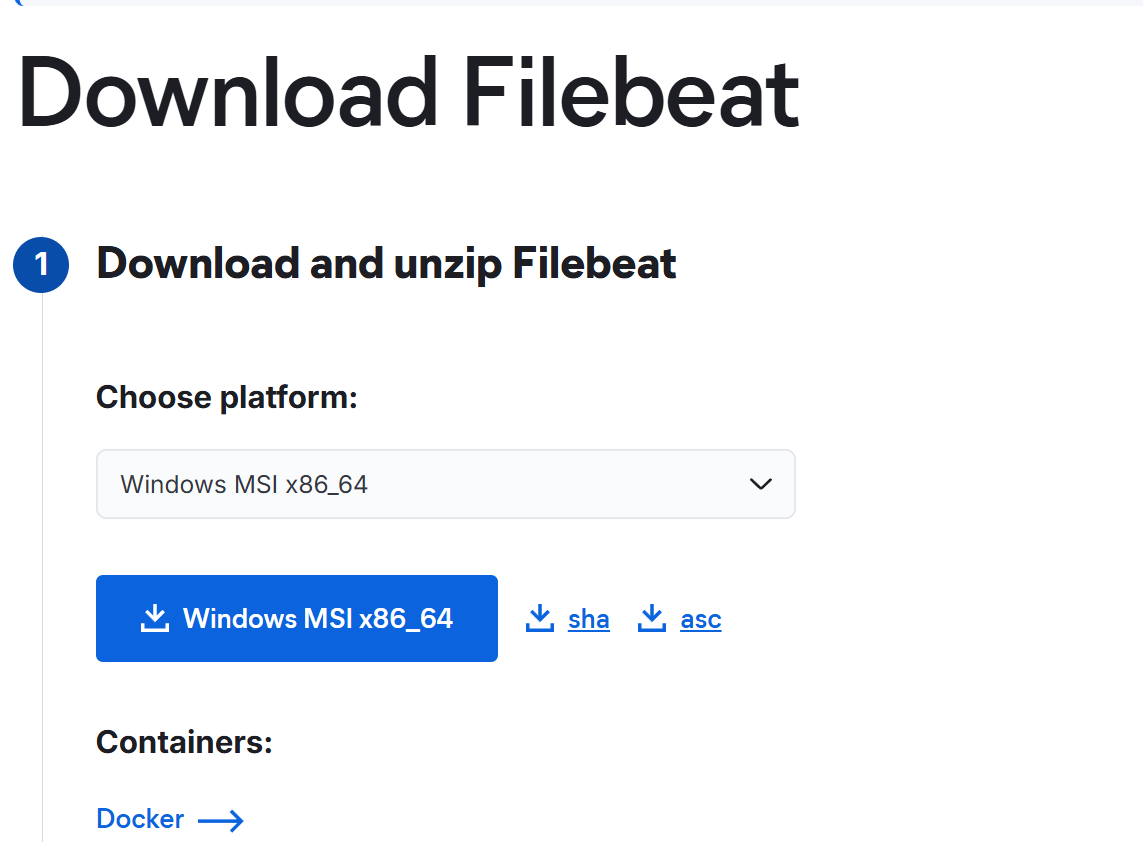
官网下载Download Filebeat • Lightweight Log Analysis | Elastic
直接点击下载
二、安装
找到下载包进行运行会自动安装,一直下一步就好,
找到安装目录内,如...\Beats\9.4.0\filebeat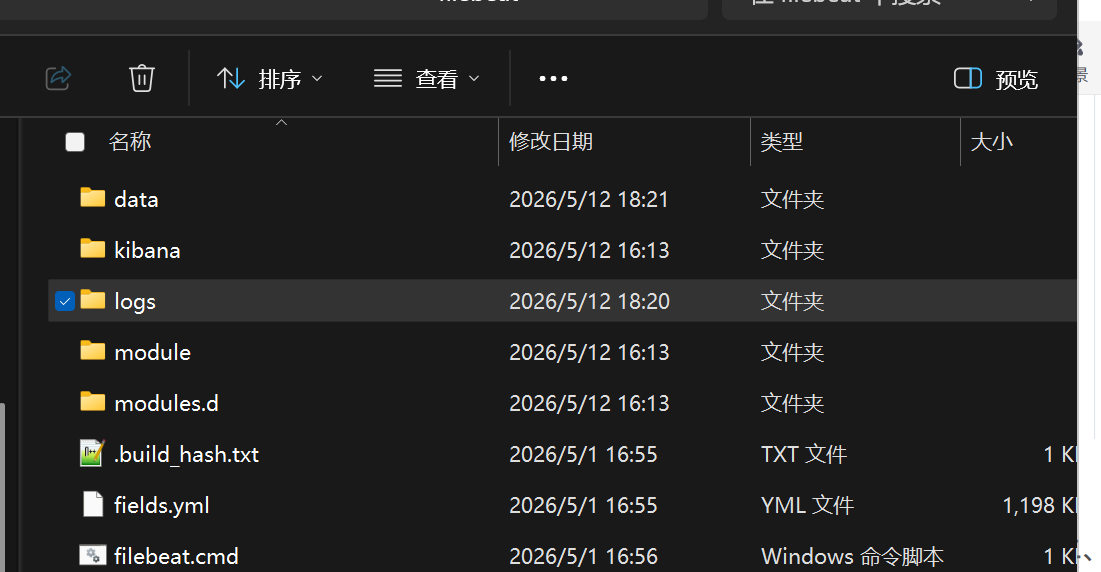
三、修改配置
复制示例文件: 在filebeat目录下,复制filebeat.example.yml文件,并将新文件命名为filebeat.yml
命令:copy filebeat.example.yml filebeat.yml
修改 filebeat.yml
1、指定日志采集源 (filebeat.inputs): 告诉Filebeat需要读取哪些日志文件。首先,需要找到配置文件中的 filebeat.inputs 部分。接着,将 paths 的配置改为你的访问日志路径
filebeat.inputs:
- type: filestream
  enabled: true
  id: nginx-filestream
  enabled: true
  paths:
    - C:\\nginx\\logs\\access.log
2、设置输出目标 (output.kafka): 告诉Filebeat处理后的日志要发往哪里。需要找到 output.kafka 部分,并取消注释、按需填写。
output.kafka:
  enabled: true
  hosts: ["localhost:9092"]
  topic: "nginx-logs"
  version: "2.2.0"
注意:不要添加其他 output.xxx 块
如果有 output.console,请注释掉或删除:
output.console:
enabled: true
pretty: true
3、修改完成后,运行测试命令:
\filebeat.exe test config -c filebeat.yml
正确输出 Config OK
4、启动 Filebeat
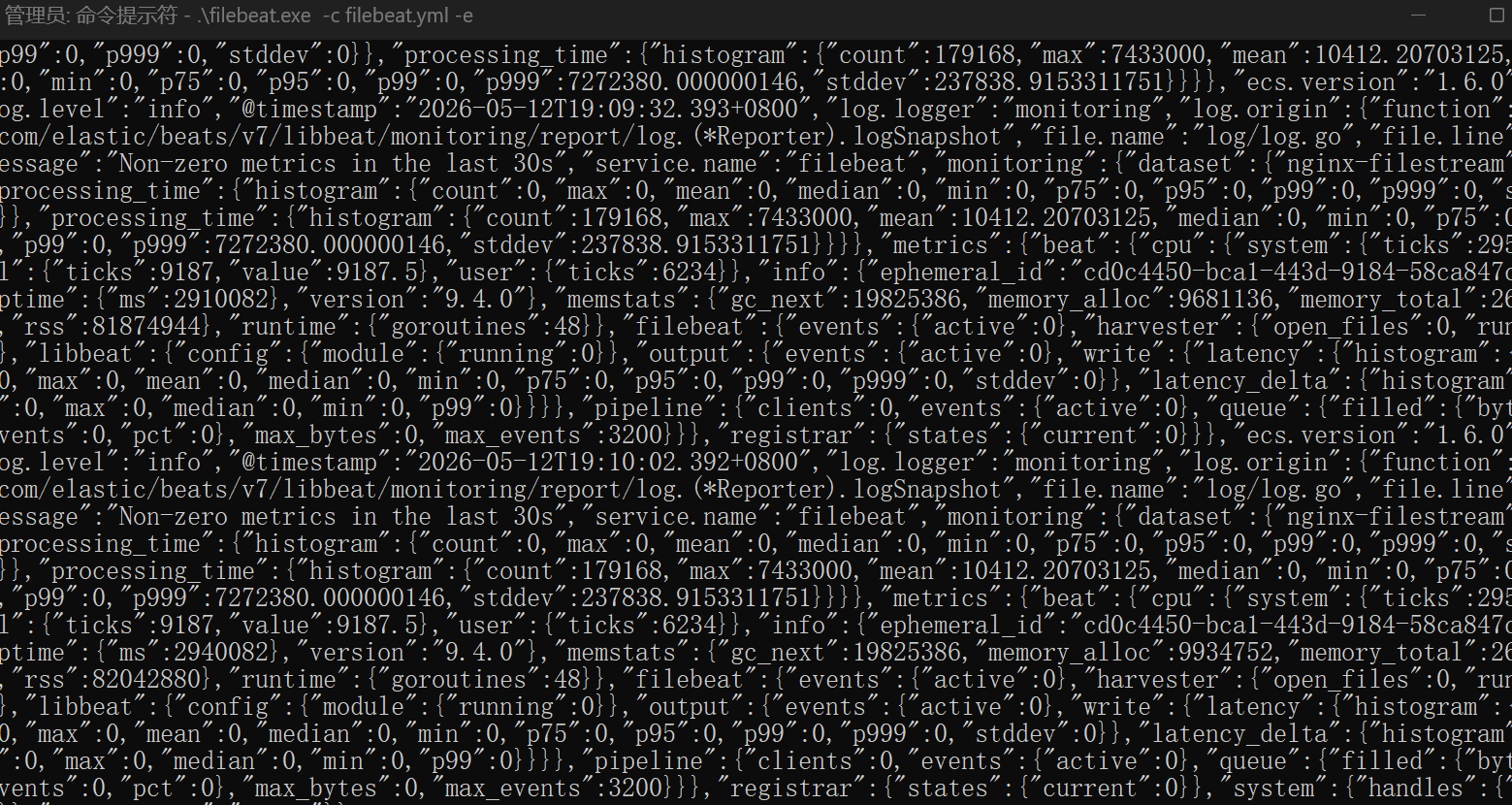
.\filebeat.exe -c filebeat.yml -e