难度:⭐⭐⭐ 进阶 | 预计时间:25 分钟 | 适配版本:v0.13.0
什么是 Gateway?
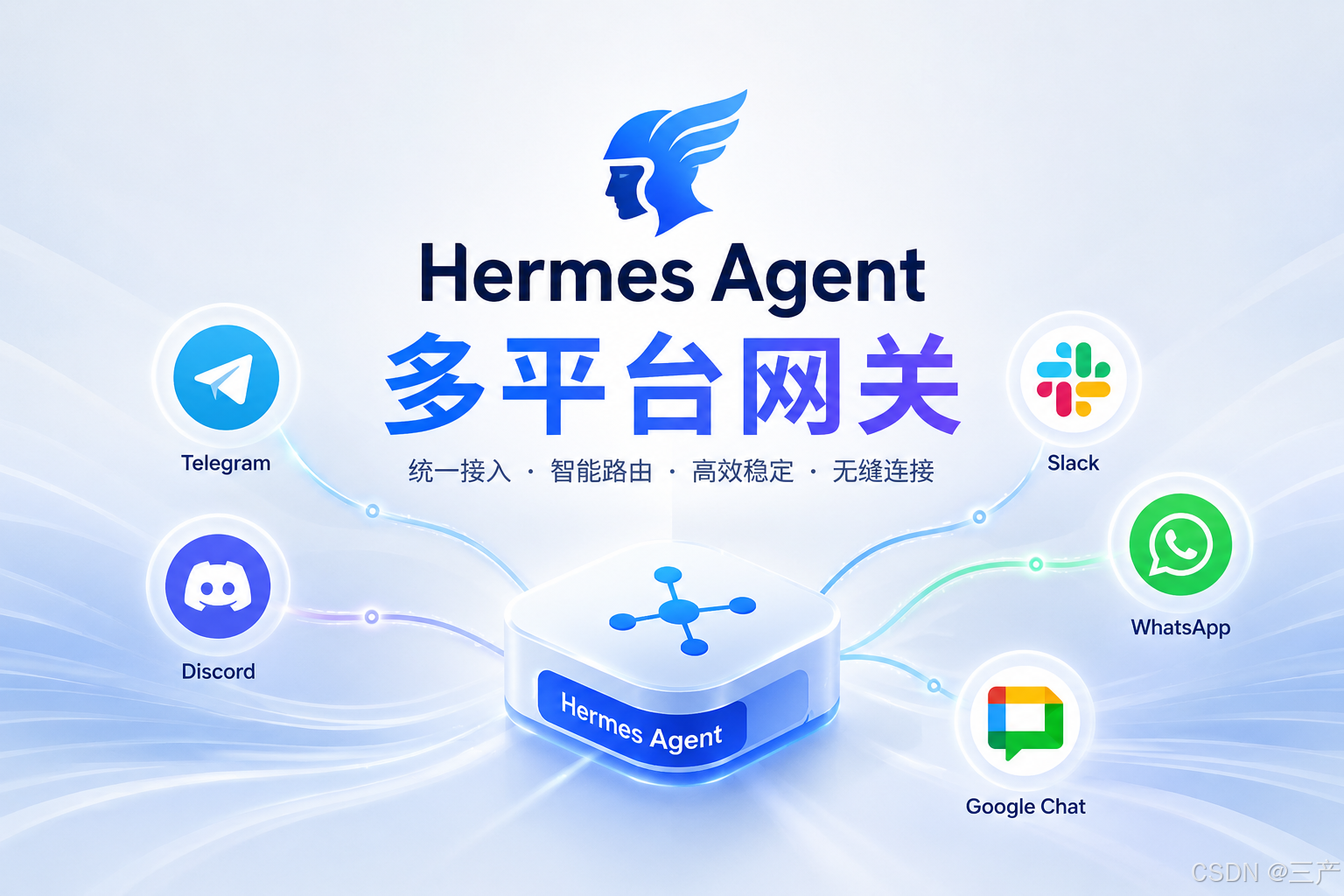
Hermes Gateway 让同一个 Agent 运行在 20+ 消息平台 上------Telegram、Discord、Slack、WhatsApp、Google Chat、Signal、Email、QQ 等,每个平台有独立的 conversation context,可以@、DM、群聊,并且保留了全部工具能力(不只是聊天)。
20+ 消息平台
Message Bus
同一 Agent 实例
Hermes Agent
全部工具能力
消息总线
Telegram
Discord
Slack
WhatsApp
QQBot
Google Chat
Signal
Email
支持的平台(v0.13.0 共 20+)
| 平台 | 状态 | 备注 | 白名单配置 |
|---|---|---|---|
| Telegram | ✅ 稳定 | Bot Token 配置 | allowed_chats |
| Discord | ✅ 稳定 | 需要 Message Content Intent | allowed_channels |
| Slack | ✅ 稳定 | 需要 message.channels 订阅 |
allowed_channels |
| ✅ 稳定 | WhatsApp Business API | - | |
| Google Chat | ✅ 稳定 | v0.13.0 新增:第 20 个平台 | - |
| QQBot | ✅ 稳定 | 原生审批键盘、分块上传 | - |
| Signal | ✅ 稳定 | Signal Messenger | - |
| ✅ 稳定 | IMAP/SMTP | - | |
| SMS | ✅ 稳定 | Twilio 等 | - |
| Matrix | ✅ 稳定 | Element / Synapse | allowed_rooms |
| Mattermost | ✅ 稳定 | 自托管 | allowed_rooms |
| Home Assistant | ✅ 稳定 | 智能家居 | - |
| DingTalk | ✅ 稳定 | 钉钉 | - |
| Feishu | ✅ 稳定 | 飞书 | - |
| WeCom | ✅ 稳定 | 企业微信 | - |
| iMessage | ✅ 稳定 | BlueBubbles (macOS) | - |
| ✅ 稳定 | 微信 | - | |
| API Server | ✅ 稳定 | REST API | - |
| Webhooks | ✅ 稳定 | 事件驱动 | - |
v0.13.0 架构升级:通用平台插件钩子接口,第三方适配器无需修改核心代码即可接入新平台。
会话持久化(v0.13.0 新增)
网关重启、更新重启、源文件重载后,对话自动恢复。用户在 Telegram 聊到一半,切到 Slack 继续,上下文自动保留。
平台白名单(v0.13.0 安全强化)
yaml
gateway:
  platforms:
    telegram:
      enabled: true
      bot_token: "123456:ABC-DEF..."
      allowed_chats:
        - "123456789"              # 个人聊天 ID
        - "-1001234567890"         # 群组 ID
    slack:
      enabled: true
      bot_token: "xoxb-..."
      signing_secret: "abc..."
      allowed_channels:
        - "#general"
        - "#dev"
    matrix:
      enabled: true
      allowed_rooms:
        - "#hermes:example.com"
v0.13.0 新增白名单:
allowed_channels(Slack)、allowed_chats(Telegram)、allowed_rooms(Matrix/Mattermost),可精确控制 Bot 响应范围。
快速配置(Telegram 示例)
Step 1:创建 Bot
- 在 Telegram 搜索 @BotFather
- 发送
/newbot - 输入 Bot 名称和用户名
- 复制获得的 Bot Token :
123456:ABC-DEF...
Step 2:配置 Hermes
bash
hermes gateway setup
# 选择 Telegram,输入 Token
或手动在 config.yaml 添加:
yaml
gateway:
  platforms:
    telegram:
      enabled: true
      bot_token: "123456:ABC-DEF..."
      allowed_chats: []            # 空数组 = 响应所有人
Step 3:启动网关
bash
hermes gateway run                  # 前台运行
hermes gateway install              # 安装为后台服务(开机自启)
hermes gateway start                # 启动服务
Step 4:测试
在 Telegram 中向你的 Bot 发送消息,Hermes 应该回复了。
Discord 配置
必需步骤:启用 Message Content Intent
- 访问 Discord Developer Portal
- 选择你的 Application → Bot
- 在 Privileged Gateway Intents 下,启用 Message Content Intent
- 保存(不启用的话 Bot 收不到消息内容)
配置
yaml
gateway:
  platforms:
    discord:
      enabled: true
      bot_token: "MTIz...abc"
      allowed_channels: []         # 白名单控制(v0.13.0+)
v0.13.0 安全修复:Discord 角色白名单限定在公会范围内,修复了 CVSS 8.1 跨公会 DM 绕过漏洞。
Slack 配置
必需步骤:订阅 message.channels 事件
- 在 Slack App 设置中,添加 Event Subscription
- 订阅
message.channels事件 - 否则 Bot 只会回复 DM,不响应公开频道
配置
yaml
gateway:
  platforms:
    slack:
      enabled: true
      bot_token: "xoxb-..."
      signing_secret: "abc..."
      allowed_channels:
        - "#general"
WhatsApp 配置(v0.13.0 安全变更)
bash
hermes whatsapp # WhatsApp 辅助配置工具v0.13.0 安全变更:WhatsApp 默认拒绝陌生人消息。如需接收陌生人消息,需显式配置。
Google Chat 配置(v0.13.0 新增)
- 在 Google Cloud Console 创建项目
- 启用 Google Chat API
- 创建服务账号并下载 JSON 凭证
- 在 Hermes 中配置:
yaml
gateway:
  platforms:
    google-chat:
      enabled: true
      credentials_path: "/path/to/service-account.json"
QQBot 配置(v0.13.0 新增)
QQBot 原生支持审批键盘(与 Telegram/Discord 审批 UX 功能对等),支持分块上传和引用附件。
Gateway 命令
bash
hermes gateway run                    # 前台运行
hermes gateway install                # 安装为 systemd 服务
hermes gateway start                  # 启动
hermes gateway stop                   # 停止
hermes gateway restart                # 重启
hermes gateway status                 # 查看状态
hermes gateway setup                  # 交互式平台设置
hermes gateway uninstall              # 移除服务
跨 Profile 操作
bash
hermes gateway start --all # 对所有 Profile 执行操作查看日志
bash
hermes logs gateway -f                # 实时跟踪网关日志(v0.13.0+ 推荐)
tail -f ~/.hermes/logs/gateway.log    # 传统方式
平台通用命令(在任意平台对话中)
/approve              批准待执行的危险命令
/deny                 拒绝待执行的危险命令
/restart              重启网关
/sethome              设置当前对话为"家"频道
/update               更新 Hermes
/platforms (/gateway) 查看所有平台连接状态
/goal <目标>           锁定当前目标(v0.13.0+)
常见问题
| 平台 | 问题 | 解决 |
|---|---|---|
| Discord | Bot 静默无响应 | 必须在 Developer Portal 启用 Message Content Intent |
| Slack | 只在 DM 有效 | 必须在 App 订阅 message.channels 事件 |
| 消息发送失败 | 检查 WhatsApp Business API 凭证;v0.13.0 默认拒绝陌生人 | |
| 全部 | 网关掉线 | hermes gateway restart,或 hermes gateway install 设为服务 |
| 全部 | 会话丢失 | v0.13.0+ 已支持会话持久化,重启后自动恢复 |
Windows WSL 特殊注意
WSL2 关闭后网关会死。需要 systemd=true 在 /etc/wsl.conf 中,否则网关只能用 nohup 模式(关窗口就死)。
ini
# /etc/wsl.conf
[boot]
systemd=true