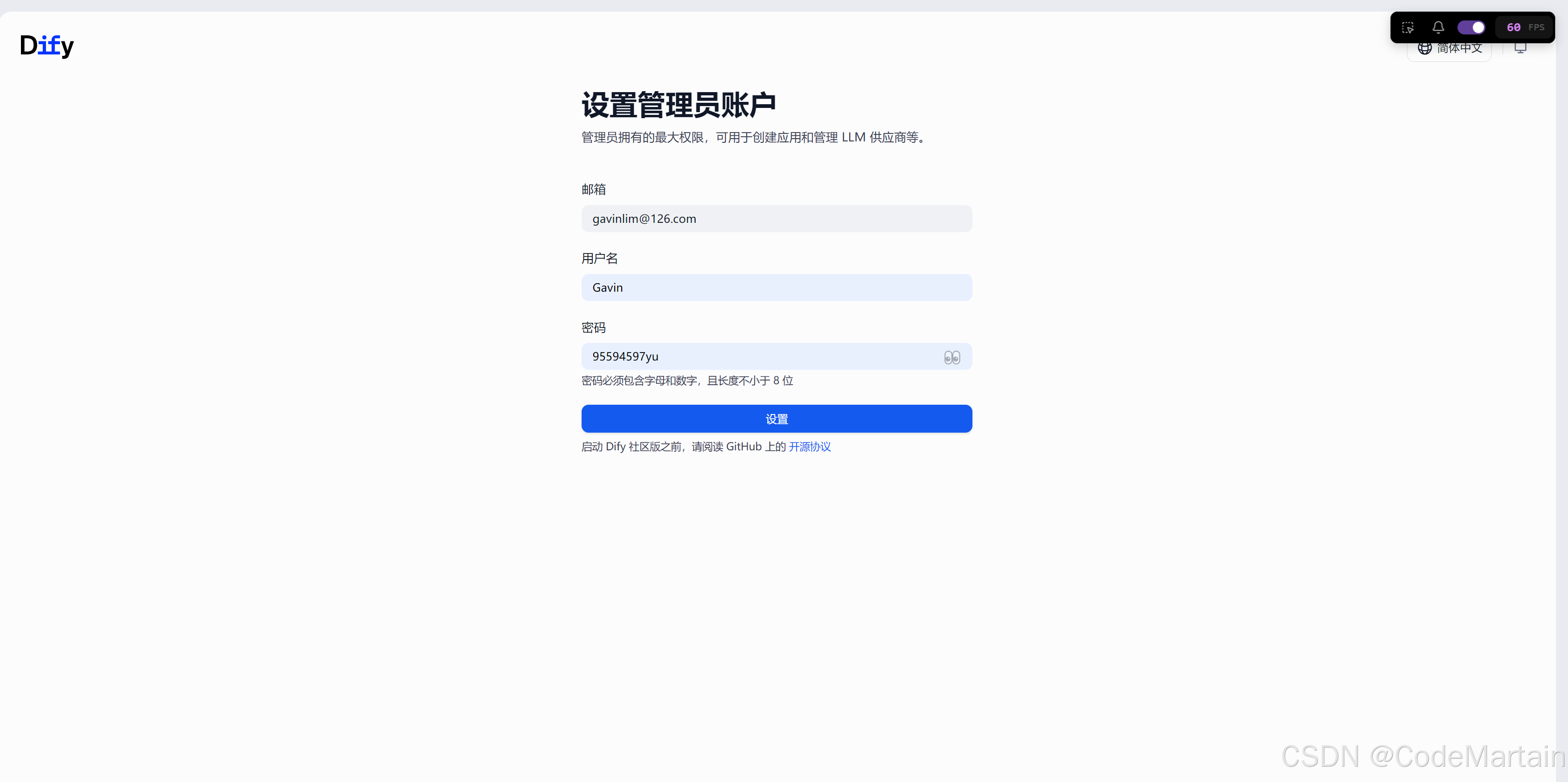
装机必备:
python环境
python3.X
bash
python --version
Python 3.10.9
pg环境
最好是PostgreSQL 15+
bash
postgres --version
postgres (PostgreSQL) 17.5
node环境
node版本最好使用nvm来管理,不然就有得麻烦了
bash
 nvm list installed

    24.15.0
  * 22.22.1 (Currently using 64-bit executable)
    20.14.0
    18.17.0
    16.16.0
    14.15.0
本次选用的是22.22.1版本--至于为啥,请看下面的报错
bash
pnpm install
[ERR_PNPM_UNSUPPORTED_ENGINE] Unsupported environment (bad pnpm and/or Node.js version)

Your Node version is incompatible with "D:\AI\dify".

Expected version: ^22.22.1
Got: v24.15.0

This is happening because the package's manifest has an engines.node field specified.
To fix this issue, install the required Node version.
git环境
bash
git --version
git version 2.53.0.windows.1
拉取tidy最新代码
bash
git clone https://gitee.com/dify_ai/dify.git开始部署
环境准备好之后,代码拉取到本地之后,
进入api文件夹
bash
cd D:\AI\dify\api安装uv
bash
irm https://astral.sh/uv/install.ps1 | iex安装依赖
bash
uv sync复制换配置
把api里面的.env.example 复制一份,改名为 .env
修改下面几个配置
bash
SECRET_KEY=1234567890abcdefghijklmnopqrstuvwxyz
#数据库配置
DB_HOST=localhost
DB_PORT=5432
DB_USERNAME=postgres
DB_PASSWORD=123456 #改为自己的数据库密码
DB_DATABASE=dify
#Redis配置
REDIS_USERNAME=
REDIS_PASSWORD=
初始化数据库
bash
uv run flask db upgrade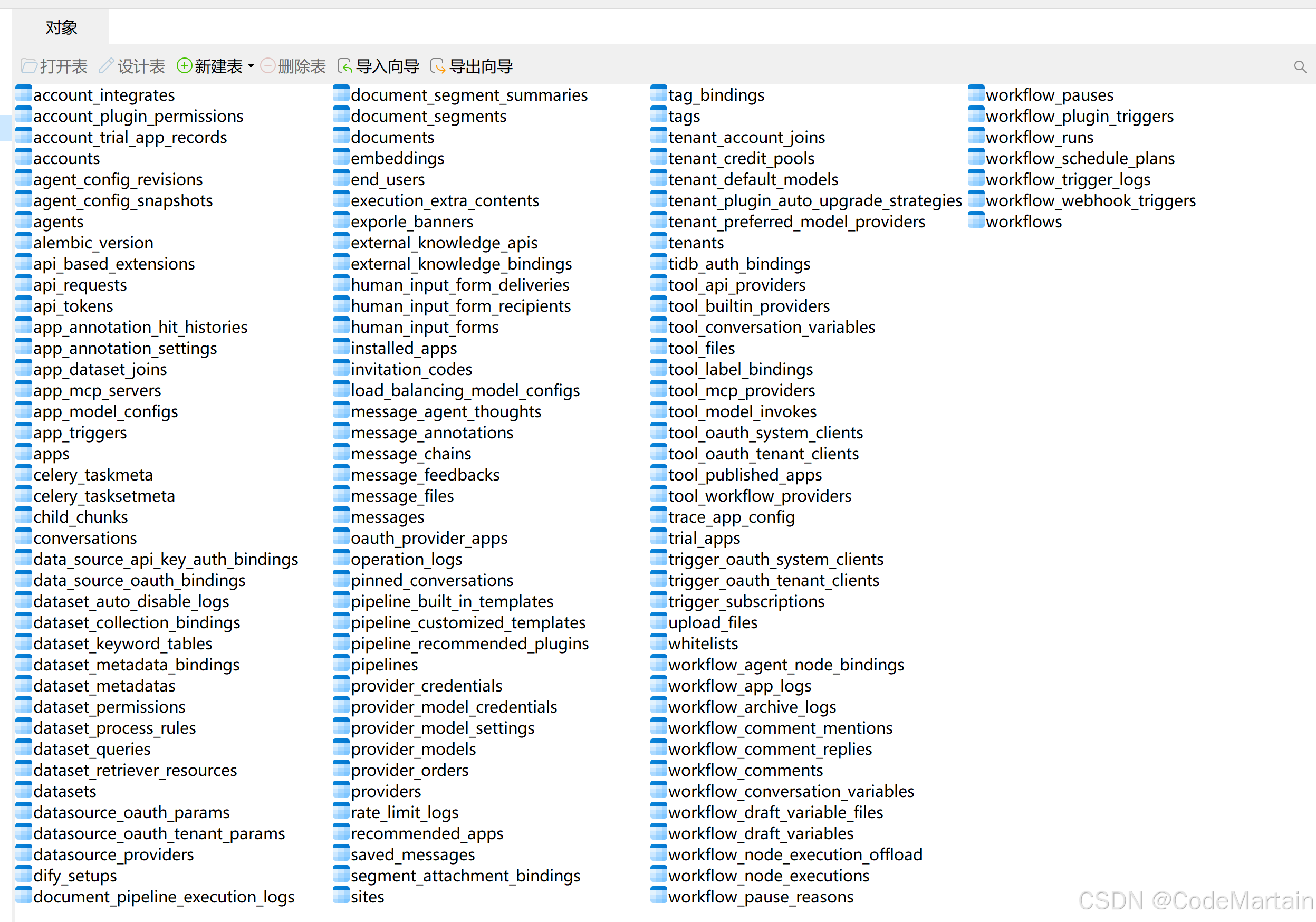
启动后端
bash
uv run flask run --host=0.0.0.0 --port=5001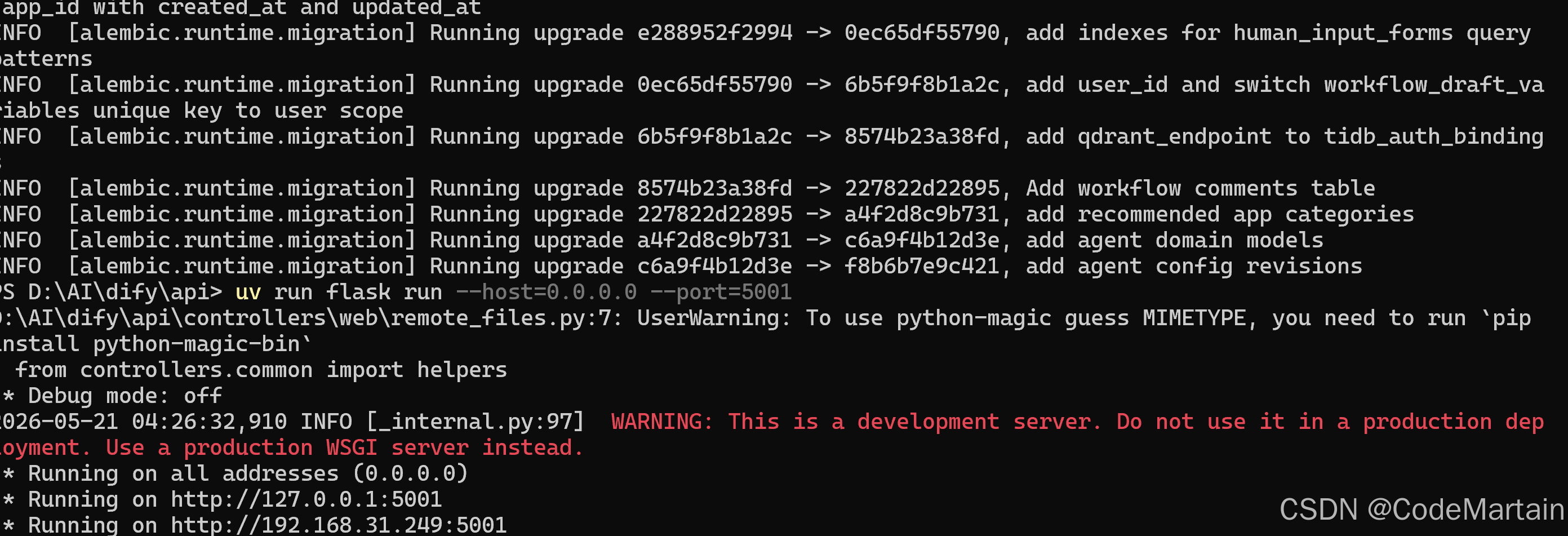
启动前端
进入web文件夹
bash
cd D:\AI\dify\web安装前端依赖
bash
pnpm install启动前端
bash
pnpm dev启动成功
bash
PS D:\AI\dify\web> pnpm dev
$ next dev
▲ Next.js 16.2.6 (Turbopack)
- Local:         http://localhost:3000
- Network:       http://172.30.208.1:3000