css文字区域根据图片形状.
通过css的图像遮罩 mask-image 去设置
效果
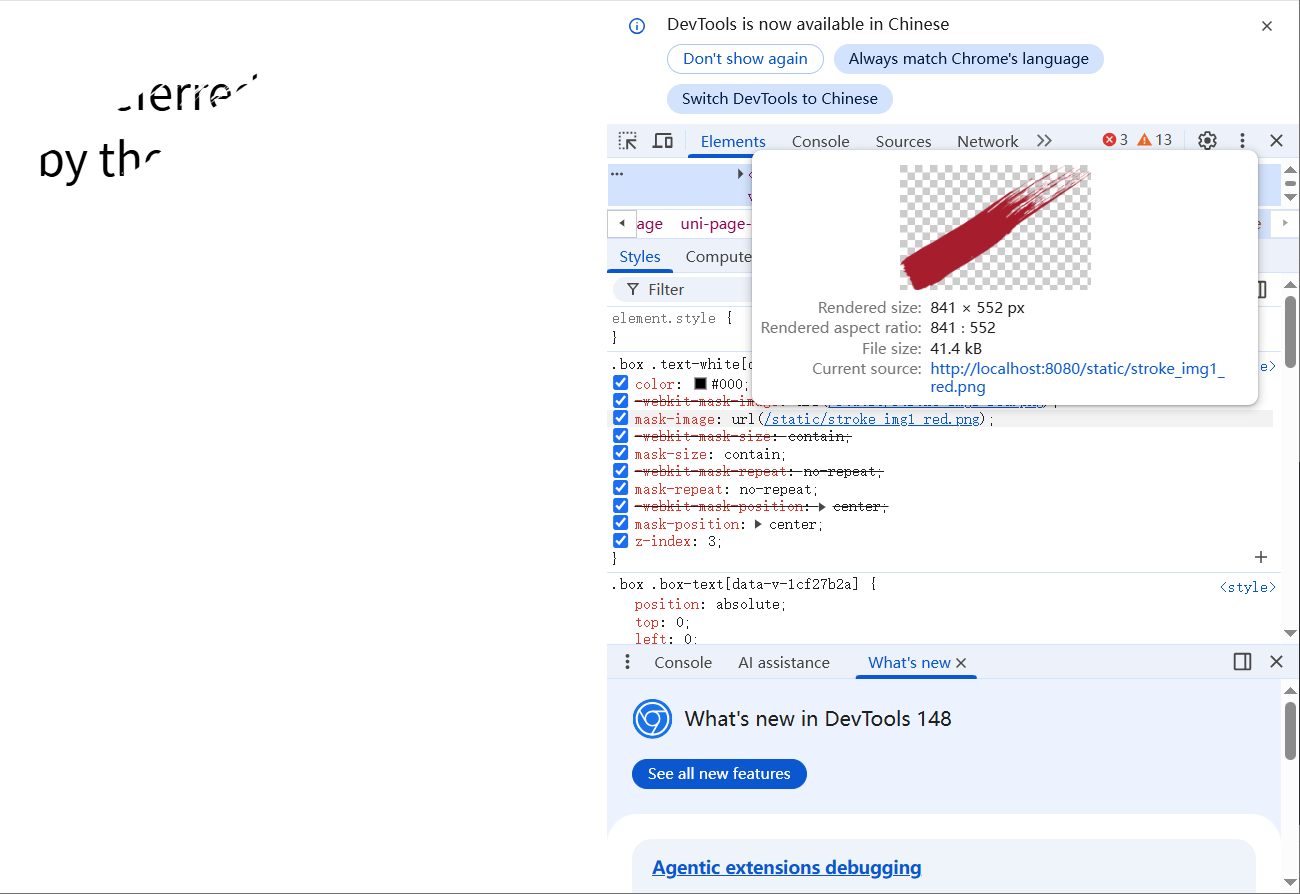
完整代码
<template>
	<view class="box">
		<view class="box-text text-white">
			Preferred<br>by the Pros!
		</view>
	</view>
</template>

<style scoped lang="scss">
.text-white {
		color: #000;
		-webkit-mask-image: url(@/static/stroke_img1_red.png);
		mask-image: url(@/static/stroke_img1_red.png);
		mask-size: contain;
		mask-repeat: no-repeat;
		mask-position: center;
		z-index: 3;
	}
</style>
css设置文字背景图
效果
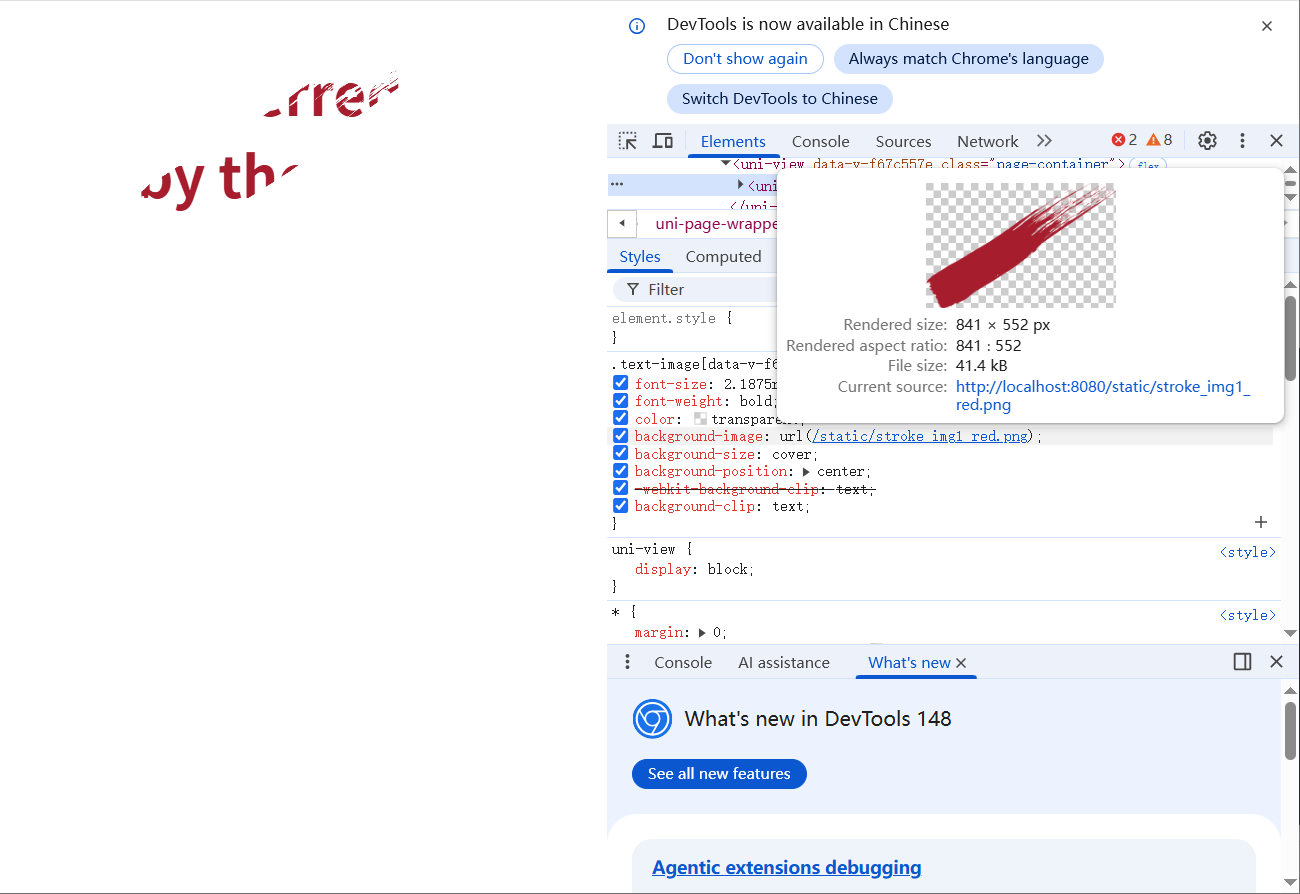
文字设置透明
color: transparent;
背景图裁剪进文字
-webkit-background-clip: text;
background-clip: text;
完整代码
<template>
  <!-- 文字背景图效果 -->
  <view class="page-container">
    <view class="text-image">Preferred<br>by the Pros!</view>
  </view>
</template>

<script>
/* 这是一个标准的 UniApp 页面,直接复制到 pages 目录即可使用 */
export default {
  name: "TextBgImage",
  data() {
    return {};
  },
};
</script>

<style scoped>
/* 页面容器 */
.page-container {
  padding: 60rpx 0;
  display: flex;
  justify-content: center;
  align-items: center;

}

/* 核心:文字背景图样式 */
.text-image {
  font-size: 70rpx;
  font-weight: bold;
  /* 文字颜色透明 */
  color: transparent;
  /* 背景图(可以换成本地图片 /static/xxx.png) */
  background-image: url("@/static/stroke_img1_red.png");
  background-size: cover;
  background-position: center;

  /* 兼容所有 UniApp 平台的核心写法 */
  -webkit-background-clip: text;
  background-clip: text;
}
</style>