你现在在你的文件夹内打开cmd
开始
bash
git init修改
bash
git add .
git commit -m "version1"
在本地随便commit都没有任何问题,不会上传到github,方面本地备份代码。
上传github
- 先在github上建一个仓库
- 第一次推送
bash
git remote add origin 仓库地址
git push -u origin main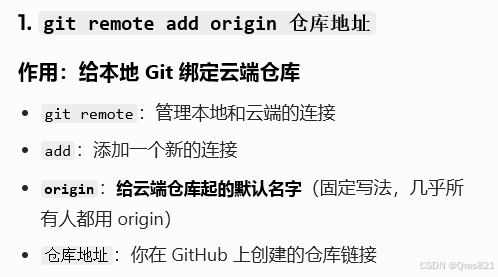
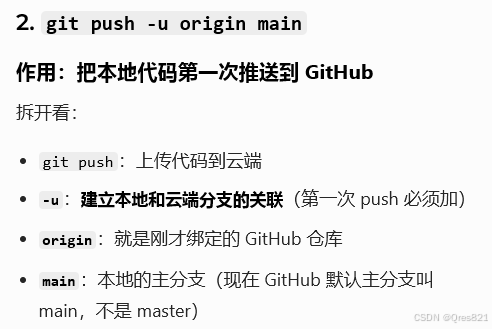
- 之后直接推送:
bash
git pushCommit相关
查看日志:
bash
git log
git log --oneline #简洁log
一步add+commit:
bash
git commit -a -m "version2"
git commit -am "version3"
如果说明写错了:
bash
git commit --amend -m "this is the true discription" # 说明写错了回退版本
bash
git reset --soft HEAD^	 # 回退到上一个版本
git reset --soft a1b2c3 # 回退到具体版本号,在git log --oneline 里查看
但这样子只是让你的head指针回退,你的文件并没有,所以可以采取以下两种办法:
bash
git reset --hard a1b2c3 # 强制回退
git checkout . # 回退上上次commit,相当于撤销所有修改
拉取
这个还没仔细研究过
bash
git pull