文章目录
Blob文件
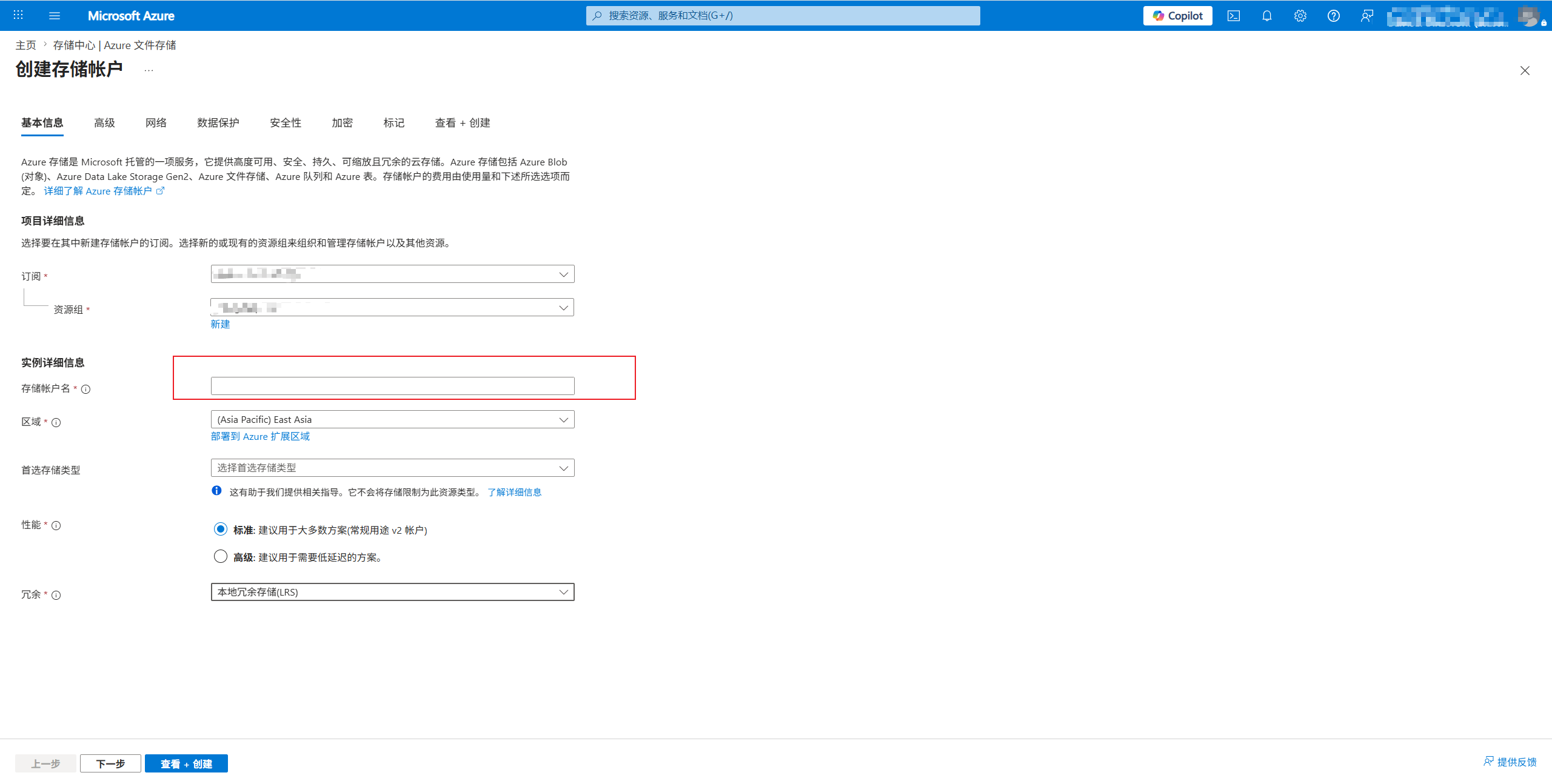
创建存储账户
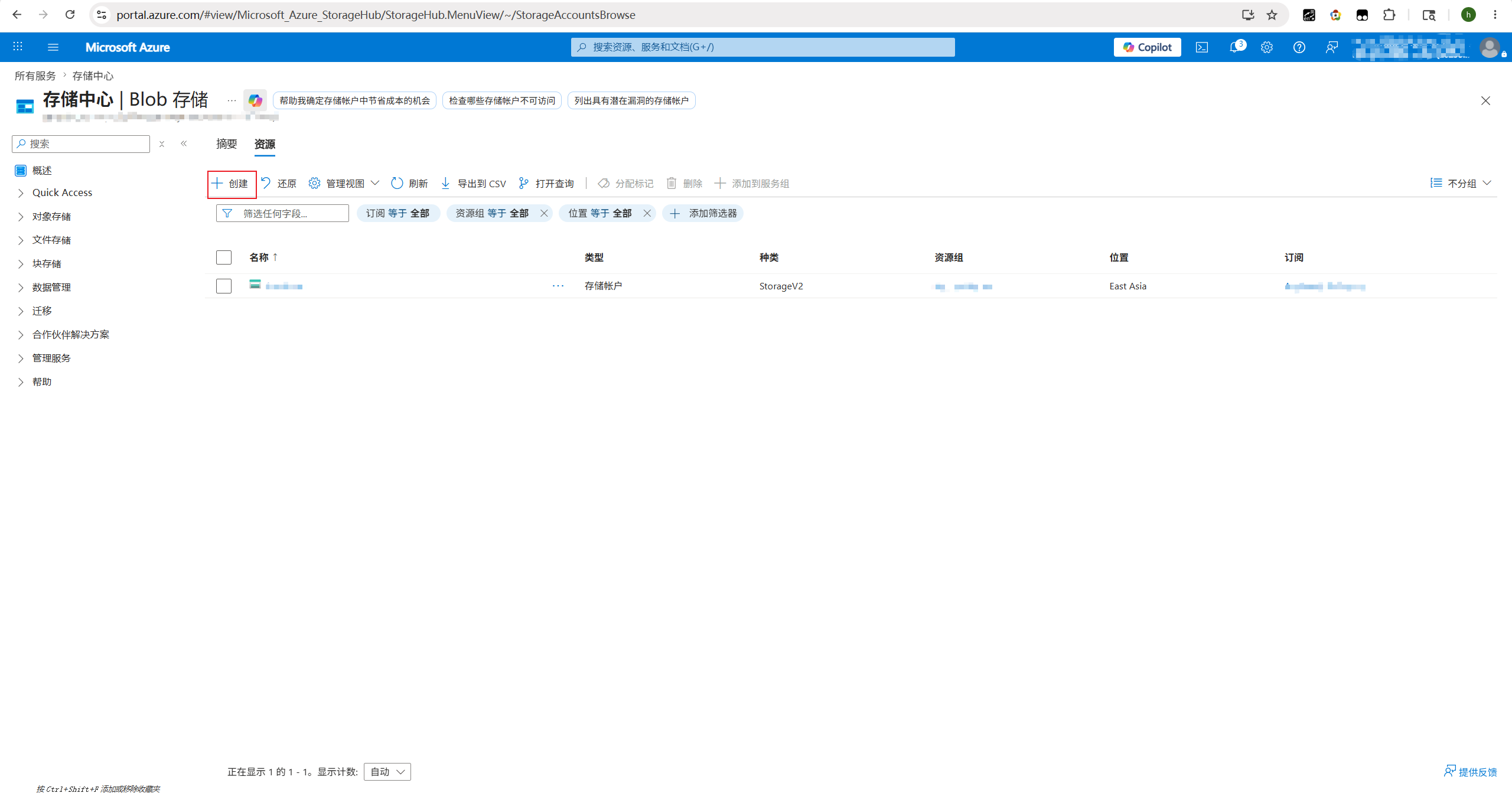
创建
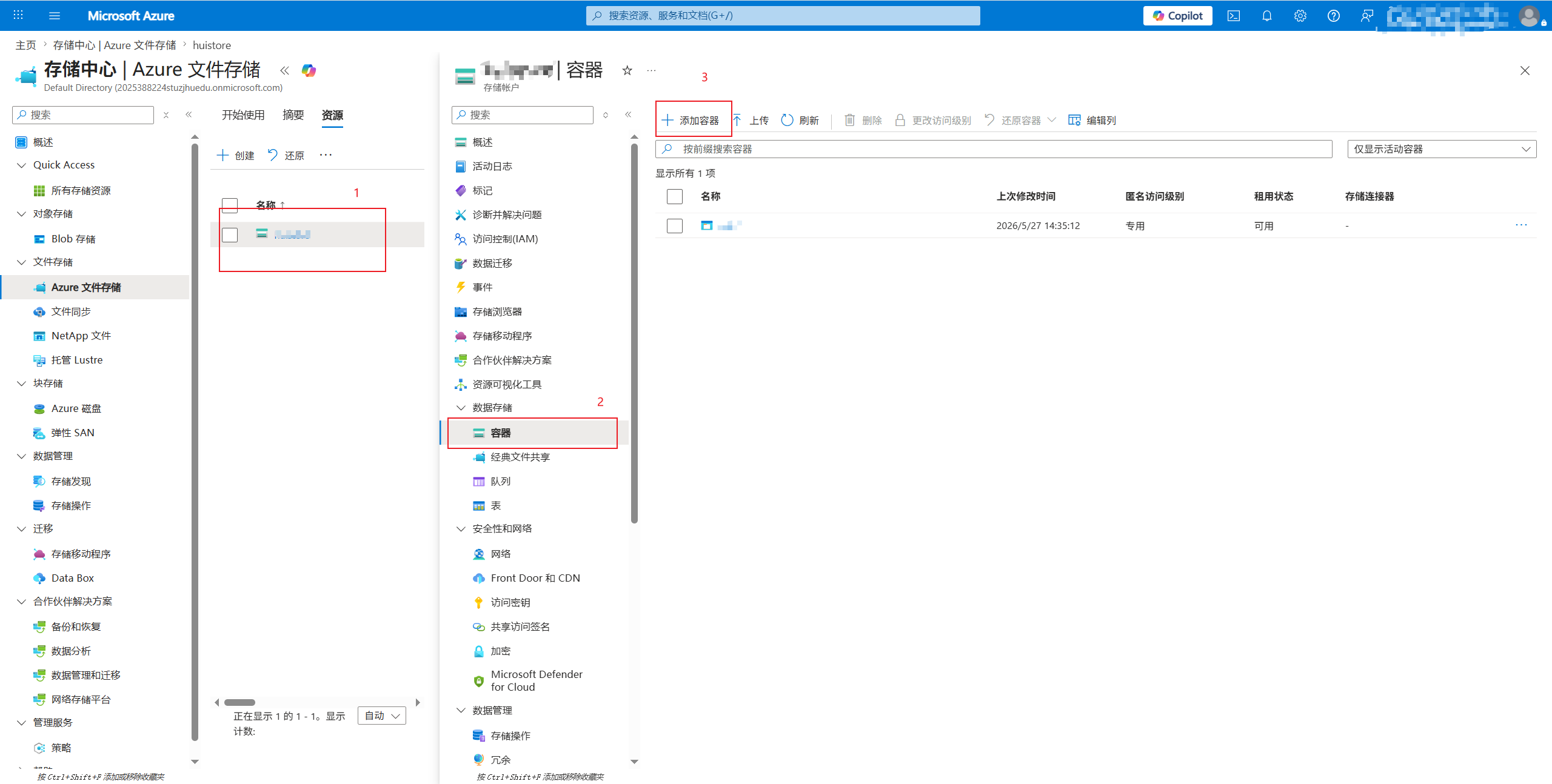
添加容器
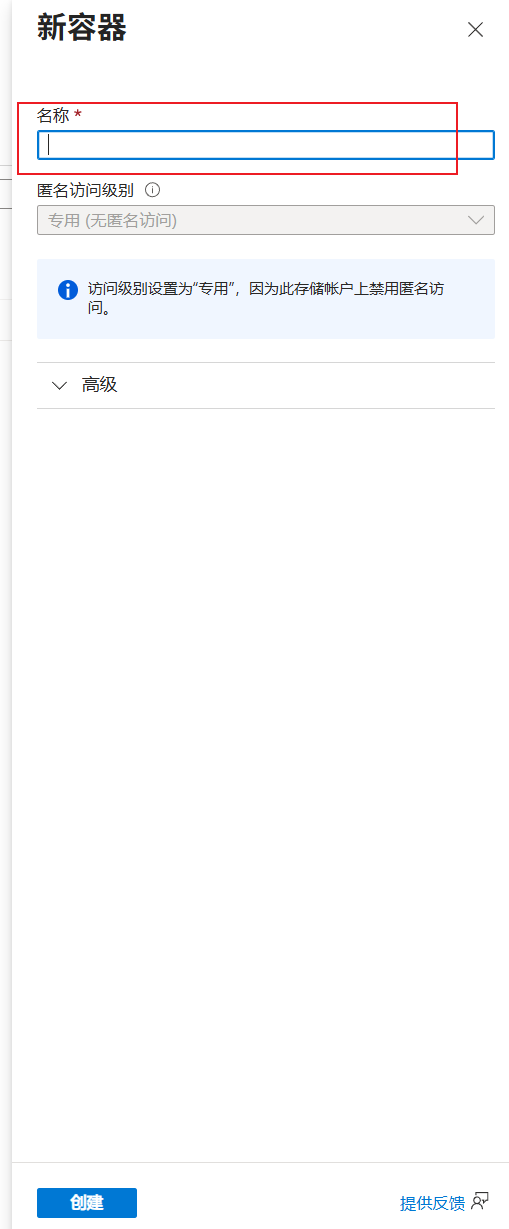
填写名称
在线查看文件
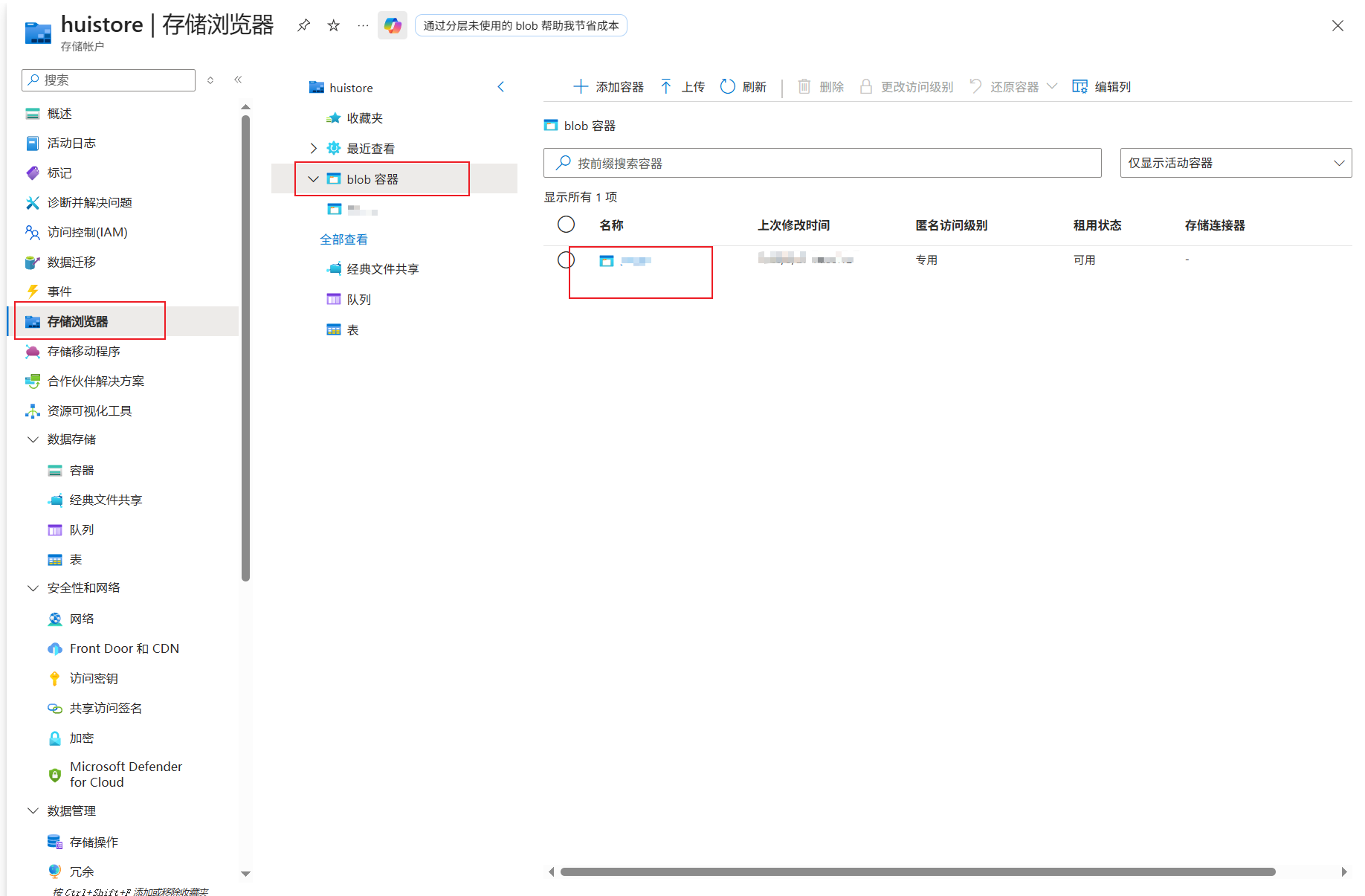
使用Python读取、写入
https://learn.microsoft.com/zh-cn/python/api/overview/azure/storage-blob-readme?view=azure-python
shell
# pip install azure-storage-blob
from pathlib import Path

from azure.storage.blob import BlobClient


class AzureStore:
    def __init__(self, connection_string: str, container_name: str, save_path: Path):
        """

        Args:
            connection_string: Azure存储凭证
            container_name: 容器名称
            save_path: 文件保存初始化目录
        """
        self.connection_string = connection_string
        self.container_name = container_name
        self.save_path = save_path
        Path(self.save_path).mkdir(parents=True, exist_ok=True)

    def upload(self, file_path: Path):
        # file_path = Path("./1.txt")
        blob = BlobClient.from_connection_string(conn_str=self.connection_string, container_name=self.container_name, blob_name=file_path.name)

        with open(file_path, "rb") as f:
            blob.upload_blob(f)

    def download(self, blob_name: str):
        blob = BlobClient.from_connection_string(conn_str=self.connection_string, container_name=self.container_name, blob_name=blob_name)

        with open(Path(self.save_path).joinpath(blob_name), "wb") as f:
            blob_data = blob.download_blob()
            blob_data.readinto(f)
if __name__ == '__main__':
    connection_string = "<访问密钥中的连接字符串>"
    store = AzureStore(connection_string, "<容器名称>", Path("./"))
    store.download("1.txt")
其他语言JAVA、Net、Spring等
经典文件
同理
Python文档
shell
# pip install azure-storage-file-share
from pathlib import Path

from azure.storage.fileshare import ShareFileClient

"""
经典文件共享
"""
class AzureFileShareStore:
    def __init__(self, connection_string: str, share_name: str, save_path: Path):
        """

        Args:
            connection_string: Azure存储凭证
            container_name: 经典文件共享名称
            save_path: 文件保存初始化目录
        """
        self.connection_string = connection_string
        self.share_name = share_name
        self.save_path = save_path
        Path(self.save_path).mkdir(parents=True, exist_ok=True)

    def upload(self, file_path: Path, store_path: str):
        file_client = ShareFileClient.from_connection_string(conn_str=self.connection_string, share_name=self.share_name, file_path=store_path)

        with open(file_path, "rb") as f:
            file_client.upload_file(f)

    def download(self, store_path: str):
        file_client = ShareFileClient.from_connection_string(conn_str=self.connection_string, share_name=self.share_name, file_path=store_path)

        with open(Path(self.save_path).joinpath(Path(store_path).name), "wb") as f:
            data = file_client.download_file()
            data.readinto(f)


if __name__ == '__main__':
     connection_string = "<访问密钥中的连接字符串>"
    store = AzureStore(connection_string, "<经典文件创建的名称>", Path("./"))
    store.download("1.txt")