Ubuntu 26.04 一键修复拼音输入法脚本
直接复制下面整段代码 ,粘贴到终端运行,全程自动完成,跑完注销登录就能用中文拼音!
bash
# 一键清理 + 安装 Fcitx5 + Rime 雾凇拼音(Ubuntu26.04专用)
sudo dpkg --remove sogoupinyin 2>/dev/null
sudo apt --fix-broken install -y
sudo apt purge -y ibus fcitx* fcitx5-chinese-addons
sudo apt autoremove -y
sudo apt update
sudo apt install -y fcitx5 fcitx5-configtool fcitx5-rime git
echo 'export GTK_IM_MODULE=fcitx
export QT_IM_MODULE=fcitx
export XMODIFIERS="@im=fcitx"' >> ~/.profile
source ~/.profile
im-config -n fcitx5
rm -rf ~/.local/share/fcitx5/rime
git clone https://github.com/iDvel/rime-ice.git ~/.local/share/fcitx5/rime
fcitx5-remote -r
echo "========================================"
echo "✅ 安装完成!请 注销系统 → 重新登录"
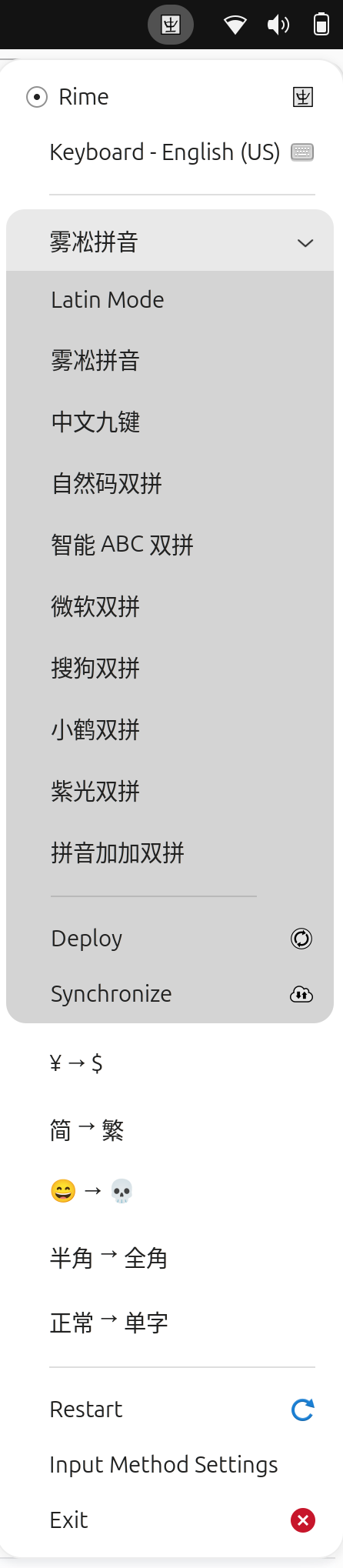
echo "✅ 登录后右上角键盘点设置,添加 Rime 即可输入中文"
echo "========================================"
运行完只需要做 2 步
- 注销当前用户,重新登录
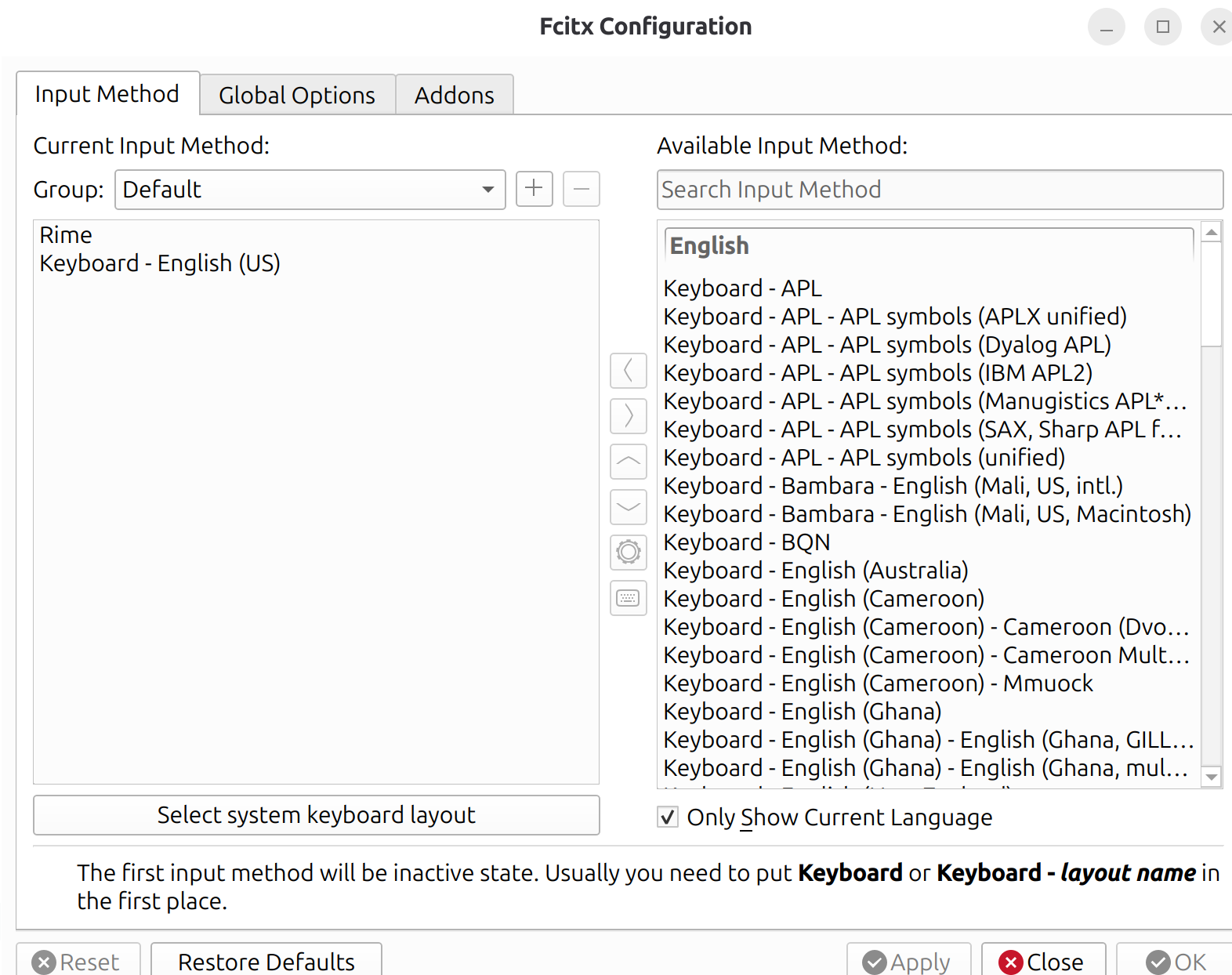
- 点击右上角键盘图标 → 配置 → + 号添加 Rime (取消勾选 Only Show Current Language 才能找到)
使用快捷键
Ctrl + 空格:切换中英文Shift:快速中英切换- 数字键选词,逗号 / 句号翻页
完全解决 libpinyin is not available 错误,拼音输入和搜狗一样好用!