1. 系统初始配置与状态
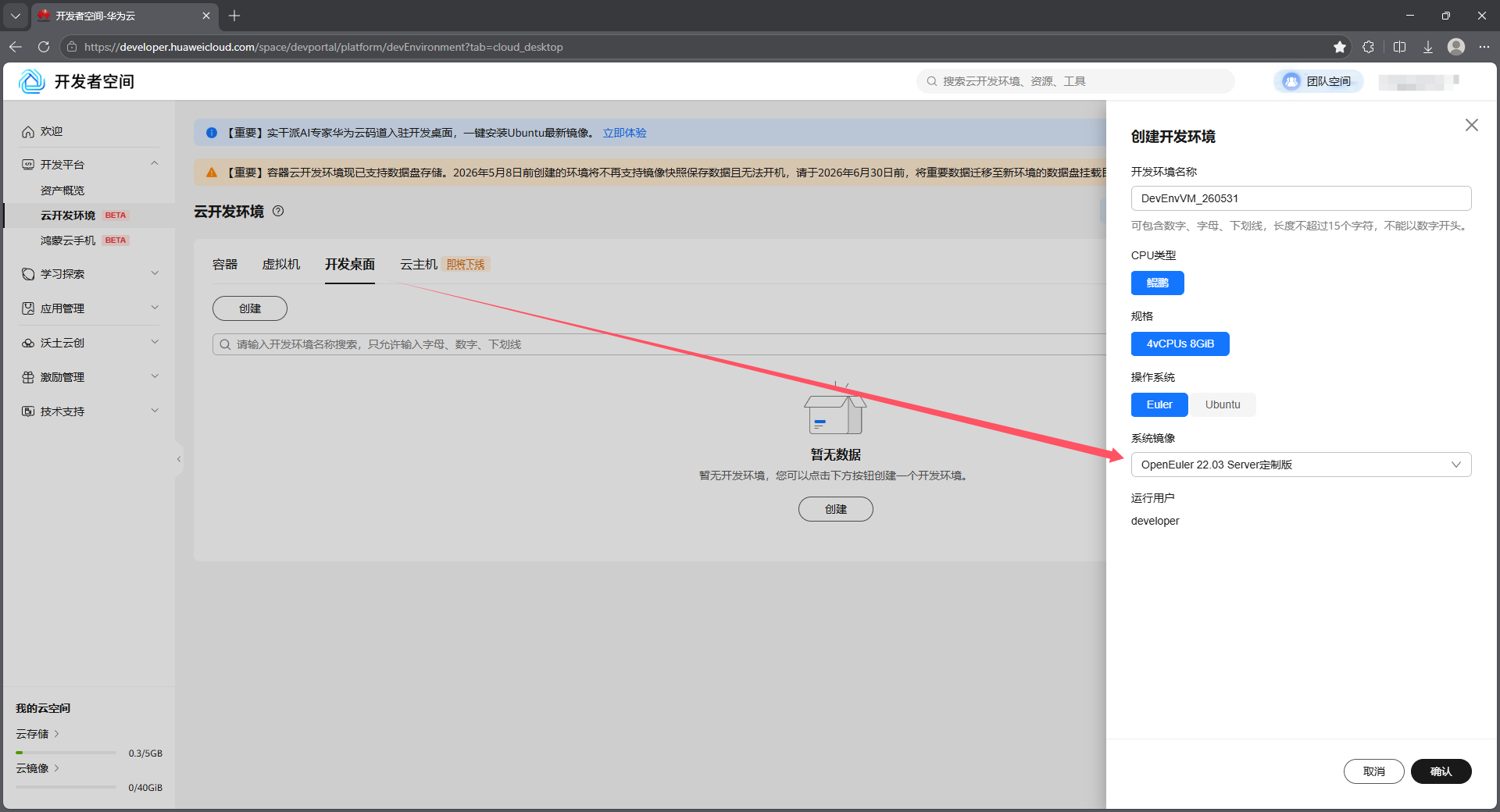
华为云开发桌面,创建全新的 OpenEuler 22.03 LTS 系统,查看初始系统配置和状态。
1.1. 创建开发桌面
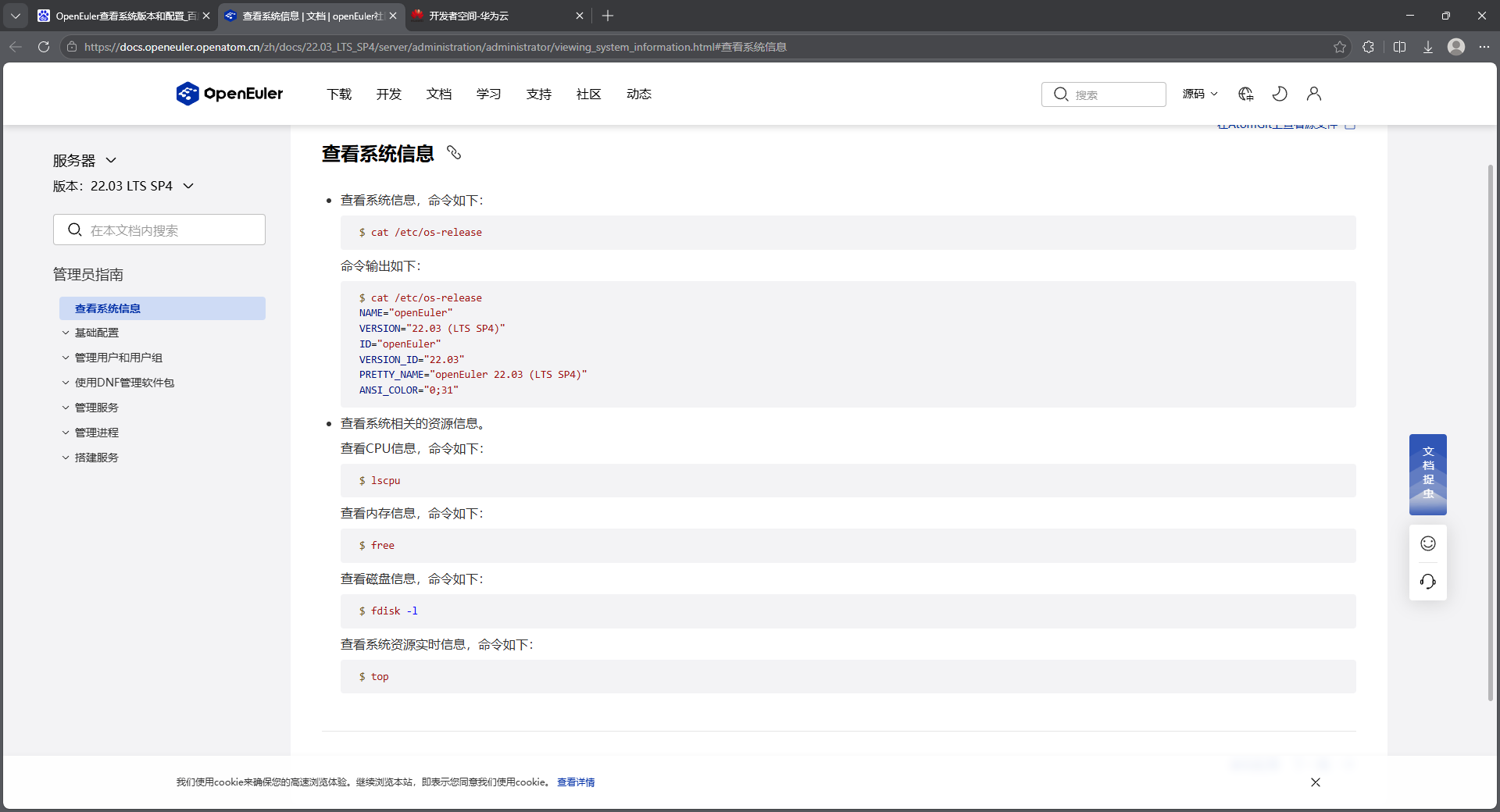
1.2. 查看系统信息
bash
[developer@openeuler ~]$ cat /etc/os-release
NAME="openEuler"
VERSION="22.03 LTS"
ID="openEuler"
VERSION_ID="22.03"
PRETTY_NAME="openEuler 22.03 LTS"
ANSI_COLOR="0;31"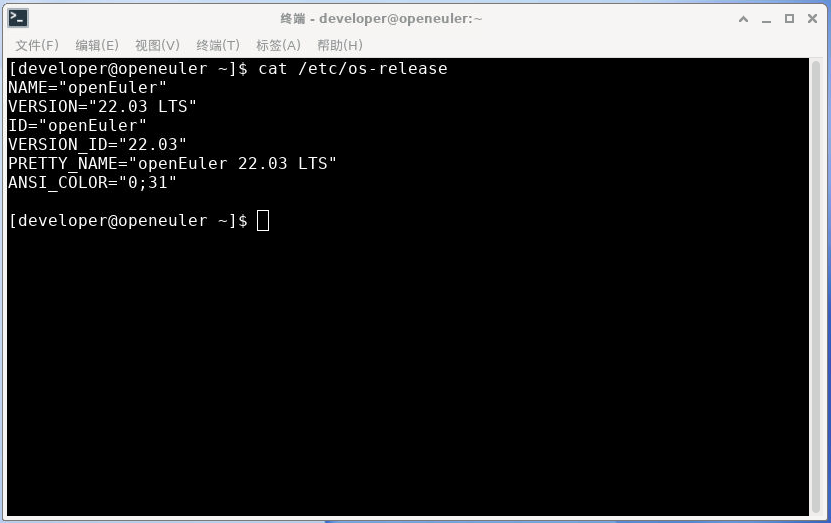
1.3. 查看Nginx软件包
bash
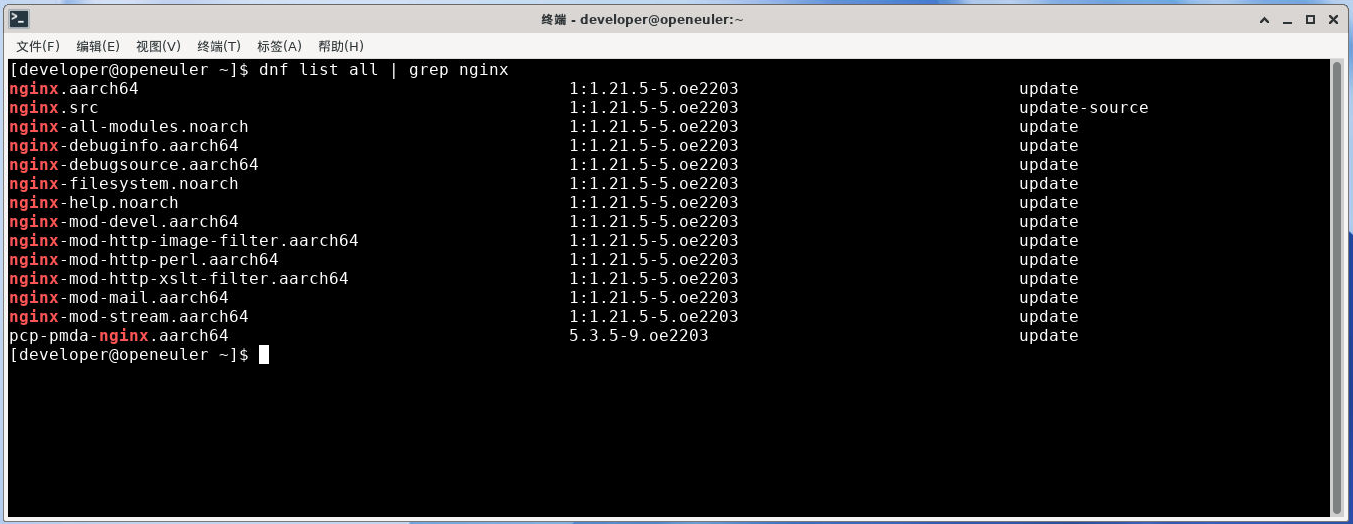
dnf list all | grep nginx列出系统所有可安装的Nginx软件包。
备注:dnf list all 只列出【软件源里有什么包】,不列出【本地已装什么包】
bash
[developer@openeuler ~]$ dnf list all | grep nginx
nginx.aarch64                                           1:1.21.5-5.oe2203                            update
nginx.src                                               1:1.21.5-5.oe2203                            update-source
nginx-all-modules.noarch                                1:1.21.5-5.oe2203                            update
nginx-debuginfo.aarch64                                 1:1.21.5-5.oe2203                            update
nginx-debugsource.aarch64                               1:1.21.5-5.oe2203                            update
nginx-filesystem.noarch                                 1:1.21.5-5.oe2203                            update
nginx-help.noarch                                       1:1.21.5-5.oe2203                            update
nginx-mod-devel.aarch64                                 1:1.21.5-5.oe2203                            update
nginx-mod-http-image-filter.aarch64                     1:1.21.5-5.oe2203                            update
nginx-mod-http-perl.aarch64                             1:1.21.5-5.oe2203                            update
nginx-mod-http-xslt-filter.aarch64                      1:1.21.5-5.oe2203                            update
nginx-mod-mail.aarch64                                  1:1.21.5-5.oe2203                            update
nginx-mod-stream.aarch64                                1:1.21.5-5.oe2203                            update
pcp-pmda-nginx.aarch64                                  5.3.5-9.oe2203                               update
1.4. 查看Nginx版本
bash
nginx -v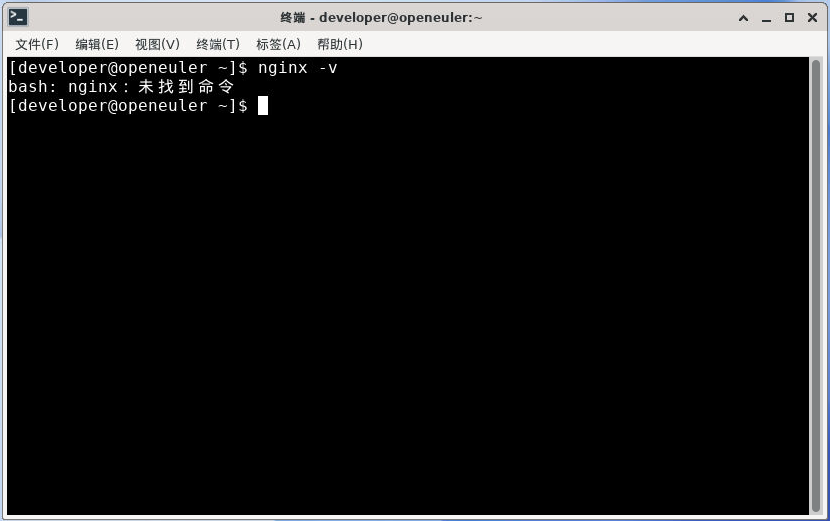
bash
[developer@openeuler ~]$ nginx -v
bash: nginx:未找到命令
1.5. 检查服务状态
bash
systemctl is-active nginx
bash
systemctl status nginx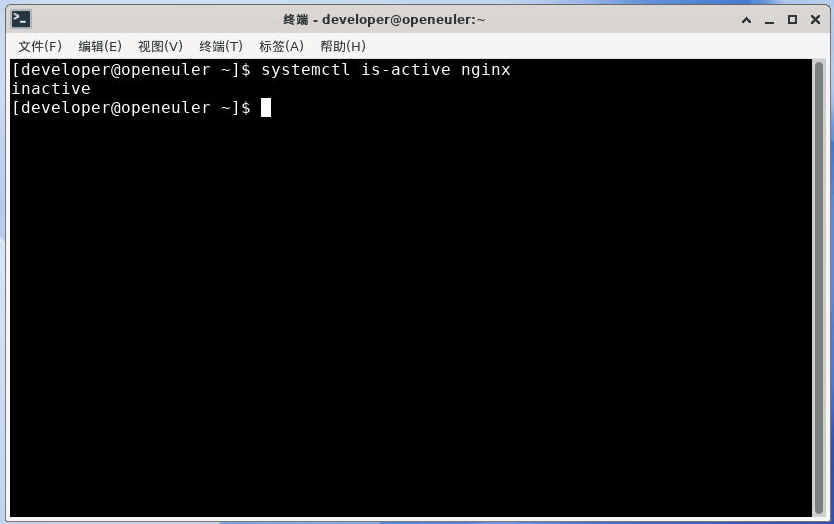
bash
[developer@openeuler ~]$ systemctl is-active nginx
inactive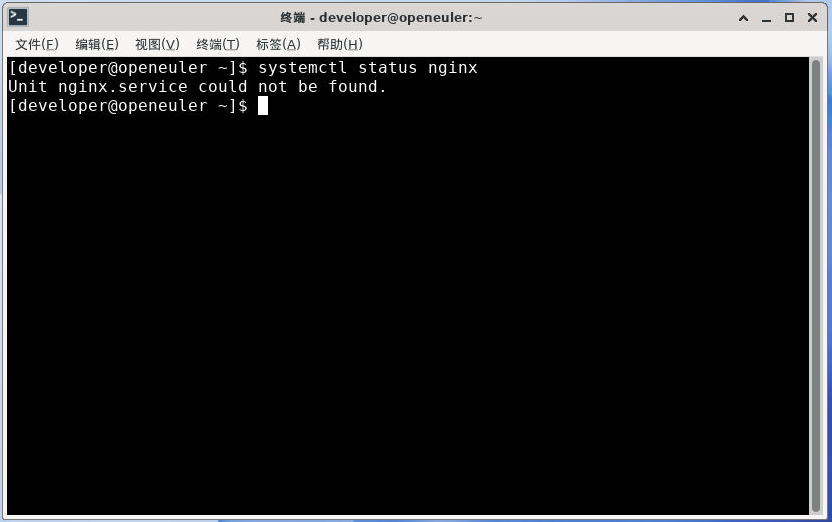
bash
[developer@openeuler ~]$ systemctl status nginx
Unit nginx.service could not be found.
1.6. 配置文件
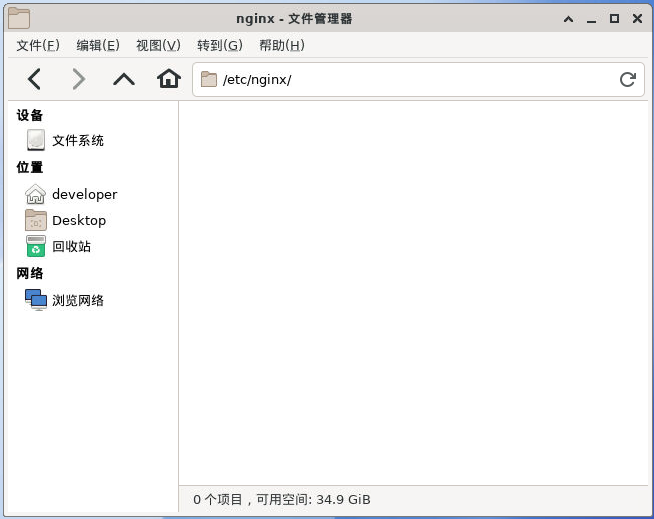
- 主配置文件:
/etc/nginx/nginx.conf - 子配置目录:
/etc/nginx/conf.d
1.7. 配置文件语法检查
bash
nginx -t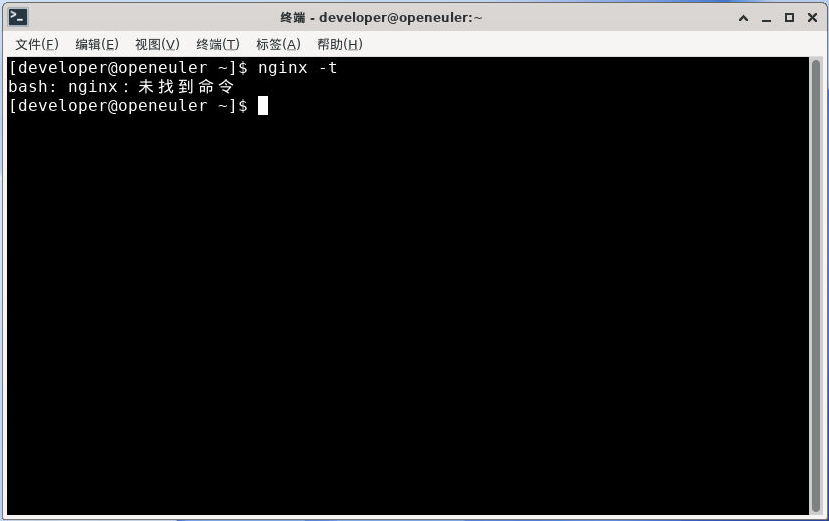
bash
[developer@openeuler ~]$ nginx -t
bash: nginx:未找到命令
1.8. 防火墙
bash
firewall-cmd --list-ports # 确认 80 已开放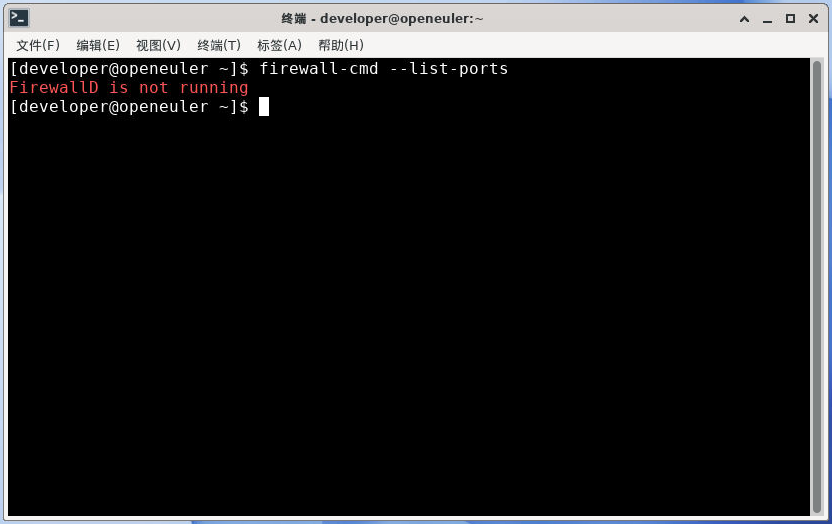
bash
[developer@openeuler ~]$ firewall-cmd --list-ports
FirewallD is not running
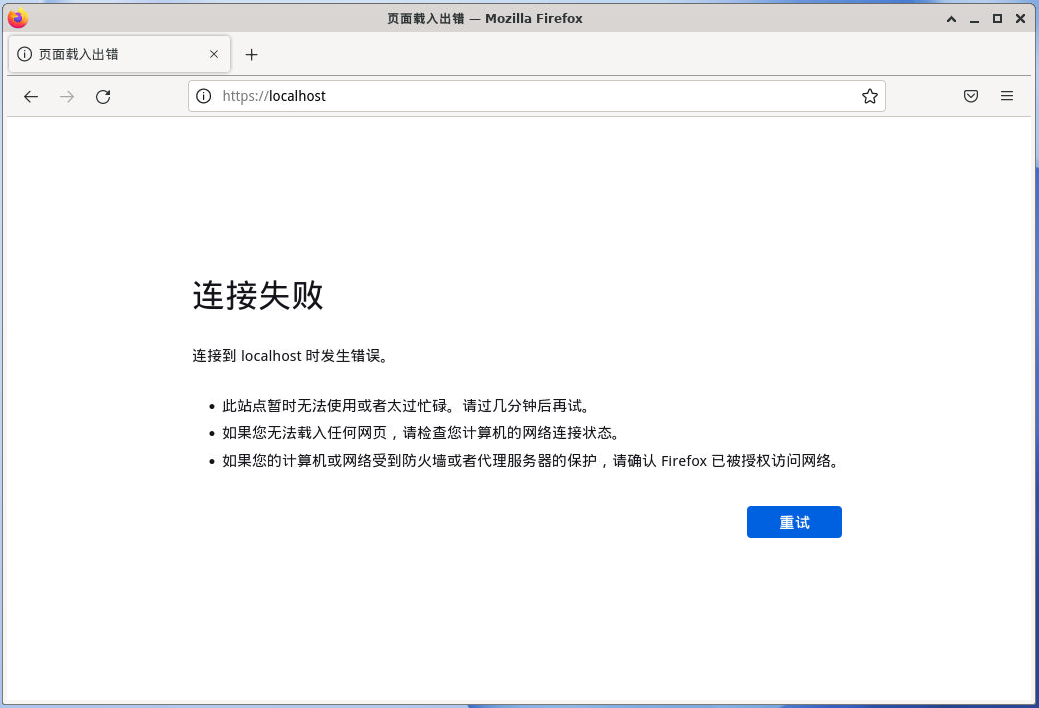
1.9. 浏览器访问
访问本地服务:http://localhost/
1.10. 网页根目录
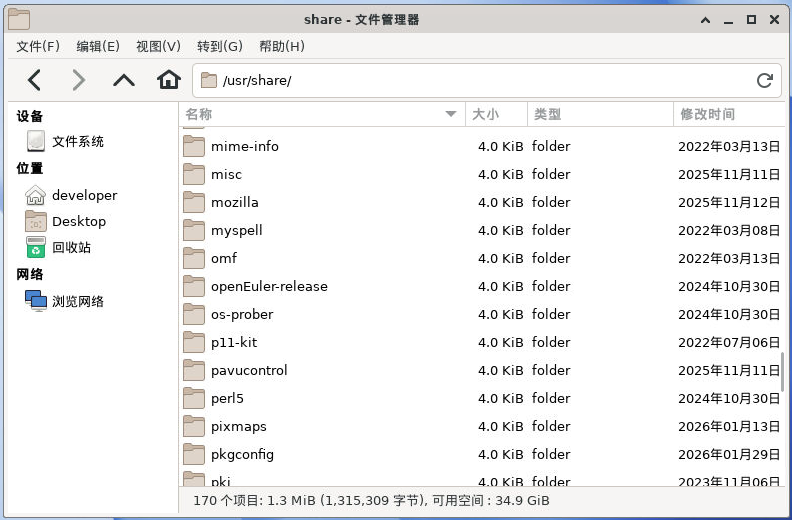
- 网页根目录:
/usr/share/nginx/html
2. 搭建Nginx步骤
在 OpenEuler 系统中,安装Nginx服务器,启动并验证启动成功。
2.1. 清除缓存
bash
sudo dnf clean all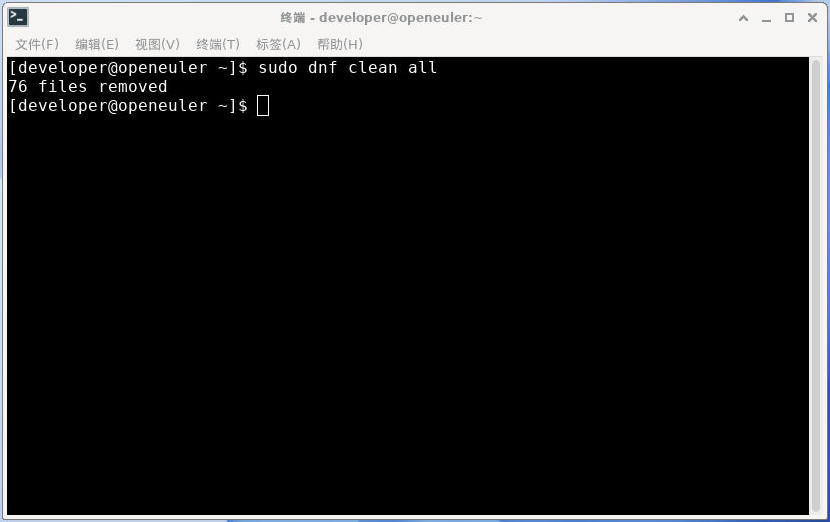
bash
[developer@openeuler ~]$ sudo dnf clean all
76 files removed
2.2. 创建缓存
bash
sudo dnf makecache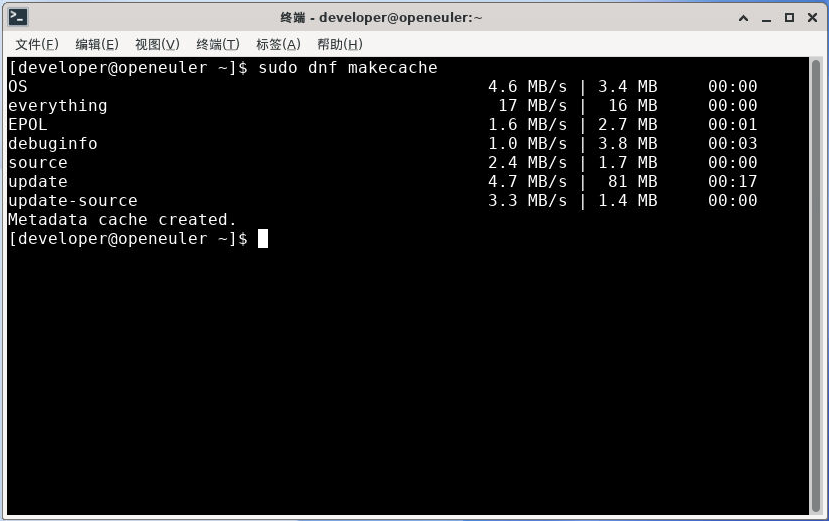
bash
[developer@openeuler ~]$ sudo dnf makecache
OS                                              4.6 MB/s | 3.4 MB     00:00
everything                                       17 MB/s |  16 MB     00:00
EPOL                                            1.6 MB/s | 2.7 MB     00:01
debuginfo                                       1.0 MB/s | 3.8 MB     00:03
source                                          2.4 MB/s | 1.7 MB     00:00
update                                          4.7 MB/s |  81 MB     00:17
update-source                                   3.3 MB/s | 1.4 MB     00:00
Metadata cache created.
2.3. 安装Nginx服务
bash
sudo dnf install -y nginx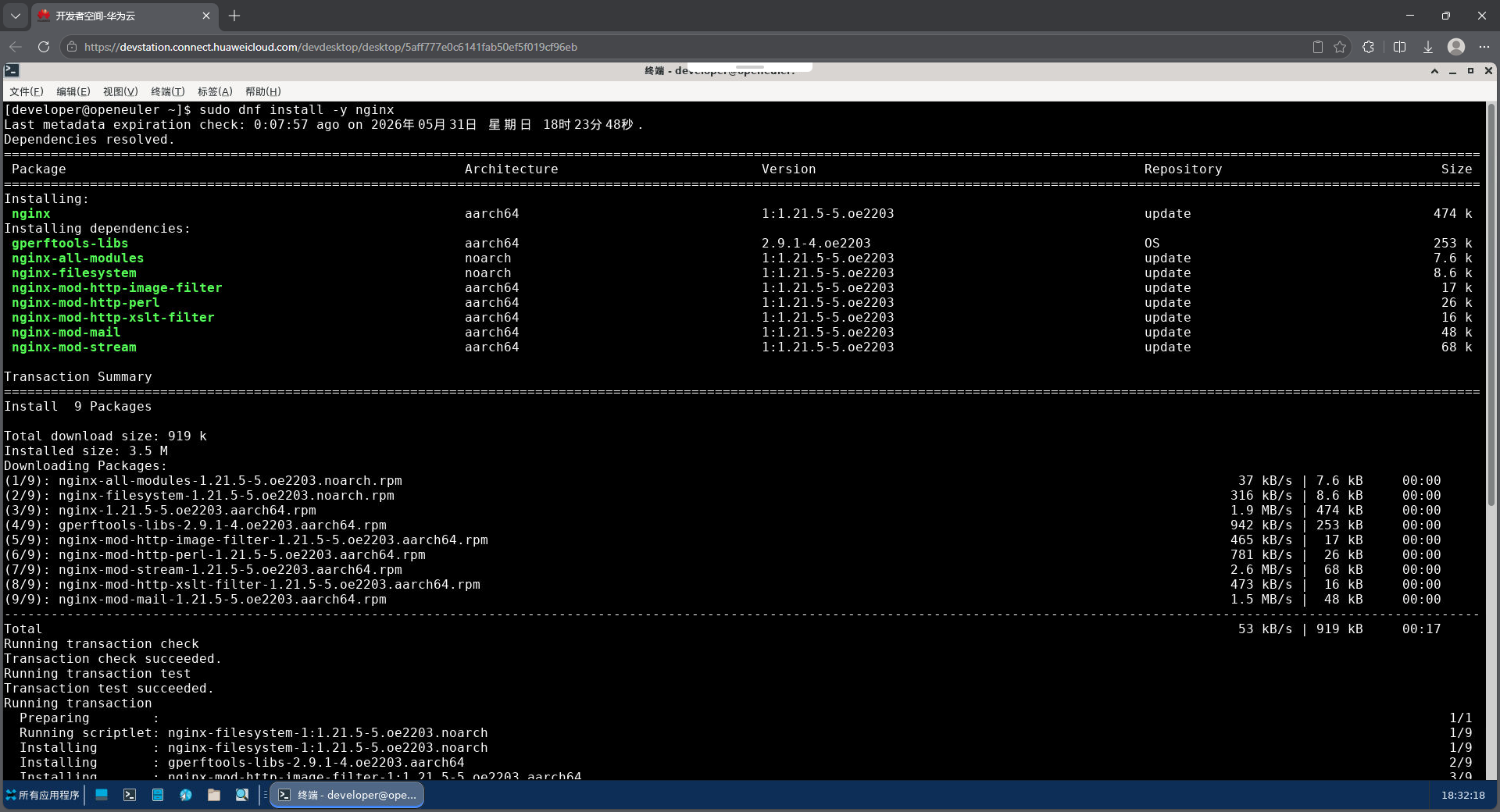
bash
[developer@openeuler ~]$ sudo dnf install -y nginx
Last metadata expiration check: 0:07:57 ago on 2026年05月31日 星期日 18时23分48秒.
Dependencies resolved.
=============================================================================================================================================================================================
Package Architecture Version Repository Size
=============================================================================================================================================================================================
Installing:
nginx aarch64 1:1.21.5-5.oe2203 update 474 k
Installing dependencies:
gperftools-libs aarch64 2.9.1-4.oe2203 OS 253 k
nginx-all-modules noarch 1:1.21.5-5.oe2203 update 7.6 k
nginx-filesystem noarch 1:1.21.5-5.oe2203 update 8.6 k
nginx-mod-http-image-filter aarch64 1:1.21.5-5.oe2203 update 17 k
nginx-mod-http-perl aarch64 1:1.21.5-5.oe2203 update 26 k
nginx-mod-http-xslt-filter aarch64 1:1.21.5-5.oe2203 update 16 k
nginx-mod-mail aarch64 1:1.21.5-5.oe2203 update 48 k
nginx-mod-stream aarch64 1:1.21.5-5.oe2203 update 68 k
Transaction Summary
=============================================================================================================================================================================================
Install 9 Packages
Total download size: 919 k
Installed size: 3.5 M
Downloading Packages:
(1/9): nginx-all-modules-1.21.5-5.oe2203.noarch.rpm 37 kB/s | 7.6 kB 00:00
(2/9): nginx-filesystem-1.21.5-5.oe2203.noarch.rpm 316 kB/s | 8.6 kB 00:00
(3/9): nginx-1.21.5-5.oe2203.aarch64.rpm 1.9 MB/s | 474 kB 00:00
(4/9): gperftools-libs-2.9.1-4.oe2203.aarch64.rpm 942 kB/s | 253 kB 00:00
(5/9): nginx-mod-http-image-filter-1.21.5-5.oe2203.aarch64.rpm 465 kB/s | 17 kB 00:00
(6/9): nginx-mod-http-perl-1.21.5-5.oe2203.aarch64.rpm 781 kB/s | 26 kB 00:00
(7/9): nginx-mod-stream-1.21.5-5.oe2203.aarch64.rpm 2.6 MB/s | 68 kB 00:00
(8/9): nginx-mod-http-xslt-filter-1.21.5-5.oe2203.aarch64.rpm 473 kB/s | 16 kB 00:00
(9/9): nginx-mod-mail-1.21.5-5.oe2203.aarch64.rpm 1.5 MB/s | 48 kB 00:00
---------------------------------------------------------------------------------------------------------------------------------------------------------------------------------------------
Total 53 kB/s | 919 kB 00:17
Running transaction check
Transaction check succeeded.
Running transaction test
Transaction test succeeded.
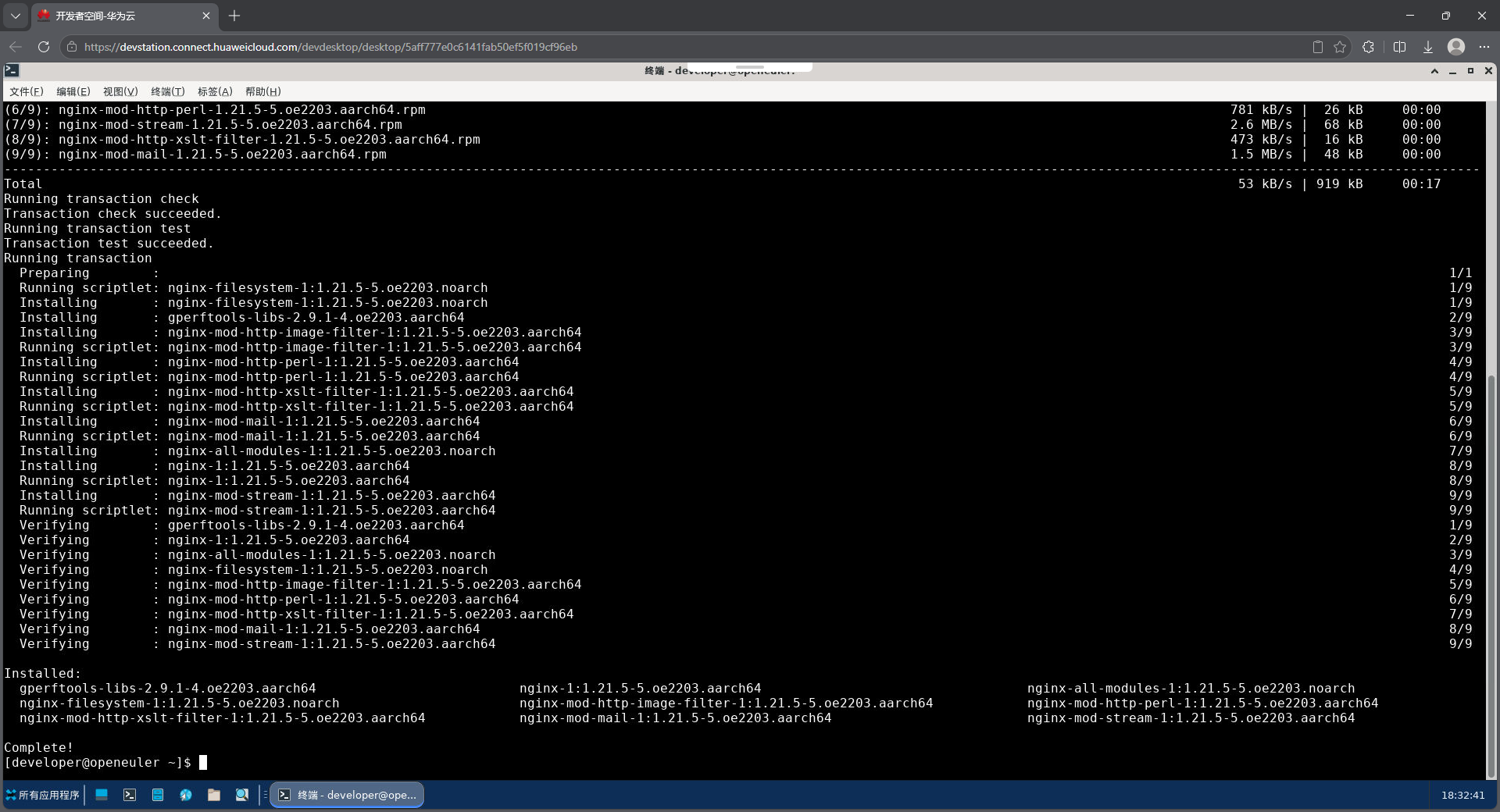
Running transaction
Preparing : 1/1
Running scriptlet: nginx-filesystem-1:1.21.5-5.oe2203.noarch 1/9
Installing : nginx-filesystem-1:1.21.5-5.oe2203.noarch 1/9
Installing : gperftools-libs-2.9.1-4.oe2203.aarch64 2/9
Installing : nginx-mod-http-image-filter-1:1.21.5-5.oe2203.aarch64 3/9
Running scriptlet: nginx-mod-http-image-filter-1:1.21.5-5.oe2203.aarch64 3/9
Installing : nginx-mod-http-perl-1:1.21.5-5.oe2203.aarch64 4/9
Running scriptlet: nginx-mod-http-perl-1:1.21.5-5.oe2203.aarch64 4/9
Installing : nginx-mod-http-xslt-filter-1:1.21.5-5.oe2203.aarch64 5/9
Running scriptlet: nginx-mod-http-xslt-filter-1:1.21.5-5.oe2203.aarch64 5/9
Installing : nginx-mod-mail-1:1.21.5-5.oe2203.aarch64 6/9
Running scriptlet: nginx-mod-mail-1:1.21.5-5.oe2203.aarch64 6/9
Installing : nginx-all-modules-1:1.21.5-5.oe2203.noarch 7/9
Installing : nginx-1:1.21.5-5.oe2203.aarch64 8/9
Running scriptlet: nginx-1:1.21.5-5.oe2203.aarch64 8/9
Installing : nginx-mod-stream-1:1.21.5-5.oe2203.aarch64 9/9
Running scriptlet: nginx-mod-stream-1:1.21.5-5.oe2203.aarch64 9/9
Verifying : gperftools-libs-2.9.1-4.oe2203.aarch64 1/9
Verifying : nginx-1:1.21.5-5.oe2203.aarch64 2/9
Verifying : nginx-all-modules-1:1.21.5-5.oe2203.noarch 3/9
Verifying : nginx-filesystem-1:1.21.5-5.oe2203.noarch 4/9
Verifying : nginx-mod-http-image-filter-1:1.21.5-5.oe2203.aarch64 5/9
Verifying : nginx-mod-http-perl-1:1.21.5-5.oe2203.aarch64 6/9
Verifying : nginx-mod-http-xslt-filter-1:1.21.5-5.oe2203.aarch64 7/9
Verifying : nginx-mod-mail-1:1.21.5-5.oe2203.aarch64 8/9
Verifying : nginx-mod-stream-1:1.21.5-5.oe2203.aarch64 9/9
Installed:
gperftools-libs-2.9.1-4.oe2203.aarch64 nginx-1:1.21.5-5.oe2203.aarch64 nginx-all-modules-1:1.21.5-5.oe2203.noarch
nginx-filesystem-1:1.21.5-5.oe2203.noarch nginx-mod-http-image-filter-1:1.21.5-5.oe2203.aarch64 nginx-mod-http-perl-1:1.21.5-5.oe2203.aarch64
nginx-mod-http-xslt-filter-1:1.21.5-5.oe2203.aarch64 nginx-mod-mail-1:1.21.5-5.oe2203.aarch64 nginx-mod-stream-1:1.21.5-5.oe2203.aarch64
Complete!2.4. 查看Nginx版本
bash
nginx -v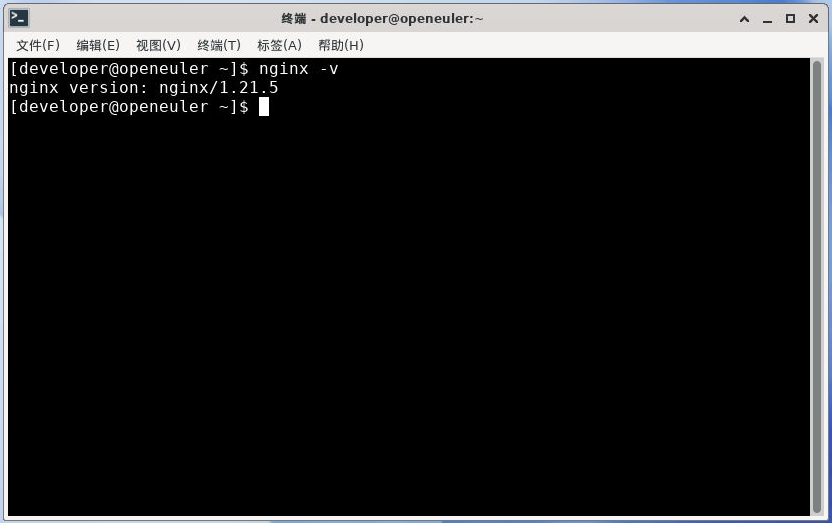
bash
[developer@openeuler ~]$ nginx -v
nginx version: nginx/1.21.5
2.5. 查看Nginx软件包
bash
dnf list all | grep nginx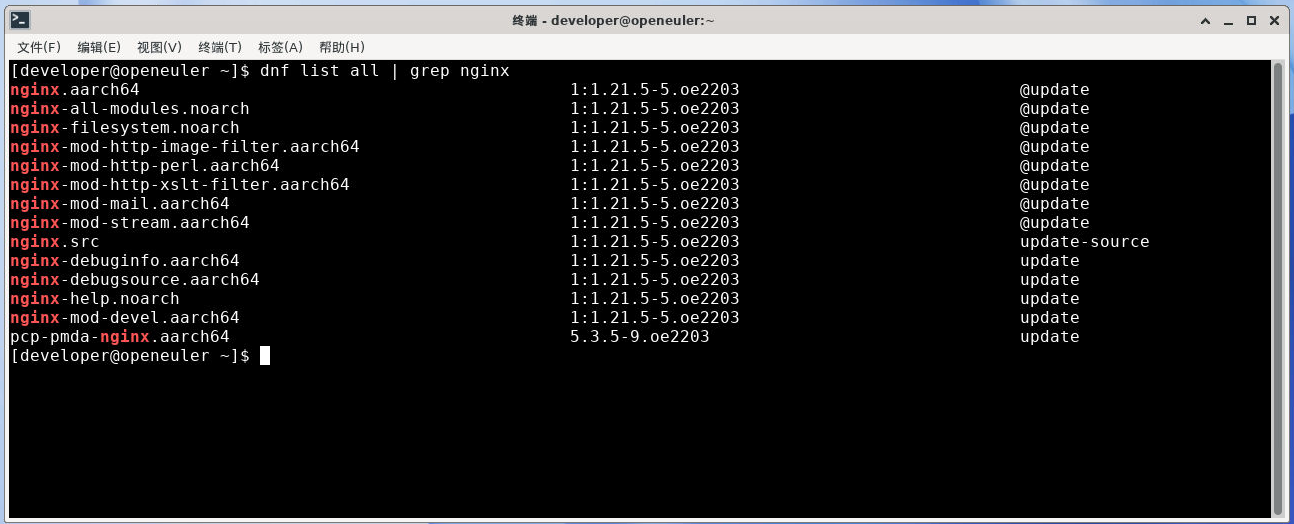
bash
[developer@openeuler ~]$ dnf list all | grep nginx
nginx.aarch64                                           1:1.21.5-5.oe2203                            @update
nginx-all-modules.noarch                                1:1.21.5-5.oe2203                            @update
nginx-filesystem.noarch                                 1:1.21.5-5.oe2203                            @update
nginx-mod-http-image-filter.aarch64                     1:1.21.5-5.oe2203                            @update
nginx-mod-http-perl.aarch64                             1:1.21.5-5.oe2203                            @update
nginx-mod-http-xslt-filter.aarch64                      1:1.21.5-5.oe2203                            @update
nginx-mod-mail.aarch64                                  1:1.21.5-5.oe2203                            @update
nginx-mod-stream.aarch64                                1:1.21.5-5.oe2203                            @update
nginx.src                                               1:1.21.5-5.oe2203                            update-source
nginx-debuginfo.aarch64                                 1:1.21.5-5.oe2203                            update
nginx-debugsource.aarch64                               1:1.21.5-5.oe2203                            update
nginx-help.noarch                                       1:1.21.5-5.oe2203                            update
nginx-mod-devel.aarch64                                 1:1.21.5-5.oe2203                            update
pcp-pmda-nginx.aarch64                                  5.3.5-9.oe2203                               update
[developer@openeuler ~]$
2.6. 启动服务
bash
sudo systemctl start nginx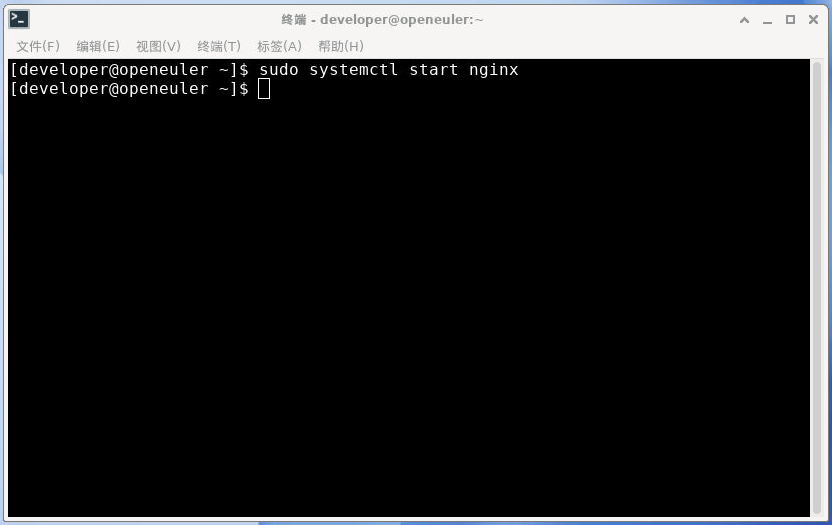
2.7. 检查服务状态
bash
systemctl is-active nginx
bash
systemctl status nginx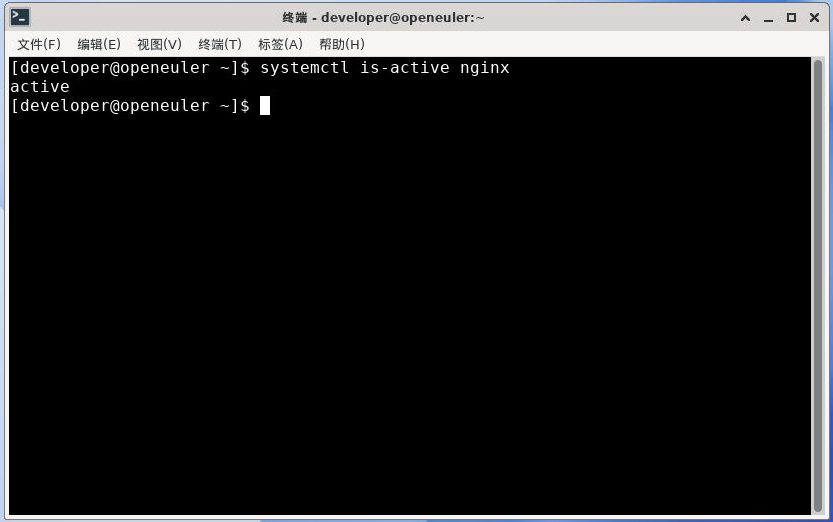
bash
[developer@openeuler ~]$ systemctl is-active nginx
active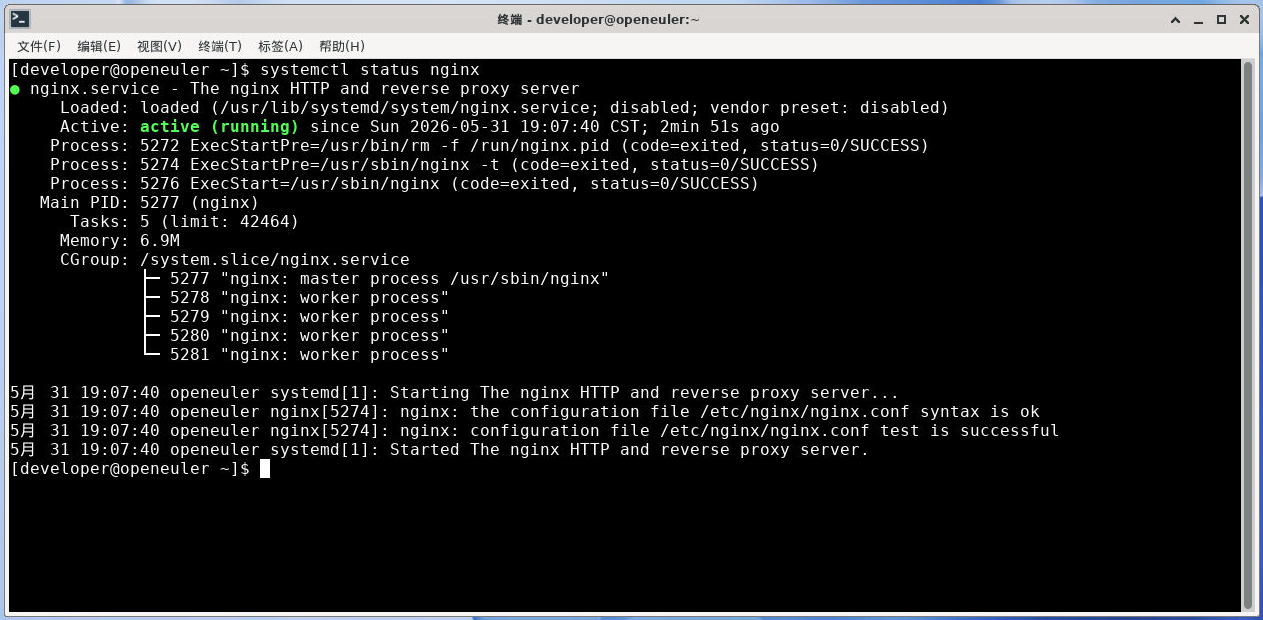
bash
[developer@openeuler ~]$ systemctl status nginx
● nginx.service - The nginx HTTP and reverse proxy server
     Loaded: loaded (/usr/lib/systemd/system/nginx.service; disabled; vendor preset: disabled)
     Active: active (running) since Sun 2026-05-31 19:07:40 CST; 2min 51s ago
    Process: 5272 ExecStartPre=/usr/bin/rm -f /run/nginx.pid (code=exited, status=0/SUCCESS)
    Process: 5274 ExecStartPre=/usr/sbin/nginx -t (code=exited, status=0/SUCCESS)
    Process: 5276 ExecStart=/usr/sbin/nginx (code=exited, status=0/SUCCESS)
   Main PID: 5277 (nginx)
      Tasks: 5 (limit: 42464)
     Memory: 6.9M
     CGroup: /system.slice/nginx.service
             ├─ 5277 "nginx: master process /usr/sbin/nginx"
             ├─ 5278 "nginx: worker process"
             ├─ 5279 "nginx: worker process"
             ├─ 5280 "nginx: worker process"
             └─ 5281 "nginx: worker process"

5月 31 19:07:40 openeuler systemd[1]: Starting The nginx HTTP and reverse proxy server...
5月 31 19:07:40 openeuler nginx[5274]: nginx: the configuration file /etc/nginx/nginx.conf syntax is ok
5月 31 19:07:40 openeuler nginx[5274]: nginx: configuration file /etc/nginx/nginx.conf test is successful
5月 31 19:07:40 openeuler systemd[1]: Started The nginx HTTP and reverse proxy server.
2.8. 验证
Nginx服务器搭建完成后,可以通过如下方式验证是否搭建成功。
经过上面系统状态的查询,系统未启用防火墙,不需要相关配置。
2.8.1. 测试浏览器访问
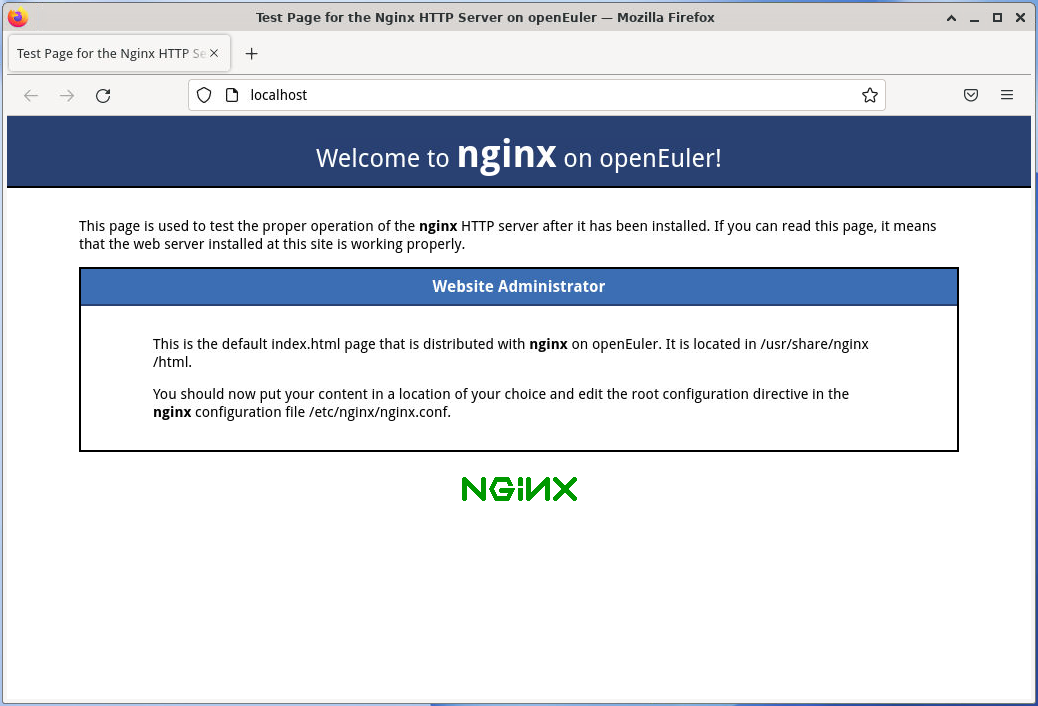
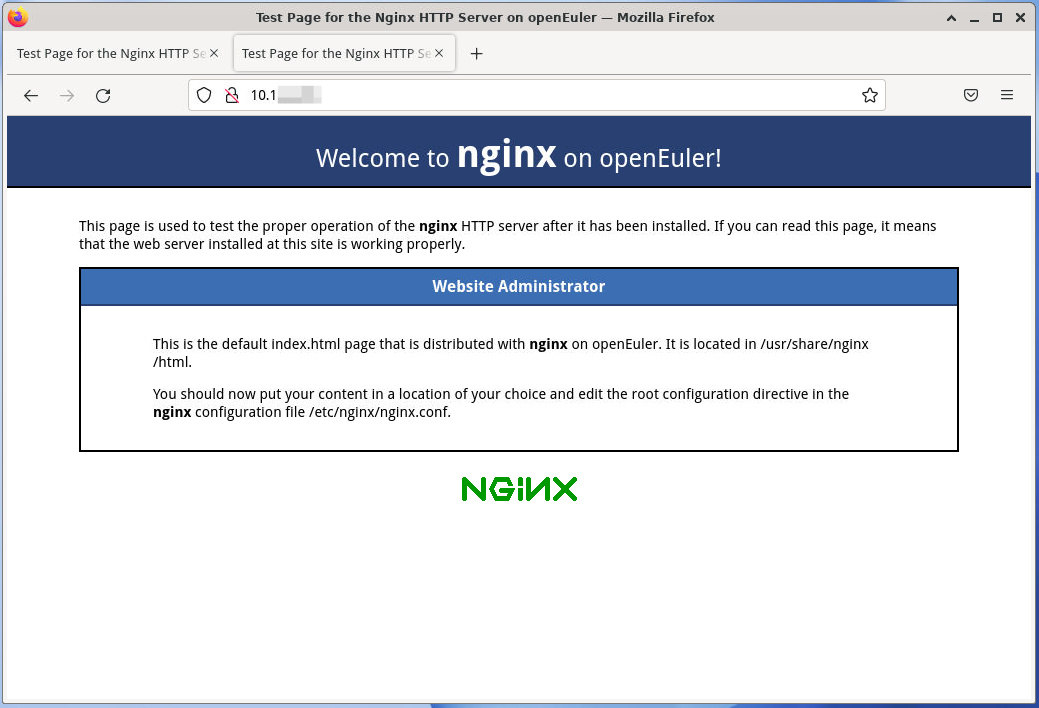
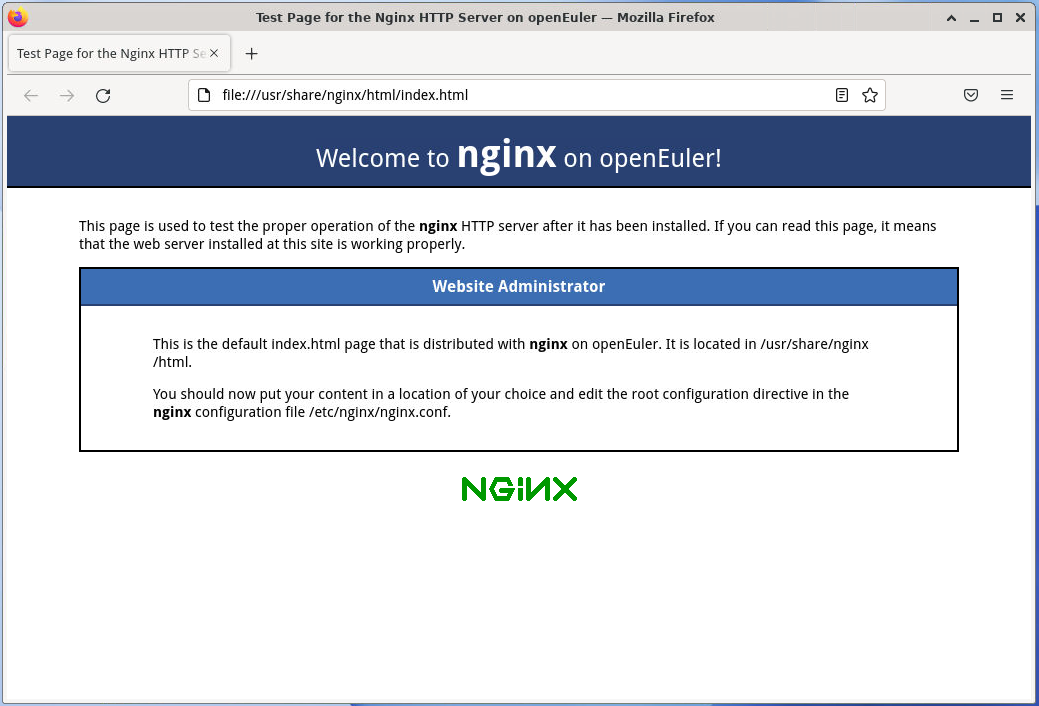
打开浏览器,在地址栏输入 localhost 或者 服务器IP地址,应该能看到 Nginx 的欢迎页面。
- 访问本地服务:http://localhost/
- 访问IP地址:http://10.1.x.x/
2.8.2. 测试 curl 访问
bash
curl http://localhost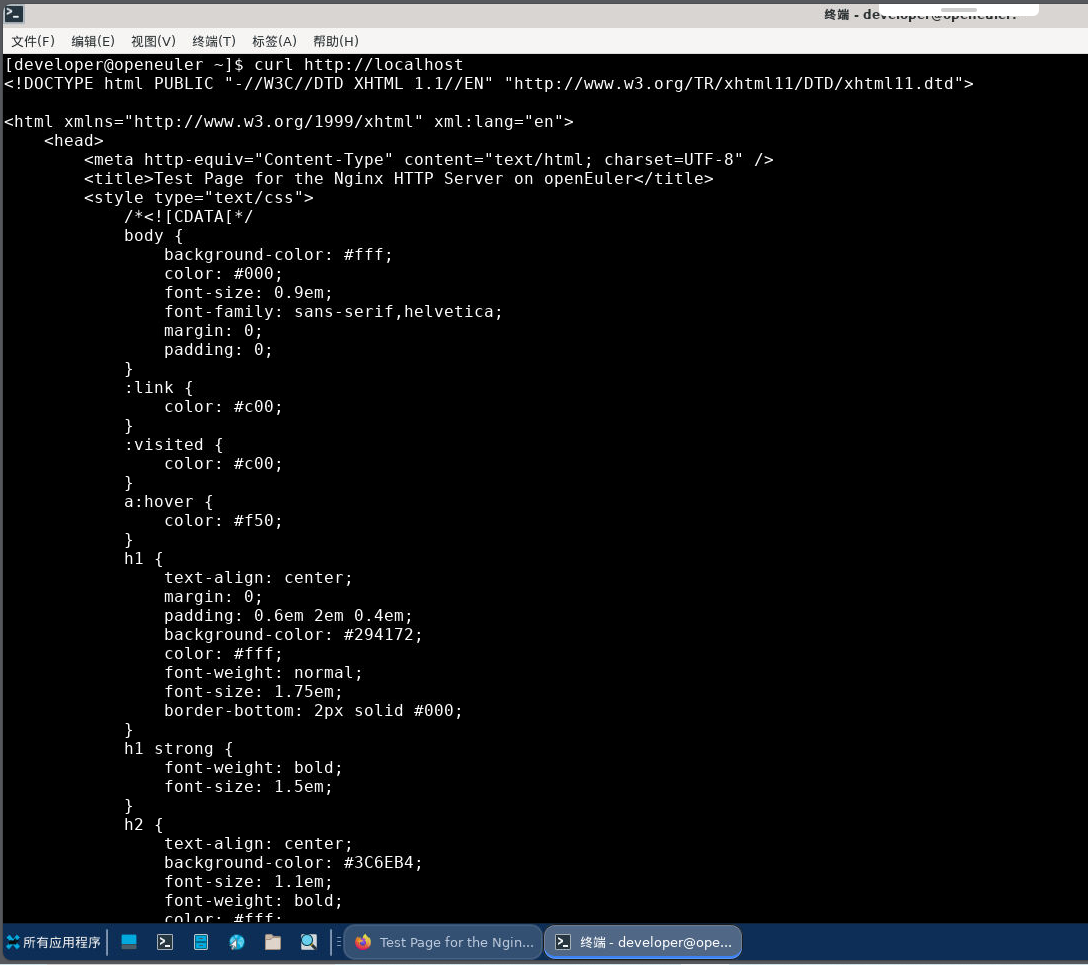
bash
[developer@openeuler ~]$ curl http://localhost
<!DOCTYPE html PUBLIC "-//W3C//DTD XHTML 1.1//EN" "http://www.w3.org/TR/xhtml11/DTD/xhtml11.dtd">

<html xmlns="http://www.w3.org/1999/xhtml" xml:lang="en">
    <head>
        <meta http-equiv="Content-Type" content="text/html; charset=UTF-8" />
        <title>Test Page for the Nginx HTTP Server on openEuler</title>
        <style type="text/css">
            /*<![CDATA[*/
            body {
                background-color: #fff;
                color: #000;
                font-size: 0.9em;
                font-family: sans-serif,helvetica;
                margin: 0;
                padding: 0;
            }
            :link {
                color: #c00;
            }
            :visited {
                color: #c00;
            }
            a:hover {
                color: #f50;
            }
            h1 {
                text-align: center;
                margin: 0;
                padding: 0.6em 2em 0.4em;
                background-color: #294172;
                color: #fff;
                font-weight: normal;
                font-size: 1.75em;
                border-bottom: 2px solid #000;
            }
            h1 strong {
                font-weight: bold;
                font-size: 1.5em;
            }
            h2 {
                text-align: center;
                background-color: #3C6EB4;
                font-size: 1.1em;
                font-weight: bold;
                color: #fff;
                margin: 0;
                padding: 0.5em;
                border-bottom: 2px solid #294172;
            }
            hr {
                display: none;
            }
            .content {
                padding: 1em 5em;
            }
            .alert {
                border: 2px solid #000;
            }

            img {
                border: 2px solid #fff;
                padding: 2px;
                margin: 2px;
            }
            a:hover img {
                border: 2px solid #294172;
            }
            .logos {
                margin: 1em;
                text-align: center;
            }
            /*]]>*/
        </style>
    </head>

    <body>
        <h1>Welcome to <strong>nginx</strong> on openEuler!</h1>

        <div class="content">
            <p>This page is used to test the proper operation of the
            <strong>nginx</strong> HTTP server after it has been
            installed. If you can read this page, it means that the
            web server installed at this site is working
            properly.</p>

            <div class="alert">
                <h2>Website Administrator</h2>
                <div class="content">
                    <p>This is the default <tt>index.html</tt> page that
                    is distributed with <strong>nginx</strong> on
                    openEuler.  It is located in
                    <tt>/usr/share/nginx/html</tt>.</p>

                    <p>You should now put your content in a location of
                    your choice and edit the <tt>root</tt> configuration
                    directive in the <strong>nginx</strong>
                    configuration file
                    <tt>/etc/nginx/nginx.conf</tt>.</p>

                </div>
            </div>

            <div class="logos">
                <a href="http://nginx.net/"><img
                    src="nginx-logo.png"
                    alt="[ Powered by nginx ]"
                    width="121" height="32" /></a>
            </div>
        </div>
    </body>
</html>
3. 配置文件
当nginx服务启动后,默认情况下它会读取配置文件。
3.1. 配置文件位置
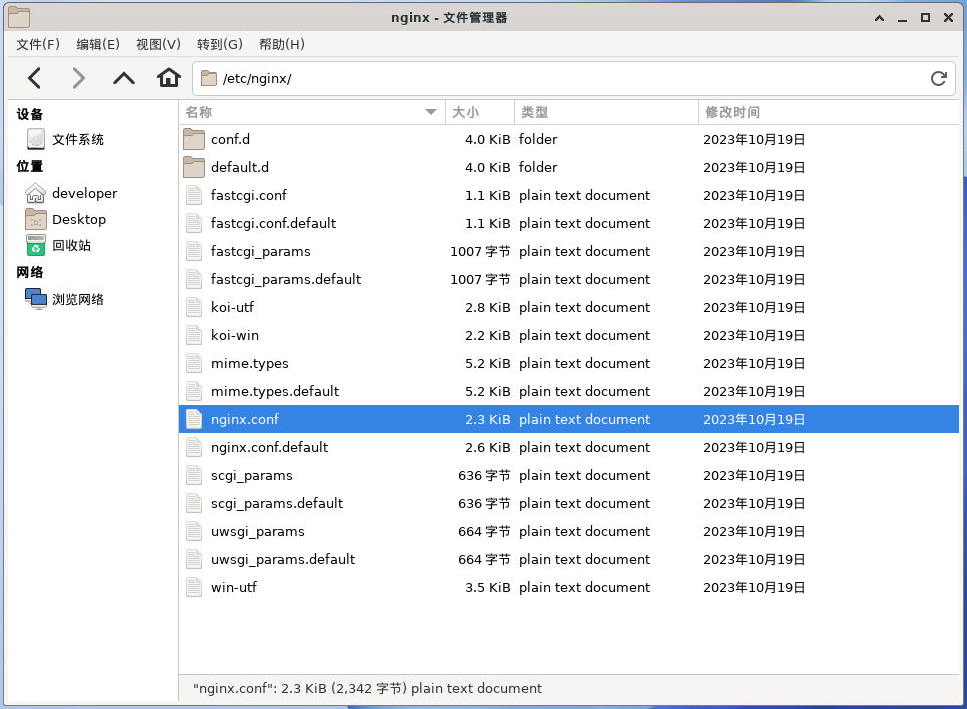
| 文件 | 说明 |
|---|---|
/etc/nginx/nginx.conf |
主配置文件 |
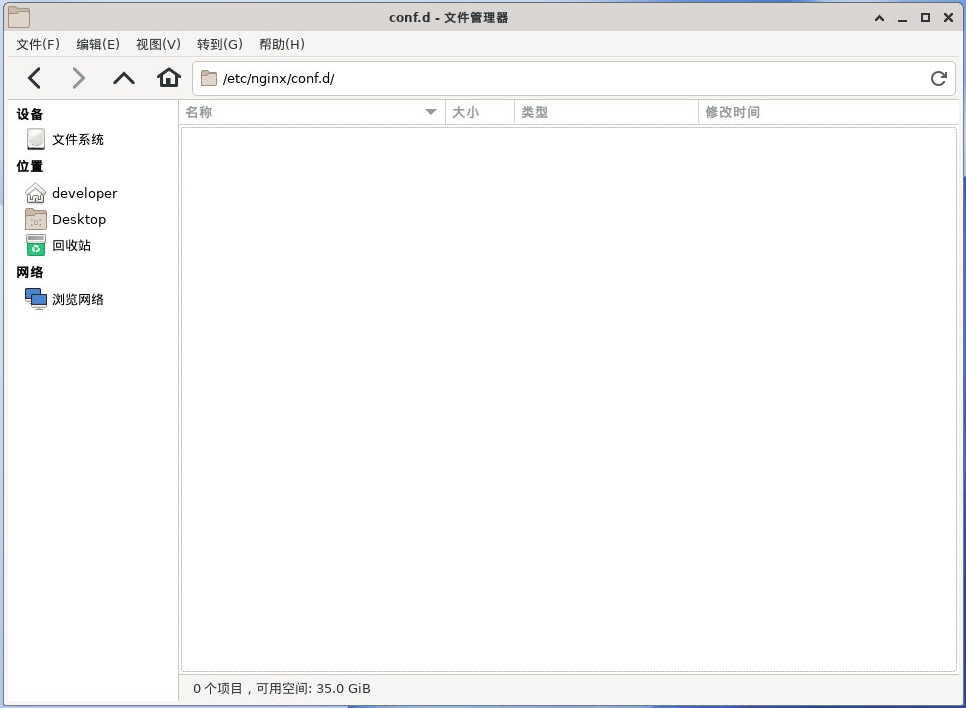
/etc/nginx/conf.d |
子配置目录 |
3.2. 配置文件:nginx.conf
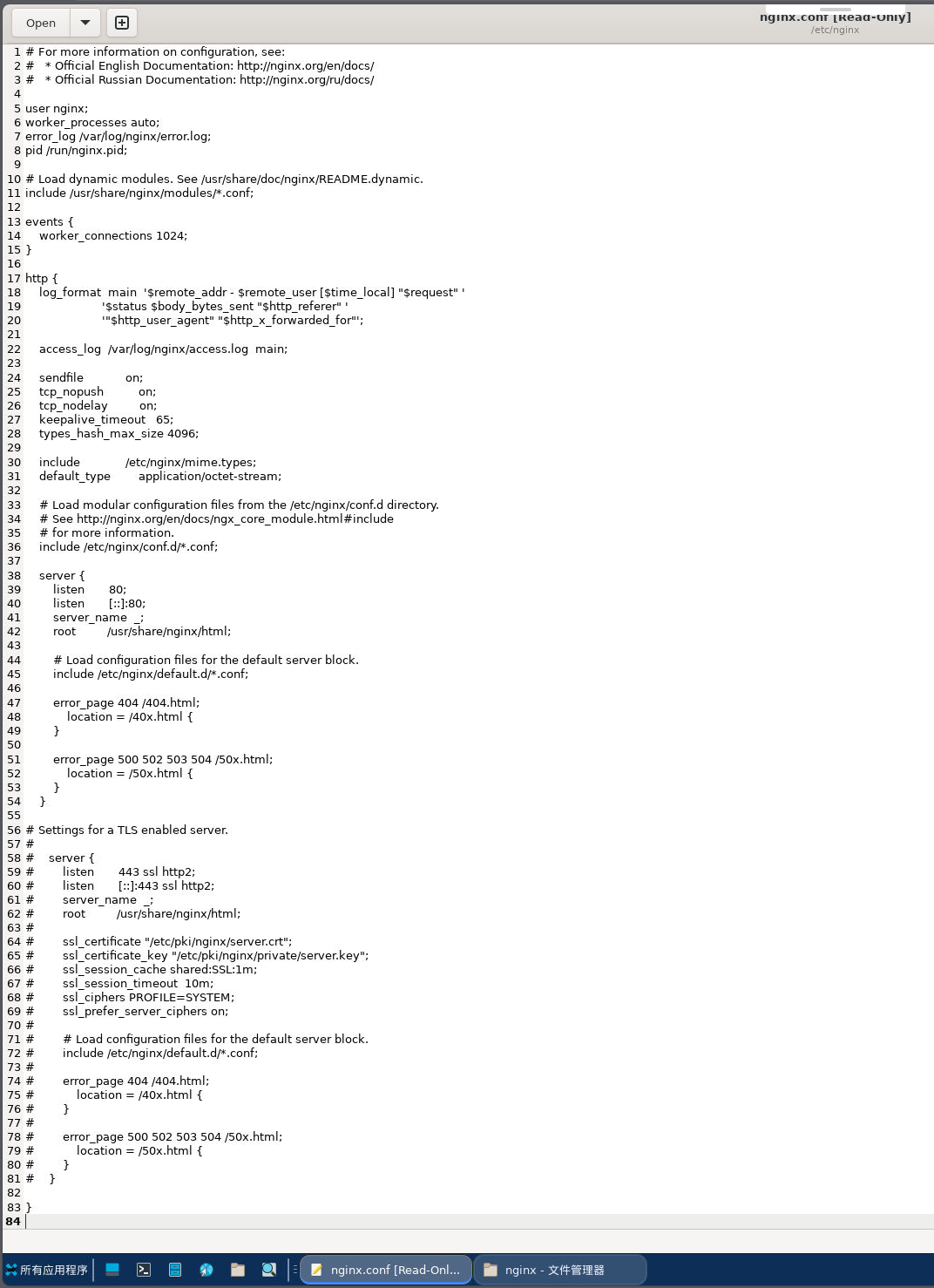
nginx.conf
# For more information on configuration, see:
#   * Official English Documentation: http://nginx.org/en/docs/
#   * Official Russian Documentation: http://nginx.org/ru/docs/

user nginx;
worker_processes auto;
error_log /var/log/nginx/error.log;
pid /run/nginx.pid;

# Load dynamic modules. See /usr/share/doc/nginx/README.dynamic.
include /usr/share/nginx/modules/*.conf;

events {
    worker_connections 1024;
}

http {
    log_format  main  '$remote_addr - $remote_user [$time_local] "$request" '
                      '$status $body_bytes_sent "$http_referer" '
                      '"$http_user_agent" "$http_x_forwarded_for"';

    access_log  /var/log/nginx/access.log  main;

    sendfile            on;
    tcp_nopush          on;
    tcp_nodelay         on;
    keepalive_timeout   65;
    types_hash_max_size 4096;

    include             /etc/nginx/mime.types;
    default_type        application/octet-stream;

    # Load modular configuration files from the /etc/nginx/conf.d directory.
    # See http://nginx.org/en/docs/ngx_core_module.html#include
    # for more information.
    include /etc/nginx/conf.d/*.conf;

    server {
        listen       80;
        listen       [::]:80;
        server_name  _;
        root         /usr/share/nginx/html;

        # Load configuration files for the default server block.
        include /etc/nginx/default.d/*.conf;

        error_page 404 /404.html;
            location = /40x.html {
        }

        error_page 500 502 503 504 /50x.html;
            location = /50x.html {
        }
    }

# Settings for a TLS enabled server.
#
#    server {
#        listen       443 ssl http2;
#        listen       [::]:443 ssl http2;
#        server_name  _;
#        root         /usr/share/nginx/html;
#
#        ssl_certificate "/etc/pki/nginx/server.crt";
#        ssl_certificate_key "/etc/pki/nginx/private/server.key";
#        ssl_session_cache shared:SSL:1m;
#        ssl_session_timeout  10m;
#        ssl_ciphers PROFILE=SYSTEM;
#        ssl_prefer_server_ciphers on;
#
#        # Load configuration files for the default server block.
#        include /etc/nginx/default.d/*.conf;
#
#        error_page 404 /404.html;
#            location = /40x.html {
#        }
#
#        error_page 500 502 503 504 /50x.html;
#            location = /50x.html {
#        }
#    }

}
3.3. 配置文件语法检查
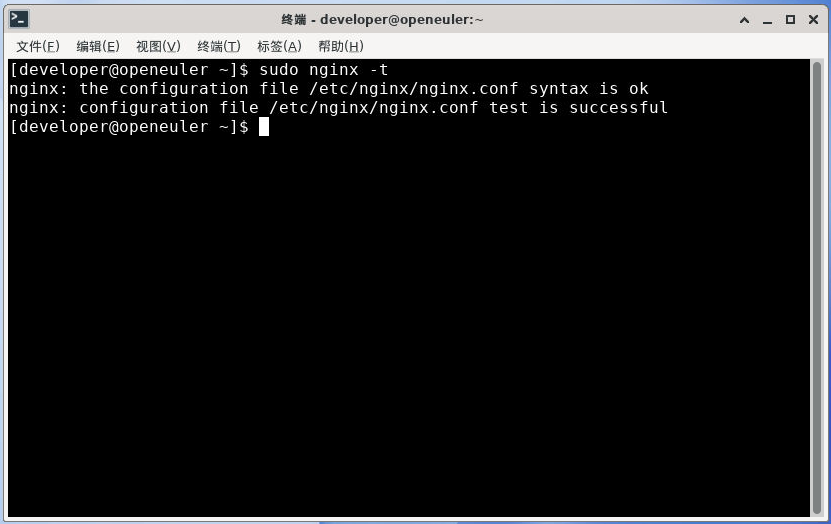
配置文件修改完成后,可以使用如下命令检查配置文件可能出现的语法错误。
bash
sudo nginx -t如果回显信息中有"syntax is ok",说明配置文件语法正确。
bash
[developer@openeuler ~]$ sudo nginx -t
nginx: the configuration file /etc/nginx/nginx.conf syntax is ok
nginx: configuration file /etc/nginx/nginx.conf test is successful- 如果不使用 sudo ,会由于权限问题出现测试失败:

bash
[developer@openeuler ~]$ nginx -t
nginx: [alert] could not open error log file: open() "/var/log/nginx/error.log" failed (13: Permission denied)
2026/05/31 22:34:03 [warn] 5279#0: the "user" directive makes sense only if the master process runs with super-user privileges, ignored in /etc/nginx/nginx.conf:5
nginx: the configuration file /etc/nginx/nginx.conf syntax is ok
2026/05/31 22:34:03 [emerg] 5279#0: open() "/run/nginx.pid" failed (13: Permission denied)
nginx: configuration file /etc/nginx/nginx.conf test failed
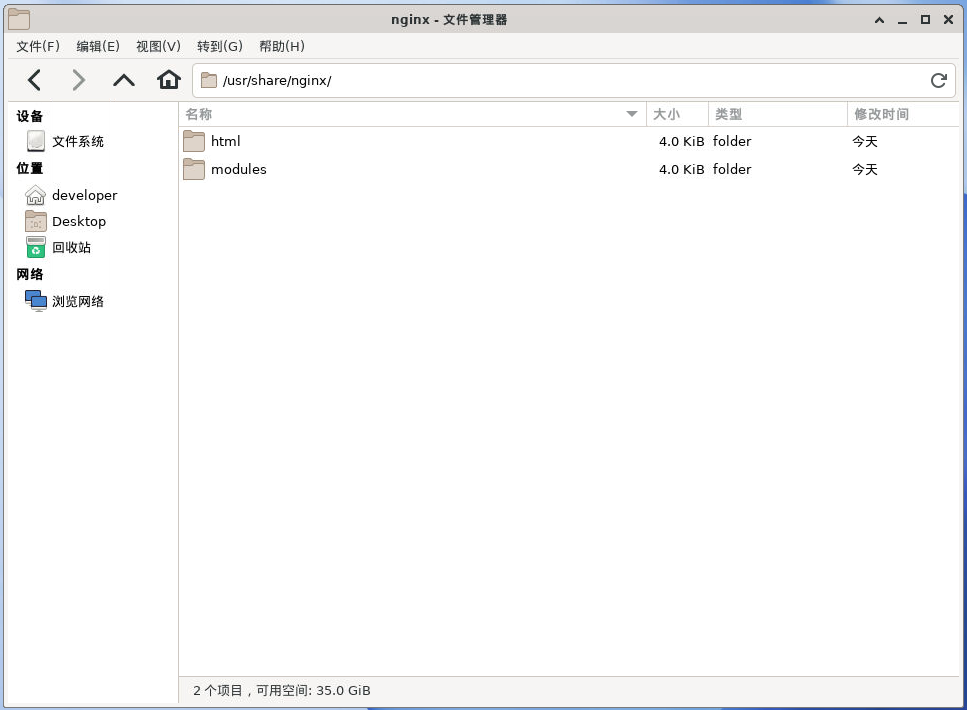
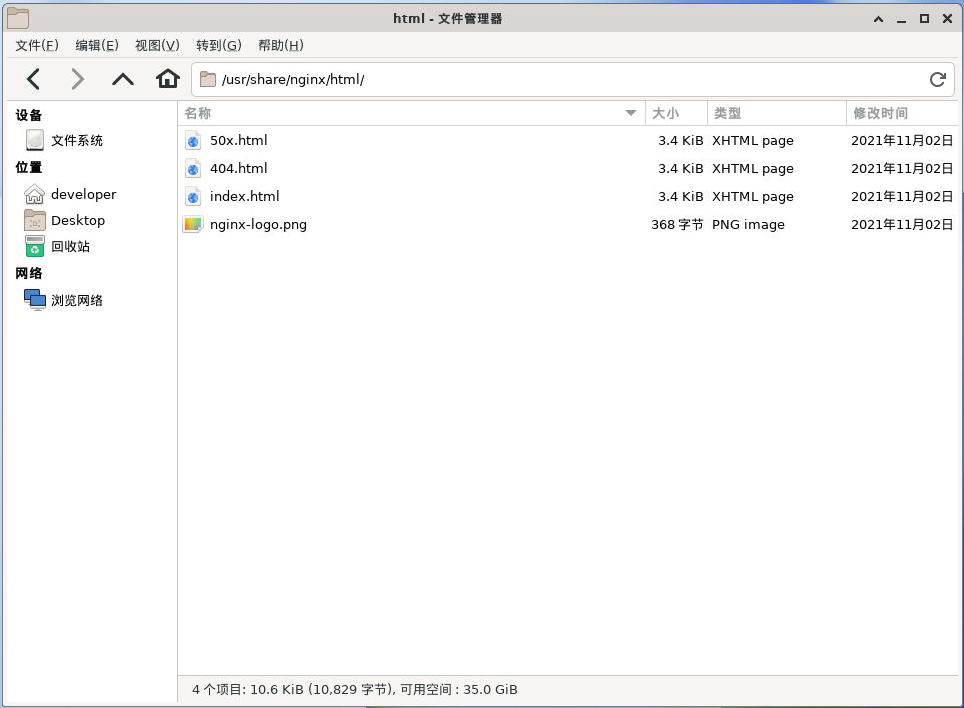
4. 网页根目录
- 网页根目录:
/usr/share/nginx/html
5. 管理Nginx
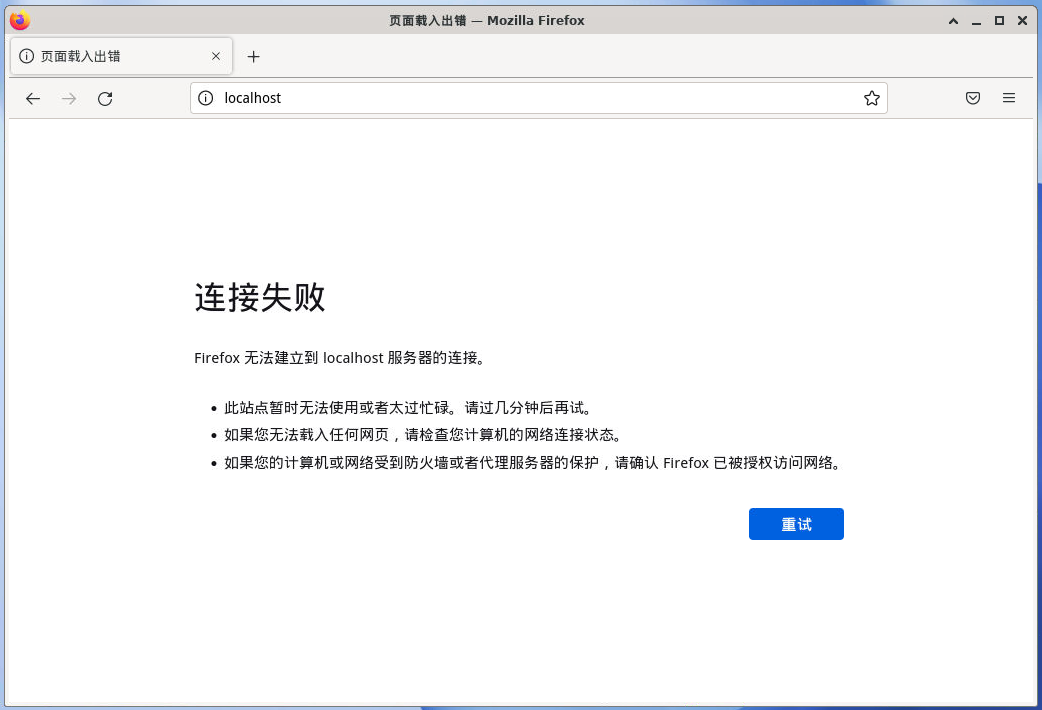
5.1. 停止服务
bash
sudo systemctl stop nginx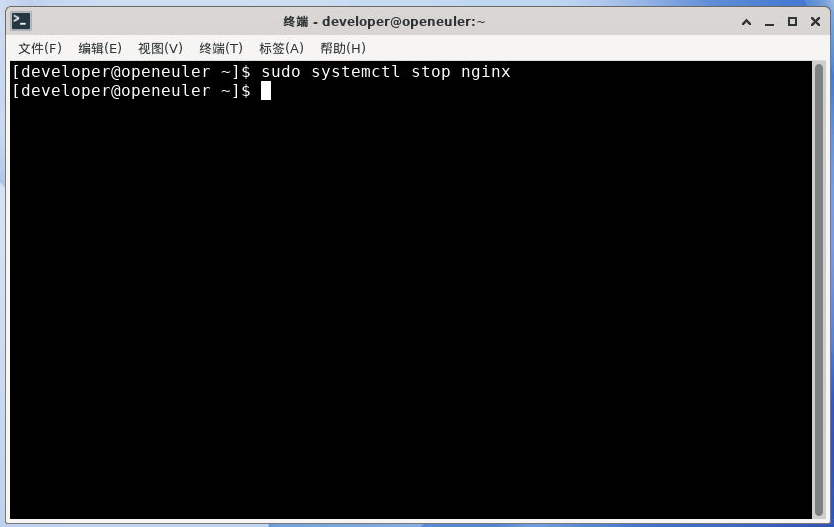
5.2. 重启服务
5.2.1. 完全重启服务
bash
sudo systemctl restart nginx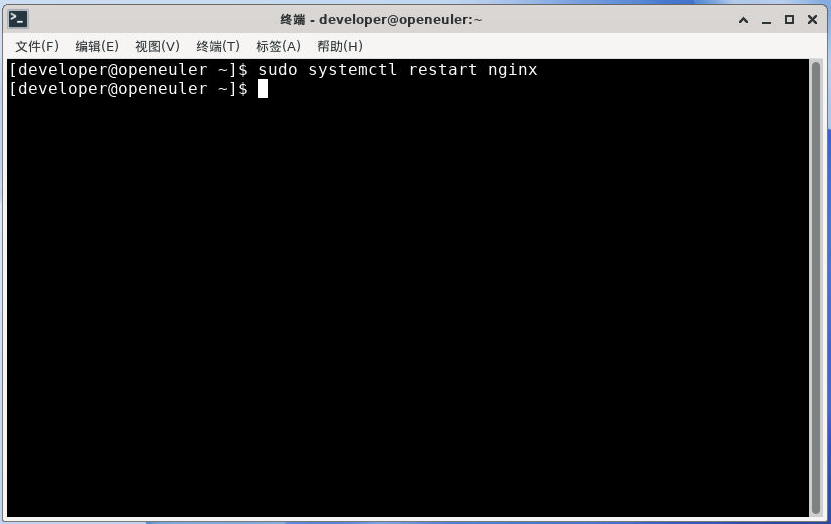
5.2.2. 重新加载配置(日常改配置首选)
bash
sudo systemctl reload nginx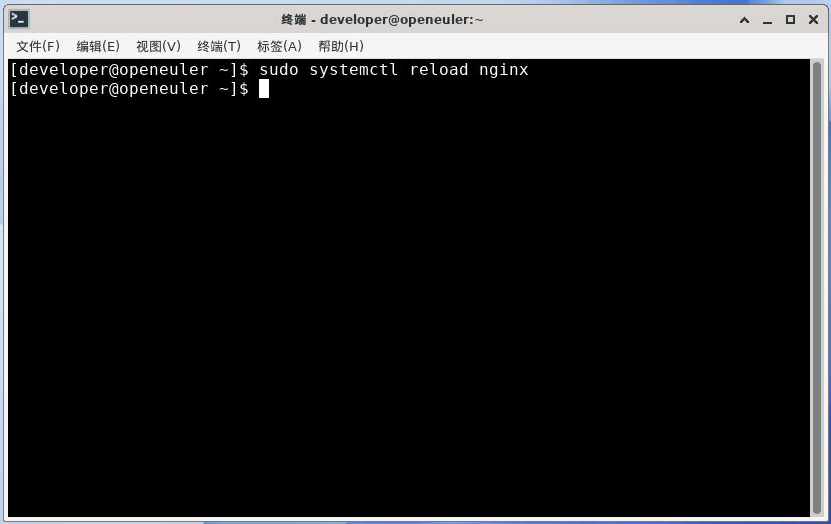
5.3. 开机自启
5.3.1. 开启Nginx开机自启
bash
sudo systemctl enable nginx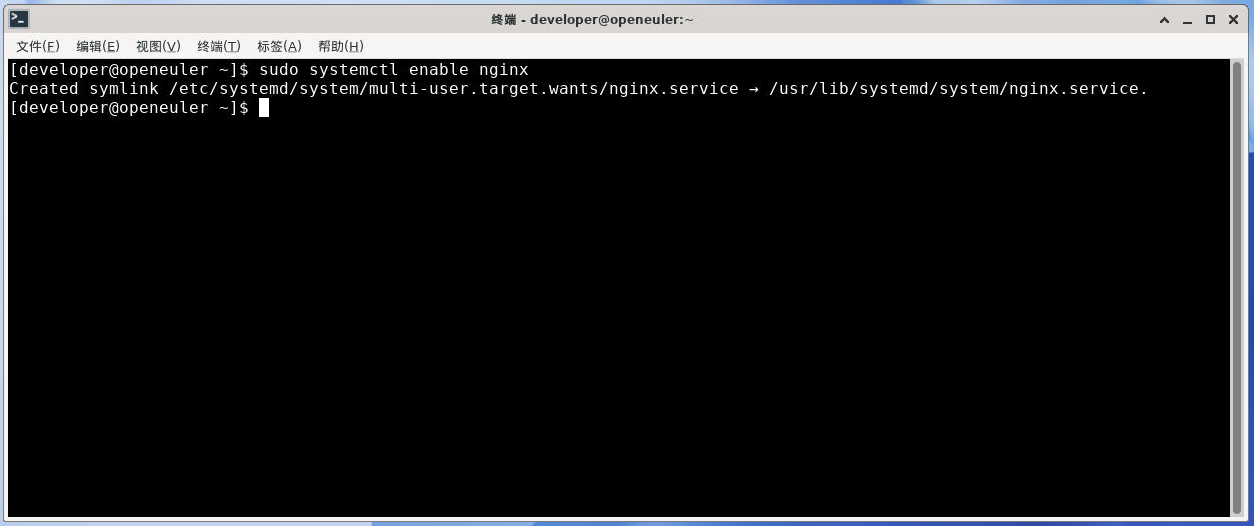
bash
[developer@openeuler ~]$ sudo systemctl enable nginx
Created symlink /etc/systemd/system/multi-user.target.wants/nginx.service → /usr/lib/systemd/system/nginx.service.
5.3.2. 关闭Nginx开机自启
bash
sudo systemctl disable nginx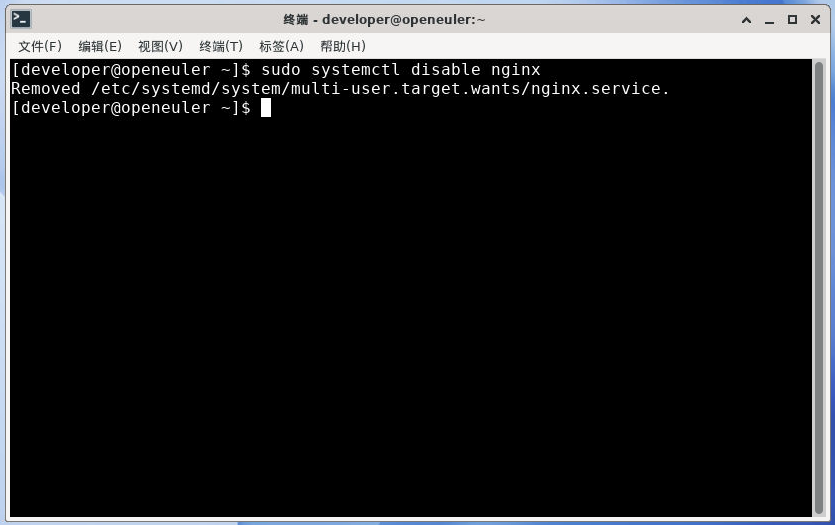
bash
[developer@openeuler ~]$ sudo systemctl disable nginx
Removed /etc/systemd/system/multi-user.target.wants/nginx.service.