批量安装五个服务:yum install -y curl policycoreutils openssh-server postfix
将 postfix 设置为开机自动启动: systemctl start postfix && systemctl enable postfix
编写yum源文件:vim /etc/yum.repos.d/gitlab-ce.repo
gitlab
name=gitlab
baseurl=https://mirrors.tuna.tsinghua.edu.cn/gitlab-ce/yum/el9/
gpgcheck=0
enabled=1
释放磁盘空间:yum clean all
重建 YUM 缓存:yum makecache
安装gitlab:yum install -y gitlab-ce
cd /usr/lib64
软链接:ln -s libcrypt.so.1 libcrypt.so.2
更改gitlab服务器中配置文件:vim /etc/gitlab/gitlab.rb(更改为本机IP)
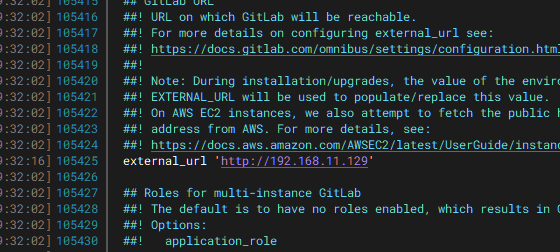
加载配置并初始化:gitlab-ctl reconfigure
查看 GitLab 所有组件运行状态:gitlab-ctl status
ss -tulnp | grep 8080 端口不能有冲突
实时滚动显示所有 GitLab 组件日志:gitlab-ctl tail
cat /etc/gitlab/initial_root_password 用户名root 查看登录密码
登录Jenkins网页,下载插件Generic Webhook Trigger
重启Jenkins服务,在任务配置中找到
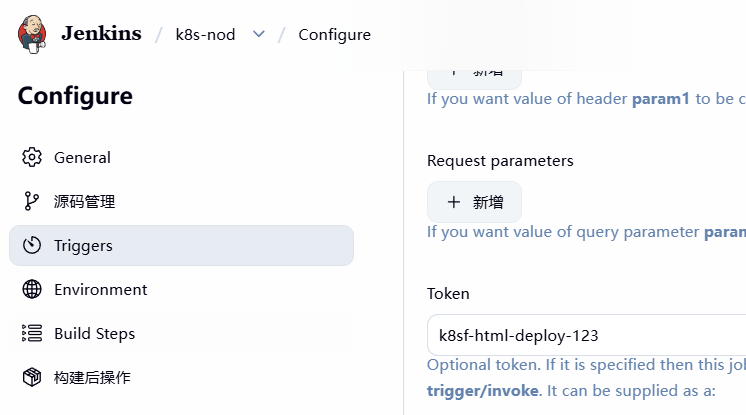
启动服务,在回来复制
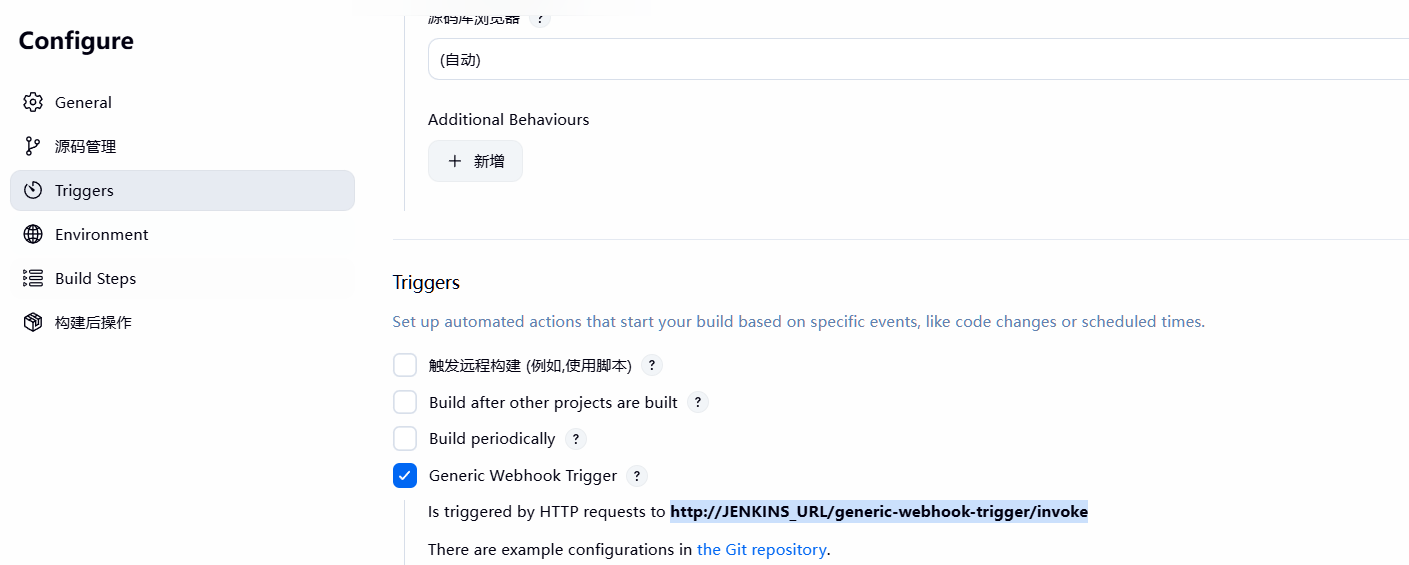
在jenkins服务器中操作
su - -s /bin/bash jenkins
ssh-copy-id git@192.168.11.128
ssh-copy-id root@192.168.11.129
ssh-copy-id root@192.168.11.130
登录gitlab网页
更改网络配置genggai
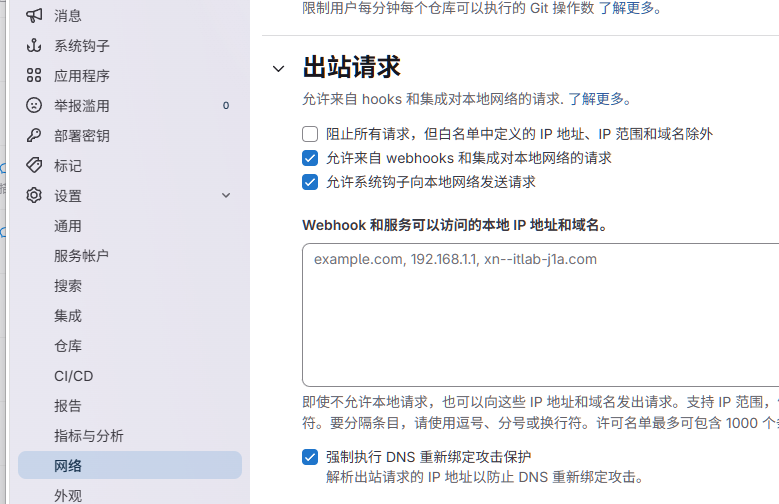
创建项目
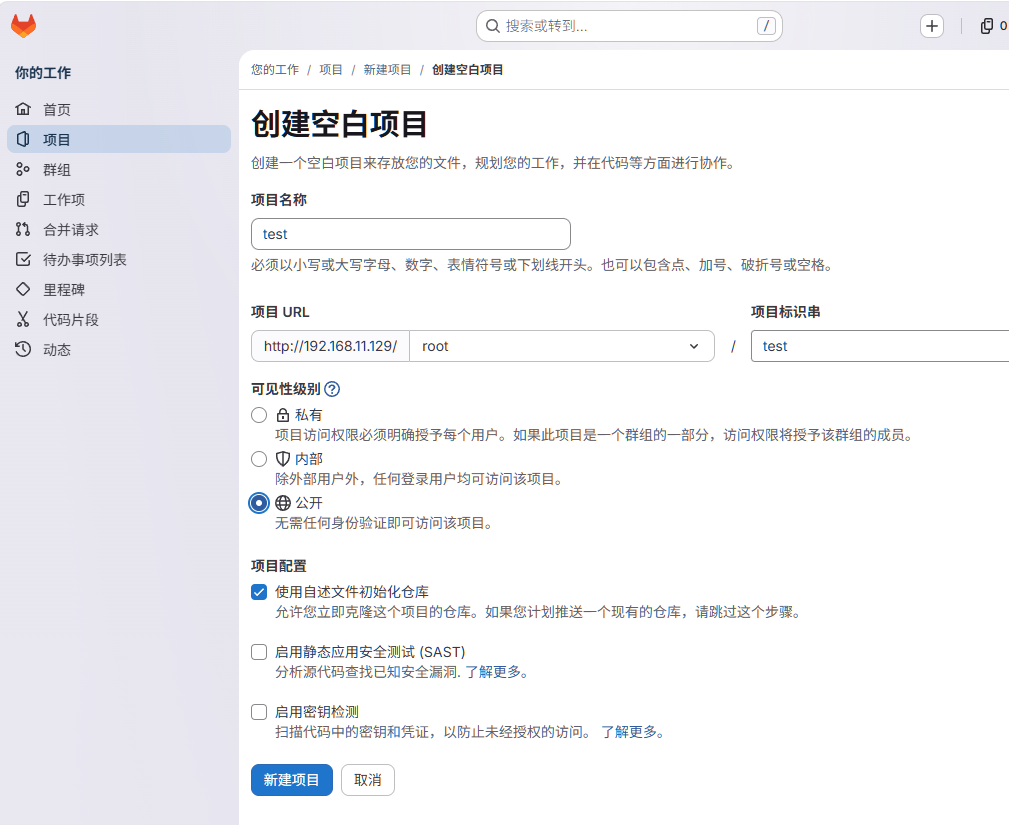
更改网络配置

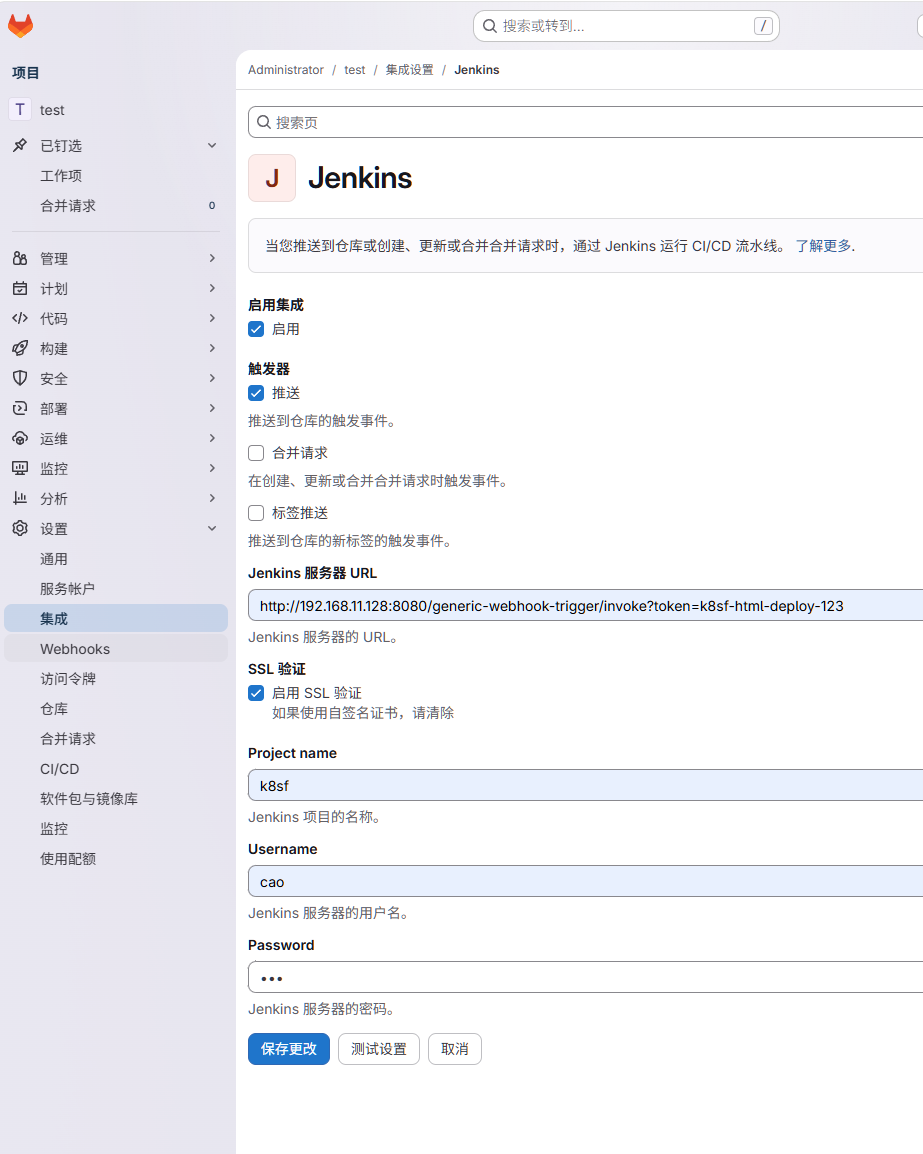
创建Jenkins
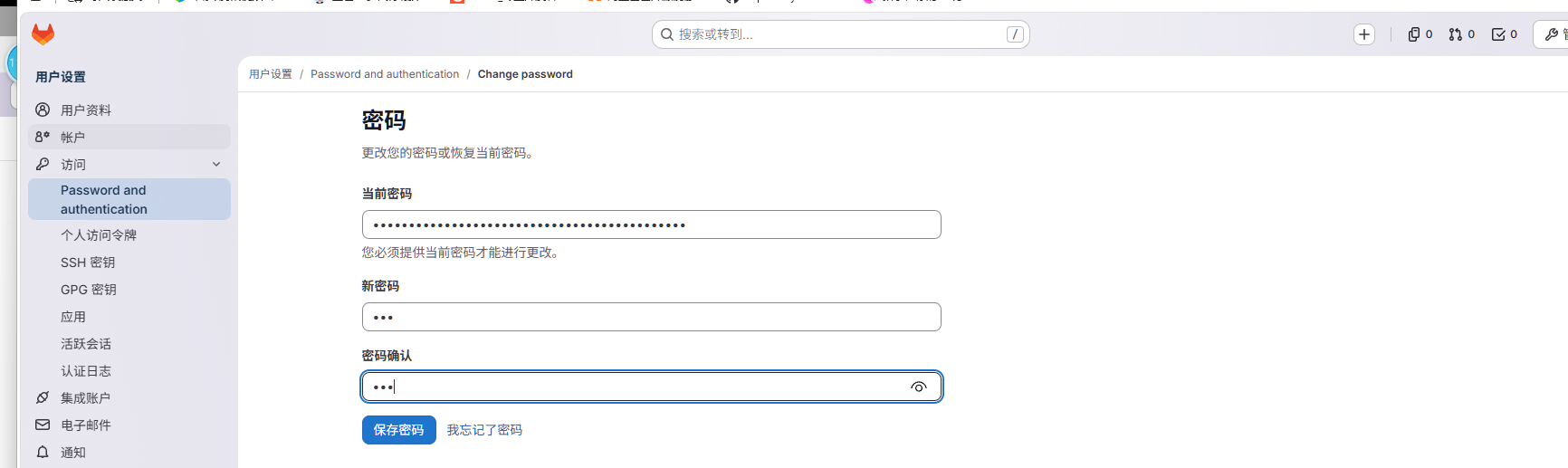
修改密码
打开新nginx服务器,删除/usr/share/nginx/html/的文件
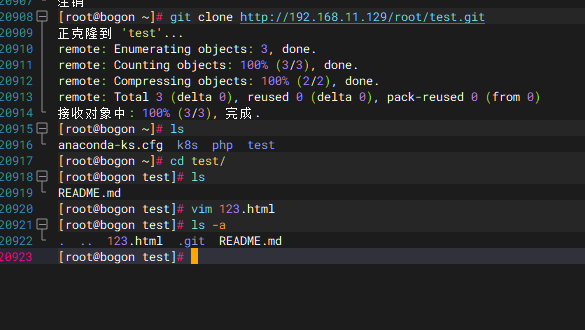
在Jenkins服务器操作:git clone http://192.168.11.129/root/test.git,并创建web页面文件
git add .
git commit -m "main"
git push origin main
用户名root 密码cat /etc/gitlab/initial_root_password查找
在jenkins网页操作
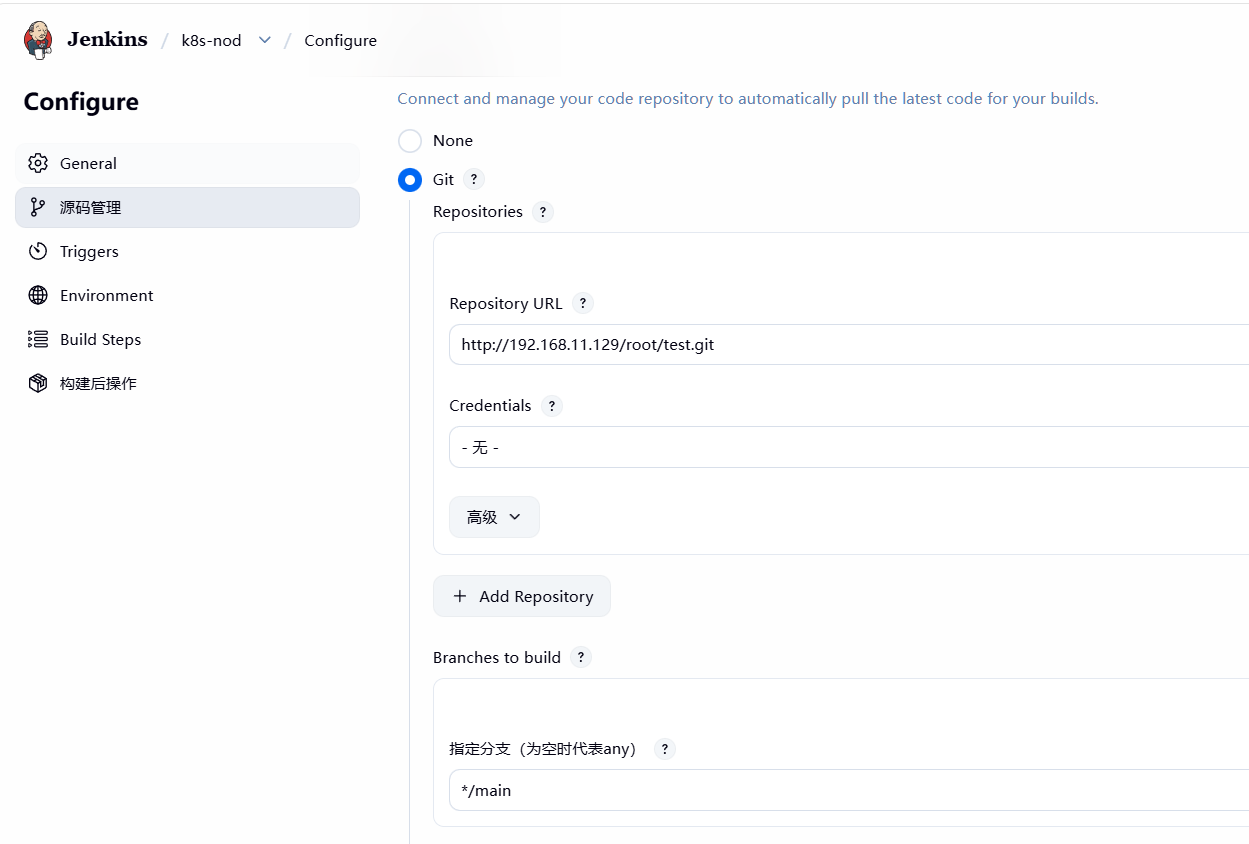
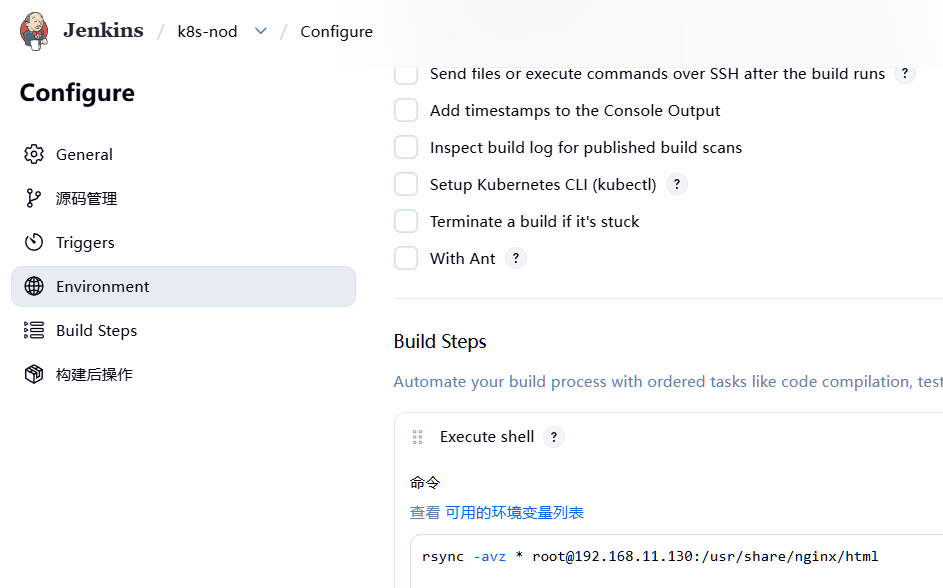
下一个模板
在gitlab网页创建新的项目
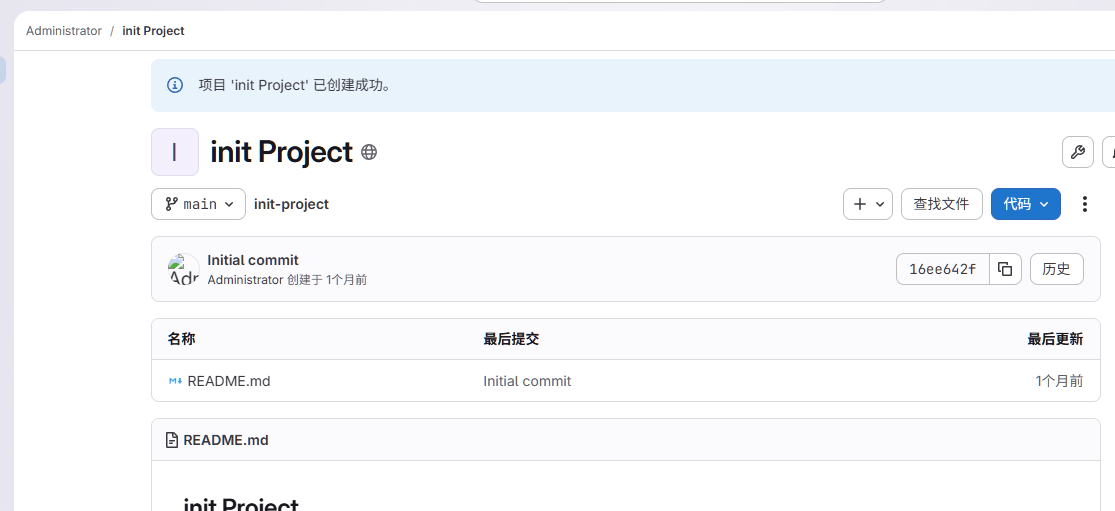
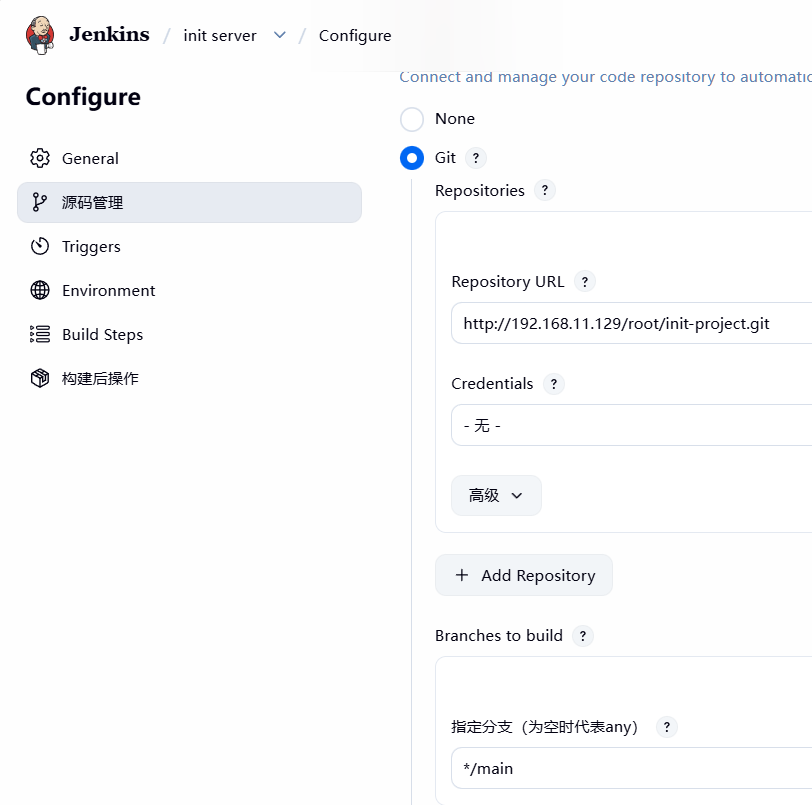
在jenkins创建新任务
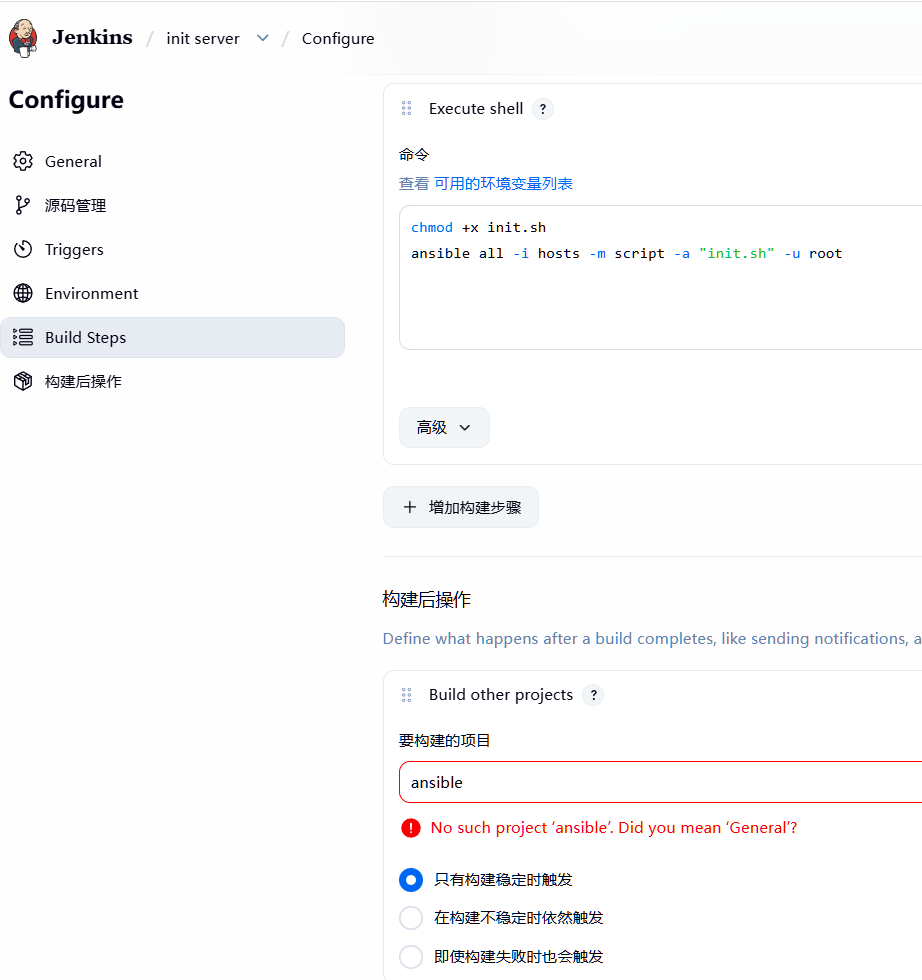
chmod +x init.sh
ansible all -i hosts -m script -a "init.sh" -u root
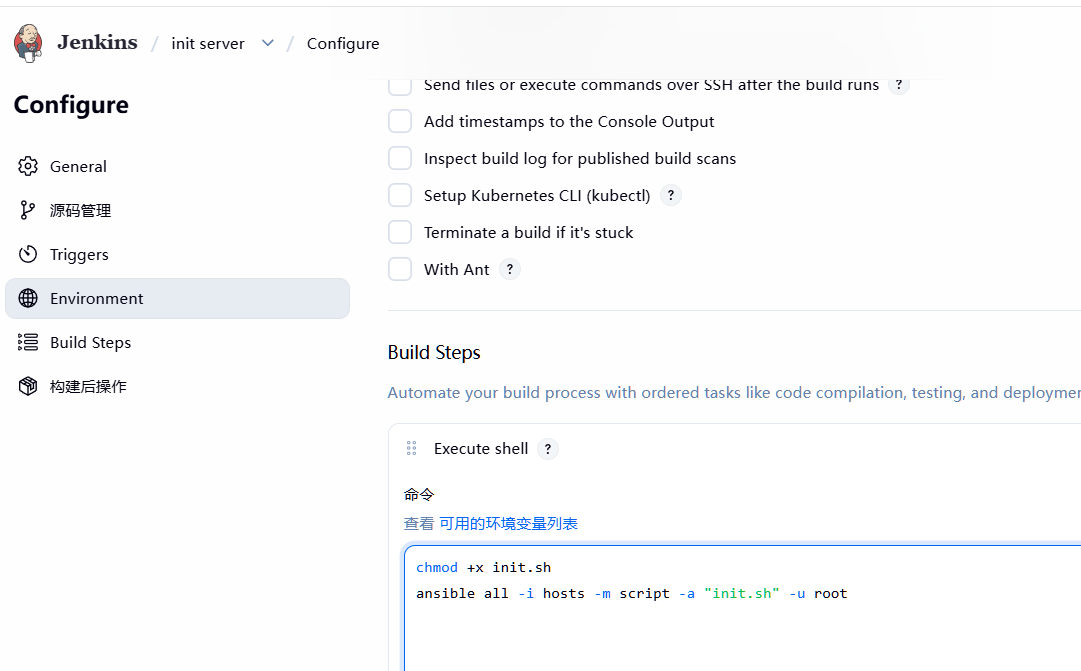
在Jenkins服务器下载ansible :yum install -y ansible
git clone http://192.168.11.129/root/init-project.git
cd init-project/
vim init.sh
#!/bin/bash
hostnamectl set-hostname web1
vim hosts
web1
192.168.11.130
git add .
git commit -m "main"
git push origin maincd
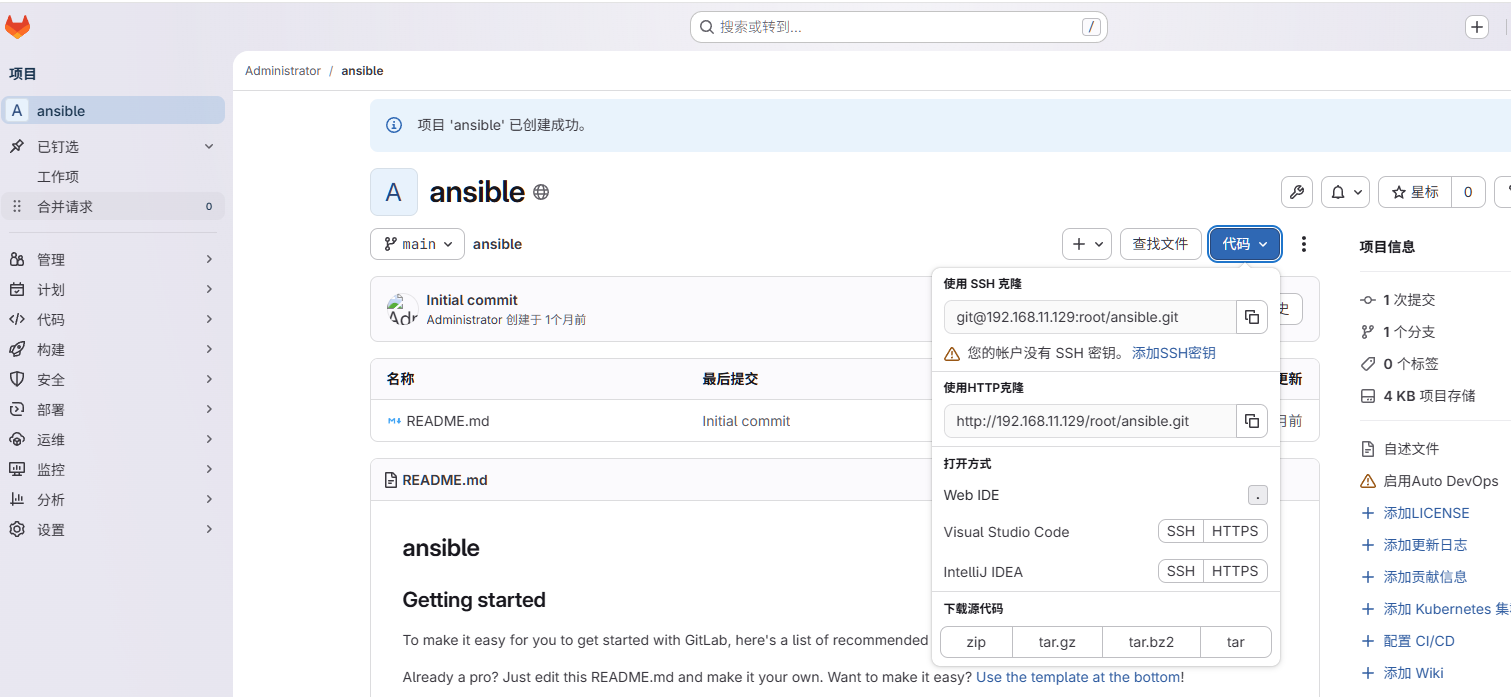
在gitlab网页创建一个新的项目
在Jenkins创建新任务 并下载ansible插件
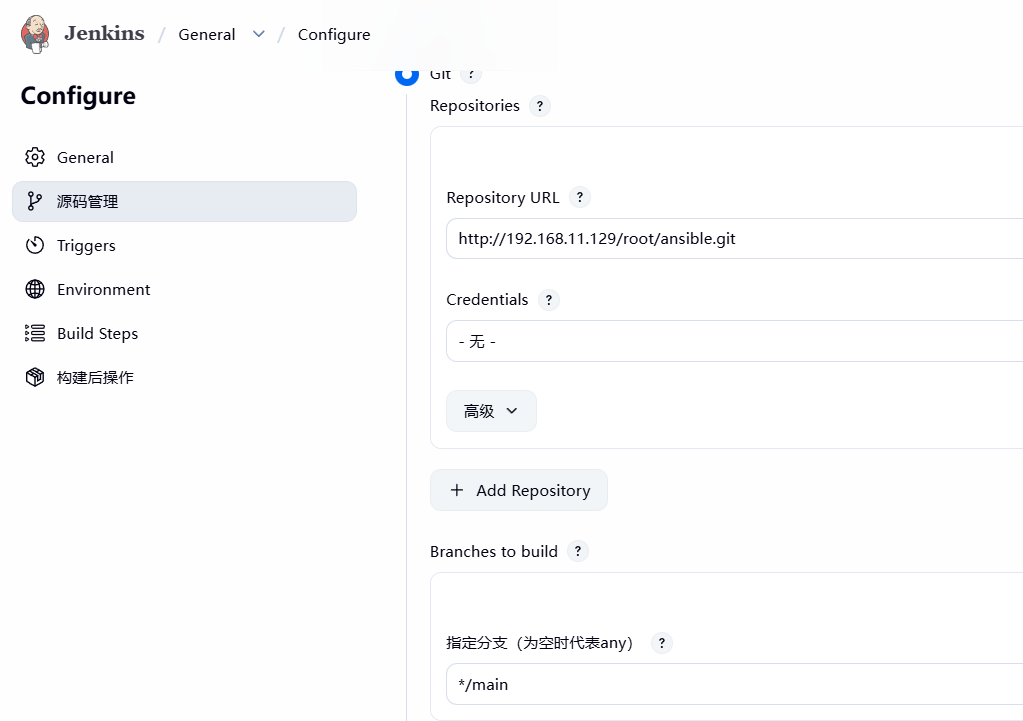
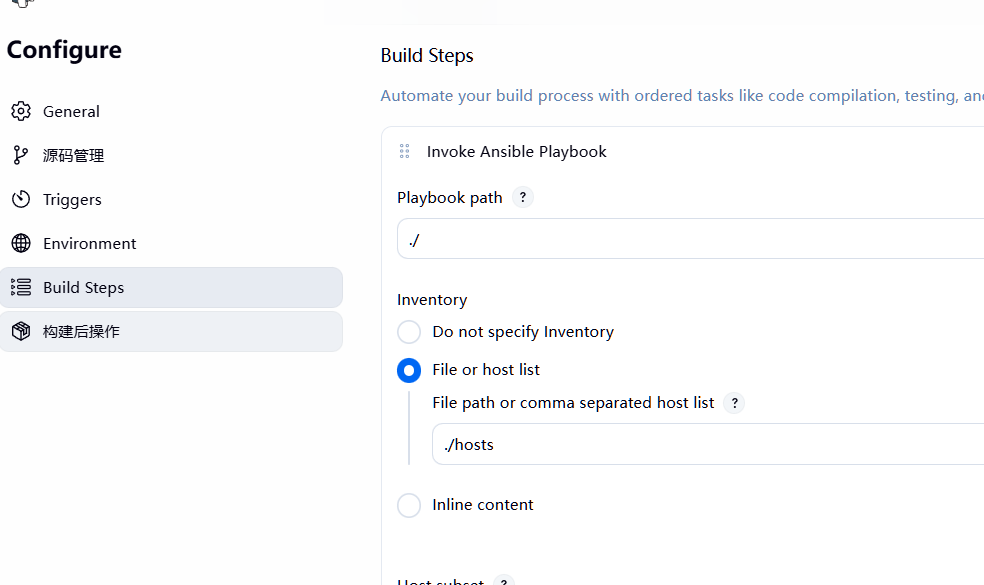
在Jenkins服务器执行git clone http://192.168.11.129/root/ansible.git
在目录中编写运维脚本,可以每日在Jenkins运行,可以设置在别的任务下,任务完成后执行ansible任务