一,项目中安装Sqlalchemy
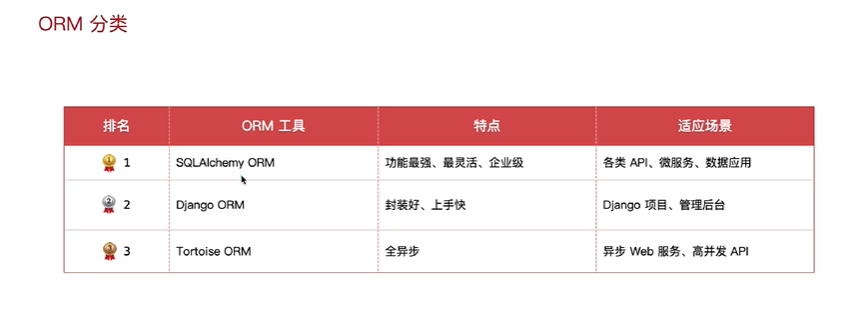
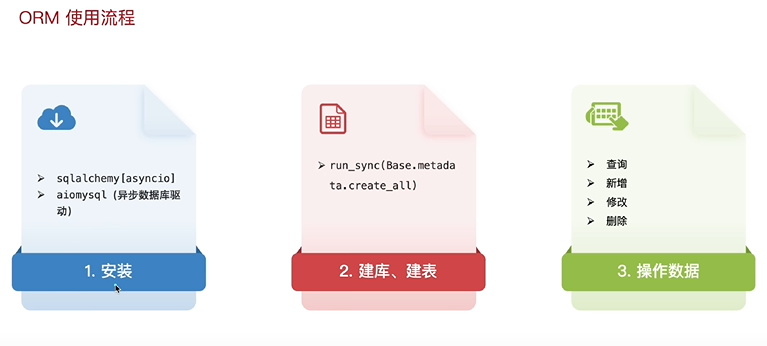
在项目中执行,就会自动安装
python
pip install sqlalchemy[asyncio] aiomysql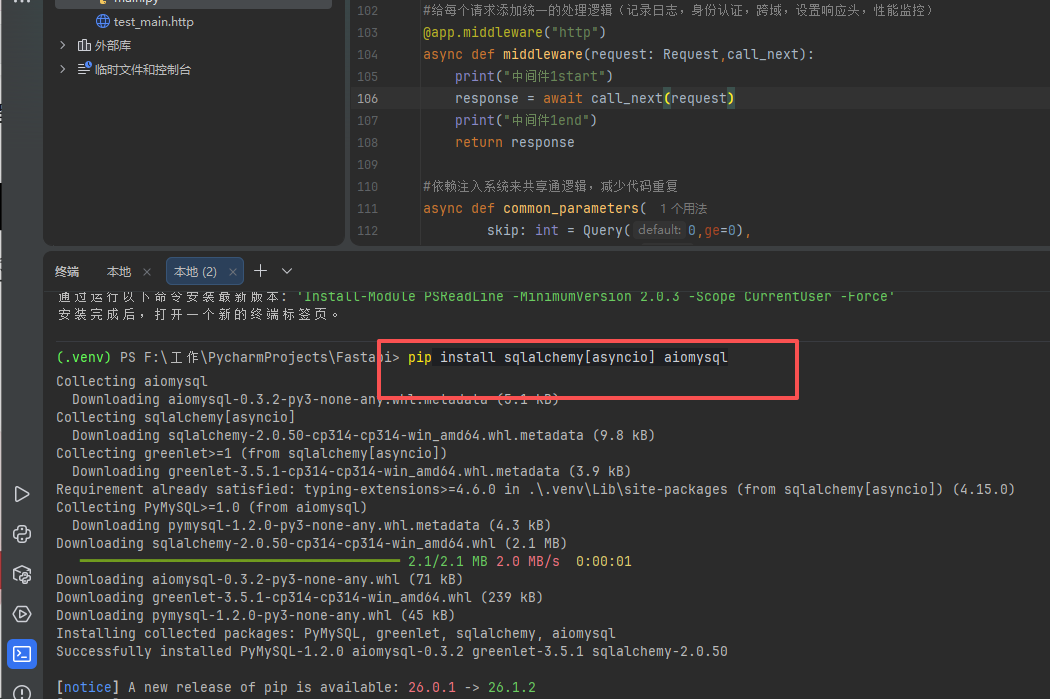
二,建表
流程
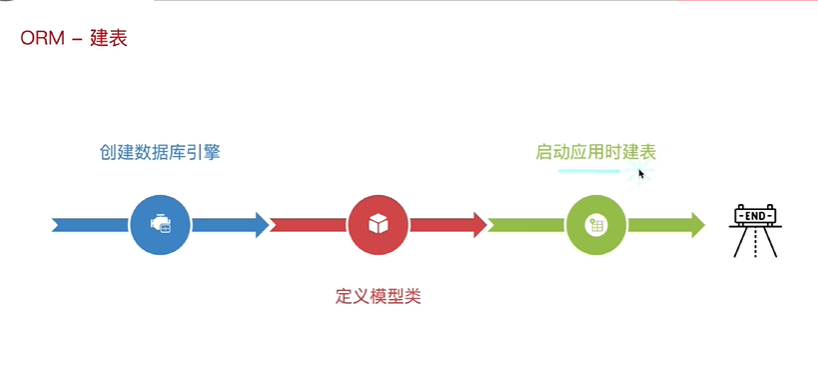
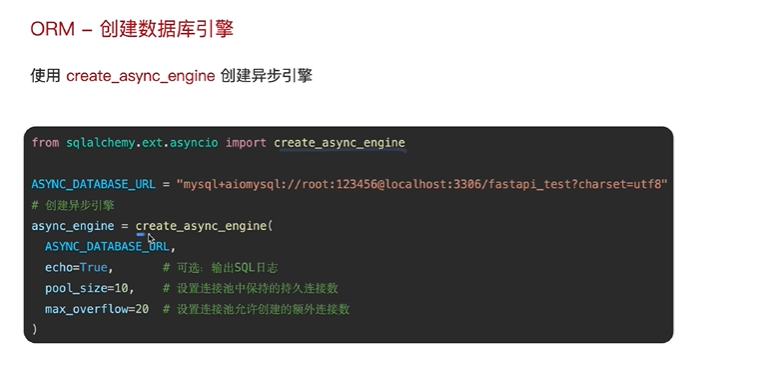
(1)创建数据库引擎
python
# 1.创建异步引擎
#ASYNC_DATAASE_URL为数据库的地址
ASYNC_DATAASE_URL = "mysql+aiomysql://root:630229@localhost:3306/fast_api_db?charset=utf8"
async_engine = create_async_engine(
    ASYNC_DATAASE_URL,
    echo=True, # 可选删除SQL日志
    pool_size=10, #设置连接池活跃的连接数
    max_overflow=20, # 允许额外的连接数

)
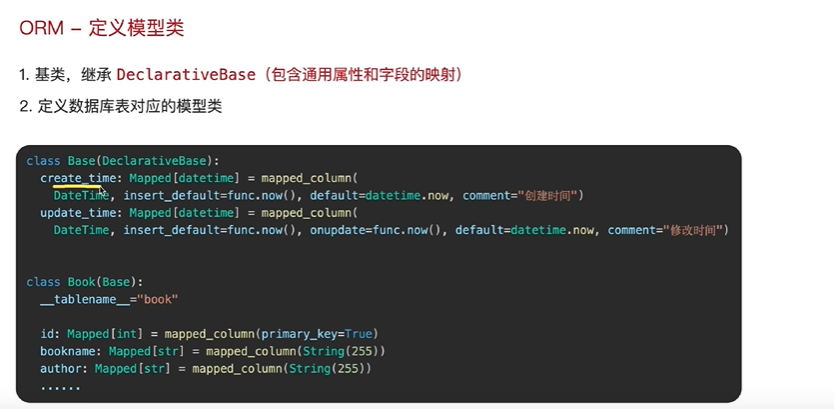
(2)定义模型类
python
# 2.定义模型类: 基类+表对应的模型类
# 基类:创建时间、更新时间;书籍表:id、书名、作者、价格、出版社
class Base(DeclarativeBase):

    create_time: Mapped[datetime] = mapped_column(
        DateTime,
        insert_default=func.now(),
        default=datetime.now,
        comment="创建时间"
    )
    update_time: Mapped[datetime] = mapped_column(
        DateTime,
        insert_default=func.now(),
        onupdate=func.now(),
        default=datetime.now,
        comment="修改时间"
    )


class Book(Base):
    __tablename__ = "book"
    id: Mapped[int] = mapped_column(primary_key=True, comment="书籍id")
    bookname: Mapped[str] = mapped_column(String(255), comment="书名")
    author: Mapped[str] = mapped_column(String(255), comment="作者")
    price: Mapped[float] = mapped_column(comment="价格")
    publisher: Mapped[str] = mapped_column(String(255), comment="出版社")
(3)启动应用建表
启动命令
python
uvicorn main:app --reload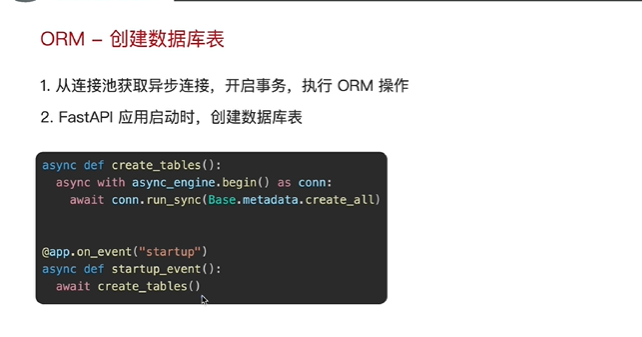
python
# 3.启动应用时建表,FASTAPI启动时调用建表的函数
async def create_tables():
    #创建异步引擎,创建事务建表
    async with async_engine.begin() as conn:
        await conn.run_sync(Base.metadata.create_all) #模型类的元数据


@app.on_event("startup")
async def startup_event():
    await create_tables()


@app.get("/")
async def root():
    return {"message": "Hello World"}
查看建表
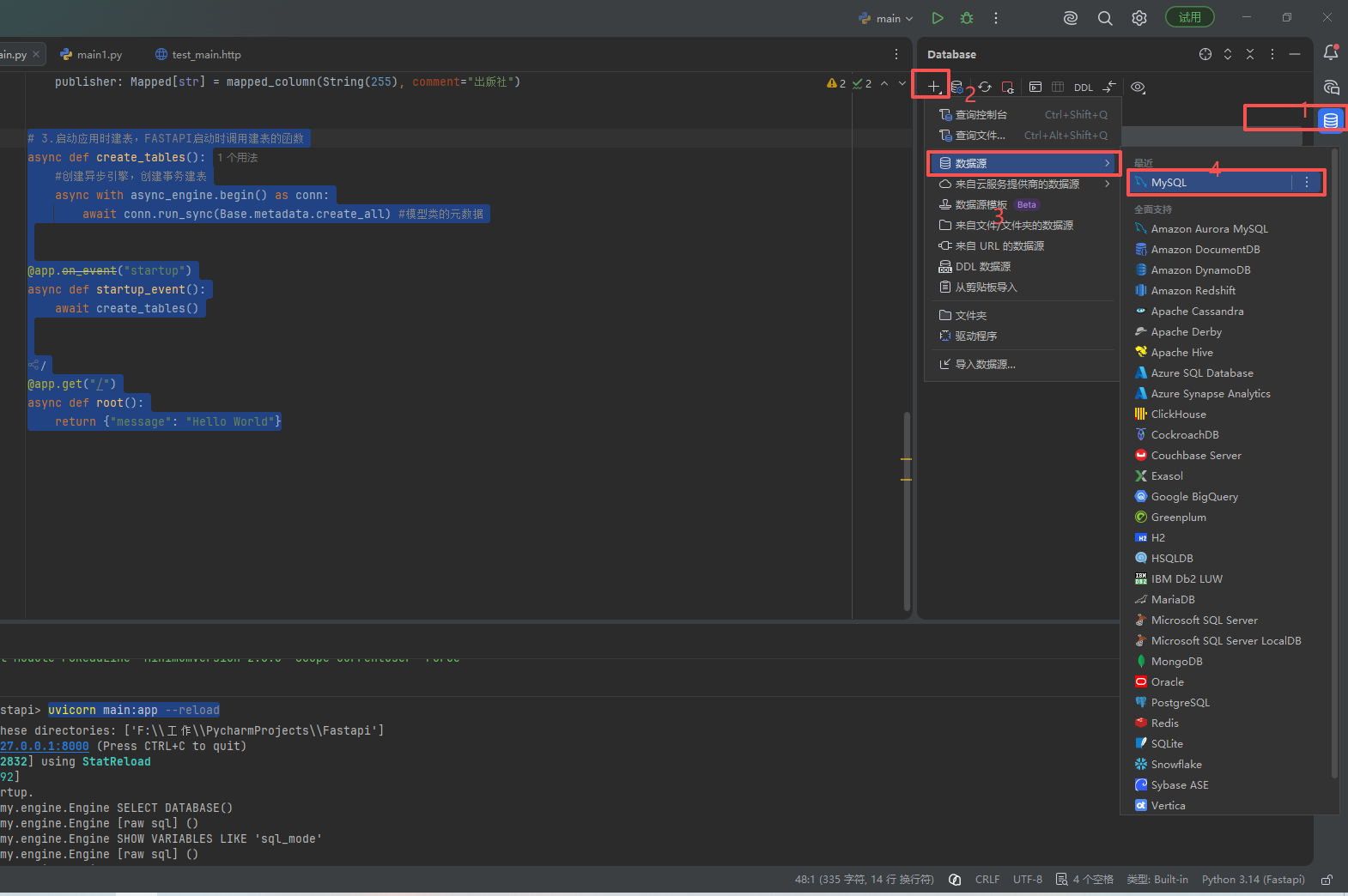
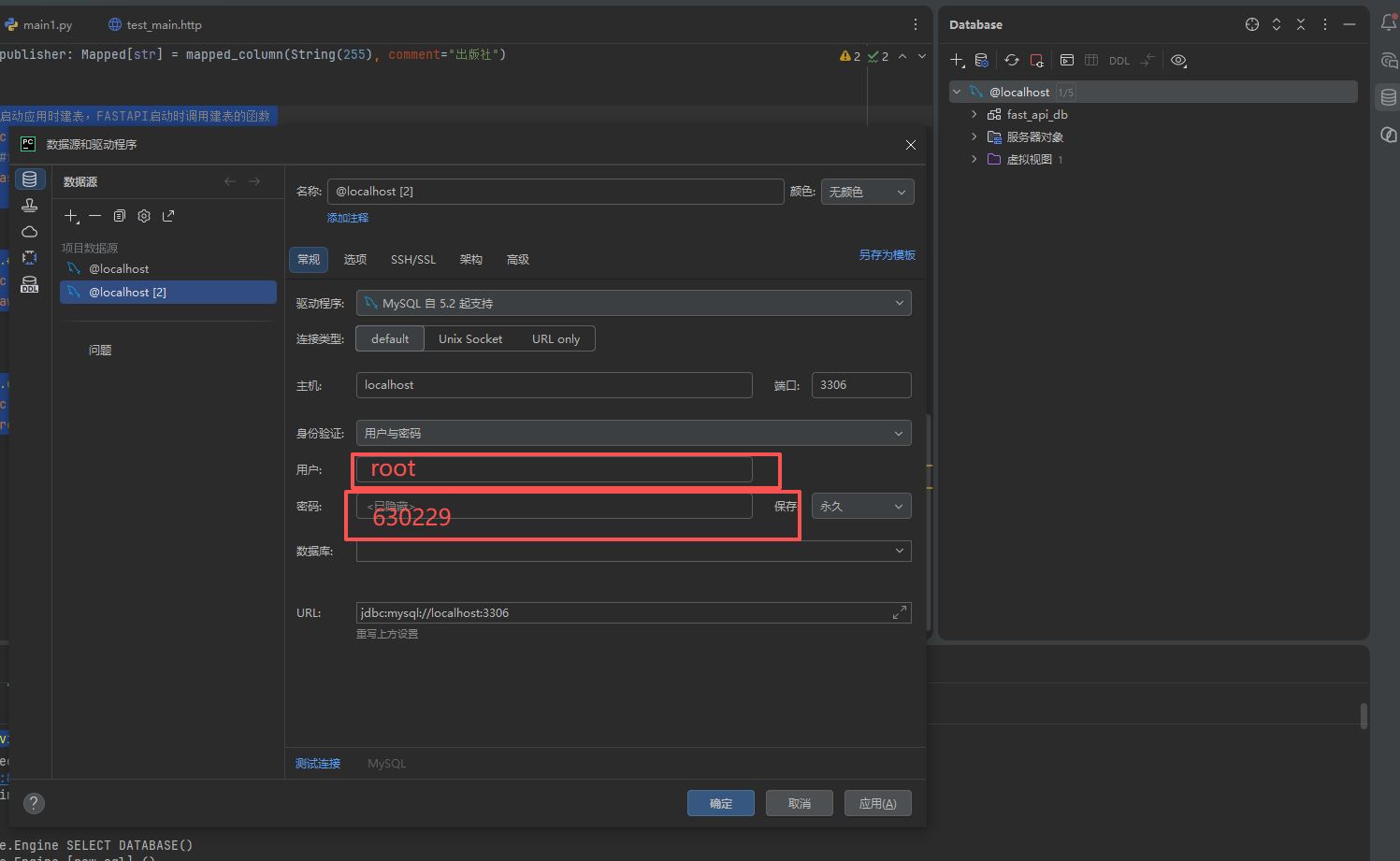
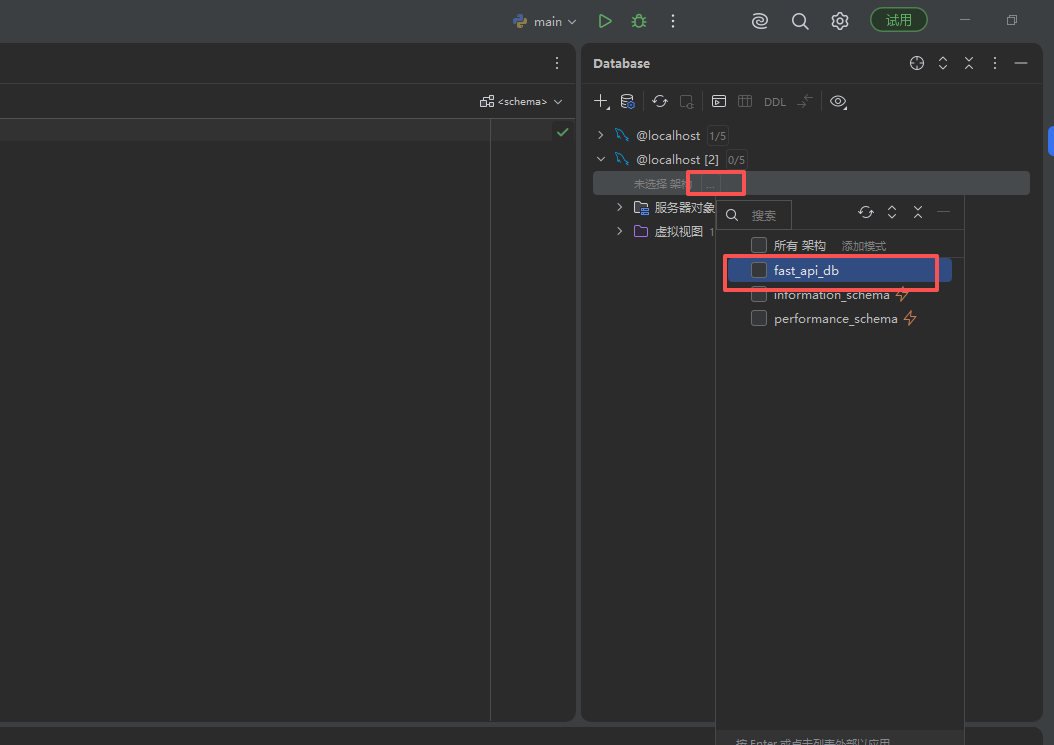
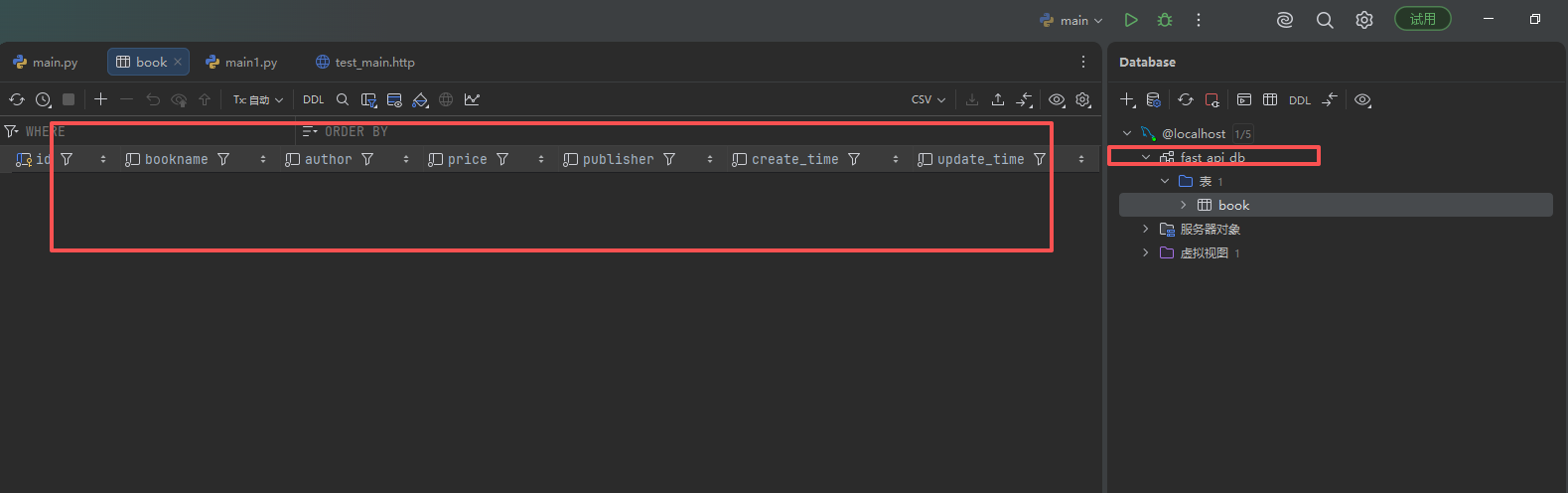
表以建成功
或者在Navicat 中查看
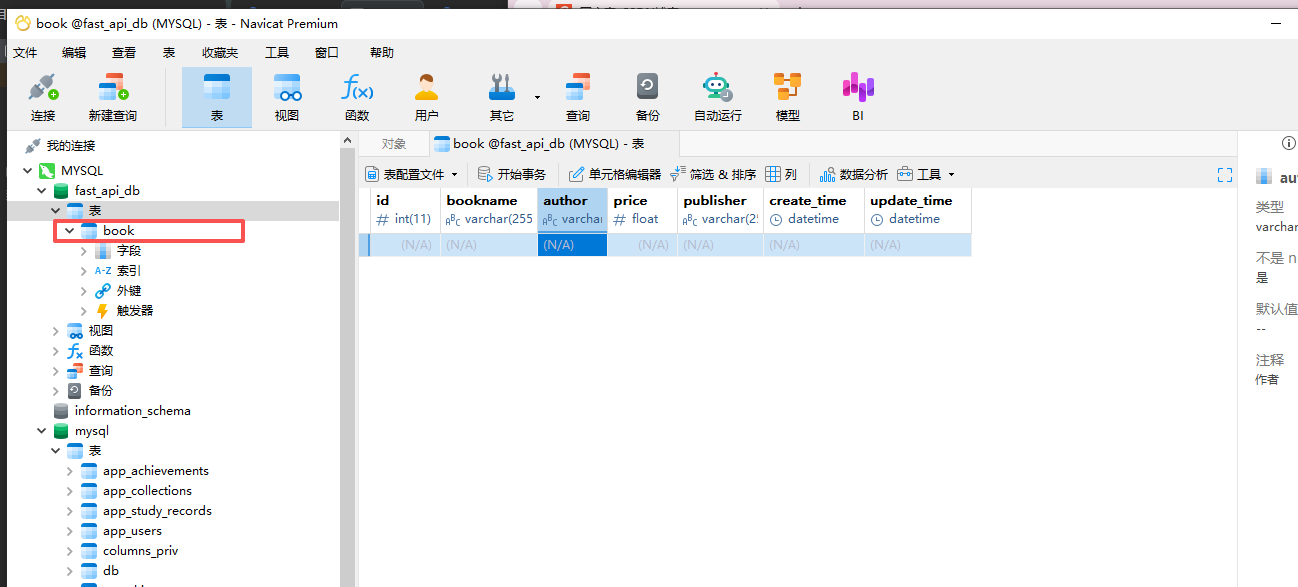
完整代码
python
from fastapi import FastAPI
from datetime import datetime
from sqlalchemy import String, DateTime, func
from sqlalchemy.ext.asyncio import create_async_engine
from sqlalchemy.orm import DeclarativeBase, Mapped, mapped_column

app = FastAPI()

# 1.创建异步引擎
#ASYNC_DATAASE_URL为数据库的地址
ASYNC_DATAASE_URL = "mysql+aiomysql://root:630229@localhost:3306/fast_api_db?charset=utf8"
async_engine = create_async_engine(
    ASYNC_DATAASE_URL,
    echo=True, # 可选删除SQL日志
    pool_size=10, #设置连接池活跃的连接数
    max_overflow=20, # 允许额外的连接数

)

# 2.定义模型类: 基类+表对应的模型类
# 基类:创建时间、更新时间;书籍表:id、书名、作者、价格、出版社
class Base(DeclarativeBase):

    create_time: Mapped[datetime] = mapped_column(
        DateTime,
        insert_default=func.now(),
        default=datetime.now,
        comment="创建时间"
    )
    update_time: Mapped[datetime] = mapped_column(
        DateTime,
        insert_default=func.now(),
        onupdate=func.now(),
        default=datetime.now,
        comment="修改时间"
    )


class Book(Base):
    __tablename__ = "book"
    id: Mapped[int] = mapped_column(primary_key=True, comment="书籍id")
    bookname: Mapped[str] = mapped_column(String(255), comment="书名")
    author: Mapped[str] = mapped_column(String(255), comment="作者")
    price: Mapped[float] = mapped_column(comment="价格")
    publisher: Mapped[str] = mapped_column(String(255), comment="出版社")


# 3.启动应用时建表,FASTAPI启动时调用建表的函数
async def create_tables():
    #创建异步引擎,创建事务建表
    async with async_engine.begin() as conn:
        await conn.run_sync(Base.metadata.create_all) #模型类的元数据


@app.on_event("startup")
async def startup_event():
    await create_tables()


@app.get("/")
async def root():
    return {"message": "Hello World"}