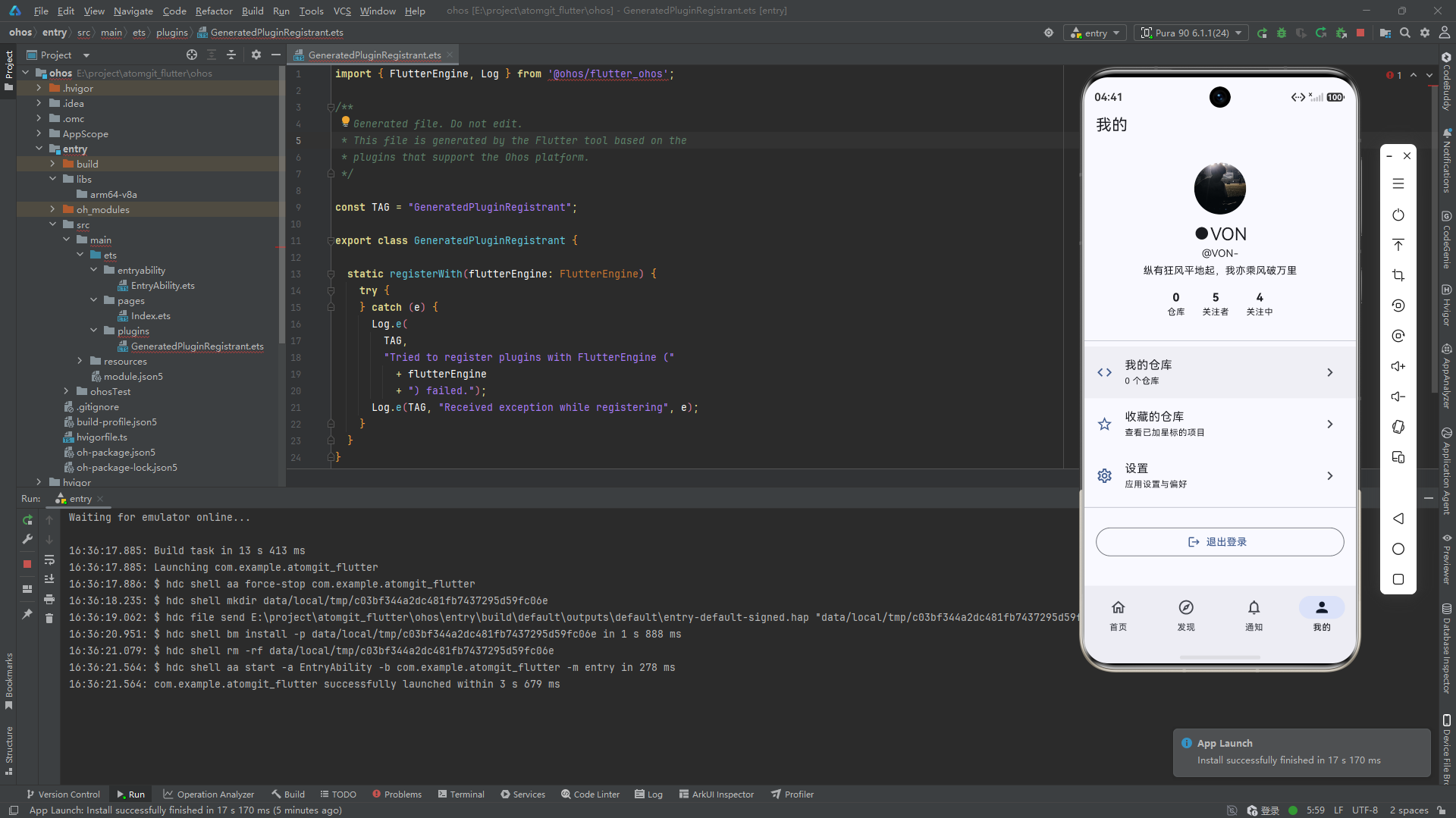
双模式设计
用户资料页面支持两种模式:查看自己(username 为空)和查看他人(username 非空),由 UserProvider 自动切换 API。
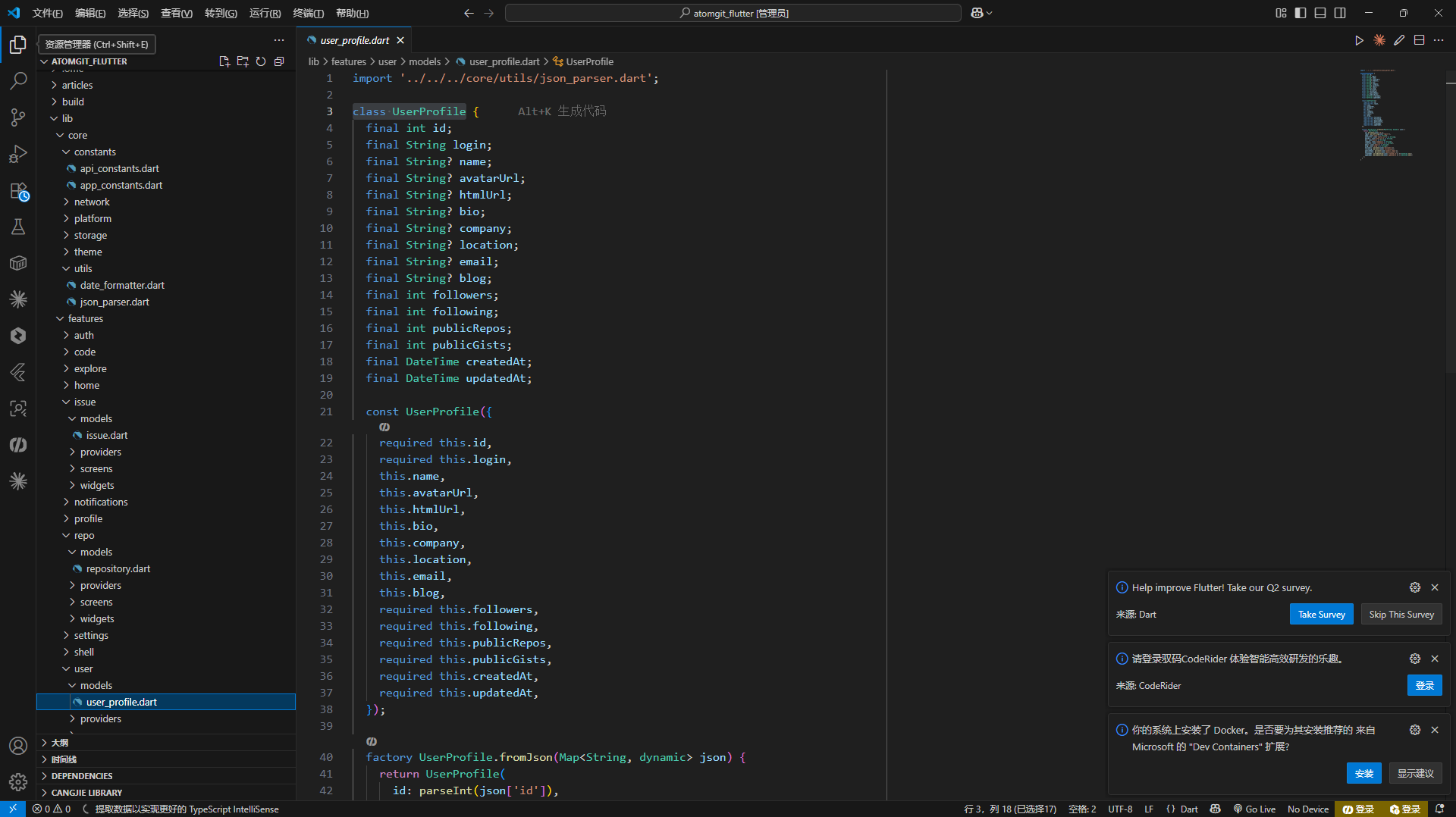
UserProfile 模型
dart
class UserProfile {
  final int id;
  final String login;
  final String? name;
  final String? avatarUrl;
  final String? htmlUrl;
  final String? bio;
  final String? company;
  final String? location;
  final String? email;
  final String? blog;
  final int followers;
  final int following;
  final int publicRepos;
  final int publicGists;
  final DateTime createdAt;
  final DateTime updatedAt;

  factory UserProfile.fromJson(Map<String, dynamic> json) {
    return UserProfile(
      id: parseInt(json['id']),
      login: parseString(json['login']),
      name: json['name'] as String?,
      avatarUrl: json['avatar_url'] as String?,
      bio: json['bio'] as String?,
      company: json['company'] as String?,
      location: json['location'] as String?,
      email: json['email'] as String?,
      blog: json['blog'] as String?,
      followers: parseInt(json['followers']),
      following: parseInt(json['following']),
      publicRepos: parseInt(json['public_repos']),
      publicGists: parseInt(json['public_gists']),
      createdAt: parseDateTime(json['created_at']) ?? DateTime.now(),
      updatedAt: parseDateTime(json['updated_at']) ?? DateTime.now(),
    );
  }
}
字符串字段保留原始 as String? 形式,因为 null(未填写)和空字符串(显式清空)是不同的语义。整数字段全部使用 parseInt 兜底。
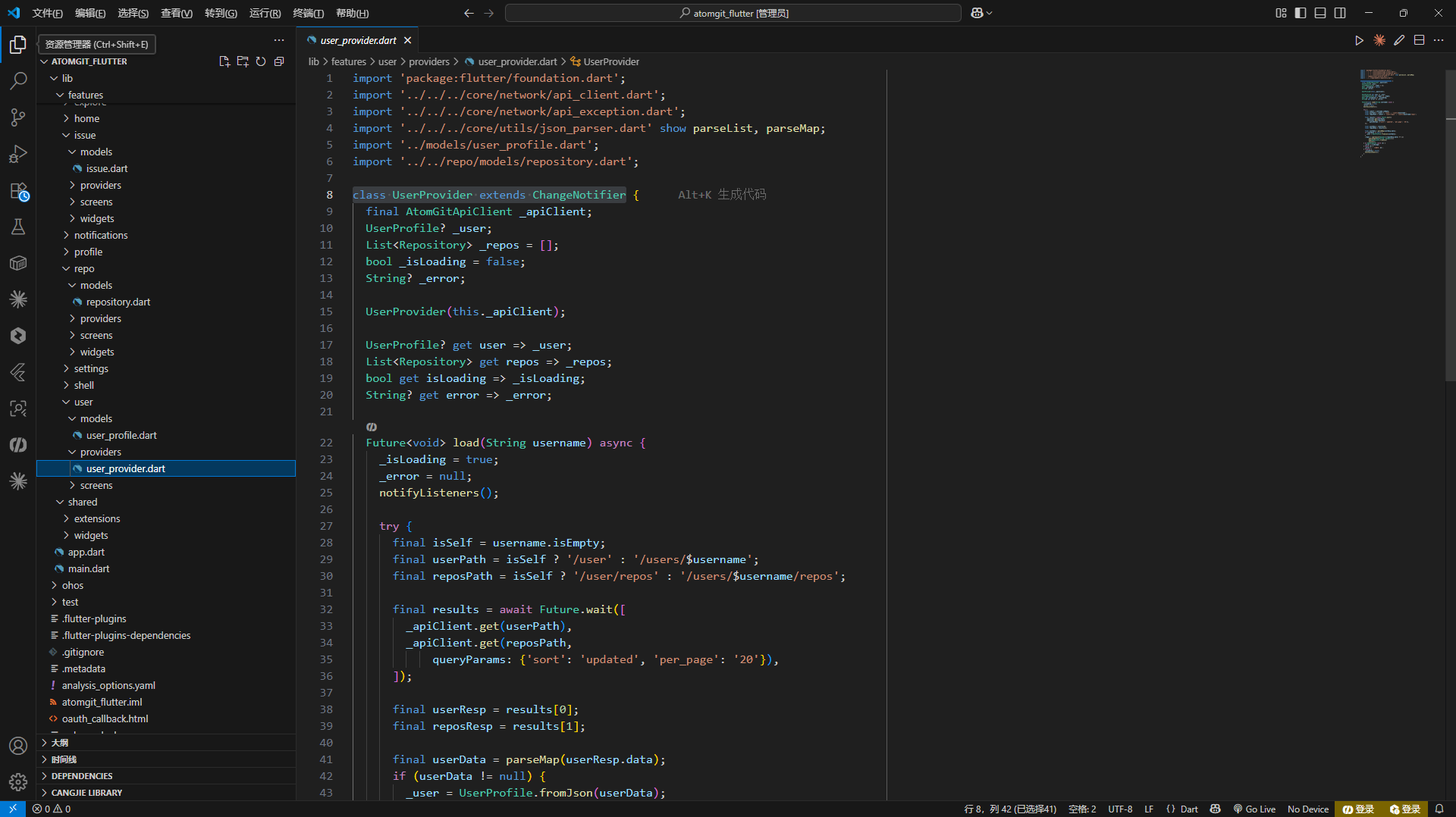
UserProvider
核心加载逻辑
dart
class UserProvider extends ChangeNotifier {
  final AtomGitApiClient _apiClient;
  UserProfile? _user;
  List<Repository> _repos = [];
  bool _isLoading = false;
  String? _error;

  Future<void> load(String username) async {
    _isLoading = true;
    _error = null;
    notifyListeners();

    try {
      final isSelf = username.isEmpty;

      final userApiPath =
          isSelf ? '/user' : '/users/${Uri.encodeComponent(username)}';
      final reposApiPath = isSelf
          ? '/user/repos'
          : '/users/${Uri.encodeComponent(username)}/repos';

      final results = await Future.wait([
        _apiClient.get(userApiPath),
        _apiClient.get(reposApiPath,
            queryParams: {'per_page': '20', 'sort': 'updated'}),
      ]);

      final userData = parseMap(results[0].data);
      if (userData != null) {
        _user = UserProfile.fromJson(userData);
      }

      _repos = (parseList<dynamic>(results[1].data) ?? [])
          .whereType<Map<String, dynamic>>()
          .map(Repository.fromJson)
          .toList();
    } on ApiException catch (e) {
      _error = e.message;
    } finally {
      _isLoading = false;
      notifyListeners();
    }
  }
}
通过 isSelf 标志切换到不同的 API 端点:查看自己用 /user,查看他人用 /users/{username}。用户数据和仓库列表通过 Future.wait 并行加载。
ProfileScreen
路由与初始化
dart
class ProfileScreen extends StatelessWidget {
  @override
  Widget build(BuildContext context) {
    final username =
        ModalRoute.of(context)!.settings.arguments as String? ?? '';

    return ChangeNotifierProvider(
      create: (_) =>
          UserProvider(context.read<AtomGitApiClient>())..load(username),
      child: _ProfileBody(username: username),
    );
  }
}
路由参数是一个简单的 String(用户名),空串表示查看自己。
头部卡片
dart
Widget _buildProfileHeader(UserProfile user) {
  return Card(
    margin: const EdgeInsets.all(16),
    child: Padding(
      padding: const EdgeInsets.all(20),
      child: Column(children: [
        UserAvatar(avatarUrl: user.avatarUrl, name: user.name, size: 80),
        const SizedBox(height: 12),
        Text(user.name ?? user.login,
            style: Theme.of(context).textTheme.headlineSmall),
        const SizedBox(height: 4),
        Text('@${user.login}',
            style: Theme.of(context).textTheme.bodyMedium?.copyWith(
                  color: Colors.grey,
                )),
        if (user.bio != null) ...[
          const SizedBox(height: 8),
          Text(user.bio!, textAlign: TextAlign.center),
        ],
        const SizedBox(height: 16),
        Row(
          mainAxisAlignment: MainAxisAlignment.spaceEvenly,
          children: [
            _StatCount(label: '仓库', count: user.publicRepos),
            _StatCount(label: '关注者', count: user.followers),
            _StatCount(label: '关注中', count: user.following),
          ],
        ),
      ]),
    ),
  );
}
统计数字使用单独的组件:
dart
class _StatCount extends StatelessWidget {
  final String label;
  final int count;

  Widget build(BuildContext context) {
    return Column(children: [
      Text('$count',
          style: Theme.of(context).textTheme.titleLarge?.copyWith(
                fontWeight: FontWeight.bold,
              )),
      Text(label, style: Theme.of(context).textTheme.bodySmall),
    ]);
  }
}
附加信息行
dart
Widget _buildInfoSection(UserProfile user) {
  return Padding(
    padding: const EdgeInsets.symmetric(horizontal: 16),
    child: Column(children: [
      if (user.company != null)
        _InfoRow(icon: Icons.business, text: user.company!),
      if (user.location != null)
        _InfoRow(icon: Icons.location_on, text: user.location!),
      if (user.email != null)
        _InfoRow(icon: Icons.email, text: user.email!),
      if (user.blog != null)
        _InfoRow(icon: Icons.link, text: user.blog!),
      _InfoRow(
        icon: Icons.calendar_today,
        text: '加入于 ${DateFormatter.full(user.createdAt)}',
      ),
    ]),
  );
}
仓库列表区
dart
Widget _buildReposSection(List<Repository> repos) {
  return Column(
    crossAxisAlignment: CrossAxisAlignment.start,
    children: [
      Padding(
        padding: const EdgeInsets.all(16),
        child: Text('仓库 (${repos.length})',
            style: Theme.of(context).textTheme.titleSmall),
      ),
      ...repos.map((repo) {
        final info = repo.ownerAndName;
        return RepoCard(
          repo: repo,
          onTap: info != null
              ? () => Navigator.pushNamed(context, '/repo',
                  arguments: {'owner': info.owner, 'name': info.name})
              : null,
        );
      }),
    ],
  );
}
ProfileTab --- "我的"页面
ProfileTab 是底部导航栏中的个人 Tab,与 ProfileScreen 不同,它内嵌了 UserProvider 的生命周期管理。
手动管理 Provider 生命周期
dart
class ProfileTab extends StatefulWidget {
  @override
  State<ProfileTab> createState() => _ProfileTabState();
}

class _ProfileTabState extends State<ProfileTab> {
  UserProvider? _userProvider;

  @override
  void didChangeDependencies() {
    super.didChangeDependencies();
    final isLoggedIn = context.read<AuthProvider>().isLoggedIn;
    if (isLoggedIn && _userProvider == null) {
      _userProvider = UserProvider(context.read<AtomGitApiClient>());
      WidgetsBinding.instance.addPostFrameCallback((_) {
        _userProvider?.load('');
      });
    } else if (!isLoggedIn && _userProvider != null) {
      _userProvider?.dispose();
      _userProvider = null;
    }
  }
}
为什么不用 ChangeNotifierProvider(create: ...)?
因为 ProfileTab 需要:
- 响应登录状态变化 ------ 登录时创建 Provider,登出时销毁
- Provider 需要在 initState/didChangeDependencies 阶段创建,不能依赖 build 中的
create - 使用
ChangeNotifierProvider.value包装已存在的实例
dart
Widget build(BuildContext context) {
  final isLoggedIn = context.watch<AuthProvider>().isLoggedIn;

  if (!isLoggedIn) {
    return _buildLoginPrompt(context);
  }

  if (_userProvider == null) {
    return const LoadingIndicator();
  }

  return ChangeNotifierProvider.value(
    value: _userProvider!,
    child: Consumer<UserProvider>(
      builder: (context, provider, _) {
        // ... UI
      },
    ),
  );
}
菜单入口
dart
ListTile(
  leading: const Icon(Icons.code),
  title: const Text('我的仓库'),
  trailing: Text('${user.publicRepos}'),
  onTap: () => Navigator.pushNamed(context, '/user'),
),
ListTile(
  leading: const Icon(Icons.star_border),
  title: const Text('收藏仓库'),
  onTap: () => Navigator.pushNamed(context, '/starred'),
),
ListTile(
  leading: const Icon(Icons.settings_outlined),
  title: const Text('设置'),
  onTap: () => Navigator.pushNamed(context, '/settings'),
),
仓库数量使用 user.publicRepos(API 返回的总数),而不是 provider.repos.length(当前只加载了前 20 条)。