1)设置好base_url
C:\Users\LX-SLM\.codex\config.toml 注意:/v1后缀
model_provider = "codex"
model = "gpt-5.4" #可更改为model = "gpt-5.4"
model_reasoning_effort = "medium"
disable_response_storage = true


[model_providers.codex]
name = "codex"
# base_url = "https://code.ppchat.vip/v1"
base_url = "https://hone.vvvv.ee/v1"
wire_api = "responses"
requires_openai_auth = true


[notice.model_migrations]
"gpt-5.3-codex" = "gpt-5.4"

[windows]
sandbox = "elevated"

[mcp_servers.cocos_mcp]
enabled = true
url = "http://localhost:9527/mcp"

[mcp_servers.node_repl]
args = []
command = 'C:\Users\LX-SLM\AppData\Local\OpenAI\Codex\bin\34ab3e1324cc55b5\node_repl.exe'
startup_timeout_sec = 120

[mcp_servers.node_repl.env]
NODE_REPL_NATIVE_PIPE_CONNECT_TIMEOUT_MS = "1000"
NODE_REPL_NODE_MODULE_DIRS = ""
NODE_REPL_NODE_PATH = 'C:\Users\LX-SLM\AppData\Local\OpenAI\Codex\bin\5b9024f90663758b\node.exe'
NODE_REPL_TRUSTED_CODE_PATHS = 'C:\Users\LX-SLM\.codex'
CODEX_HOME = 'C:\Users\LX-SLM\.codex'
NODE_REPL_TRUSTED_BROWSER_CLIENT_SHA256S = "4946b004b23af02244ece97240aceb8d123475207fa6a6fc399486bd7086049f,e13c388c2427308a68dffc803e1f28316077b719672e4518a621ae6ab56ad7cf"
BROWSER_USE_AVAILABLE_BACKENDS = "chrome,iab"
NODE_REPL_INSTRUCTIONS_USE_CASE_BROWSER = "Control the in-app browser in conjunction with the Browser Plugin."
NODE_REPL_INSTRUCTIONS_USE_CASE_CHROME = "Control the Chrome browser in conjunction with the Chrome Plugin. Prefer this method of controlling Chrome over alternatives (such as Computer Use) unless the user explicitly mentions an alternative."
BROWSER_USE_CODEX_APP_BUILD_FLAVOR = "prod"
BROWSER_USE_CODEX_APP_VERSION = "26.602.71036"
CODEX_CLI_PATH = 'C:\Users\LX-SLM\AppData\Local\OpenAI\Codex\bin\fb2111b91430cb17\codex.exe'

[marketplaces.openai-bundled]
last_updated = "2026-06-09T14:09:56Z"
source_type = "local"
source = '\\?\C:\Users\LX-SLM\.codex\.tmp\bundled-marketplaces\openai-bundled'

[marketplaces.openai-primary-runtime]
last_updated = "2026-06-09T13:55:56Z"
source_type = "local"
source = '\\?\C:\Users\LX-SLM\.cache\codex-runtimes\codex-primary-runtime\plugins\openai-primary-runtime'

[plugins."documents@openai-primary-runtime"]
enabled = true

[plugins."spreadsheets@openai-primary-runtime"]
enabled = true

[plugins."presentations@openai-primary-runtime"]
enabled = true

[plugins."browser@openai-bundled"]
enabled = true

[features]
js_repl = false

[desktop]
conversationDetailMode = "STEPS_COMMANDS"
ambient-suggestions-enabled = false

[projects.'e:\01_my_gitee\hulaisanguoserver']
trust_level = "trusted"
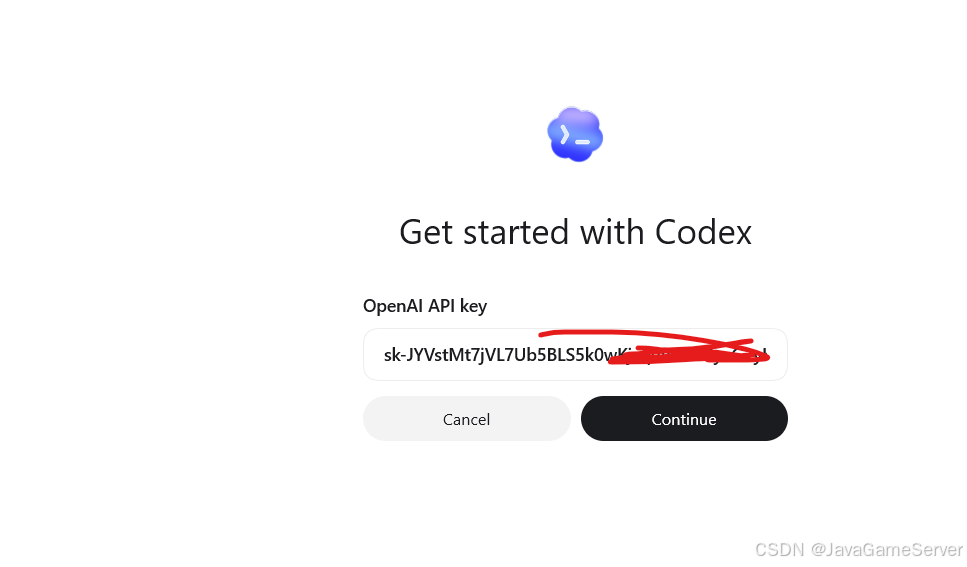
2)登录的时候,使用
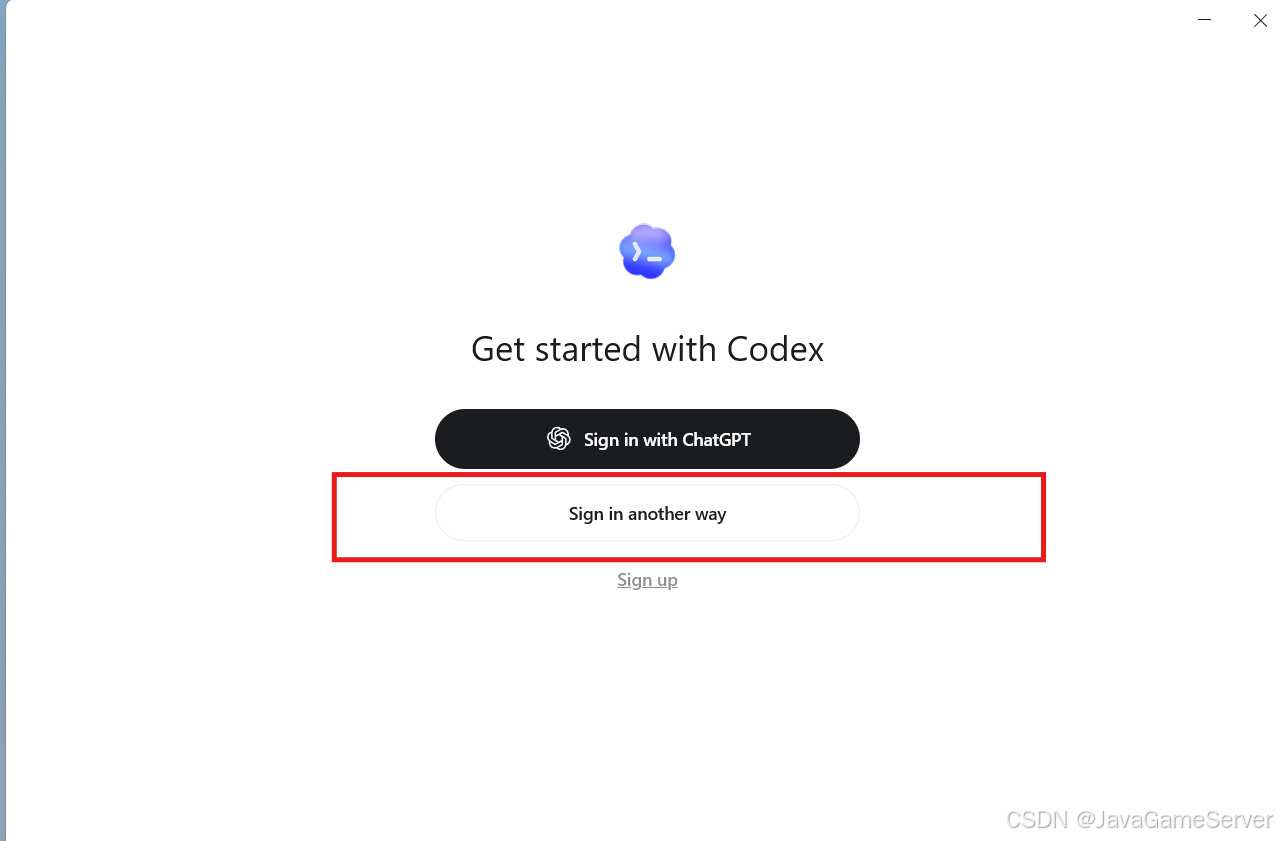
输入sk