三、核心实现:七步构建权限校验切面详细说明
如下图所示:
3.1 第一步:导入核心依赖
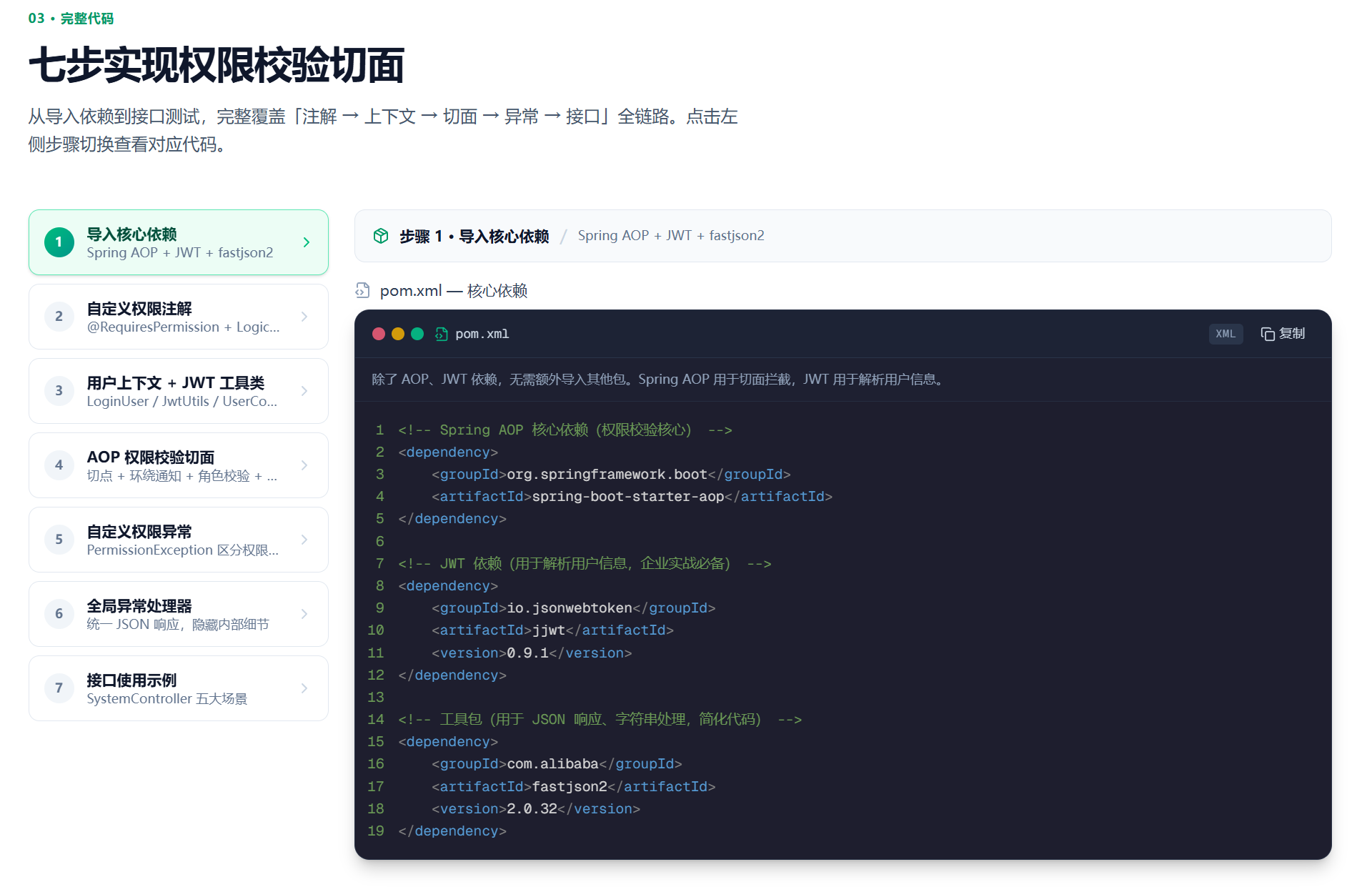
具体实现代码如下所示:
xml
<!-- Spring AOP 核心依赖(权限校验核心) -->
<dependency>
    <groupId>org.springframework.boot</groupId>
    <artifactId>spring-boot-starter-aop</artifactId>
</dependency>

<!-- JWT 依赖(用于解析用户信息,企业实战必备) -->
<dependency>
    <groupId>io.jsonwebtoken</groupId>
    <artifactId>jjwt</artifactId>
    <version>0.9.1</version>
</dependency>

<!-- 工具包(用于 JSON 响应、字符串处理,简化代码) -->
<dependency>
    <groupId>com.alibaba</groupId>
    <artifactId>fastjson2</artifactId>
    <version>2.0.32</version>
</dependency>
3.2 第二步:自定义权限注解
设计要点 :注解是声明式权限控制的核心,通过注解属性灵活配置校验规则。
如下图所示:
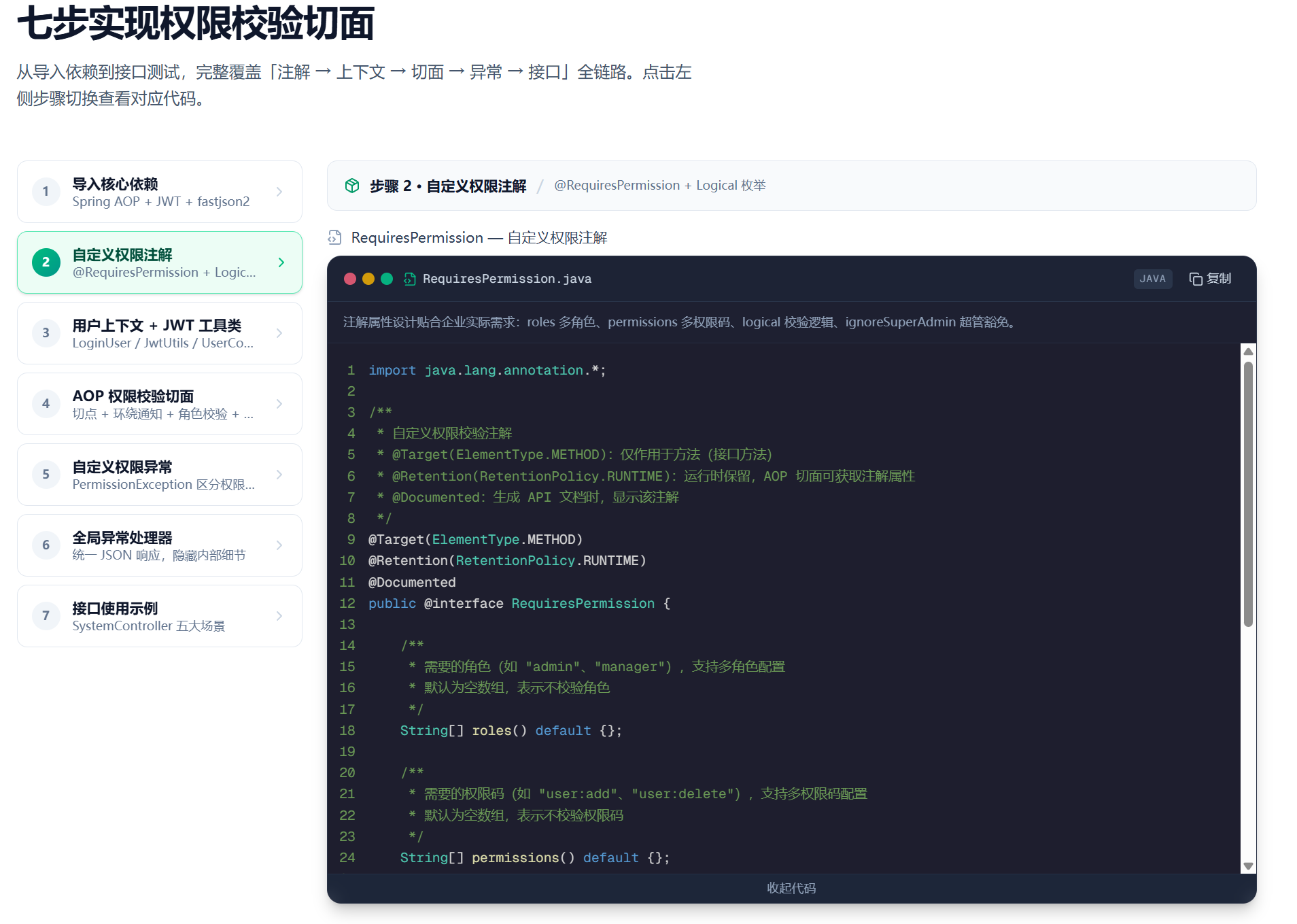
实现代码如下所示:
java
import java.lang.annotation.*;

/**
 * 自定义权限校验注解
 * @Target(ElementType.METHOD):仅作用于方法(接口方法)
 * @Retention(RetentionPolicy.RUNTIME):运行时保留,AOP 切面可获取注解属性
 * @Documented:生成 API 文档时,显示该注解
 */
@Target(ElementType.METHOD)
@Retention(RetentionPolicy.RUNTIME)
@Documented
public @interface RequiresPermission {

    /**
     * 需要的角色(如 "admin"、"manager"),支持多角色配置
     * 默认为空数组,表示不校验角色
     */
    String[] roles() default {};

    /**
     * 需要的权限码(如 "user:add"、"user:delete"),支持多权限码配置
     * 默认为空数组,表示不校验权限码
     */
    String[] permissions() default {};

    /**
     * 校验逻辑:AND(所有条件必须满足)、OR(满足任一条件即可)
     * 默认为 AND,即角色和权限码都满足时,才允许访问
     */
    Logical logical() default Logical.AND;

    /**
     * 是否忽略超级管理员校验(默认不忽略)
     * 若为 true,超级管理员无需满足角色和权限码,直接放行
     */
    boolean ignoreSuperAdmin() default true;
}

/**
 * 校验逻辑枚举(清晰区分 AND/OR,避免魔法值)
 */
enum Logical {
    AND,  // 必须全部满足
    OR    // 满足一个即可
}注解属性组合说明:
| roles | permissions | 效果 |
|---|---|---|
| ✅ 有值 | ❌ 空 | 仅校验角色 |
| ❌ 空 | ✅ 有值 | 仅校验权限码 |
| ✅ 有值 | ✅ 有值 | 同时校验角色和权限码 |
| ❌ 空 | ❌ 空 | 无校验(业务上不建议使用) |
3.3 第三步:用户上下文与 JWT 工具类
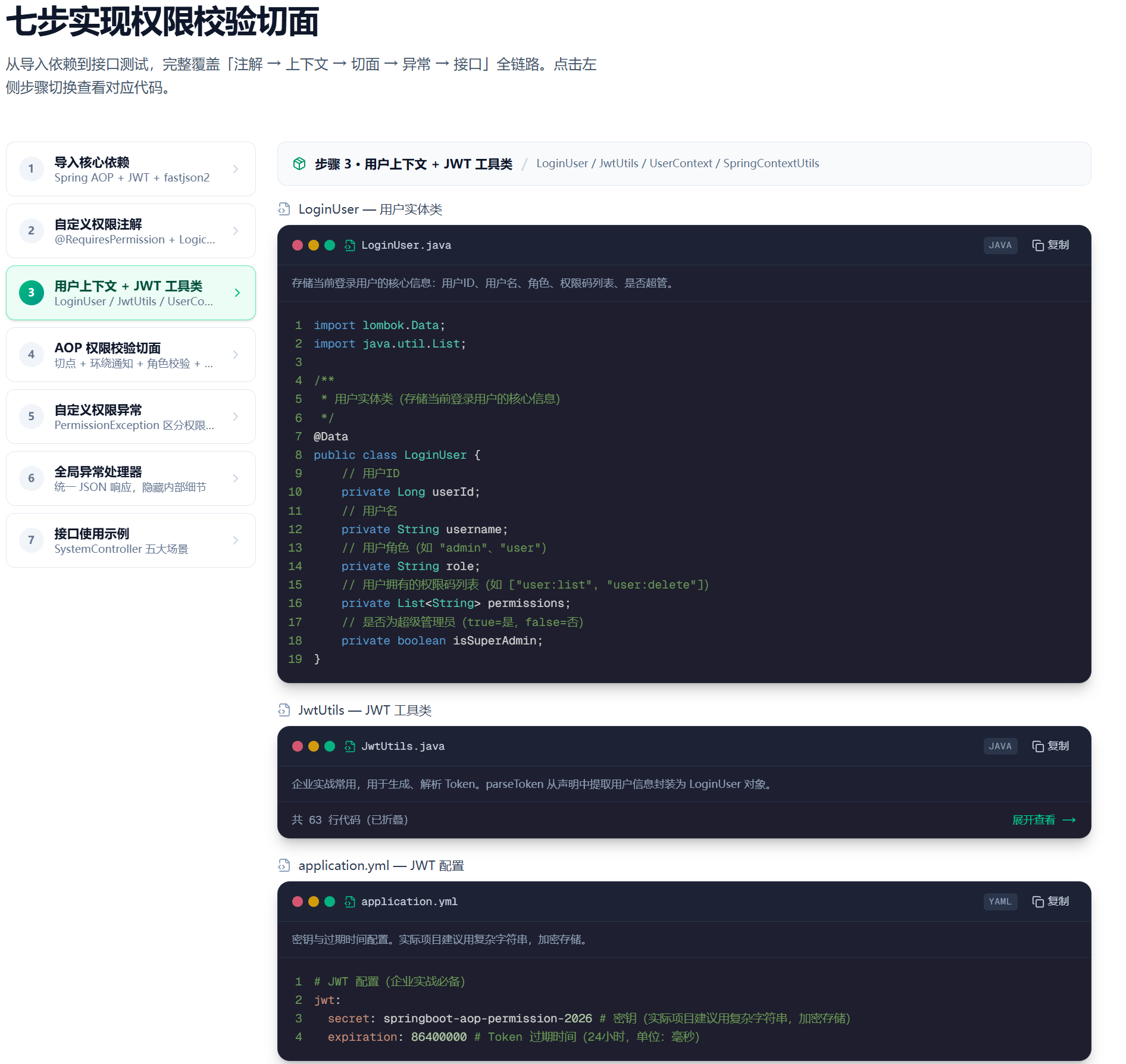
用户上下文设计------基于 ThreadLocal
java
/**
 * 用户上下文
 * 使用 ThreadLocal 存储当前请求的用户信息,线程安全
 */
@Component
public class UserContext {

    private static final ThreadLocal<LoginUser> CONTEXT = new ThreadLocal<>();

    public static void setCurrentUser(LoginUser user) {
        CONTEXT.set(user);
    }

    public static LoginUser getCurrentUser() {
        return CONTEXT.get();
    }

    public static void clear() {
        CONTEXT.remove();
    }
}
为什么使用 ThreadLocal :每个 HTTP 请求由独立线程处理,ThreadLocal 天然隔离不同请求的用户信息,避免并发污染。请求结束后需调用 clear() 释放,防止内存泄漏(配合拦截器或过滤器实现)。
用户信息实体
java
/**
 * 登录用户信息
 */
@Data
@AllArgsConstructor
public class LoginUser {
    /** 用户 ID */
    private Long userId;
    /** 用户名 */
    private String username;
    /** 角色(一个用户当前只有一个角色) */
    private String role;
    /** 权限码列表 */
    private List<String> permissions;

    /**
     * 判断是否超级管理员
     */
    public boolean isSuperAdmin() {
        return "super_admin".equals(role);
    }

    /**
     * 判断是否拥有某角色
     */
    public boolean hasRole(String role) {
        return this.role != null && this.role.equals(role);
    }

    /**
     * 判断是否拥有某权限码
     */
    public boolean hasPermission(String permission) {
        return permissions != null && permissions.contains(permission);
    }
}
JWT 工具类(简化版)
java
/**
 * JWT 工具类 ------ 解析 Token 获取用户信息
 */
@Component
public class JwtUtils {

    @Value("${jwt.secret}")
    private String secret;

    /**
     * 从 Token 中解析用户信息
     */
    public LoginUser parseToken(String token) {
        try {
            Claims claims = Jwts.parser()
                .setSigningKey(secret.getBytes(StandardCharsets.UTF_8))
                .parseClaimsJws(token)
                .getBody();

            Long userId = claims.get("userId", Long.class);
            String username = claims.get("username", String.class);
            String role = claims.get("role", String.class);
            List<String> permissions = claims.get("permissions", List.class);

            return new LoginUser(userId, username, role, permissions);
        } catch (Exception e) {
            return null;  // Token 无效或过期
        }
    }
}
3.4 第四步:AOP 权限校验切面(核心)
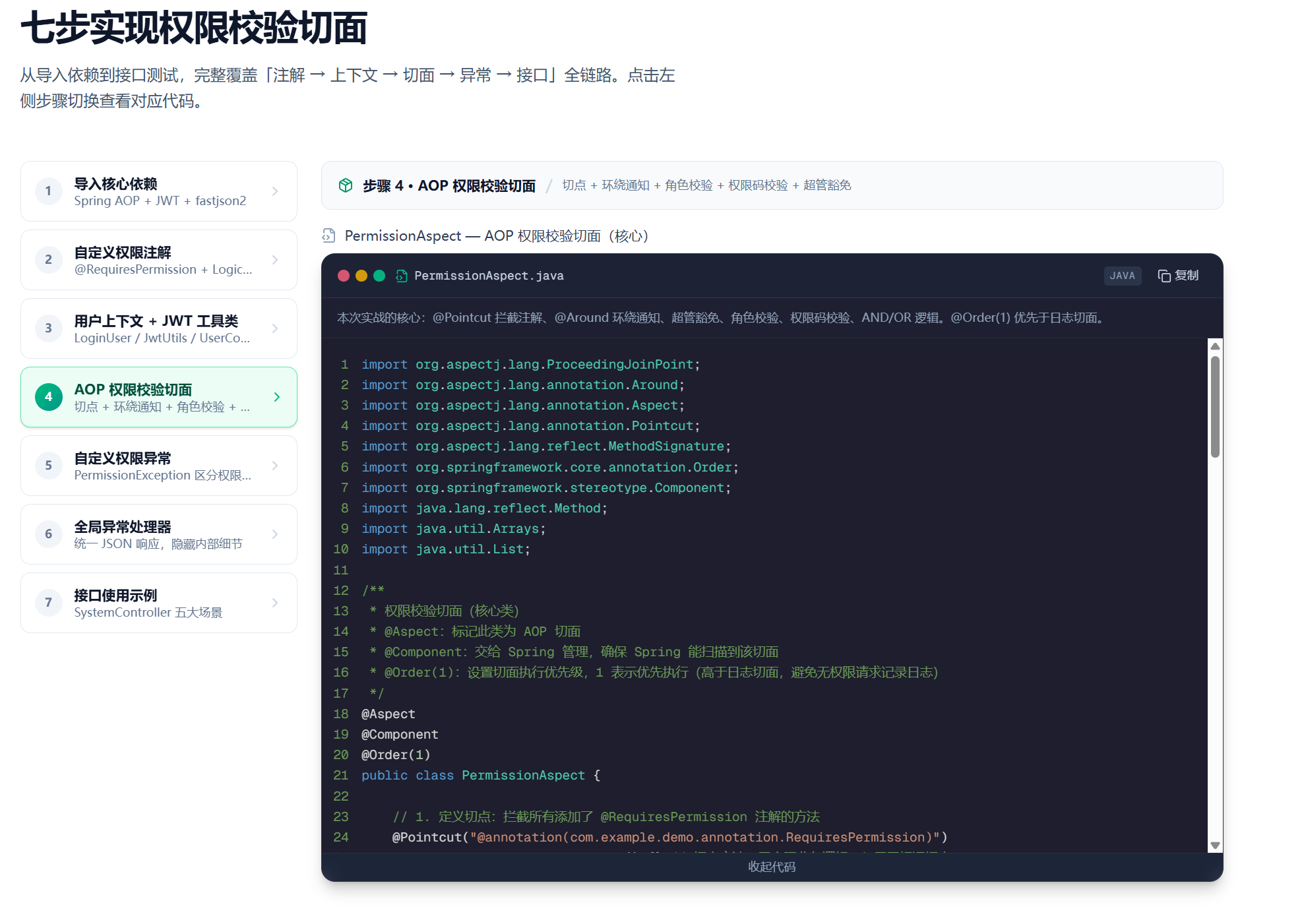
这是整套方案的核心,切面完成从拦截到校验的全流程:
java
import org.aspectj.lang.ProceedingJoinPoint;
import org.aspectj.lang.annotation.Around;
import org.aspectj.lang.annotation.Aspect;
import org.aspectj.lang.annotation.Pointcut;
import org.aspectj.lang.reflect.MethodSignature;
import org.springframework.core.annotation.Order;
import org.springframework.stereotype.Component;
import java.lang.reflect.Method;
import java.util.Arrays;
import java.util.List;

/**
 * 权限校验切面(核心类)
 * @Aspect:标记此类为 AOP 切面
 * @Component:交给 Spring 管理,确保 Spring 能扫描到该切面
 * @Order(1):设置切面执行优先级,1 表示优先执行(高于日志切面,避免无权限请求记录日志)
 */
@Aspect
@Component
@Order(1)
public class PermissionAspect {

    // 1. 定义切点:拦截所有添加了 @RequiresPermission 注解的方法
    @Pointcut("@annotation(com.example.demo.annotation.RequiresPermission)")
    public void permissionPointcut() {} // 切点方法,无实际业务逻辑,仅用于标记切点

    // 2. 环绕通知:包裹目标方法,实现权限校验(可在方法执行前、执行后处理)
    @Around("permissionPointcut()")
    public Object checkPermission(ProceedingJoinPoint joinPoint) throws Throwable {
        // 第一步:获取目标方法上的 @RequiresPermission 注解
        MethodSignature signature = (MethodSignature) joinPoint.getSignature();
        Method targetMethod = signature.getMethod();
        RequiresPermission permissionAnno = targetMethod.getAnnotation(RequiresPermission.class);

        // 若注解为空(理论上不会出现,防止异常),直接放行
        if (permissionAnno == null) {
            return joinPoint.proceed();
        }

        // 第二步:获取当前登录用户的信息(从 UserContext 中获取,贴合实战)
        LoginUser currentUser = UserContext.getCurrentUser();
        String currentRole = currentUser.getRole();
        List<String> currentPermissions = currentUser.getPermissions();
        boolean isSuperAdmin = currentUser.isSuperAdmin();

        // 第三步:超级管理员豁免校验(如果注解开启了豁免开关)
        if (permissionAnno.ignoreSuperAdmin() && isSuperAdmin) {
            // 超级管理员,直接放行,无需校验角色和权限
            return joinPoint.proceed();
        }

        // 第四步:校验角色(如果注解配置了需要的角色)
        boolean roleCheckPass = checkRole(permissionAnno, currentRole);
        if (!roleCheckPass) {
            throw new PermissionException(403, "无访问角色权限,需拥有角色:" + Arrays.toString(permissionAnno.roles()));
        }

        // 第五步:校验权限码(如果注解配置了需要的权限码)
        boolean permissionCheckPass = checkPermission(permissionAnno, currentPermissions);
        if (!permissionCheckPass) {
            throw new PermissionException(403, "无操作权限,需拥有权限码:" + Arrays.toString(permissionAnno.permissions()));
        }

        // 第六步:所有校验通过,执行目标方法(核心业务逻辑)
        return joinPoint.proceed();
    }

    /**
     * 角色校验逻辑
     * @param anno 权限注解(包含需要的角色)
     * @param currentRole 当前用户角色
     * @return 校验结果(true=通过,false=不通过)
     */
    private boolean checkRole(RequiresPermission anno, String currentRole) {
        String[] needRoles = anno.roles();
        // 若注解未配置角色,直接通过校验
        if (needRoles == null || needRoles.length == 0) {
            return true;
        }

        // 判断当前用户角色是否在需要的角色列表中
        boolean hasTargetRole = Arrays.asList(needRoles).contains(currentRole);

        // 根据校验逻辑(AND/OR)返回结果
        if (anno.logical() == Logical.OR) {
            // OR 逻辑:只要拥有一个需要的角色,就通过
            return hasTargetRole;
        } else {
            // AND 逻辑:需要拥有所有配置的角色(实际中多角色 AND 场景较少,此处兼容)
            return Arrays.stream(needRoles).allMatch(role -> role.equals(currentRole));
        }
    }

    /**
     * 权限码校验逻辑
     * @param anno 权限注解(包含需要的权限码)
     * @param currentPermissions 当前用户拥有的权限码列表
     * @return 校验结果(true=通过,false=不通过)
     */
    private boolean checkPermission(RequiresPermission anno, List<String> currentPermissions) {
        String[] needPermissions = anno.permissions();
        // 若注解未配置权限码,直接通过校验
        if (needPermissions == null || needPermissions.length == 0) {
            return true;
        }

        // 判断当前用户是否拥有需要的权限码(至少一个/全部,根据逻辑)
        if (anno.logical() == Logical.OR) {
            // OR 逻辑:拥有任意一个需要的权限码,就通过
            return Arrays.stream(needPermissions).anyMatch(currentPermissions::contains);
        } else {
            // AND 逻辑:需要拥有所有配置的权限码
            return Arrays.stream(needPermissions).allMatch(currentPermissions::contains);
        }
    }
}切面执行流程时序图:
全局异常处理器 业务方法 UserContext JwtUtils PermissionAspect Client 全局异常处理器 业务方法 UserContext JwtUtils PermissionAspect Client #mermaid-svg-bgbEBwUcnwLCWFpA{font-family:"trebuchet ms",verdana,arial,sans-serif;font-size:16px;fill:#333;}@keyframes edge-animation-frame{from{stroke-dashoffset:0;}}@keyframes dash{to{stroke-dashoffset:0;}}#mermaid-svg-bgbEBwUcnwLCWFpA .edge-animation-slow{stroke-dasharray:9,5!important;stroke-dashoffset:900;animation:dash 50s linear infinite;stroke-linecap:round;}#mermaid-svg-bgbEBwUcnwLCWFpA .edge-animation-fast{stroke-dasharray:9,5!important;stroke-dashoffset:900;animation:dash 20s linear infinite;stroke-linecap:round;}#mermaid-svg-bgbEBwUcnwLCWFpA .error-icon{fill:#552222;}#mermaid-svg-bgbEBwUcnwLCWFpA .error-text{fill:#552222;stroke:#552222;}#mermaid-svg-bgbEBwUcnwLCWFpA .edge-thickness-normal{stroke-width:1px;}#mermaid-svg-bgbEBwUcnwLCWFpA .edge-thickness-thick{stroke-width:3.5px;}#mermaid-svg-bgbEBwUcnwLCWFpA .edge-pattern-solid{stroke-dasharray:0;}#mermaid-svg-bgbEBwUcnwLCWFpA .edge-thickness-invisible{stroke-width:0;fill:none;}#mermaid-svg-bgbEBwUcnwLCWFpA .edge-pattern-dashed{stroke-dasharray:3;}#mermaid-svg-bgbEBwUcnwLCWFpA .edge-pattern-dotted{stroke-dasharray:2;}#mermaid-svg-bgbEBwUcnwLCWFpA .marker{fill:#333333;stroke:#333333;}#mermaid-svg-bgbEBwUcnwLCWFpA .marker.cross{stroke:#333333;}#mermaid-svg-bgbEBwUcnwLCWFpA svg{font-family:"trebuchet ms",verdana,arial,sans-serif;font-size:16px;}#mermaid-svg-bgbEBwUcnwLCWFpA p{margin:0;}#mermaid-svg-bgbEBwUcnwLCWFpA .actor{stroke:hsl(259.6261682243, 59.7765363128%, 87.9019607843%);fill:#ECECFF;}#mermaid-svg-bgbEBwUcnwLCWFpA text.actor>tspan{fill:black;stroke:none;}#mermaid-svg-bgbEBwUcnwLCWFpA .actor-line{stroke:hsl(259.6261682243, 59.7765363128%, 87.9019607843%);}#mermaid-svg-bgbEBwUcnwLCWFpA .innerArc{stroke-width:1.5;stroke-dasharray:none;}#mermaid-svg-bgbEBwUcnwLCWFpA .messageLine0{stroke-width:1.5;stroke-dasharray:none;stroke:#333;}#mermaid-svg-bgbEBwUcnwLCWFpA .messageLine1{stroke-width:1.5;stroke-dasharray:2,2;stroke:#333;}#mermaid-svg-bgbEBwUcnwLCWFpA #arrowhead path{fill:#333;stroke:#333;}#mermaid-svg-bgbEBwUcnwLCWFpA .sequenceNumber{fill:white;}#mermaid-svg-bgbEBwUcnwLCWFpA #sequencenumber{fill:#333;}#mermaid-svg-bgbEBwUcnwLCWFpA #crosshead path{fill:#333;stroke:#333;}#mermaid-svg-bgbEBwUcnwLCWFpA .messageText{fill:#333;stroke:none;}#mermaid-svg-bgbEBwUcnwLCWFpA .labelBox{stroke:hsl(259.6261682243, 59.7765363128%, 87.9019607843%);fill:#ECECFF;}#mermaid-svg-bgbEBwUcnwLCWFpA .labelText,#mermaid-svg-bgbEBwUcnwLCWFpA .labelText>tspan{fill:black;stroke:none;}#mermaid-svg-bgbEBwUcnwLCWFpA .loopText,#mermaid-svg-bgbEBwUcnwLCWFpA .loopText>tspan{fill:black;stroke:none;}#mermaid-svg-bgbEBwUcnwLCWFpA .loopLine{stroke-width:2px;stroke-dasharray:2,2;stroke:hsl(259.6261682243, 59.7765363128%, 87.9019607843%);fill:hsl(259.6261682243, 59.7765363128%, 87.9019607843%);}#mermaid-svg-bgbEBwUcnwLCWFpA .note{stroke:#aaaa33;fill:#fff5ad;}#mermaid-svg-bgbEBwUcnwLCWFpA .noteText,#mermaid-svg-bgbEBwUcnwLCWFpA .noteText>tspan{fill:black;stroke:none;}#mermaid-svg-bgbEBwUcnwLCWFpA .activation0{fill:#f4f4f4;stroke:#666;}#mermaid-svg-bgbEBwUcnwLCWFpA .activation1{fill:#f4f4f4;stroke:#666;}#mermaid-svg-bgbEBwUcnwLCWFpA .activation2{fill:#f4f4f4;stroke:#666;}#mermaid-svg-bgbEBwUcnwLCWFpA .actorPopupMenu{position:absolute;}#mermaid-svg-bgbEBwUcnwLCWFpA .actorPopupMenuPanel{position:absolute;fill:#ECECFF;box-shadow:0px 8px 16px 0px rgba(0,0,0,0.2);filter:drop-shadow(3px 5px 2px rgb(0 0 0 / 0.4));}#mermaid-svg-bgbEBwUcnwLCWFpA .actor-man line{stroke:hsl(259.6261682243, 59.7765363128%, 87.9019607843%);fill:#ECECFF;}#mermaid-svg-bgbEBwUcnwLCWFpA .actor-man circle,#mermaid-svg-bgbEBwUcnwLCWFpA line{stroke:hsl(259.6261682243, 59.7765363128%, 87.9019607843%);fill:#ECECFF;stroke-width:2px;}#mermaid-svg-bgbEBwUcnwLCWFpA :root{--mermaid-font-family:"trebuchet ms",verdana,arial,sans-serif;} alt权限校验失败全部通过 alt角色校验失败角色校验通过 alt超级管理员 \&\& ignoreSuperAdmin=true普通用户 请求进入(带 Token)获取 @RequiresPermission 注解parseToken(token)LoginUsersetCurrentUser(user)joinPoint.proceed()业务结果checkRoles()throw PermissionException(403)统一 403 JSONcheckPermissions()throw PermissionException(403)统一 403 JSONjoinPoint.proceed()业务结果clear()
3.5 第五步:自定义权限异常
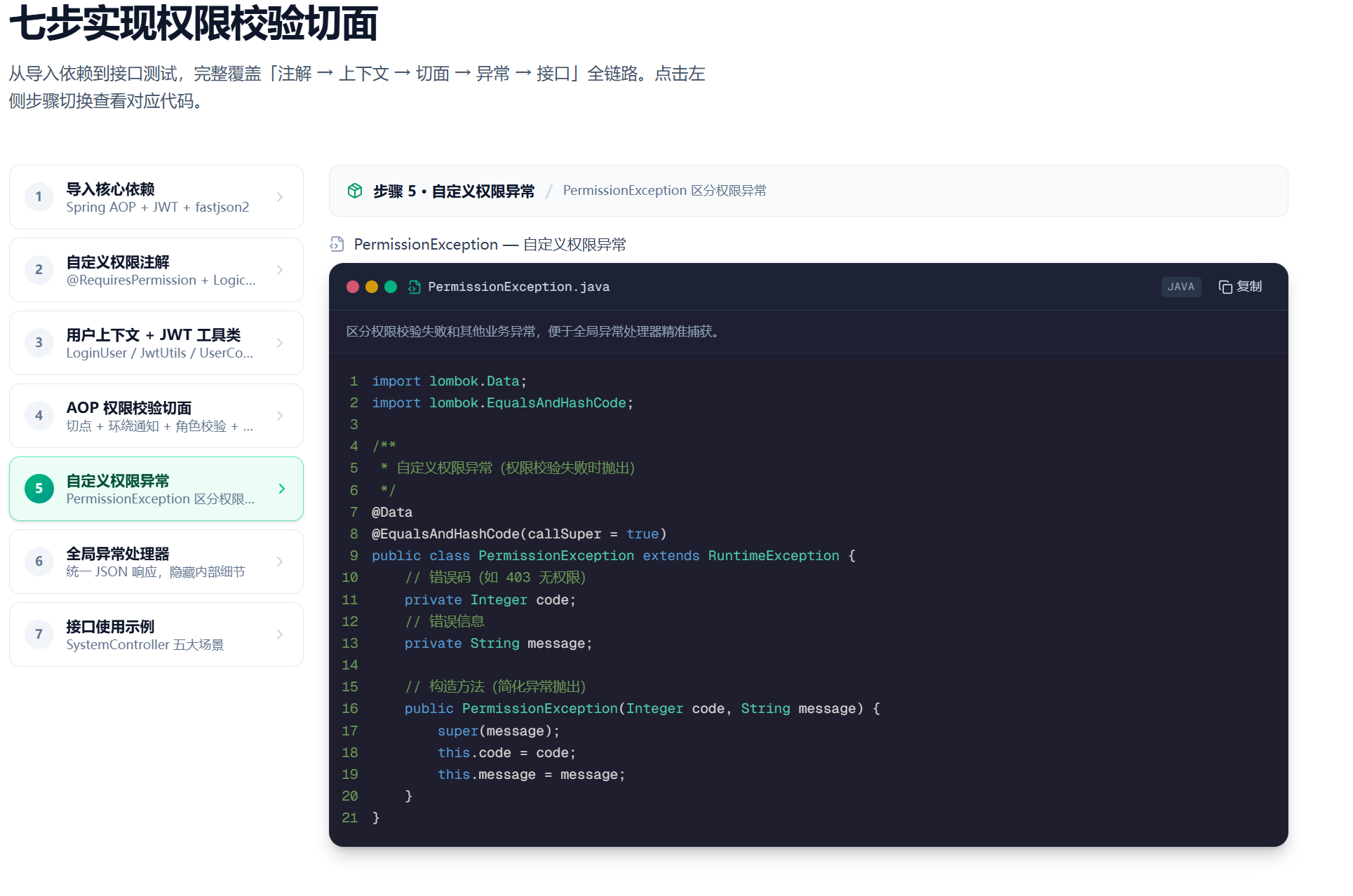
java
import lombok.Data;
import lombok.EqualsAndHashCode;

/**
 * 自定义权限异常(权限校验失败时抛出)
 */
@Data
@EqualsAndHashCode(callSuper = true)
public class PermissionException extends RuntimeException {
    // 错误码(如 403 无权限)
    private Integer code;
    // 错误信息
    private String message;

    // 构造方法(简化异常抛出)
    public PermissionException(Integer code, String message) {
        super(message);
        this.code = code;
        this.message = message;
    }
}
3.6 第六步:全局异常处理器
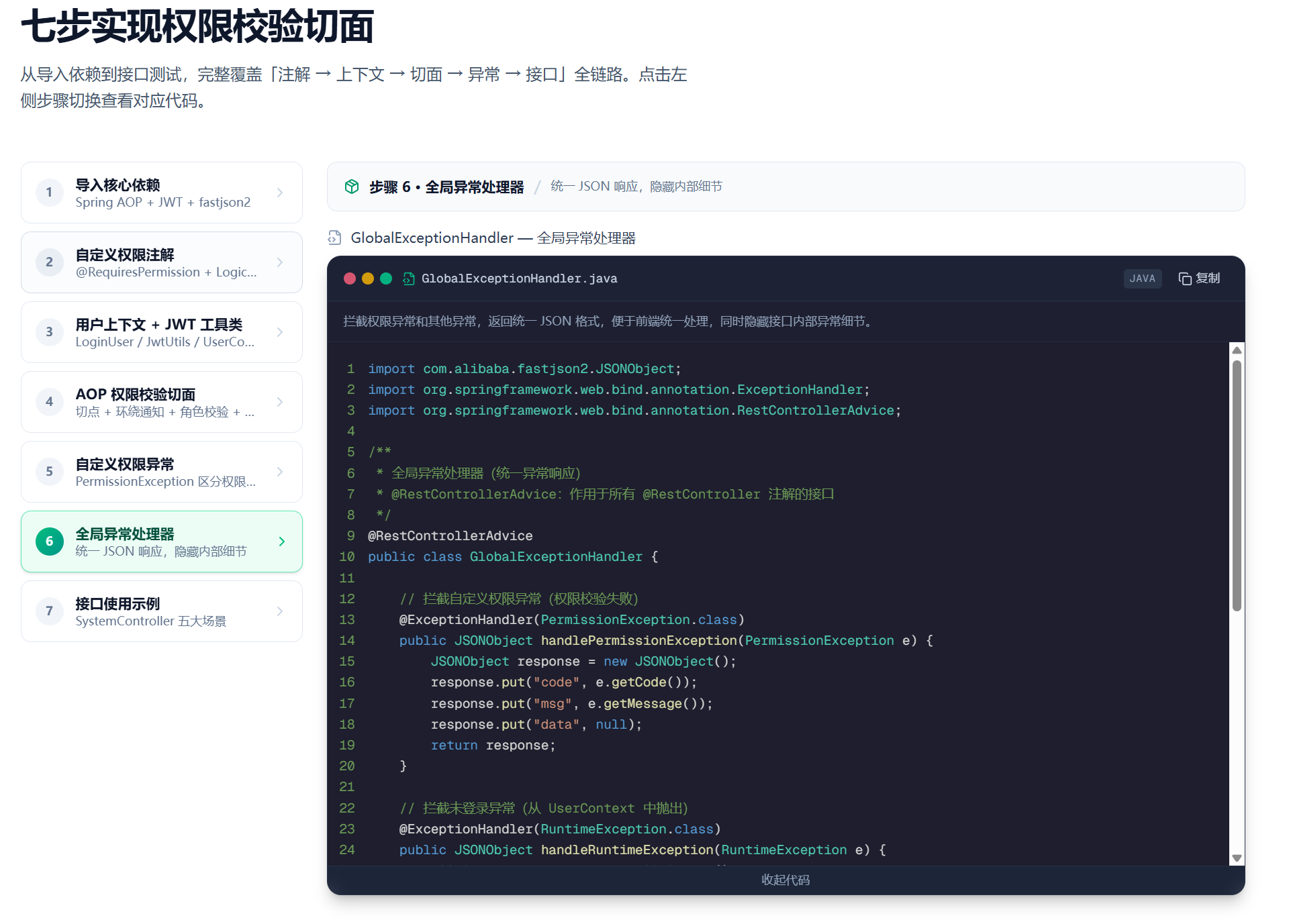
java
import com.alibaba.fastjson2.JSONObject;
import org.springframework.web.bind.annotation.ExceptionHandler;
import org.springframework.web.bind.annotation.RestControllerAdvice;

/**
 * 全局异常处理器(统一异常响应)
 * @RestControllerAdvice:作用于所有 @RestController 注解的接口
 */
@RestControllerAdvice
public class GlobalExceptionHandler {

    // 拦截自定义权限异常(权限校验失败)
    @ExceptionHandler(PermissionException.class)
    public JSONObject handlePermissionException(PermissionException e) {
        JSONObject response = new JSONObject();
        response.put("code", e.getCode());
        response.put("msg", e.getMessage());
        response.put("data", null);
        return response;
    }

    // 拦截未登录异常(从 UserContext 中抛出)
    @ExceptionHandler(RuntimeException.class)
    public JSONObject handleRuntimeException(RuntimeException e) {
        JSONObject response = new JSONObject();
        // 区分未登录和其他运行时异常
        if (e.getMessage().contains("未登录")) {
            response.put("code", 401);
            response.put("msg", e.getMessage());
        } else {
            response.put("code", 500);
            response.put("msg", "服务器内部异常,请联系管理员");
        }
        response.put("data", null);
        return response;
    }

    // 拦截其他异常(兜底处理)
    @ExceptionHandler(Exception.class)
    public JSONObject handleException(Exception e) {
        JSONObject response = new JSONObject();
        response.put("code", 500);
        response.put("msg", "服务器内部异常,请联系管理员");
        response.put("data", null);
        return response;
    }
}
3.7 第七步:接口使用示例
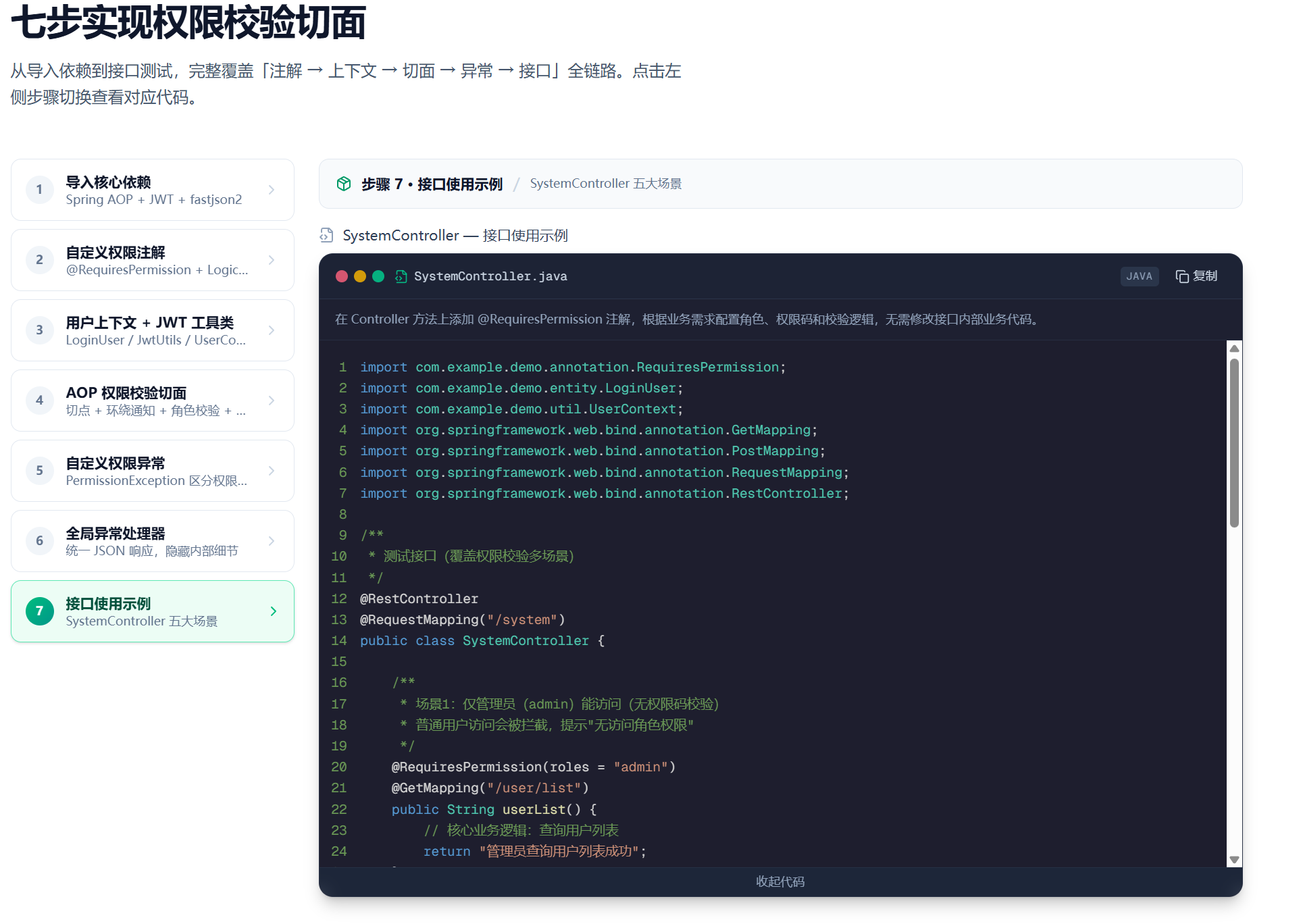
java
import com.example.demo.annotation.RequiresPermission;
import com.example.demo.entity.LoginUser;
import com.example.demo.util.UserContext;
import org.springframework.web.bind.annotation.GetMapping;
import org.springframework.web.bind.annotation.PostMapping;
import org.springframework.web.bind.annotation.RequestMapping;
import org.springframework.web.bind.annotation.RestController;

/**
 * 测试接口(覆盖权限校验多场景)
 */
@RestController
@RequestMapping("/system")
public class SystemController {

    /**
     * 场景1:仅管理员(admin)能访问(无权限码校验)
     * 普通用户访问会被拦截,提示"无访问角色权限"
     */
    @RequiresPermission(roles = "admin")
    @GetMapping("/user/list")
    public String userList() {
        // 核心业务逻辑:查询用户列表
        return "管理员查询用户列表成功";
    }

    /**
     * 场景2:需要拥有 user:delete 权限码才能访问(无角色校验)
     * 无该权限码的用户访问会被拦截
     */
    @RequiresPermission(permissions = "user:delete")
    @PostMapping("/user/delete")
    public String deleteUser() {
        // 核心业务逻辑:删除用户
        return "删除用户成功";
    }

    /**
     * 场景3:角色为 admin 或 拥有 user:export 权限码,即可访问(OR 逻辑)
     * 满足任一条件就放行
     */
    @RequiresPermission(roles = "admin", permissions = "user:export", logical = Logical.OR)
    @GetMapping("/user/export")
    public String exportUser() {
        // 核心业务逻辑:导出用户数据
        return "导出用户数据成功";
    }

    /**
     * 场景4:角色为 admin 且 拥有 user:edit 权限码,才能访问(AND 逻辑)
     * 必须同时满足两个条件才放行
     */
    @RequiresPermission(roles = "admin", permissions = "user:edit", logical = Logical.AND)
    @PostMapping("/user/edit")
    public String editUser() {
        // 核心业务逻辑:修改用户信息
        return "修改用户信息成功";
    }

    /**
     * 场景5:超级管理员豁免校验(即使不满足角色和权限,也能访问)
     * 普通用户访问会被拦截,超级管理员直接放行
     */
    @RequiresPermission(roles = "admin", permissions = "system:config", ignoreSuperAdmin = true)
    @GetMapping("/config")
    public String getSystemConfig() {
        // 核心业务逻辑:查询系统配置
        LoginUser currentUser = UserContext.getCurrentUser();
        return currentUser.getUsername() + "查询系统配置成功";
    }
}注解配置速查表:
| 场景 | roles | permissions | logical | ignoreSuperAdmin |
|---|---|---|---|---|
| 仅限管理员 | {"admin"} |
{} |
AND | true |
| 仅限权限码 | {} |
{"user:delete"} |
AND | false |
| OR 逻辑 | {"admin"} |
{"user:export"} |
OR | false |
| AND 逻辑 | {"admin"} |
{"user:edit"} |
AND | false |
| 超管豁免 | {"admin"} |
{"system:config"} |
AND | true |