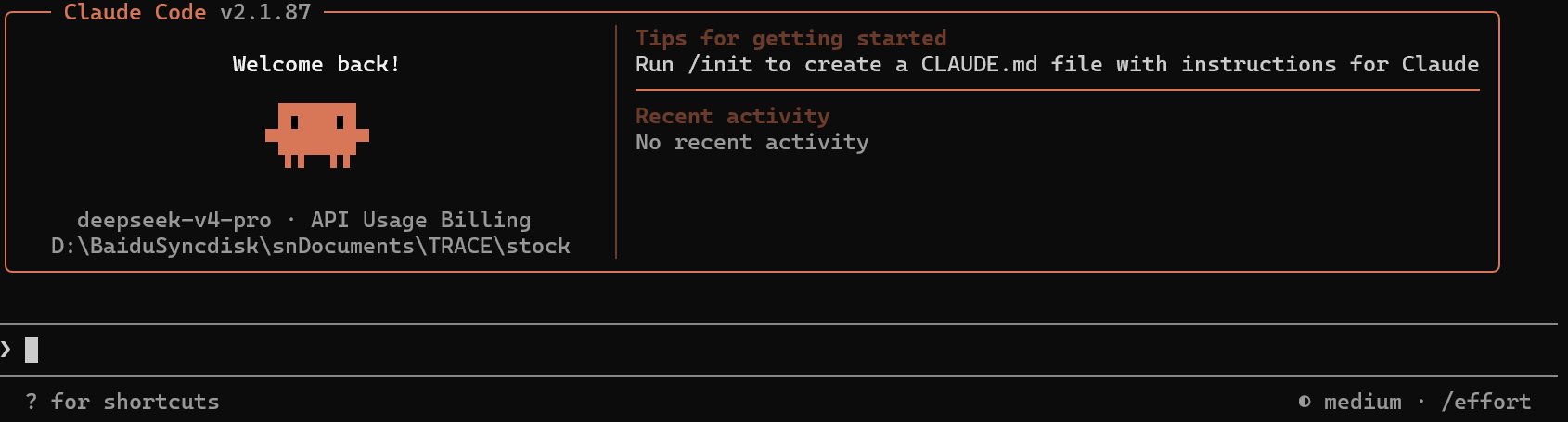
文章目录
- 安装claude
-
- windows:
-
- [1.首先安装node, 进入这个网址:https://nodejs.org/en/download/](#1.首先安装node, 进入这个网址:https://nodejs.org/en/download/)
- [2.安装github windows桌面版](#2.安装github windows桌面版)
- 3.下载claude:
- 4.设置settings.json文件:
- linux
-
- [1.首先安装node, 进入这个网址:https://nodejs.org/en/download/](#1.首先安装node, 进入这个网址:https://nodejs.org/en/download/)
- 2.下载git
- 3.安装claude:
- 4.设置settings.json文件
安装claude
安装顺序: nvm|node -> git -> claude -> settings.json基础设置
windows:
1.首先安装node, 进入这个网址:https://nodejs.org/en/download/
下载windows Installer.msi文件,进行安装
2.安装github windows桌面版
https://desktop.github.com/download/
进入该网址,下载windows 64bit,安装
3.下载claude:
打开windows powershell,使用国内镜像安装
npm i -g @anthropic-ai/claude-code --registry=https://registry.npmmirror.com
3.1设置运行路径:
在上图中,可以看到 C:\Users\Administrator. local\bin 不在PATH中,因此,将 C:\Users\Administrator. local\bin 设置到系统路径里面。
windows键 - 系统变量 - 编辑系统变量 - 将C:\Users\Administrator. local\bin复制到 PATH
3.2 另外打开一个powershell:
运行claude,查看是否已经正常安装
claude --version4.设置settings.json文件:
打开windows上的对应的user/.claude,比如我的在"C:\Users\caisn\.claude"
配置基础信息:
{
  "env": {
    "ANTHROPIC_AUTH_TOKEN": "换成自己的",
    "ANTHROPIC_BASE_URL": "换成自己的",
    "API_TIMEOUT_MS": "3000000",
    "CLAUDE_CODE_DISABLE_NONESSENTIAL_TRAFFIC": "1"
  },
  "model": "deepseek-v4-pro",
  "enabledPlugins": {
    "document-skills@anthropic-agent-skills": true,
    "example-skills@anthropic-agent-skills": true,
    "superpowers@claude-plugins-official": false,
    "claude-scientific-writer@claude-scientific-writer": true
  },
  "extraKnownMarketplaces": {
    "anthropic-agent-skills": {
      "source": {
        "source": "github",
        "repo": "anthropics/skills"
      }
    },
    "claude-scientific-writer": {
      "source": {
        "source": "git",
        "url": "https://github.com/K-Dense-AI/claude-scientific-writer.git"
      }
    }
  },
  "autoUpdatesChannel": "latest",
  "ENABLE_TOOL_SEARCH": "true"
}
安装完毕,可以正常使用啦!
linux
1.首先安装node, 进入这个网址:https://nodejs.org/en/download/
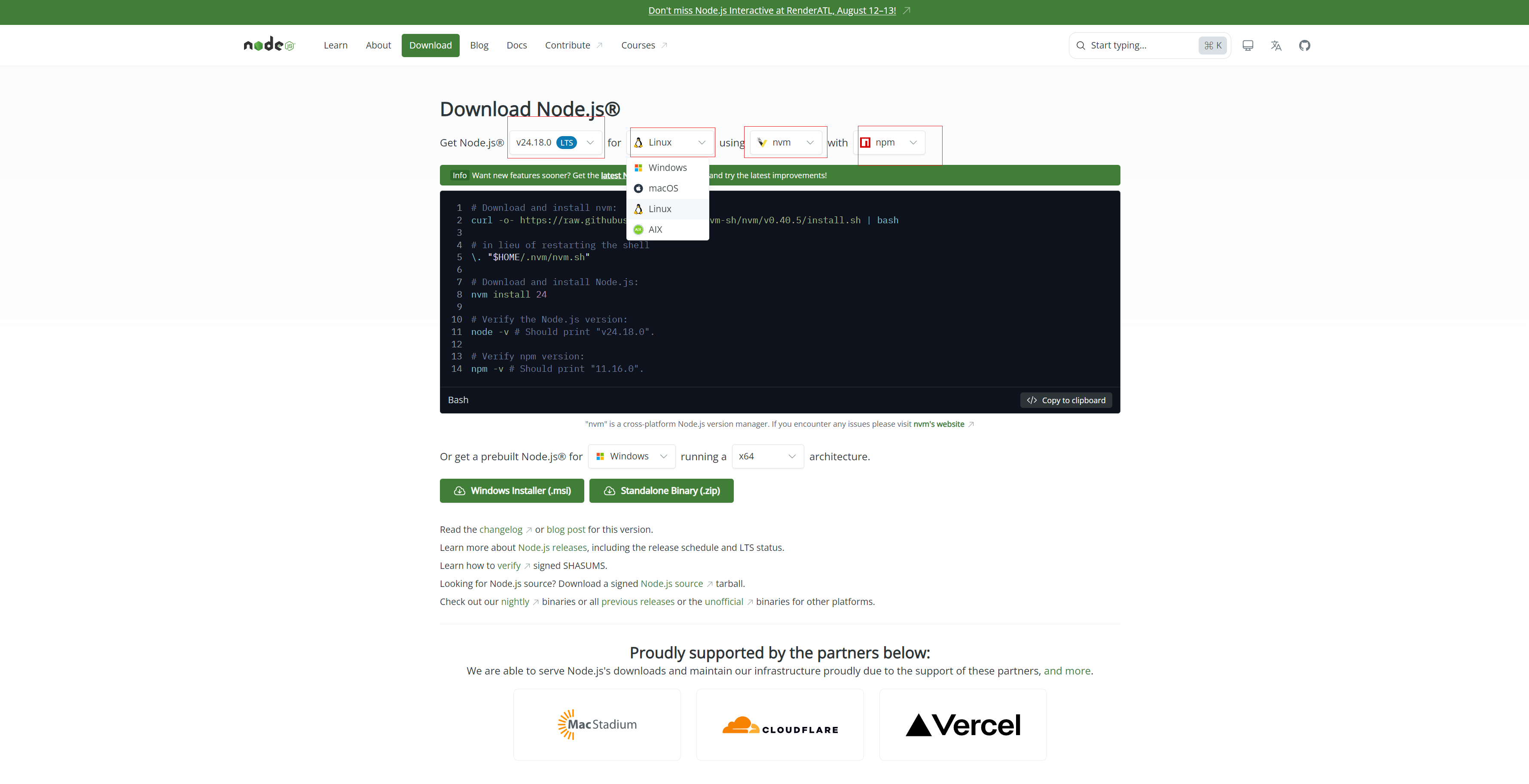
按照注意将上面的下载指令设置成自己需要的环境:
比如设置成linux、使用ubuntu v24.18.0 LTS环境进行下载的话,使用nvm进行下载,并同时下载npm,那么得到了下面的指令:
# Download and install nvm:
curl -o- https://raw.githubusercontent.com/nvm-sh/nvm/v0.40.5/install.sh | bash

# in lieu of restarting the shell
\. "$HOME/.nvm/nvm.sh"

# Download and install Node.js:
nvm install 24

# Verify the Node.js version:
node -v # Should print "v24.18.0".

# Verify npm version:
npm -v # Should print "11.16.0".
将这些命令复制到linux上运行,等待安装完毕。
2.下载git
sudo apt update
sudo apt upgrade
sudo apt install git
3.安装claude:
# 使用国内镜像安装
REGISTRY=https://registry.npmmirror.com
npm i -g @anthropic-ai/claude-code --registry=$REGISTRY
查看是否安装完成:
. ~/.bashrc
claude --version
4.设置settings.json文件
vim ~/.claude/settings.json
配置基础信息:
{
  "env": {
    "ANTHROPIC_AUTH_TOKEN": "换成自己的",
    "ANTHROPIC_BASE_URL": "换成自己的",
    "API_TIMEOUT_MS": "3000000",
    "CLAUDE_CODE_DISABLE_NONESSENTIAL_TRAFFIC": "1"
  },
  "model": "deepseek-v4-pro",
  "enabledPlugins": {
    "document-skills@anthropic-agent-skills": true,
    "example-skills@anthropic-agent-skills": true,
    "superpowers@claude-plugins-official": false,
    "claude-scientific-writer@claude-scientific-writer": true
  },
  "extraKnownMarketplaces": {
    "anthropic-agent-skills": {
      "source": {
        "source": "github",
        "repo": "anthropics/skills"
      }
    },
    "claude-scientific-writer": {
      "source": {
        "source": "git",
        "url": "https://github.com/K-Dense-AI/claude-scientific-writer.git"
      }
    }
  },
  "autoUpdatesChannel": "latest",
  "ENABLE_TOOL_SEARCH": "true"
}
好啦!可以开始使用啦!!