应用的启动阶段是最脆弱的------任何一步失败都可能导致白屏或崩溃。本文详解 E-Brufen 的分步容错初始化策略。
一、完整初始化流程
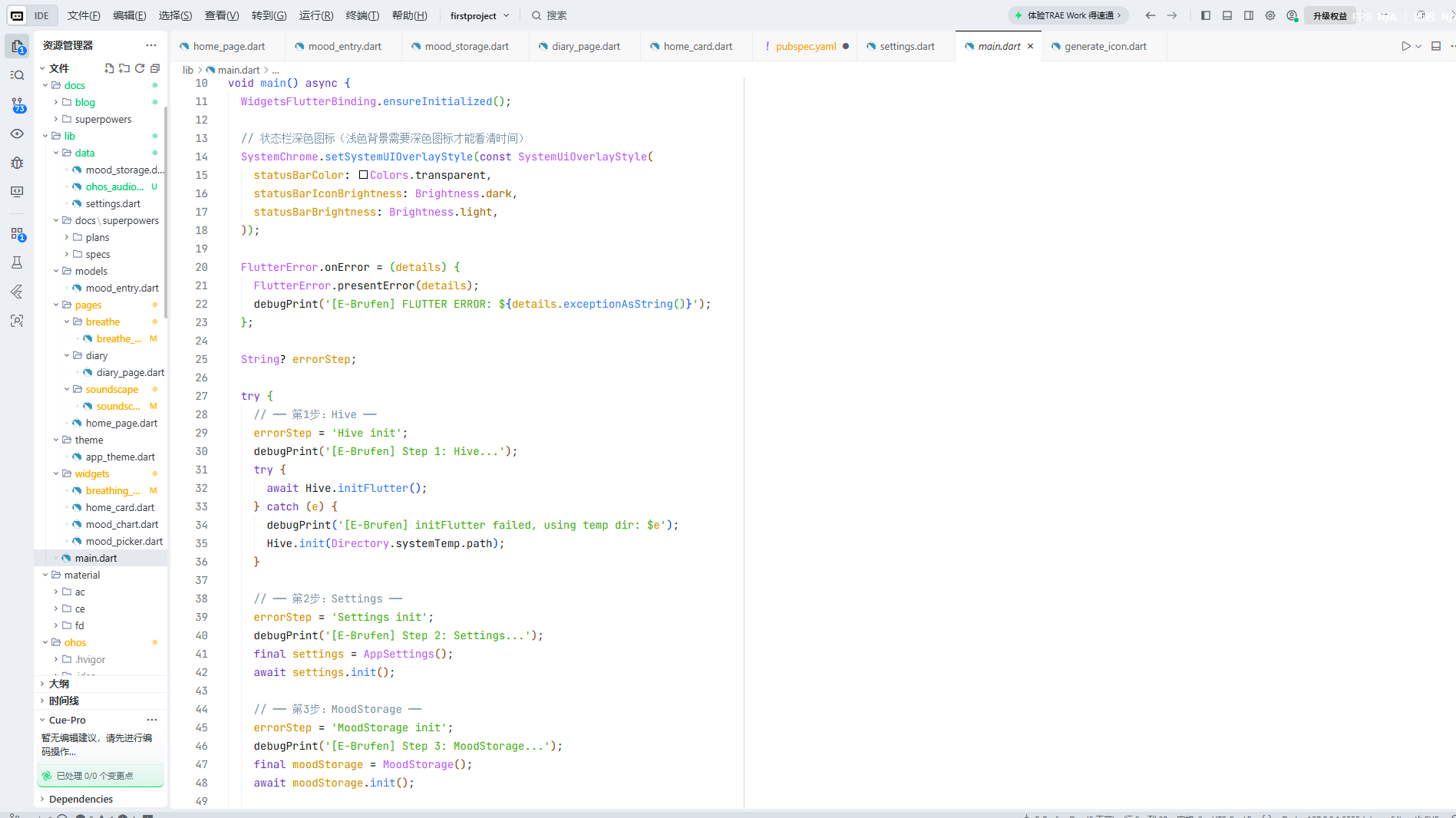
dart
// lib/main.dart
void main() async {
  WidgetsFlutterBinding.ensureInitialized();

  // 状态栏配置(UI 预初始化)
  SystemChrome.setSystemUIOverlayStyle(const SystemUiOverlayStyle(
    statusBarColor: Colors.transparent,
    statusBarIconBrightness: Brightness.dark,
  ));

  // 全局错误拦截
  FlutterError.onError = (details) {
    FlutterError.presentError(details);
    debugPrint('[E-Brufen] FLUTTER ERROR: ${details.exceptionAsString()}');
  };

  String? errorStep;

  try {
    // ── 第1步:Hive 初始化 ──
    errorStep = 'Hive init';
    try {
      await Hive.initFlutter();
    } catch (e) {
      debugPrint('[E-Brufen] initFlutter failed, using temp dir: $e');
      Hive.init(Directory.systemTemp.path);
    }

    // ── 第2步:Settings 初始化 ──
    errorStep = 'Settings init';
    final settings = AppSettings();
    await settings.init();

    // ── 第3步:MoodStorage 初始化 ──
    errorStep = 'MoodStorage init';
    final moodStorage = MoodStorage();
    await moodStorage.init();

    // ── 启动!──
    errorStep = null;
    runApp(EBrufenApp(settings: settings, moodStorage: moodStorage));
  } catch (e, _) {
    debugPrint('[E-Brufen] INIT FAILED at $errorStep: $e');
    runApp(_ErrorApp(errorStep ?? '?', e.toString()));
  }
}
二、设计要点逐层解析
2.1 状态栏预配置
dart
SystemChrome.setSystemUIOverlayStyle(const SystemUiOverlayStyle(
  statusBarColor: Colors.transparent,
  statusBarIconBrightness: Brightness.dark,  // 深色图标
));
必须在 runApp 之前设置,确保从启动第一帧状态栏就正确。深色图标配合 E-Brufen 的奶油色背景(#FFF8F0)确保时间、电量等状态信息可见。
2.2 全局 Flutter 错误拦截
dart
FlutterError.onError = (details) {
  FlutterError.presentError(details);  // 保留默认行为
  debugPrint('[E-Brufen] FLUTTER ERROR: ${details.exceptionAsString()}');
};
presentError 保留红色错误界面(开发时有用),debugPrint 添加带标签的日志以便过滤。
2.3 errorStep 追踪
dart
String? errorStep;
errorStep = 'Hive init';
// ...
errorStep = 'Settings init';
// ...
errorStep = null;  // 成功
这是最轻量的错误定位方案------不需要复杂的错误码系统,一个字符串变量就能精确定位失败步骤。
2.4 Hive 降级策略
dart
try {
  await Hive.initFlutter();
} catch (e) {
  Hive.init(Directory.systemTemp.path);  // 降级到临时目录
}
★ Insight ─────────────────────────────────────双层 try-catch(内层 Hive 降级 + 外层全局兜底)是多级容错的标准模式。内层处理"已知可恢复的错误"(路径不可用),外层兜底"未知错误"(任何步骤都可能抛出),两者配合实现"尽量启动"的目标。
─────────────────────────────────────────────────
2.5 错误兜底 UI
dart
class _ErrorApp extends StatelessWidget {
  final String step;
  final String message;

  @override
  Widget build(BuildContext context) {
    return MaterialApp(
      debugShowCheckedModeBanner: false,
      home: Scaffold(
        backgroundColor: Colors.white,
        body: Center(
          child: Padding(
            padding: const EdgeInsets.all(32),
            child: Column(
              mainAxisSize: MainAxisSize.min,
              children: [
                const Icon(Icons.error_outline, size: 64, color: Colors.red),
                const Text('初始化失败',
                  style: TextStyle(fontSize: 20, fontWeight: FontWeight.bold)),
                Text('Step: $step',
                  style: TextStyle(fontSize: 14, color: Colors.orange)),
                Container(
                  padding: const EdgeInsets.all(12),
                  decoration: BoxDecoration(
                    color: Colors.grey.shade100,
                    borderRadius: BorderRadius.circular(8),
                  ),
                  child: Text(message,
                    style: TextStyle(fontSize: 12, color: Colors.red)),
                ),
              ],
            ),
          ),
        ),
      ),
    );
  }
}
错误界面提供三层信息:
- 错误图标 + 标题:用户友好的提示
- 失败步骤:技术支持可以快速定位
- 详细错误:灰色背景上的红色文字------开发者需要的全部诊断信息
三、依赖注入
dart
runApp(EBrufenApp(
  settings: settings,
  moodStorage: moodStorage,
));
两个核心依赖作为构造函数参数注入------最简单的 DI 模式。在 5 个页面的应用中,这完全足够。
四、日志标签
dart
debugPrint('[E-Brufen] Step 1: Hive...');
debugPrint('[E-Brufen] INIT FAILED at $errorStep: $e');
debugPrint('[E-Brufen] Launching app!');
统一的 [E-Brufen] 前缀让所有日志可被 grep 过滤------一个小习惯,在调试时能省大量时间。
小结
E-Brufen 的 main() 函数体现了"防御性初始化"的核心原则:每一步都可能失败,每一步失败都应该有对应的处理策略。42 行初始化代码,从状态栏到错误兜底,覆盖了启动流程的完整生命周期。
作者简介 :E-Brufen Dev,Flutter & 鸿蒙开发者,专注于跨平台移动应用开发与心理健康数字化,项目地址:AtomGit - E-Brufen。