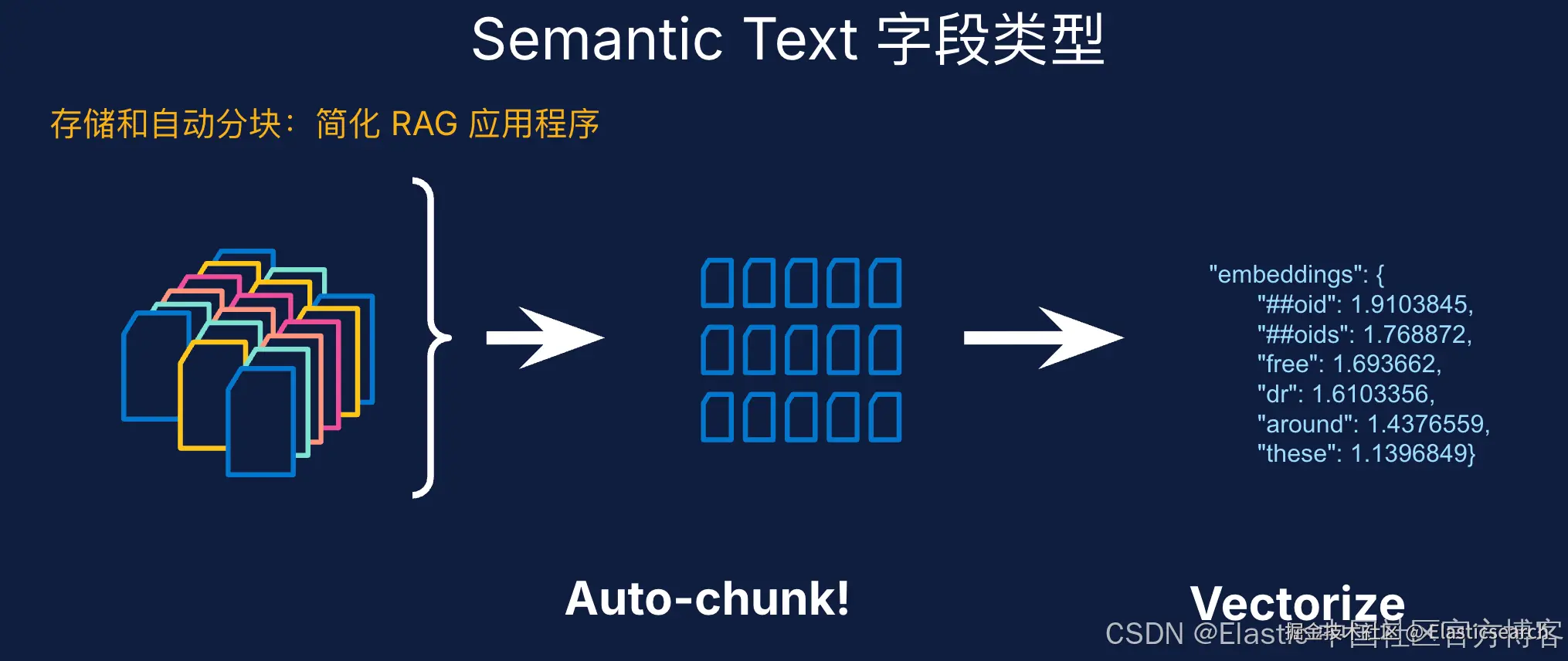
在早期的 Elastic Stack 版本(9.4 之前),当我们定义 semantic_text 字段时,没有指名它的 inference endpoint,那么它的默认 inference endpoint 就是 .elser_model_2。从 Elastic Stack 9.4 之后,我们可以看到这个变化。比如:
bash
`
1. PUT semantic_text
2. {
3. "mappings": {
4. "properties": {
5. "content": {
6. "type": "text",
7. "copy_to": "inference_field"
8. },
9. "inference_field": {
10. "type": "semantic_text"
11. }
12. }
13. }
14. }
`AI写代码如上所示,我们定以了一个叫做 content 的字段,它的类型是 text。我们同时也把它拷贝到 inference_field 字段,而它的类型是 semantic_text。在上面,我们并没有标注它的 inference id。那么在默认的情况下,它的 inference id 是什么呢?
我们可以打入如下的命令:
bash
`GET semantic_text/_mapping` AI写代码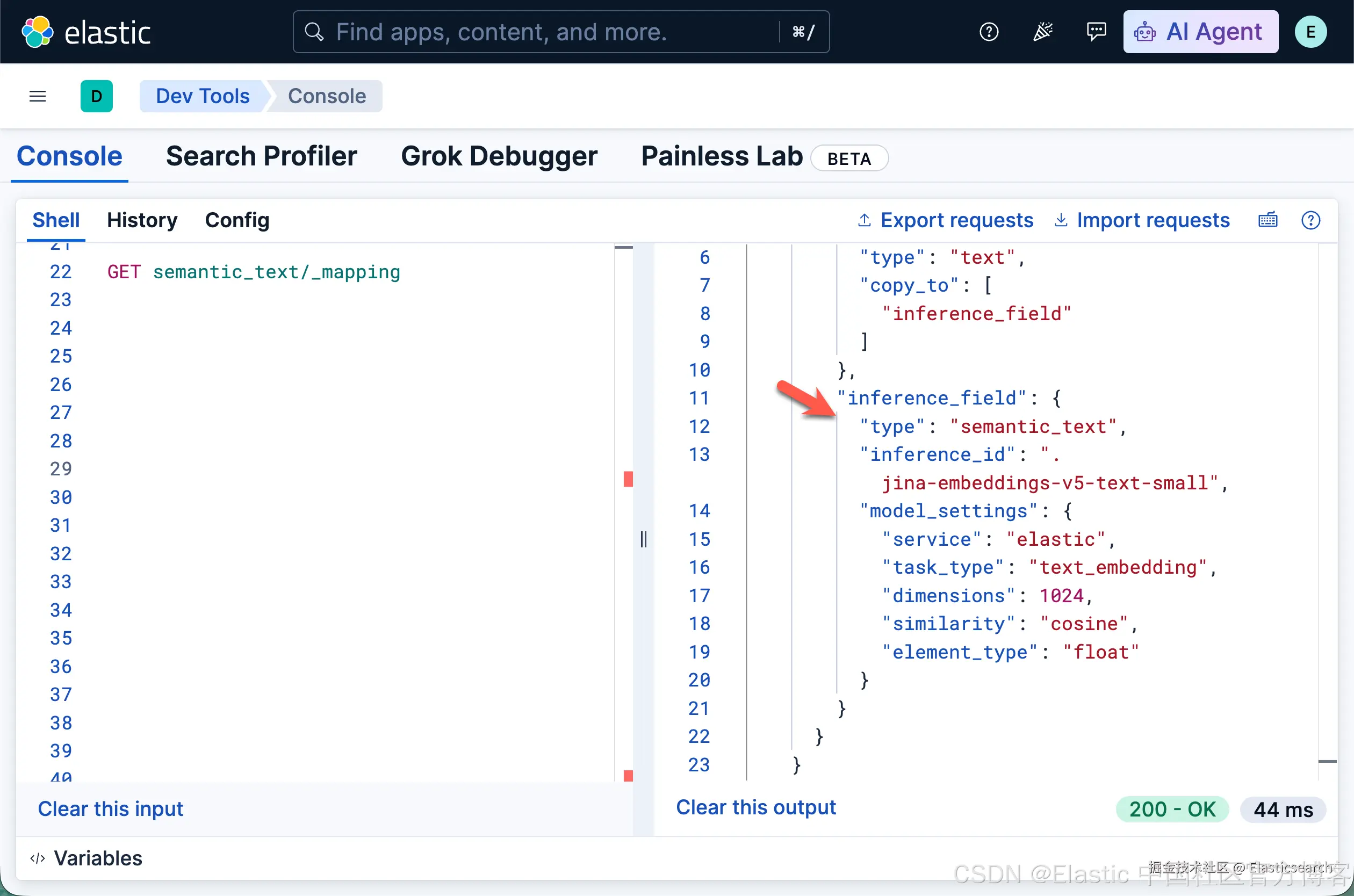
我们可以看到在默认的情况下,它的 inference_id 是 .jina-embeddings-v5-text-small,也就是说它支持上百种语音。
我们做一个简单的例子:
css
`

1.  PUT semantic_text/_bulk
2.  {"index": {"_id": "1"}}
3.  {"content": "阿里巴巴(中国)有限公司成立于2007年03月26日,法定代表人蒋芳"}
4.  {"index": {"_id": "2"}}
5.  {"content": "百度是拥有强大互联网基础的领先AI公司。百度愿景是:成为最懂用户,并能帮助人们成长的全球顶级高科技公司。于2000年1月1日在中关村创建了百度公司"}

`AI写代码
我们写入上面的文档,并做如下的查询:
bash
`

1.  GET semantic_text/_search
2.  {
3.    "query": {
4.      "match": {
5.        "inference_field": "阿里是什么样的公司?"
6.      }
7.    }
8.  }

`AI写代码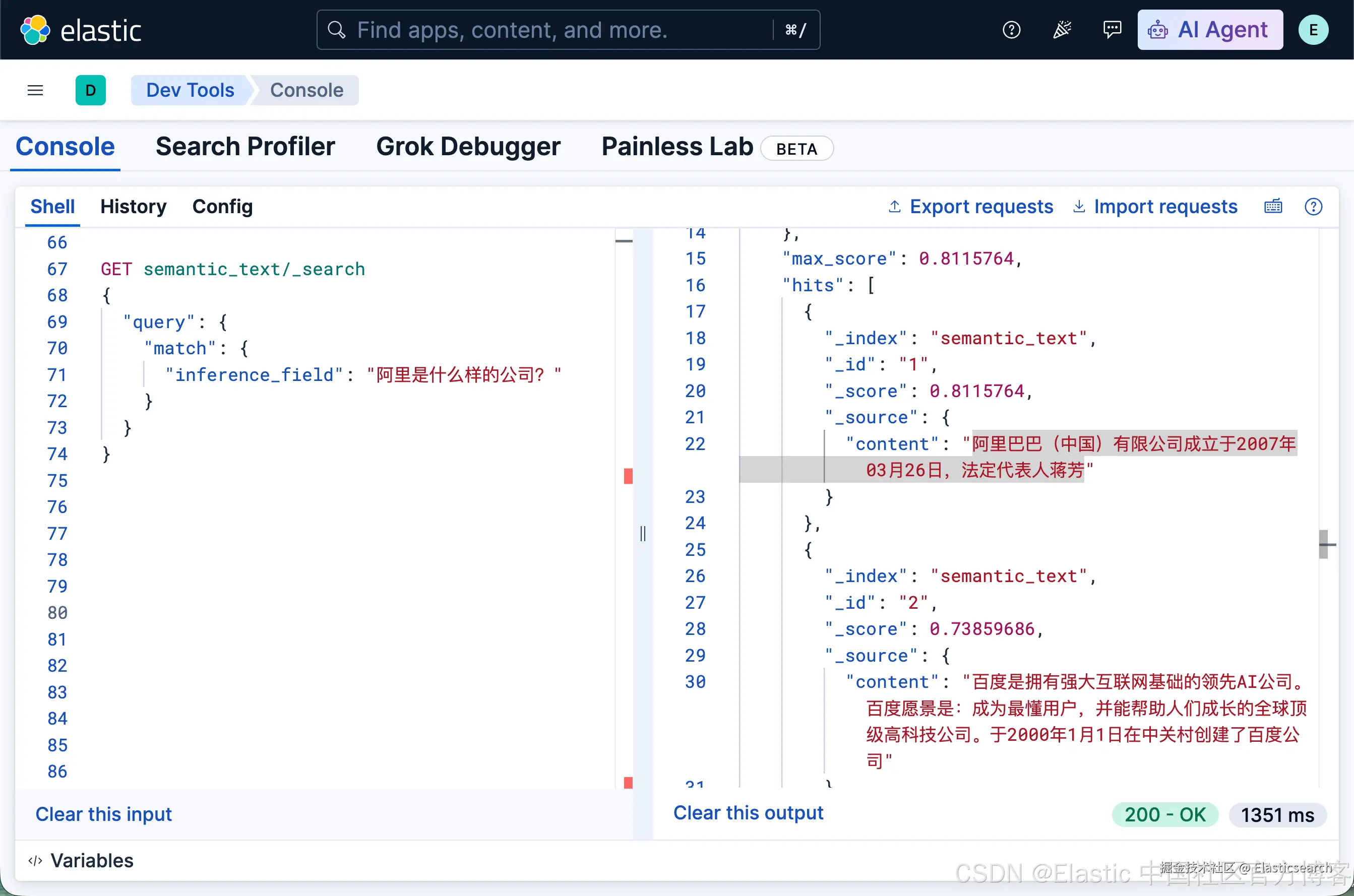
bash
`

1.  GET semantic_text/_search
2.  {
3.    "query": {
4.      "match": {
5.        "inference_field": "What is Baidu company?"
6.      }
7.    }
8.  }

`AI写代码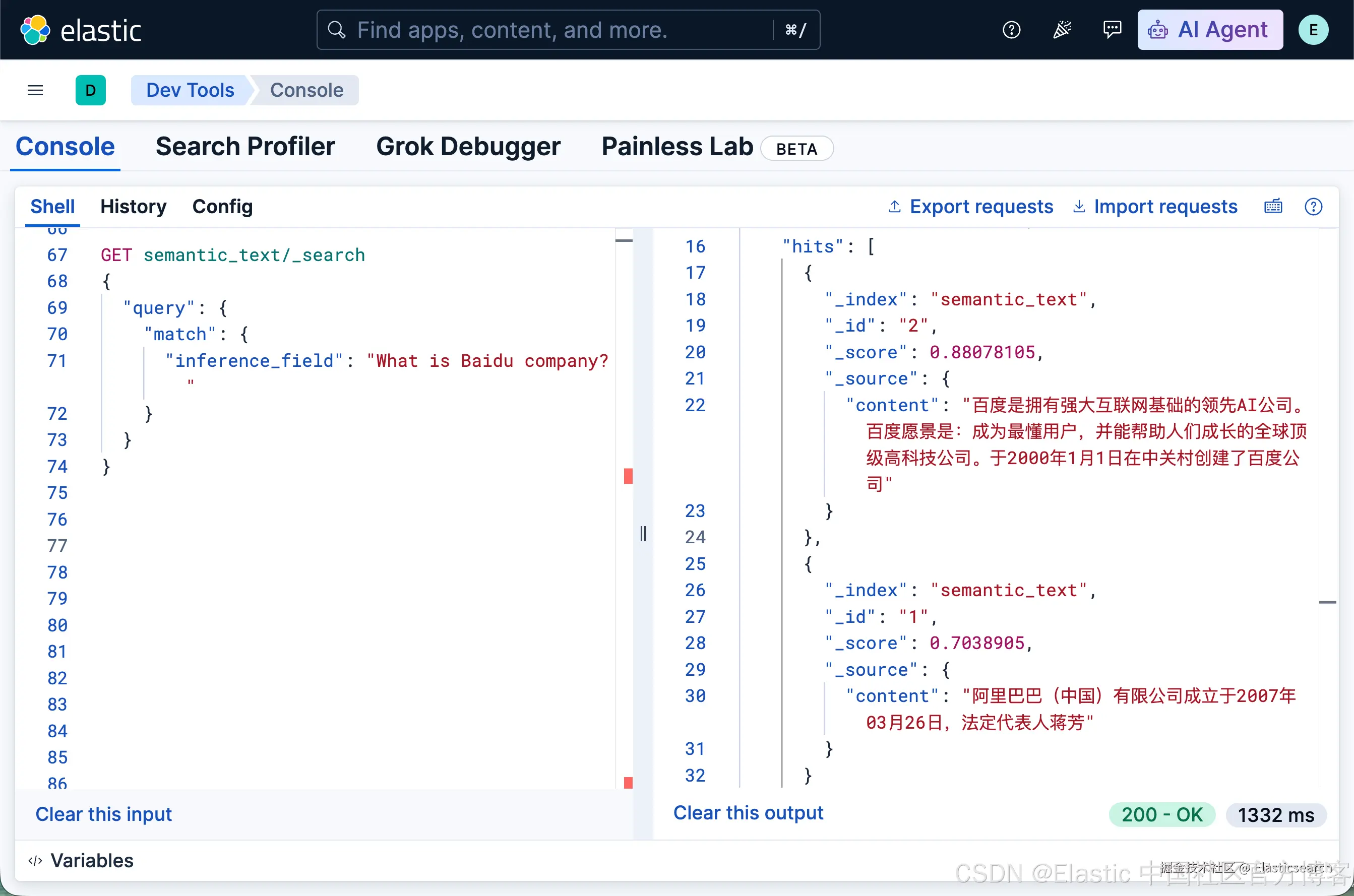
很显然它天生支持多语言。
有人可能想知道,这个到底是怎么做到的。答案是是它在底层自动使用了 EIS (Elastic Inference Service)。详细的连接步骤,请参考文章 "跳过 MLOps:通过 Cloud Connect 使用 EIS 为自管理 Elasticsearch 提供托管云推理"。
更多详情,请观看视频: