一、搭建本地仓库
1.激活光驱
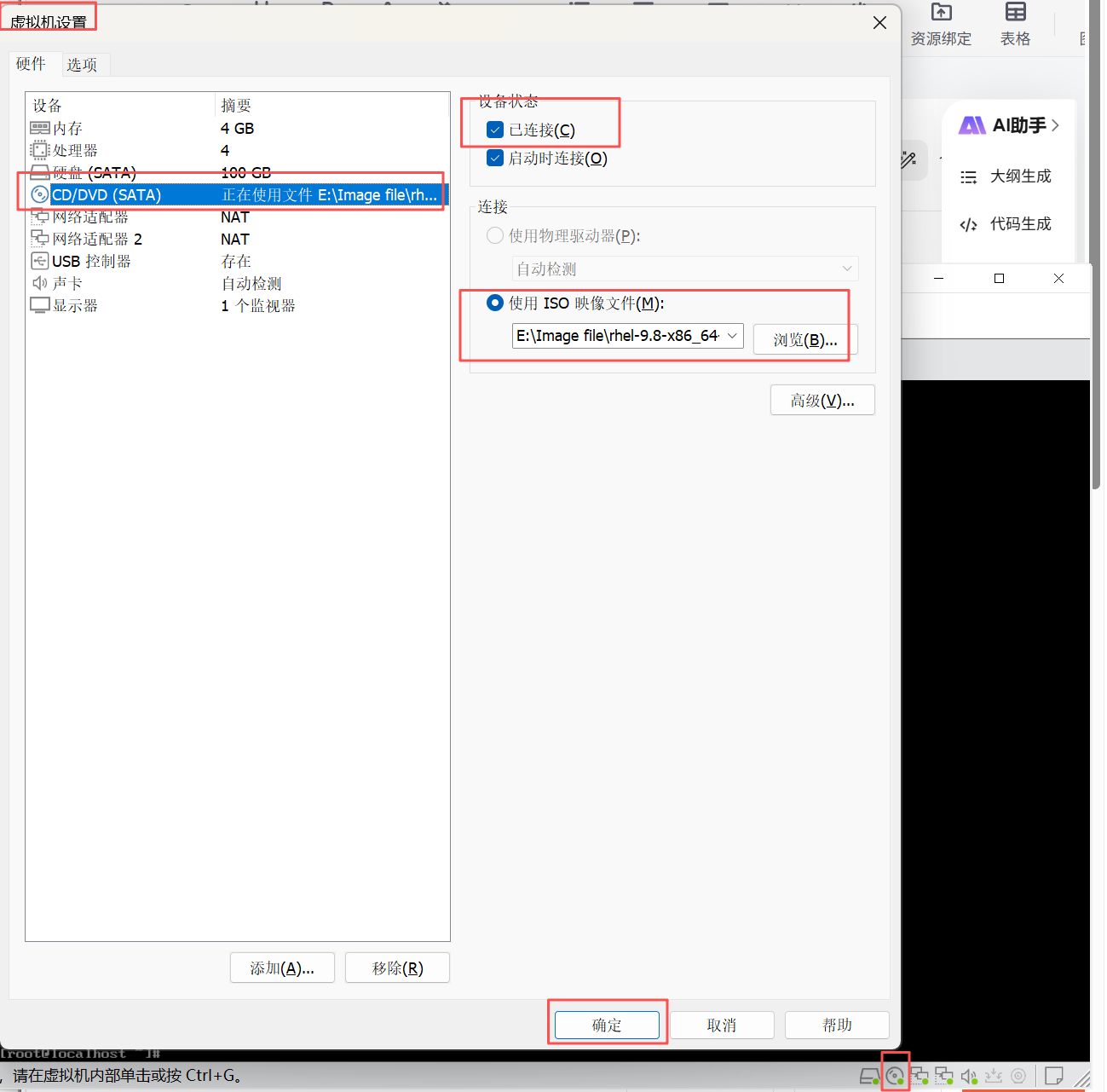
2.挂载光驱
识别光驱中的镜像
bash
#ll /dev/cdrom建立目录挂载光驱(通过目录读取光驱中的镜像文件)
bash
#mkdir /rhel9.8
#mount /dev/cdrom /rhel9.8/

#echo mount /dev/cdrom /rhel9.8/ >> /etc/rc.d/rc.local
#配置开机自动运行文件

#chmod +x /etc/rc.d/rc.local
#给文件加权限

#ls /rhel9.8/
#检查文档
3.配置仓库指向
bash
#cd /etc/yum.repos.d
#vim rhel9.repo
[AppStream]
name = AppStream
baseurl = file:///rhel9.8/AppStream
gpgcheck = 0

[BaseOS]
name = BaseOS
baseurl = file:///rhel9.8/BaseOS
gpgcheck = 0
4.验证仓库可用性
bash
#dnf list gcc二、搭建网络仓库(epel仓库)
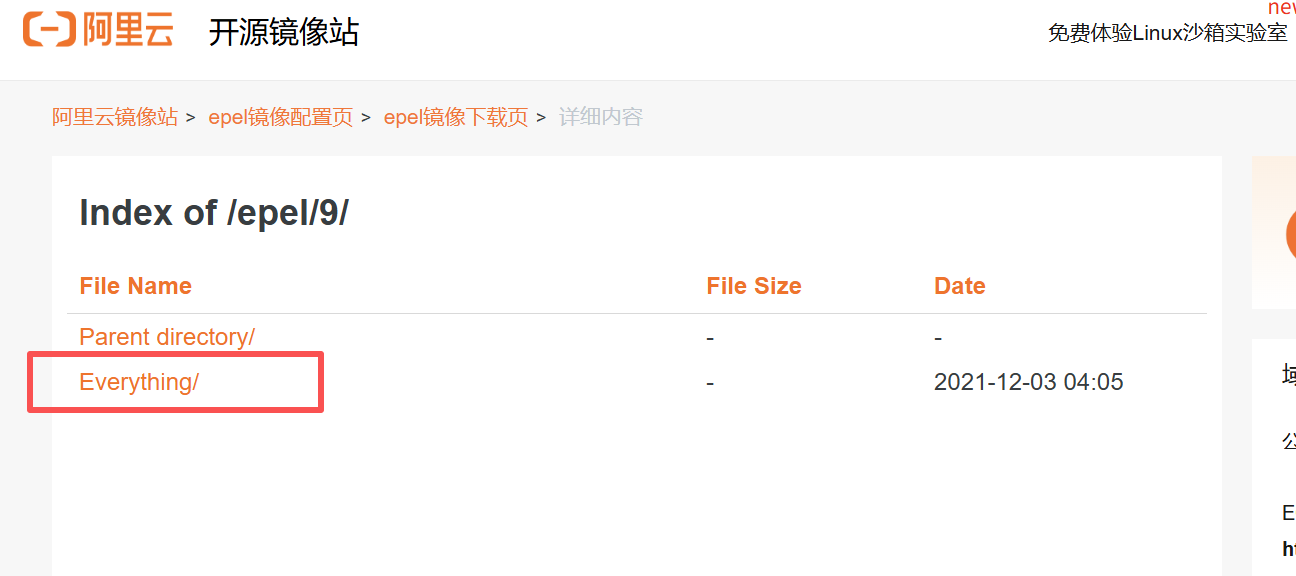
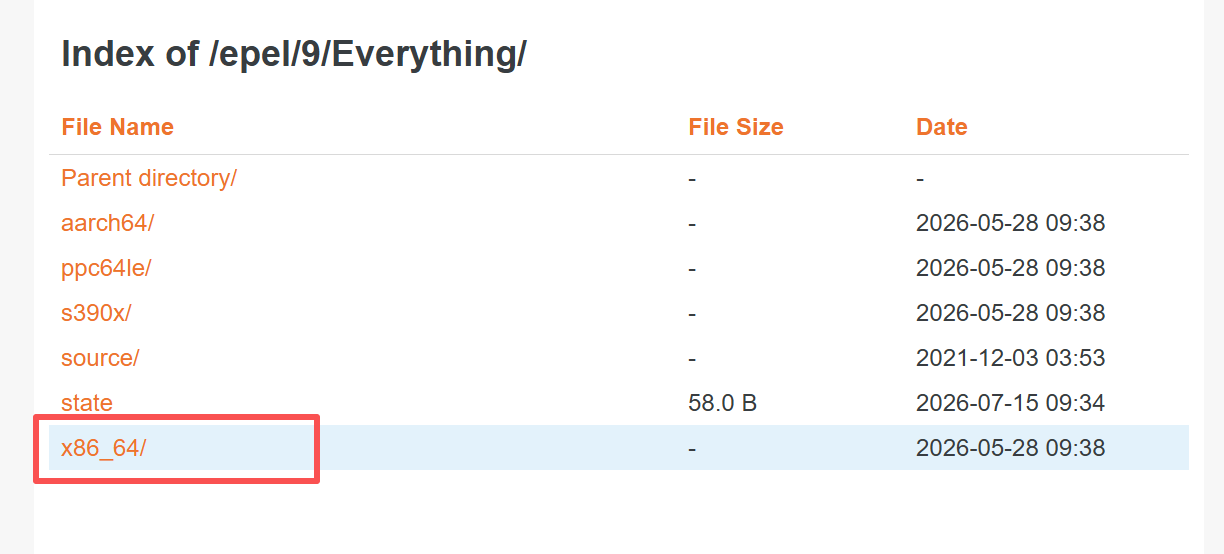
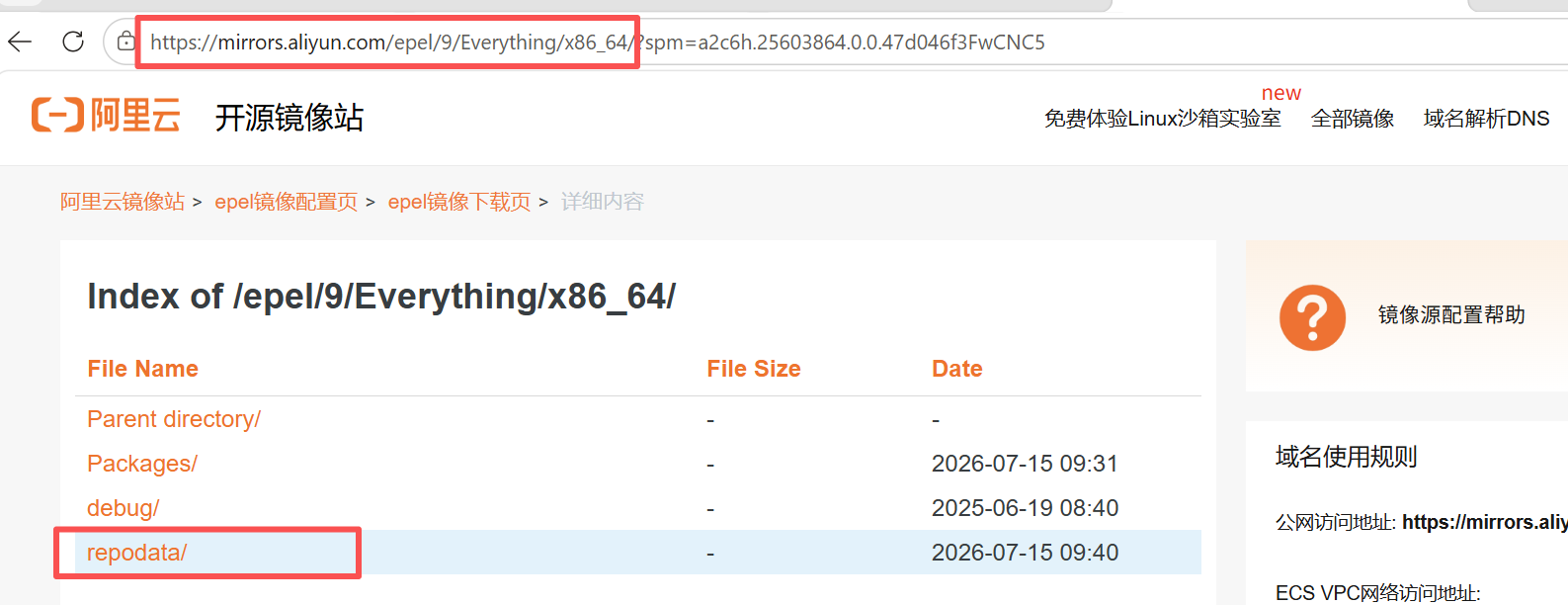
1.搜索网络仓库地址
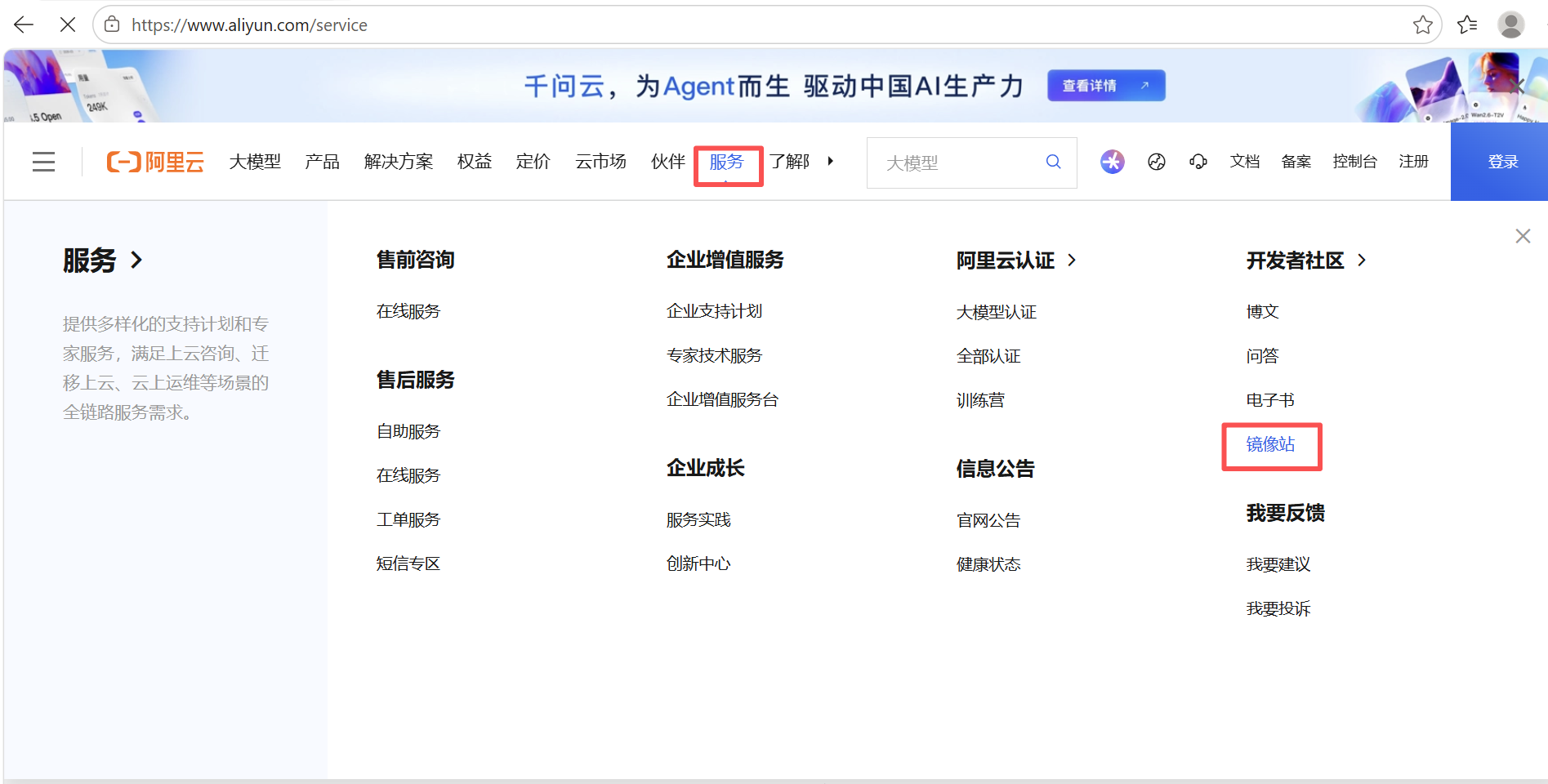

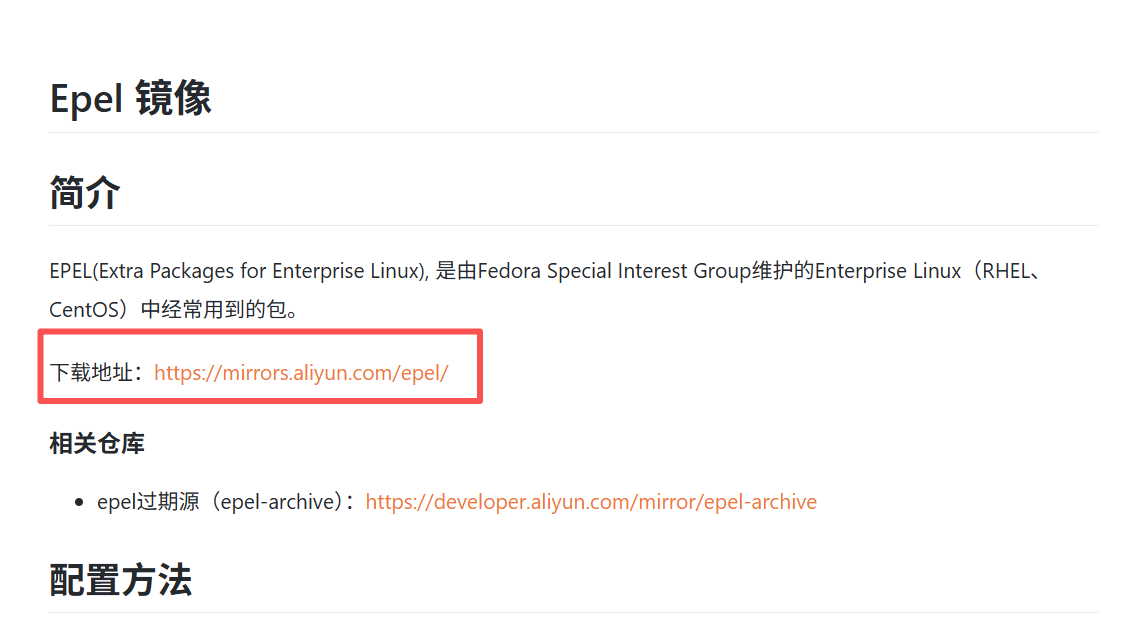
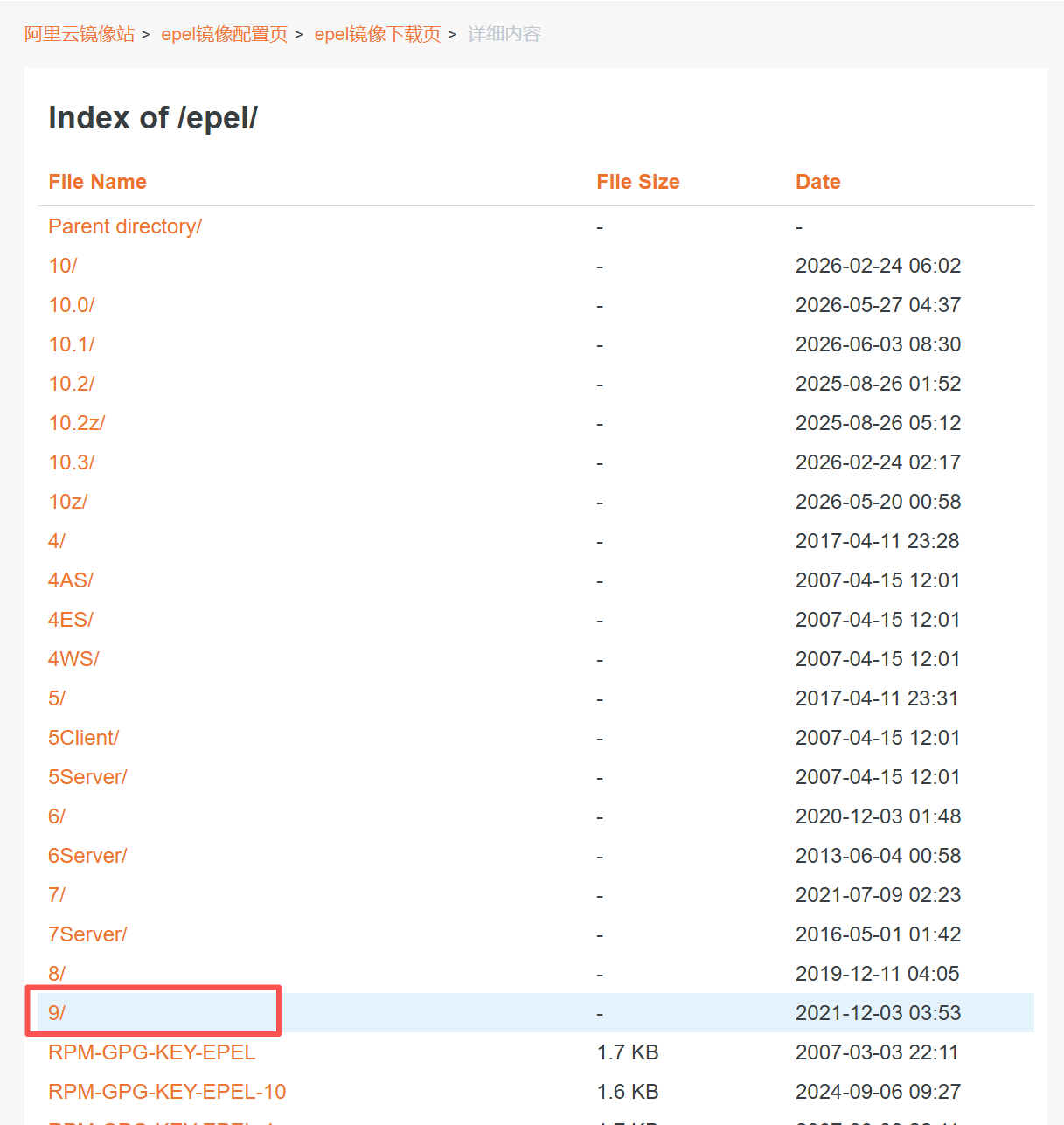
2.配置仓库文件
注:epel是网络仓库,其使用前提是当前主机可以上网
bash
#cd /etc/yum.repos.d/
#vim epel.repo
[epel]
name = epel
baseurl = https://mirrors.aliyun.com/epel/9/Everything/x86_64/
gpgcheck = 0
3.验证epel仓库
bash
#dnf list ansible