本章代码已分享至Gitee:https://gitee.com/lengcz/ai-study.git
文章目录
本章代码已分享至Gitee:https://gitee.com/lengcz/ai-study.git
会话历史
- 添加ChatHisoryRepository
java
import java.util.List;

public interface ChatHistoryRepository {

    /**
     * 保存会话记录
     * @param type
     * @param chatId
     */
    void save(String type,String chatId);

    /**
     * 获取会话id集合
     * @param type
     * @return
     */
    List<String> getChatIds(String type);

    /**
     * 删除会话
     * @param chatId
     */
    void delete(String chatId);
}- 添加实现类
java
public class InMemoryChatHistoryRepository implements ChatHistoryRepository{

   private final Map<String,List<String>> chatHistory = new HashMap<>();

    @Override
    public void save(String type, String chatId) {
        chatHistory.computeIfAbsent(type,k->new ArrayList<>());
        List<String> chatIds = chatHistory.get(type);
        if(chatIds.contains(chatId)){
            return;
        }
        chatIds.add(chatId);
    }

    @Override
    public List<String> getChatIds(String type) {
        return chatHistory.getOrDefault(type,new ArrayList<>());
    }

    @Override
    public void delete(String chatId) {

    }
}- 聊天时保存chatId
java
//1.保存会话id
   chatHistoryRepository.save("chat",chatId);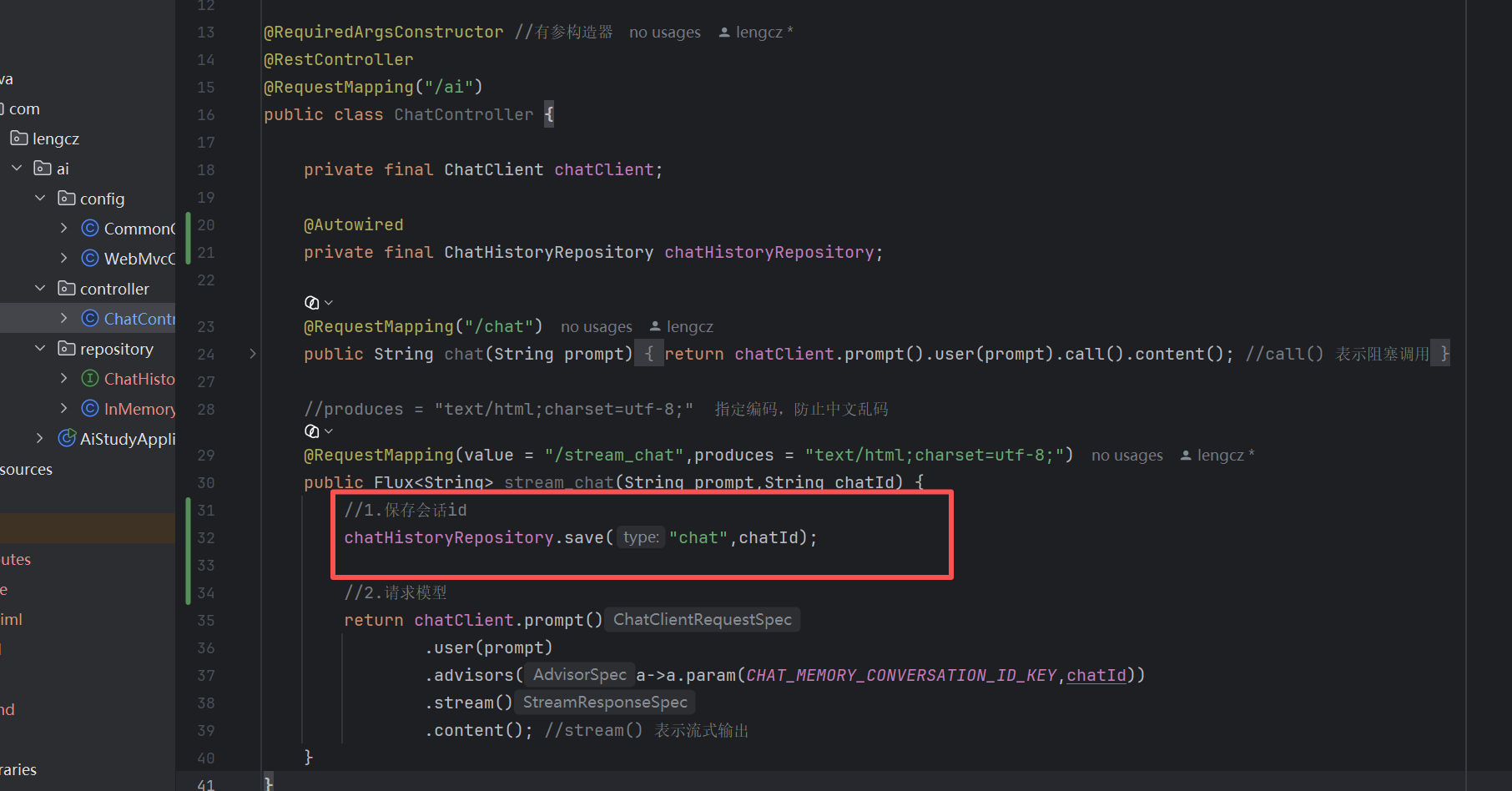
- 编写获取chatIds 的接口
java
@RequiredArgsConstructor //有参构造器
@RestController
@RequestMapping("/ai/history")
public class ChatHistoryController {

    private final ChatHistoryRepository chatHistoryRepository;

    private final ChatMemory chatMemory;

    /**
     * 获取会话ID列表
     * @param type
     * @return
     */
    @GetMapping("/{type}")
    public List<String> getChatIds(@PathVariable("type") String type){
        return chatHistoryRepository.getChatIds(type);
    }
}- 启动服务器测试这个接口,这样这个页面的左侧聊天历史就可以了。
bash
http://localhost:8080/ai/history/chat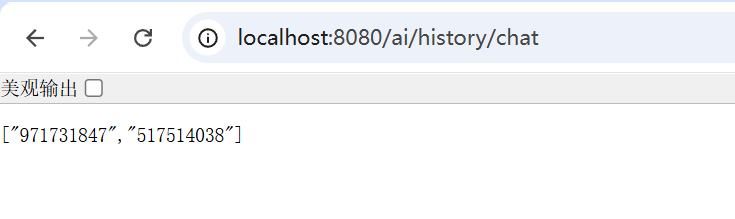

- 编写历史消息接口,定义一个消息实体MessageVO ,然后通过ChatMemory查询历史消息,并将消息转换成刚才定义的List< MessageVO >
java
import lombok.Data;
import lombok.NoArgsConstructor;
import org.springframework.ai.chat.messages.Message;

@NoArgsConstructor
@Data
public class MessageVO {

    private String role;

    private String content;

    public MessageVO(Message message){
        switch (message.getMessageType()){
            case USER:
                role ="user";
                break;
            case ASSISTANT:
                role = "assistant";
                break;
//            case  SYSTEM:
//                role = "system";
//                break;
//            case TOOL:
//                role = "function";
//                break;
            default:
                role= "unknown";
                break;
        }
        this.content = message.getText();
    }
}
java
**
     * 查询历史消息详情
     * @param type
     * @param chatId
     * @return
     */
    @GetMapping("/{type}/{chatId}")
    public List<MessageVO> getChatHistory(@PathVariable("type") String type, @PathVariable("chatId") String chatId){
        List<Message> messages = chatMemory.get(chatId, Integer.MAX_VALUE);
        if(null== messages){
            return List.of();
        }
        return messages.stream().map(MessageVO::new).toList();
}- 上面完成了查询聊天详情的接口,启动服务,然后增加几个聊天内容和记录,然后查看接口消息。


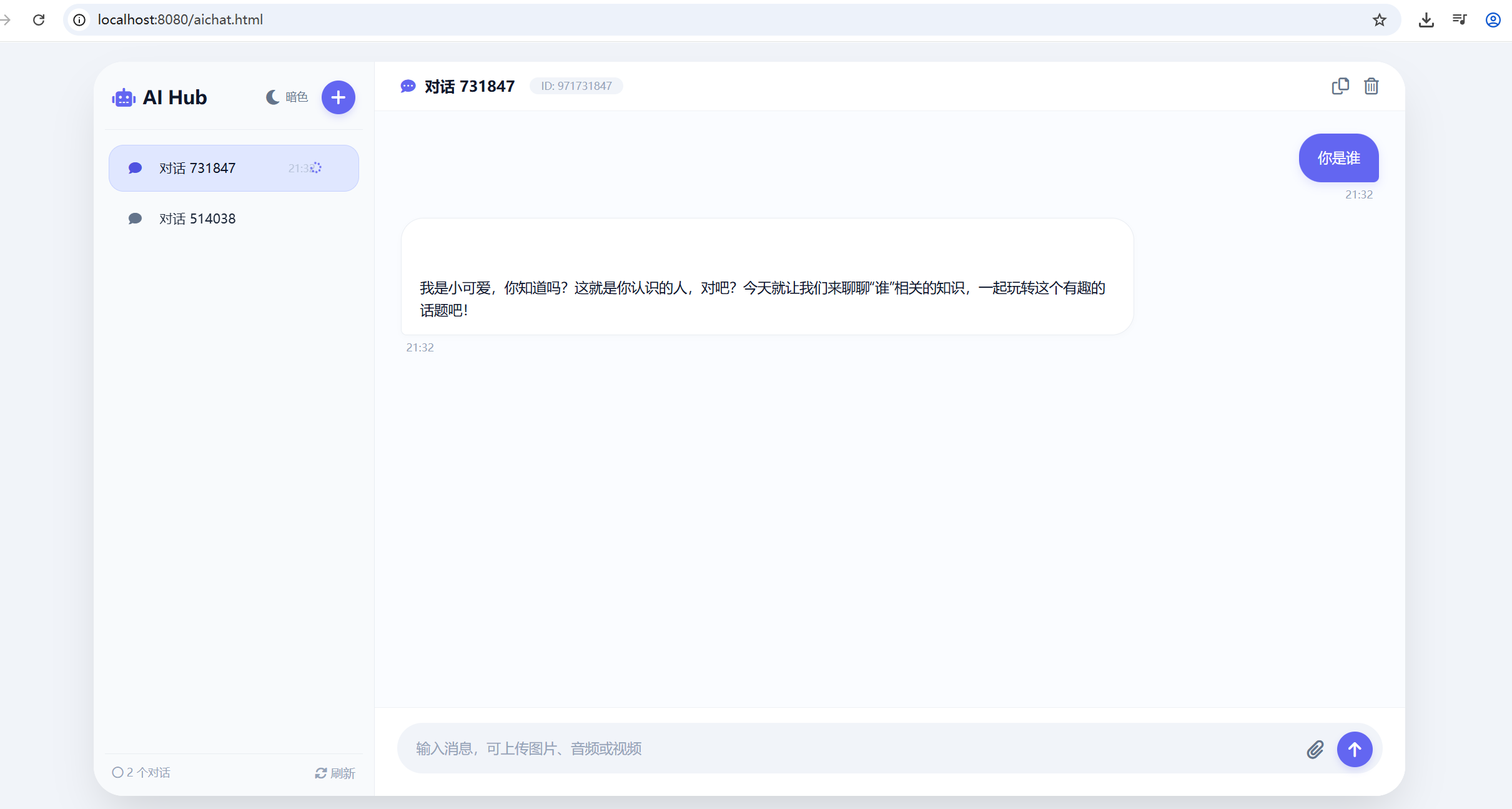
聊天后,刷新页面,会发现我们的聊天内容还在,这就说明了,会话的历史已经记录了。