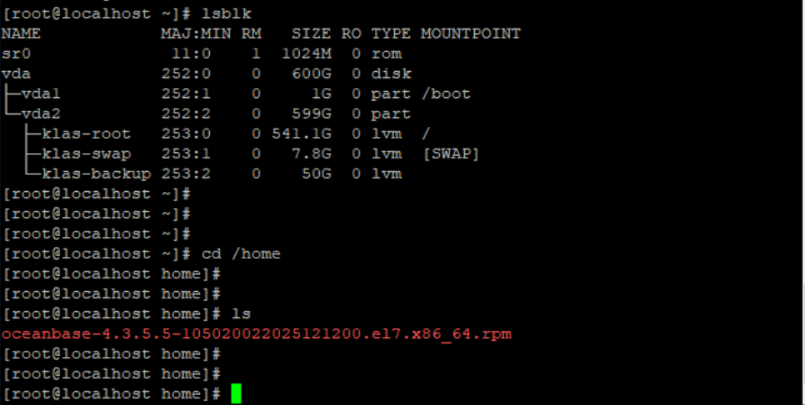
警告:user admin does not exist - using root
警告:group admin does not exist - using root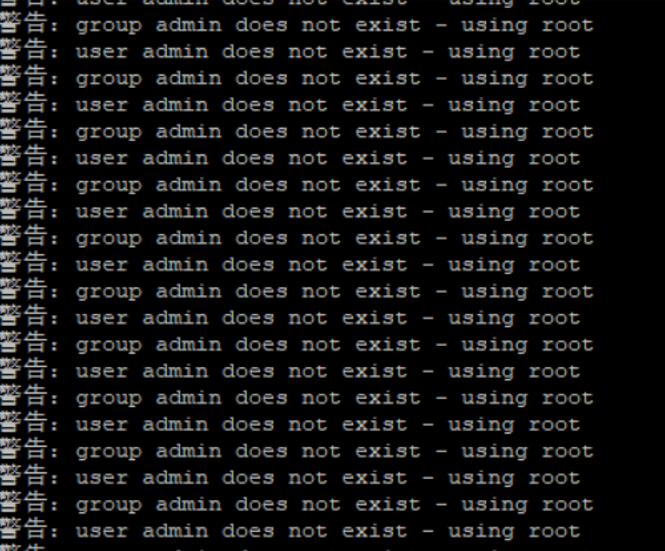
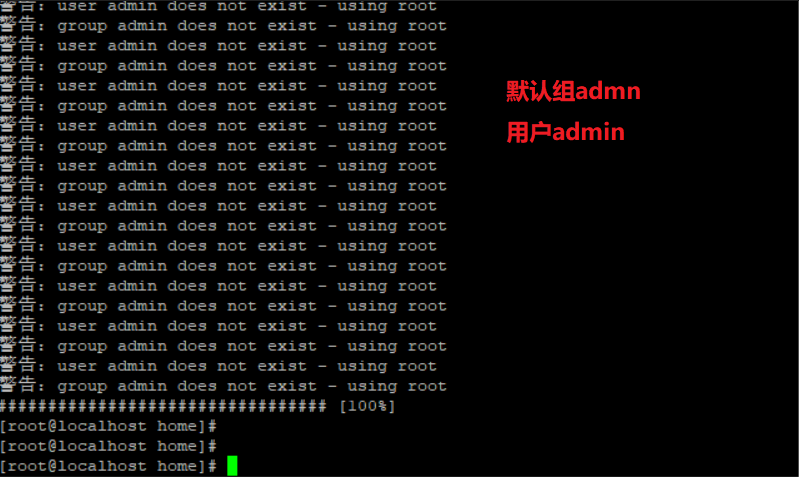
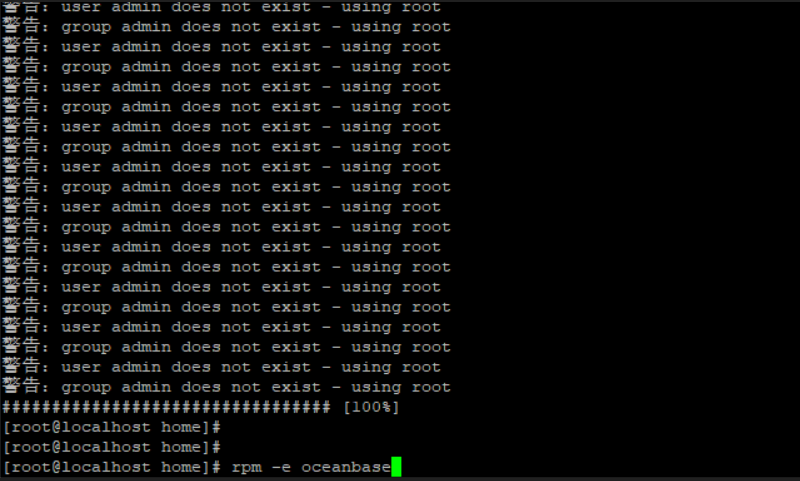
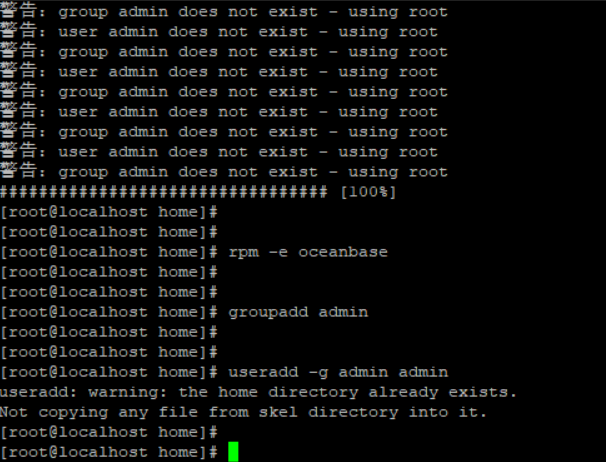
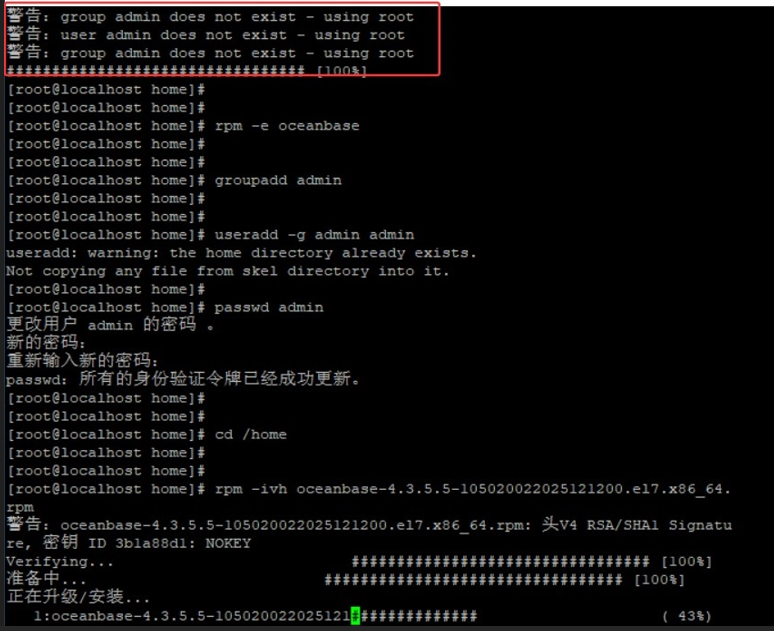
警告:user admin does not exist - using root
警告:group admin does not exist - using root
################################# [100%]
[root@localhost home]#
[root@localhost home]#
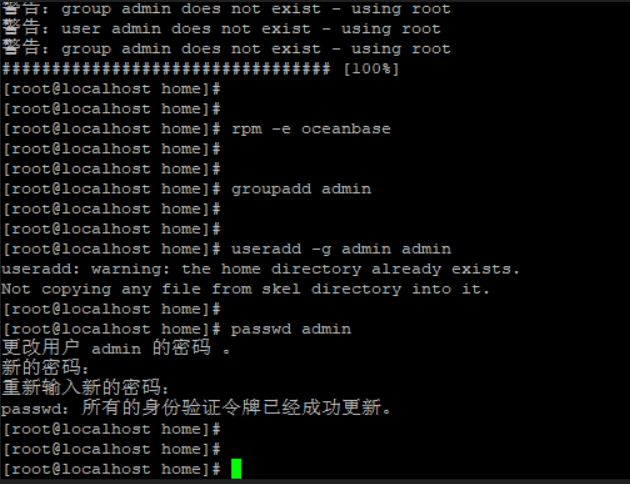
[root@localhost home]# rpm -e oceanbase
[root@localhost home]#
[root@localhost home]#
[root@localhost home]# groupadd admin
[root@localhost home]#
[root@localhost home]#
[root@localhost home]# useradd -g admin admin
useradd: warning: the home directory already exists.
Not copying any file from skel directory into it.
[root@localhost home]#
[root@localhost home]# passwd admin
更改用户 admin 的密码 。
新的密码:
重新输入新的密码:
passwd:所有的身份验证令牌已经成功更新。
[root@localhost home]#
[root@localhost home]#
[root@localhost home]# cd /home
[root@localhost home]#
[root@localhost home]#
[root@localhost home]# rpm -ivh oceanbase-4.3.5.5-105020022025121200.el7.x86_64.rpm
警告:oceanbase-4.3.5.5-105020022025121200.el7.x86_64.rpm: 头V4 RSA/SHA1 Signature, 密钥 ID 3b1a88d1: NOKEY
Verifying...                          ################################# [100%]
准备中...                          ################################# [100%]
正在升级/安装...
   1:oceanbase-4.3.5.5-105020022025121################################# [100%]
[root@localhost home]#
[root@localhost home]#
[root@localhost home]#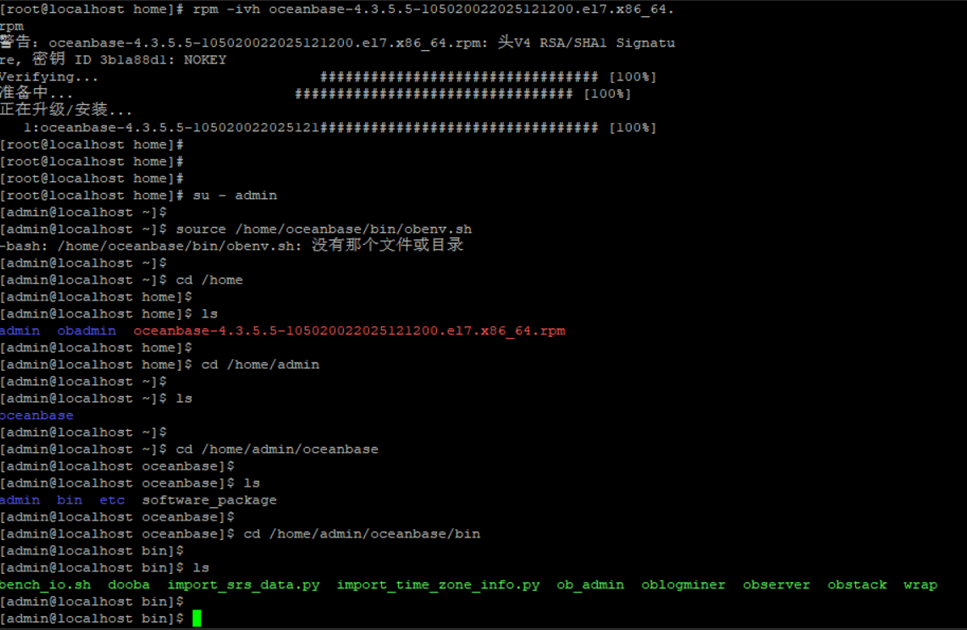
[root@localhost home]#
[root@localhost home]# su - admin
[admin@localhost ~]$
[admin@localhost ~]$ source /home/oceanbase/bin/obenv.sh
-bash: /home/oceanbase/bin/obenv.sh: 没有那个文件或目录
[admin@localhost ~]$
[admin@localhost ~]$ cd /home
[admin@localhost home]$
[admin@localhost home]$ ls
admin  obadmin  oceanbase-4.3.5.5-105020022025121200.el7.x86_64.rpm
[admin@localhost home]$
[admin@localhost home]$ cd /home/admin
[admin@localhost ~]$
[admin@localhost ~]$ ls
oceanbase
[admin@localhost ~]$
[admin@localhost ~]$ cd /home/admin/oceanbase
[admin@localhost oceanbase]$
[admin@localhost oceanbase]$ ls
admin  bin  etc  software_package
[admin@localhost oceanbase]$
[admin@localhost oceanbase]$ cd /home/admin/oceanbase/bin
[admin@localhost bin]$
[admin@localhost bin]$ ls
bench_io.sh  dooba  import_srs_data.py  import_time_zone_info.py  ob_admin  oblogminer  observer  obstack  wrap
[admin@localhost bin]$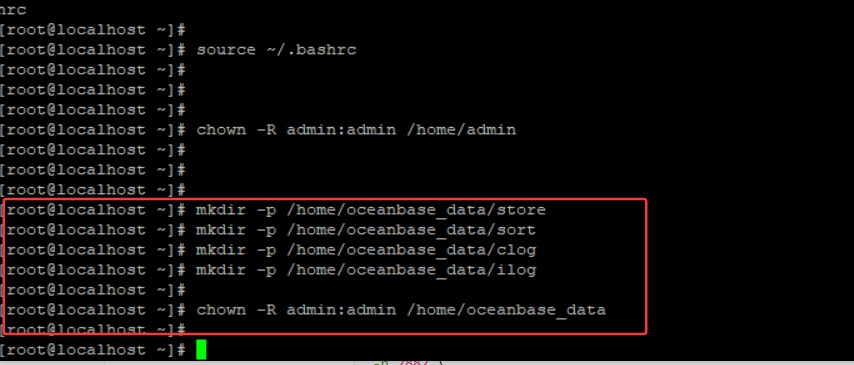
[root@localhost ~]#
[root@localhost ~]#
[root@localhost ~]# mkdir -p /home/oceanbase_data/store
[root@localhost ~]# mkdir -p /home/oceanbase_data/sort
[root@localhost ~]# mkdir -p /home/oceanbase_data/clog
[root@localhost ~]# mkdir -p /home/oceanbase_data/ilog
[root@localhost ~]#
[root@localhost ~]# chown -R admin:admin /home/oceanbase_data
[root@localhost ~]#
[root@localhost ~]#
[admin@localhost home]$
[admin@localhost home]$ /home/admin/oceanbase/bin/observer -p 2882 -P 2883 -o /home/oceanbase_data/store -c 127.0.0.1:2882 -r "127.0.0.1:2882"                      /home/admin/oceanbase/bin/observer -p 2882 -P 2883 -o /home/oceanbase_data/store -c 127.0.0.1:2882 -r 127.0.0.1:2882
mysql port: 2882
rpc port: 2883
optstr: /home/oceanbase_data/store
cluster id: 127.0.0.1:2882
need cluster id: 127.0.0.1:2882
[admin@localhost home]$
[admin@localhost home]$
[admin@localhost home]$
[admin@localhost home]$ ls -ld /home/oceanbase_data
drwxr-xr-x 6 admin admin 55  7月 29 18:35 /home/oceanbase_data
[admin@localhost home]$
[admin@localhost home]$ ls -ld /home/oceanbase_data/store
drwxr-xr-x 2 admin admin 6  7月 29 18:35 /home/oceanbase_data/store
[admin@localhost home]$
[admin@localhost home]$
[admin@localhost home]$ /home/admin/oceanbase/bin/observer -p 2882 -P 2883 -o /home/oceanbase_data/store -c 127.0.0.1:2882 -r 127.0.0.1:2882
/home/admin/oceanbase/bin/observer -p 2882 -P 2883 -o /home/oceanbase_data/store -c 127.0.0.1:2882 -r 127.0.0.1:2882
mysql port: 2882
rpc port: 2883
optstr: /home/oceanbase_data/store
cluster id: 127.0.0.1:2882
need cluster id: 127.0.0.1:2882
[admin@localhost home]$
[admin@localhost home]$
[admin@localhost home]$ /home/admin/oceanbase/bin/observer -p 2882 -P 2883 -o /home/oceanbase_data/store -c 127.0.0.1:2882 -r 127.0.0.1:2882 -z zone1
/home/admin/oceanbase/bin/observer -p 2882 -P 2883 -o /home/oceanbase_data/store -c 127.0.0.1:2882 -r 127.0.0.1:2882 -z zone1
mysql port: 2882
rpc port: 2883
optstr: /home/oceanbase_data/store
cluster id: 127.0.0.1:2882
need cluster id: 127.0.0.1:2882
[admin@localhost home]$
[admin@localhost home]$
[admin@localhost home]$
[admin@localhost home]$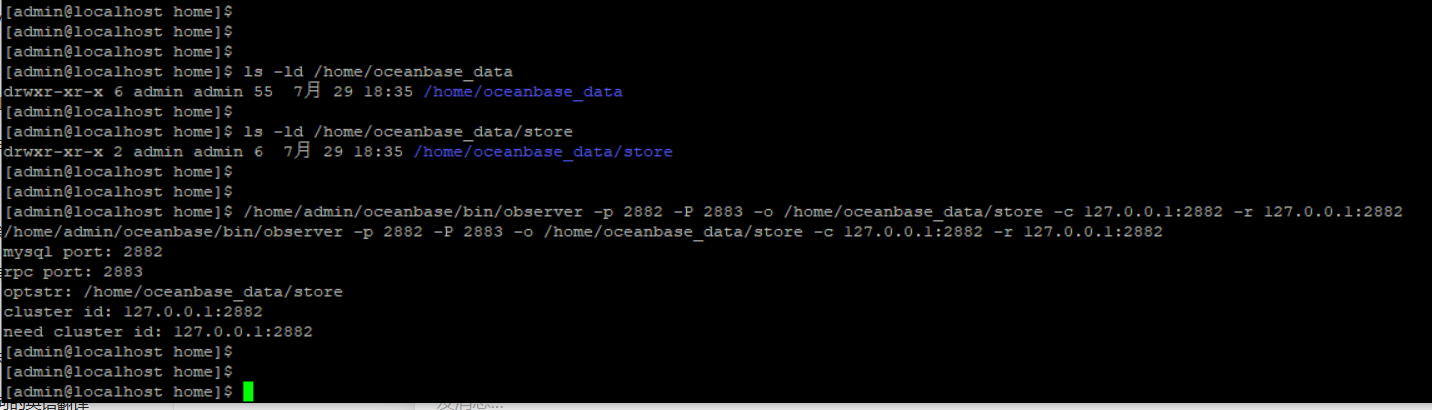
[root@localhost ~]# ps -ef | grep observer | grep -v grep
[root@localhost ~]#
[root@localhost ~]# netstat -tlnp | grep 2881
[root@localhost ~]#
[root@localhost ~]# ps -ef | grep observer
root     1966971 1943015  0 19:51 pts/0    00:00:00 grep --color=auto observer
[root@localhost ~]#
[root@localhost ~]#

这里还是没启动成功的

[root@localhost bin]# /home/admin/oceanbase/bin/observer --help
/home/admin/oceanbase/bin/observer --help
observer [OPTIONS]
  -h,--help                print this help
  -z,--zone ZONE           zone
  -p,--mysql_port PORT     mysql port
  -P,--rpc_port PORT       rpc port
  -N,--nodaemon            don't run in daemon
  -n,--appname APPNAME     application name
  -c,--cluster_id ID       cluster id
  -d,--data_dir DIR        OceanBase data directory
  -i,--devname DEV         net dev interface
  -I,--local_ip            ip of the current machine
  -o,--optstr OPTSTR       extra options string
  -r,--rs_list RS_LIST     root service list
  -l,--log_level LOG_LEVEL server log level
  -6,--ipv6 USE_IPV6       server use ipv6 address
  -m,--mode MODE server mode
  -f,--scn flashback_scn
  -L,--plugins_load plugins to load
[root@localhost bin]#
[root@localhost bin]#

[root@localhost bin]#
[root@localhost bin]#
[root@localhost bin]# ulimit -n
1024
[root@localhost bin]#
[root@localhost bin]#
[root@localhost bin]#
[root@localhost bin]# ulimit -n
1024
[root@localhost bin]#
[root@localhost bin]#
[root@localhost bin]#
[root@localhost bin]# ulimit -n 65535
[root@localhost bin]#
[root@localhost bin]# ulimit -n
65535
[root@localhost bin]#
[root@localhost bin]#vi /etc/security/limits.conf


i

root soft nofile 65535
root hard nofile 65535
admin soft nofile 65535
admin hard nofile 65535

# End of file

ESC
:wq
[root@localhost bin]# ulimit -n
65535


[root@localhost home]# ll /home/admin