SpringBoot 官网 阅读笔记 生产就绪功能
参考资料:Spring Boot 官网
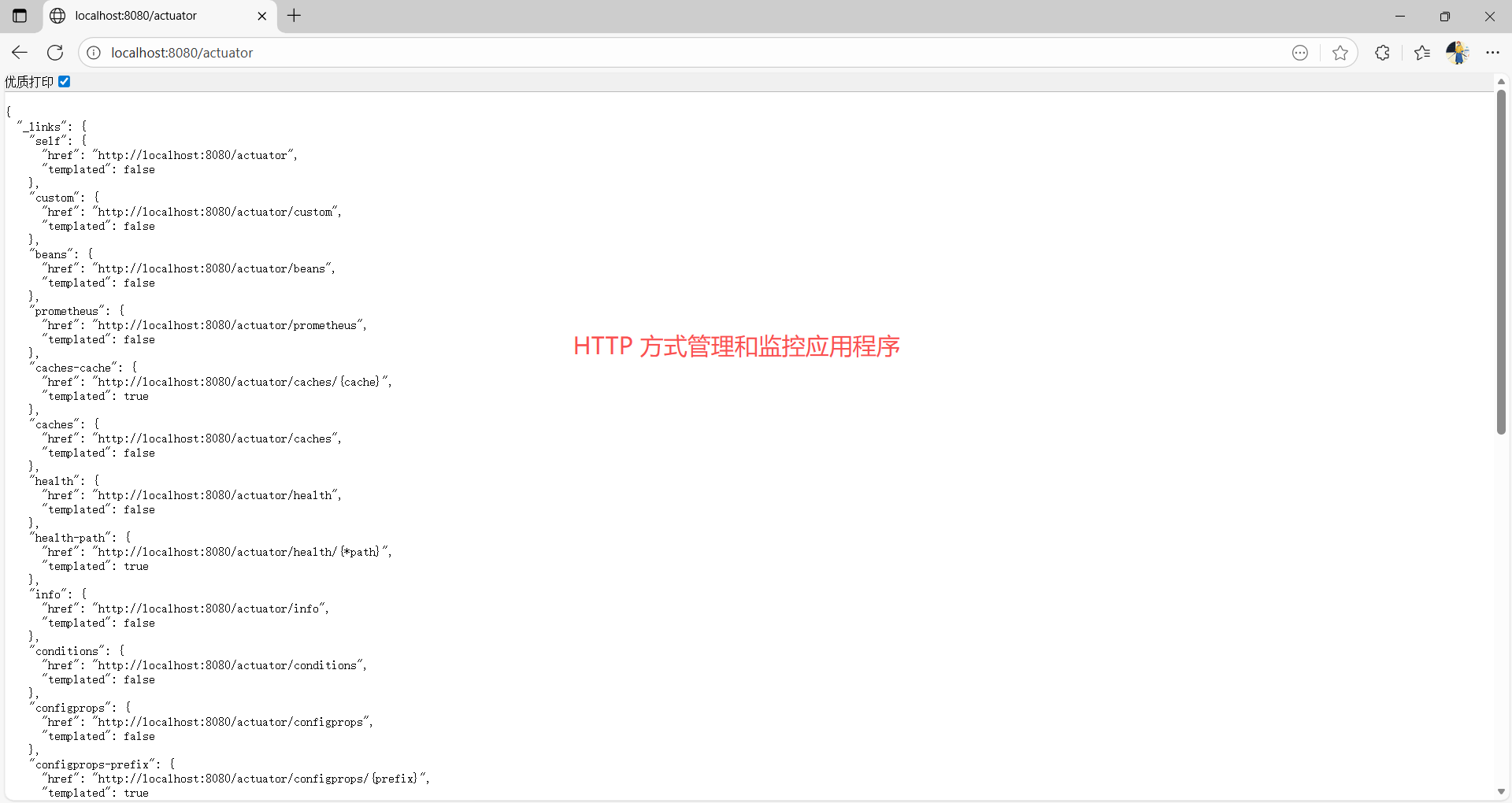
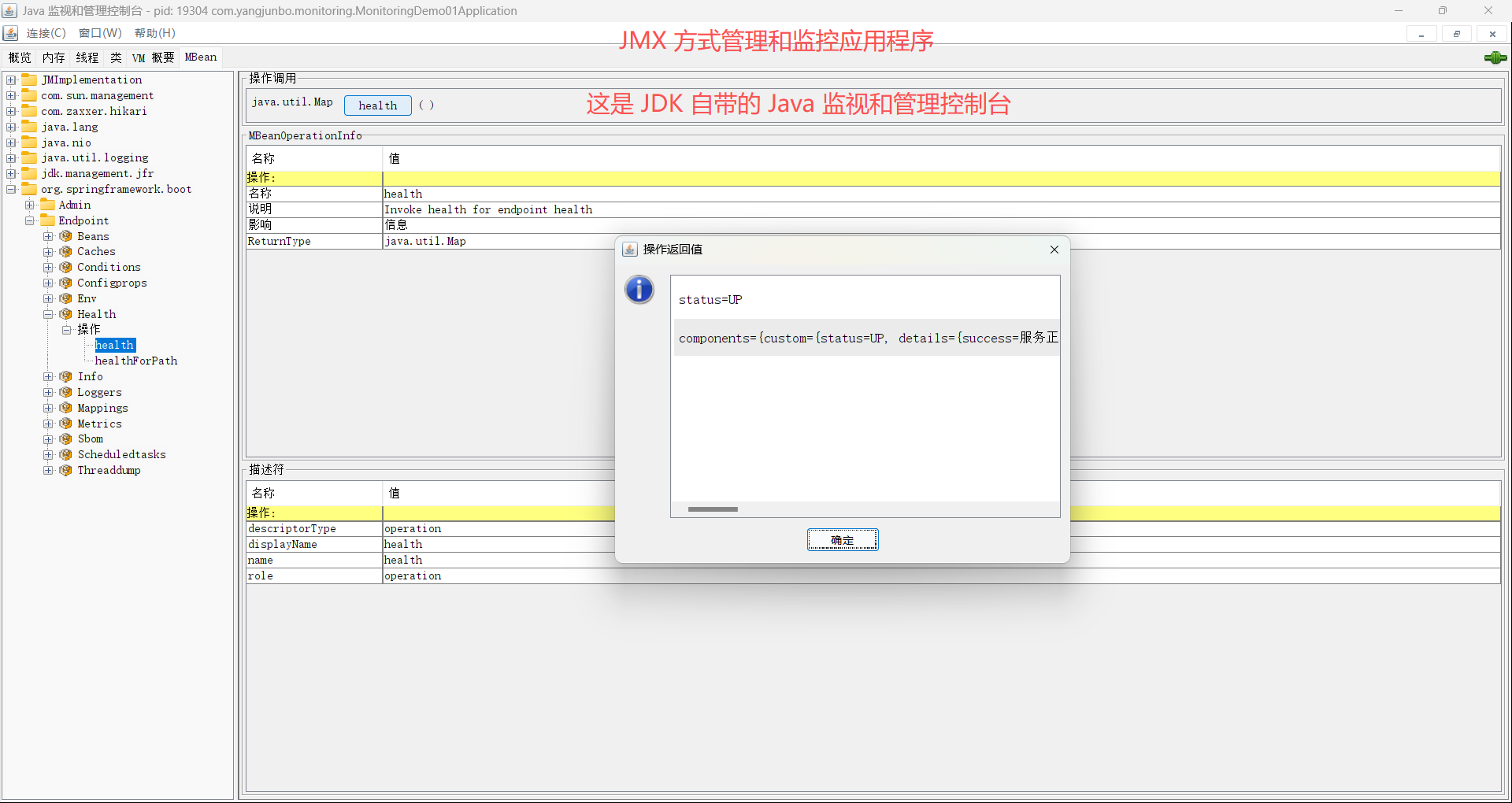
生产就绪功能可帮助您在将应用程序部署到生产环境时对其进行监控和管理。您可以选择通过 HTTP 或 JMX 来管理和监控您的应用程序。
1 启用生产就绪功能
添加 Starters 依赖 spring-boot-starter-actuator 即可启用。
xml
	<dependency>
		<groupId>org.springframework.boot</groupId>
		<artifactId>spring-boot-starter-actuator</artifactId>
	</dependency>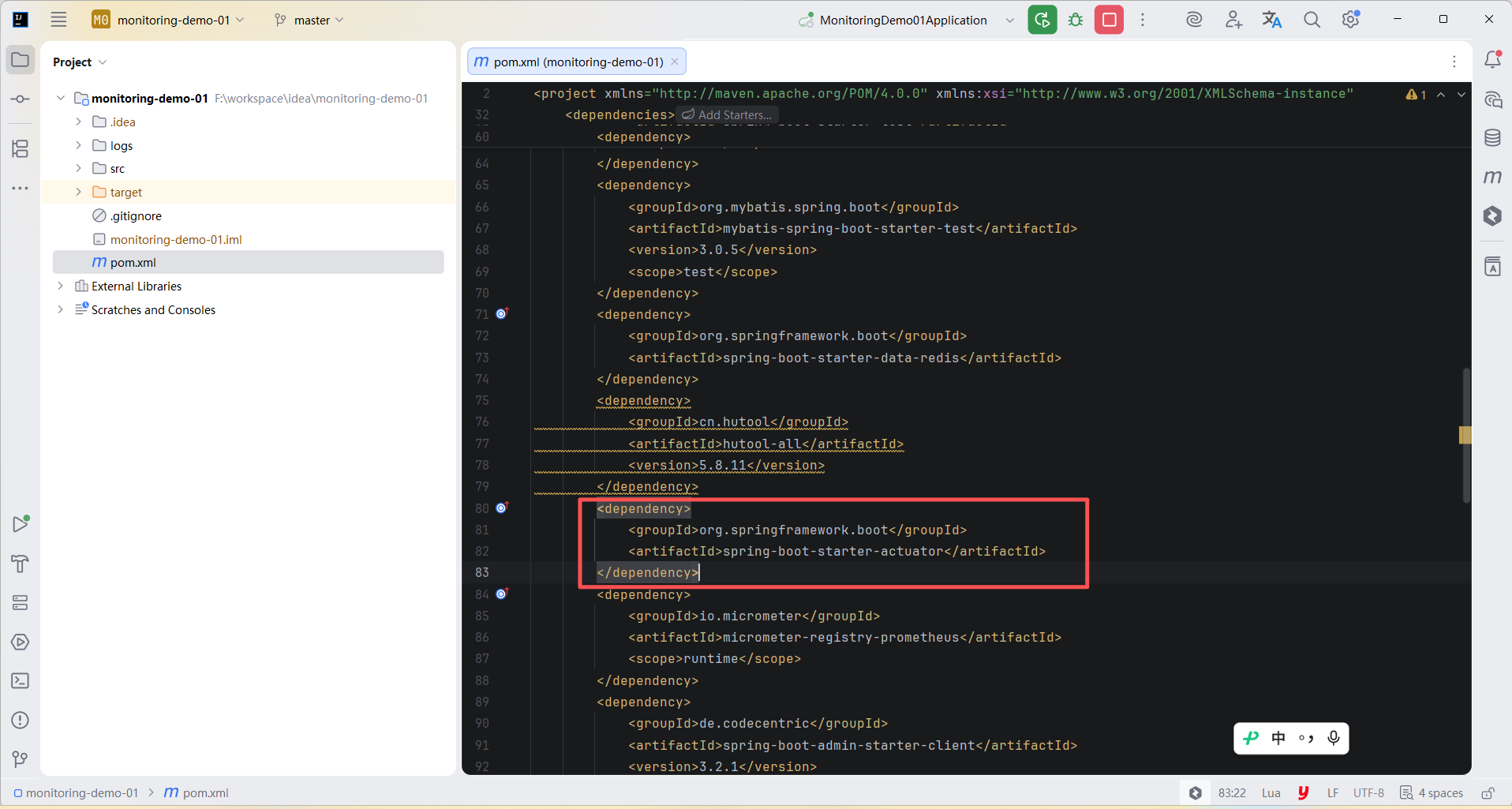
2 端点
Spring Boot 包含许多内置端点,并允许您添加自己的端点。 例如,health 端点提供基本的应用程序健康信息。
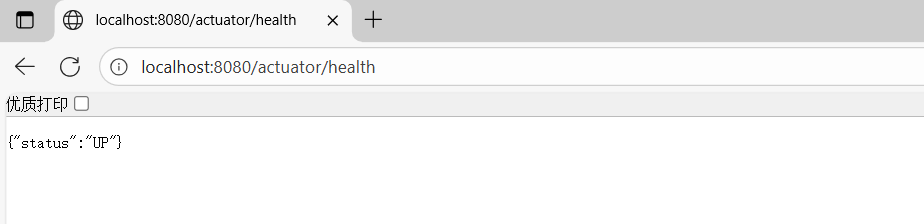
大多数应用程序选择通过 HTTP 公开,其中端点的 ID 和前缀 /actuator 会被映射到一个 URL。 例如,默认情况下,health 端点会被映射到 /actuator/health。
通用端点:
| ID | 描述 |
|---|---|
auditevents |
公开当前应用程序的审计事件信息。 需要一个 AuditEventRepository bean。 |
beans |
显示应用程序中所有 Spring Bean 的完整列表。 |
caches |
公开可用的缓存。 |
conditions |
显示在配置类和自动配置类上评估的条件,以及它们匹配或不匹配的原因。 |
configprops |
显示所有 @ConfigurationProperties 的整理列表。 需经过 清理 处理。 |
env |
公开来自 Spring 的 ConfigurableEnvironment 的属性。 需经过清理处理。 |
flyway |
显示已应用的任何 Flyway 数据库迁移。 需要一个或多个 Flyway Bean。 |
health |
显示应用程序健康信息。 |
httpexchanges |
显示 HTTP 交换信息(默认情况下,显示最近 100 个 HTTP 请求-响应交换)。 需要一个 HttpExchangeRepository Bean。 |
info |
显示任意应用程序信息。 |
integrationgraph |
显示 Spring Integration 图。 需要依赖于 spring-integration-core。 |
loggers |
显示并修改应用程序中日志记录器的配置。 |
liquibase |
显示已应用的任何 Liquibase 数据库迁移。 需要一个或多个 Liquibase bean。 |
metrics |
显示当前应用程序的"指标"信息,以诊断应用程序已记录的指标。 |
mappings |
显示所有 @RequestMapping 路径的汇总列表。 |
quartz |
显示有关Quartz调度程序作业的信息。 受 清理 的约束。 |
scheduledtasks |
显示应用程序中的计划任务。 |
sessions |
允许从基于Spring Session的会话存储中检索和删除用户会话。 需要使用Spring Session的基于Servlet的Web应用程序。 |
shutdown |
允许应用程序优雅关闭。 仅在使用 jar 打包时有效。 默认情况下已禁用。 |
startup |
显示由 启动步骤数据 收集的 ApplicationStartup。 需要将 SpringApplication 配置为 BufferingApplicationStartup。 |
threaddump |
执行线程转储。 |
Web 应用程序(Spring MVC、Spring WebFlux 或 Jersey),额外的端点:
| ID | 描述 |
|---|---|
heapdump |
返回堆转储文件。 在 HotSpot JVM 上,返回 HPROF 格式的文件。 在 OpenJ9 JVM 上,返回 PHD 格式的文件。 |
logfile |
返回日志文件的内容(如果已设置 logging.file.name 或 logging.file.path 属性)。 支持使用 HTTP Range 头来检索日志文件的部分内容。 |
prometheus |
以 Prometheus 服务器可以抓取的格式公开指标。 需要依赖于 micrometer-registry-prometheus。 |
2.1 端点访问限制
默认情况下,除了 shutdown 和 heapdump 之外的所有端点,访问都是不受限制的。
可以使用 management.endpoint..access 属性放开端点访问限制,例如:
允许访问 access 端点。
yml
management:
  endpoint:
    shutdown:
      access: unrestricted
可以将 management.endpoints.access.default 属性设置为 none,限制所有端点的访问,
再使用 access 属性放开指定的端点,例如:
先限制访问所有端点,然后允许访问 loggers 端点。
yml
management:
  endpoints:
    access:
      default: none
  endpoint:
    loggers:
      access: read-only
不可访问的端点会被完全移除。 如果只想更改端点是否公开,可以改用 include 和 exclude 属性。
限制访问
management.endpoints.access.max-permitted 属性优先于默认访问权限或单个端点的访问级别。 将其设置为 none 可使所有端点不可访问。 将其设置为 read-only 以仅允许对端点进行读取访问。
2.2 暴露端点
默认情况下,HTTP 仅公开 health 端点。 由于端点可能包含敏感信息,因此在公开它们时应仔细考虑。
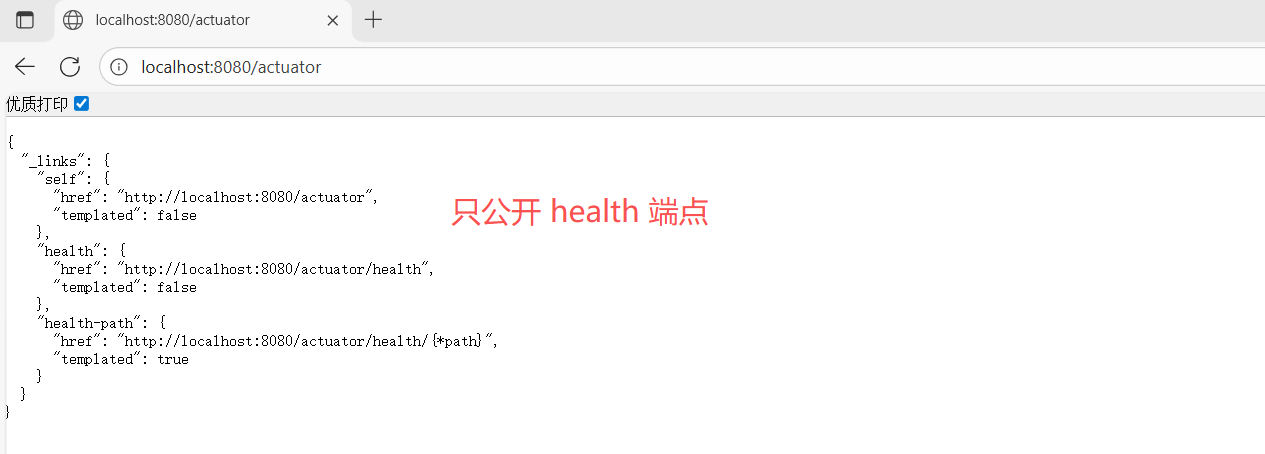
要更改公开的端点,请使用以下属性:
JMX:
| 属性 | 默认 |
|---|---|
management.endpoints.jmx.exposure.exclude |
|
management.endpoints.jmx.exposure.include |
HTTP:
| 属性 | 默认 |
|---|---|
management.endpoints.web.exposure.exclude |
|
management.endpoints.web.exposure.include |
health |
include 属性列出公开端点的 ID。 exclude 属性列出不公开端点的 ID。 exclude 属性优先于 include 属性。
* 可用于选择所有端点。
* 在 YAML 中具有特殊含义,因此如果您想包含(或排除)所有端点,请务必添加引号。
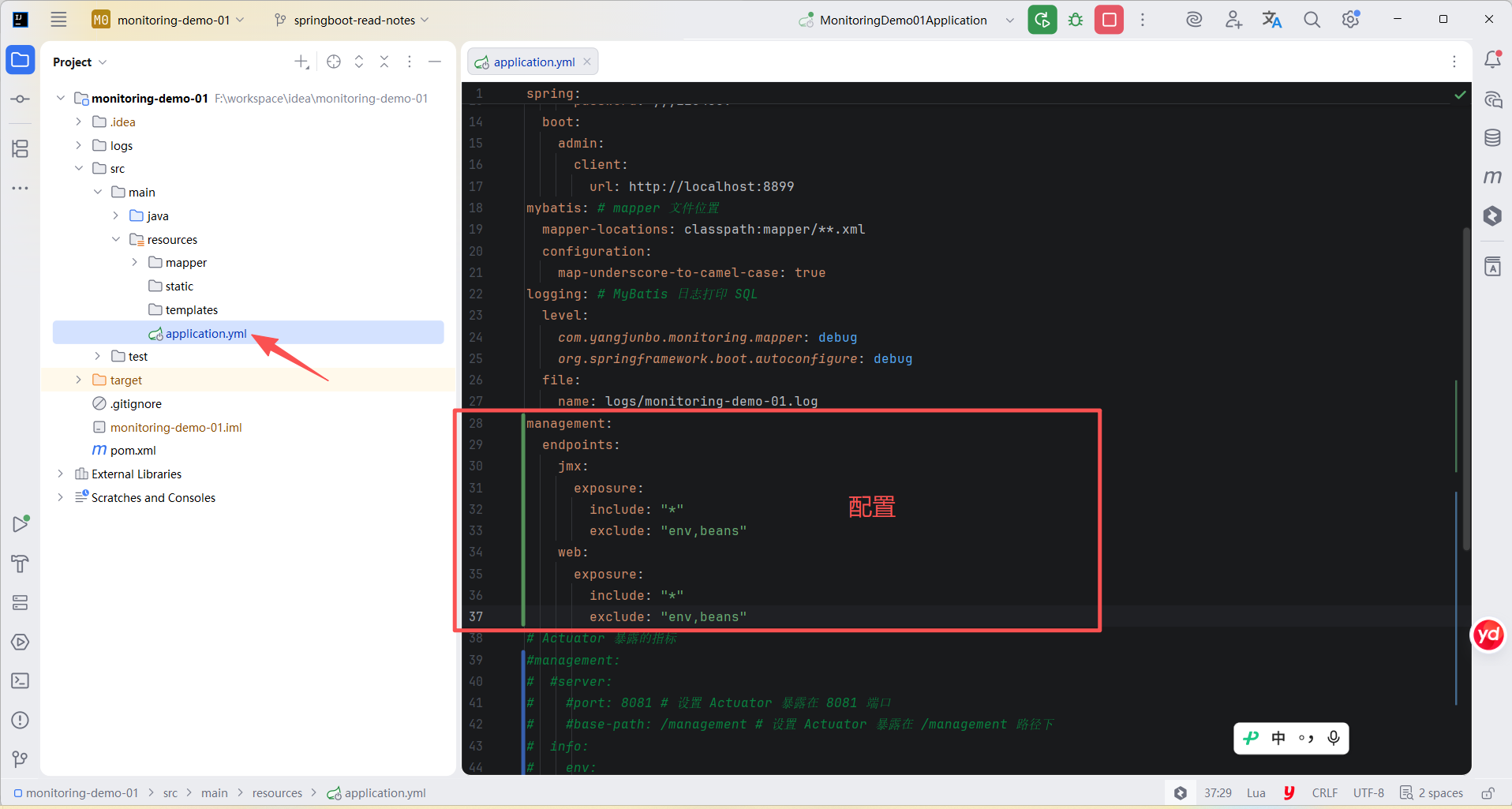
例如,仅通过 JMX 公开除 env 和 beans 端点之外的所有端点:
yml
management:
  endpoints:
    jmx:
      exposure:
        include: "*"
        exclude: "env,beans"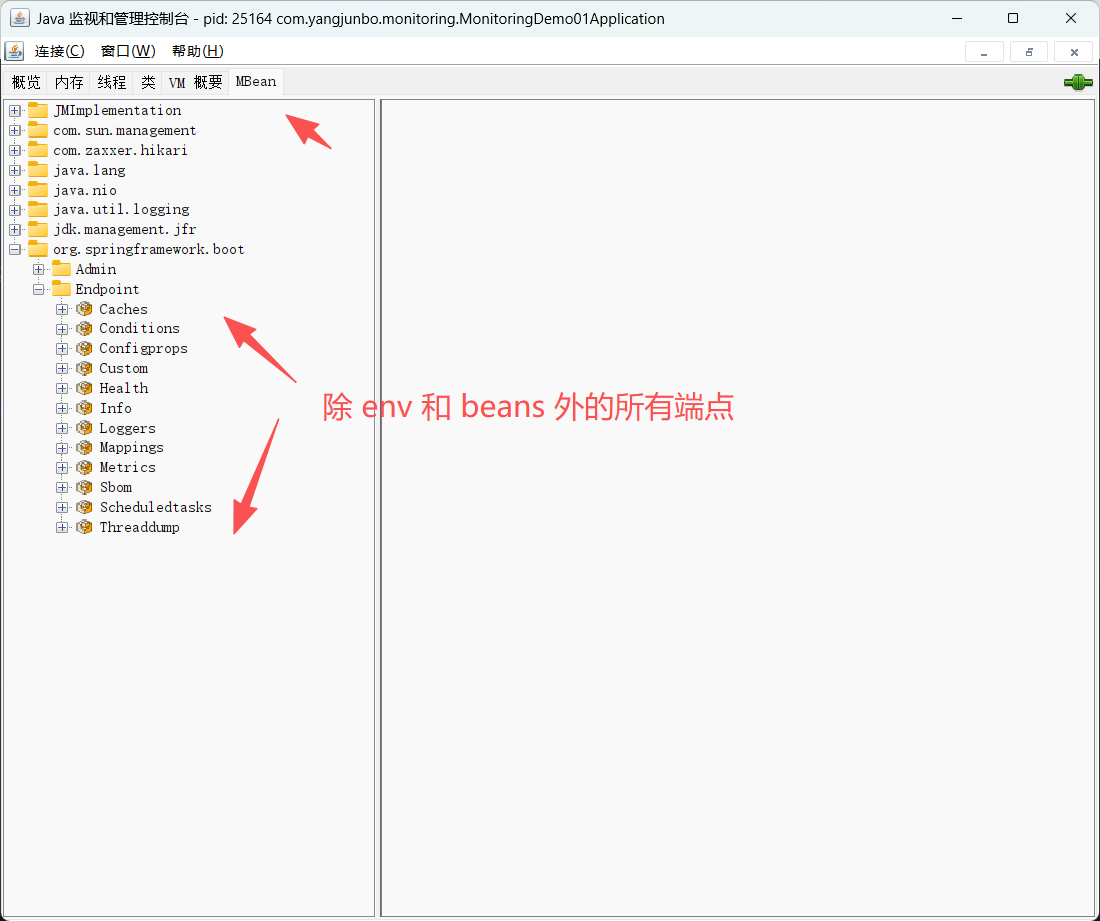
例如,要通过 HTTP 公开除 env 和 beans 端点之外的所有端点:
yml
management:
  endpoints:
    web:
      exposure:
        include: "*"
        exclude: "env,beans"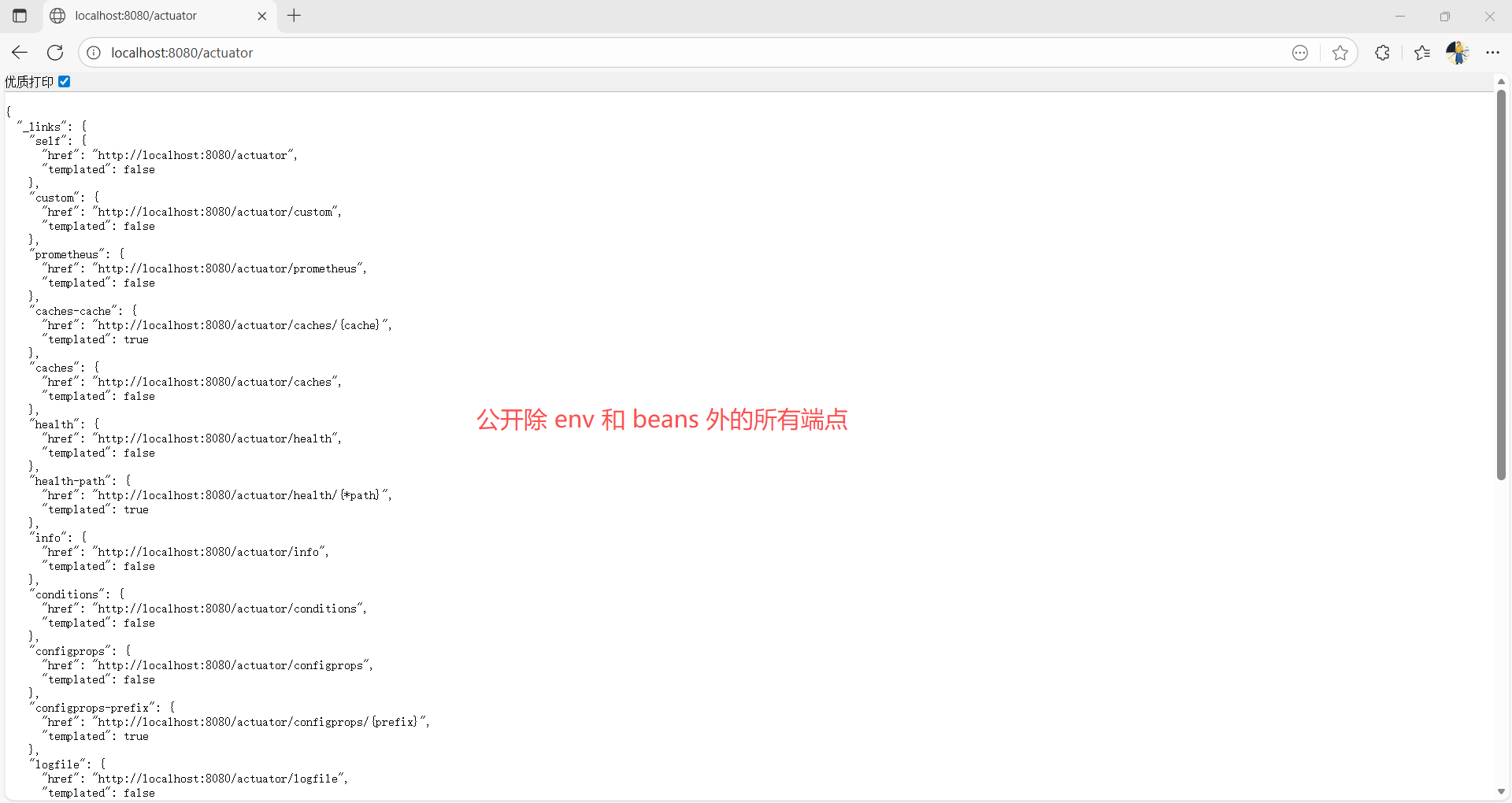
2.3 安全
出于安全考虑,默认情况下仅通过 HTTP 公开 /health 端点。 您可以使用 management.endpoints.web.exposure.include 属性来配置要公开的端点。
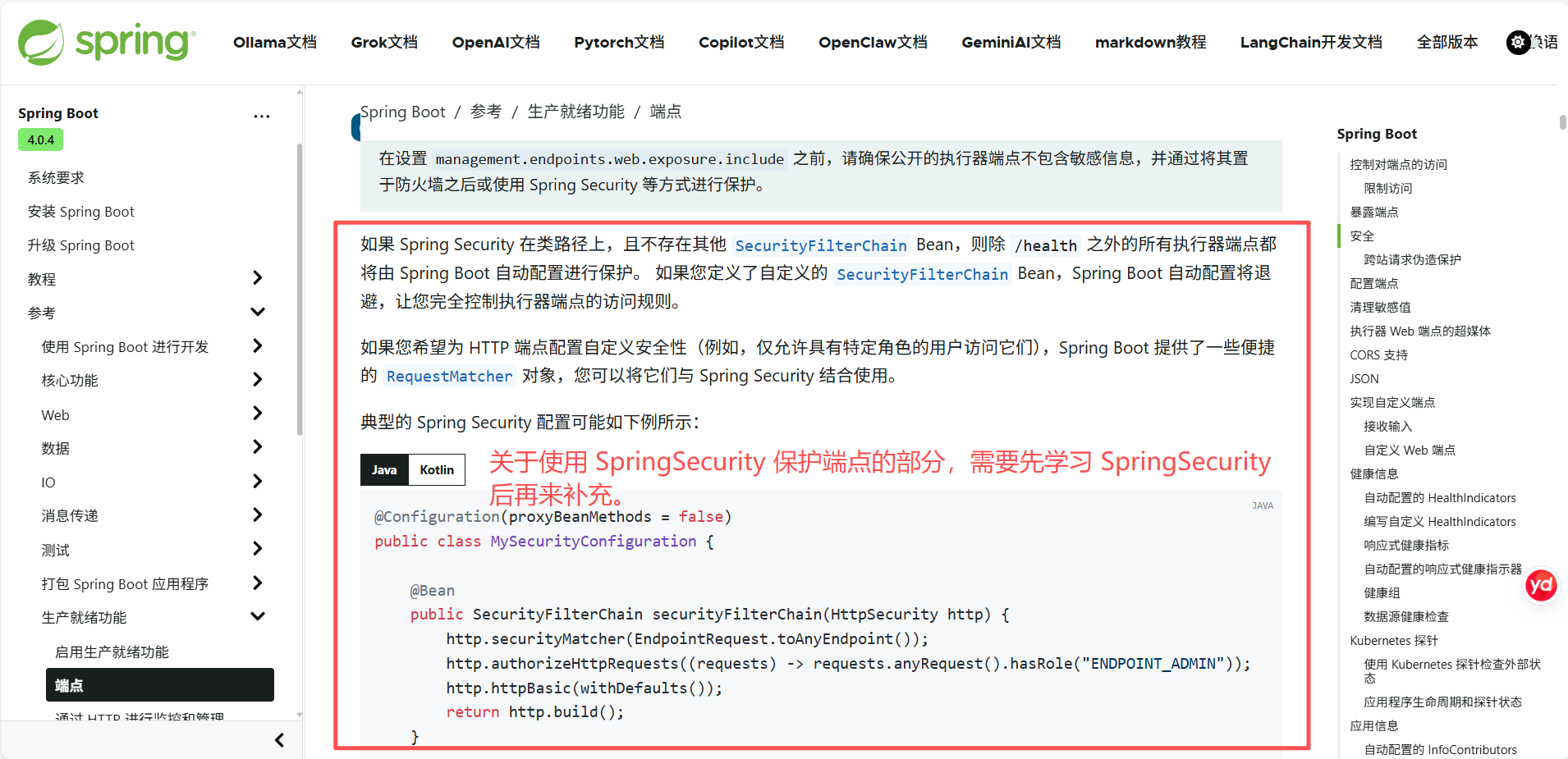
在设置 management.endpoints.web.exposure.include 之前,请确保公开的执行器端点不包含敏感信息,并通过将其置于防火墙之后或使用 Spring Security 等方式进行保护。
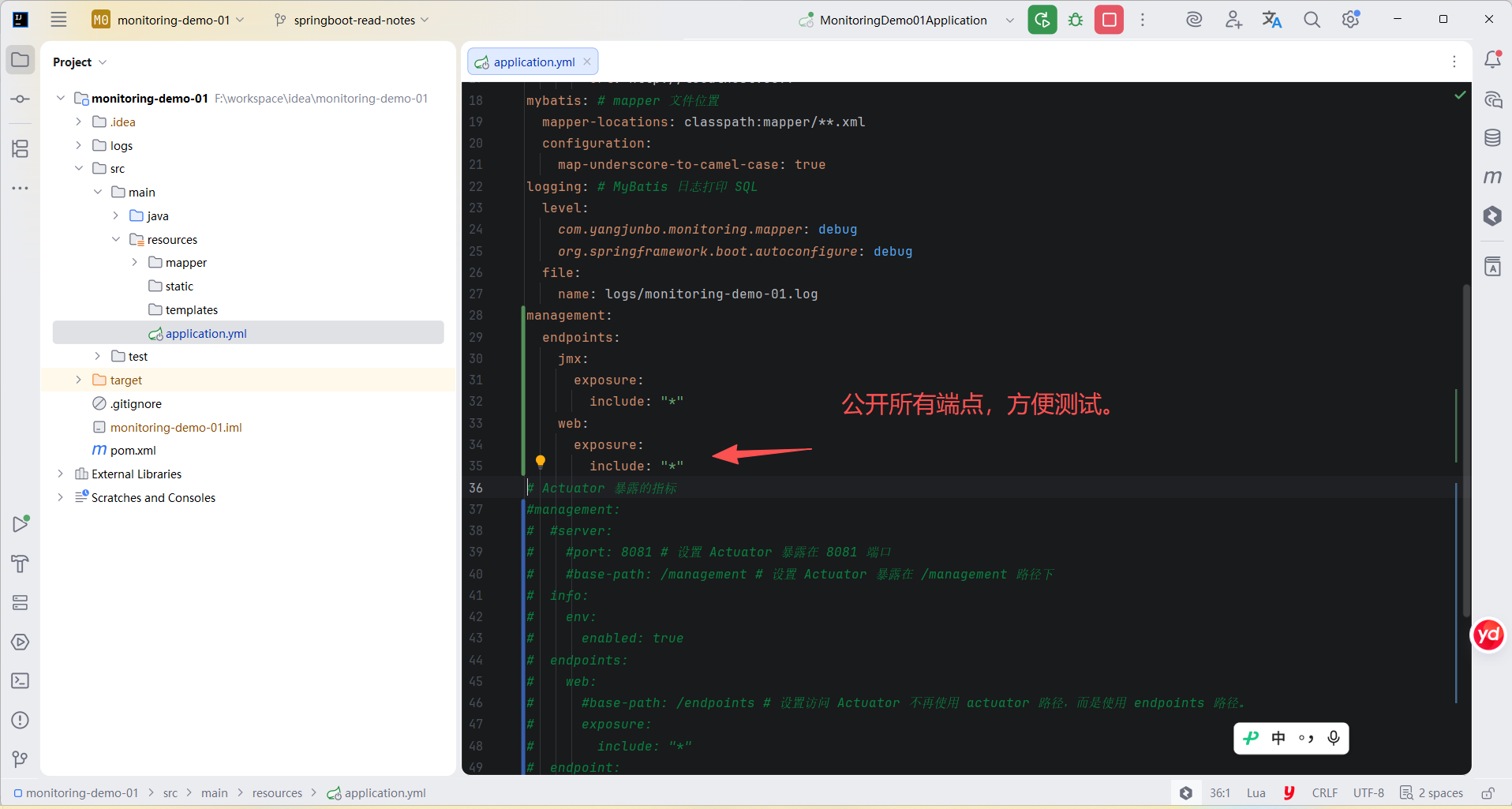
如果您在防火墙后面部署应用程序,您可能希望所有端点都可以在无需身份验证的情况下访问。 您可以通过更改 management.endpoints.web.exposure.include 属性来实现,如下所示:
yml
management:
  endpoints:
    web:
      exposure:
        include: "*"
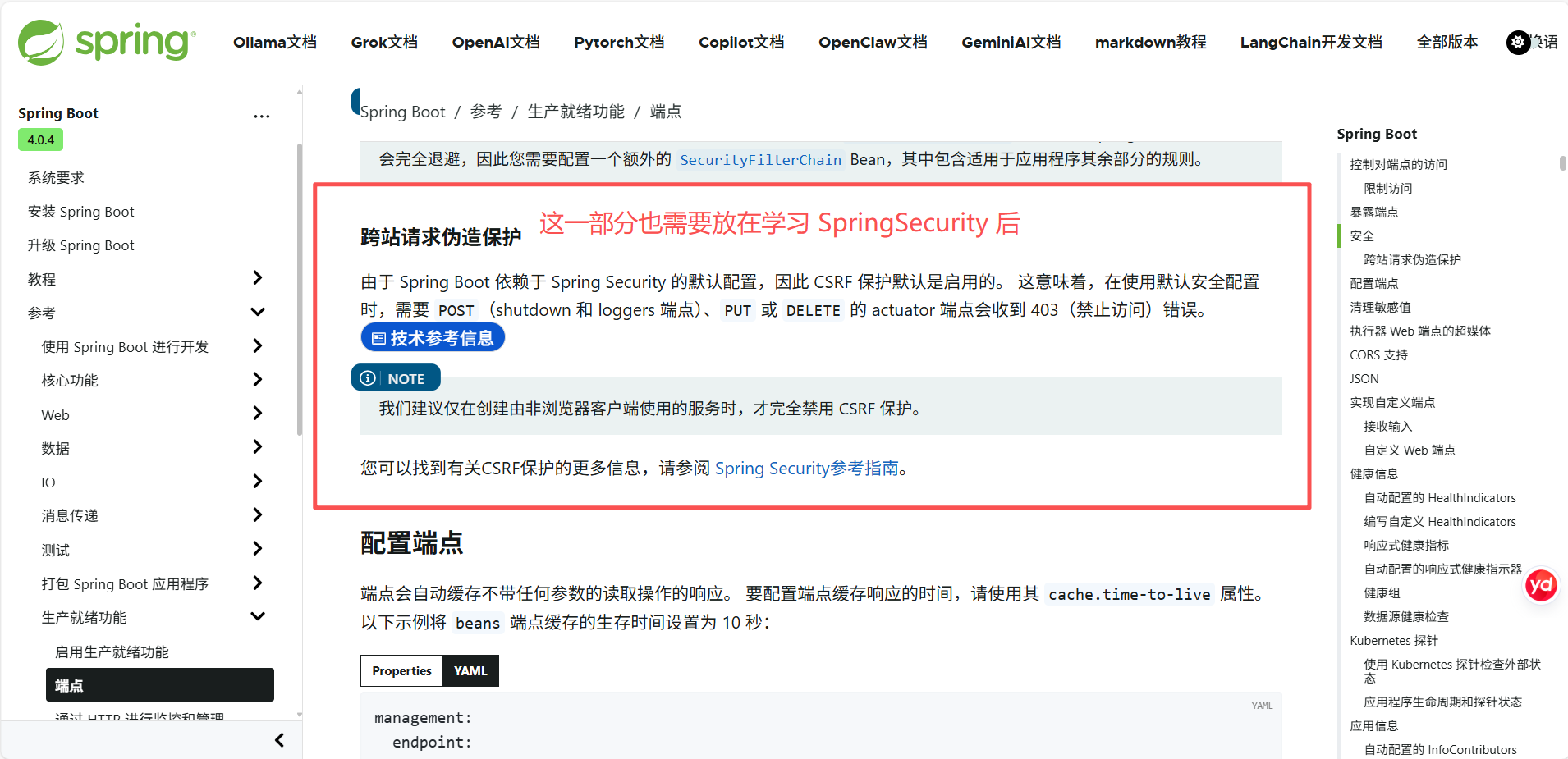
跨站请求伪造保护
2.4 配置端点
端点会自动缓存无参数读取操作的响应。 要配置缓存有效期,请使用 cache.time-to-live 属性。 以下示例将 beans 端点的缓存有效期设置为 10 秒:
yml
management:
  endpoint:
    beans:
      cache:
        time-to-live: "10s"
management.endpoint. 前缀唯一标识正在配置的端点。
2.5 清理敏感值
由 /env、/configprops 和 /quartz 端点返回的信息比较敏感,因此默认情况下,值会被替换为 ******。
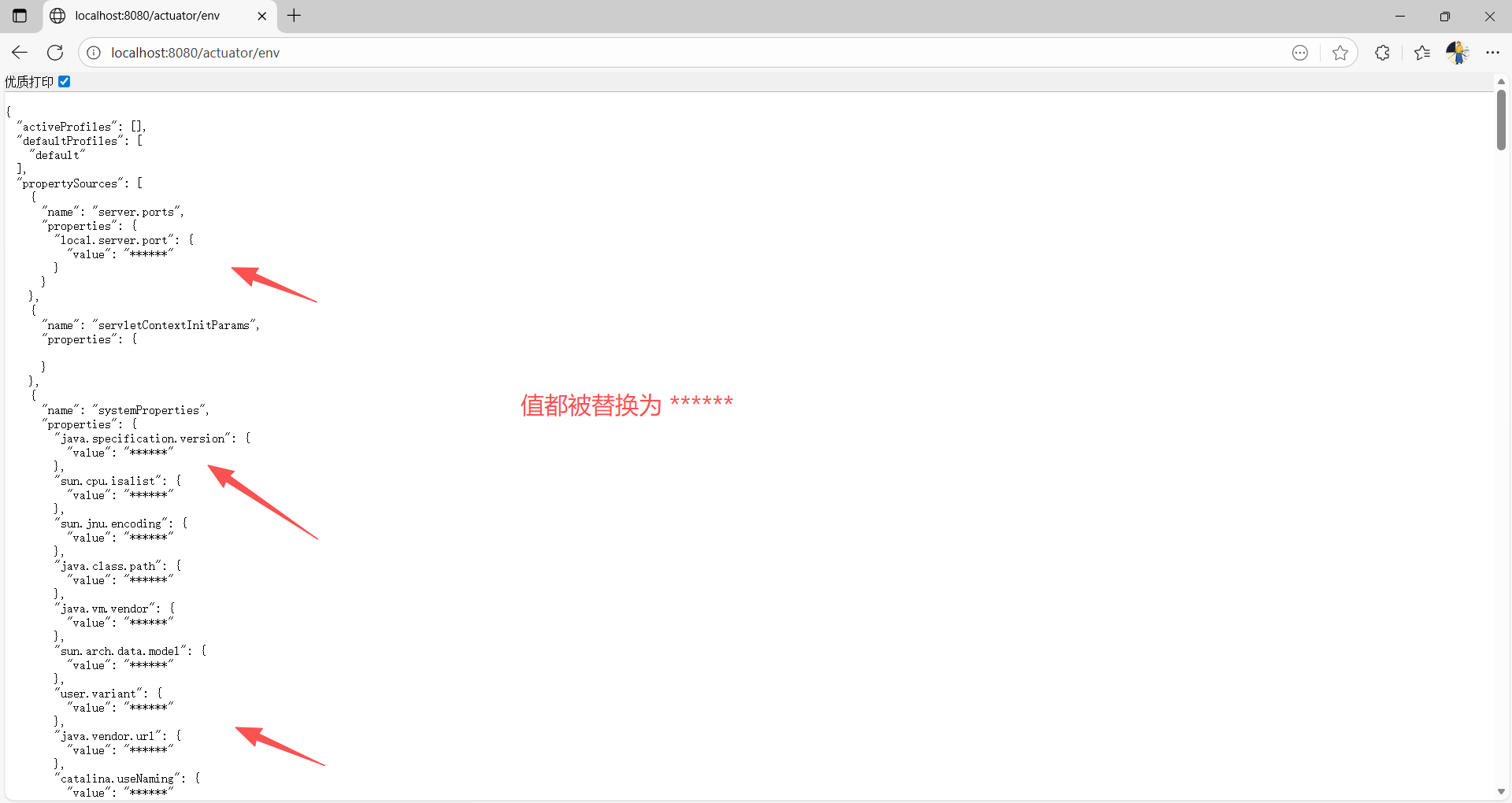
只有以下情况,可以查看原值:
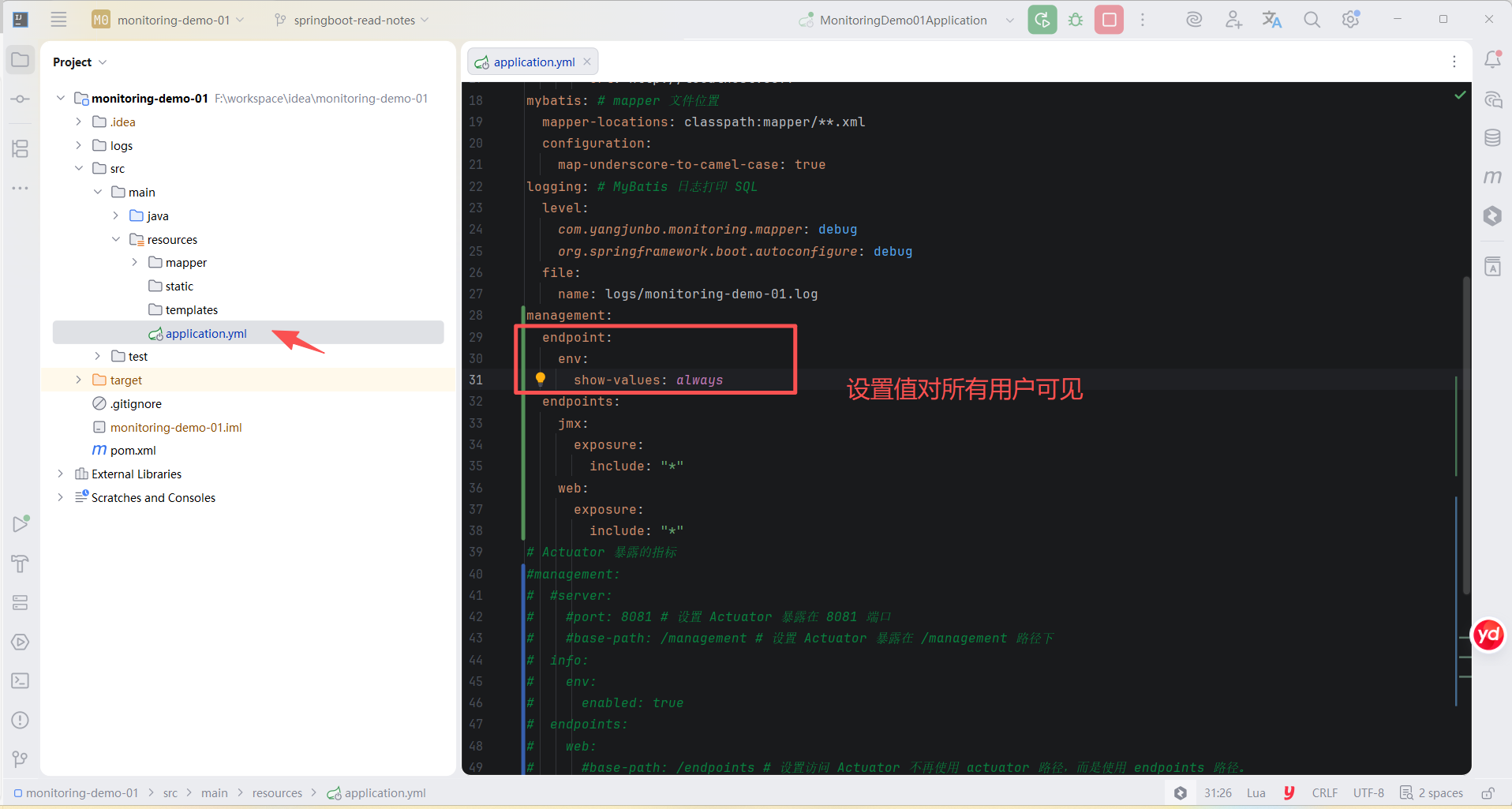
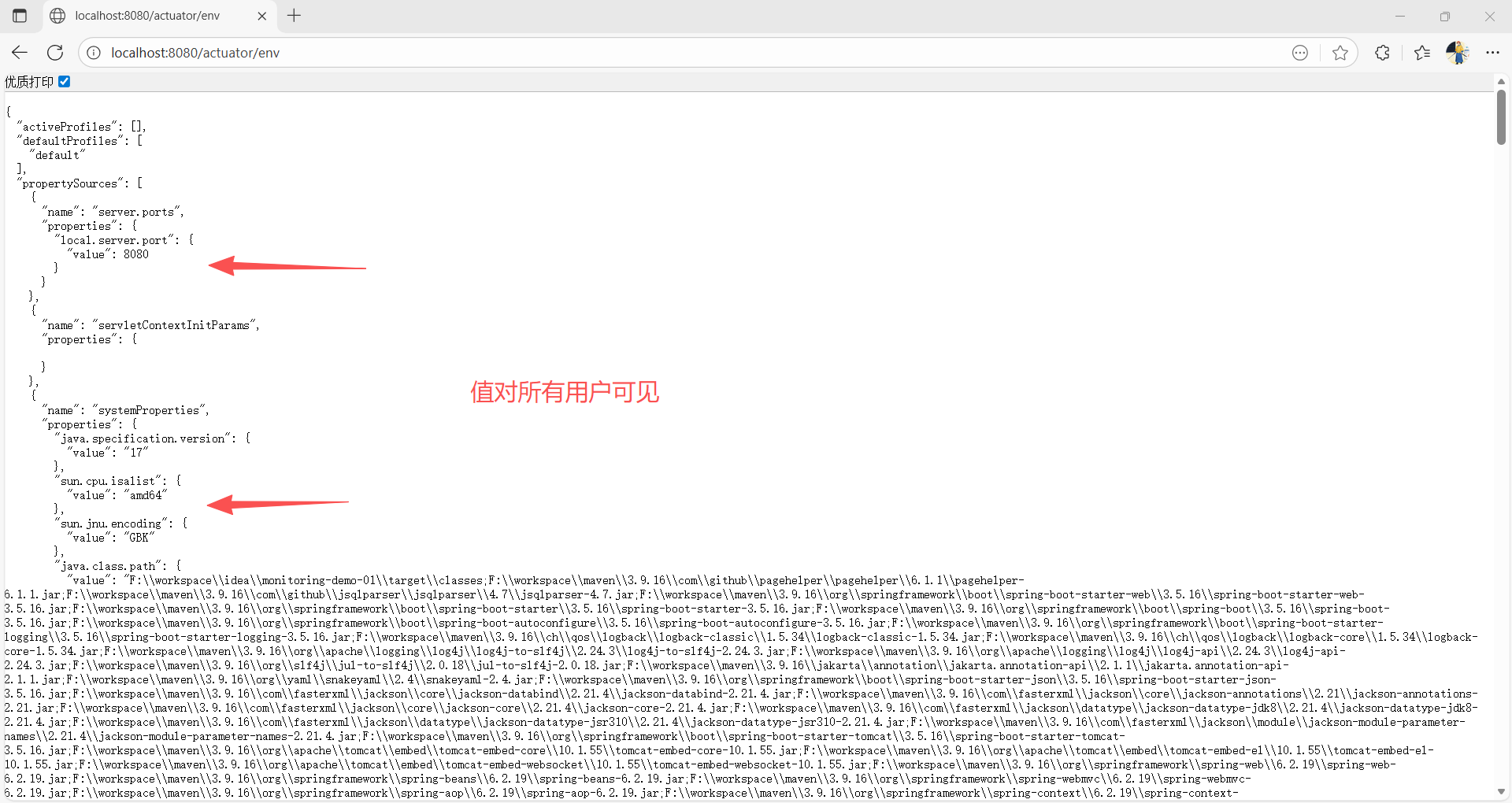
- show-values 属性设置为非 never 的值
show-values 属性的值:
- never - 值被替换为 ******
- always - 值对所有用户可见
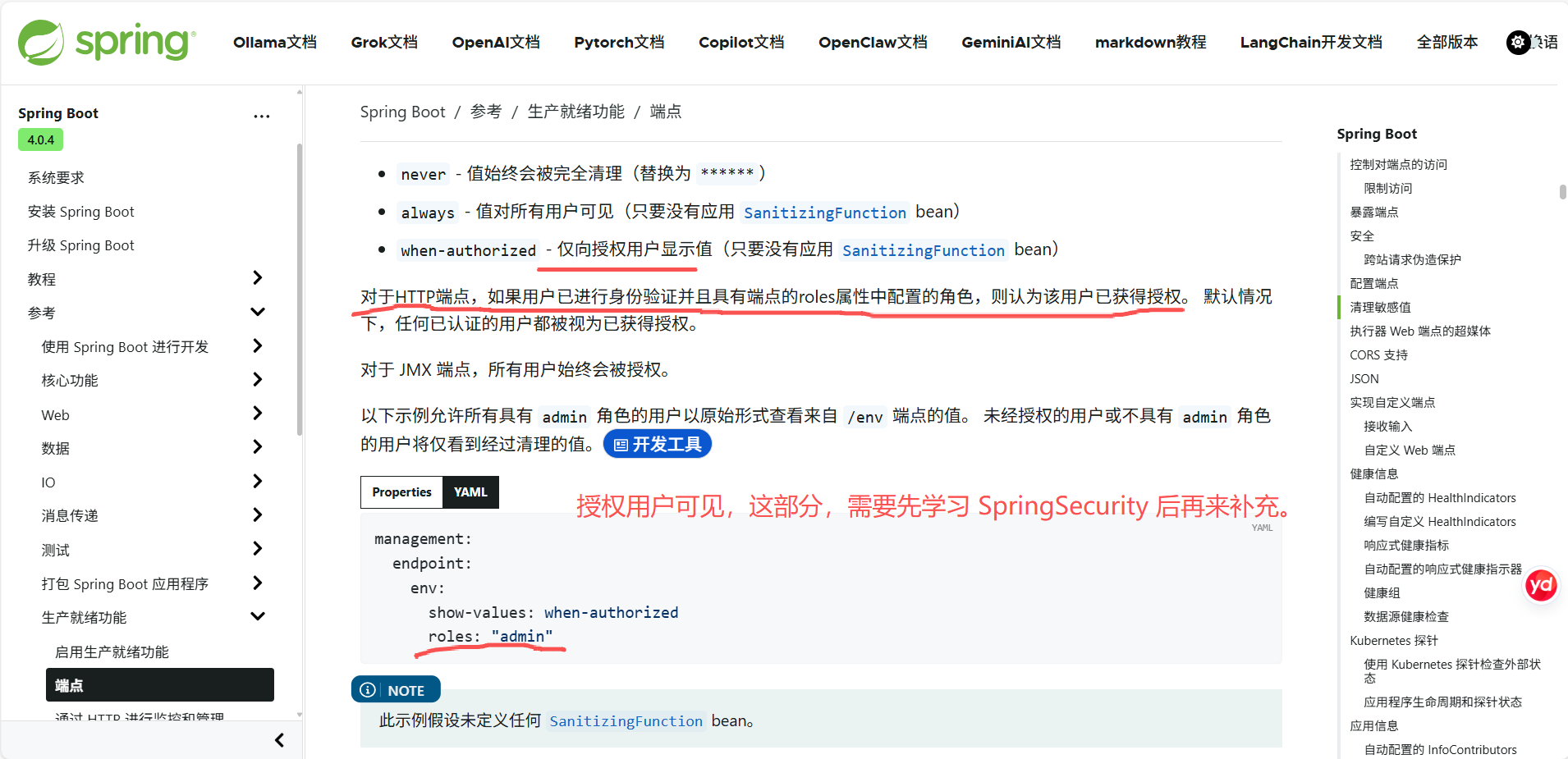
- when-authorized - 仅对授权用户可见
2.6 端点的 Web 链接
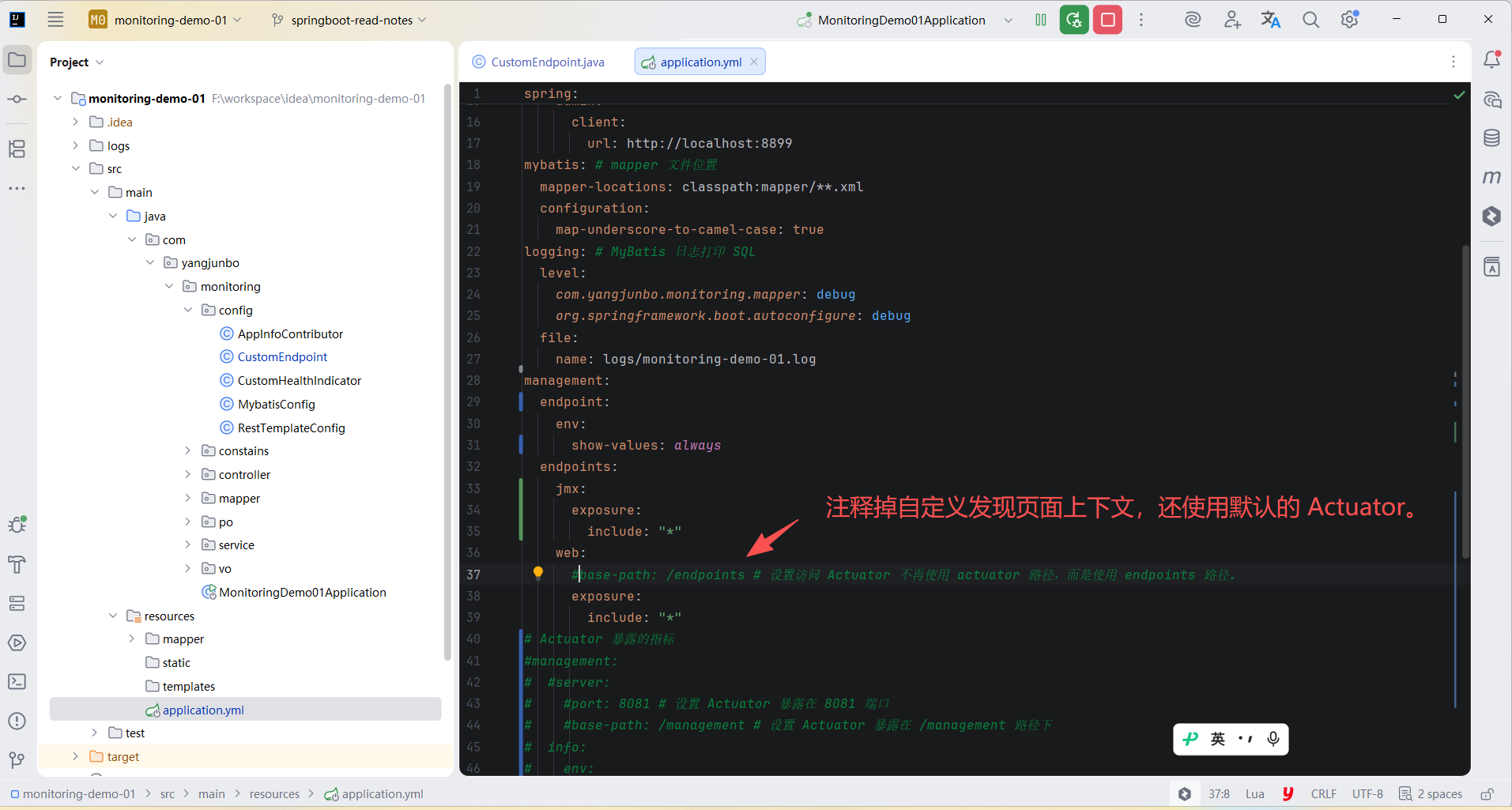
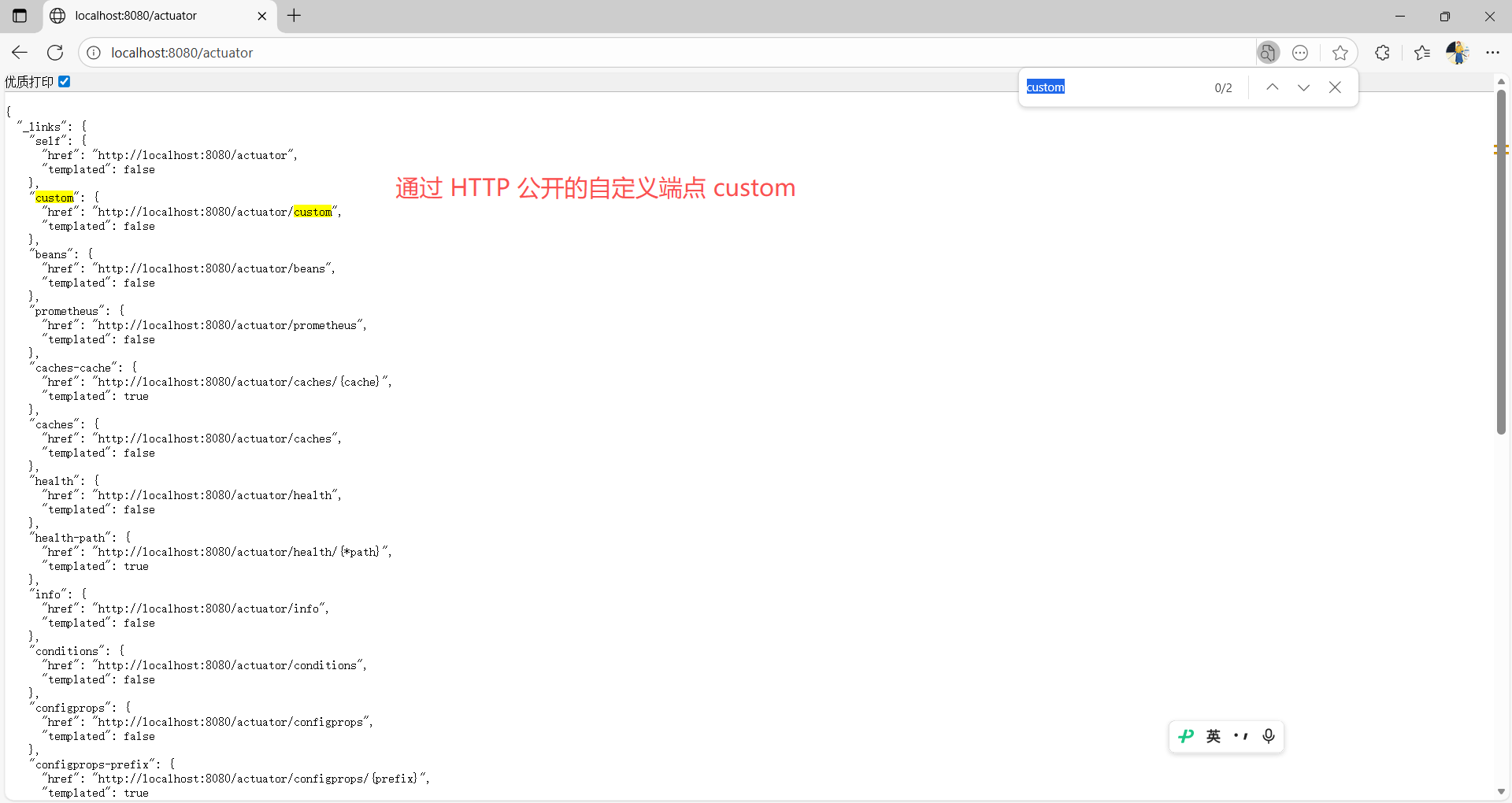
发现页面可以查看所有端点的链接,默认访问 /actuator。
要禁用发现页面,添加以下属性:
yml
management:
  endpoints:
    web:
      discovery:
        enabled: false
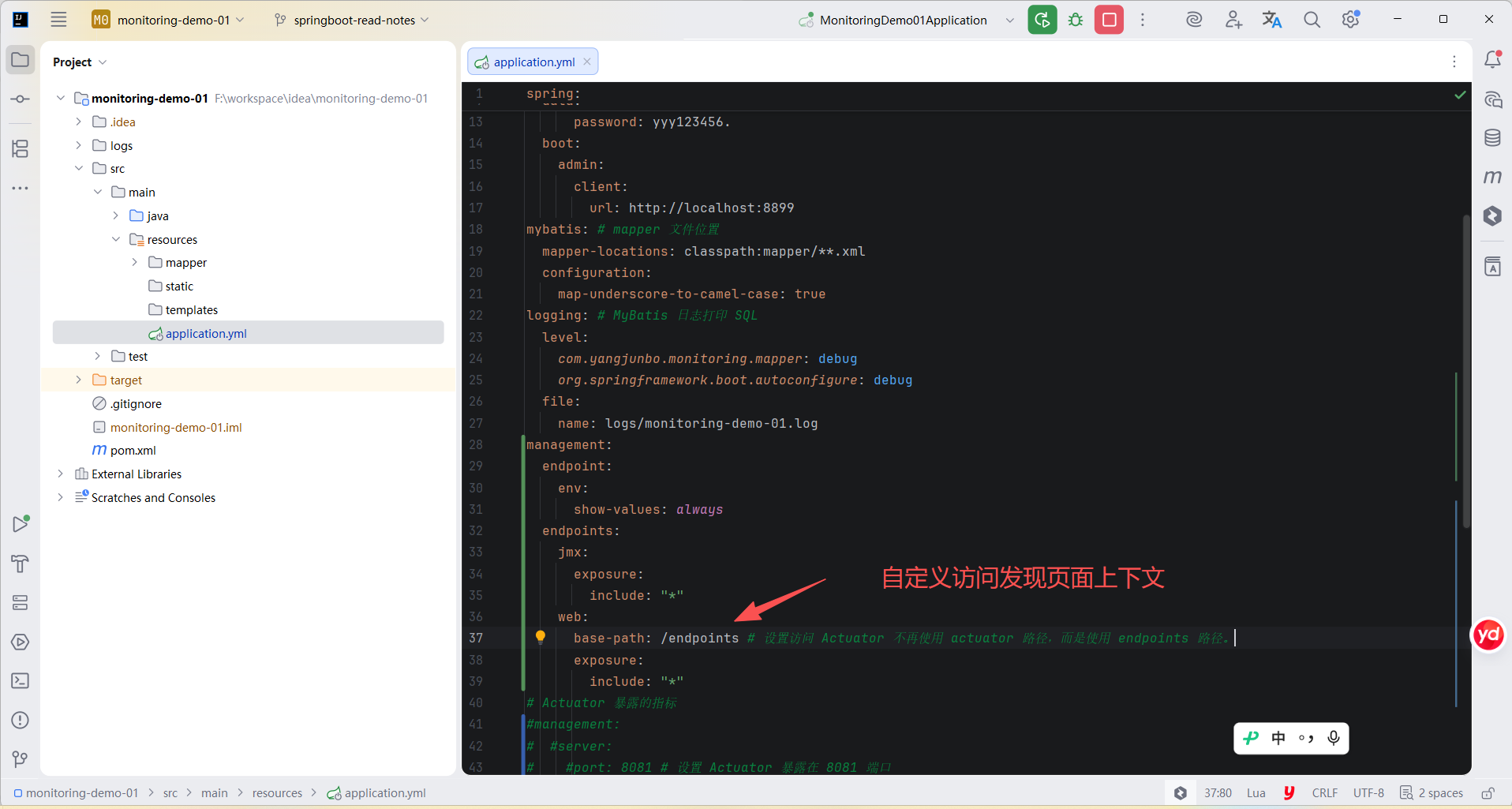
可以配置了自定义上下文路径。 例如,如果自定义上下文路径是 /endpoints,则可以从 /endpoints 访问发现页面。 当上下文路径设置为 / 时,发现页面将被禁用,以防止与其他映射发生冲突。
yml
management:
  endpoints:
    web:
      base-path: /endpoints # 设置访问 Actuator 不再使用 actuator 路径,而是使用 endpoints 路径。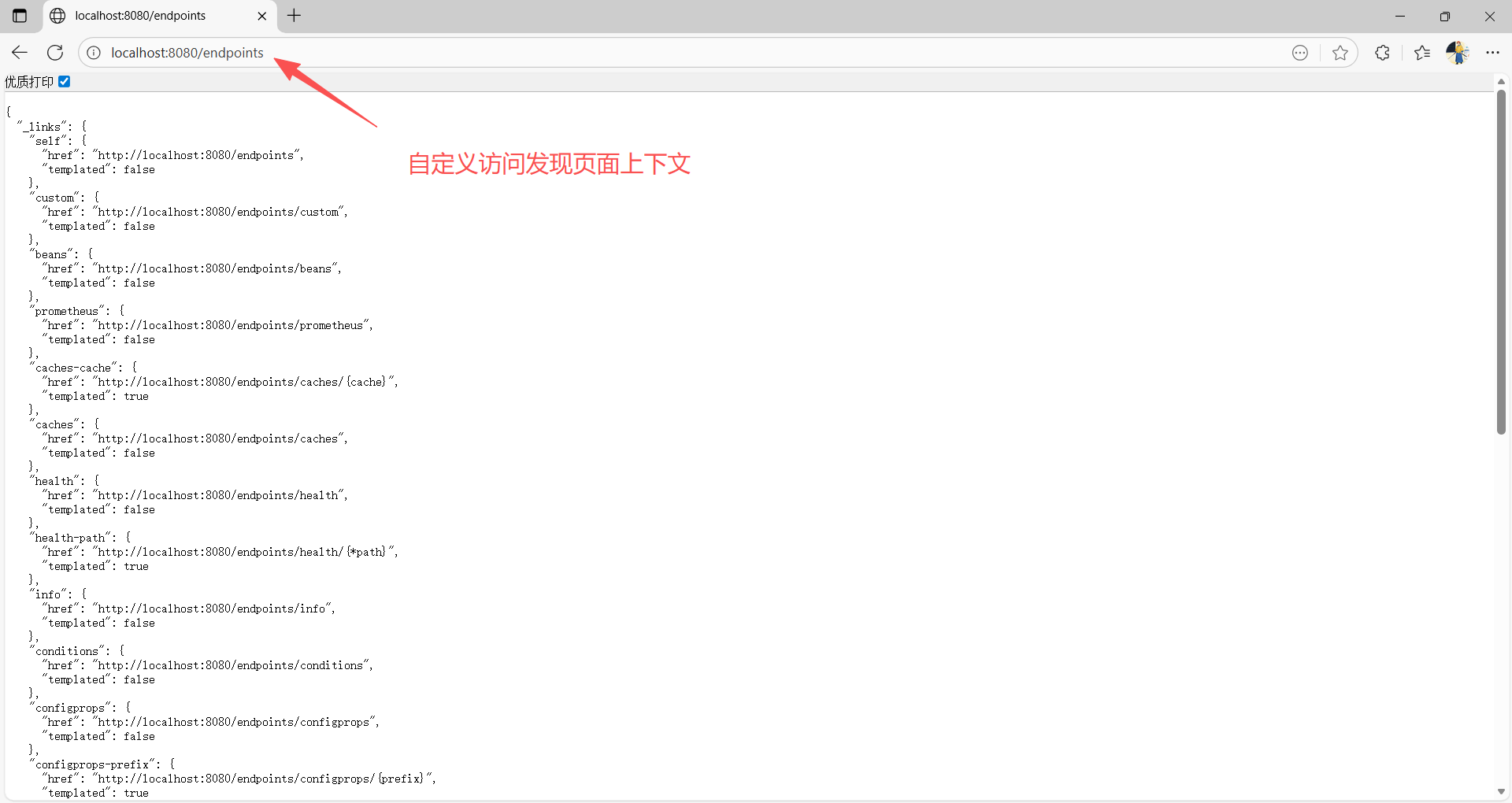
2.7 CORS 支持
跨域资源共享 (CORS) 是一个 W3C 规范,它允许你指定哪些跨域请求是被授权的。
Actuator 的 web 端点默认禁止 CORS,只有在设置management.endpoints.web.cors.allowed-origins 属性后才会启用。
以下配置允许来自 example.com 域的 GET 和 POST 调用:
yml
management:
  endpoints:
    web:
      cors:
        allowed-origins: "https://example.com"
        allowed-methods: "GET,POST"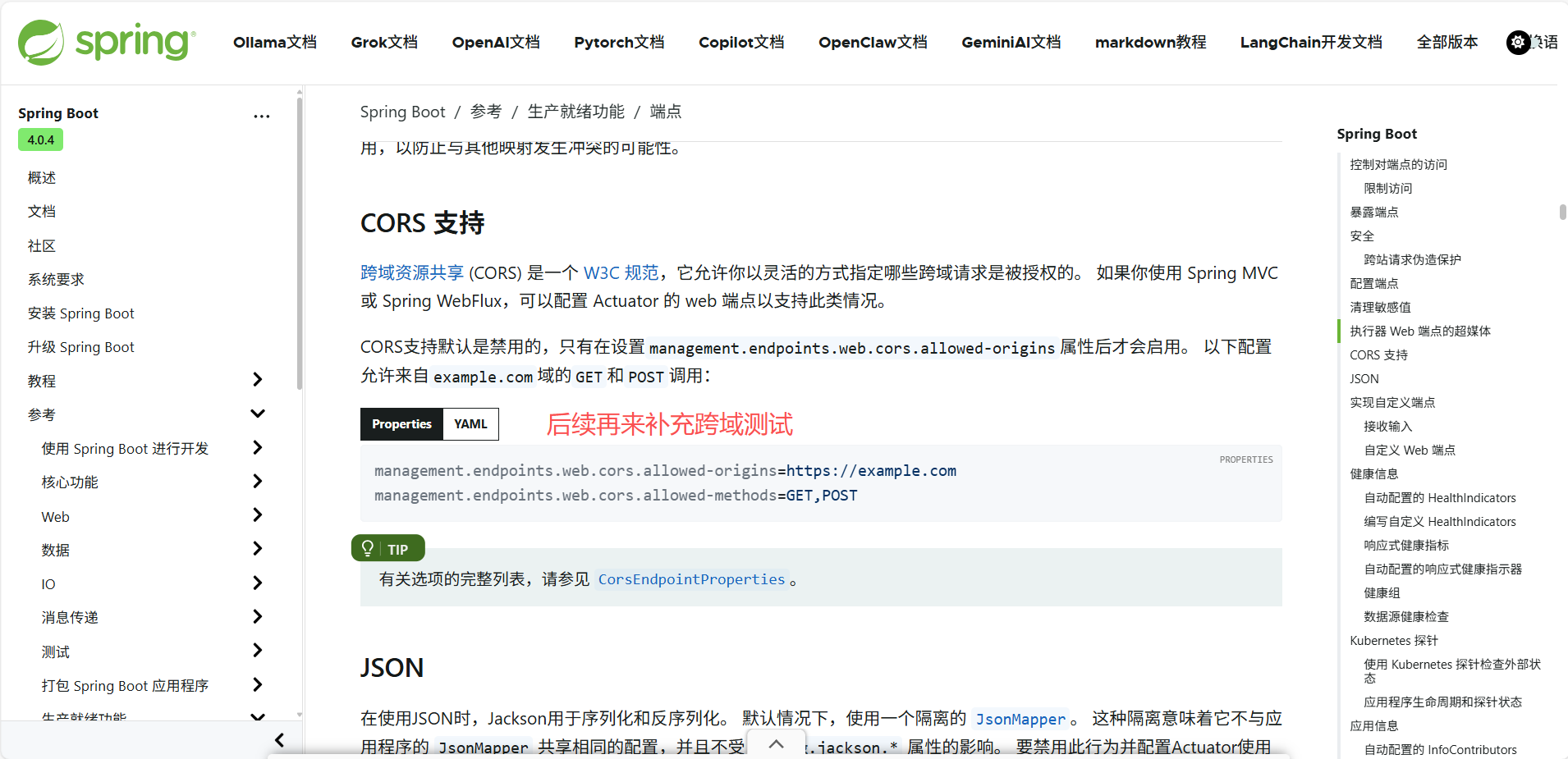
2.8 JSON
在使用 JSON 时,Jackson 用于序列化和反序列化。
默认情况下,Actuator 不与应用程序的 JsonMapper 共享配置,并且不受 spring.jackson.* 属性的影响。
要配置 Actuator 使用应用程序的 JsonMapper,将 management.endpoints.jackson.isolated-json-mapper 设置为 false。
或者,您可以定义自己的 EndpointJsonMapper bean,该 bean 生成满足您需求的 JsonMapper。 然后,Actuator 将使用它进行 JSON 处理。
2.9 实现自定义端点
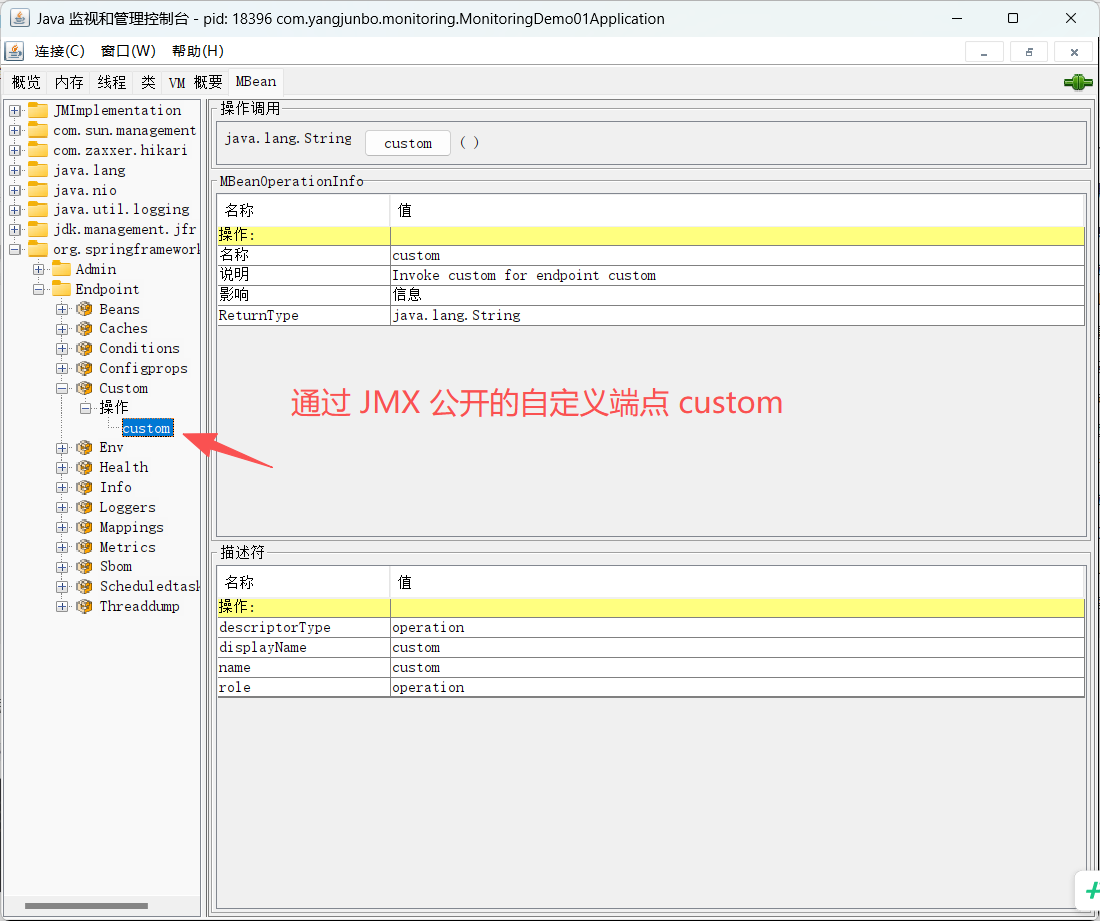
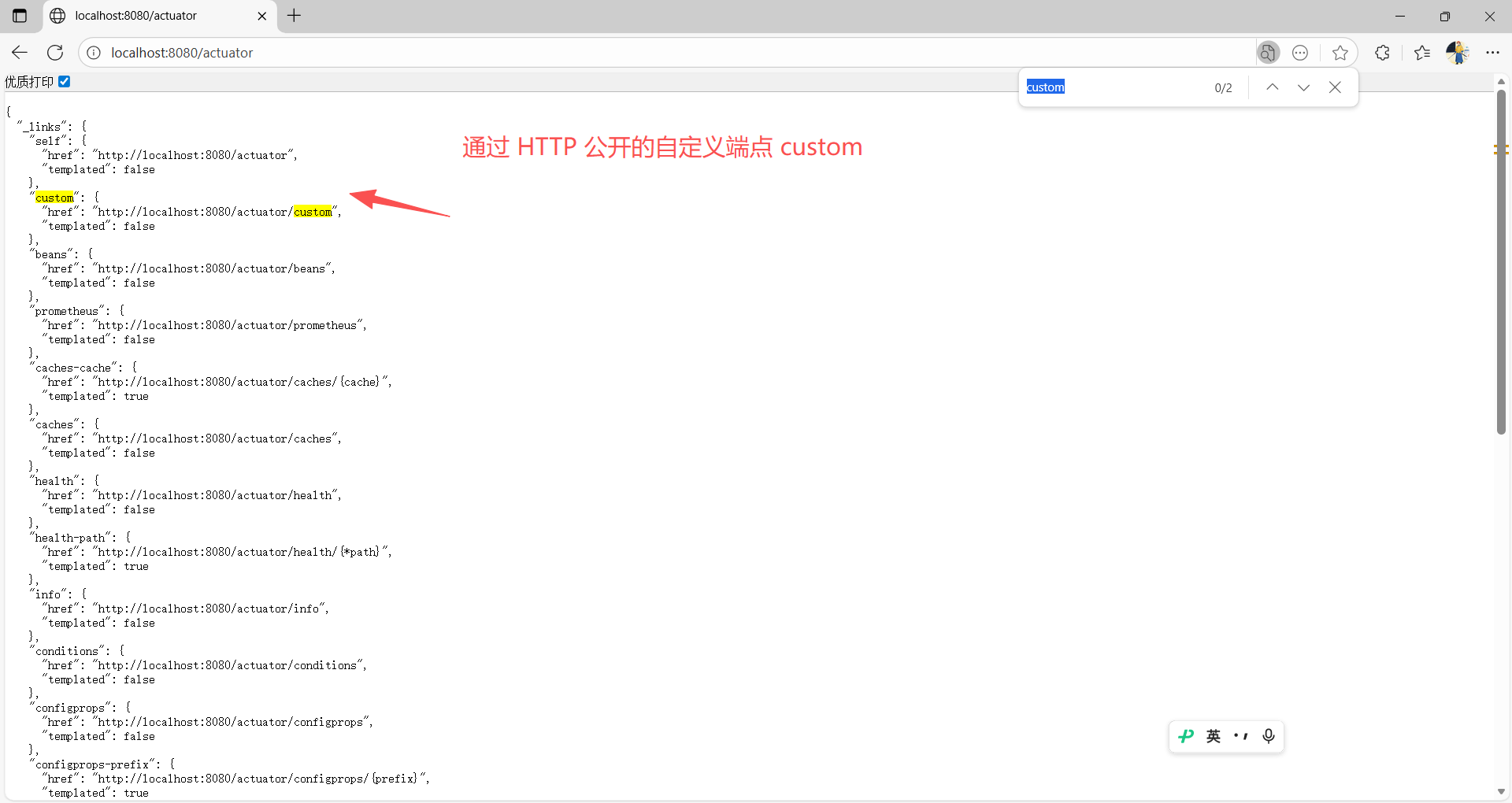
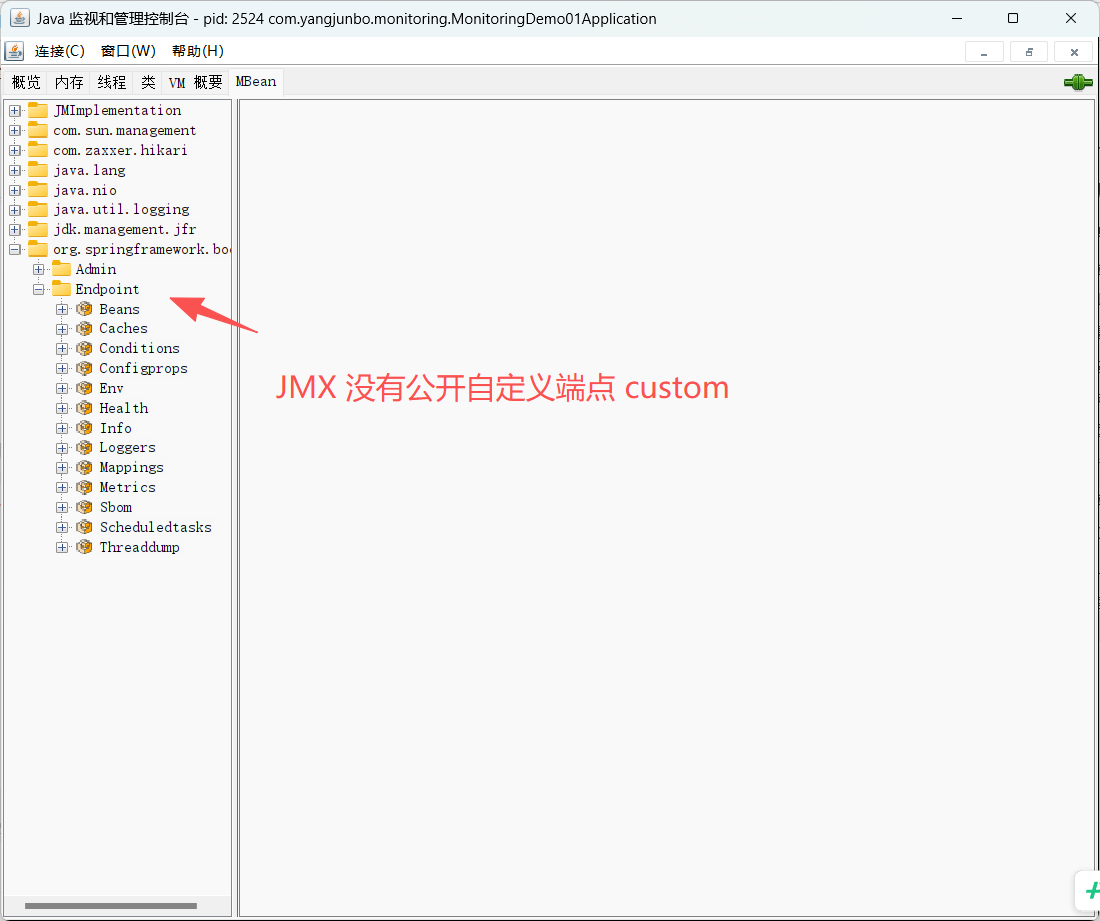
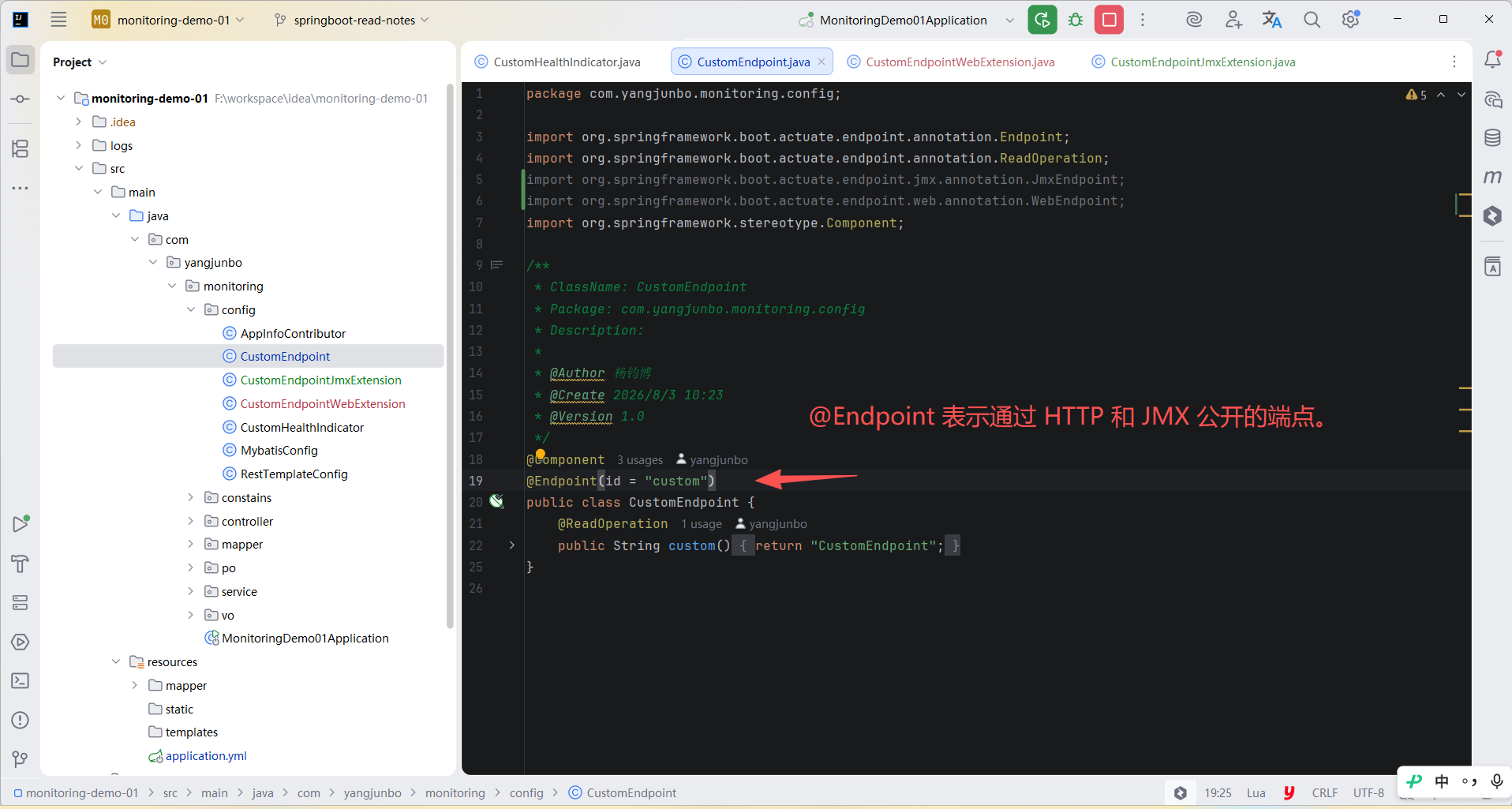
给 Bean 上添加 @Endpoint 注解,Bean 中对应的方法添加 @ReadOperation、@WriteOperation 或 @DeleteOperation 注解,就可以自定义一个端点。
端点会通过 JMX 和 HTTP 公开。
例如:
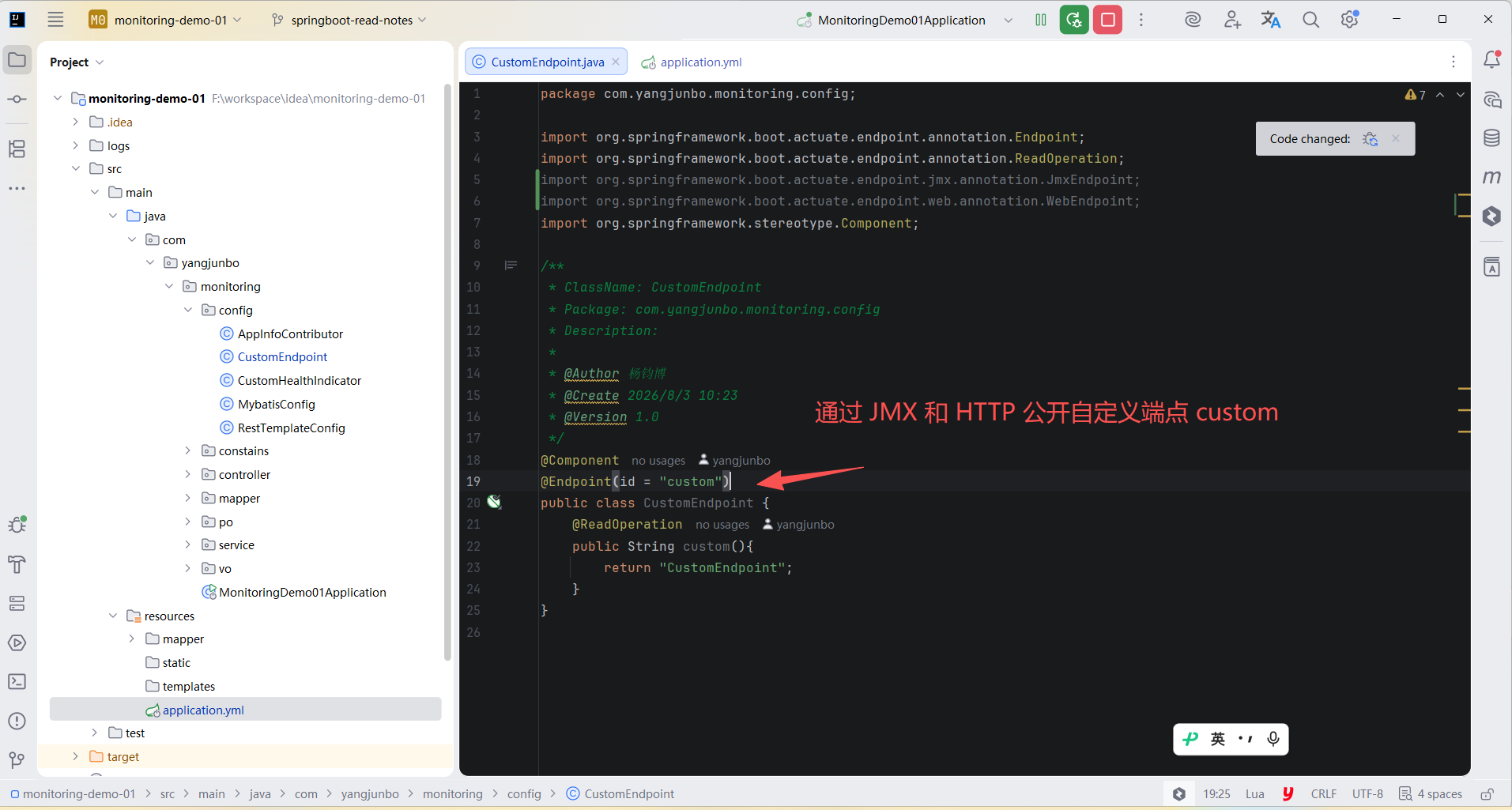
java
@Component
@Endpoint(id = "custom")
public class CustomEndpoint {
    @ReadOperation
    public String custom(){
        return "CustomEndpoint";
    }
}
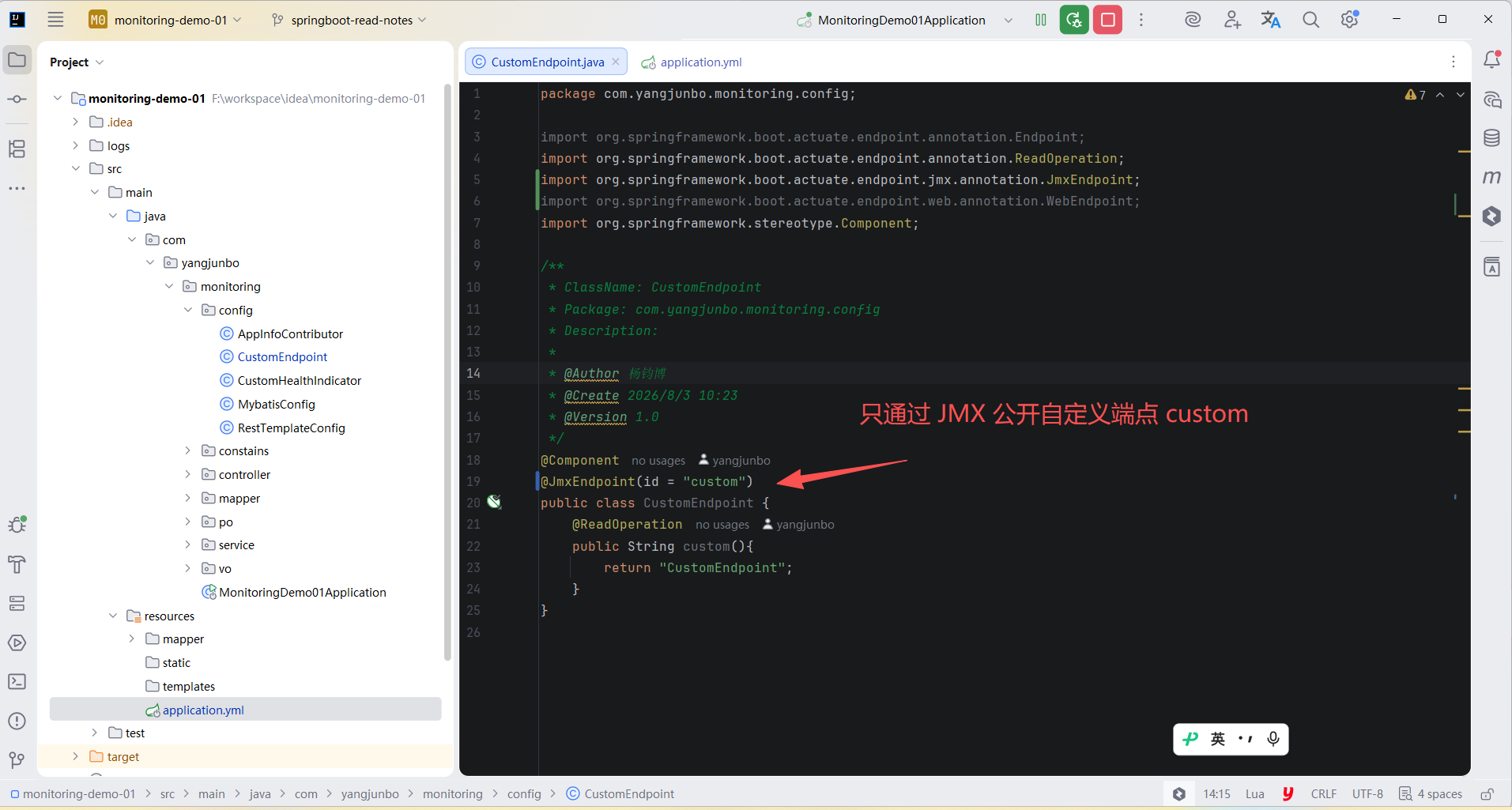
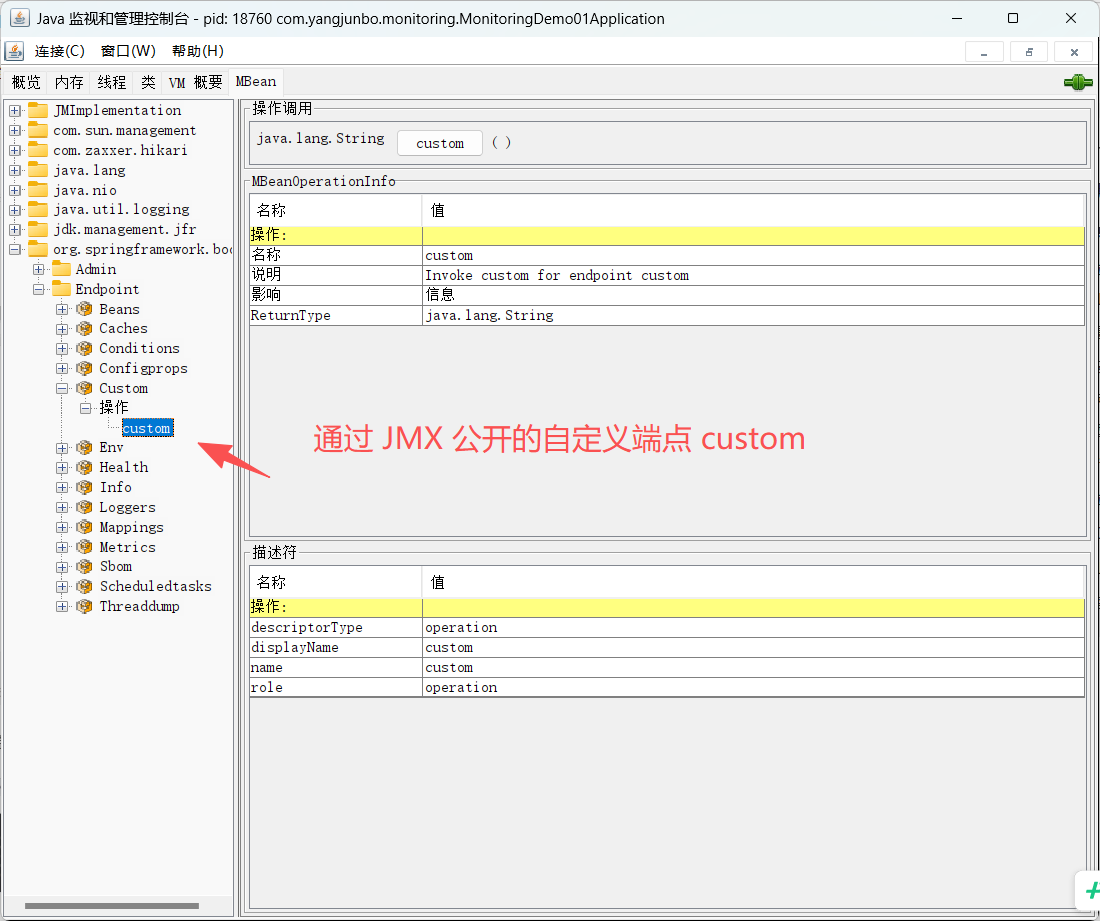
使用 @JmxEndpoint 注解定义只通过 JMX 公开的端点,
java
@Component
@JmxEndpoint(id = "custom")
public class CustomEndpoint {
    @ReadOperation
    public String custom(){
        return "CustomEndpoint";
    }
}
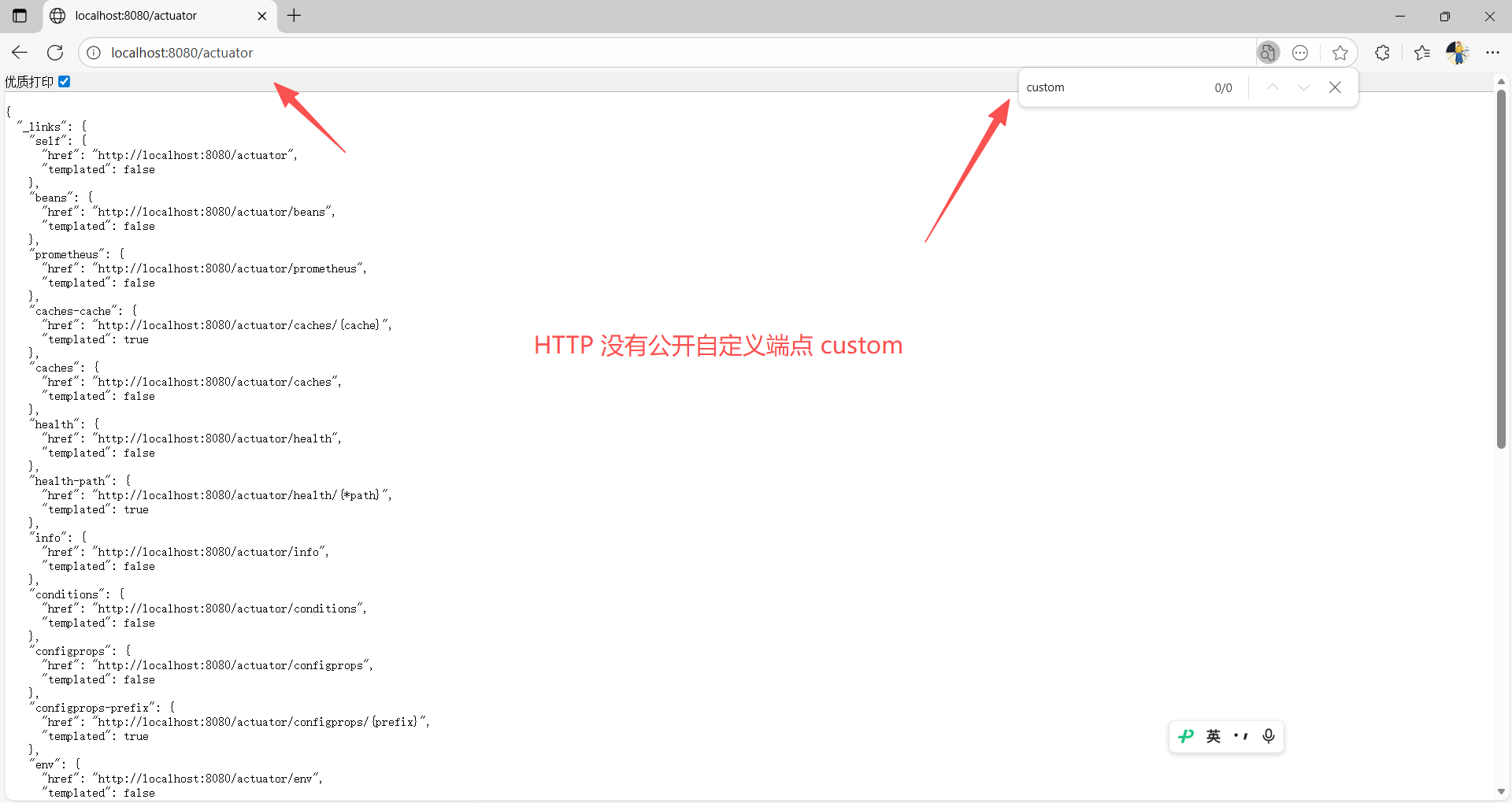
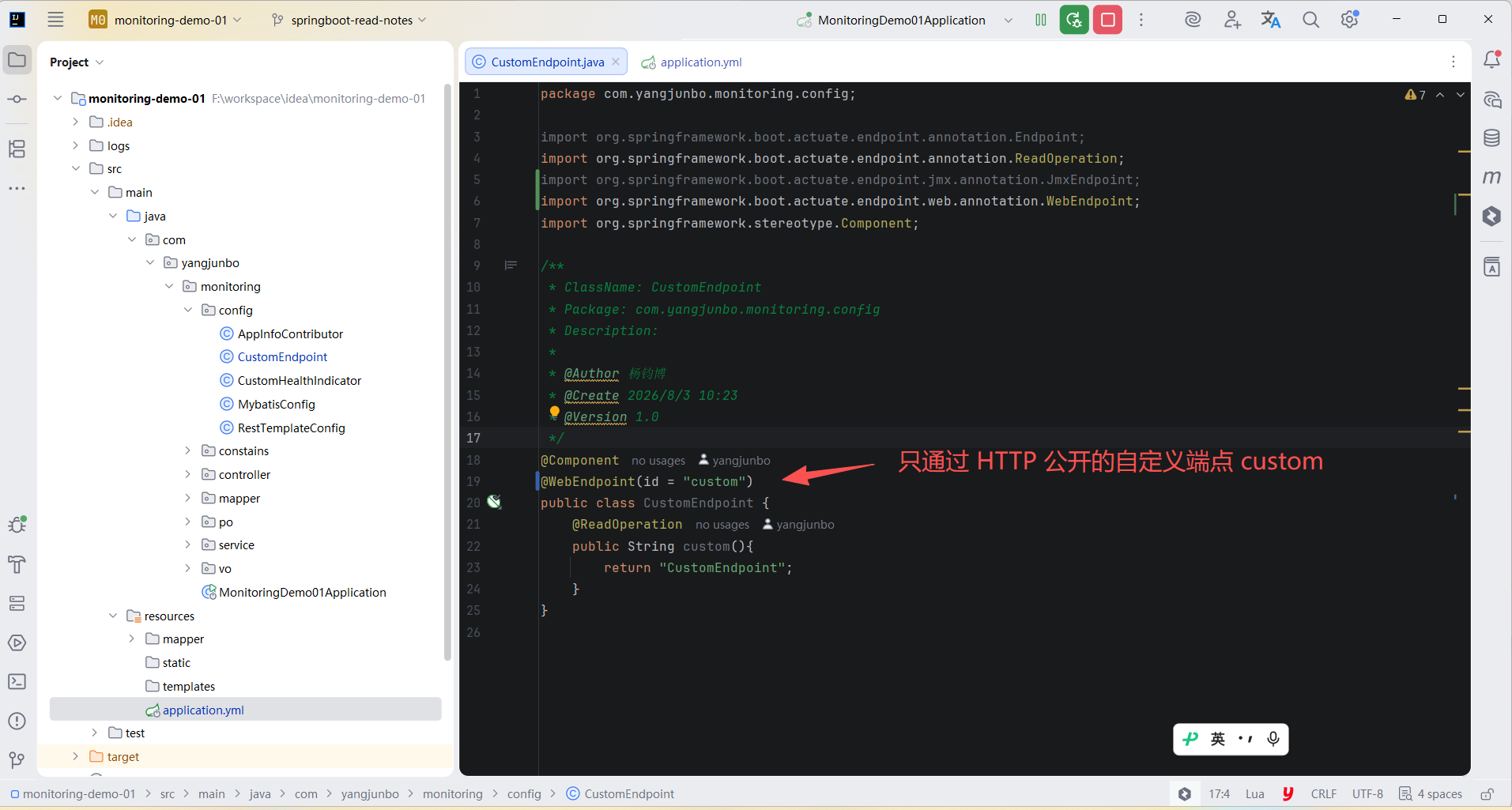
使用 @WebEndpoint 注解定义只通过 HTTP 公开的端点。
java
@Component
@WebEndpoint(id = "custom")
public class CustomEndpoint {
    @ReadOperation
    public String custom(){
        return "CustomEndpoint";
    }
}
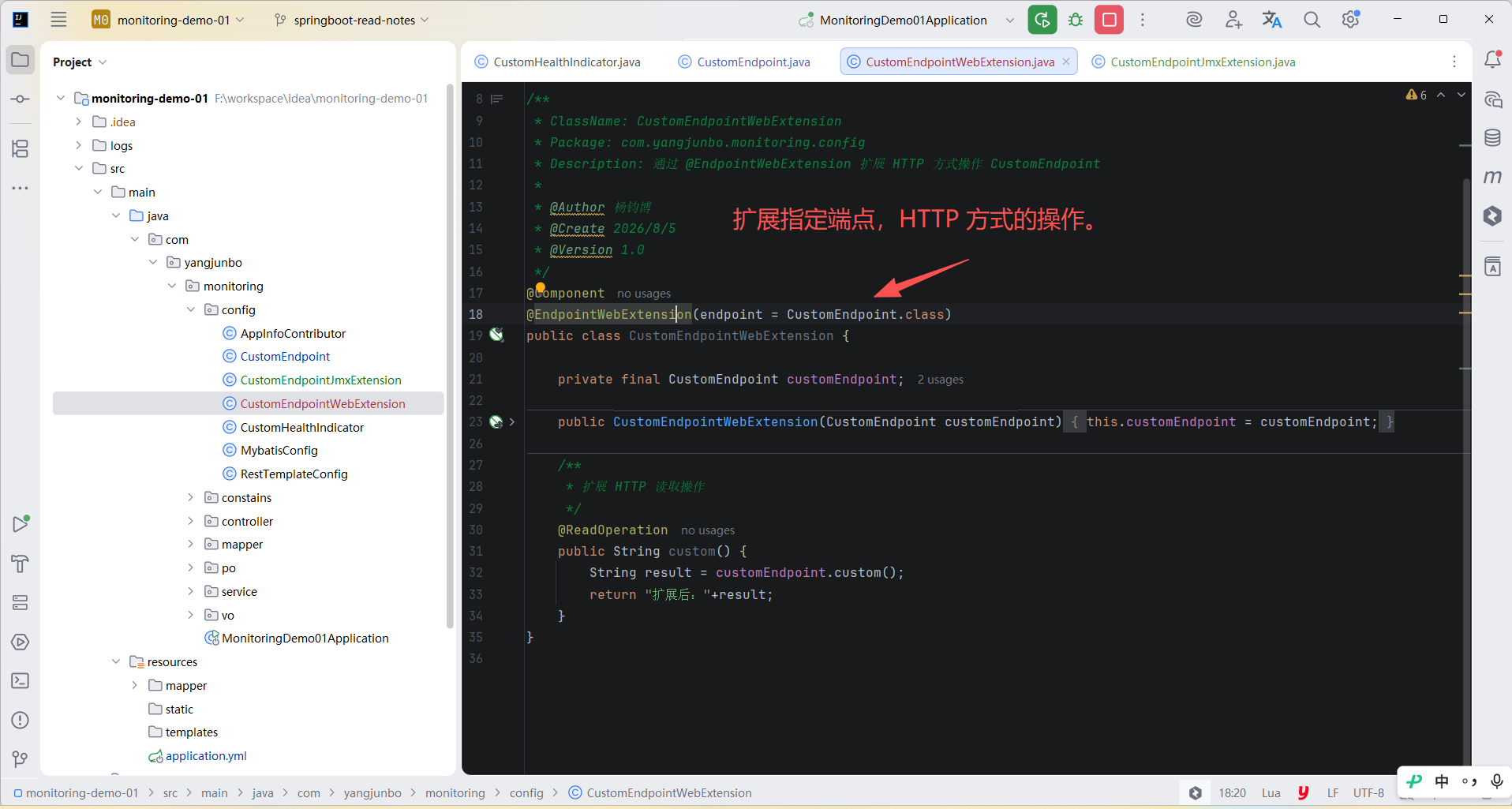
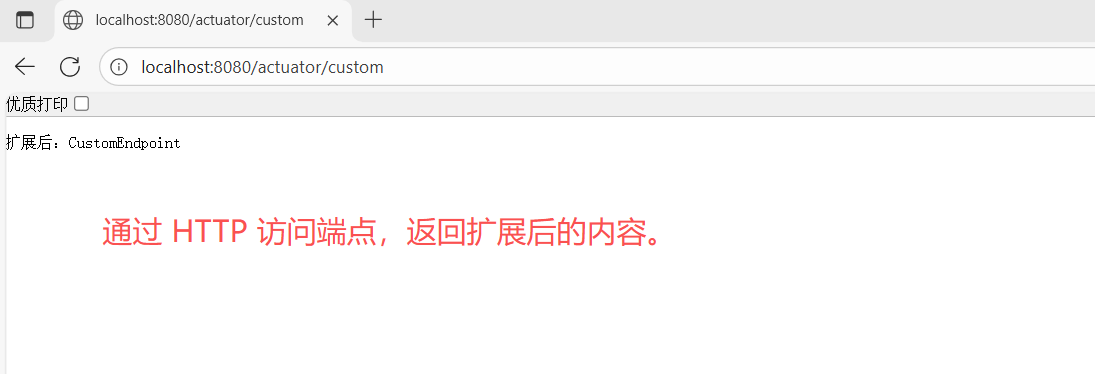
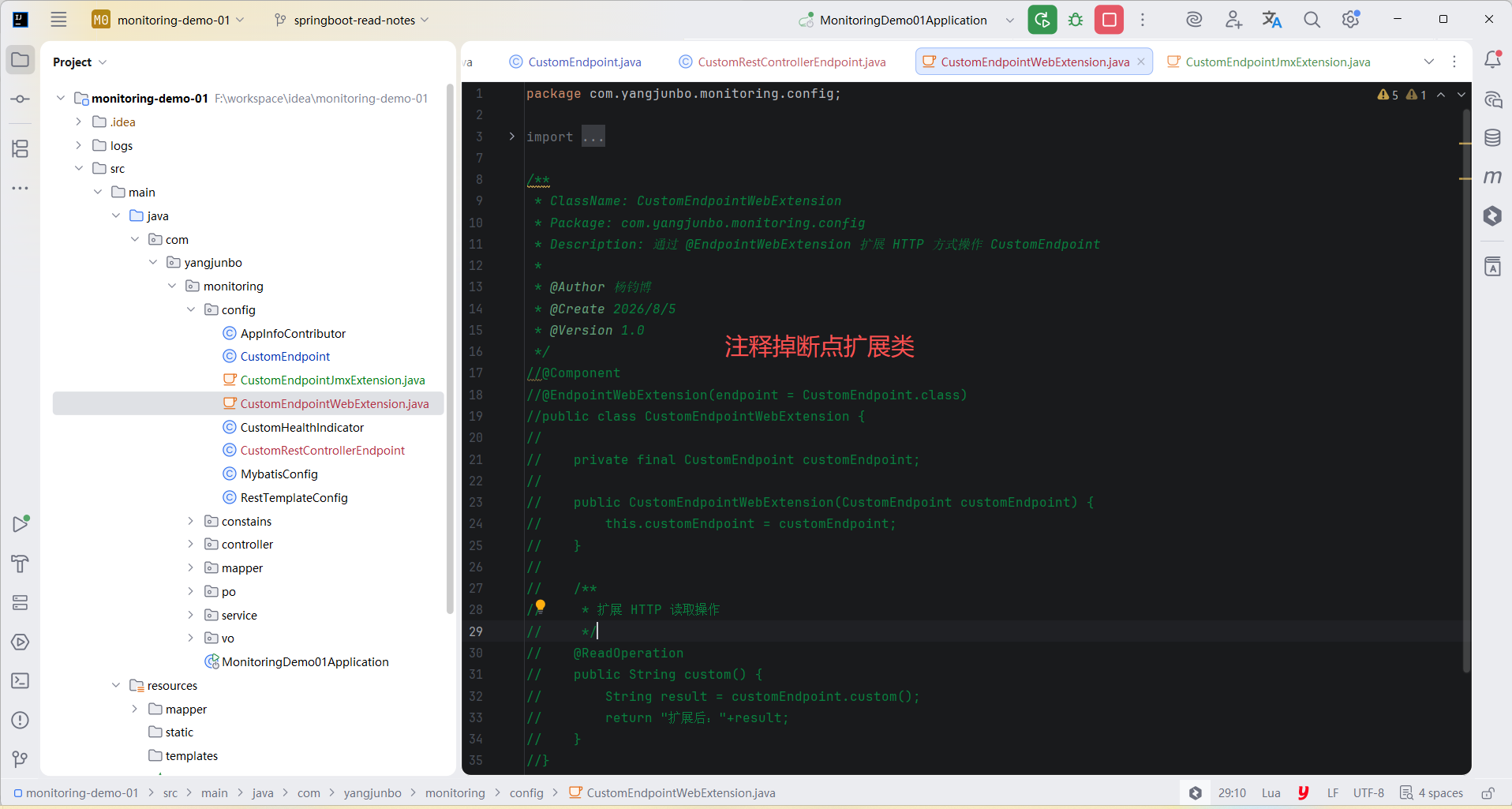
使用 @EndpointWebExtension 扩展 HTTP 方式的操作,
java
@Component
@EndpointWebExtension(endpoint = CustomEndpoint.class)
public class CustomEndpointWebExtension {

    private final CustomEndpoint customEndpoint;

    public CustomEndpointWebExtension(CustomEndpoint customEndpoint) {
        this.customEndpoint = customEndpoint;
    }

    /**
     * 扩展 HTTP 读取操作
     */
    @ReadOperation
    public String custom() {
        String result = customEndpoint.custom();
        return "扩展后:"+result;
    }
}
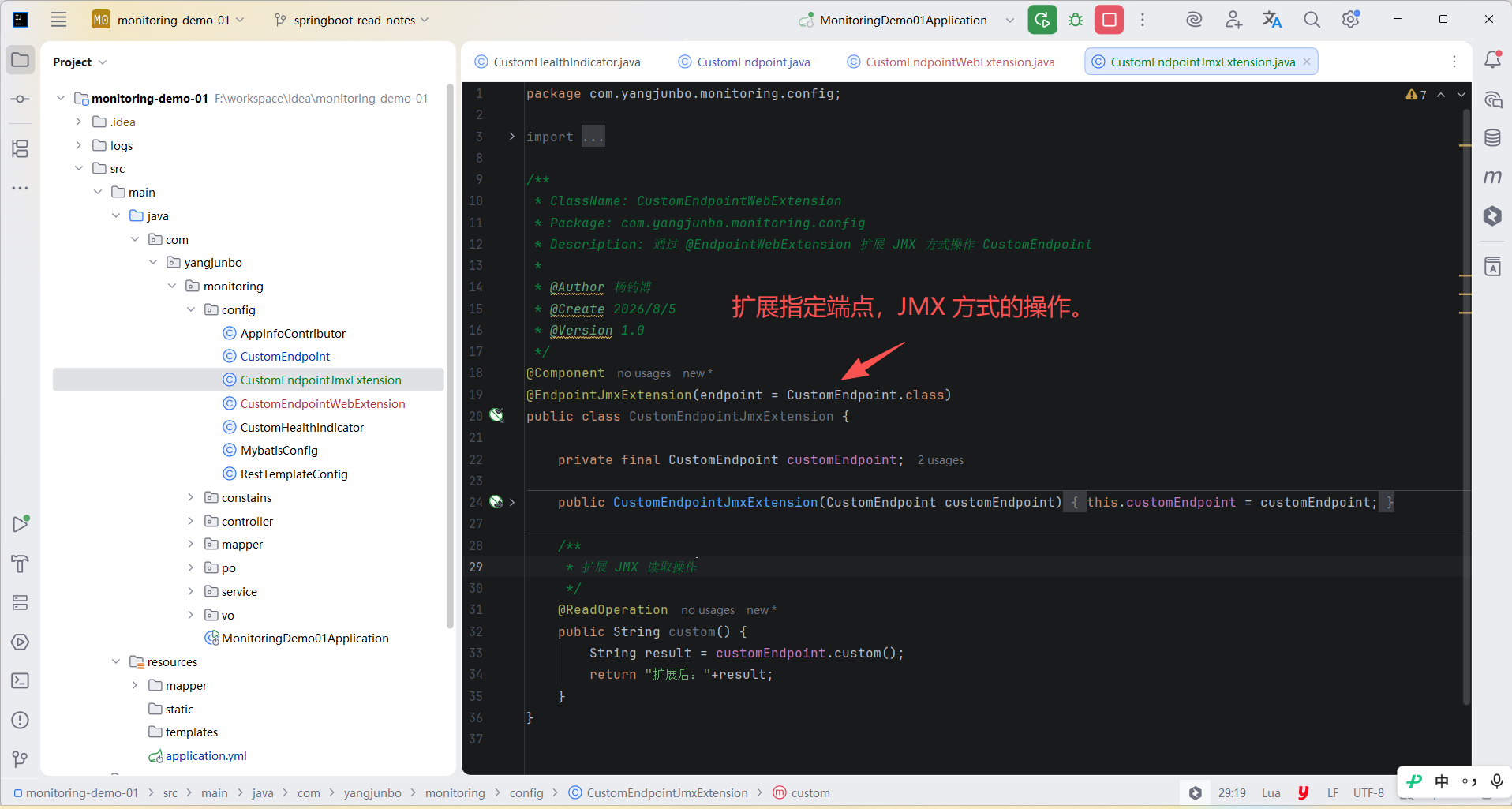
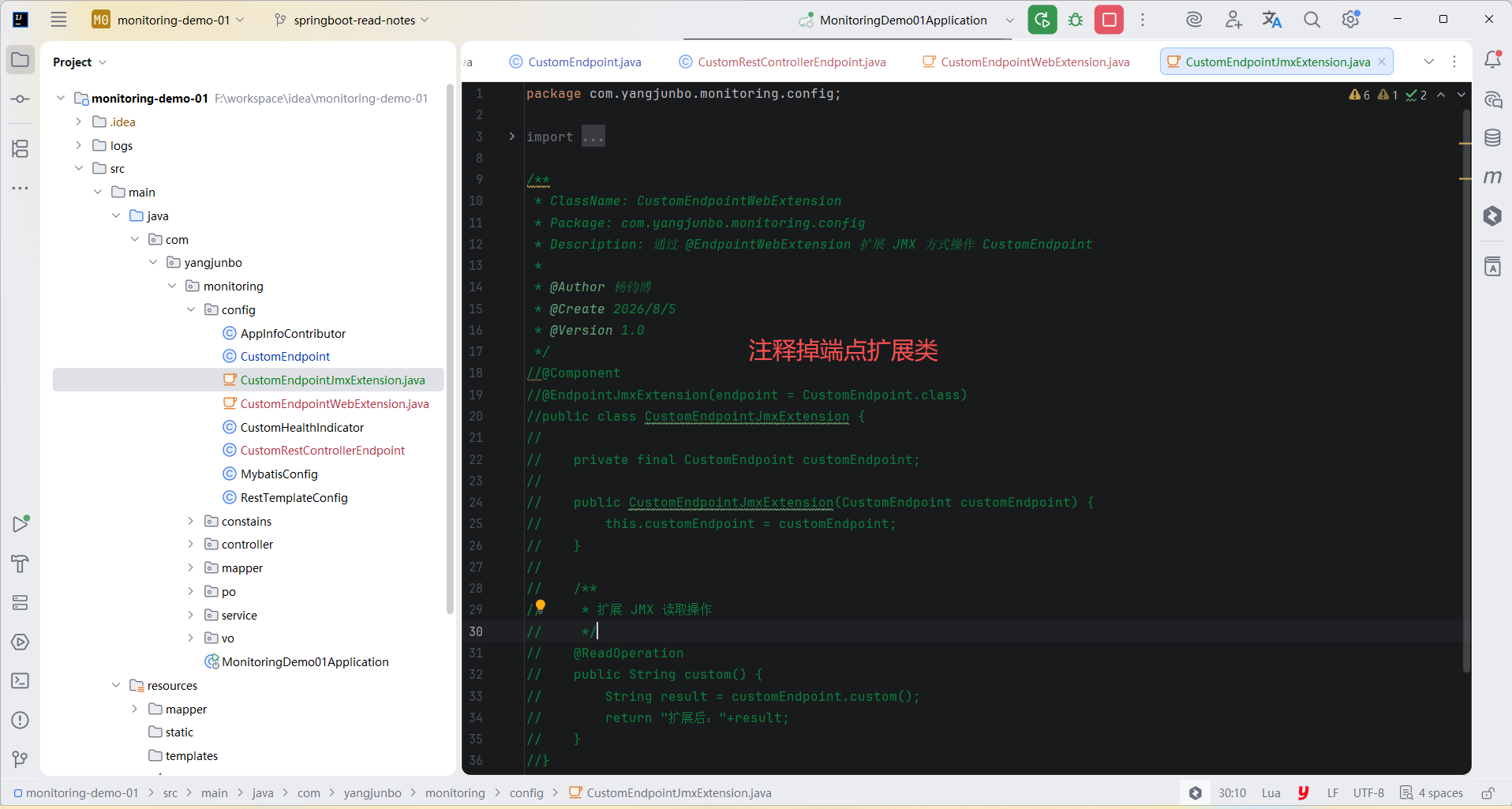
使用 @EndpointJmxExtension 扩展 JMX 方式的操作,
java
@Component
@EndpointJmxExtension(endpoint = CustomEndpoint.class)
public class CustomEndpointJmxExtension {

    private final CustomEndpoint customEndpoint;

    public CustomEndpointJmxExtension(CustomEndpoint customEndpoint) {
        this.customEndpoint = customEndpoint;
    }

    /**
     * 扩展 JMX 读取操作
     */
    @ReadOperation
    public String custom() {
        String result = customEndpoint.custom();
        return "扩展后:"+result;
    }
}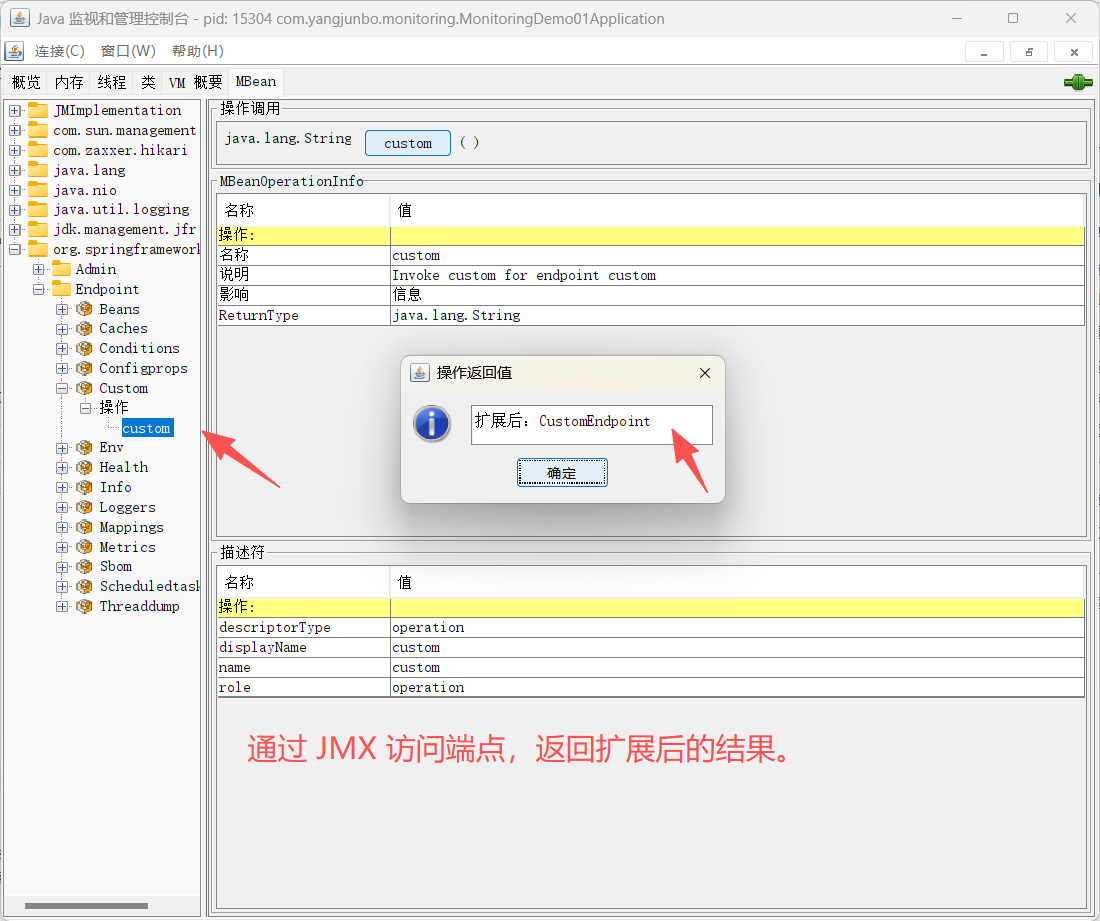
这些注解可以增强现有端点。 每个端点每种类型最多只能有一个扩展。
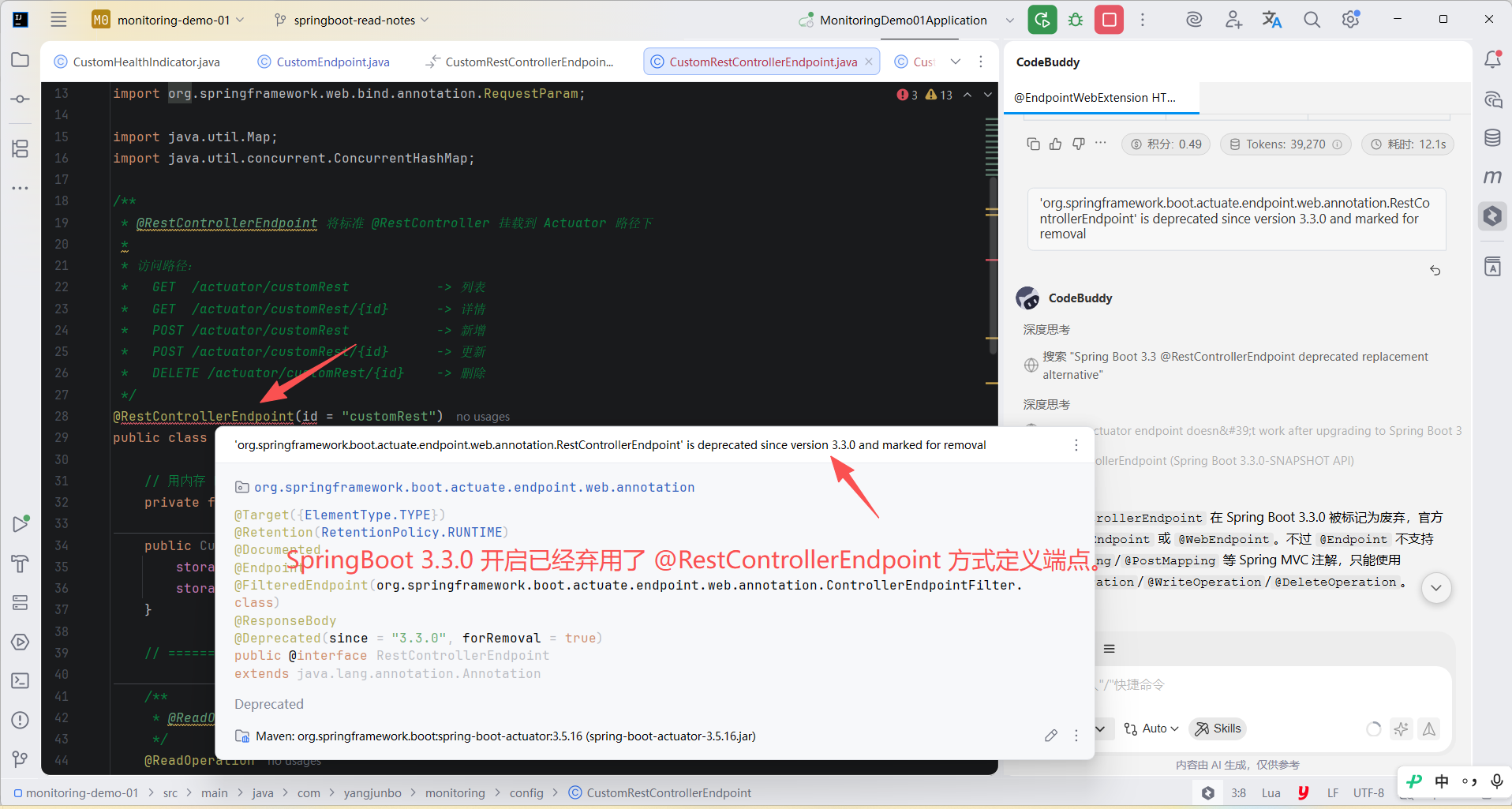
可以实现 @RestController 风格的端点,但是无法通过 JMX 访问,不支持其他 Web 框架,SpringBoot 3.3.0 开启已经弃用。
接收输入
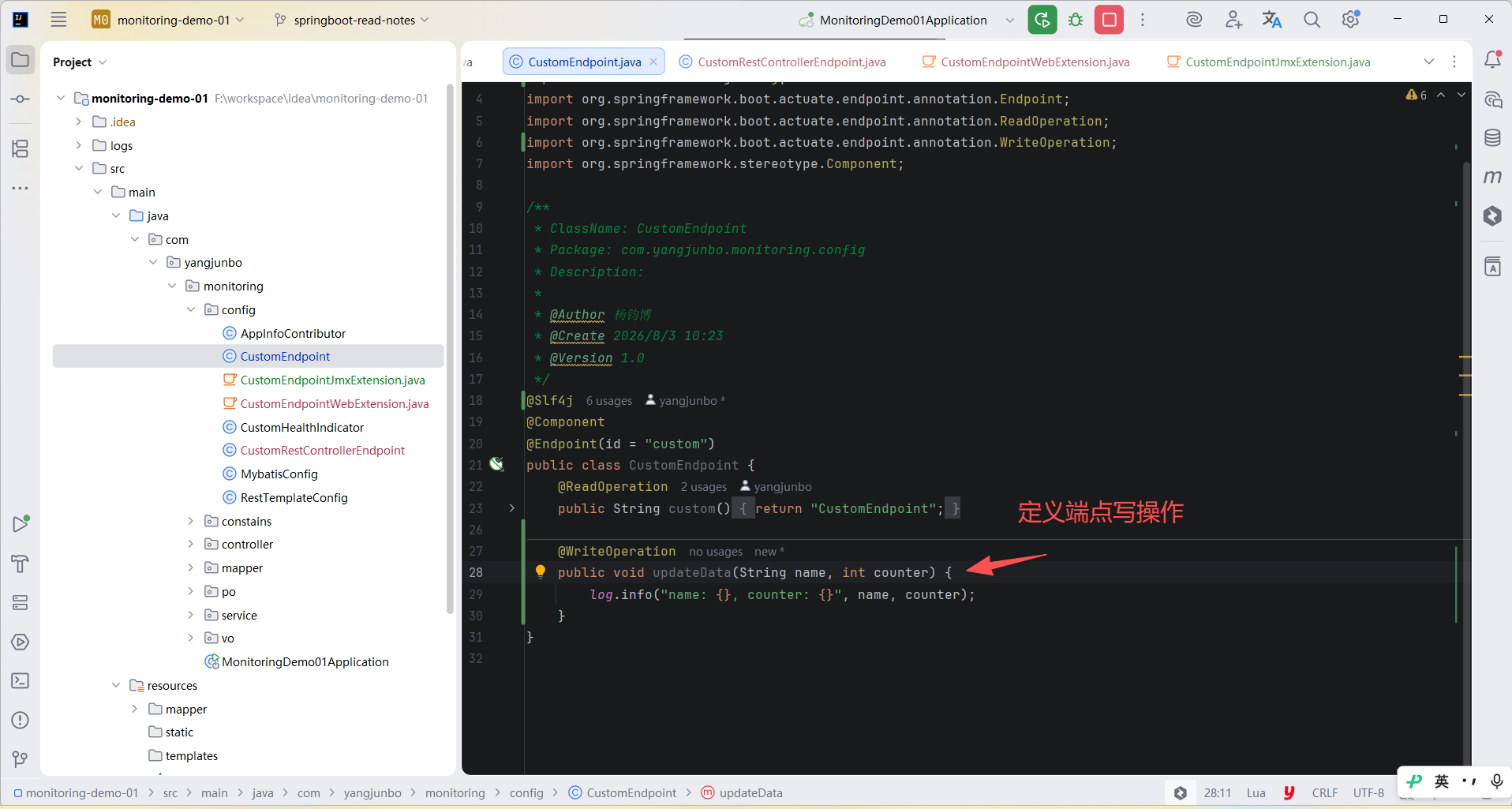
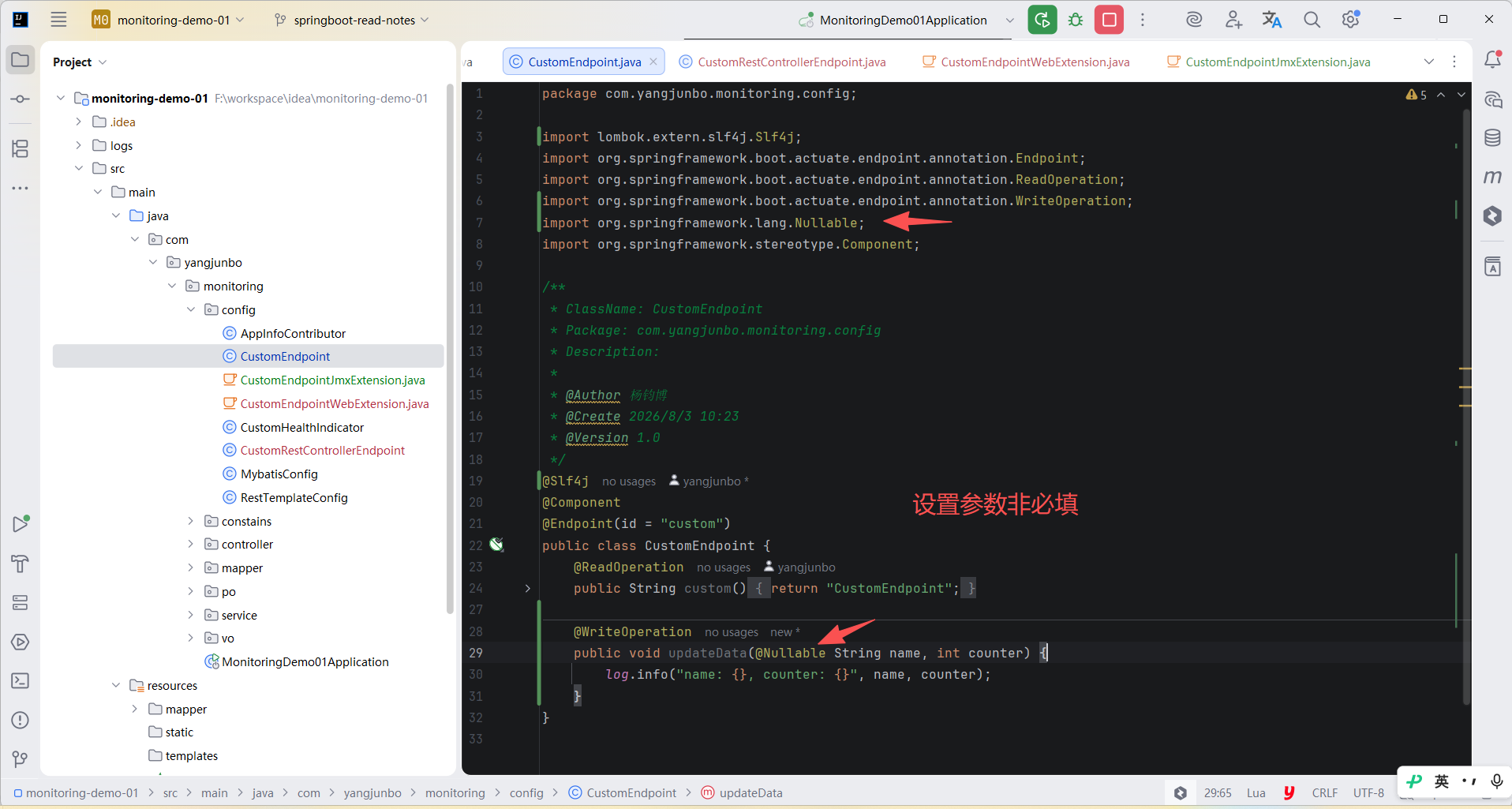
端点的操作方法可以接收参数,HTTP 公开端点时,参数的值来自URL的查询参数和JSON请求体。JMX 公开端点时,参数在 Mbean 操作时设置。可以使用 @Nullable 注解设置可选参数。
java
    @WriteOperation
    public void updateData(String name, int counter) {
        log.info("name: {}, counter: {}", name, counter);
    }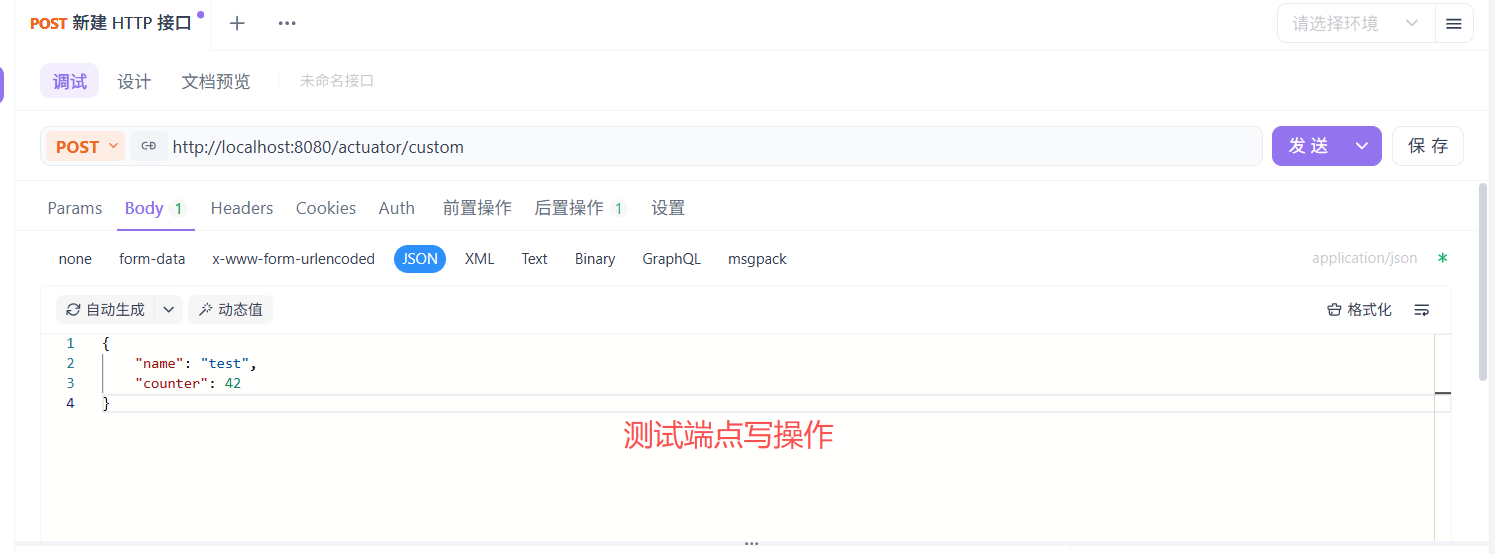
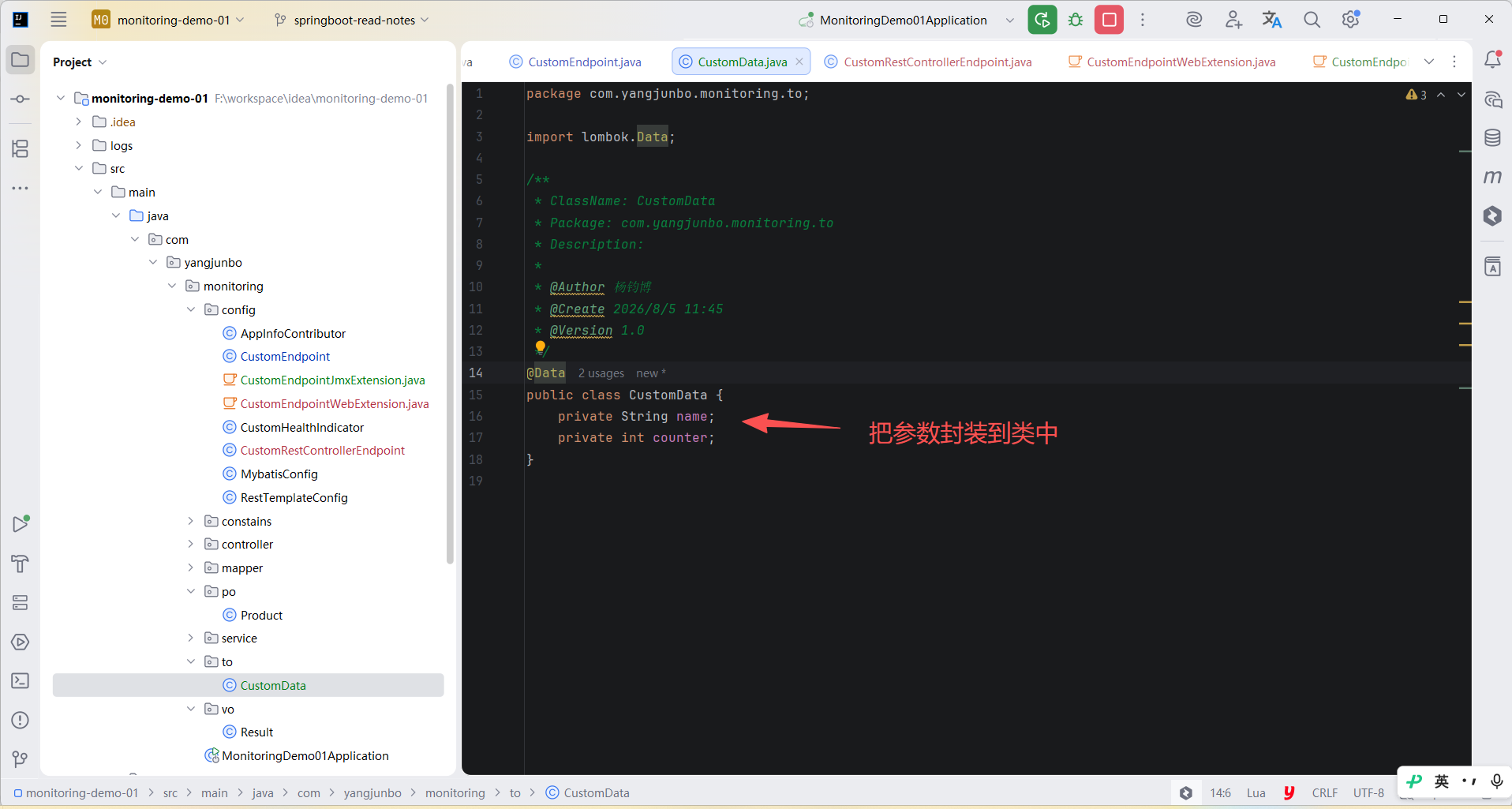
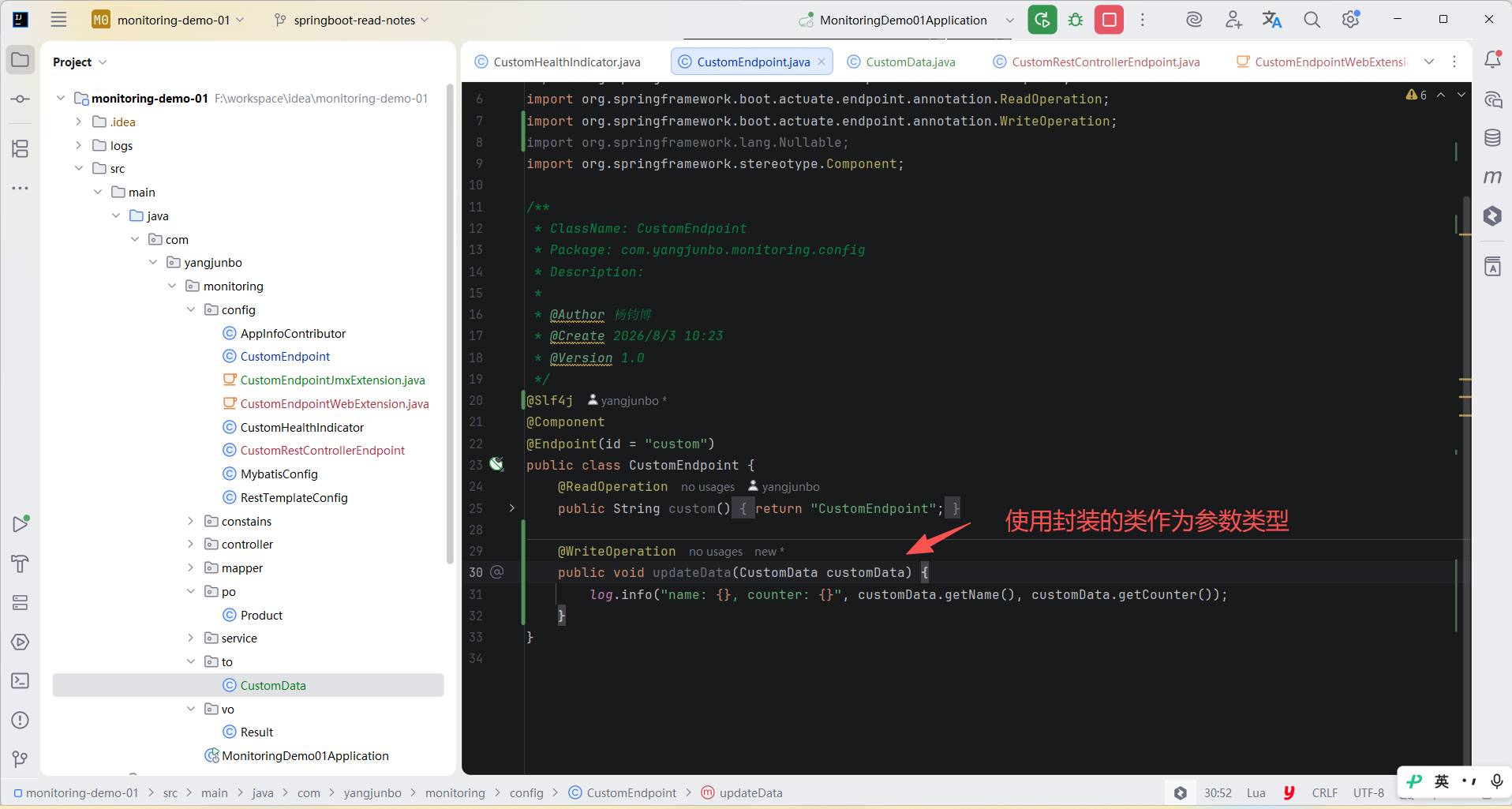
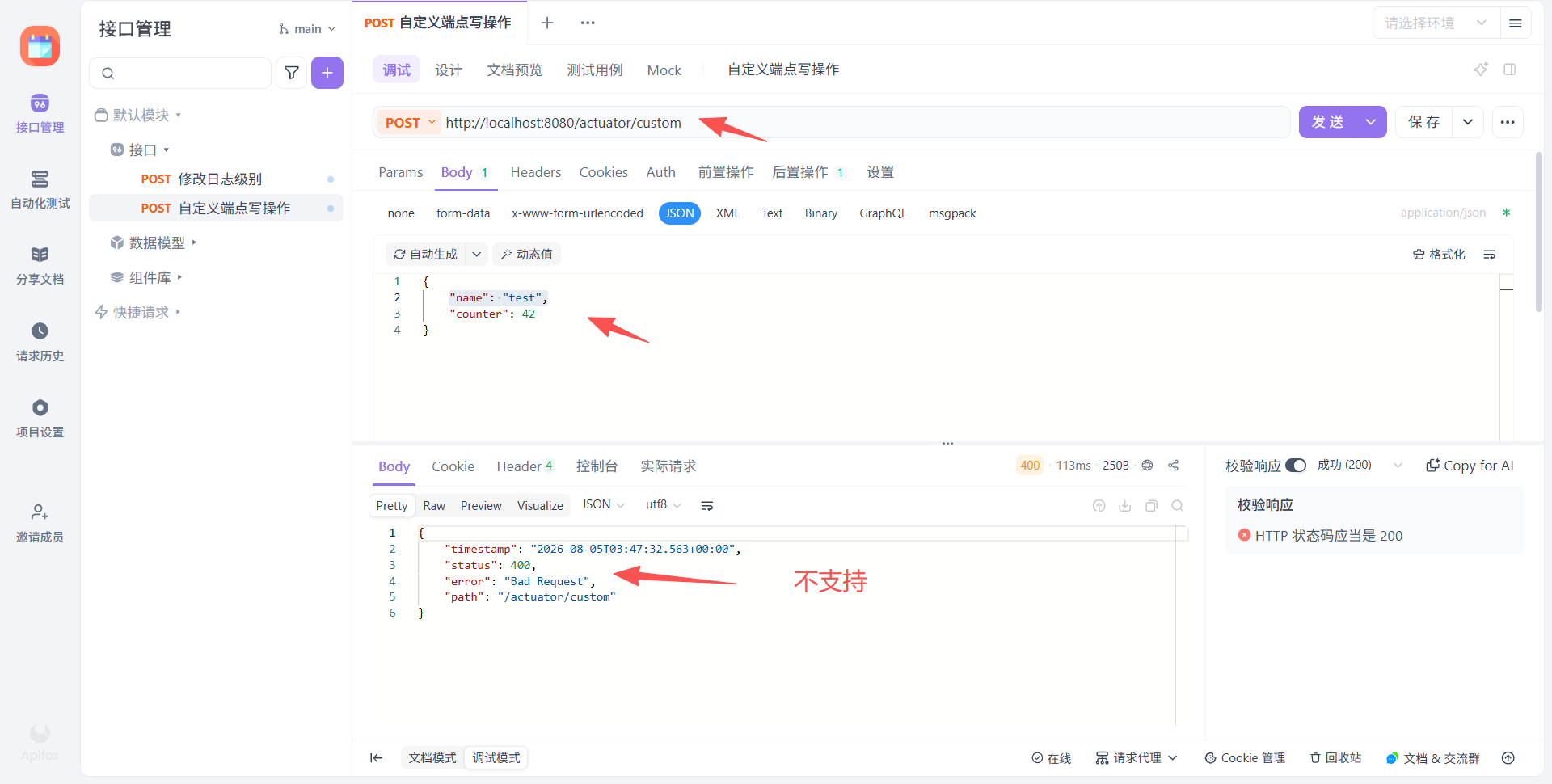
参数只能使用简单数据类型,比如声明一个 CustomData 类型的参数,其中定义了 name 和 counter 属性是不被支持的。
自定义 Web 端点
3.0 监控信息
health 端点可以检查正在运行的应用程序的状态。 监控软件通常利用它在生产系统宕机时发出警报。
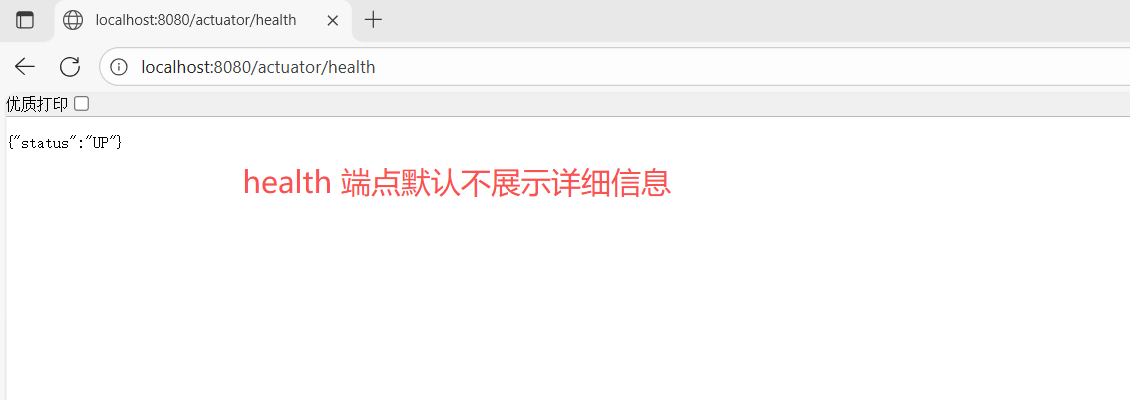
health 端点公开的信息取决于 management.endpoint.health.show-details 和 management.endpoint.health.show-components 属性,这些属性的值如下:
| 名称 | 描述 |
|---|---|
never |
不显示详细信息 |
when-authorized |
详细信息仅对授权用户显示。 可以使用 management.endpoint.health.roles 配置角色。 |
always |
详细信息对所有用户可见。 |
默认值为 never。 如果端点未配置任何角色(默认情况),则所有经过身份验证的用户均被视为已授权。 您可以使用 management.endpoint.health.roles 属性来配置角色。
使用 always 前应该对应用程序最好保护。
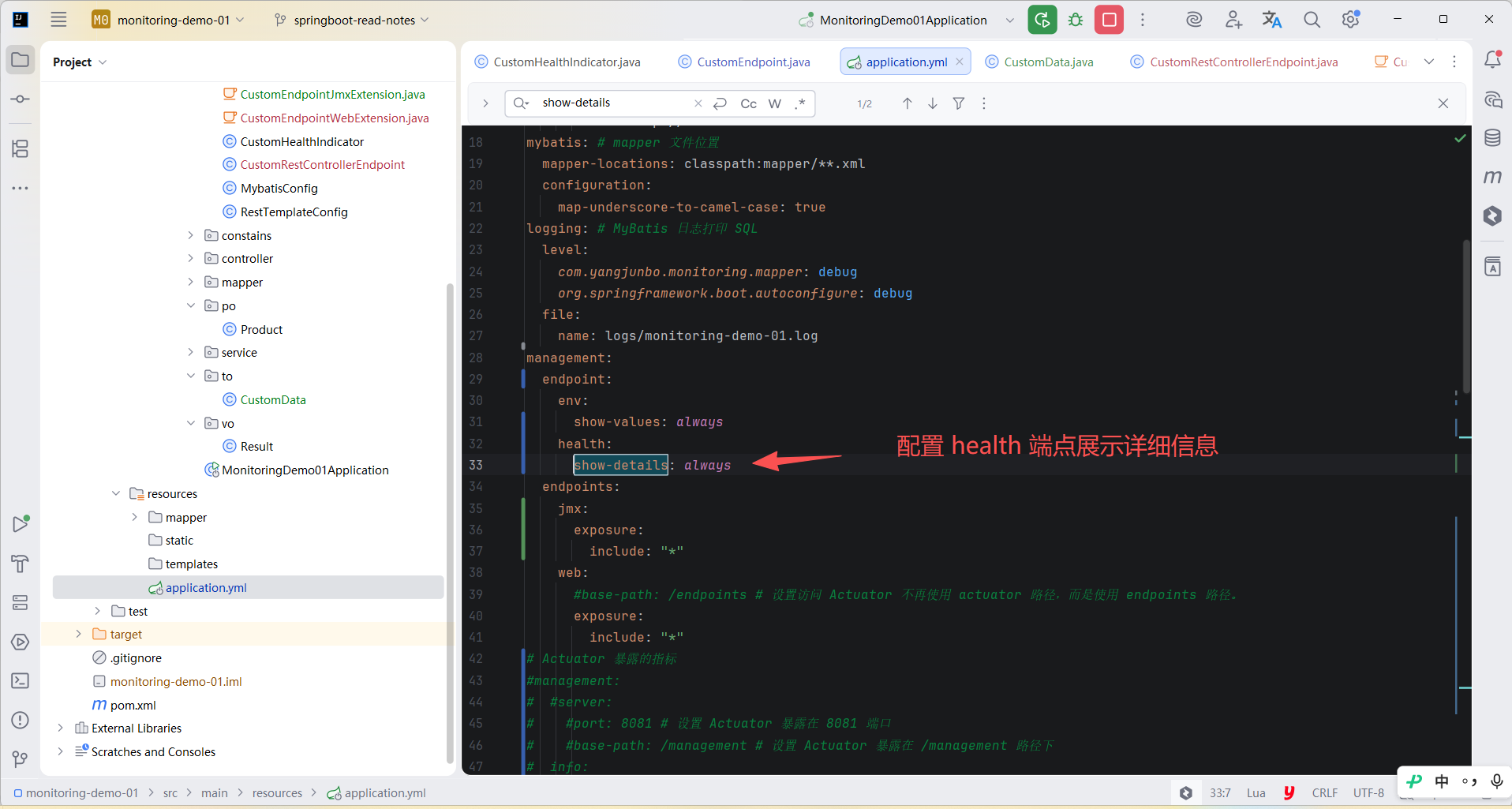
yml
management:
  endpoint:
    health:
      show-details: always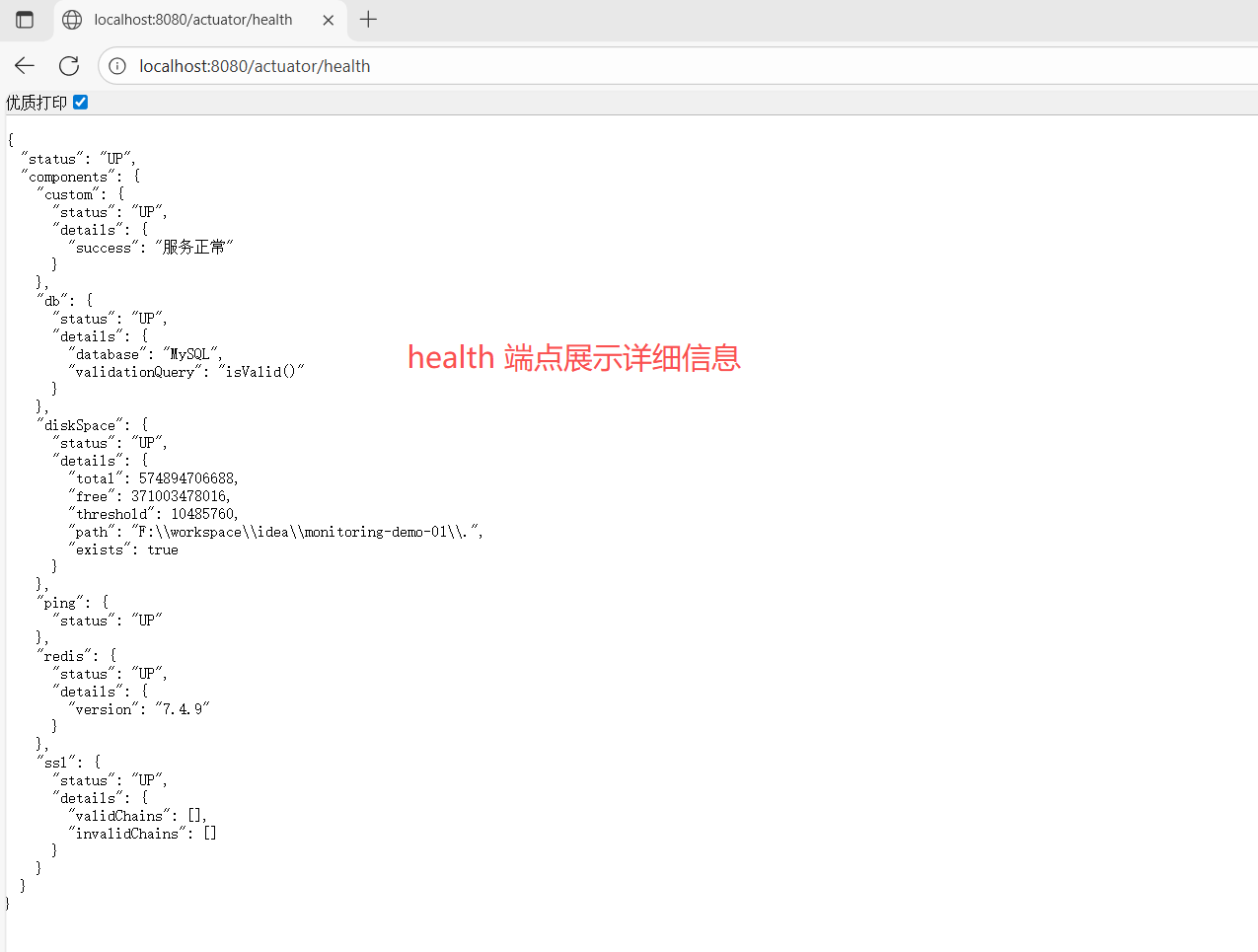
健康信息是从 HealthContributorRegistry 中收集的(默认情况下,是 ApplicationContext 中所有 HealthContributor 实例)。 Spring Boot 包含许多自动配置的 HealthContributor 类型的 Bean,您也可以编写自己的 HealthContributor 类型的 Bean。
HealthContributor 分为 HealthIndicator 和 CompositeHealthContributor。
HealthIndicator 提供实际的健康信息,包括 Status。
CompositeHealthContributor 提供其他 HealthContributor 实例的组合。
默认情况下,最终的系统健康状况由 StatusAggregator 决定,它对来自每个 HealthIndicator 的状态进行排序。 排序列表中的第一个状态被用作整体健康状态。
如果没有 HealthIndicator 返回 StatusAggregator 已知的状态,则使用 UNKNOWN 状态。
您可以使用 HealthContributorRegistry 在运行时注册和注销健康指示器。
自动配置的 HealthIndicators
在满足条件时,Spring Boot 会自动配置下表中的 HealthIndicator 类型的 Bean。 您还可以通过配置 management.health.key.enabled 属性来启用或禁用选定的指标。
| key | 名称 | 描述 |
|---|---|---|
cassandra |
CassandraDriverHealthIndicator |
检查 Cassandra 数据库是否已启动。 |
couchbase |
CouchbaseHealthIndicator |
检查 Couchbase 集群是否已启动。 |
db |
DataSourceHealthIndicator |
检查是否可以获取到与 DataSource 的连接。 |
diskspace |
DiskSpaceHealthIndicator |
检查磁盘空间是否不足。 |
elasticsearch |
ElasticsearchRestClientHealthIndicator |
检查 Elasticsearch 集群是否已启动。 |
hazelcast |
HazelcastHealthIndicator |
检查 Hazelcast 服务器是否已启动。 |
jms |
JmsHealthIndicator |
检查 JMS 代理是否已启动。 |
ldap |
LdapHealthIndicator |
检查 LDAP 服务器是否处于运行状态。 |
mail |
MailHealthIndicator |
检查邮件服务器是否处于运行状态。 |
mongo |
MongoHealthIndicator |
检查 Mongo 数据库是否已启动。 |
neo4j |
Neo4jHealthIndicator |
检查 Neo4j 数据库是否已启动。 |
ping |
PingHealthIndicator |
始终响应 UP。 |
rabbit |
RabbitHealthIndicator |
检查 Rabbit 服务器是否已启动。 |
redis |
DataRedisHealthIndicator |
检查 Redis 服务器是否正在运行。 |
ssl |
SslHealthIndicator |
检查 SSL 证书是否正常。 |
您可以设置 management.health.defaults.enabled 属性来全部禁用。
SslHealthIndicator 有一个 management.health.ssl.certificate-validity-warning-threshold "警告阈值"属性。 如果 SSL 证书将在该阈值定义的期限内失效,SslHealthIndicator 将在详细信息报告此情况,其中 details.validChains.certificates.\*.validity.status 的值将为 WILL_EXPIRE_SOON。
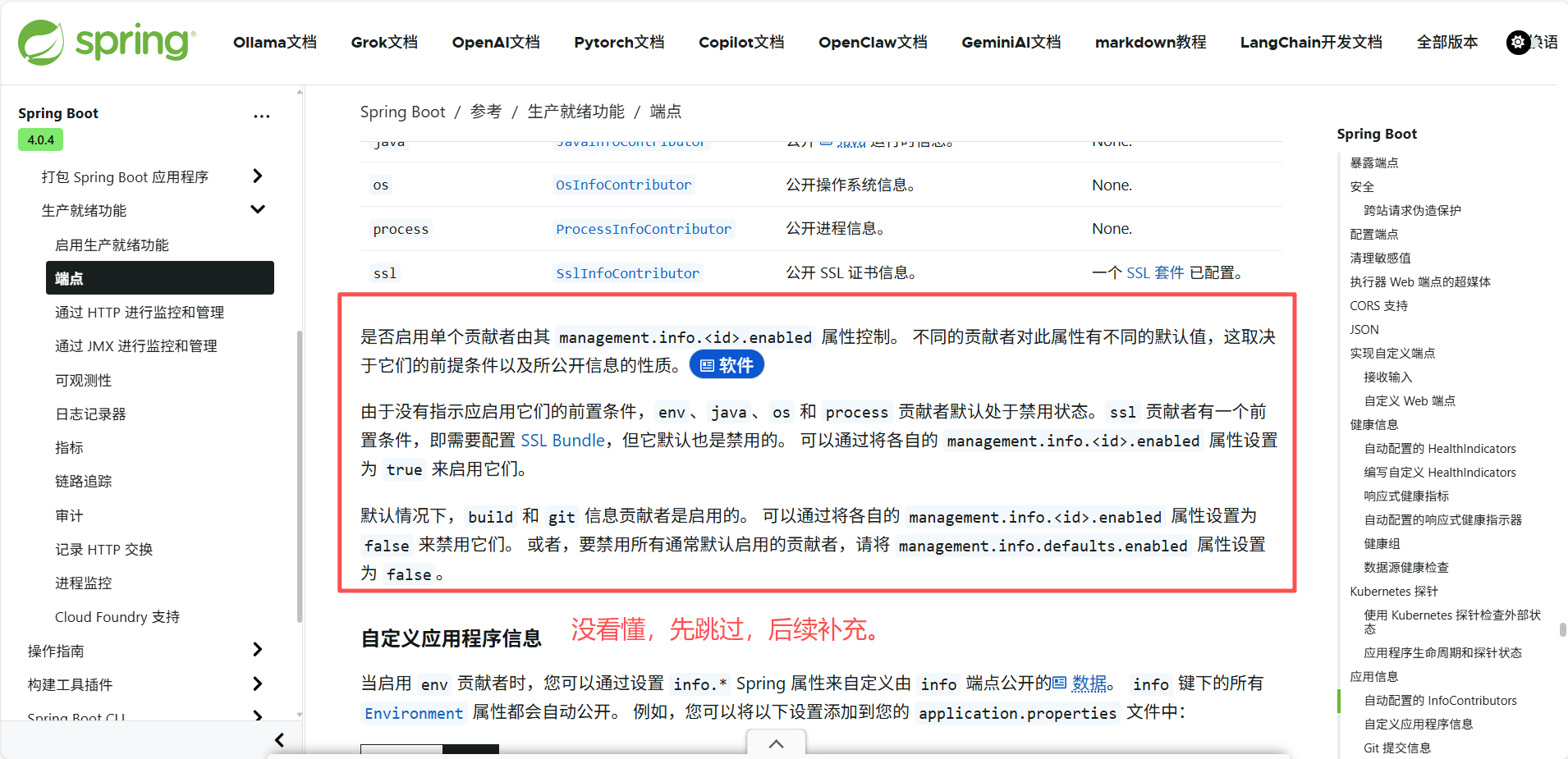
默认情况下,额外启用的 HealthIndicator:
| key | 名称 | 描述 |
|---|---|---|
livenessstate |
LivenessStateHealthIndicator |
公开"Liveness"应用程序可用性状态。 |
readinessstate |
ReadinessStateHealthIndicator |
公开"就绪"应用程序可用性状态。 |
可以使用 management.endpoint.health.probes.enabled 配置属性来禁用。
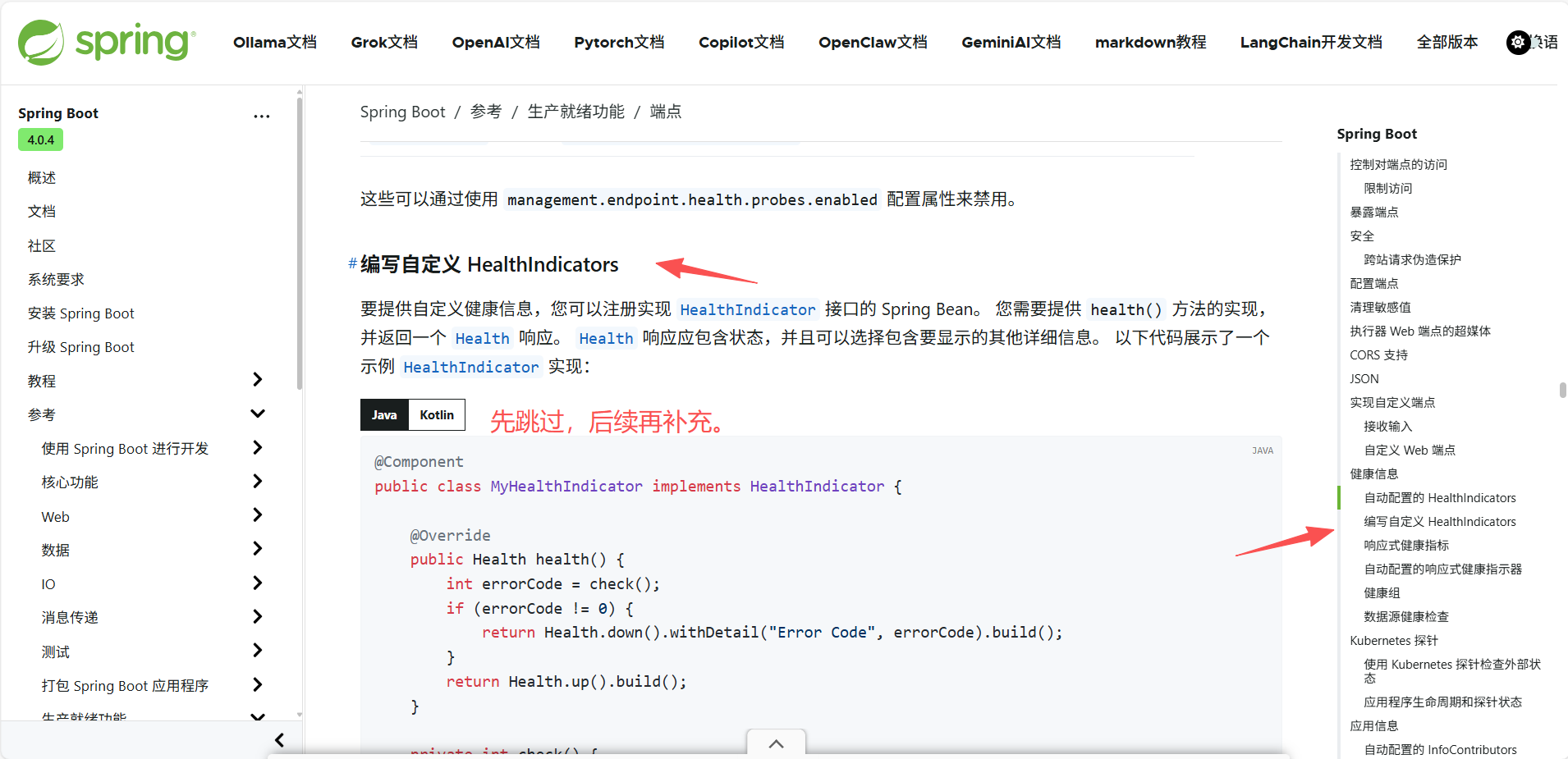
编写自定义 HealthIndicators
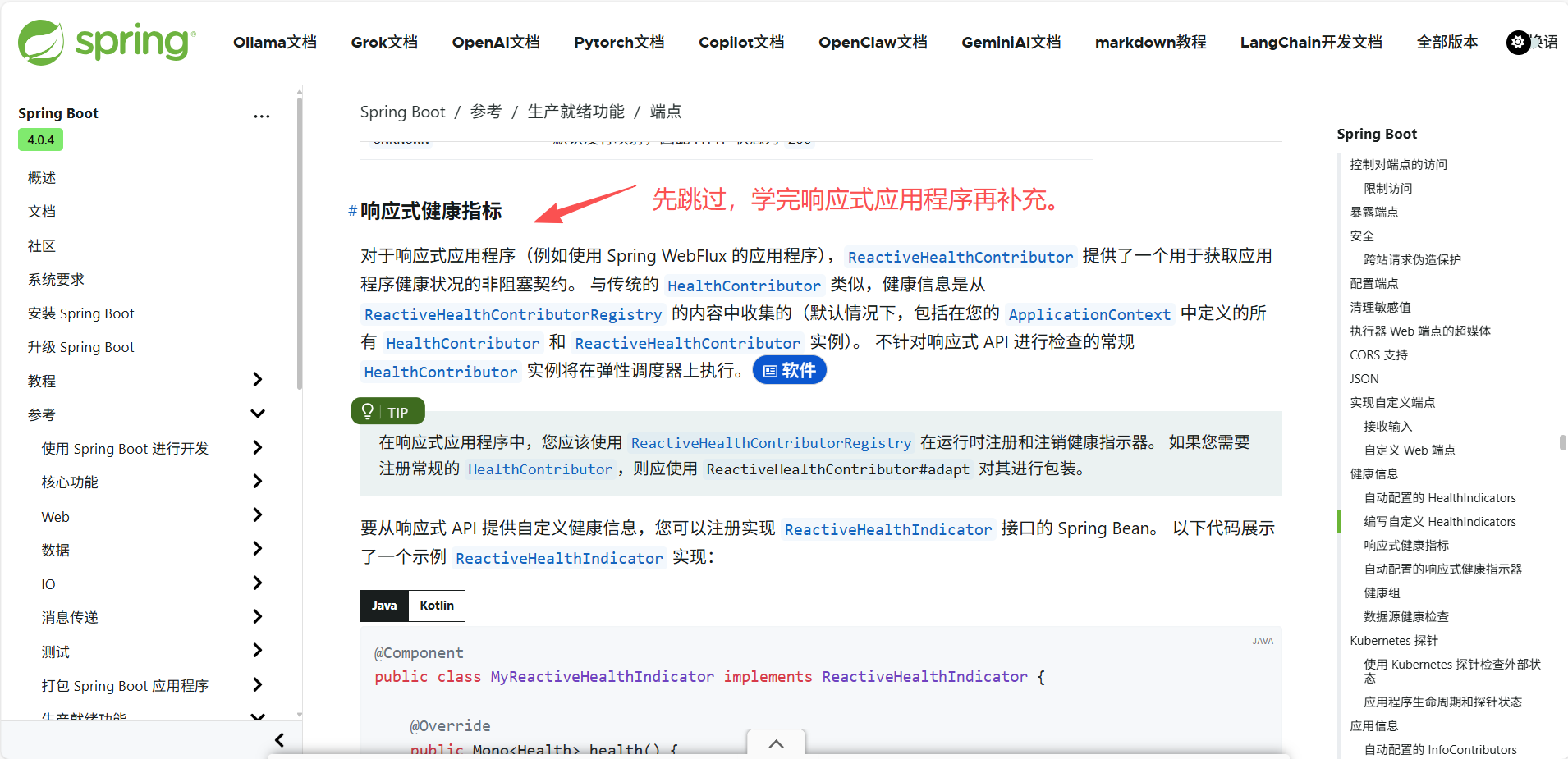
响应式健康指标
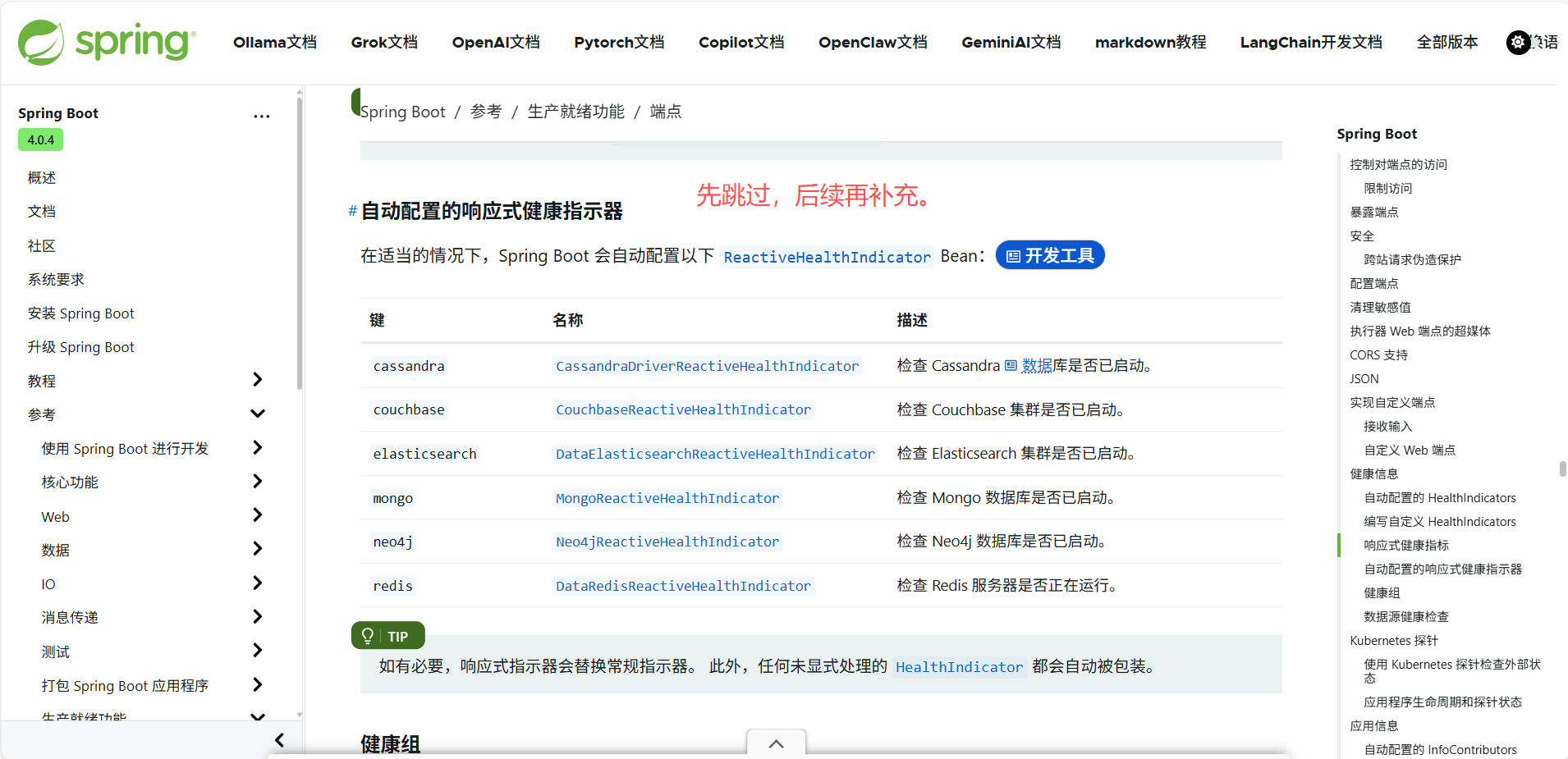
自动配置的响应式健康指示器
健康组
有时,将健康指标分组用于不同目的是很有用的。
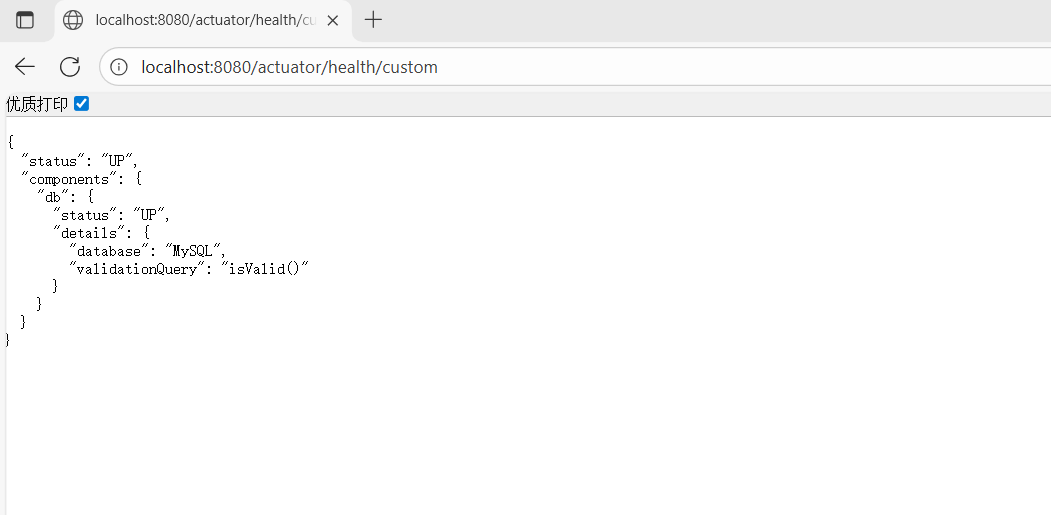
要创建健康指示器组,您可以使用 management.endpoint.health.group. 属性,并指定要 include 或 exclude 的健康指示器 ID 列表。 例如,要创建一个仅包含数据库指示器的组:
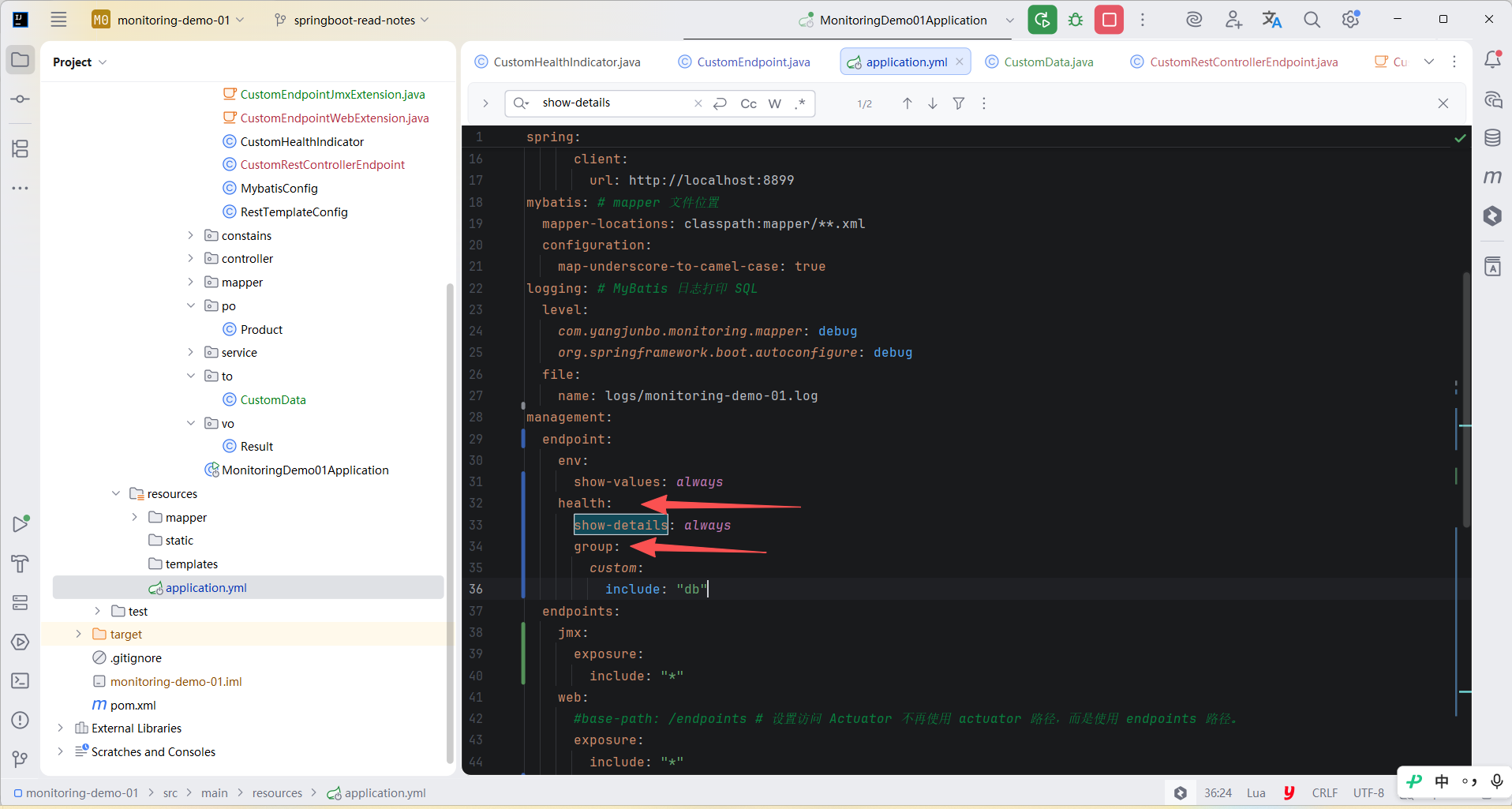
yml
management:
  endpoint:
    health:
      group:
        custom:
          include: "db"
可以访问 localhost:8080/actuator/health/custom 来检查结果。
创建一个从组中排除数据库指标并包含所有其他指标的组:
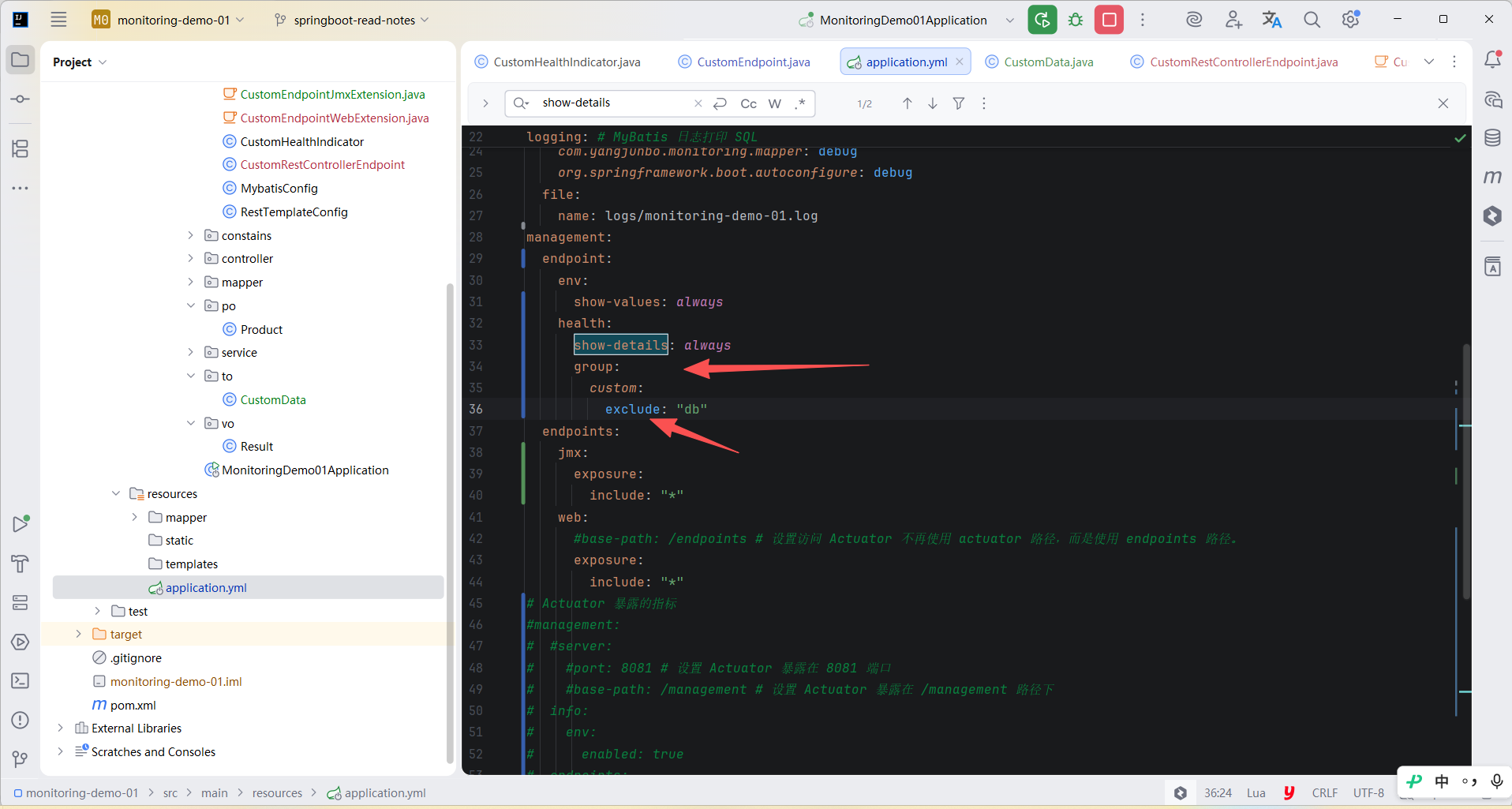
yml
management:
  endpoint:
    health:
      group:
        custom:
          exclude: "db"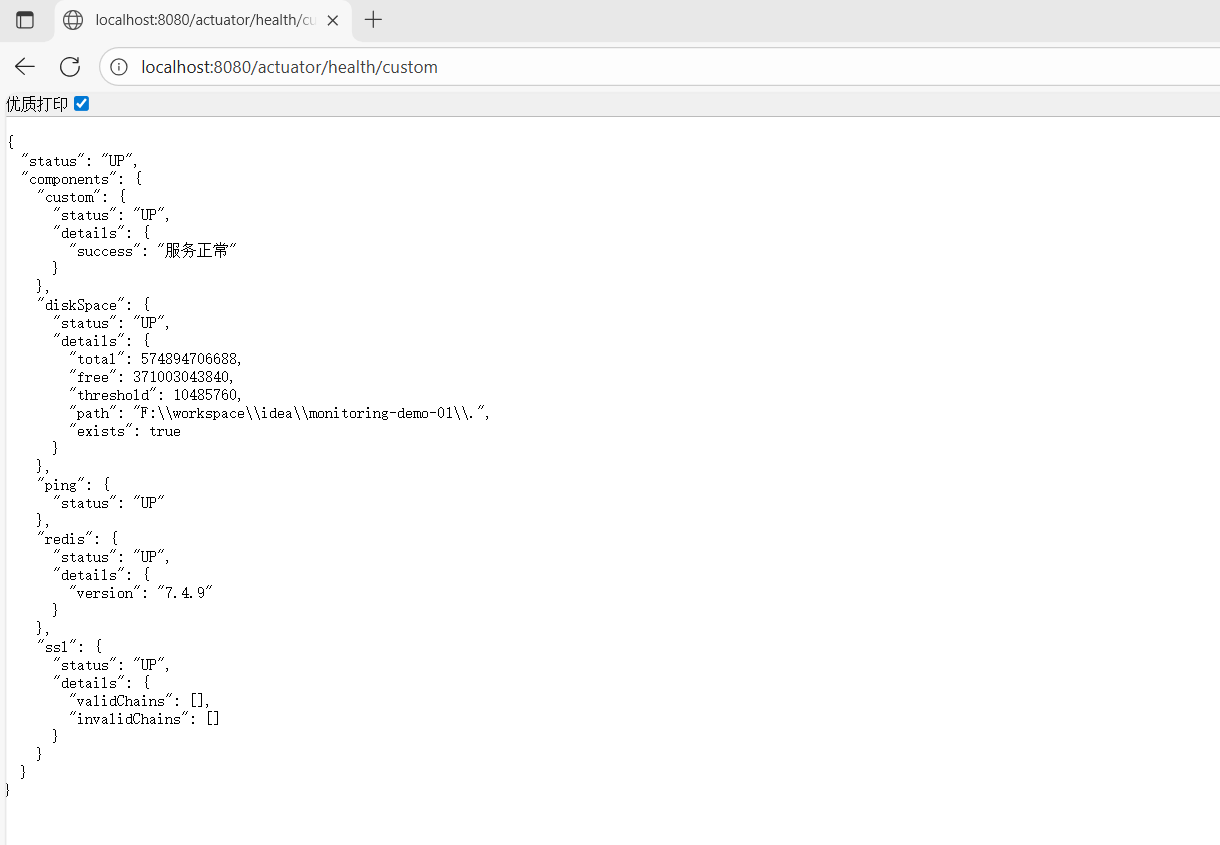
默认情况下,如果健康组包含或排除了一个不存在的健康指示器,启动将失败。 要禁用此行为,可以将 management.endpoint.health.validate-group-membership 设置为 false。
默认情况下,组会继承与系统健康状态相同的设置。 您也可以按组定义这些设置。
yml
management:
  endpoint:
    health:
      group:
        custom:
          show-details: "when-authorized"
          roles: "admin"
          status:
            order: "fatal,up"
            http-mapping:
              fatal: 500
              out-of-service: 500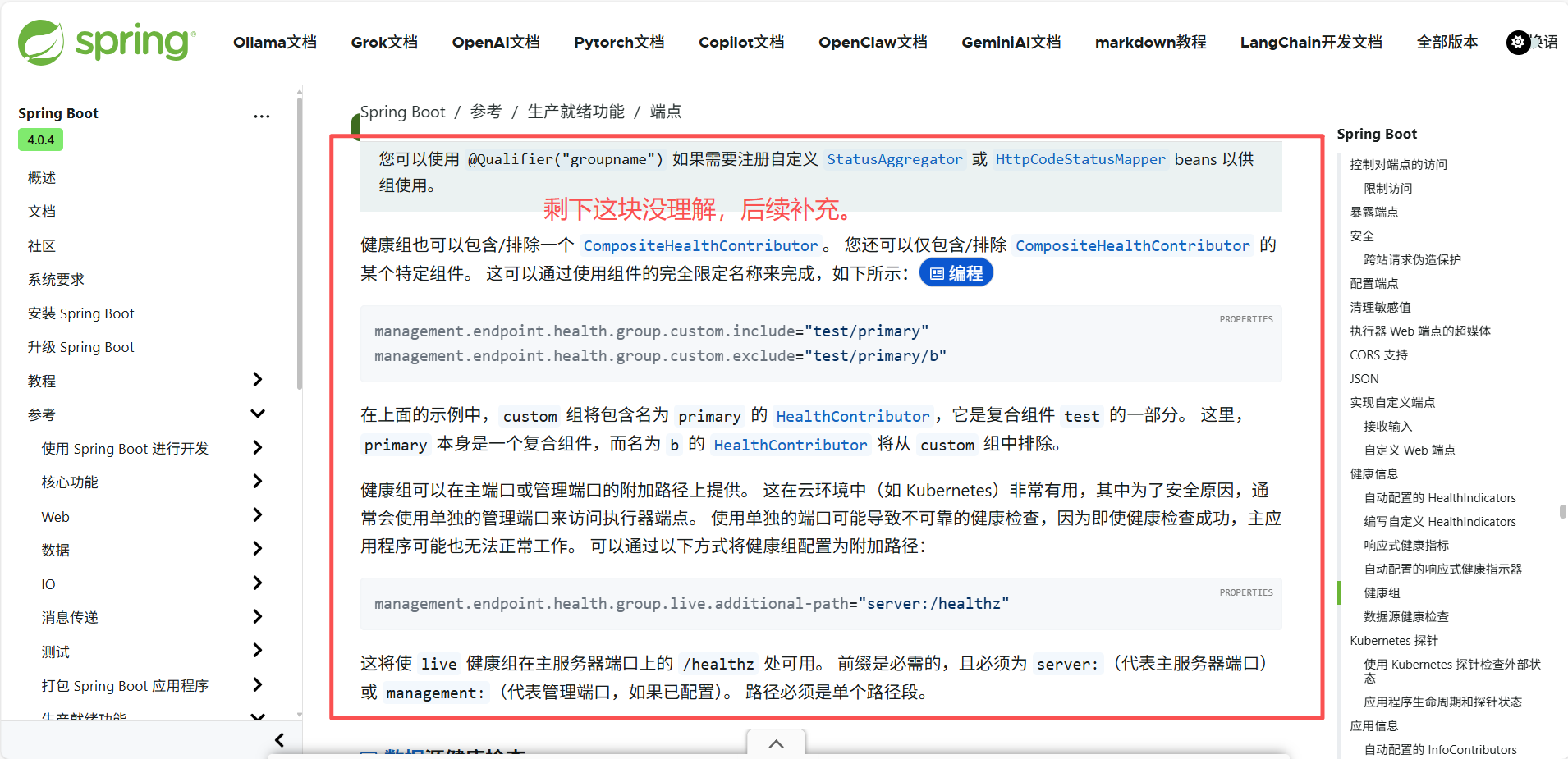
数据源健康检查
3.1 Kubernetes 探针
3.2 应用信息
应用信息展示了 ApplicationContext 中所有的 InfoContributor 组件收集的各类信息。 Spring Boot 包含多个自动配置的 InfoContributor 组件,您也可以编写自己的。
自动配置的 InfoContributors
在满足条件时,Spring 会自动配置以下 InfoContributor 组件:
| ID | 名称 | 描述 | 前提条件 |
|---|---|---|---|
build |
BuildInfoContributor |
公开构建信息。 | A META-INF/build-info.properties resource. |
env |
EnvironmentInfoContributor |
公开 Environment 中所有名称以 info. 开头的属性。 |
None. |
git |
GitInfoContributor |
公开 Git 信息。 | A git.properties resource. |
java |
JavaInfoContributor |
公开 Java 运行时信息。 | None. |
os |
OsInfoContributor |
公开操作系统信息。 | None. |
process |
ProcessInfoContributor |
公开进程信息。 | None. |
ssl |
SslInfoContributor |
公开 SSL 证书信息。 | 一个 SSL 套件 已配置。 |
自定义应用程序信息
Git 提交信息