1.下载
bash
Windows系统下载:
https://packages.gitlab.com/gitlab/gitlab-ce/packages/el/7/gitlab-ce-16.4.3-ce.0.el7.x86_64.rpm/download.rpm

Linux下载:
wget https://packages.gitlab.com/gitlab/gitlab-ce/packages/el/7/gitlab-ce-16.4.3-ce.0.el7.x86_64.rpm/download.rpm
2.安装
bash
先安装依赖
yum install -y policycoreutils-python

再安装GitLab
rpm -ivh gitlab-ce-16.4.3-ce.0.el7.x86_64.rpm
3.配置
bash
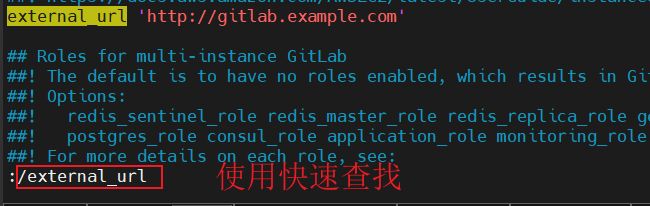
vim /etc/gitlab/gitlab.rb修改前
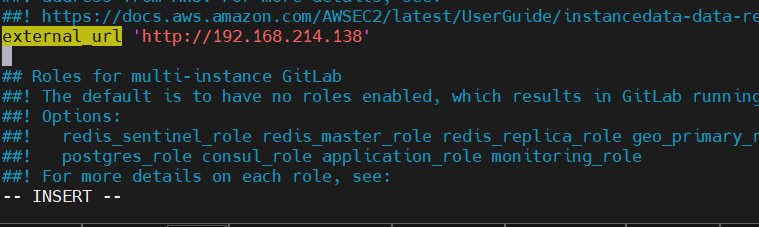
修改后(改成本机IP)
运行配置
bash
gitlab-ctl reconfigure查看运行状态
bash
gitlab-ctl status
run: alertmanager: (pid 33677) 410s; run: log: (pid 19618) 1165s
run: gitaly: (pid 32769) 548s; run: log: (pid 17643) 1418s
run: gitlab-exporter: (pid 33229) 479s; run: log: (pid 19330) 1204s
run: gitlab-kas: (pid 33009) 513s; run: log: (pid 18009) 1395s
run: gitlab-workhorse: (pid 33142) 493s; run: log: (pid 19122) 1224s
run: logrotate: (pid 17450) 1435s; run: log: (pid 17464) 1434s
run: nginx: (pid 19160) 1221s; run: log: (pid 19173) 1220s
run: node-exporter: (pid 33187) 487s; run: log: (pid 19259) 1212s
run: postgres-exporter: (pid 33704) 408s; run: log: (pid 19779) 1123s
run: postgresql: (pid 17777) 1407s; run: log: (pid 17810) 1404s
run: prometheus: (pid 33322) 466s; run: log: (pid 19493) 1187s
run: puma: (pid 18947) 1239s; run: log: (pid 18960) 1238s
run: redis: (pid 17527) 1429s; run: log: (pid 17571) 1426s
run: redis-exporter: (pid 33255) 476s; run: log: (pid 19421) 1194s
run: sidekiq: (pid 19003) 1234s; run: log: (pid 19017) 1233s
启动GitLab
bash
gitlab-ctl start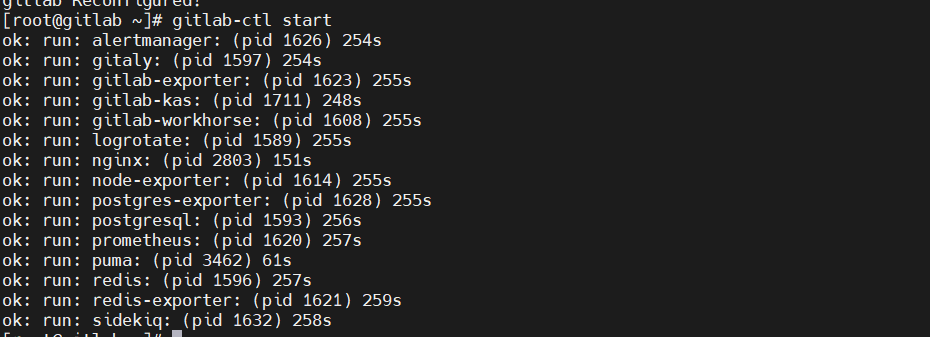
4.登录
查看临时密码
bash
cat /etc/gitlab/initial_root_password
打开浏览器输入
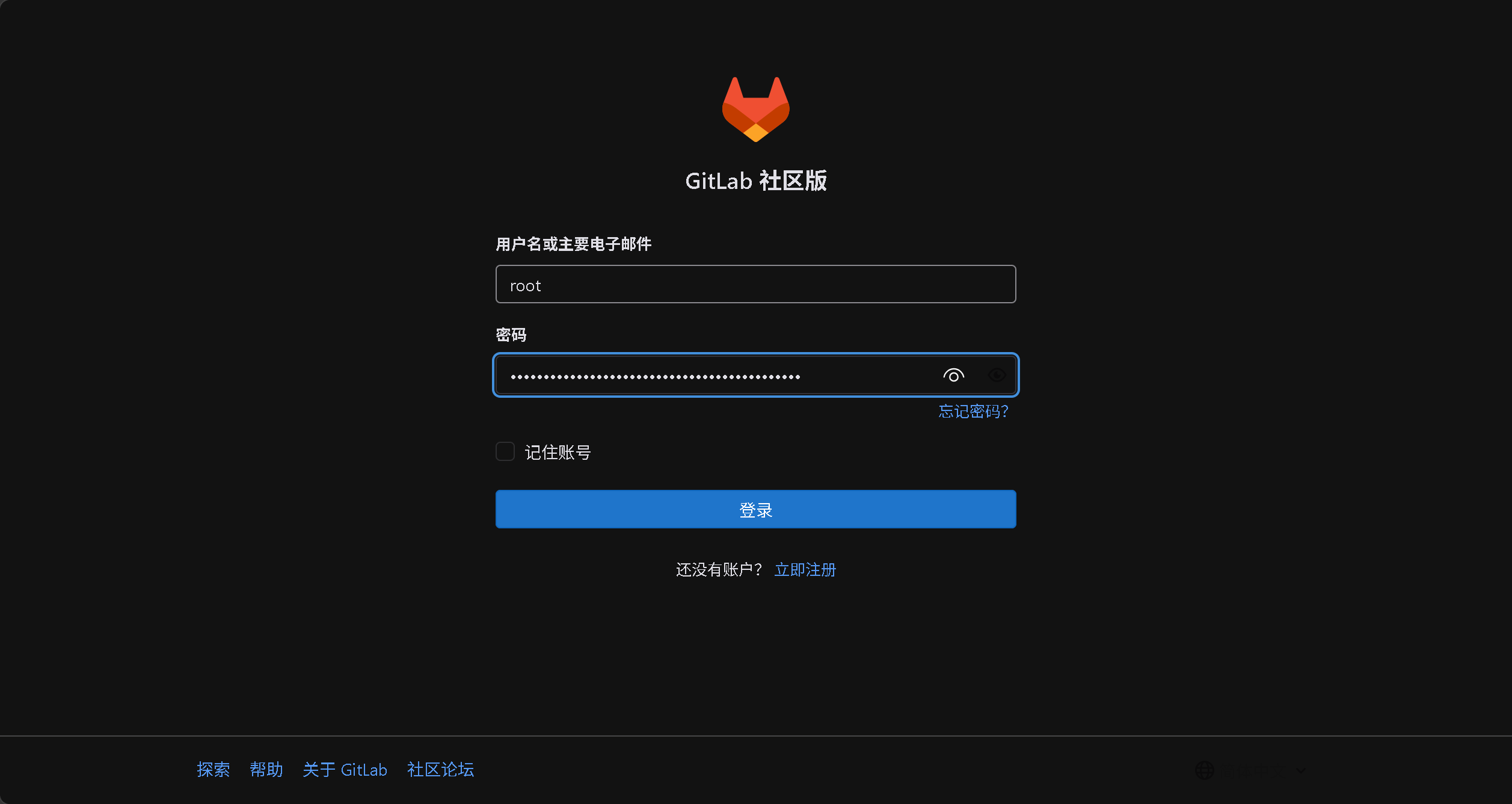
PS:如果打不开网站就检查一下防火墙是否关闭!!!