背景
在 Python 借助 Turtle 逐字展示《醉翁亭记》和《兰亭集序》 一文中,我们探索了如何借助 turtle --- Turtle graphics 展示《醉翁亭记》《兰亭集序》之类的经典古文。由此,我联想到,还可以用它来逐字展示唐诗。
正文:逐字展示《金缕衣》
代码
完整的代码如下 ⬇️
python
import math
import time
from turtle import Screen, Turtle

ARTICLE = (
    "勸君莫惜金縷衣"
    "勸君惜取少年時"
    "花開堪折直須折"
    "莫待無花空折枝"
)

CHAR_SIZE = 28
CHAR_WIDTH = 40
CHARS_PER_COLUMN = 7
COLUMN_SPACING = 48
MARGIN = 80

CHAR_DELAY_MS = 150


def load_article():
    return ARTICLE


def draw_char(x, y, ch, pen):
    pen.penup()
    pen.goto(x, y)
    pen.pendown()
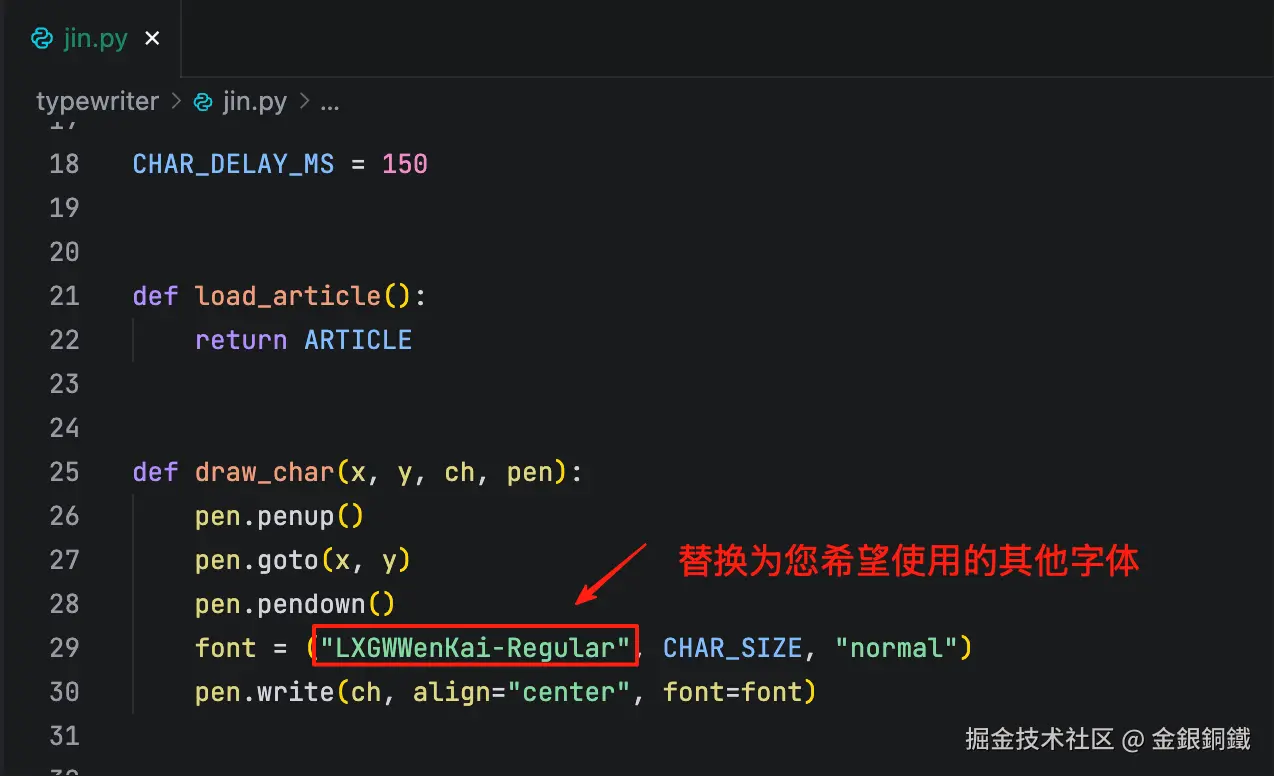
    font = ("LXGWWenKai-Regular", CHAR_SIZE, "normal")
    pen.write(ch, align="center", font=font)


def setup_screen(width, height):
    screen = Screen()
    screen.setup(width, height)
    screen.title("金縷衣")
    screen.tracer(0)
    return screen


def setup_pen():
    pen = Turtle()
    pen.hideturtle()
    pen.color("black")
    return pen


def draw_next_char(position, characters, screen, pen, start_x, start_y):
    col = position // CHARS_PER_COLUMN
    row = position % CHARS_PER_COLUMN

    x = start_x - col * COLUMN_SPACING
    y = start_y - row * CHAR_WIDTH

    ch = characters[position]
    draw_char(x, y, ch, pen)
    screen.update()


def main():
    characters = list(load_article())

    total = len(characters)
    column_count = math.ceil(total / CHARS_PER_COLUMN)
    content_width = (column_count - 1) * COLUMN_SPACING
    content_height = (CHARS_PER_COLUMN - 1) * CHAR_WIDTH + CHAR_SIZE

    screen_width = content_width + 2 * MARGIN
    screen_height = content_height + 2 * MARGIN

    start_x = screen_width // 2 - MARGIN
    start_y = screen_height // 2 - MARGIN - CHAR_SIZE

    screen = setup_screen(screen_width, screen_height)
    pen = setup_pen()

    for position in range(total):
        draw_next_char(position, characters, screen, pen, start_x, start_y)
        time.sleep(CHAR_DELAY_MS / 1000)

    screen.mainloop()


if __name__ == "__main__":
    main()
请将上述代码保存为 jin.py,用如下的命令可以运行 jin.py
bash
python3 jin.py运行的效果如下图所示 ⬇️
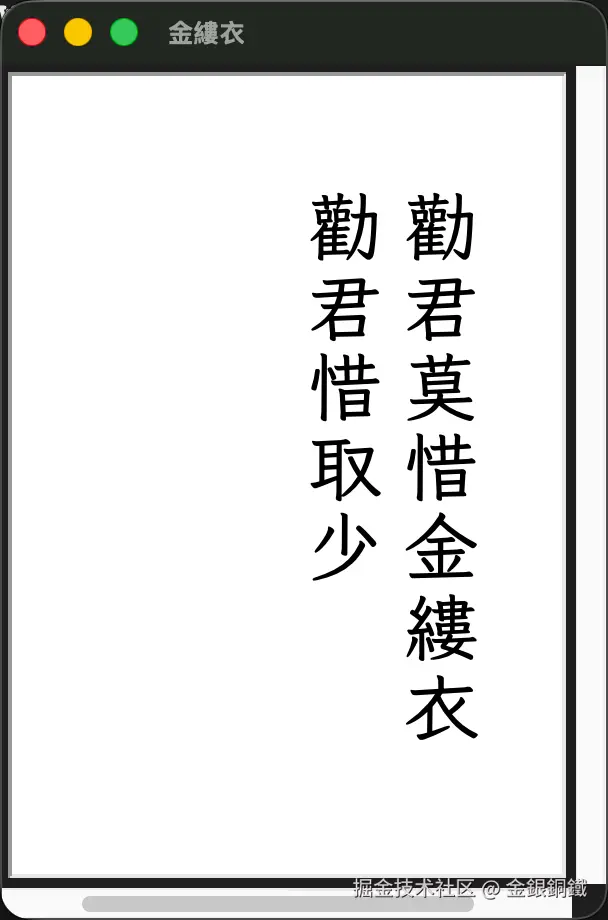
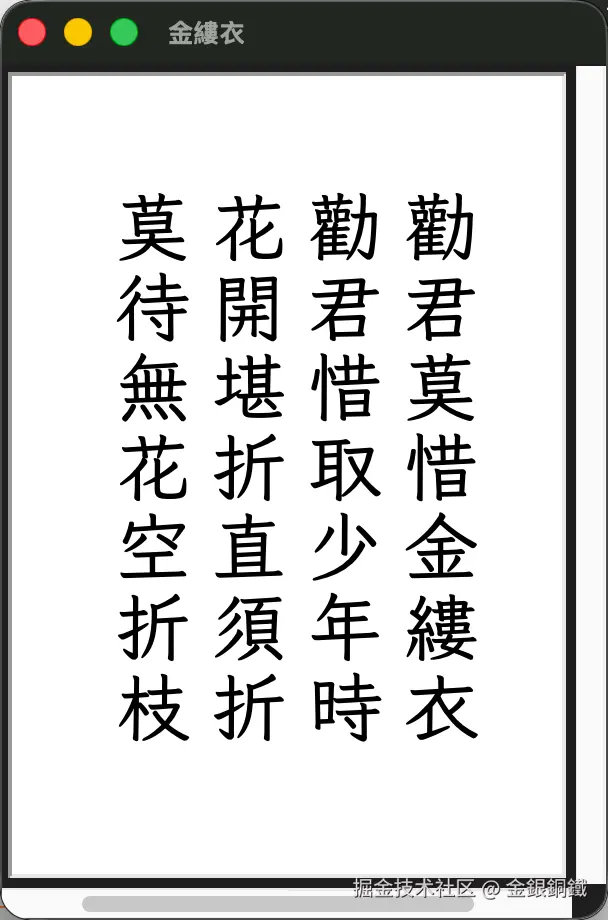
注意事项
如果您在运行时遇到了报错,可以从以下方面进行排查
- 您是否安装了
turtle--- Turtle graphics? - 您是否安装了 霞鹜文楷?
- 如果希望安装它,可以参考 获取字体
- 如果不想安装它,可以使用其他您已经安装的字体,并修改程序中的这个地方 ⬇️
其他
将代码稍作修改,就可以展示其他唐诗。需要修改的地方如下 ⬇️
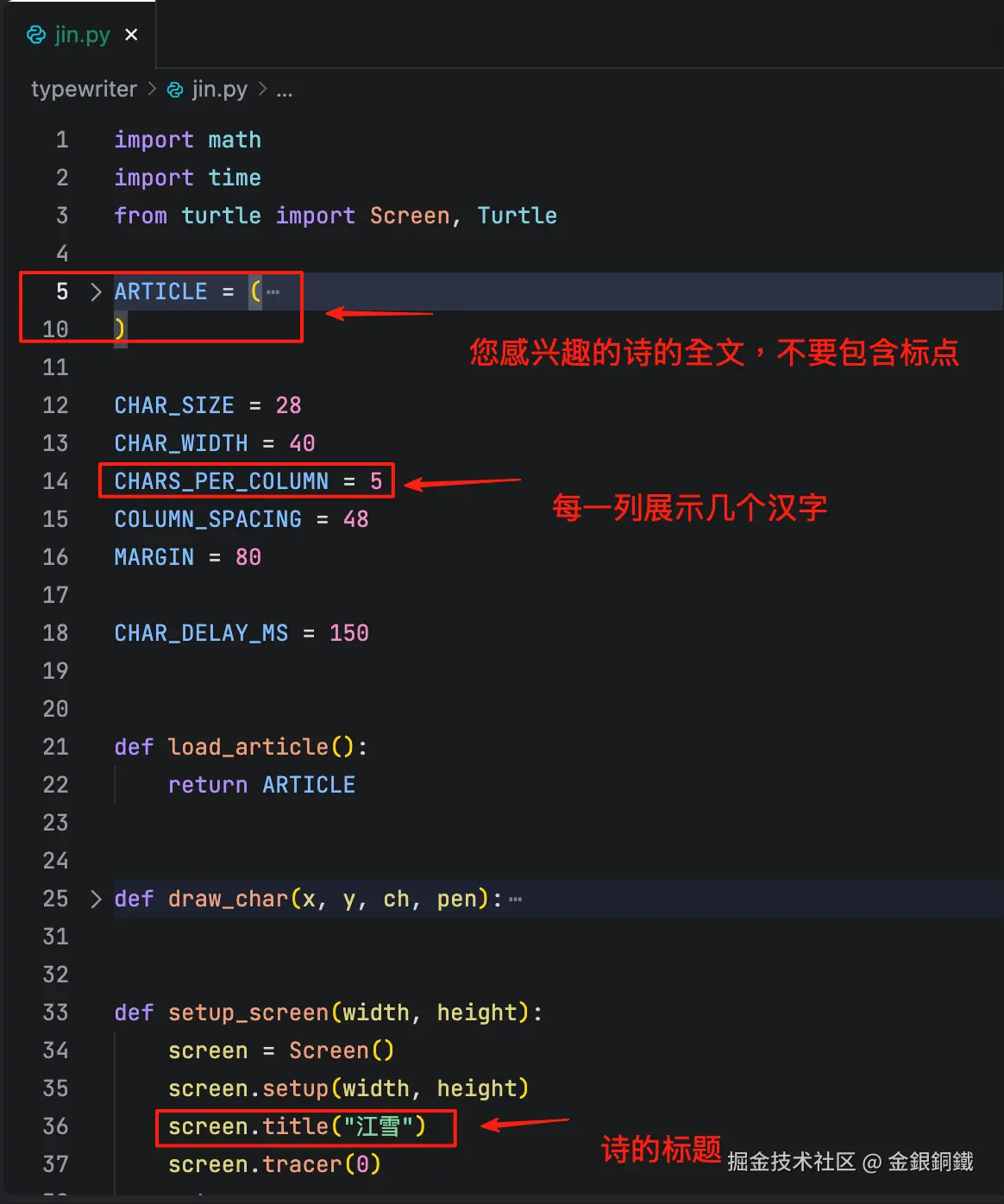
例如以下代码可以逐字展示唐诗《江雪》
python
import math
import time
from turtle import Screen, Turtle

ARTICLE = (
    "千山鳥飛絕"
    "萬徑人蹤滅"
    "孤舟簑笠翁"
    "獨釣寒江雪"
)

CHAR_SIZE = 28
CHAR_WIDTH = 40
CHARS_PER_COLUMN = 5
COLUMN_SPACING = 48
MARGIN = 80

CHAR_DELAY_MS = 150


def load_article():
    return ARTICLE


def draw_char(x, y, ch, pen):
    pen.penup()
    pen.goto(x, y)
    pen.pendown()
    font = ("LXGWWenKai-Regular", CHAR_SIZE, "normal")
    pen.write(ch, align="center", font=font)


def setup_screen(width, height):
    screen = Screen()
    screen.setup(width, height)
    screen.title("江雪")
    screen.tracer(0)
    return screen


def setup_pen():
    pen = Turtle()
    pen.hideturtle()
    pen.color("black")
    return pen


def draw_next_char(position, characters, screen, pen, start_x, start_y):
    col = position // CHARS_PER_COLUMN
    row = position % CHARS_PER_COLUMN

    x = start_x - col * COLUMN_SPACING
    y = start_y - row * CHAR_WIDTH

    ch = characters[position]
    draw_char(x, y, ch, pen)
    screen.update()


def main():
    characters = list(load_article())

    total = len(characters)
    column_count = math.ceil(total / CHARS_PER_COLUMN)
    content_width = (column_count - 1) * COLUMN_SPACING
    content_height = (CHARS_PER_COLUMN - 1) * CHAR_WIDTH + CHAR_SIZE

    screen_width = content_width + 2 * MARGIN
    screen_height = content_height + 2 * MARGIN

    start_x = screen_width // 2 - MARGIN
    start_y = screen_height // 2 - MARGIN - CHAR_SIZE

    screen = setup_screen(screen_width, screen_height)
    pen = setup_pen()

    for position in range(total):
        draw_next_char(position, characters, screen, pen, start_x, start_y)
        time.sleep(CHAR_DELAY_MS / 1000)

    screen.mainloop()


if __name__ == "__main__":
    main()
运行的效果如下图所示
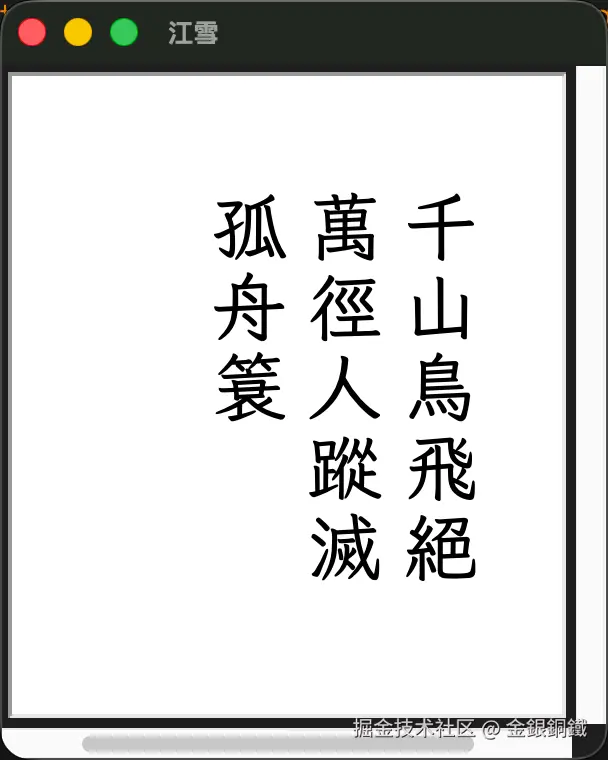
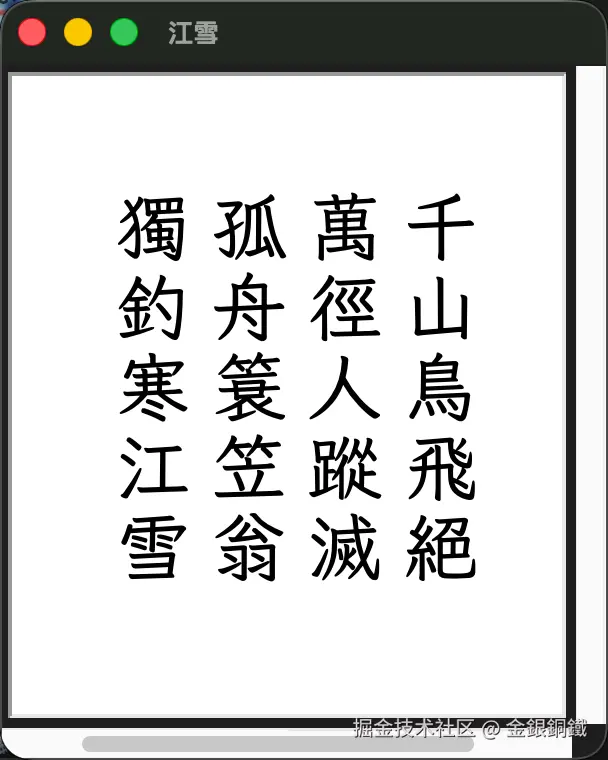
维机文库 中提供了 唐詩三百首 的链接,从中也许可以找到您感兴趣的唐诗
参考资料
- 《金缕衣》繁体全文由 维基文库 -> 金縷衣 提供
- 《江雪》繁体全文由 维基文库 -> 江雪 提供
turtle--- Turtle graphics- 免费的楷体字:霞鹜文楷