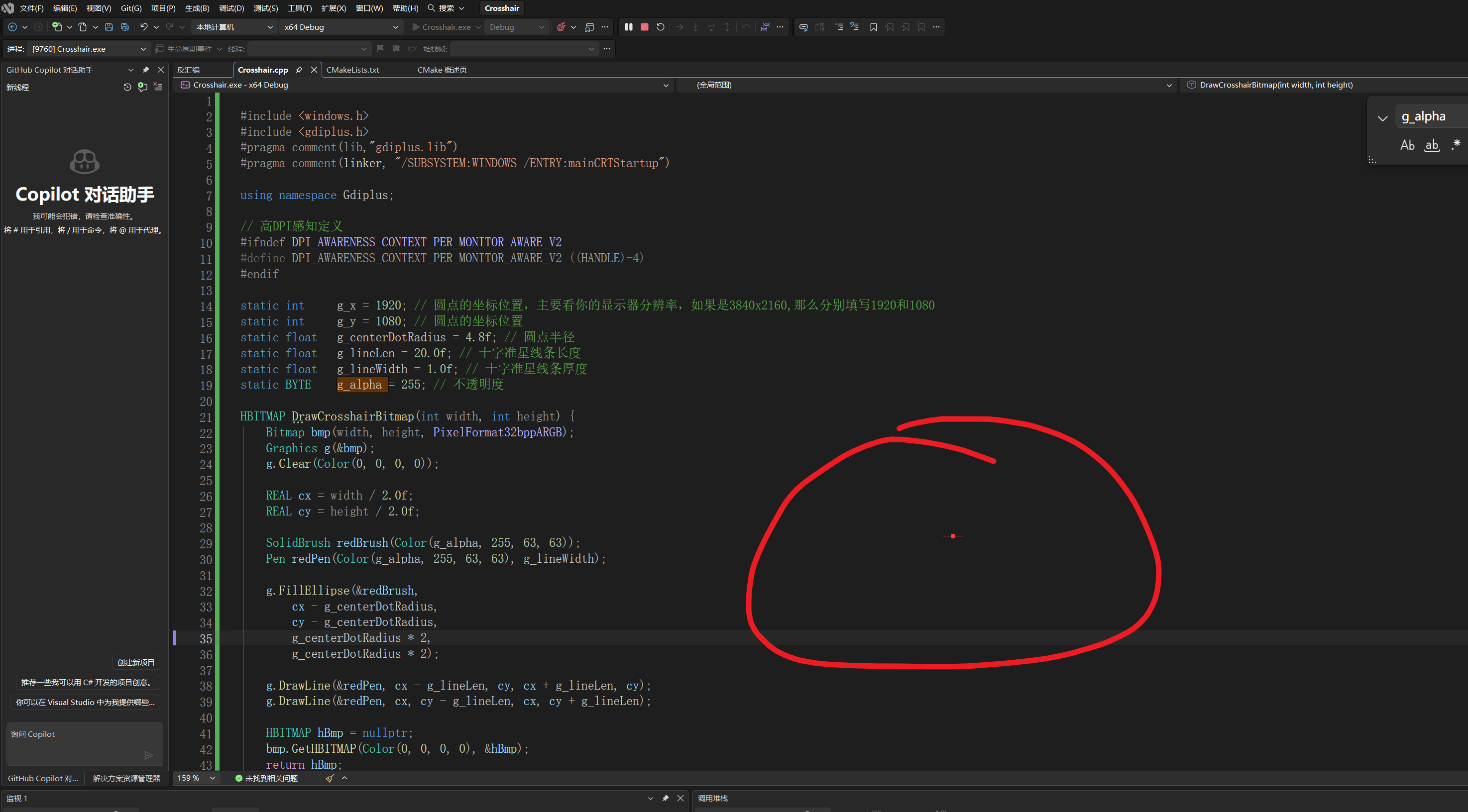
c
#include <windows.h>
#include <gdiplus.h>
#pragma comment(lib,"gdiplus.lib")
#pragma comment(linker, "/SUBSYSTEM:WINDOWS /ENTRY:mainCRTStartup")

using namespace Gdiplus;

// 高DPI感知定义
#ifndef DPI_AWARENESS_CONTEXT_PER_MONITOR_AWARE_V2
#define DPI_AWARENESS_CONTEXT_PER_MONITOR_AWARE_V2 ((HANDLE)-4)
#endif

static int     g_x = 1920; // 圆点的坐标位置,主要看你的显示器分辨率,如果是3840x2160,那么分别填写1920和1080
static int     g_y = 1080; // 圆点的坐标位置
static float   g_centerDotRadius = 4.8f; // 圆点半径
static float   g_lineLen = 20.0f; // 十字准星线条长度
static float   g_lineWidth = 1.0f; // 十字准星线条厚度
static BYTE    g_alpha = 255; // 不透明度

HBITMAP DrawCrosshairBitmap(int width, int height) {
    Bitmap bmp(width, height, PixelFormat32bppARGB);
    Graphics g(&bmp);
    g.Clear(Color(0, 0, 0, 0));

    REAL cx = width / 2.0f;
    REAL cy = height / 2.0f;

    SolidBrush redBrush(Color(g_alpha, 255, 63, 63));
    Pen redPen(Color(g_alpha, 255, 63, 63), g_lineWidth);

    g.FillEllipse(&redBrush,
        cx - g_centerDotRadius,
        cy - g_centerDotRadius,
        g_centerDotRadius * 2,
        g_centerDotRadius * 2);

    g.DrawLine(&redPen, cx - g_lineLen, cy, cx + g_lineLen, cy);
    g.DrawLine(&redPen, cx, cy - g_lineLen, cx, cy + g_lineLen);

    HBITMAP hBmp = nullptr;
    bmp.GetHBITMAP(Color(0, 0, 0, 0), &hBmp);
    return hBmp;
}

LRESULT CALLBACK WndProc(HWND hwnd, UINT msg, WPARAM wParam, LPARAM lParam) {
    if (msg == WM_DESTROY)
    {
        PostQuitMessage(0);
    }
    return DefWindowProcW(hwnd, msg, wParam, lParam);
}

int main() {
    // ==========开启每显示器DPI感知,必须放在main最前面!==========
    SetProcessDpiAwarenessContext(DPI_AWARENESS_CONTEXT_PER_MONITOR_AWARE_V2);

    GdiplusStartupInput gdiInput{};
    ULONG_PTR gdiToken;
    GdiplusStartup(&gdiToken, &gdiInput, nullptr);

    const wchar_t* clsName = L"CrosshairULW";
    WNDCLASSEXW wc{ 0 };
    wc.cbSize = sizeof(WNDCLASSEXW);
    wc.lpfnWndProc = WndProc;
    wc.hInstance = GetModuleHandleW(NULL);
    wc.lpszClassName = clsName;
    RegisterClassExW(&wc);

    int winHalf = (int)(g_lineLen + 12.0f);
    int winSize = winHalf * 2;

    HWND hwnd = CreateWindowExW(
        WS_EX_LAYERED | WS_EX_TOPMOST | WS_EX_NOACTIVATE | WS_EX_TRANSPARENT,
        clsName,
        L"",
        WS_POPUP,
        0, 0, winSize, winSize,
        NULL,
        NULL,
        GetModuleHandleW(NULL),
        NULL
    );

    HBITMAP hCrossBmp = DrawCrosshairBitmap(winSize, winSize);

    HDC hdcScreen = GetDC(NULL);
    HDC hdcMem = CreateCompatibleDC(hdcScreen);
    HBITMAP hOld = (HBITMAP)SelectObject(hdcMem, hCrossBmp);

    SIZE winSz = { winSize, winSize };
    POINT ptSrc = { 0,0 };
    POINT ptDst = { g_x - winHalf, g_y - winHalf };
    BLENDFUNCTION bf{};
    bf.BlendOp = AC_SRC_OVER;
    bf.BlendFlags = 0;
    bf.SourceConstantAlpha = 255;
    bf.AlphaFormat = AC_SRC_ALPHA;

    UpdateLayeredWindow(
        hwnd,
        hdcScreen,
        &ptDst,
        &winSz,
        hdcMem,
        &ptSrc,
        0,
        &bf,
        ULW_ALPHA
    );

    SelectObject(hdcMem, hOld);
    DeleteDC(hdcMem);
    ReleaseDC(NULL, hdcScreen);
    DeleteObject(hCrossBmp);

    ShowWindow(hwnd, SW_SHOWNOACTIVATE);

    MSG msg{};
    while (GetMessageW(&msg, NULL, 0, 0))
    {
        TranslateMessage(&msg);
        DispatchMessageW(&msg);
    }

    GdiplusShutdown(gdiToken);
    return (int)msg.wParam;
}
效果: