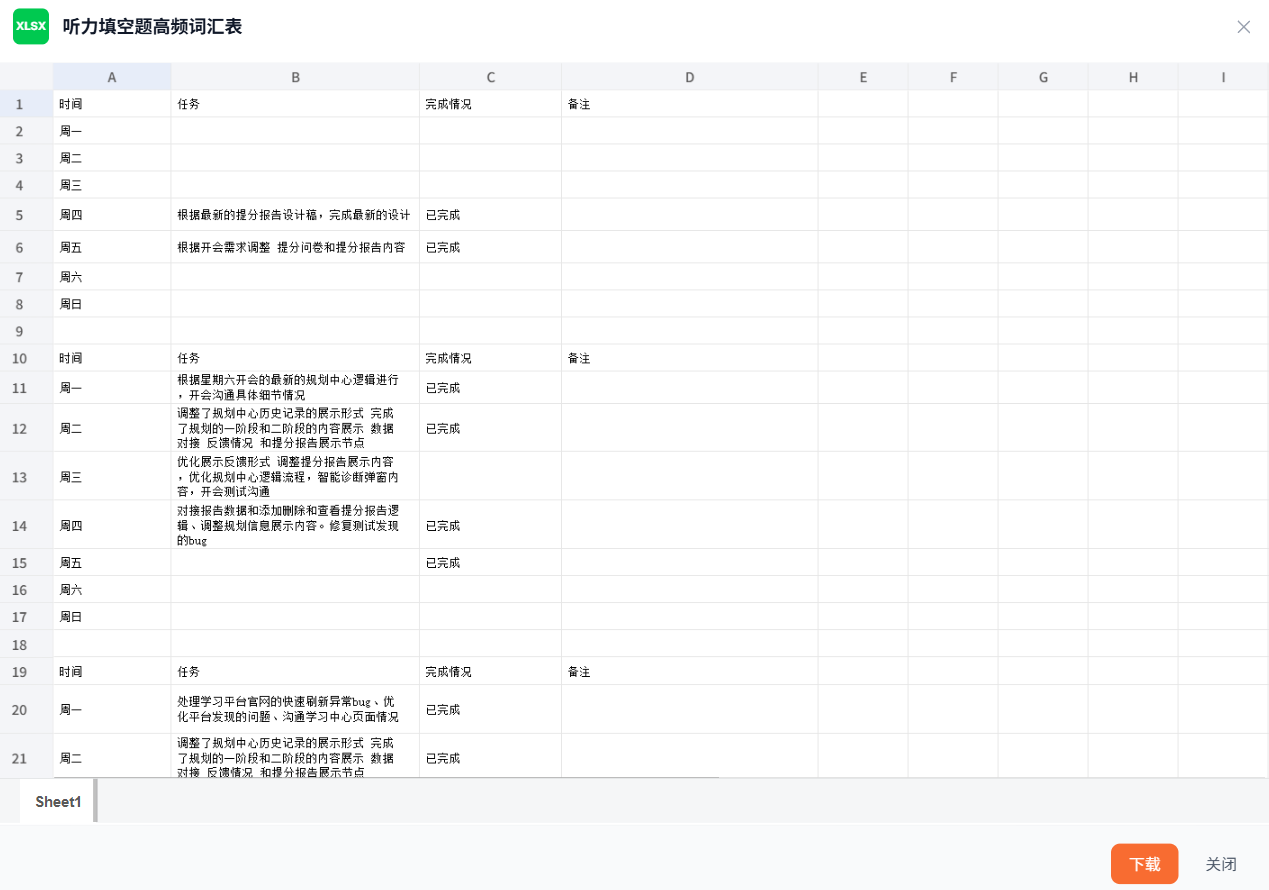
关于@vue-office/excel 渲染异常滚动失去内容
javascript
<template>
  <div class="w-full h-full min-h-[500px] relative bg-white">
    <div v-if="loading" class="absolute inset-0 flex items-center justify-center">
      <div class="flex flex-col items-center gap-3">
        <svg class="animate-spin h-8 w-8 text-[#f86c31]" viewBox="0 0 24 24">
          <circle class="opacity-25" cx="12" cy="12" r="10" stroke="currentColor" stroke-width="4" fill="none" />
          <path class="opacity-75" fill="currentColor" d="M4 12a8 8 0 018-8V0C5.373 0 0 5.373 0 12h4zm2 5.291A7.962 7.962 0 014 12H0c0 3.042 1.135 5.824 3 7.938l3-2.647z" />
        </svg>
        <span class="text-sm text-gray-500">加载中...</span>
      </div>
    </div>
    <div v-if="error" class="absolute inset-0 flex items-center justify-center">
      <div class="flex flex-col items-center gap-3 text-center">
        <div class="w-12 h-12 rounded-full bg-red-50 flex items-center justify-center">
          <svg class="w-6 h-6 text-red-500" fill="none" viewBox="0 0 24 24" stroke="currentColor">
            <path stroke-linecap="round" stroke-linejoin="round" stroke-width="2" d="M12 9v2m0 4h.01m-6.938 4h13.856c1.54 0 2.502-1.667 1.732-3L13.732 4c-.77-1.333-2.694-1.333-3.464 0L3.34 16c-.77 1.333.192 3 1.732 3z" />
          </svg>
        </div>
        <p class="text-sm text-gray-600">{{ error }}</p>
      </div>
    </div>
    <Excel
      v-show="!error"
      :src="src"
      @rendered="handleRendered"
      @error="handleError"
    />
  </div>
</template>

<script setup lang="ts">
import { ref } from "vue";
import Excel from "@vue-office/excel";
import "@vue-office/excel/lib/v3/index.css";

const props = defineProps<{
  src: string;
}>();

const loading = ref(true);
const error = ref<string | null>(null);

function handleRendered() {
  loading.value = false;
}

function handleError(err: unknown) {
  loading.value = false;
  error.value = "Excel 表格加载失败,请检查文件是否存在或格式是否正确";
  console.error("Excel render error:", err);
}
</script>

<style scoped>


</style>
只需要加上Excel对应的样式即可 import "@vue-office/excel/lib/v3/index.css";