《SpringBoot 3:入门与应用实战》第 13 章 整合 MyBatis MyBatis 简单开发 阅读笔记 39
13.3 MyBatis 简单开发
13.3.1 常用的配置属性
在 MyBatis 原生的配置文件 SqlMapConfig.xml 中可配置的内容非常多,在 Spring Boot 整合之后部分配置可以使用全局配置文件代替,这些配置属性都以 mybatis.* 格式命名。表列举了一些常见的配置属性,并且在 SqlMapConfig.xml 中的配置位置也一并展示,读者可以借助 IDE 查看全部支持的配置属性。
以下是 Spring Boot 整合 MyBatis 时常用的配置属性,按功能分类整理:
🗂️ MyBatis 基础配置(mybatis.*)
| 配置属性 | 说明 | 示例值 |
|---|---|---|
mybatis.mapper-locations |
Mapper XML 映射文件路径,支持通配符 | classpath:mapper/**/*.xml |
mybatis.type-aliases-package |
实体类别名包扫描路径,XML 中可直接用类名 | com.example.entity |
mybatis.type-handlers-package |
TypeHandler 扫描路径 | com.example.handler |
mybatis.config-location |
MyBatis 配置文件位置(与 configuration 节点互斥) | classpath:mybatis-config.xml |
mybatis.check-config-location |
启动时是否检查配置文件存在 | false |
mybatis.executor-type |
执行器类型:SIMPLE / REUSE / BATCH | SIMPLE |
⚙️ MyBatis Configuration 配置(mybatis.configuration.*)
| 配置属性 | 说明 | 默认值 |
|---|---|---|
map-underscore-to-camel-case |
开启下划线字段自动映射为驼峰属性 | true |
cache-enabled |
是否开启二级缓存 | true |
lazy-loading-enabled |
是否开启延迟加载 | false |
aggressive-lazy-loading |
是否激进懒加载(任一方法调用即加载全部) | true |
log-impl |
指定日志实现(开发环境常用 StdOutImpl 打印 SQL) | null |
use-generated-keys |
是否允许 JDBC 自动获取生成的主键 | false |
use-column-label |
是否使用列标签代替列名进行结果映射 | true |
default-statement-timeout |
SQL 执行默认超时时间(秒) | 未设置 |
auto-mapping-behavior |
自动映射策略:NONE / PARTIAL / FULL | PARTIAL |
local-cache-scope |
一级缓存范围:SESSION / STATEMENT | SESSION |
call-setters-on-nulls |
结果为 null 时是否调用 Setter 方法 | false |
default-enum-type-handler |
默认枚举类型处理器 | 无 |
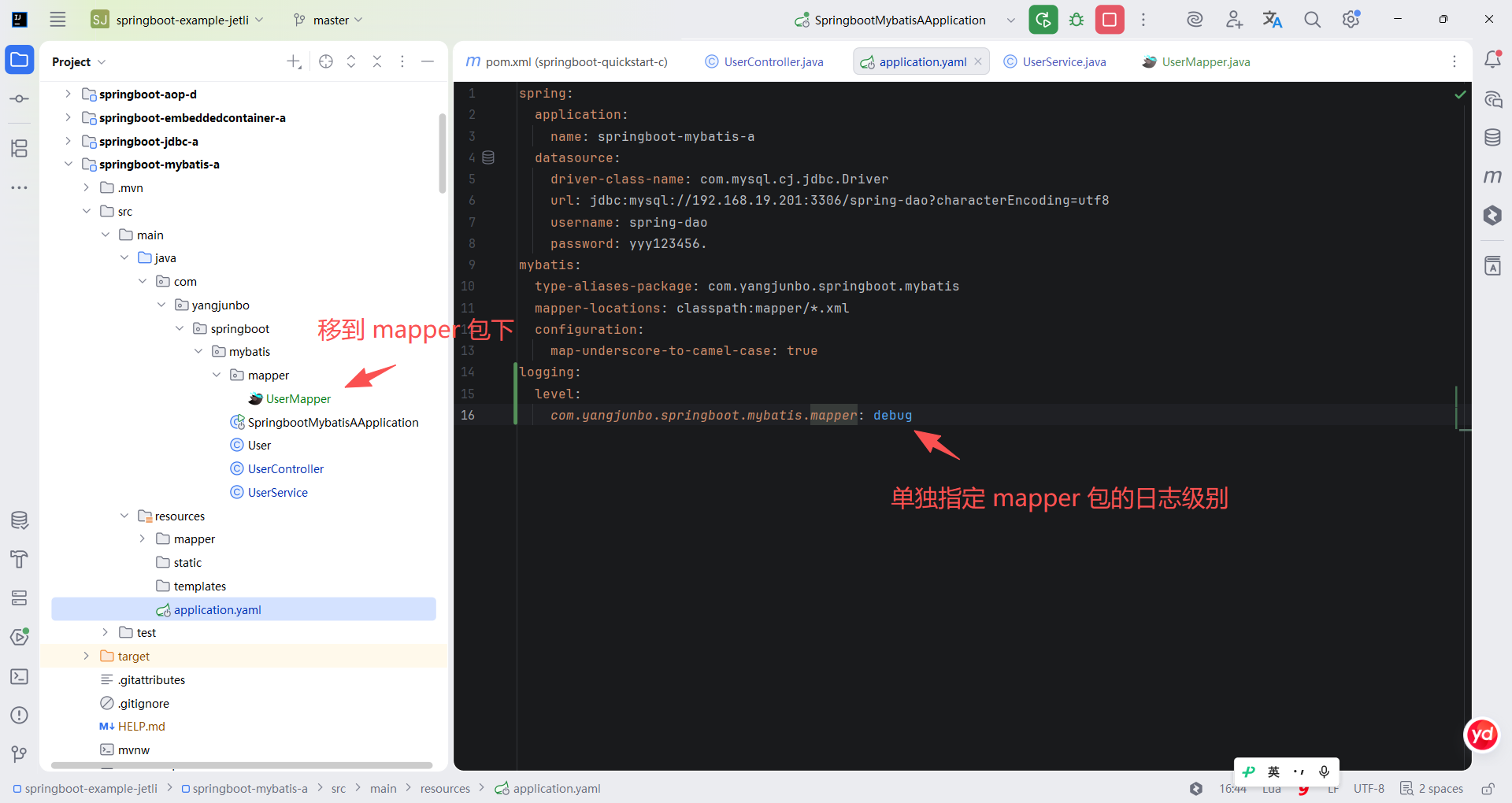
另一个比较常用的配置是 SQL 语句的打印,在 Spring Boot 中配置 Mapper 执行时打印 SQL 和参数的方式是直接在 application.yaml 中配置日志级别。
yaml
logging.level.com.linkedbear.springboot.mybatis.mapper=debug13.3.2 注解式 Mapper 接口
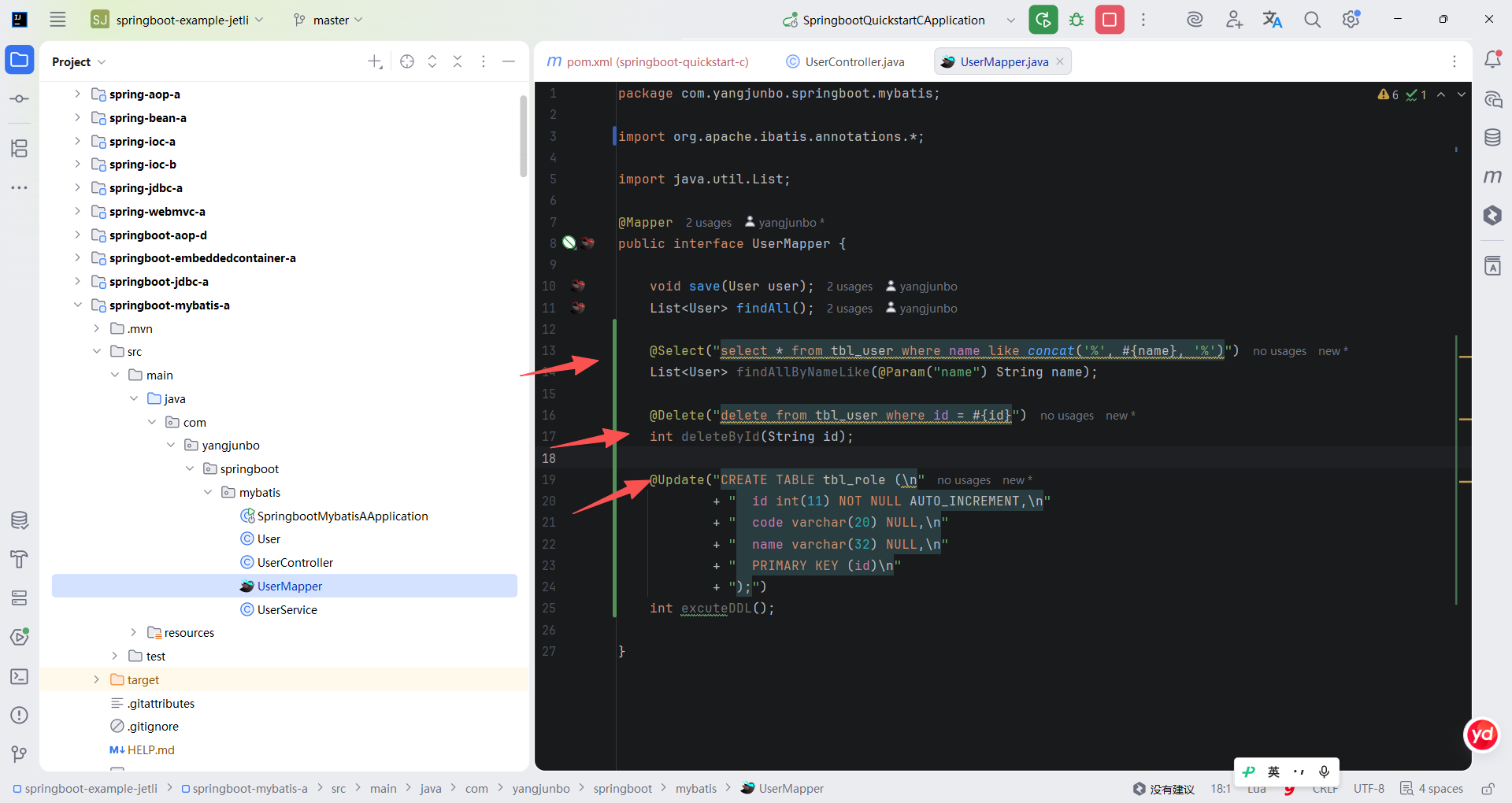
项目开发的多数场景下使用 Mapper 接口与 mapper.xml 一一对应,借助动态代理机制完成关联,另外对于一些相对简单的 SQL 语句完全可以直接在 Mapper 接口上使用 CRUD 注解完成接口定义。代码是 UserMapper 接口中使用 CRUD 注解定义的 3 个方法,它同样可以使用占位符传入参数,只需要相应地在参数列表中使用 @Param 给参数定义名称。
java
package com.yangjunbo.springboot.mybatis;

import org.apache.ibatis.annotations.*;

import java.util.List;

@Mapper
public interface UserMapper {

    void save(User user);
    List<User> findAll();

    @Select("select * from tbl_user where name like concat('%', #{name}, '%')")
    List<User> findAllByNameLike(@Param("name") String name);

    @Delete("delete from tbl_user where id = #{id}")
    int deleteById(String id);

    @Update("CREATE TABLE tbl_role (\n"
            + "  id int(11) NOT NULL AUTO_INCREMENT,\n"
            + "  code varchar(20) NULL,\n"
            + "  name varchar(32) NULL,\n"
            + "  PRIMARY KEY (id)\n"
            + ");")
    int excuteDDL();

}
可以发现 MyBatis 本身提供了 CRUD 的基础注解,可以编写类似于 mapper.xml 中的 SQL 语句,对于简单 SQL 的编写效率会更高,甚至还可以使用 @Update 执行 DDL 语句。
13.3.3 动态 SQL
MyBatis 相较于 spring-jdbc 中的 JdbcTemplate 等简单的 JDBC 封装,其一大优势就是灵活的动态 SQL 机制,合理利用动态 SQL 机制可以编写出多样的符合业务场景的查询、写入数据库的 SQL 语句。代码列举了几种动态 SQL 的使用方式,这些动态 SQL 的标签都是日常开发中使用频率最高的。
xml
    <select id="findAllByCondition" parameterType="map" resultType="User">
        select * from tbl_user
        <where> <!-- 使用where标签设置查询条件,可以屏蔽掉第一个多余的and -->
            <if test="id != null"> <!-- 使用if标签判断和拼接 -->
                and id = #{id}
            </if>
            <if test="name != null and name != ''">
                and name like concat('%', #{name}, '%')
            </if>
            <if test="ids != null">
                and id in <!-- 使用foreach标签遍历集合 -->
                <foreach collection="ids" item="id" open="(" close=")" separator=",">
                    #{id}
                </foreach>
            </if>
        </where>
    </select>

    <update id="updateById">
        update tbl_user
        <set> <!-- 使用set标签设置属性,可以屏蔽掉最后一个逗号 -->
            <if test="name != null and name != ''">
                name = #{name},
            </if>
            <if test="tel != null and tel != ''">
                tel = #{tel},
            </if>
        </set>
        where id = #{id}
    </update>
简单来看,动态 SQL 可以分为 select 类、update 类以及通用抽取的 SQL 片段 3 种类别。其中 select 类的动态 SQL 可以使用的标签最多,可以实现判断、选择、循环、截取等动态 SQL 逻辑,update 类的动态 SQL 也可以针对 SQL 语法中的一些场景进行比较实用的处理。
13.3.4 缓存机制
MyBatis 考虑运行时的查询效率,引入了两层级缓存机制,其中一级缓存是 SqlSession 级别的,二级缓存是 SqlSessionFactory 级别的。
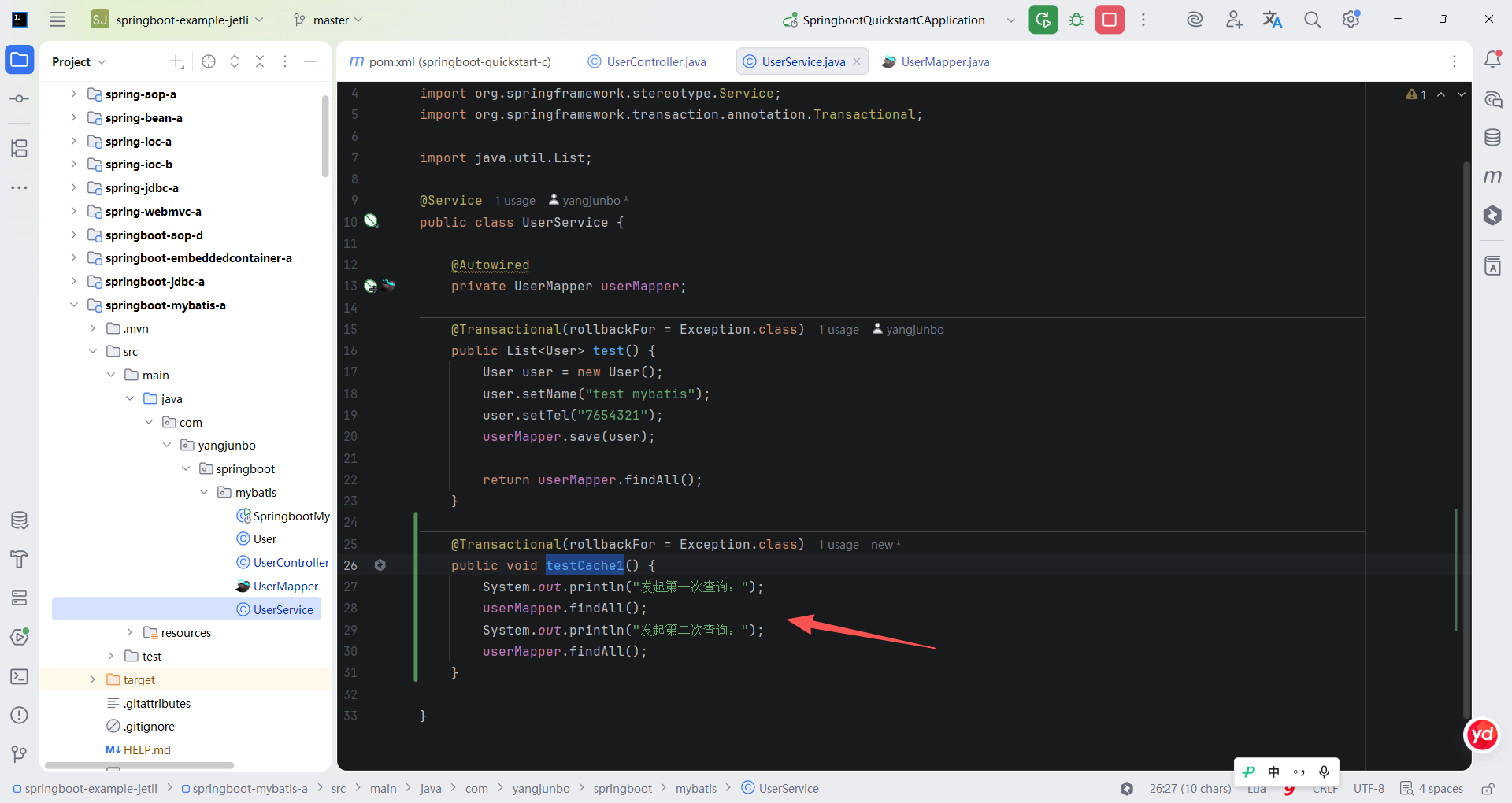
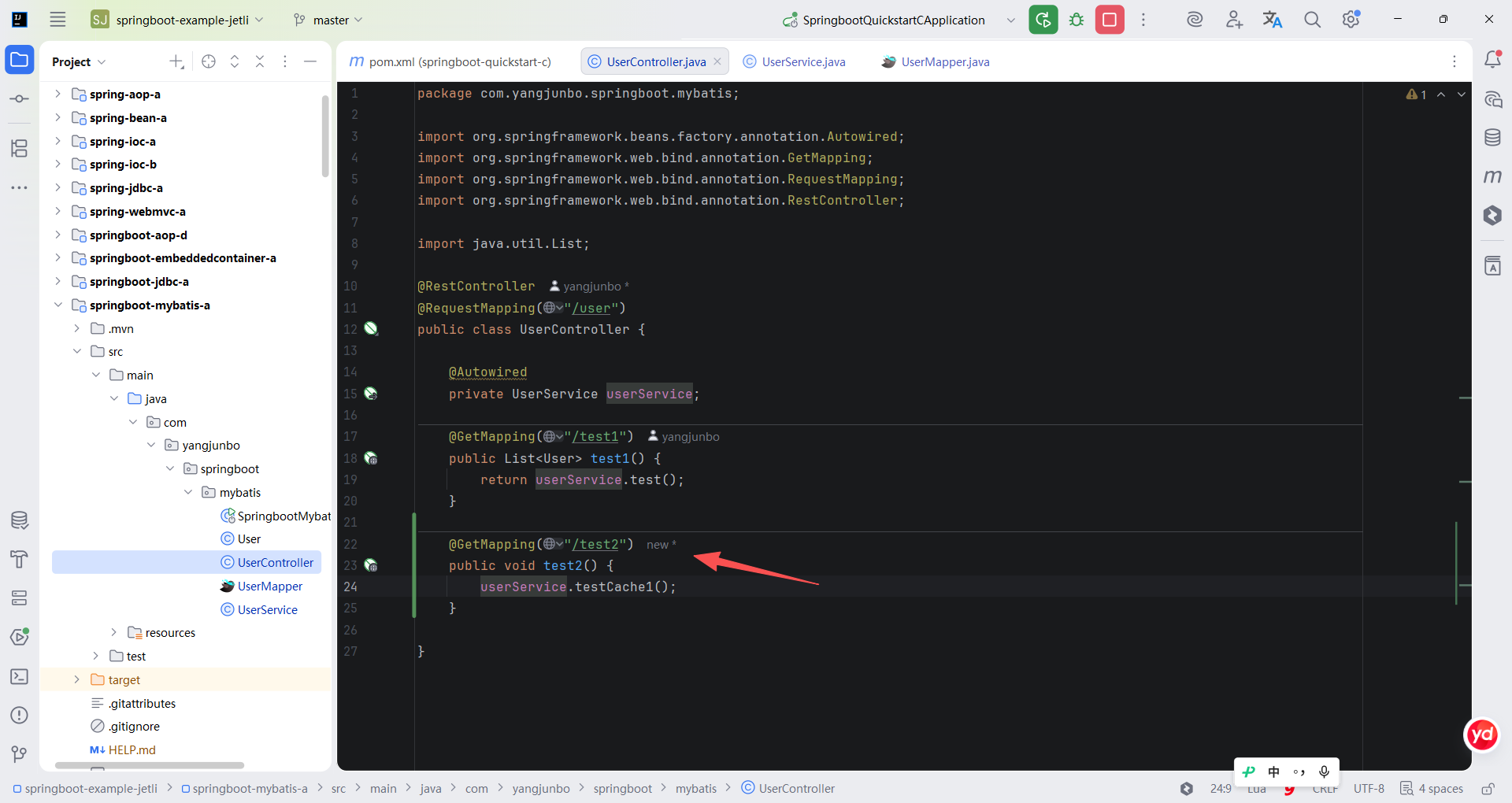
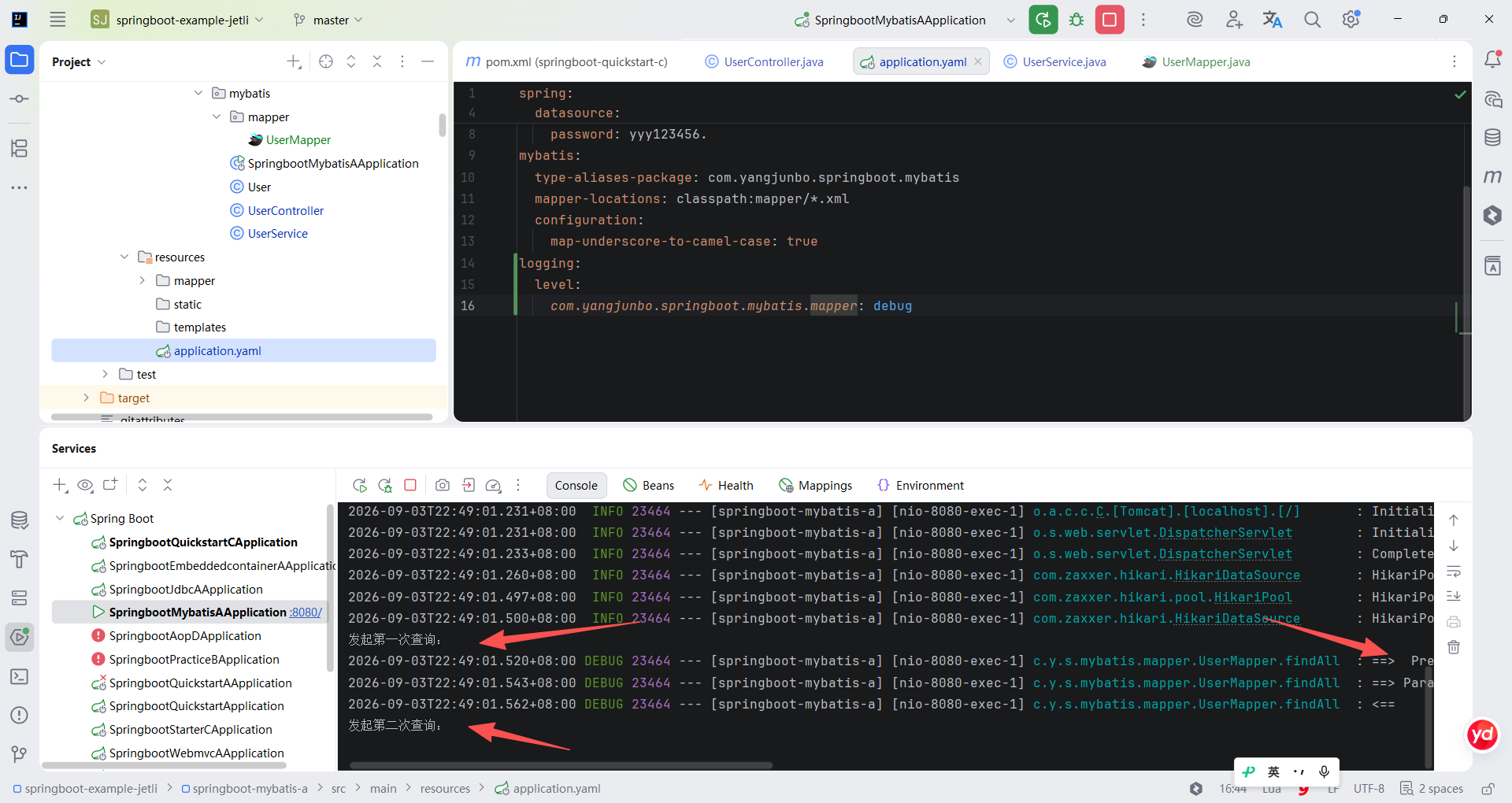
通常情况下,MyBatis 的一级缓存默认开启并自动使用,一级缓存基于 SqlSession,也就是基于一个事务,所以在一个事务中连续两次发起同样的查询动作后,第一次查询的结果会存入缓存中,第二次查询动作将直接使用第一次查询的缓存结果返回。下面可以简单测试一下效果,编写一个新的 Service 方法,标注 @Transactional 后连续调用两次 UserMapper 的 findAll 方法。随后,在 UserController 中编写一个 Handler 方法,以调用 UserService 的 testCache1 方法。
java
package com.yangjunbo.springboot.mybatis;

import org.springframework.beans.factory.annotation.Autowired;
import org.springframework.stereotype.Service;
import org.springframework.transaction.annotation.Transactional;

import java.util.List;

@Service
public class UserService {

    @Autowired
    private UserMapper userMapper;

    @Transactional(rollbackFor = Exception.class)
    public List<User> test() {
        User user = new User();
        user.setName("test mybatis");
        user.setTel("7654321");
        userMapper.save(user);

        return userMapper.findAll();
    }

    @Transactional(rollbackFor = Exception.class)
    public void testCache1() {
        System.out.println("发起第一次查询:");
        userMapper.findAll();
        System.out.println("发起第二次查询:");
        userMapper.findAll();
    }

}
java
package com.yangjunbo.springboot.mybatis;

import org.springframework.beans.factory.annotation.Autowired;
import org.springframework.web.bind.annotation.GetMapping;
import org.springframework.web.bind.annotation.RequestMapping;
import org.springframework.web.bind.annotation.RestController;

import java.util.List;

@RestController
@RequestMapping("/user")
public class UserController {

    @Autowired
    private UserService userService;

    @GetMapping("/test1")
    public List<User> test1() {
        return userService.test();
    }

    @GetMapping("/test2")
    public void test2() {
        userService.testCache1();
    }

}
重启工程后访问 /user/test2 接口,观察控制台的输出结果如下,可以发现发起第二次查询时的确没有发送 SQL 语句,证明一级缓存已经生效。
MyBatis 的二级缓存虽然在 Spring Boot 整合中默认开启,但若要使用具体的二级缓存需要手动开启,开启的方式是在 Mapper 接口上标注 @CacheNamespace,或者在 mapper.xml 中编写一个空的 cache 标签即可。二级缓存以 namespace 为单位隔离,一个 namespace 共享一个二级缓存区域。二级缓存是 SqlSessionFactory 级别的,在一个 SqlSessionFactory 的范围内创建的 SqlSession 均可以共享这些缓存。通常在项目开发中不会主动使用 MyBatis 的二级缓存,尤其是在分布式或微服务项目中,因为 MyBatis 的二级缓存默认保存在内存中,如果多个微服务实例在不同的时间点缓存数据,则有可能出现数据不一致的情况。
13.3.5 插件机制
MyBatis 中的最后一个重要机制是插件机制,也就是所谓的拦截器。MyBatis 的插件本身是一些能拦截某些 MyBatis 核心组件方法、增强功能的拦截器,MyBatis 允许在 SQL 语句执行过程中的某些切入点进行拦截增强,共有四种可供增强的切入点:
- Executor(update, query, flushStatements, commit, rollback, getTransaction,close, isClosed);
- ParameterHandler(getParameterObject, setParameters);
- ResultSetHandler(handleResultSets, handleOutputParameters);
- StatementHandler(prepare, parameterize, batch, update, query)。
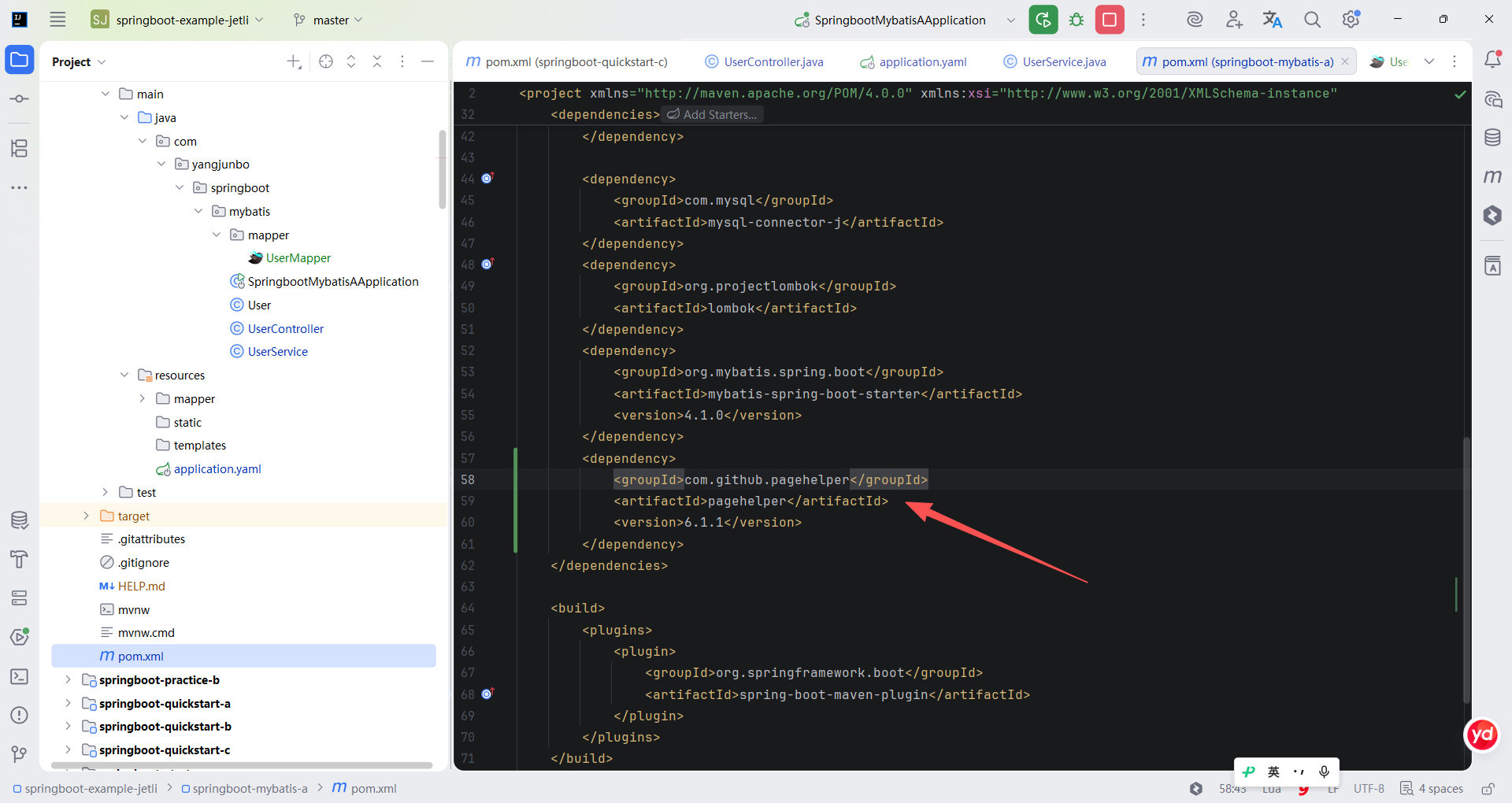
MyBatis 插件的使用场景比较广泛,可以应用于分页、数据权限过滤、性能分析等场景。PageHelper 是一个基于 Interceptor 的分页插件,它通过拦截查询语句并根据连接数据库的类型将其动态重构为适用于分页场景的 SQL 语句。
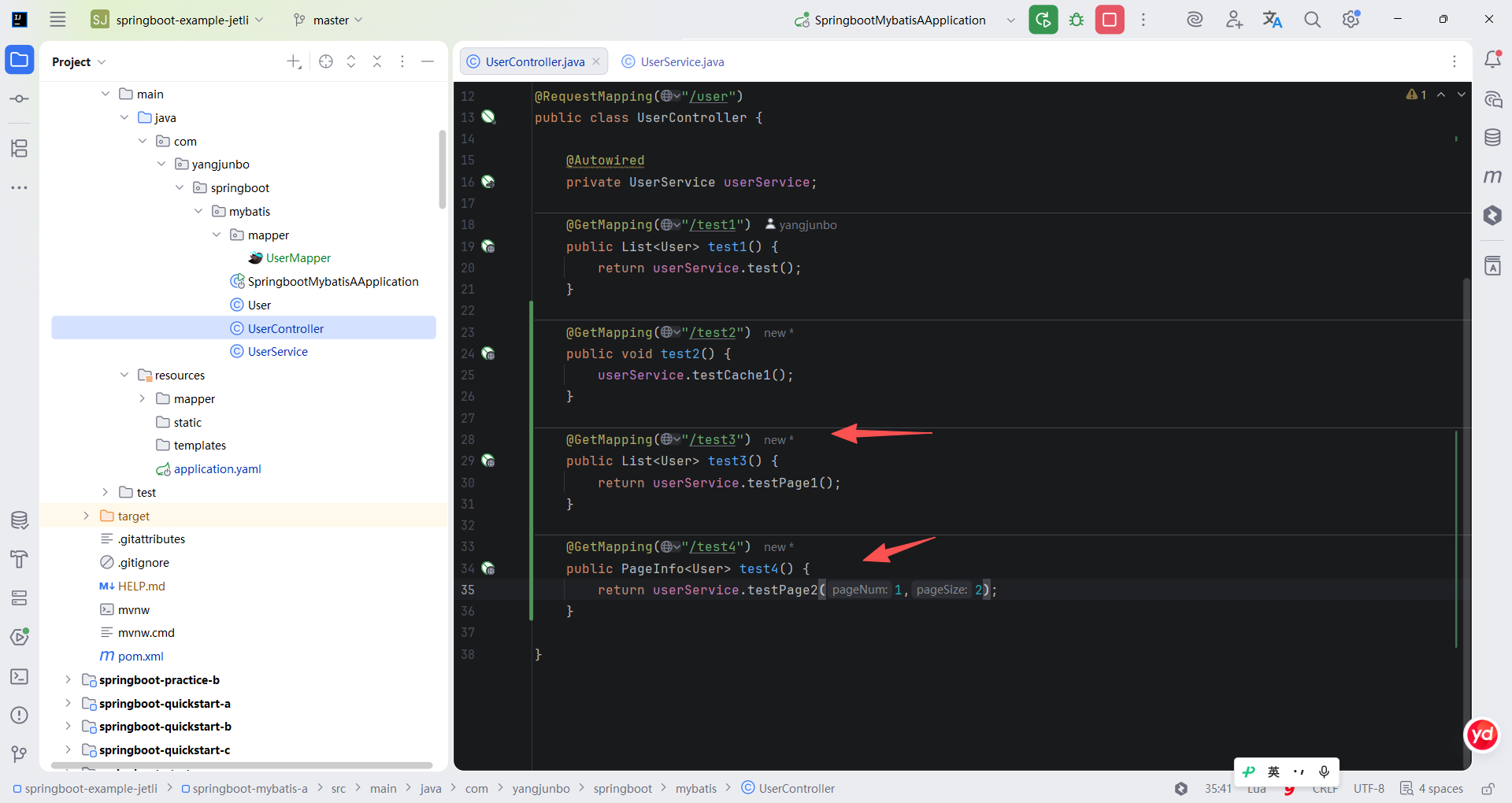
代码展示了 PageHelper 的使用方式,在发起查询之前只需要调用 PageHelper 的 startPage 方法即可开启分页。
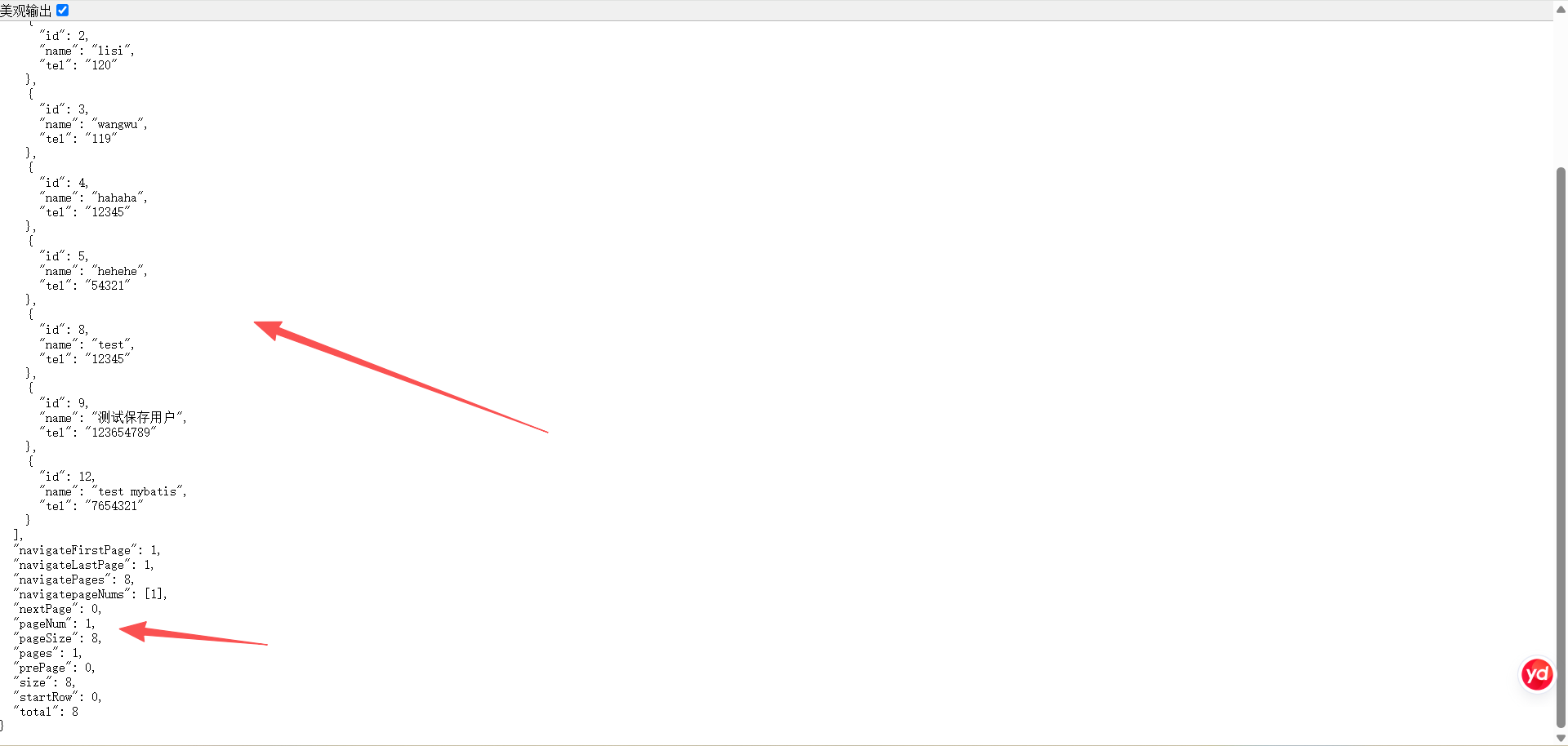
另一种使用方式是将查询结果再封装一层,PageHelper 提供了一个描述分页相关的对象 PageInfo,这个对象中不仅有分页查询的列表数据,还包含当前页码、每页大小、总条数等信息,可以在查询完数据后手动构造一个 PageInfo 对象,这样响应到客户端的数据中就会包含上述提到的信息。
xml
<?xml version="1.0" encoding="UTF-8"?>
<project xmlns="http://maven.apache.org/POM/4.0.0" xmlns:xsi="http://www.w3.org/2001/XMLSchema-instance"
         xsi:schemaLocation="http://maven.apache.org/POM/4.0.0 https://maven.apache.org/xsd/maven-4.0.0.xsd">
    <modelVersion>4.0.0</modelVersion>
    <parent>
        <groupId>org.springframework.boot</groupId>
        <artifactId>spring-boot-starter-parent</artifactId>
        <version>4.1.1</version>
        <relativePath/> <!-- lookup parent from repository -->
    </parent>
    <groupId>com.yangjunbo</groupId>
    <artifactId>springboot-mybatis-a</artifactId>
    <version>0.0.1-SNAPSHOT</version>
    <name>springboot-mybatis-a</name>
    <description>springboot-mybatis-a</description>
    <url/>
    <licenses>
        <license/>
    </licenses>
    <developers>
        <developer/>
    </developers>
    <scm>
        <connection/>
        <developerConnection/>
        <tag/>
        <url/>
    </scm>
    <properties>
        <java.version>17</java.version>
    </properties>
    <dependencies>
        <dependency>
            <groupId>org.springframework.boot</groupId>
            <artifactId>spring-boot-starter-webmvc</artifactId>
        </dependency>

        <dependency>
            <groupId>org.springframework.boot</groupId>
            <artifactId>spring-boot-starter-webmvc-test</artifactId>
            <scope>test</scope>
        </dependency>

        <dependency>
            <groupId>com.mysql</groupId>
            <artifactId>mysql-connector-j</artifactId>
        </dependency>
        <dependency>
            <groupId>org.projectlombok</groupId>
            <artifactId>lombok</artifactId>
        </dependency>
        <dependency>
            <groupId>org.mybatis.spring.boot</groupId>
            <artifactId>mybatis-spring-boot-starter</artifactId>
            <version>4.1.0</version>
        </dependency>
        <dependency>
            <groupId>com.github.pagehelper</groupId>
            <artifactId>pagehelper</artifactId>
            <version>6.1.1</version>
        </dependency>
    </dependencies>

    <build>
        <plugins>
            <plugin>
                <groupId>org.springframework.boot</groupId>
                <artifactId>spring-boot-maven-plugin</artifactId>
            </plugin>
        </plugins>
    </build>

</project>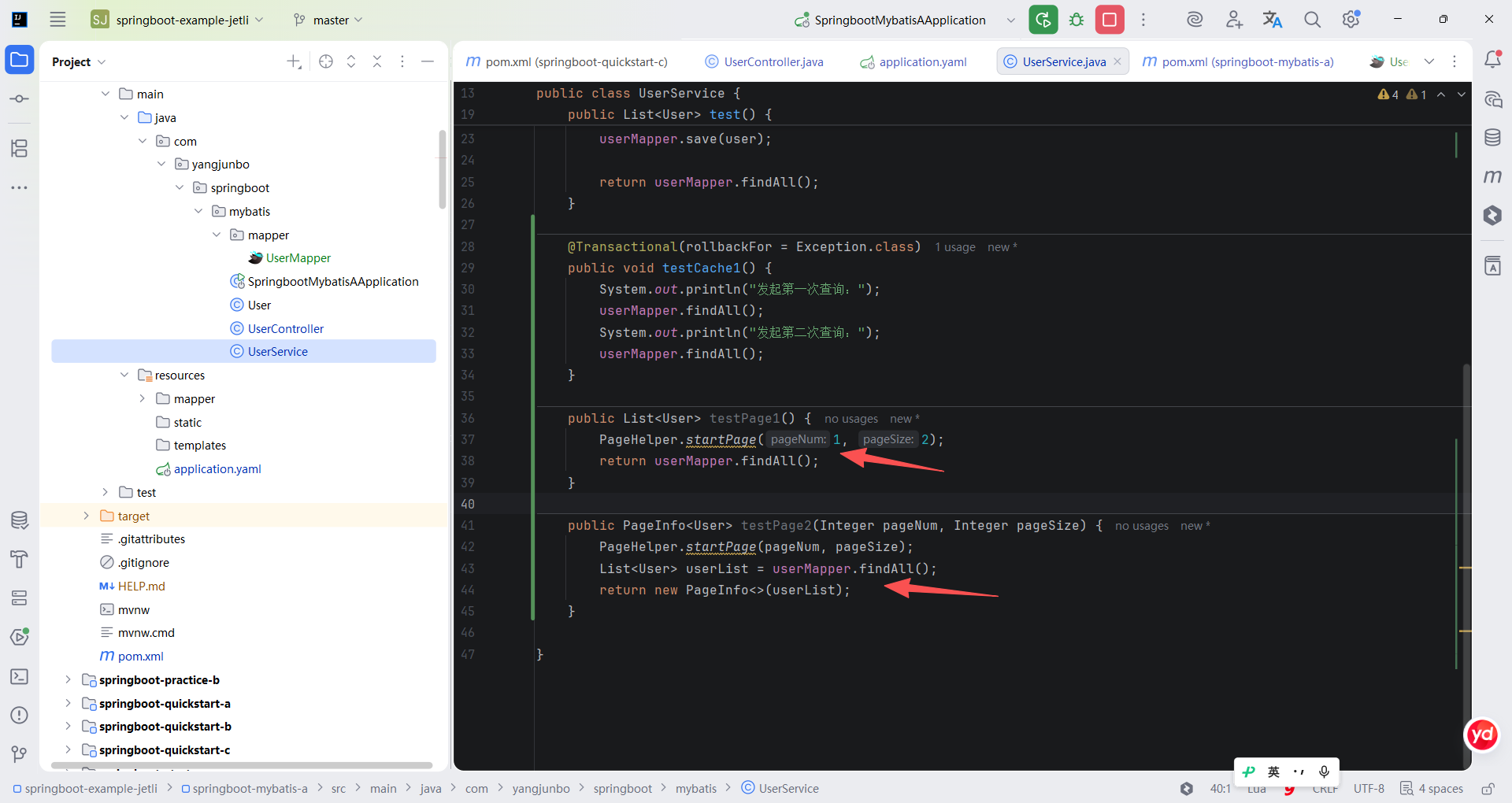
java
package com.yangjunbo.springboot.mybatis;

import com.github.pagehelper.PageHelper;
import com.github.pagehelper.PageInfo;
import com.yangjunbo.springboot.mybatis.mapper.UserMapper;
import org.springframework.beans.factory.annotation.Autowired;
import org.springframework.stereotype.Service;
import org.springframework.transaction.annotation.Transactional;

import java.util.List;

@Service
public class UserService {

    @Autowired
    private UserMapper userMapper;

    @Transactional(rollbackFor = Exception.class)
    public List<User> test() {
        User user = new User();
        user.setName("test mybatis");
        user.setTel("7654321");
        userMapper.save(user);

        return userMapper.findAll();
    }

    @Transactional(rollbackFor = Exception.class)
    public void testCache1() {
        System.out.println("发起第一次查询:");
        userMapper.findAll();
        System.out.println("发起第二次查询:");
        userMapper.findAll();
    }

    public List<User> testPage1() {
        PageHelper.startPage(1, 2);
        return userMapper.findAll();
    }

    public PageInfo<User> testPage2(Integer pageNum, Integer pageSize) {
        PageHelper.startPage(pageNum, pageSize);
        List<User> userList = userMapper.findAll();
        return new PageInfo<>(userList);
    }

}
java
package com.yangjunbo.springboot.mybatis;

import com.github.pagehelper.PageInfo;
import org.springframework.beans.factory.annotation.Autowired;
import org.springframework.web.bind.annotation.GetMapping;
import org.springframework.web.bind.annotation.RequestMapping;
import org.springframework.web.bind.annotation.RestController;

import java.util.List;

@RestController
@RequestMapping("/user")
public class UserController {

    @Autowired
    private UserService userService;

    @GetMapping("/test1")
    public List<User> test1() {
        return userService.test();
    }

    @GetMapping("/test2")
    public void test2() {
        userService.testCache1();
    }

    @GetMapping("/test3")
    public List<User> test3() {
        return userService.testPage1();
    }

    @GetMapping("/test4")
    public PageInfo<User> test4() {
        return userService.testPage2(1,2);
    }

}