下载ova文件
到清华源下载:Index of /ubuntu-cloud-images/noble/current/ | 清华大学开源软件镜像站 | Tsinghua Open Source Mirror
具体来说是这个文件
https://mirrors.tuna.tsinghua.edu.cn/ubuntu-cloud-images/noble/current/noble-server-cloudimg-amd64.ova可以浏览器下,也可以wget下载
Virtual box 导入
下载后,到Virtual box 导入
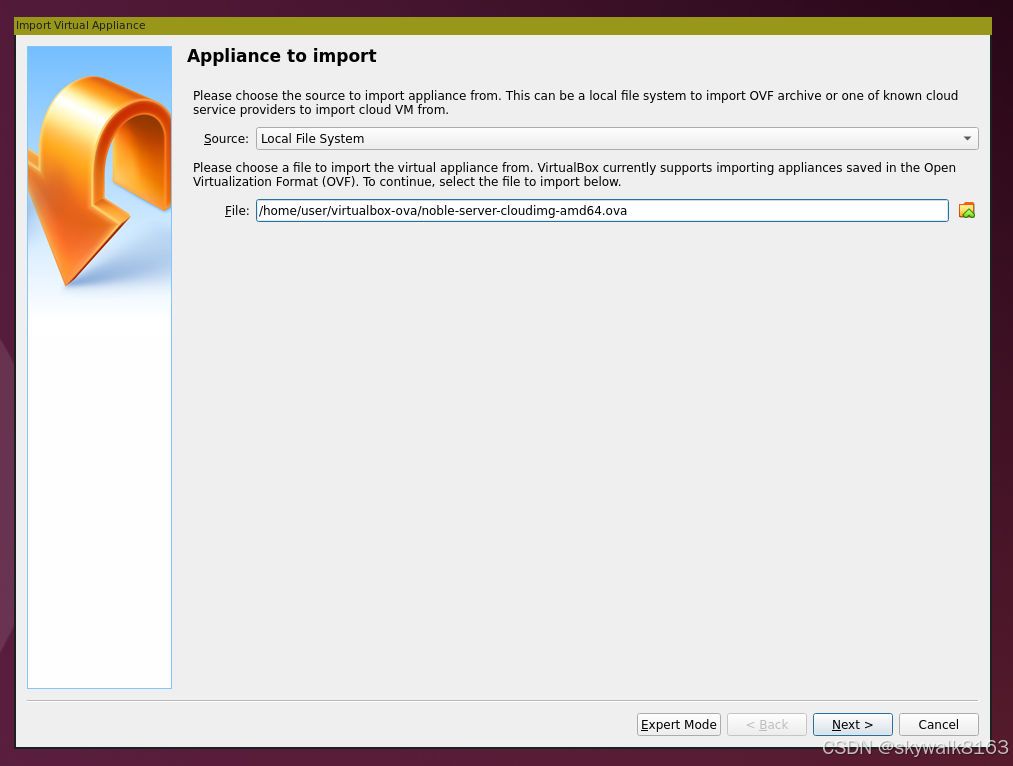
导入成功
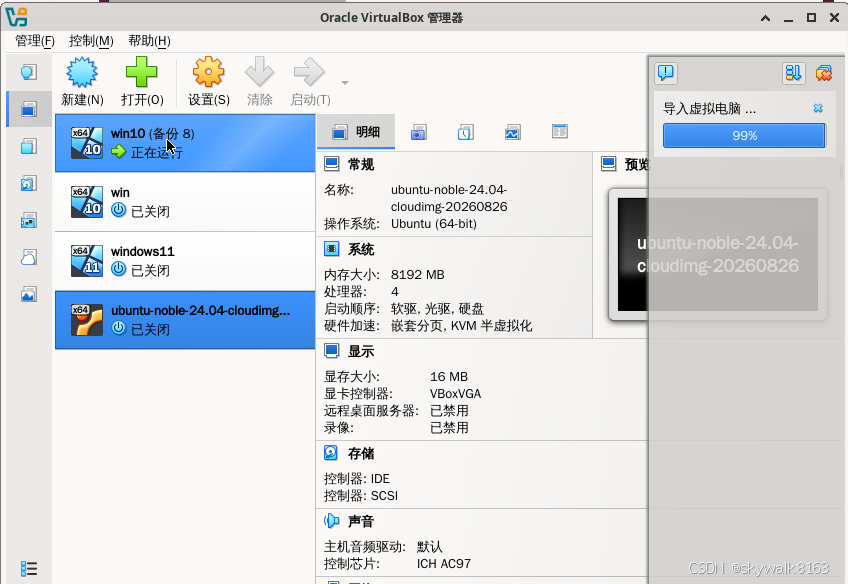
创建和使用网上cd image
这个镜像需要使用网上的image,因此启动后需要执行下面命令
sudo apt install cloud-utils这是Ubuntu下的方法啊!
Create and attach an ISO image
To create an ISO image we'll use the cloud-localds function from the cloud-utils package. On Ubuntu and Debian systems you can install this via apt:
sudo apt install cloud-utilsFor other operating systems, follow the instructions from the cloud-utils upstream repository.
Additionally, to set up remote access for your machine, you'll need to have a set of SSH keys. To learn more about SSH keys and their generation, refer to SSH/OpenSSH/Keys.
Once these prerequisites are met, you can generate and attach the ISO seed image.
- Create a YAML file with password authorization enabled:
Choose between two YAML configurations based on your cloud-init version:
FreeBSD下的操作
安装软件
sudo pkg install cdrtools创建文件
skywalk@fb98:~/VirtualBox VMs/ubuntu-noble-24.04-cloudimg-20260826/iso $ cat meta-data
instance-id: iid-local01
local-hostname: ub86


skywalk@fb98:~/VirtualBox VMs/ubuntu-noble-24.04-cloudimg-20260826/iso $ cat user-data
#cloud-config
# 设置默认用户 ubuntu 的密码
password: "Ubuntu"
chpasswd:
  list: |
    ubuntu:Ubuntu
  expire: False

# 允许 SSH 使用密码登录(默认为 no,必须显式开启)
ssh_pwauth: true

# 可选:确保 sshd 配置被重载
runcmd:
  - [ systemctl, restart, sshd ]
生成cd
mkisofs -output seed.iso -volid cidata -joliet -rock user-data meta-data到VirtualBox里导入这个iso文件,启动的时候,它就会生效,用配置的密码登录即可!
注意,就第一次启动的时候是可以的,如果启动多次,这个密码估计就登不进来了.
登上去立刻改密码!