UBUNTU的配置
在ubuntu内运行这段代码
sudo apt install openssh-server
sudo systemctl enable ssh
sudo systemctl start ssh
sudo nano /etc/ssh/sshd_config找到 PasswordAuthentication yes ,并取消注释
ctrl+o
回车
ctrl+x
sudo systemctl restart ssh
sudo ufw allow 22/tcp
在windows的powershell里面可以先试着运行一下
ssh gec@你的IP地址
VSCODE的配置
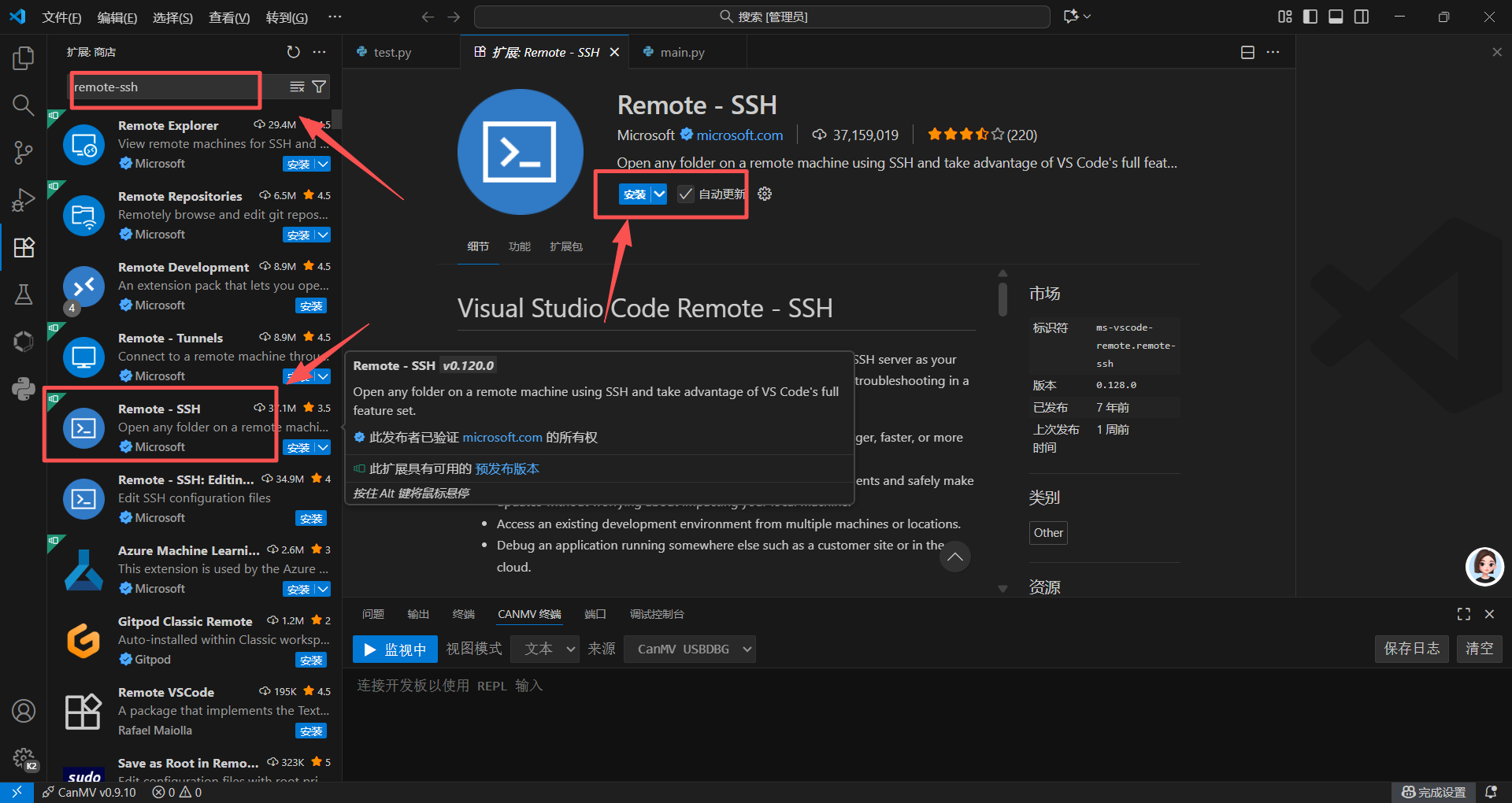
1.vscode中安装插件 Remote‑SSH
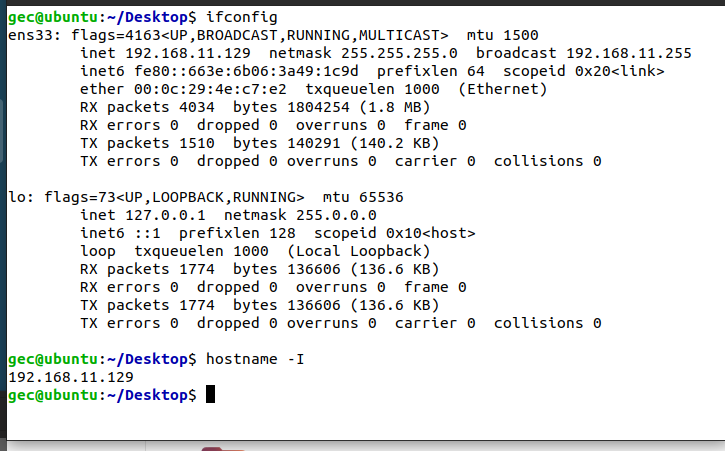
2.获取到ubuntu的ip
ifconfig
hostname -I
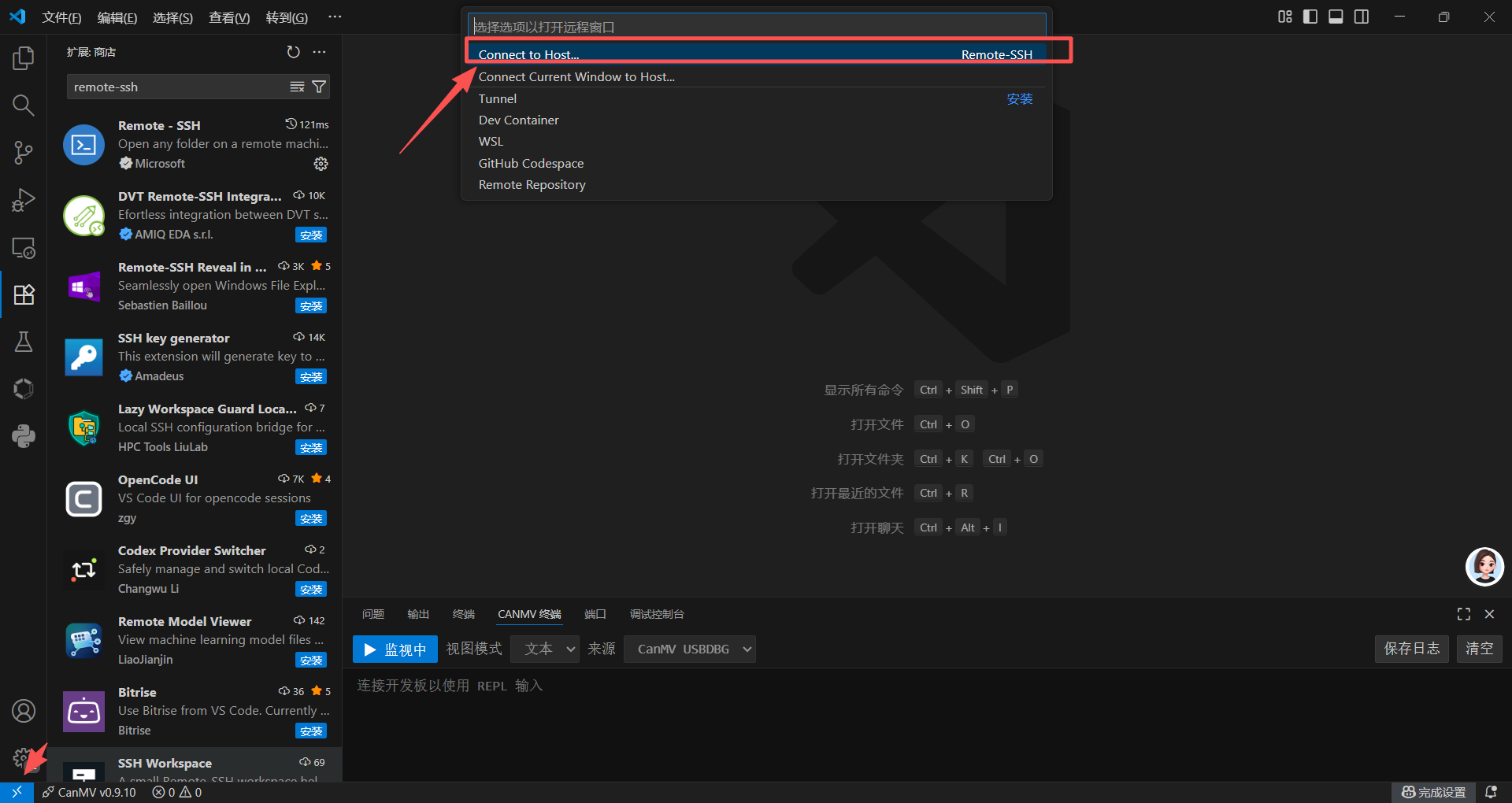
3.vscode左下角远程按钮
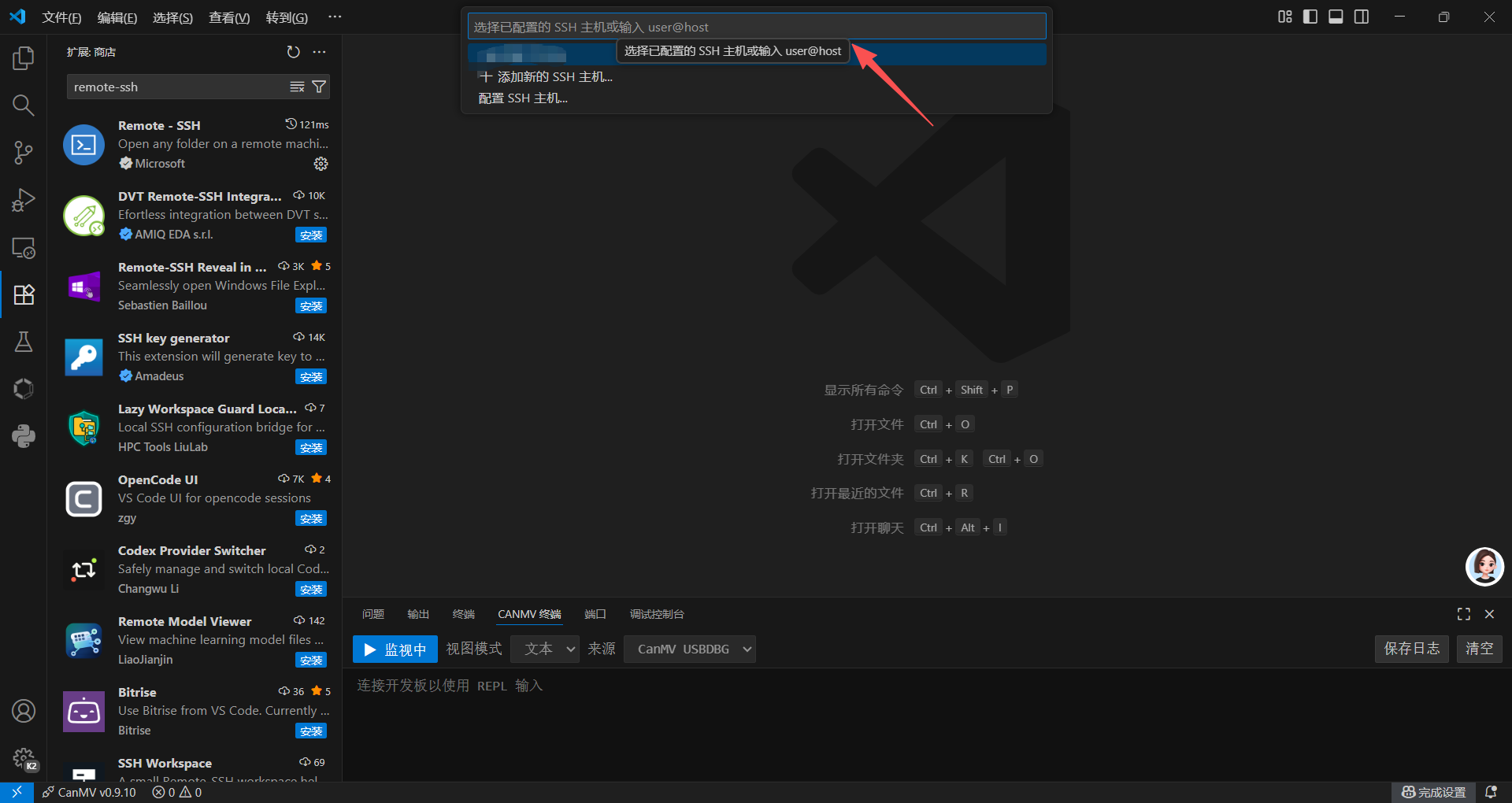
在这里输入你ubuntu的ip地址
然后输入ubunntu的地址就行了
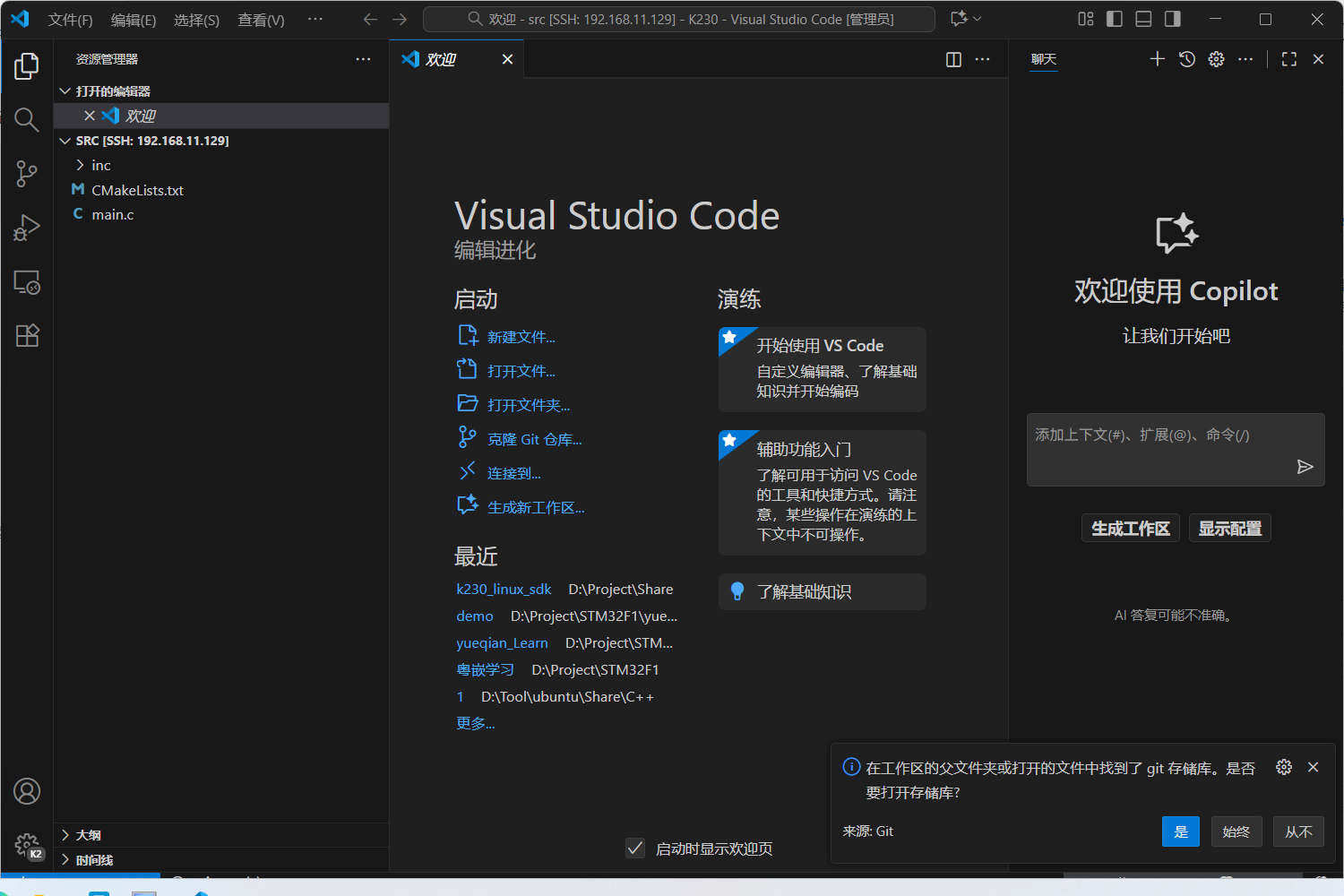
接下来就可以美美敲代码了~