DeepSeek Harness 发布:一切皆插件的 Agent 框架
摘要 :2025 年底,DeepSeek 开源了其内部 Agent 框架 Harness,以 MIT 协议发布,迅速在 GitHub 上积累 135K+ Stars。本文从发布背景、社区反响入手,深入解析其核心设计理念------"Everything is a Plugin",拆解整体架构,并通过代码示例展示插件系统的使用方式。
一、前言
2025 年,AI Agent 赛道进入白热化阶段。从 OpenAI 的 Assistants API 到 Anthropic 的 Claude Code,从 Google 的 Vertex AI Agent Builder 到 xAI 的 Grok Build,各大厂商纷纷推出自己的 Agent 开发框架。然而,大多数框架要么过于封闭(绑定特定 LLM Provider),要么过于庞大(学习曲线陡峭),开发者在选型时常常陷入两难。
2025 年 10 月,DeepSeek 在其年度技术峰会上正式开源了 DeepSeek Harness(以下简称 Harness),并宣布以 MIT 协议发布。这一举措在开源社区引发了巨大反响------发布 72 小时内 GitHub Stars 突破 50K,一个月后达到 135K,成为 2025 年增长最快的开源项目之一。
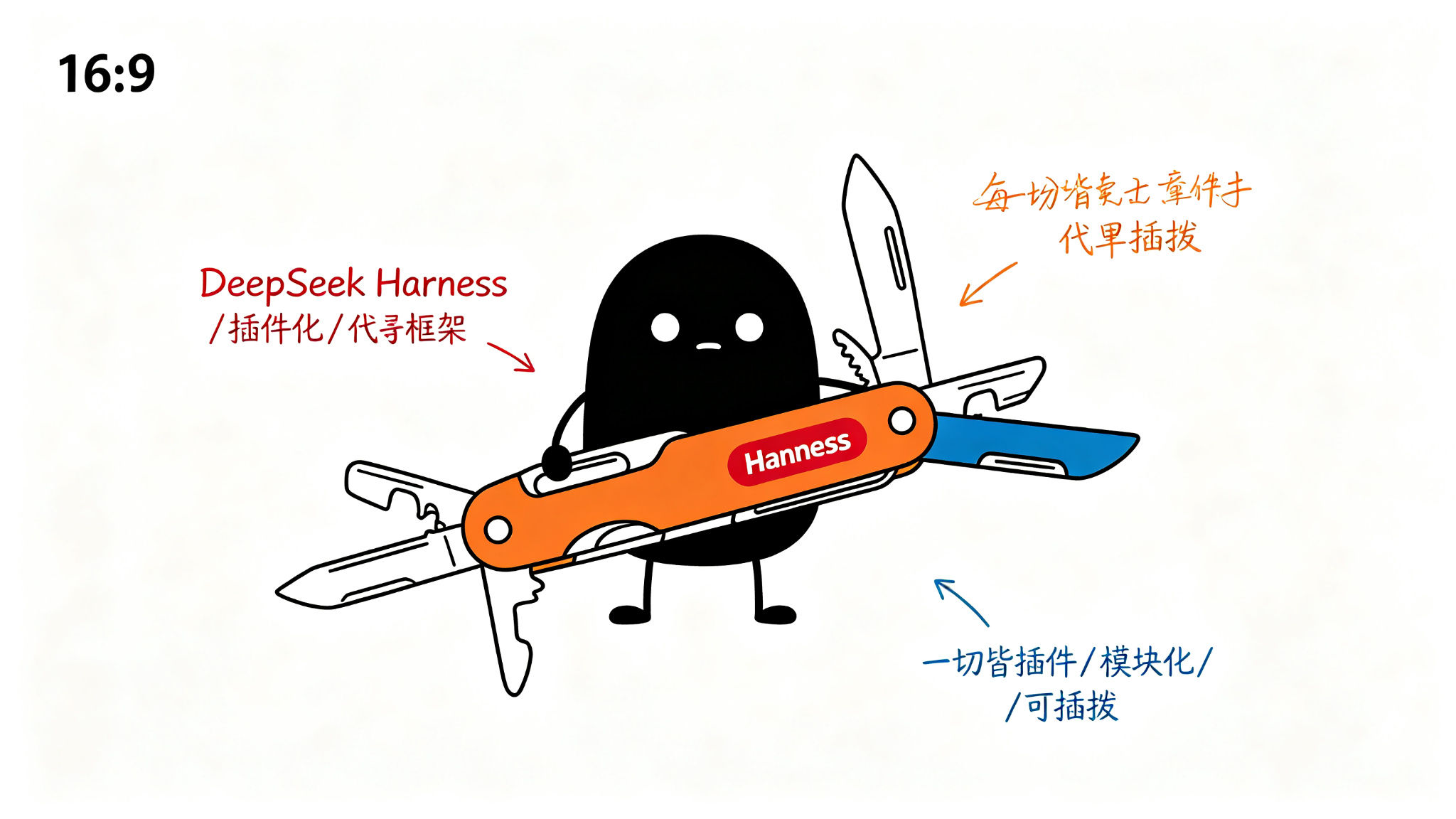
Harness 的核心设计理念可以用一句话概括:"Everything is a Plugin"(一切皆插件)。这种架构哲学使得 Harness 不仅是一个 Agent 框架,更是一个可扩展的 Agent 操作系统。
二、发布背景与社区反响
2.1 为什么 DeepSeek 要开源 Harness?
DeepSeek 作为中国领先的大模型公司,在 2024-2025 年凭借 DeepSeek-V2、DeepSeek-V3、DeepSeek-R1 等模型在国际舞台上崭露头角。然而,DeepSeek 的战略团队清醒地认识到:模型能力的竞争已经趋同,生态的竞争才是终局。
开源 Harness 的战略意图有三:
- 生态绑定:通过提供一流的 Agent 开发框架,吸引更多开发者使用 DeepSeek 模型。
- 标准制定:"一切皆插件"的理念如果成为行业标准,DeepSeek 将掌握 Agent 基础设施的话语权。
- 人才吸引:MIT 协议的开源项目是吸引顶级工程师的最佳方式。
2.2 社区反响
Harness 发布后,社区反响远超预期:
| 指标 | 数据 |
|---|---|
| GitHub Stars(72h) | 50,000+ |
| GitHub Stars(1 个月) | 135,000+ |
| npm 周下载量 | 800,000+ |
| 社区插件数(首月) | 320+ |
| 核心贡献者 | 150+ |
社区对 Harness 的评价集中在以下几点:
- "终于有人把插件化做到位了"------很多开发者认为 LangChain 的 Chain/Tool 抽象过于松散,而 Harness 的 Cordis 插件系统提供了真正的运行时隔离和生命周期管理。
- "dsh 命令行体验极佳" ------Harness 提供的 CLI 工具
dsh被誉为"Agent 开发的 Vercel CLI",从创建项目到部署只需三步。 - "Web UI 是惊喜"------大多数开源 Agent 框架不提供 GUI,而 Harness 内置了一个功能完整的 Web UI。
三、核心设计理念:Everything is a Plugin
3.1 设计哲学
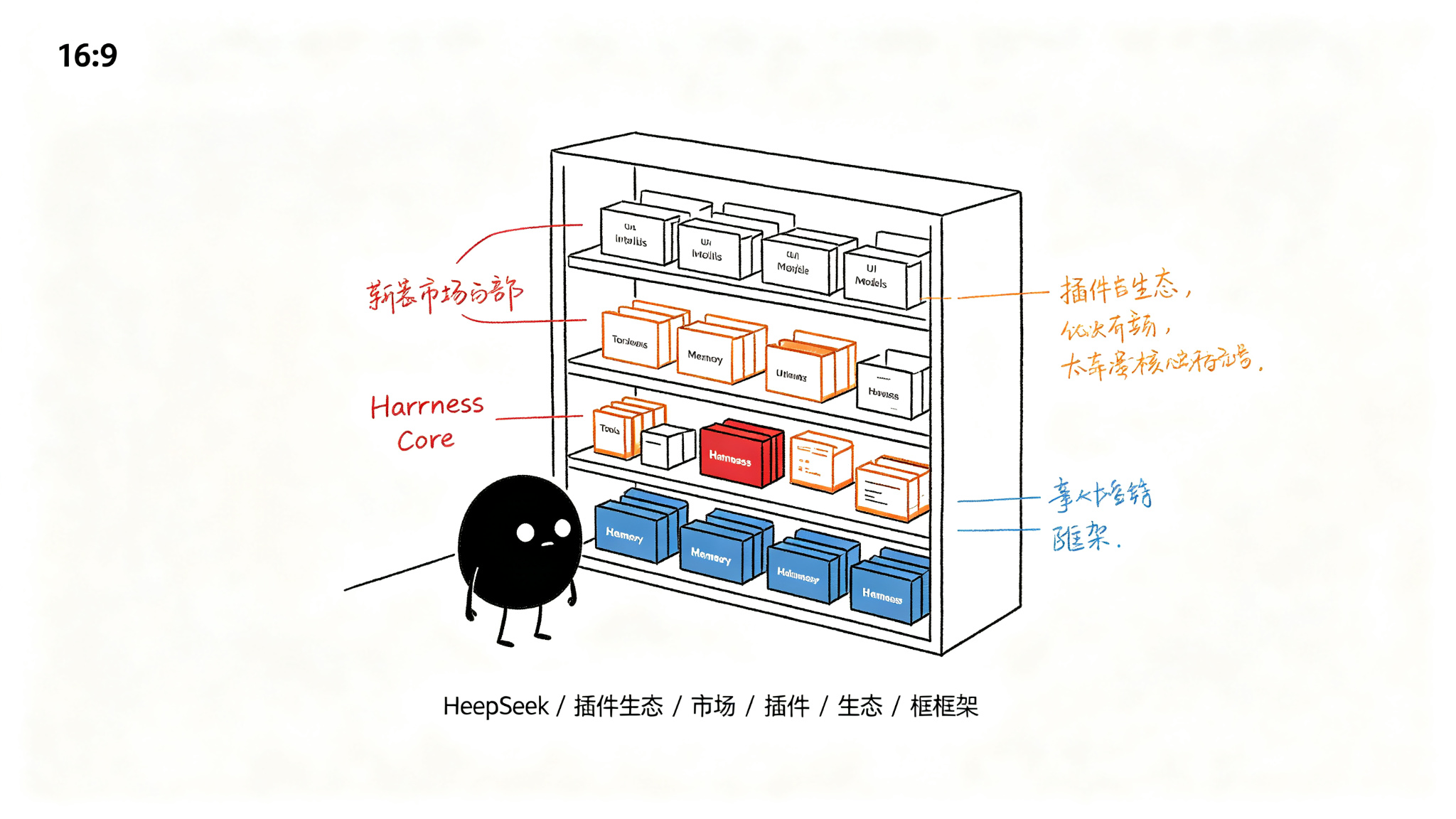
Harness 的设计哲学受到 Koishi(一个基于 Cordis 的聊天机器人框架)的深刻影响。其核心思想是:框架本身不提供任何具体功能,所有功能都通过插件实现。
这意味着:
- LLM 调用是一个插件
- 工具执行是一个插件
- 记忆存储是一个插件
- Web UI是一个插件
- CLI 命令是一个插件
- 甚至框架的核心调度逻辑也是一个插件
这种设计带来了极大的灵活性。开发者可以替换框架的任何部分,而不需要修改核心代码。
3.2 与传统 Agent 框架的对比
传统 Agent 框架(如 LangChain、AutoGen)通常采用"核心 + 扩展"的架构:
┌─────────────────────────────┐
│         Core Engine          │  ← 核心逻辑,不可替换
├─────────────────────────────┤
│  LLM  │  Tool  │  Memory    │  ← 扩展点,有限的插槽
└─────────────────────────────┘
而 Harness 采用"全插件"架构:
┌─────────────────────────────┐
│      Plugin Manager (Cordis) │  ← 唯一的"核心":插件管理器
├──────┬──────┬──────┬────────┤
│ LLM  │ Tool │Memory│  UI    │  ← 全部是插件
├──────┼──────┼──────┼────────┤
│Scheduler│Router│Logger│CLI │  ← 全部是插件
└──────┴──────┴──────┴────────┘
3.3 设计权衡
当然,"一切皆插件"的设计也有其代价:
- 启动开销:所有功能都需要通过插件加载,冷启动时间较长。
- 调试复杂度:插件之间的依赖关系可能形成复杂的图结构,调试时需要专门的工具。
- 学习曲线:开发者需要理解 Cordis 的插件系统才能有效使用 Harness。
但 DeepSeek 团队认为,这些代价在长期来看是值得的,因为插件化带来的可维护性和可扩展性远超传统架构。
四、整体架构
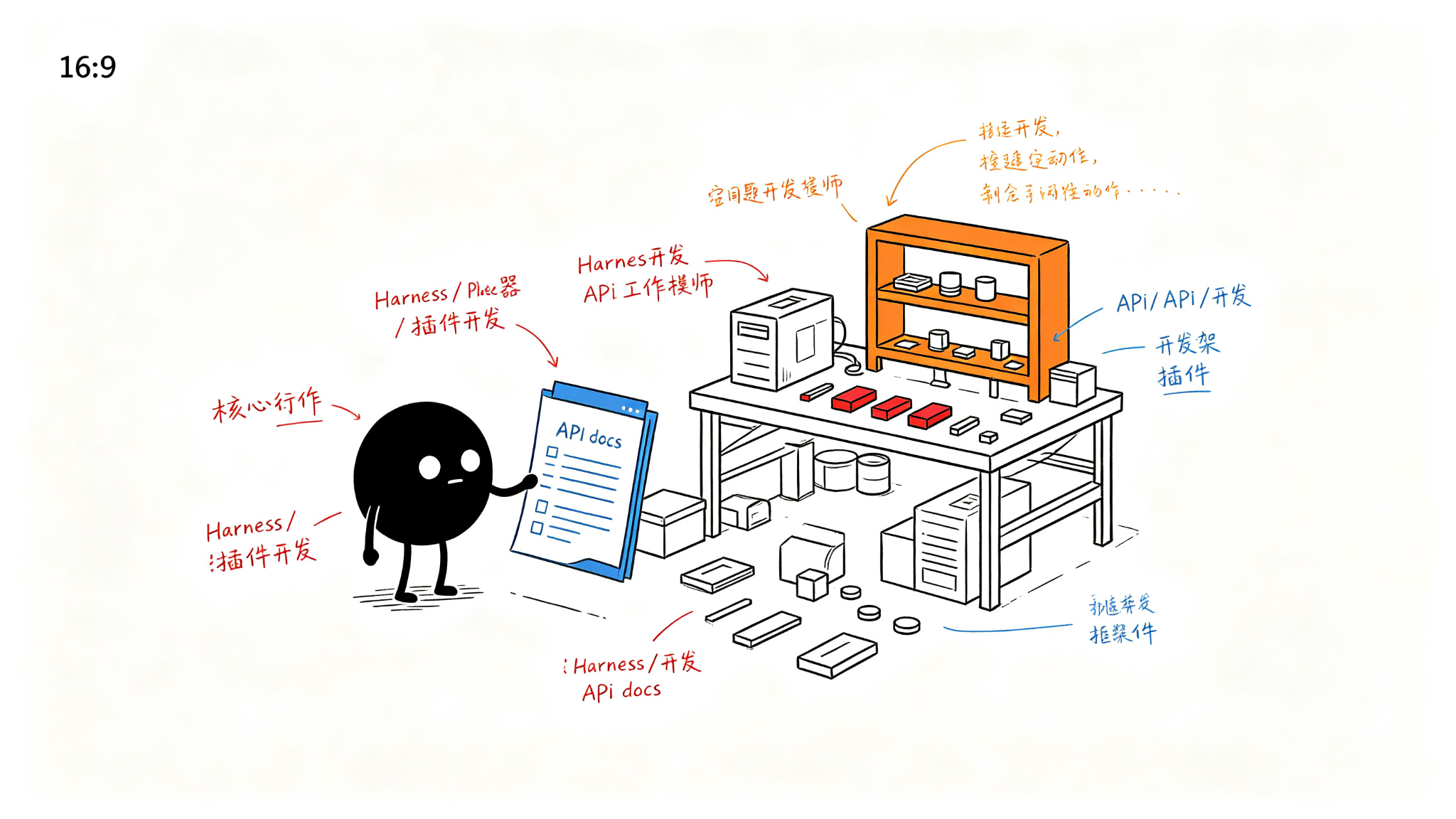
Harness 的整体架构可以分为四层:
#mermaid-svg-M4ORtHSip6NTWyQo{font-family:"trebuchet ms",verdana,arial,sans-serif;font-size:16px;fill:#333;}@keyframes edge-animation-frame{from{stroke-dashoffset:0;}}@keyframes dash{to{stroke-dashoffset:0;}}#mermaid-svg-M4ORtHSip6NTWyQo .edge-animation-slow{stroke-dasharray:9,5!important;stroke-dashoffset:900;animation:dash 50s linear infinite;stroke-linecap:round;}#mermaid-svg-M4ORtHSip6NTWyQo .edge-animation-fast{stroke-dasharray:9,5!important;stroke-dashoffset:900;animation:dash 20s linear infinite;stroke-linecap:round;}#mermaid-svg-M4ORtHSip6NTWyQo .error-icon{fill:#552222;}#mermaid-svg-M4ORtHSip6NTWyQo .error-text{fill:#552222;stroke:#552222;}#mermaid-svg-M4ORtHSip6NTWyQo .edge-thickness-normal{stroke-width:1px;}#mermaid-svg-M4ORtHSip6NTWyQo .edge-thickness-thick{stroke-width:3.5px;}#mermaid-svg-M4ORtHSip6NTWyQo .edge-pattern-solid{stroke-dasharray:0;}#mermaid-svg-M4ORtHSip6NTWyQo .edge-thickness-invisible{stroke-width:0;fill:none;}#mermaid-svg-M4ORtHSip6NTWyQo .edge-pattern-dashed{stroke-dasharray:3;}#mermaid-svg-M4ORtHSip6NTWyQo .edge-pattern-dotted{stroke-dasharray:2;}#mermaid-svg-M4ORtHSip6NTWyQo .marker{fill:#333333;stroke:#333333;}#mermaid-svg-M4ORtHSip6NTWyQo .marker.cross{stroke:#333333;}#mermaid-svg-M4ORtHSip6NTWyQo svg{font-family:"trebuchet ms",verdana,arial,sans-serif;font-size:16px;}#mermaid-svg-M4ORtHSip6NTWyQo p{margin:0;}#mermaid-svg-M4ORtHSip6NTWyQo .label{font-family:"trebuchet ms",verdana,arial,sans-serif;color:#333;}#mermaid-svg-M4ORtHSip6NTWyQo .cluster-label text{fill:#333;}#mermaid-svg-M4ORtHSip6NTWyQo .cluster-label span{color:#333;}#mermaid-svg-M4ORtHSip6NTWyQo .cluster-label span p{background-color:transparent;}#mermaid-svg-M4ORtHSip6NTWyQo .label text,#mermaid-svg-M4ORtHSip6NTWyQo span{fill:#333;color:#333;}#mermaid-svg-M4ORtHSip6NTWyQo .node rect,#mermaid-svg-M4ORtHSip6NTWyQo .node circle,#mermaid-svg-M4ORtHSip6NTWyQo .node ellipse,#mermaid-svg-M4ORtHSip6NTWyQo .node polygon,#mermaid-svg-M4ORtHSip6NTWyQo .node path{fill:#ECECFF;stroke:#9370DB;stroke-width:1px;}#mermaid-svg-M4ORtHSip6NTWyQo .rough-node .label text,#mermaid-svg-M4ORtHSip6NTWyQo .node .label text,#mermaid-svg-M4ORtHSip6NTWyQo .image-shape .label,#mermaid-svg-M4ORtHSip6NTWyQo .icon-shape .label{text-anchor:middle;}#mermaid-svg-M4ORtHSip6NTWyQo .node .katex path{fill:#000;stroke:#000;stroke-width:1px;}#mermaid-svg-M4ORtHSip6NTWyQo .rough-node .label,#mermaid-svg-M4ORtHSip6NTWyQo .node .label,#mermaid-svg-M4ORtHSip6NTWyQo .image-shape .label,#mermaid-svg-M4ORtHSip6NTWyQo .icon-shape .label{text-align:center;}#mermaid-svg-M4ORtHSip6NTWyQo .node.clickable{cursor:pointer;}#mermaid-svg-M4ORtHSip6NTWyQo .root .anchor path{fill:#333333!important;stroke-width:0;stroke:#333333;}#mermaid-svg-M4ORtHSip6NTWyQo .arrowheadPath{fill:#333333;}#mermaid-svg-M4ORtHSip6NTWyQo .edgePath .path{stroke:#333333;stroke-width:2.0px;}#mermaid-svg-M4ORtHSip6NTWyQo .flowchart-link{stroke:#333333;fill:none;}#mermaid-svg-M4ORtHSip6NTWyQo .edgeLabel{background-color:rgba(232,232,232, 0.8);text-align:center;}#mermaid-svg-M4ORtHSip6NTWyQo .edgeLabel p{background-color:rgba(232,232,232, 0.8);}#mermaid-svg-M4ORtHSip6NTWyQo .edgeLabel rect{opacity:0.5;background-color:rgba(232,232,232, 0.8);fill:rgba(232,232,232, 0.8);}#mermaid-svg-M4ORtHSip6NTWyQo .labelBkg{background-color:rgba(232, 232, 232, 0.5);}#mermaid-svg-M4ORtHSip6NTWyQo .cluster rect{fill:#ffffde;stroke:#aaaa33;stroke-width:1px;}#mermaid-svg-M4ORtHSip6NTWyQo .cluster text{fill:#333;}#mermaid-svg-M4ORtHSip6NTWyQo .cluster span{color:#333;}#mermaid-svg-M4ORtHSip6NTWyQo div.mermaidTooltip{position:absolute;text-align:center;max-width:200px;padding:2px;font-family:"trebuchet ms",verdana,arial,sans-serif;font-size:12px;background:hsl(80, 100%, 96.2745098039%);border:1px solid #aaaa33;border-radius:2px;pointer-events:none;z-index:100;}#mermaid-svg-M4ORtHSip6NTWyQo .flowchartTitleText{text-anchor:middle;font-size:18px;fill:#333;}#mermaid-svg-M4ORtHSip6NTWyQo rect.text{fill:none;stroke-width:0;}#mermaid-svg-M4ORtHSip6NTWyQo .icon-shape,#mermaid-svg-M4ORtHSip6NTWyQo .image-shape{background-color:rgba(232,232,232, 0.8);text-align:center;}#mermaid-svg-M4ORtHSip6NTWyQo .icon-shape p,#mermaid-svg-M4ORtHSip6NTWyQo .image-shape p{background-color:rgba(232,232,232, 0.8);padding:2px;}#mermaid-svg-M4ORtHSip6NTWyQo .icon-shape .label rect,#mermaid-svg-M4ORtHSip6NTWyQo .image-shape .label rect{opacity:0.5;background-color:rgba(232,232,232, 0.8);fill:rgba(232,232,232, 0.8);}#mermaid-svg-M4ORtHSip6NTWyQo .label-icon{display:inline-block;height:1em;overflow:visible;vertical-align:-0.125em;}#mermaid-svg-M4ORtHSip6NTWyQo .node .label-icon path{fill:currentColor;stroke:revert;stroke-width:revert;}#mermaid-svg-M4ORtHSip6NTWyQo :root{--mermaid-font-family:"trebuchet ms",verdana,arial,sans-serif;} 基础设施层 Infrastructure Layer
能力层 Capability Layer
编排层 Orchestration Layer
用户层 User Layer
dsh CLI
Web UI (Plugin)
TypeScript/Python SDK
Scheduler (Plugin)
Router (Plugin)
Agent Runtime (Plugin)
LLM Provider (Plugin)
Tool Executor (Plugin)
Memory Store (Plugin)
RAG Engine (Plugin)
Cordis Plugin System
Config Manager
Logger (Plugin)
Event Bus
4.1 用户层
用户层提供了三种与 Harness 交互的方式:
- dsh CLI:命令行工具,支持项目创建、插件管理、Agent 运行等操作。
- Web UI:基于 Vue 3 的可视化界面,支持 Agent 调试、对话测试、插件配置等。
- SDK:TypeScript 和 Python 的软件开发工具包,用于编程方式集成。
4.2 编排层
编排层负责 Agent 的核心运行逻辑:
- Scheduler:任务调度器,负责将用户请求分发给合适的 Agent。
- Router:路由决策器,根据请求类型选择执行路径。
- Agent Runtime:Agent 的运行时环境,管理 Agent 的状态和上下文。
4.3 能力层
能力层提供了 Agent 运行所需的各种能力:
- LLM Provider:支持 DeepSeek、OpenAI、Anthropic、Google 等多种 LLM。
- Tool Executor:工具执行器,支持 MCP 协议和自定义工具。
- Memory Store:记忆存储,支持短期记忆和长期记忆。
- RAG Engine:检索增强生成引擎,支持向量检索和混合检索。
4.4 基础设施层
基础设施层是 Harness 的"地基":
- Cordis Plugin System:基于 Cordis 的插件管理系统,是 Harness 的核心。
- Config Manager:配置管理器,支持多环境配置和热更新。
- Event Bus:事件总线,用于插件之间的通信。
- Logger:日志系统,支持结构化日志和多输出。
五、代码示例:插件系统使用
5.1 创建一个简单的插件
以下代码展示了如何创建一个自定义的日志增强插件:
typescript
// plugins/enhanced-logger.ts
import { Context, Schema } from '@deepseek/harness'

// 定义插件的配置 Schema
// Schema 用于声明插件接受的配置项,支持运行时校验
export const Config = Schema.object({
  level: Schema.union(['debug', 'info', 'warn', 'error']).default('info'),
  // 是否在日志中包含时间戳
  timestamp: Schema.boolean().default(true),
  // 自定义日志前缀
  prefix: Schema.string().default('[Harness]')
})

// 插件的主函数
// ctx: Cordis 的 Context,提供依赖注入和生命周期管理
// config: 经过 Schema 校验后的配置对象
export function apply(ctx: Context, config: typeof Config.infer) {
  // 使用 ctx.on() 监听框架事件
  // 'log' 事件在每次框架输出日志时触发
  ctx.on('log', (level, message, ...args) => {
    // 根据配置的日志级别过滤
    const levels = ['debug', 'info', 'warn', 'error']
    if (levels.indexOf(level) < levels.indexOf(config.level)) return

    // 构建增强后的日志消息
    const parts = []
    if (config.timestamp) {
      parts.push(new Date().toISOString())
    }
    parts.push(config.prefix)
    parts.push(`[${level.toUpperCase()}]`)
    parts.push(message)

    // 输出到控制台
    console.log(parts.join(' '), ...args)
  })

  // ctx.effect() 注册一个清理函数
  // 当插件被卸载时,自动执行清理逻辑
  ctx.effect(() => {
    console.log('Enhanced Logger 已激活')
    return () => {
      console.log('Enhanced Logger 已停用')
    }
  })
}代码解析:
Schema是 Harness 的配置校验系统,基于 Zod 的超集,支持类型推导和运行时校验。ctx.on()是 Cordis 的事件监听 API,所有插件间通信都通过事件总线完成。ctx.effect()注册副作用,返回的清理函数会在插件卸载时自动调用,防止资源泄漏。
5.2 使用 LLM Provider 插件
以下代码展示了如何配置和使用 LLM Provider 插件来构建一个简单的对话 Agent:
typescript
// agents/chat-agent.ts
import { Context, Agent, Schema } from '@deepseek/harness'

// 定义 Agent 的配置
// Agent 本质上也是一种插件,但有额外的运行时能力
export const Config = Schema.object({
  // 模型名称,支持 DeepSeek 全系列模型
  model: Schema.string().default('deepseek-chat'),
  // 最大 token 数
  maxTokens: Schema.number().default(4096),
  // 温度参数
  temperature: Schema.number().min(0).max(2).default(0.7),
  // 系统提示词
  systemPrompt: Schema.string().default('你是一个有用的 AI 助手。')
})

export function apply(ctx: Context, config: typeof Config.infer) {
  // ctx.llm 是由 LLM Provider 插件注入的服务
  // Cordis 的依赖注入机制会自动解析插件间的依赖关系
  const llm = ctx.llm

  // 创建一个名为 'chat' 的 Agent
  ctx.agent('chat', {
    // execute 方法是 Agent 的核心逻辑
    async execute(input, context) {
      // 构建消息列表
      const messages = [
        { role: 'system', content: config.systemPrompt },
        // context.history 包含之前的对话历史
        ...context.history,
        { role: 'user', content: input }
      ]

      // 调用 LLM
      // 内部会自动处理重试、超时、负载均衡等
      const response = await llm.chat({
        model: config.model,
        messages,
        maxTokens: config.maxTokens,
        temperature: config.temperature
      })

      // 将响应存入记忆
      // ctx.memory 是由 Memory 插件注入的服务
      await ctx.memory.store({
        role: 'assistant',
        content: response.content,
        timestamp: Date.now()
      })

      return response.content
    }
  })
}代码解析:
ctx.llm和ctx.memory是通过 Cordis 依赖注入机制自动获得的服务,开发者不需要手动实例化。- Agent 的
execute方法接收用户输入和上下文,返回字符串响应。框架会自动处理流式输出、工具调用等复杂逻辑。 - 记忆存储通过
ctx.memory.store()实现,底层可以是 Redis、PostgreSQL 或任何实现了 Memory 接口的插件。
5.3 安装和注册插件
bash
# 使用 dsh CLI 安装社区插件
dsh plugin install @harness/plugin-web-search

# 查看已安装的插件
dsh plugin list

# 在项目配置中启用插件
# harness.config.yaml
plugins:
  - name: '@harness/plugin-llm'
    config:
      provider: deepseek
      apiKey: ${DEEPSEEK_API_KEY}
  - name: '@harness/plugin-memory'
    config:
      backend: sqlite
      path: ./data/memory.db
  - name: '@harness/plugin-web-search'
    config:
      engine: bing
      apiKey: ${BING_API_KEY}
  - name: './plugins/enhanced-logger'
    config:
      level: debug
      timestamp: true
六、与竞品初步对比
在 Agent 框架领域,Harness 面临着来自多个方向的竞争。以下是一个初步的对比:
| 维度 | DeepSeek Harness | LangChain | AutoGen | Claude Code |
|---|---|---|---|---|
| 开源协议 | MIT | MIT | MIT | 闭源 |
| 语言 | TypeScript + Python | Python 优先 | Python | TypeScript |
| 架构理念 | 一切皆插件 | Chain/Tool 抽象 | 多 Agent 对话 | 终端原生 |
| 插件系统 | Cordis(完整生命周期) | 简单的 Tool 接口 | 无 | 内置 MCP |
| CLI 工具 | dsh(功能丰富) | 无官方 CLI | 无 | 内置 |
| Web UI | 内置(插件形式) | LangSmith(付费) | AutoGen Studio | 无 |
| LLM 支持 | 全面 | 全面 | 全面 | Claude 系列 |
| 热加载 | 支持 | 不支持 | 不支持 | 支持 |
| 社区规模 | 135K Stars | 100K+ Stars | 40K+ Stars | N/A |
从对比中可以看出,Harness 的核心优势在于:
- 插件系统的成熟度:基于 Cordis 的插件系统提供了完整的生命周期管理、依赖注入和热加载,这是其他框架所不具备的。
- 开发体验:dsh CLI + Web UI 的组合大大降低了入门门槛。
- 全栈能力:从前端 UI 到后端调度,Harness 提供了一站式的解决方案。
七、总结
DeepSeek Harness 的发布标志着 Agent 框架进入了一个新的阶段。"一切皆插件"的设计理念虽然不是全新的(Koishi 等项目早已实践),但 Harness 是第一个将这种理念大规模应用于 AI Agent 领域的框架。
135K+ Stars 的成绩证明了社区对这种设计的认可。然而,Harness 能否在长期竞争中胜出,还取决于以下几个因素:
- 插件生态的繁荣度:目前 320+ 的社区插件是一个好的开始,但距离 LangChain 的生态还有差距。
- 性能与稳定性:插件化架构的性能开销需要持续优化。
- 跨语言支持:目前 TypeScript 优先的策略可能会限制 Python 生态的开发者。
无论如何,Harness 已经为 Agent 框架的设计提供了新的范式。对于正在选型的开发者来说,Harness 值得认真评估。
参考资料
- Cordis - DeepSeek Harness 的插件系统内核。GitHub: https://github.com/cordiverse/cordis
- Koishi - 基于 Cordis 的聊天机器人框架,Harness 的设计灵感来源。GitHub: https://github.com/koishijs/koishi
- DeepSeek Harness 官方文档 - https://harness.deepseek.com/docs
- "Agent-as-a-Service: A Plugin Architecture for Scalable AI Agent Systems" - DeepSeek Research, 2025.
- "A Survey on Large Language Model based Autonomous Agents" - Wang et al., Frontiers of Computer Science, 2024.
本系列覆盖 AI 大模型基础、Agent 开发、MCP 协议、Skill 开发、RAG、模型微调、部署推理 七大方向,从入门到实战的全栈内容持续更新中。
所有文章的 Markdown 源文件、可运行代码、高清配图已整理成完整资料包。
👍 点赞 + ⭐ 关注,评论区扣「1」,挨个发你领取方式 👇