前面 01~05,我们搞定生命周期、JS 双向通信、rawfile 静态资源、DevTools 调试、网络请求劫持。
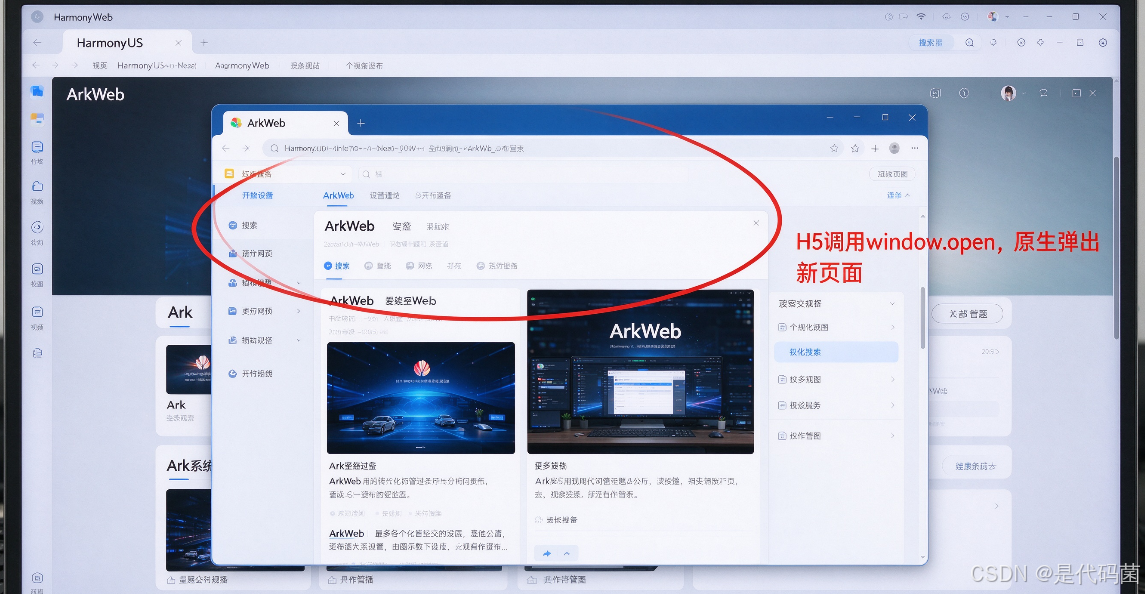
这次要解决 H5 开发里非常高频的痛点:H5 代码调用window.open()打开新页面,在 ArkWeb 里默认没反应;还有 H5 点击链接跳转,想在原生层拦截跳转地址,做权限校验、路由重定向。
我当初踩坑:H5 里写window.open("https://xxx"),网页在浏览器能正常新开标签,放到 ArkWeb 里面点击完全没效果。查文档才知道,ArkWeb 默认不支持自动弹出新窗口,必须通过回调手动接管。
核心误区:window.open不会自动创建新 Web 组件;页面跳转分两种,超链接跳转和 JS 跳转,对应的回调接口不一样,别搞混。
核心概念一句话讲清
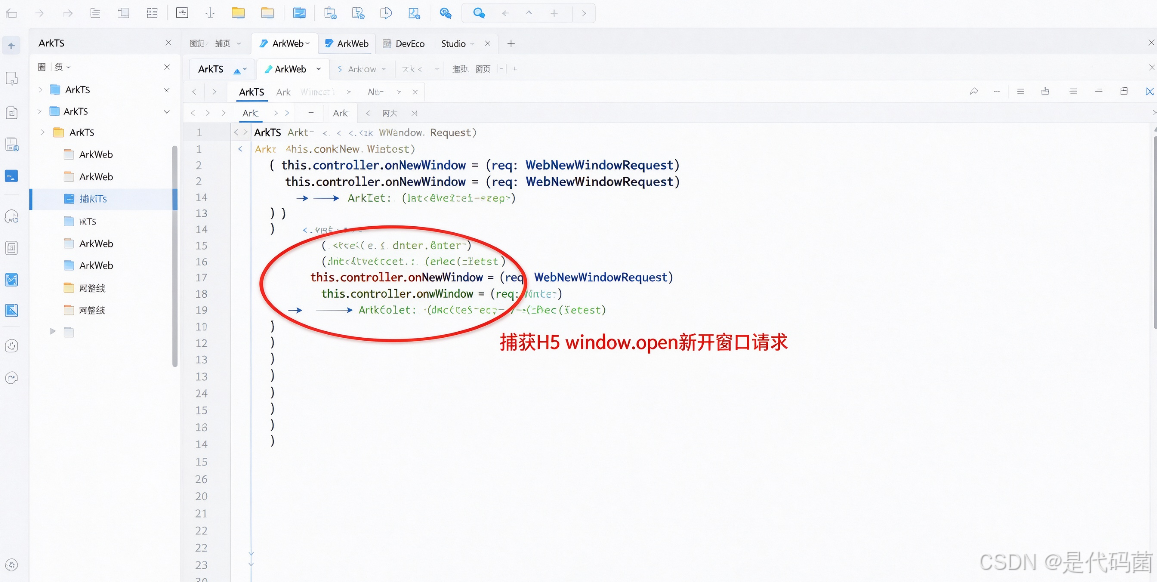
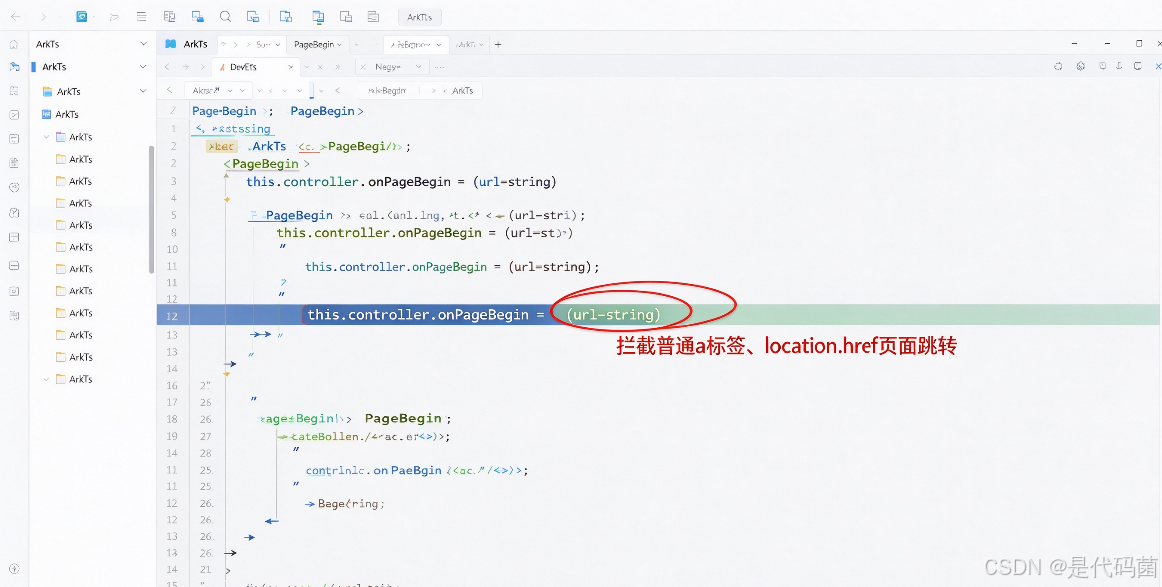
onNewWindow:专门捕获 H5 调用window.open()新建窗口的请求,在这里手动创建新 ArkWeb 实例加载目标地址。onPageBegin:页面开始跳转的回调,拦截普通 a 标签点击、location.href 这类页面跳转,可以放行或者阻止跳转。
类比:浏览器自带多标签页能力,ArkWeb 默认是单页面容器。H5 想要新开页面,得通知原生,由原生去新建容器承载页面。
前置条件:HarmonyOS7,DevEco Studio,沿用前面工程。
第一步:拦截 window.open,实现 H5 新开页面
import { ArkWeb, ArkWebController, WebNewWindowRequest } from '@kit.ArkWeb';

@Entry
@Component
struct WebOpenDemo {
  @State targetUrl: string = "";
  @State showNewWeb: boolean = false;
  controller: ArkWebController = new ArkWebController();
  newWebController: ArkWebController = new ArkWebController();

  aboutToAppear() {
    this.controller.javascriptEnabled = true;
    // 捕获 window.open 新开窗口请求
    this.controller.onNewWindow = (req: WebNewWindowRequest): boolean => {
      // 获取H5想要打开的链接
      this.targetUrl = req.requestUrl;
      // 控制弹窗显示新Web页面
      this.showNewWeb = true;
      // 返回true:代表我们原生接管这个新开窗口动作,ArkWeb不再默认处理
      return true;
    }
  }

  build() {
    Column() {
      // 主ArkWeb页面
      ArkWeb({
        src: $rawfile("index.html"),
        controller: this.controller
      })
      .width('100%')
      .layoutWeight(1)

      // 弹窗,承载window.open打开的新页面
      if(this.showNewWeb){
        Column(){
          Row(){
            Button("关闭新页面")
              .onClick(()=>{
                this.showNewWeb = false;
              })
          }
          ArkWeb({
            src: this.targetUrl,
            controller: this.newWebController
          })
          .width('100%')
          .layoutWeight(1)
        }
        .width('90%')
        .height('80%')
        .border({width:1, color:"#ccc"})
      }
    }
  }
}
配套 H5 index.html 测试代码
<button onclick="openNewPage()">点我window.open打开页面</button>
<script>
function openNewPage(){
  window.open("https://www.example.com","_blank")
}
</script>
关键语句拆解:
onNewWindow返回布尔值,true= 原生接管新开窗口;false= 放弃处理,不打开页面。- 不能直接在回调里面渲染组件,需要用状态变量 @State 控制页面显示。
- 新开页面建议单独新建一个 ArkWebController,和主页面控制器隔离,生命周期互不干扰。
第二步:onPageBegin 拦截普通页面跳转(a 标签 /location.href)
如果只想拦截普通页面跳转,不需要新建窗口,用onPageBegin。可以阻止跳转,或者替换跳转地址。
aboutToAppear() {
  this.controller.javascriptEnabled = true;
  this.controller.onPageBegin = (url:string): boolean => {
    console.info("准备跳转地址:", url)
    // 拦截指定域名,禁止跳转
    if(url.includes("block-domain.com")){
      console.info("该链接被拦截,禁止访问")
      // 返回true:拦截,不执行跳转
      return true;
    }
    // 返回false:放行,正常跳转
    return false;
  }
}
高频踩坑清单(重点)
- ❌ window.open 触发后没有任何响应
✅ 没有实现onNewWindow回调,或者回调返回 false,ArkWeb 不会自动创建页面。 - ❌ 在 onNewWindow 回调内部直接修改 UI 组件
✅ 回调是异步回调,不能直接写 UI 渲染,要用 @State 状态变量驱动页面刷新。 - ❌ 新页面复用主页面 ArkWebController
✅ 控制器实例复用会导致生命周期混乱,前进后退、缓存互相干扰,新开页面务必新建 controller。 - ❌ onPageBegin 只能拦截主页面跳转,iframe 内部跳转不会触发这个回调
✅ iframe 内页面跳转,onPageBegin 捕获不到,需要结合 onInterceptRequest 做额外判断。
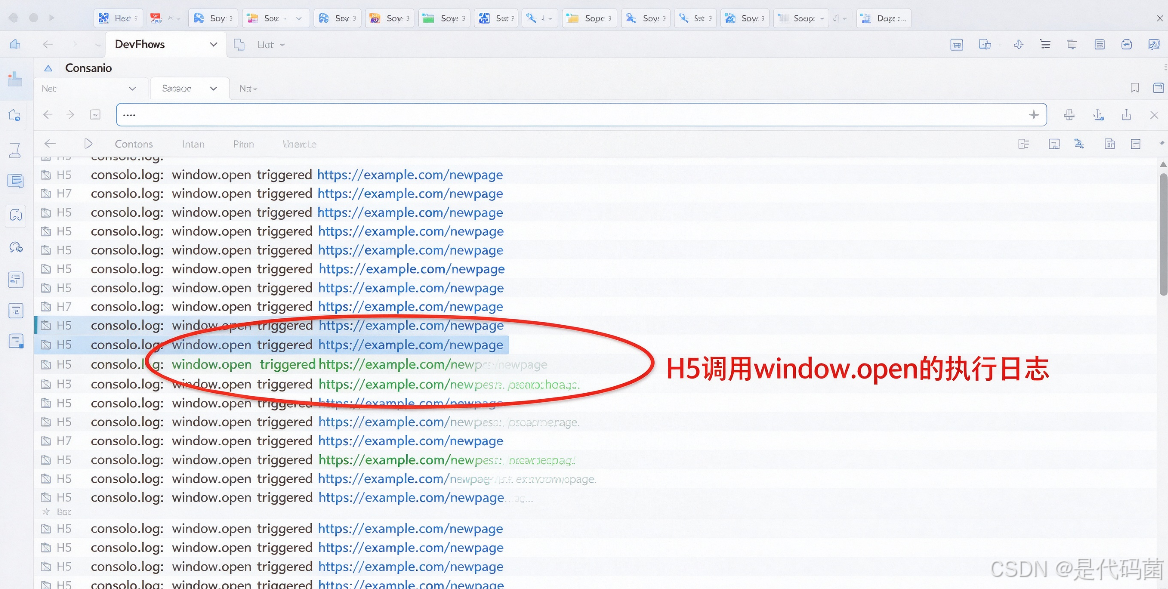
小扩展:新页面支持前进后退
新的 ArkWebController 自带页面历史栈,可以增加按钮控制页面返回
Button("页面后退")
.onClick(()=>{
  if(this.newWebController.canGoBack()){
    this.newWebController.goBack()
  }
})