前言
这个系列的上一篇介绍了进程间通讯关于管道相关的内容及代码实例,本章要介绍关于消息队列相关的内容.
消息队列交互图示
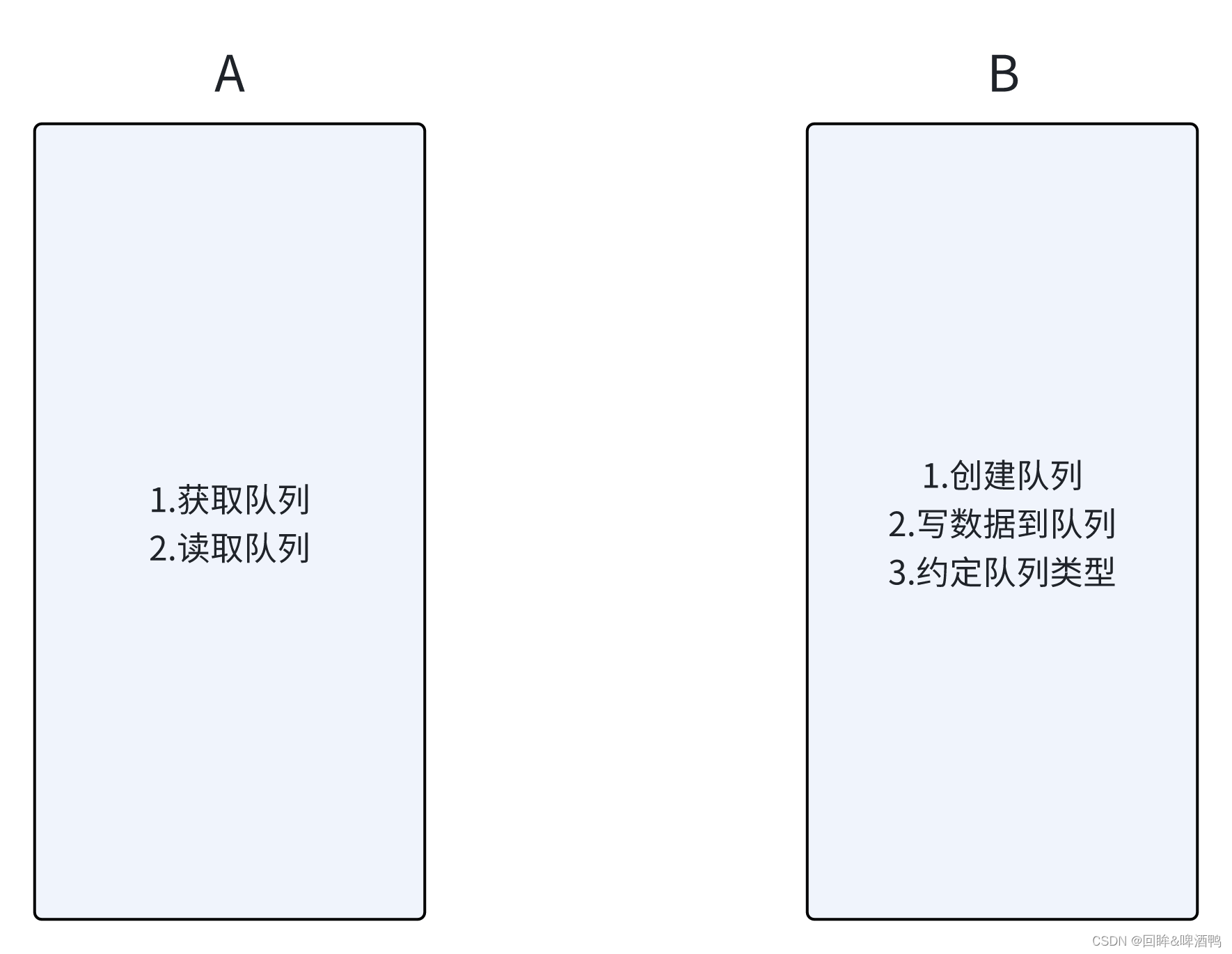
函数原型
cpp
#include <sys/msg.h>
#include <sys/ipc.h>
//创建 or 打开队列 成功返回队列ID,失败返回-1
int msgget(key_t key,int flag);
//创建新队列的条件:没有与键值key相对应的消息队列,且flag中含有IPC_CREAT的标志位
//or key参数为IPC_PRIVATE

//添加消息:成功返回 0,失败返回-1
int msgsnd (int msqid,const void *ptr,size_t size,int flag);

//读取消息:成功返回 消息数据的长度,失败返回-1
int msgrcv(int msqid,void *ptr,size_t size,long type,int flag);

//控制消息队列:成功返回 0,失败返回-1
int msgctl(int msqid,int cmd,struct msqid_ds *buf);
消息队列api函数应用
msgGet.c
cpp
#include <stdio.h>
#include <sys/types.h>
#include <sys/ipc.h>
#include <sys/msg.h>
#include <string.h>

struct msgBuf
{
    long mtype;
    char mtext[128];
};

int main(){
    struct msgBuf sendBuf = {888,"msg from que pjy "};
    int msgID = msgget(0x1234,IPC_CREAT|0777);
    if(msgID == -1){
        printf("get que failure\n");

    }
    msgsnd(msgID,&sendBuf,strlen(sendBuf.mtext),0);
    return 0;

}
msgSend.c
cpp
#include <stdio.h>
#include <sys/types.h>
#include <sys/ipc.h>
#include <sys/msg.h>

struct msgBuf
{
    long mtype;
    char mtext[128];
};

int main(){
    struct msgBuf readBuf;
    //获取队列
    int msgID = msgget(0x1234,IPC_CREAT|0777);
    if(msgID == -1)
    {
        printf("get que failure !\n");

    }
    msgrcv(msgID,&readBuf,sizeof(readBuf.mtext),888,0);
    printf("read from que: %s \n",readBuf.mtext);
    return 0;

}
运行结果展示
