云渲染和流式传输共享三维模型场景
1、本地无需高端GPU设备即可提供三维项目渲染
云渲染和云流化媒体都可以让3D模型共享变得简单便捷。配备强大GPU的远程服务器早就可以处理密集的处理工作,而专有应用程序,用户也可以从任何个人设备查看全保真模型并与之交互。
2、云流媒体实现多终端联动共享价值更高
在项目应用场景中,在大屏、电脑、平板、手机和其它移动终端,可以实现多屏联动、远程协助,三维云流化让客户访问时可以体验到全保真的模型和画面。
3、传输渲染图像时源数据保持安全
对于企业来说,保护专有数据都至关重要。在这个高度专业化的行业中,基于云渲染的流化解决方案是通过传输渲染后的图像来保证源文件的安全,细微的差异化往往都可能决定产品的竞争力。


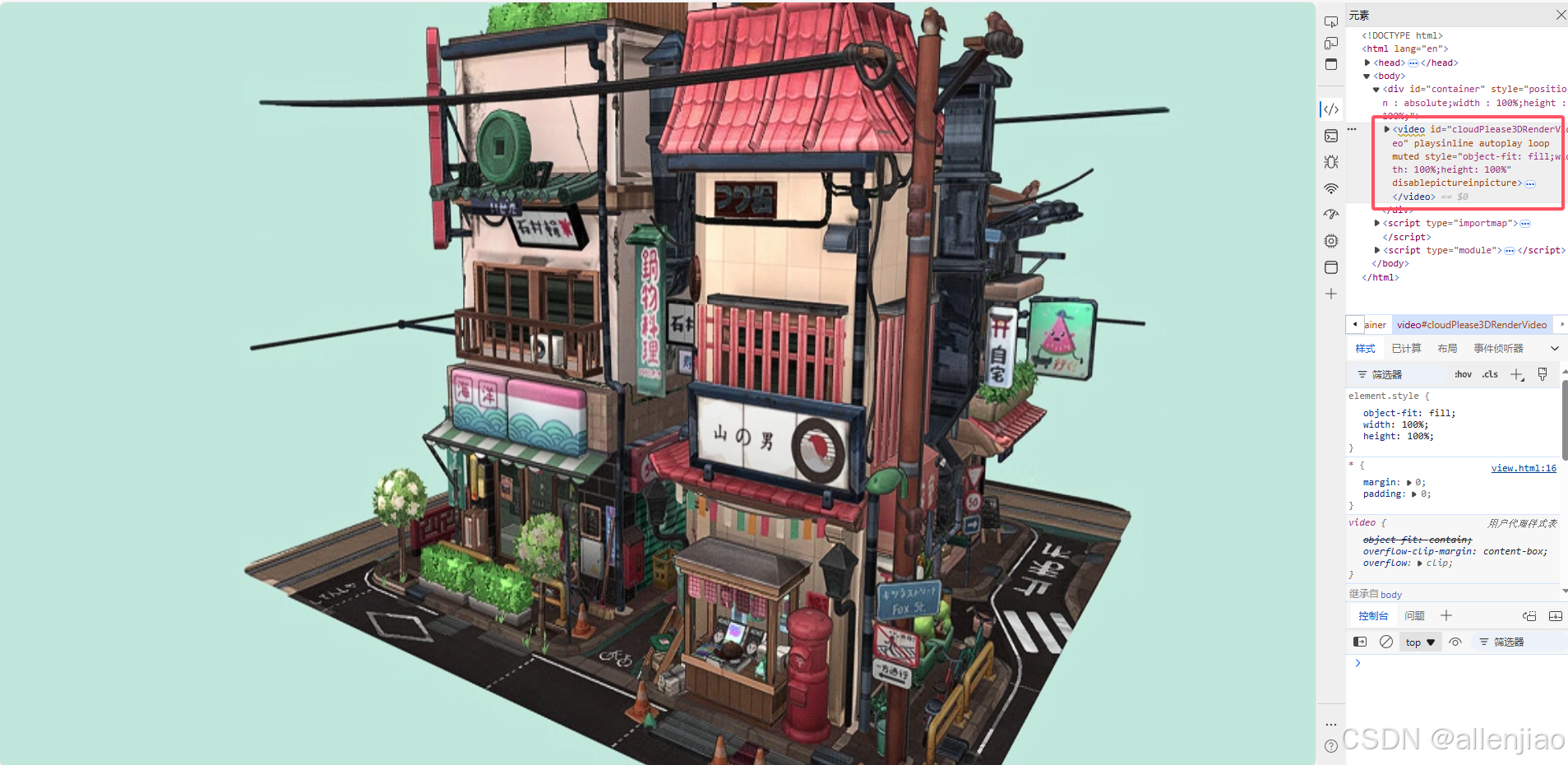
threejs云渲染 webgl 服务器渲染 后端渲染
threejs云渲染(webgl) 服务器渲染 后端渲染
let mixer;

const clock = new THREE.Clock();
const container = document.getElementById( 'container' );

const stats = new Stats();
container.appendChild( stats.dom );

const renderer = new THREE.WebGLRenderer( { antialias: true } );
renderer.setPixelRatio( window.devicePixelRatio );
renderer.setSize( window.innerWidth, window.innerHeight );
container.appendChild( renderer.domElement );

const pmremGenerator = new THREE.PMREMGenerator( renderer );

const scene = new THREE.Scene();
scene.background = new THREE.Color( 0xbfe3dd );
scene.environment = pmremGenerator.fromScene( new RoomEnvironment( renderer ), 0.04 ).texture;

const camera = new THREE.PerspectiveCamera( 40, window.innerWidth / window.innerHeight, 1, 100 );
camera.position.set( 5, 2, 8 );

const controls = new OrbitControls( camera, renderer.domElement );
controls.target.set( 0, 0.5, 0 );
controls.update();
// controls.enablePan = false;
controls.enableDamping = true;