Bootstrap V4系列 学习入门教程之 表格(Tables)和画像(Figure)
- 表格(Tables)
-
- 一、Examples
- [二、Table head options 表格头选项](#二、Table head options 表格头选项)
- [三、Striped rows 条纹行](#三、Striped rows 条纹行)
- [四、Bordered table 带边框的表格](#四、Bordered table 带边框的表格)
- [五、Borderless table 无边框表格](#五、Borderless table 无边框表格)
- [六、Hoverable rows 可悬停行](#六、Hoverable rows 可悬停行)
- [七、Contextual classes 情境类](#七、Contextual classes 情境类)
- 画像(Figure)
表格(Tables)
一、Examples
由于表格在日历和日期选择器等第三方小部件中的广泛使用,我们将表格设计为可选择加入。只需将基类.table添加到任何<table>中,然后使用自定义样式或我们包含的各种修饰符类进行扩展。
使用最基本的表标记,以下是Bootstrap中基于.table的表的外观。Bootstrap 4继承了所有表样式,这意味着任何嵌套表都将以与父表相同的方式进行样式设置。
html
<table class="table">
  <thead>
    <tr>
      <th scope="col">#</th>
      <th scope="col">First</th>
      <th scope="col">Last</th>
      <th scope="col">Handle</th>
    </tr>
  </thead>
  <tbody>
    <tr>
      <th scope="row">1</th>
      <td>Mark</td>
      <td>Otto</td>
      <td>@mdo</td>
    </tr>
    <tr>
      <th scope="row">2</th>
      <td>Jacob</td>
      <td>Thornton</td>
      <td>@fat</td>
    </tr>
    <tr>
      <th scope="row">3</th>
      <td>Larry</td>
      <td>the Bird</td>
      <td>@twitter</td>
    </tr>
  </tbody>
</table>
页面展示效果:

您还可以使用.table-dark反转颜色------在深色背景上使用浅色文本。
html
<table class="table table-dark">
  <thead>
    <tr>
      <th scope="col">#</th>
      <th scope="col">First</th>
      <th scope="col">Last</th>
      <th scope="col">Handle</th>
    </tr>
  </thead>
  <tbody>
    <tr>
      <th scope="row">1</th>
      <td>Mark</td>
      <td>Otto</td>
      <td>@mdo</td>
    </tr>
    <tr>
      <th scope="row">2</th>
      <td>Jacob</td>
      <td>Thornton</td>
      <td>@fat</td>
    </tr>
    <tr>
      <th scope="row">3</th>
      <td>Larry</td>
      <td>the Bird</td>
      <td>@twitter</td>
    </tr>
  </tbody>
</table>
页面展示效果:

二、Table head options 表格头选项
与表格和深色表格类似,使用修饰符类.thead-light或.thead-dark使<thead>显示为浅灰色或深灰色。
html
<table class="table">
  <thead class="thead-dark">
    <tr>
      <th scope="col">#</th>
      <th scope="col">First</th>
      <th scope="col">Last</th>
      <th scope="col">Handle</th>
    </tr>
  </thead>
  <tbody>
  ...
 </tbody>
</table>
页面展示效果:

三、Striped rows 条纹行
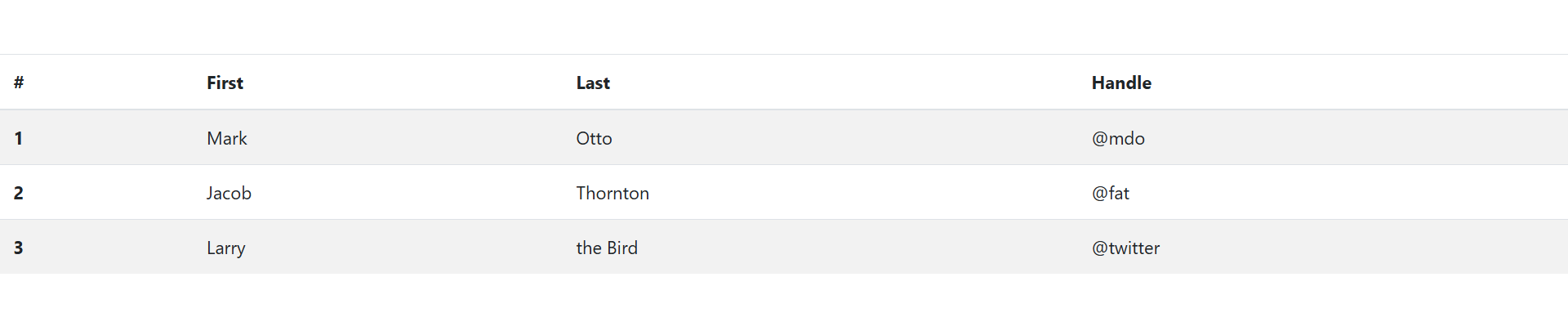
使用.table-striped为<tbody>中的任何表行添加斑马条纹。
html
<table class="table table-striped">
  <thead>
    <tr>
      <th scope="col">#</th>
      <th scope="col">First</th>
      <th scope="col">Last</th>
      <th scope="col">Handle</th>
    </tr>
  </thead>
  <tbody>
    <tr>
      <th scope="row">1</th>
      <td>Mark</td>
      <td>Otto</td>
      <td>@mdo</td>
    </tr>
    <tr>
      <th scope="row">2</th>
      <td>Jacob</td>
      <td>Thornton</td>
      <td>@fat</td>
    </tr>
    <tr>
      <th scope="row">3</th>
      <td>Larry</td>
      <td>the Bird</td>
      <td>@twitter</td>
    </tr>
  </tbody>
</table>
页面展示效果:
四、Bordered table 带边框的表格
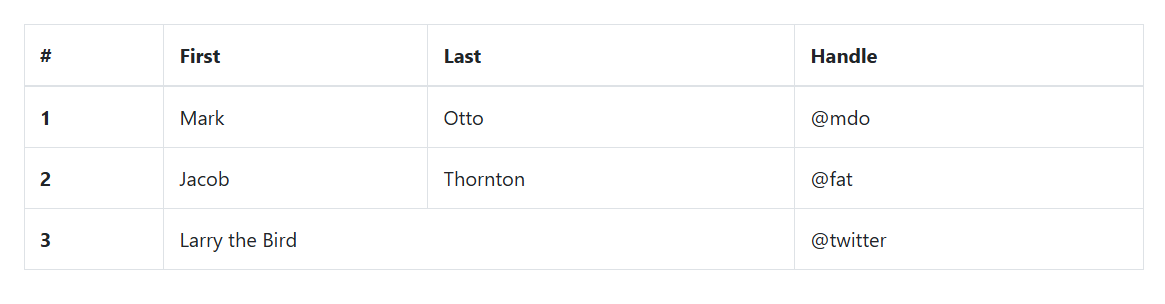
为表格和单元格的所有侧面添加边框。
html
<table class="table table-bordered">
  <thead>
    <tr>
      <th scope="col">#</th>
      <th scope="col">First</th>
      <th scope="col">Last</th>
      <th scope="col">Handle</th>
    </tr>
  </thead>
  <tbody>
    <tr>
      <th scope="row">1</th>
      <td>Mark</td>
      <td>Otto</td>
      <td>@mdo</td>
    </tr>
    <tr>
      <th scope="row">2</th>
      <td>Jacob</td>
      <td>Thornton</td>
      <td>@fat</td>
    </tr>
    <tr>
      <th scope="row">3</th>
      <td colspan="2">Larry the Bird</td>
      <td>@twitter</td>
    </tr>
  </tbody>
</table>
页面展示效果:
五、Borderless table 无边框表格
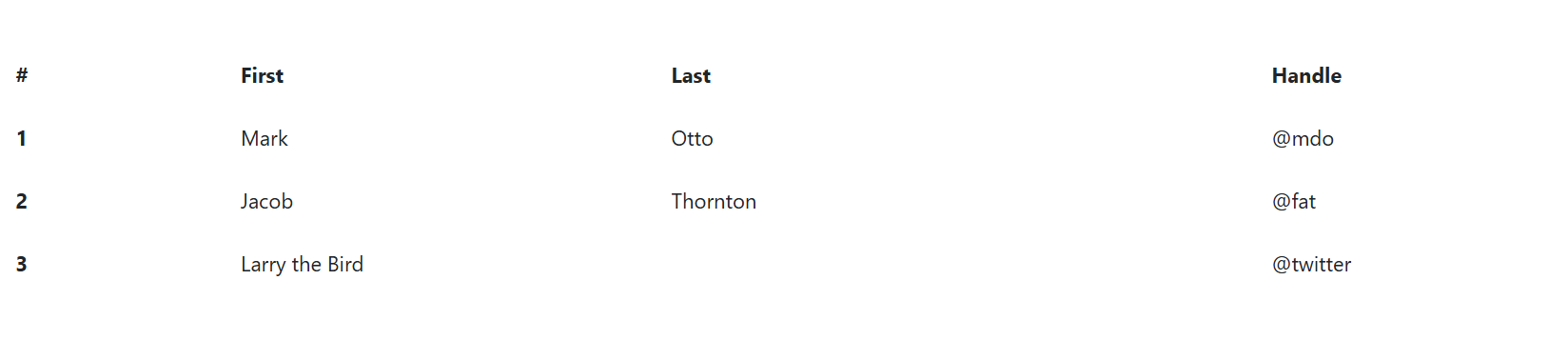
为无边框的表格添加.table-borderless 。
html
<table class="table table-borderless">
  <thead>
    <tr>
      <th scope="col">#</th>
      <th scope="col">First</th>
      <th scope="col">Last</th>
      <th scope="col">Handle</th>
    </tr>
  </thead>
  <tbody>
    <tr>
      <th scope="row">1</th>
      <td>Mark</td>
      <td>Otto</td>
      <td>@mdo</td>
    </tr>
    <tr>
      <th scope="row">2</th>
      <td>Jacob</td>
      <td>Thornton</td>
      <td>@fat</td>
    </tr>
    <tr>
      <th scope="row">3</th>
      <td colspan="2">Larry the Bird</td>
      <td>@twitter</td>
    </tr>
  </tbody>
</table>
页面展示效果:
六、Hoverable rows 可悬停行
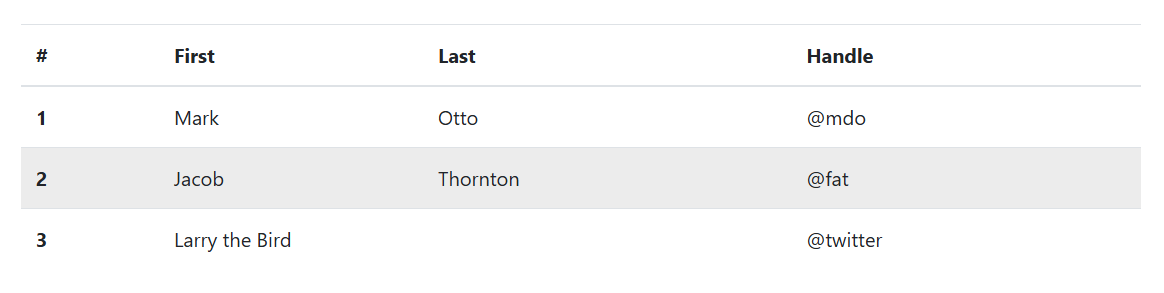
添加.table-hover以在<tbody>内的表行上启用悬停状态。
html
<table class="table table-hover">
  <thead>
    <tr>
      <th scope="col">#</th>
      <th scope="col">First</th>
      <th scope="col">Last</th>
      <th scope="col">Handle</th>
    </tr>
  </thead>
  <tbody>
    <tr>
      <th scope="row">1</th>
      <td>Mark</td>
      <td>Otto</td>
      <td>@mdo</td>
    </tr>
    <tr>
      <th scope="row">2</th>
      <td>Jacob</td>
      <td>Thornton</td>
      <td>@fat</td>
    </tr>
    <tr>
      <th scope="row">3</th>
      <td colspan="2">Larry the Bird</td>
      <td>@twitter</td>
    </tr>
  </tbody>
</table>
页面展示效果:
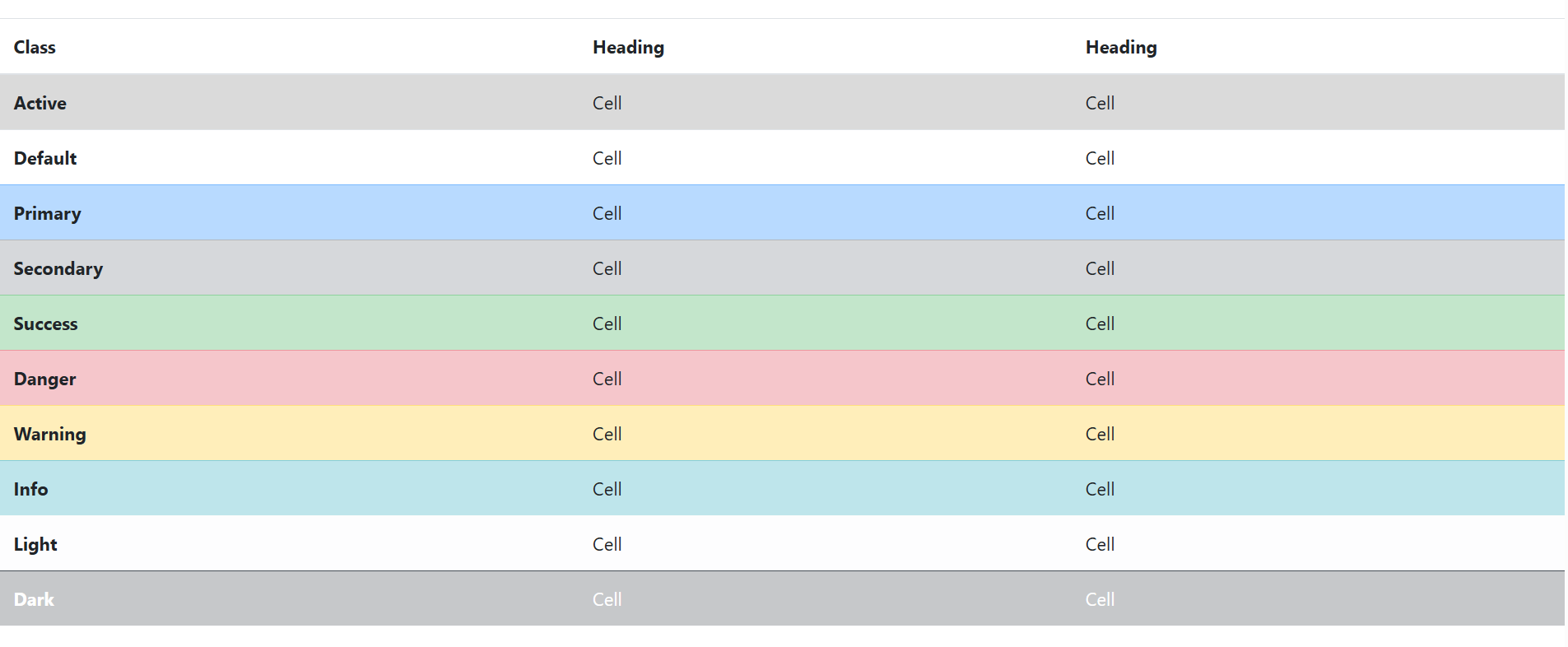
七、Contextual classes 情境类
html
<div class="bd-example">
    <table class="table">
        <thead>
        <tr>
            <th scope="col">Class</th>
            <th scope="col">Heading</th>
            <th scope="col">Heading</th>
        </tr>
        </thead>
        <tbody>
        <tr class="table-active">
            <th scope="row">Active</th>
            <td>Cell</td>
            <td>Cell</td>
        </tr>
        <tr>
            <th scope="row">Default</th>
            <td>Cell</td>
            <td>Cell</td>
        </tr>

        <tr class="table-primary">
            <th scope="row">Primary</th>
            <td>Cell</td>
            <td>Cell</td>
        </tr>
        <tr class="table-secondary">
            <th scope="row">Secondary</th>
            <td>Cell</td>
            <td>Cell</td>
        </tr>
        <tr class="table-success">
            <th scope="row">Success</th>
            <td>Cell</td>
            <td>Cell</td>
        </tr>
        <tr class="table-danger">
            <th scope="row">Danger</th>
            <td>Cell</td>
            <td>Cell</td>
        </tr>
        <tr class="table-warning">
            <th scope="row">Warning</th>
            <td>Cell</td>
            <td>Cell</td>
        </tr>
        <tr class="table-info">
            <th scope="row">Info</th>
            <td>Cell</td>
            <td>Cell</td>
        </tr>
        <tr class="table-light">
            <th scope="row">Light</th>
            <td>Cell</td>
            <td>Cell</td>
        </tr>
        <tr class="table-dark">
            <th scope="row">Dark</th>
            <td>Cell</td>
            <td>Cell</td>
        </tr>
        </tbody>
    </table>
</div>
页面展示效果:
画像(Figure)
通过 Bootstrap 的画像(figure)组件来显示相关联的图片和文本。
任何时候需要显示一段内容(例如带有可选标题的图片),请使用 <figure> 标签。
.figure、.figure-img 和 .figure-caption 类为 HTML5 的 <figure> 和 <figcaption> 元素提供了一些基本样式。<figure> 标签内所包含的图片如果没有明确地设置尺寸的话,请务必为 <img>标签添加 .img-fluid 类,使其支持响应式布局。
html
<!--任何时候需要显示一段内容(例如带有可选标题的图片),请使用 <figure> 标签。 -->
<figure class="figure">
    <img src="../images/1.jpg" class="figure-img img-fluid rounded" alt="...">
    <figcaption class="figure-caption">A caption for the above image.</figcaption>

</figure>
页面展示效果:

通过使用我们提供的 文本工具类 可以轻松对齐 <figure> 所包含的标题。
html
<!--通过使用我们提供的 文本工具类 可以轻松对齐 <figure> 所包含的标题。-->
<figure class="figure">
    <img src="../images/1.jpg" class="figure-img img-fluid rounded" alt="...">
    <figcaption class="figure-caption text-right">A caption for the above image.</figcaption>
</figure>
页面展示效果: