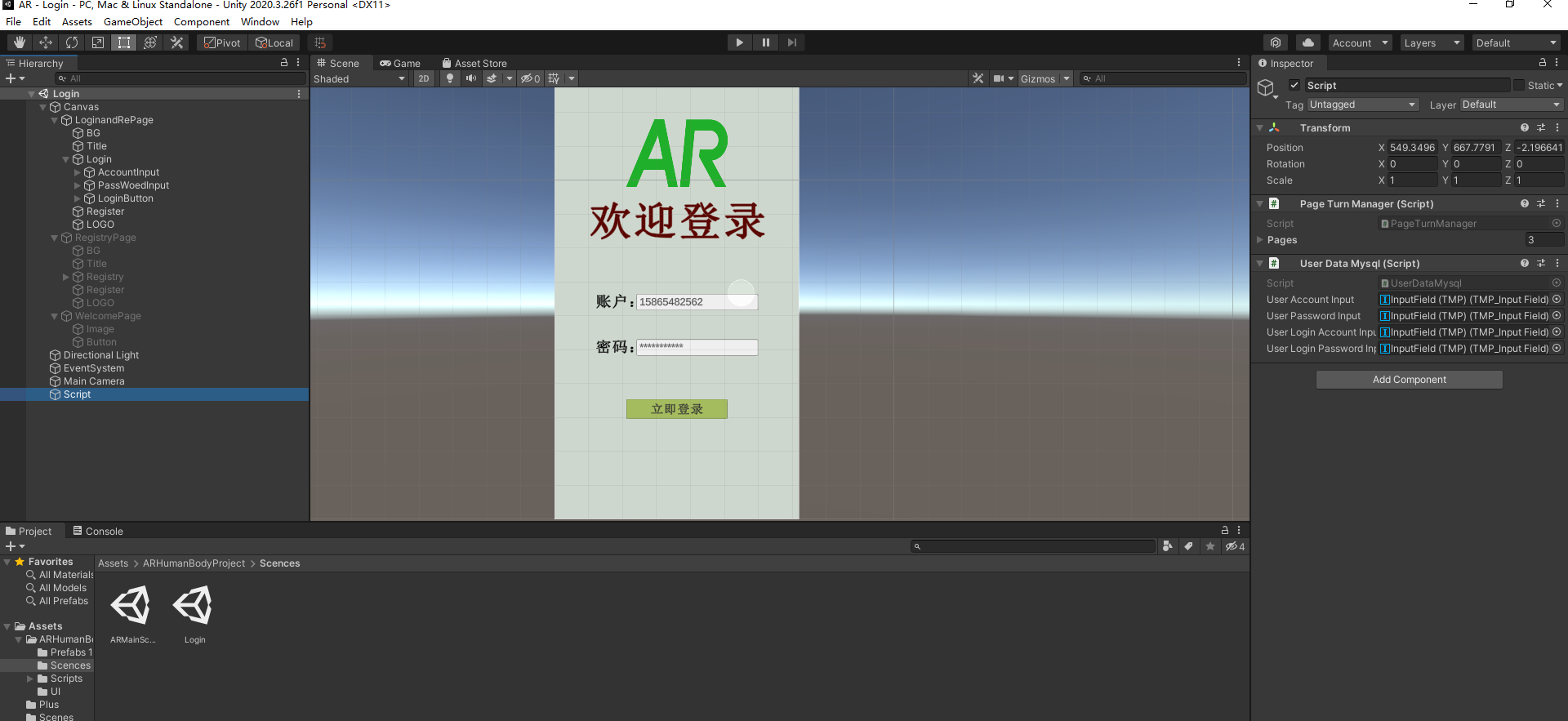
1.搭建注册和登录的UI以及跳转代码撰写
2.安装Mysql 数据库到服务器或者本地电脑
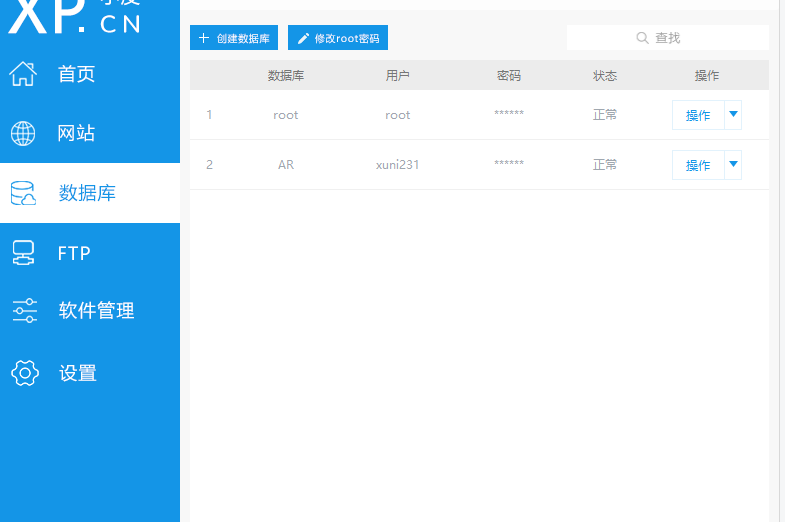
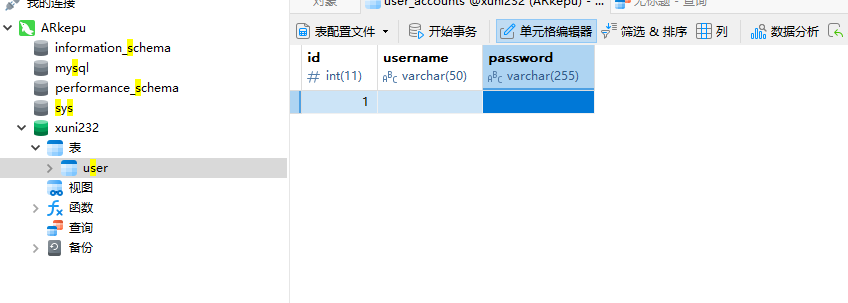
我这里使用的是小皮工具,安装玩数据库后创建一个新的用户以及表格
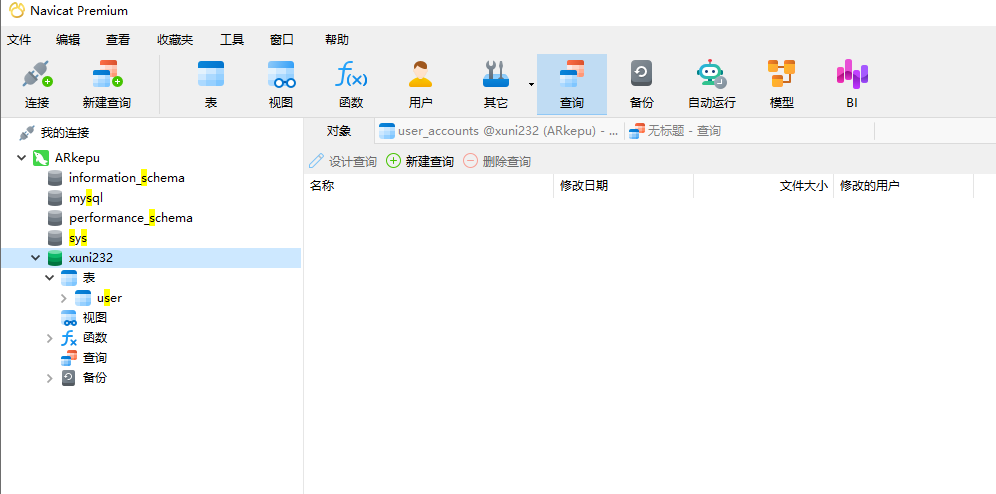
安装Navicate 链接数据库,方便可视化数据库
点击查询-新建查询-输入命令-运行!完成表格创建!
在这里执行一条SQL数据库代码命令,目的是创建一个表格。
下面就是创建一个简单表格的命令!
sql
CREATE TABLE `user` (
`id` INT NOT NULL AUTO_INCREMENT,
`username` VARCHAR(50) NOT NULL COMMENT '账号',
`password` VARCHAR(255) NOT NULL COMMENT '密码哈希值',
PRIMARY KEY (`id`),
UNIQUE KEY `idx_username` (`username`)
) ENGINE=InnoDB DEFAULT CHARSET=utf8mb4 COMMENT='用户账号表'; 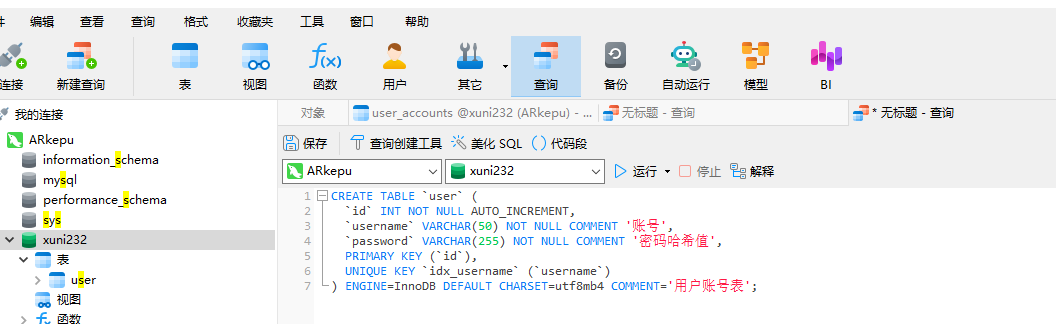 截图里面我是已经创建过了!
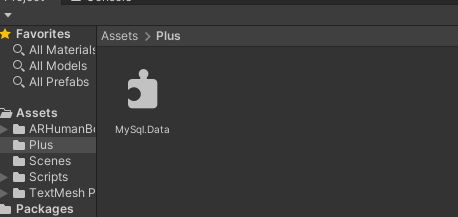
3.把MySql.Data.dll 放到Unity 项目Assets 里面
cs
using System.Collections;
using System.Collections.Generic;
using UnityEngine;
using TMPro;
using MySql.Data.MySqlClient;

using UnityEngine.XR.ARFoundation;
using UnityEngine.SceneManagement;


public class UserDataMysql : MonoBehaviour
{
    // 用户输入的用户名和密码,存储到 MySQL 数据库中
    public TMP_InputField UserAccountInput;
    public TMP_InputField UserPasswordInput;


    public TMP_InputField UserLoginAccountInput;
    public TMP_InputField UserLoginPasswordInput;
    public void ResigerButton()
    {
    // 注册按钮的点击事件,将用户输入的用户名和密码存储到 MySQL 数据库中
        string userAccount = UserAccountInput.text;
        string userPassword = UserPasswordInput.text;
        // 连接 MySQL 数据库,执行 SQL 语句,将用户名和密码存储到数据库中

        // 1.连接数据库
        string connStr = "server=127.0.0.1;port=3306;user=xuni231;password=123456;database=ar";
        MySqlConnection conn = new MySqlConnection(connStr);
        conn.Open();

        // 2.执行 SQL 语句
        string sql = "INSERT INTO user (username, password) VALUES ('" + userAccount + "','" + userPassword + "')";
        MySqlCommand cmd = new MySqlCommand(sql, conn);
        cmd.ExecuteNonQuery();
        Debug.Log("注册成功"+ userAccount+"密码"+ userPassword);

        // 3.关闭数据库连接
        conn.Close();

    }


    public void LoginButton()
    {
        // 登录按钮的点击事件,从 MySQL 数据库中查询用户输入的用户名和密码是否匹配
        string userAccount = UserLoginAccountInput.text;//用户登录时输入的用户名
        string userPassword = UserLoginPasswordInput.text;//用户登录时输入的密码
                                                          // 连接 MySQL 数据库,执行 SQL 语句,查询用户名和密码是否匹配

        // 1.连接数据库
        string connStr = "server=127.0.0.1;port=3306;user=xuni231;password=123456;database=ar";
        MySqlConnection conn = new MySqlConnection(connStr);
        conn.Open();

        // 2.执行 SQL 语句
        string sql = "SELECT * FROM user WHERE username='" + userAccount + "' AND password='" + userPassword + "'";
        MySqlCommand cmd = new MySqlCommand(sql, conn);
        MySqlDataReader reader = cmd.ExecuteReader();//把用户输入的账号密码,发给数据库,查询是否匹配

        // 3.读取查询结果,判断是否匹配
        if (reader.Read())
        {
            Debug.Log("登录成功");
            // 登录成功,跳转到AR人体识别界面
            ARButton();
        }
        else
        {
            Debug.Log("登录失败");
        }

        // 4.关闭数据库连接
        conn.Close();
    }

    public void ARButton()
    {
        // 跳转到AR地面识别场景,场景名字:ARMainScence
        //Application.LoadLevel("ARMainScence");//loadlevel是加载场景的函数,参数是场景的名字
       SceneManager.LoadScene("ARMainScence");//SceneManager.LoadScene是加载场景的函数,参数是场景的名字
 }
}