ios_cross.txt
bash
[host_machine]
system = 'darwin'
cpu_family = 'aarch64'
cpu = 'arm64'
endian = 'little'

[properties]
ios_simulator = false
ios_version = '26.0'  # Adjust based on your target
objc_args = []
c_args = ['-arch', 'arm64', '-isysroot', '/Applications/Xcode.app/Contents/Developer/Platforms/iPhoneOS.platform/Developer/SDKs/iPhoneOS.sdk']
cpp_args = ['-arch', 'arm64', '-isysroot', '/Applications/Xcode.app/Contents/Developer/Platforms/iPhoneOS.platform/Developer/SDKs/iPhoneOS.sdk']
objcpp_args = ['-arch', 'arm64', '-isysroot', '/Applications/Xcode.app/Contents/Developer/Platforms/iPhoneOS.platform/Developer/SDKs/iPhoneOS.sdk']

c_link_args = ['-arch', 'arm64', '-isysroot', '/Applications/Xcode.app/Contents/Developer/Platforms/iPhoneOS.platform/Developer/SDKs/iPhoneOS.sdk']
cpp_link_args = ['-arch', 'arm64', '-isysroot', '/Applications/Xcode.app/Contents/Developer/Platforms/iPhoneOS.platform/Developer/SDKs/iPhoneOS.sdk']

[binaries]
c = '/Applications/Xcode.app/Contents/Developer/Toolchains/XcodeDefault.xctoolchain/usr/bin/clang'
cpp = '/Applications/Xcode.app/Contents/Developer/Toolchains/XcodeDefault.xctoolchain/usr/bin/clang++'
objc = '/Applications/Xcode.app/Contents/Developer/Toolchains/XcodeDefault.xctoolchain/usr/bin/clang'
objcpp = '/Applications/Xcode.app/Contents/Developer/Toolchains/XcodeDefault.xctoolchain/usr/bin/clang++'
ar = 'ar'
strip = 'strip'
pkgconfig = 'pkg-config'
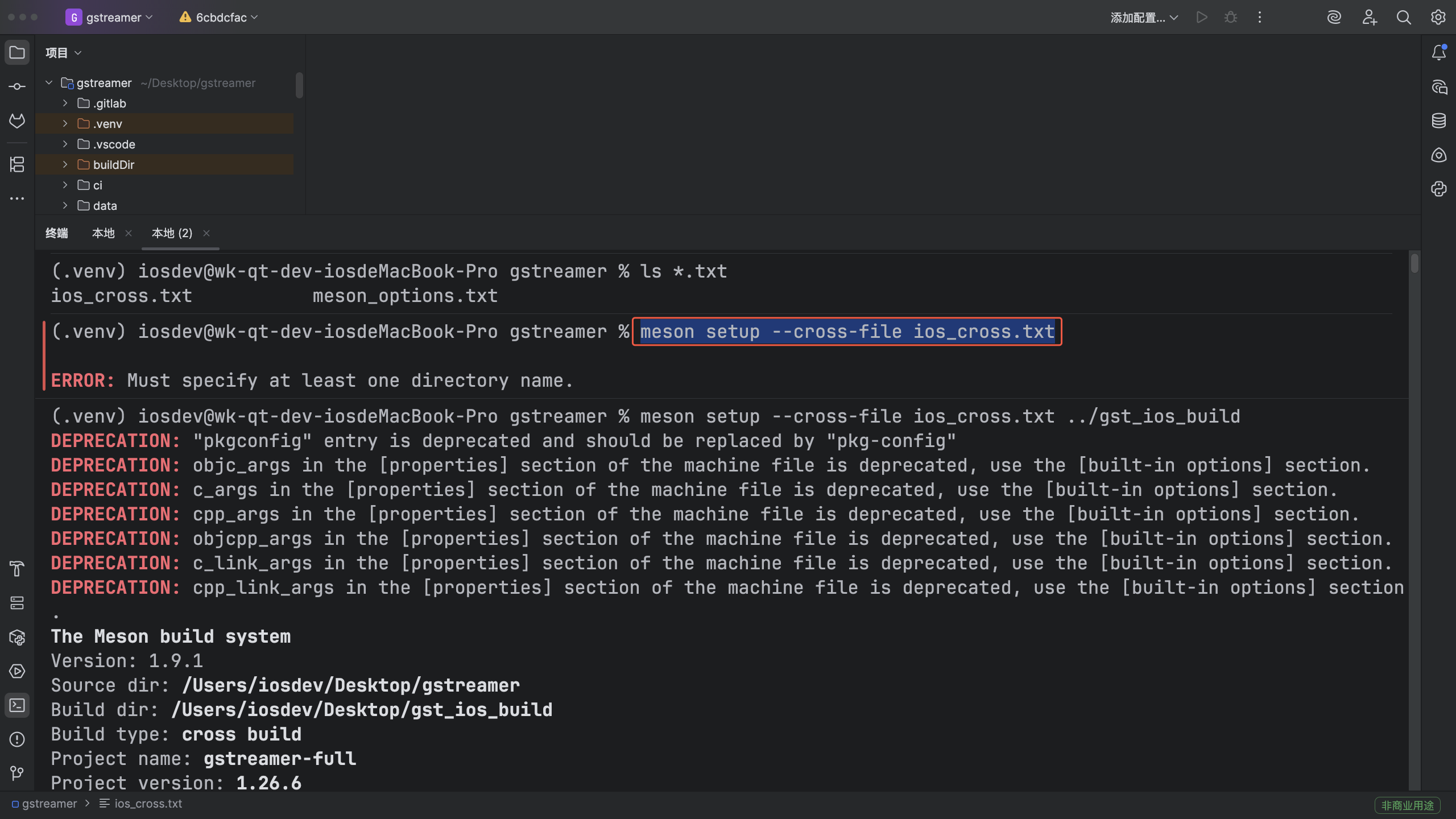
编译指令
bash
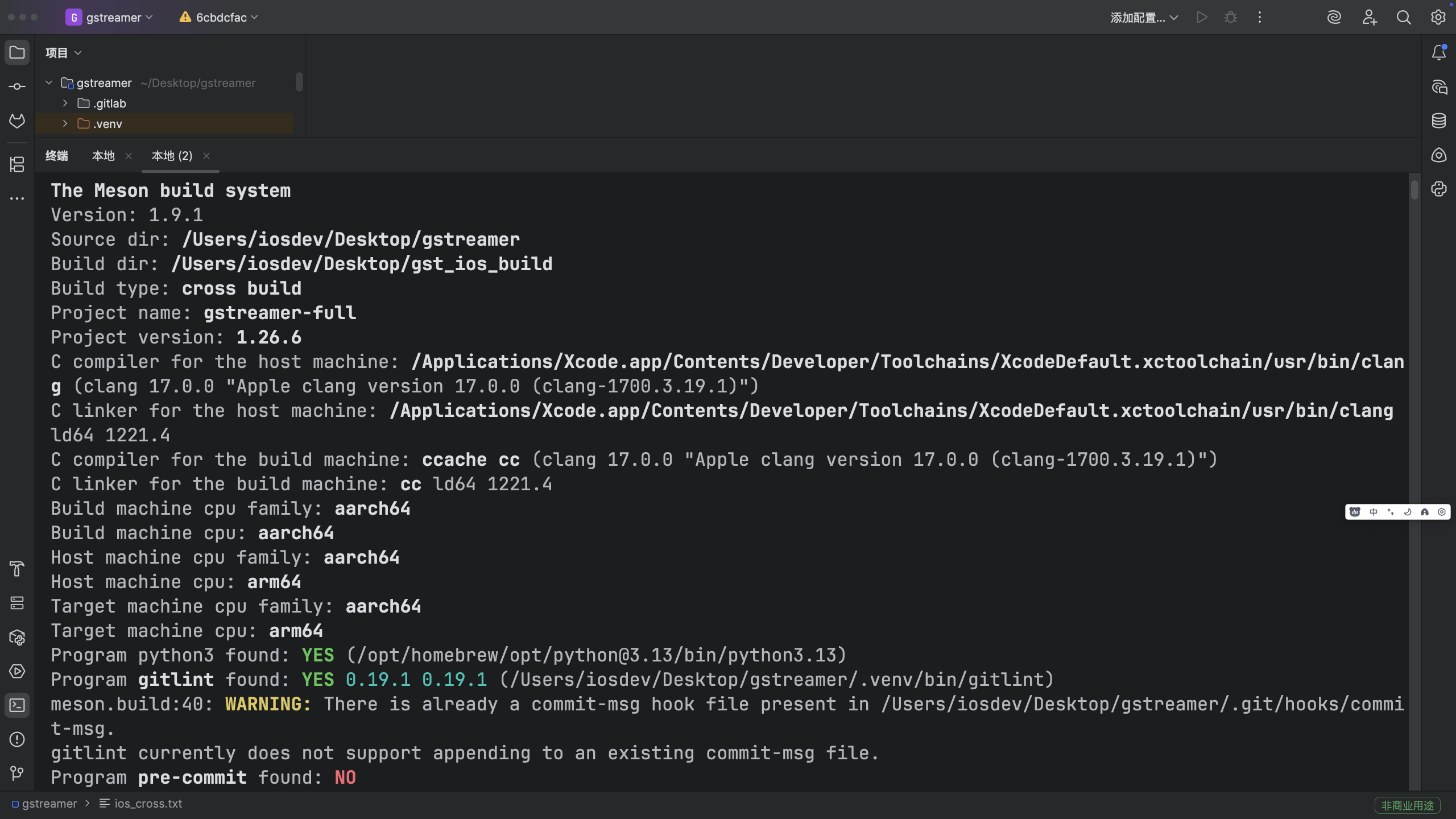
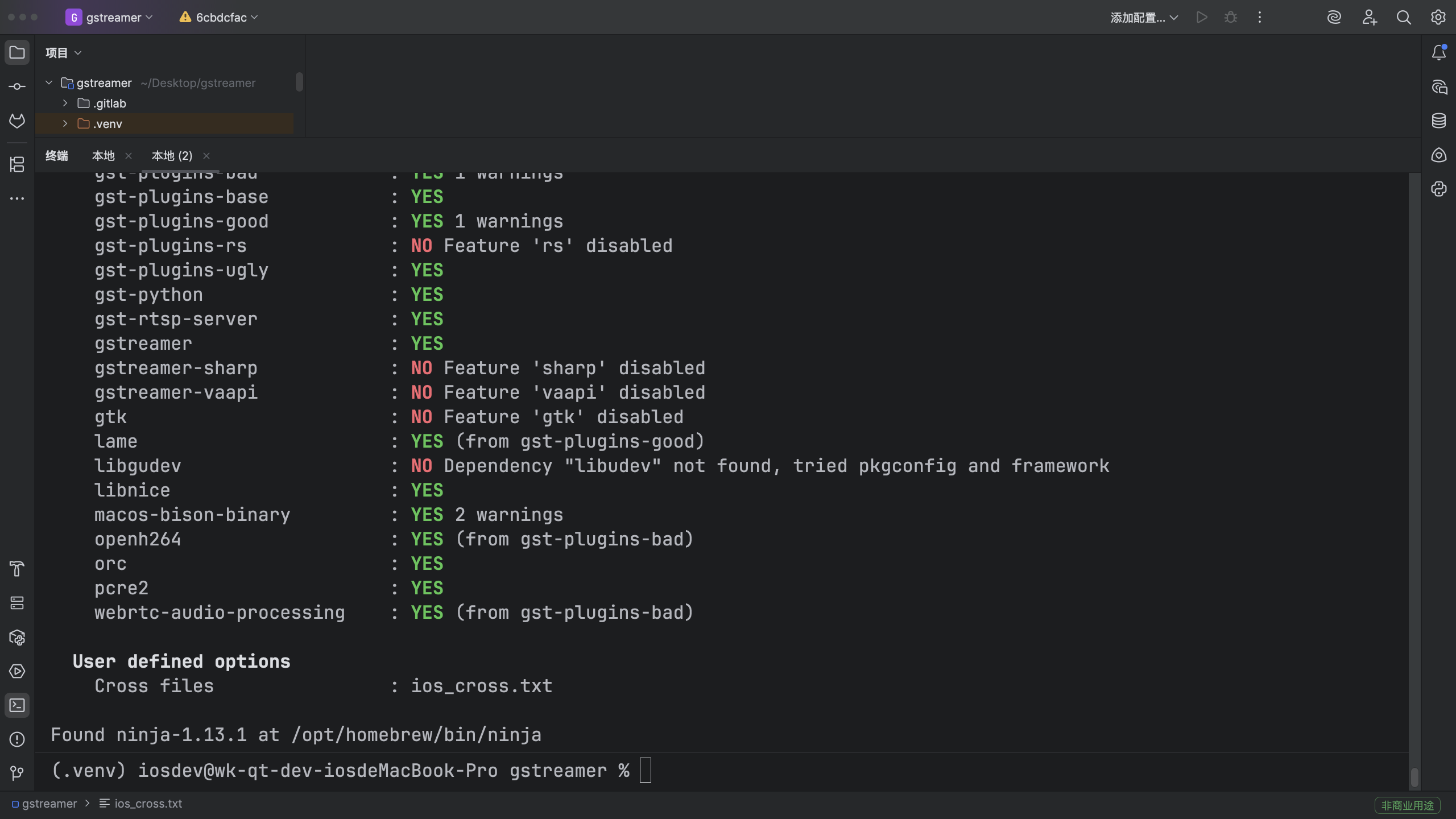
meson setup --cross-file ios_cross.txt