首先要安装环境 需要安装这个 dashscope
pip install -U dashscope出现
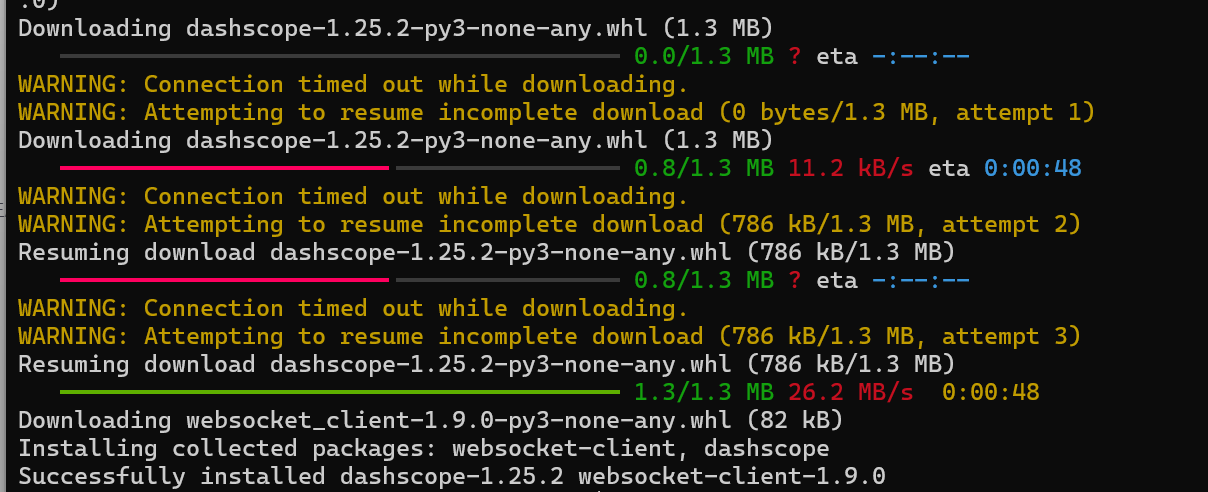
表示安装成功了
接着可以写脚本了
#pip install -U dashscope 需要安装这个

import os
import base64
import mimetypes
from dashscope import MultiModalConversation
import dashscope

# 设置API Key(请替换为你的实际API Key)
api_key = "sk-xxxxxxxxx"

def encode_file(file_path):
    """将图片文件编码为Base64"""
    mime_type, _ = mimetypes.guess_type(file_path)
    if not mime_type or not mime_type.startswith("image/"):
        raise ValueError("不支持的图像格式")

    with open(file_path, "rb") as image_file:
        encoded_string = base64.b64encode(image_file.read()).decode('utf-8')
    return f"data:{mime_type};base64,{encoded_string}"

def generate_lineart_with_wanx(input_path, output_path):
    """使用通义万相生成线稿"""
    try:
        # 编码图片
        image_base64 = encode_file(input_path)

        # 构建消息
        messages = [
            {
                "role": "user",
                "content": [
                    {"image": image_base64},
                    {"text": "将这张图片转换动漫风格的图片"}
                ]
            }
        ]

        # 调用API
        response = MultiModalConversation.call(
            api_key=api_key,
            model="qwen-image-edit-plus",
            messages=messages,
            stream=False,
            n=1,
            size="1280*1280",
            watermark=False
        )

        if response.status_code == 200:
            # 获取生成的图片URL
            image_url = response.output.choices[0].message.content[0]['image']
            print(f"生成成功,图片URL: {image_url}")
            # 注意:这里需要另外编写下载图片的代码
            return True
        else:
            print(f"API调用失败: {response.code} - {response.message}")
            return False

    except Exception as e:
        print(f"处理错误: {str(e)}")
        return False

# 使用示例
generate_lineart_with_wanx("666999.png", "666999_al_line.png")
接着执行

输入图片

我输的关键词是 "将这张图片转换动漫风格的图片"
生成图片

看官方写着好像是2毛一张,还是三毛一张 ,免费额度100张,有点小贵