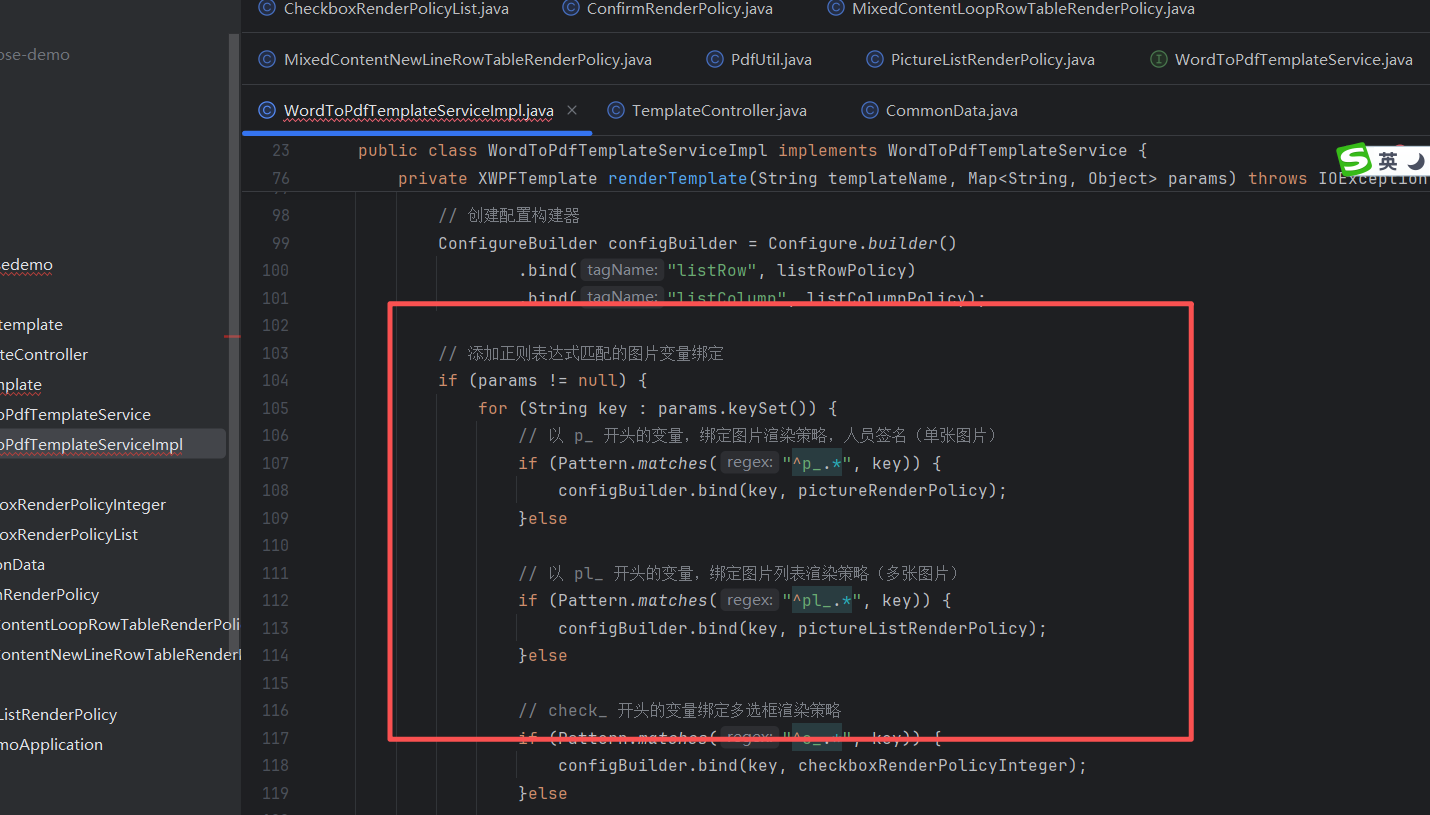
下载jar包
https://releases.aspose.com/words/java/
在这个页面找到所需要的版本
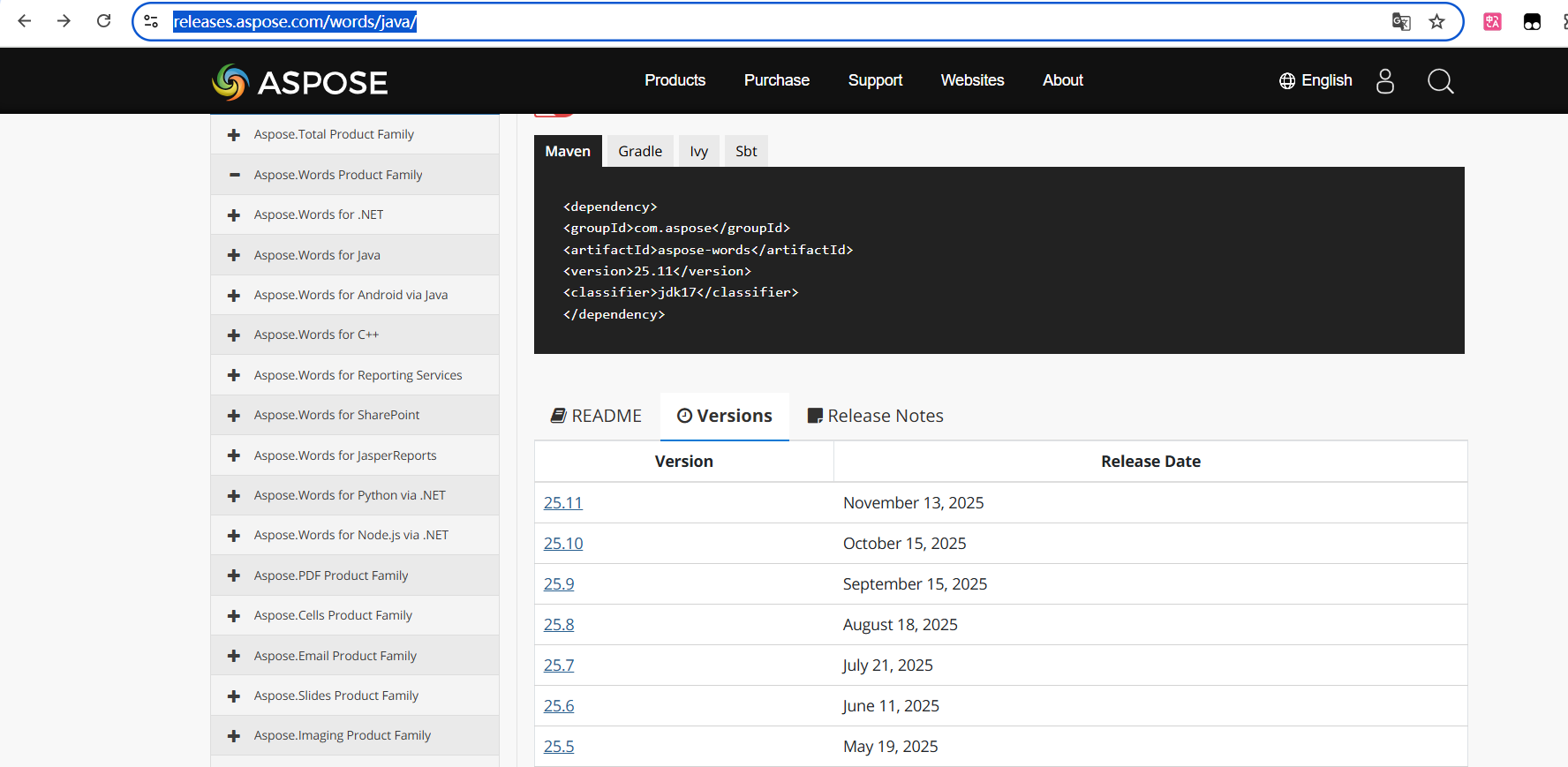
我使用的是21.6
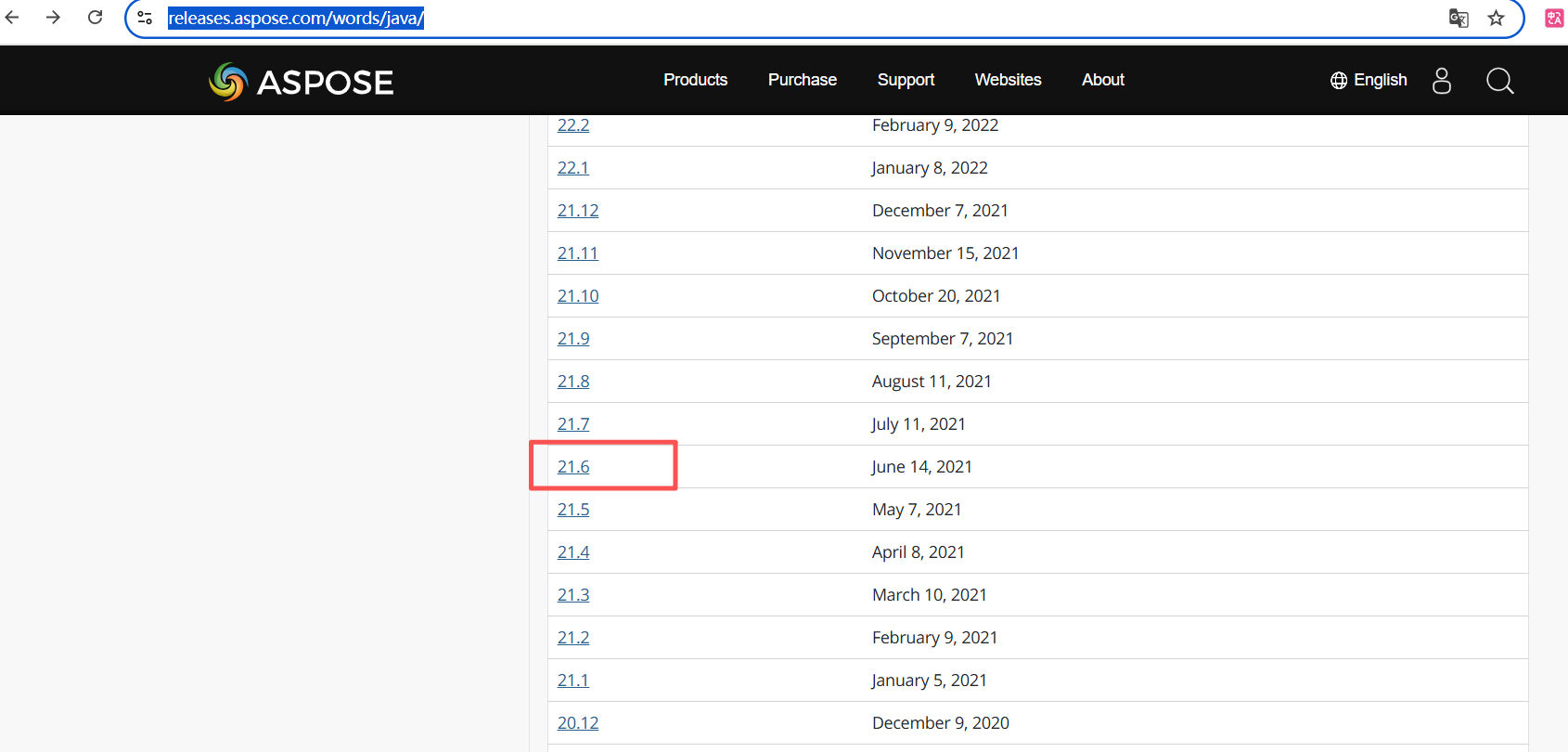
下载jar包
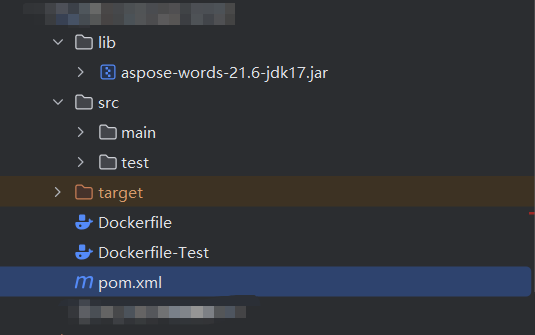
代码中的位置,在和src目录平级创建一个lib包
pom.xml引入
bash
<dependency>
            <groupId>com.deepoove</groupId>
            <artifactId>poi-tl</artifactId>
            <version>1.10.0</version>
        </dependency>

        <dependency>
            <groupId>org.apache.pdfbox</groupId>
            <artifactId>pdfbox</artifactId>
            <version>3.0.1</version>
        </dependency>
        <!-- 注释掉本地 Aspose 依赖,因为可能导致冲突 -->
        <dependency>
            <groupId>com.aspose</groupId>
            <artifactId>aspose-words</artifactId>
            <version>21.6.0</version>
            <scope>system</scope>
            <systemPath>${basedir}/lib/aspose-words-21.6-jdk17.jar</systemPath>
        </dependency>
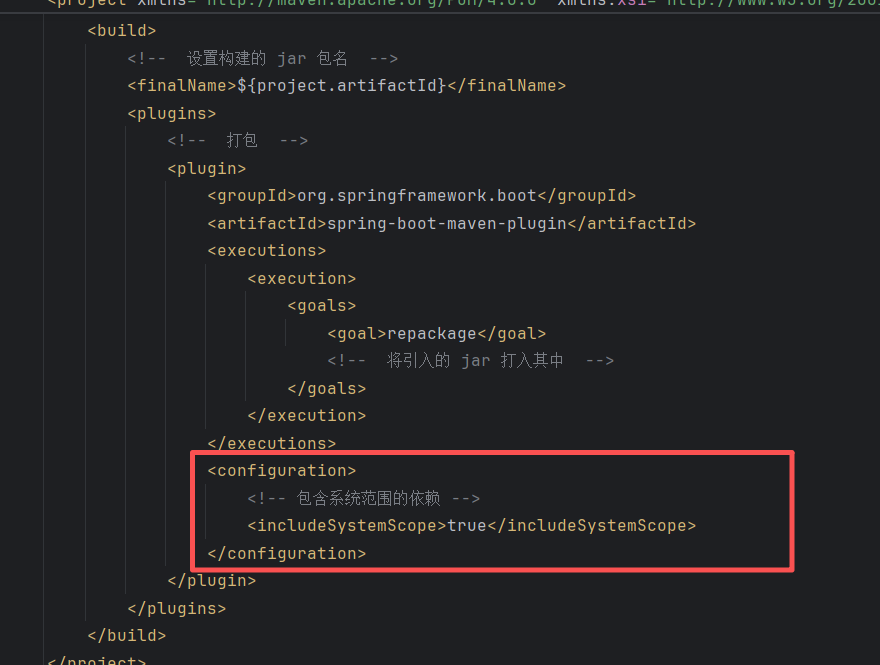
添加打包插件配置,不然打包的时候不会本地的jar打包进去
去水印工具类
参考这两篇博客,可以精读
去水印原理
https://blog.csdn.net/qq_42785250/article/details/131325432
针对jdk17 反射获取字段
https://blog.csdn.net/wu_weijie/article/details/129251045
注意添加 jvm启动参数
bash
--add-opens java.base/java.lang=ALL-UNNAMED --add-opens java.base/java.lang.reflect=ALL-UNNAMED
bash
import java.io.FileOutputStream;
import java.lang.reflect.Field;
import java.lang.reflect.Method;
import java.lang.reflect.Modifier;

public class PdfUtil {

    static {
        try {
            removeWaterMark();
        } catch (Exception e) {
            // 忽略水印移除失败的情况,避免类初始化失败
            System.err.println("Failed to remove watermark: 水印移除失败 " + e.getMessage());
        }
    }

    public static void doc2pdf(String sourceFile, String targetFile) {
        try {
            long old = System.currentTimeMillis();
            FileOutputStream os = new FileOutputStream(targetFile);
            com.aspose.words.Document doc = new com.aspose.words.Document(sourceFile);
            doc.save(os, com.aspose.words.SaveFormat.PDF);
            os.close();
            long now = System.currentTimeMillis();
            System.out.println("共耗时:" + ((now - old) / 1000.0) + "秒");  //转化用时
        } catch (Exception e) {
            e.printStackTrace();
        }
    }

    /**
     * 去除水印
     * 使用反射替换变量
     *
     * @return
     */
    private static void removeWaterMark() throws Exception {
        Class<?> aClass = Class.forName("com.aspose.words.zzXyu");
        Field zzYAC = aClass.getDeclaredField("zzZXG");
        zzYAC.setAccessible(true);

        // 需要添加jvm 参数
        // --add-opens java.base/java.lang=ALL-UNNAMED --add-opens java.base/java.lang.reflect=ALL-UNNAMED
        // 从 Java 12 开始,不能直接访问 Field 类的 modifiers 字段
        Method getDeclaredFields0 = Class.class.getDeclaredMethod("getDeclaredFields0", boolean.class);
        getDeclaredFields0.setAccessible(true);
        Field[] fields = (Field[]) getDeclaredFields0.invoke(Field.class, false);
        for (Field each : fields) {
            if ("modifiers".equals(each.getName())) {
                each.setAccessible(true);
                each.setInt(zzYAC, zzYAC.getModifiers() & ~Modifier.FINAL);
                break;
            }
        }
        zzYAC.set(null, new byte[]{76, 73, 67, 69, 78, 83, 69, 68});
    }

}
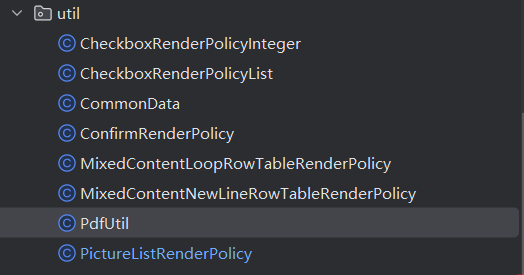
还有几个对应到项目中的工具类
使用
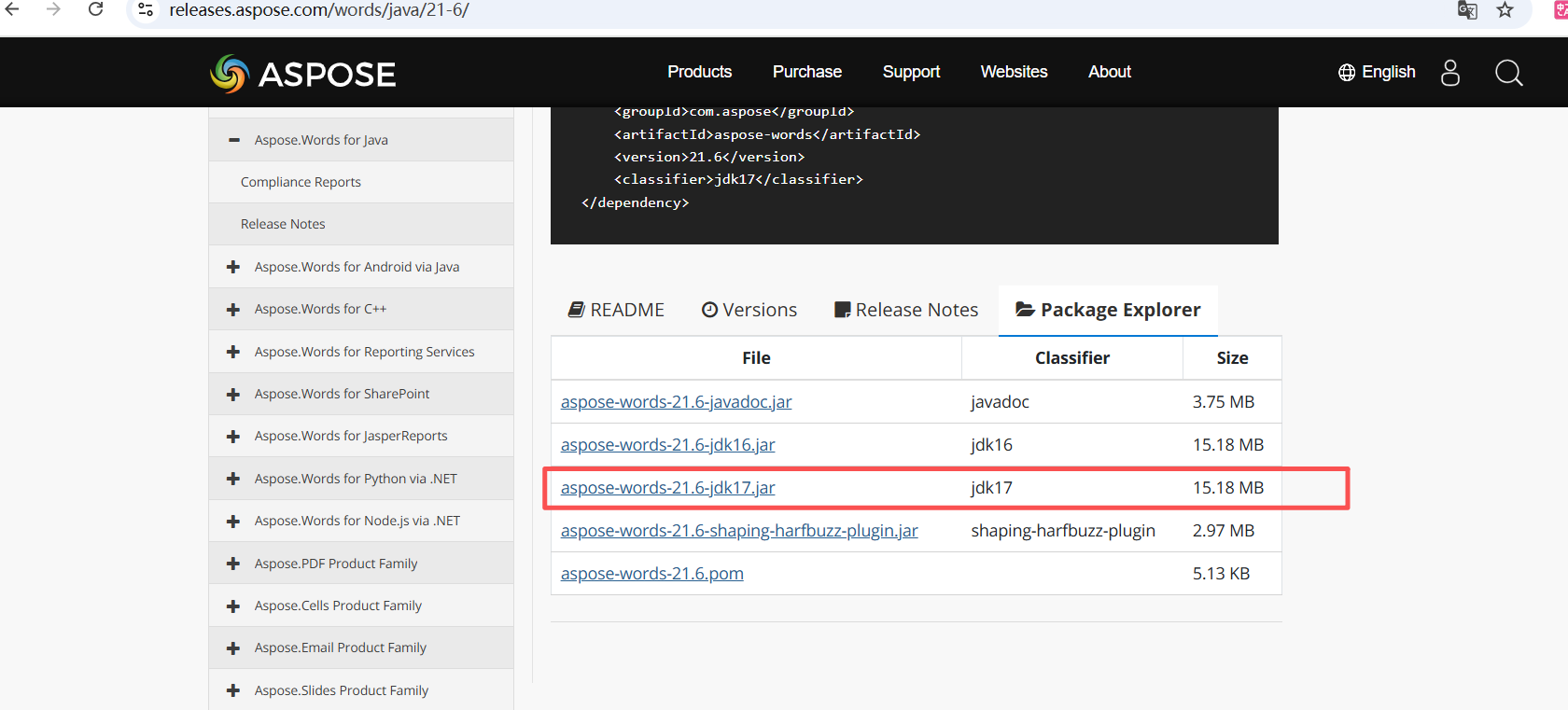
工具类的匹配规则主要看这里