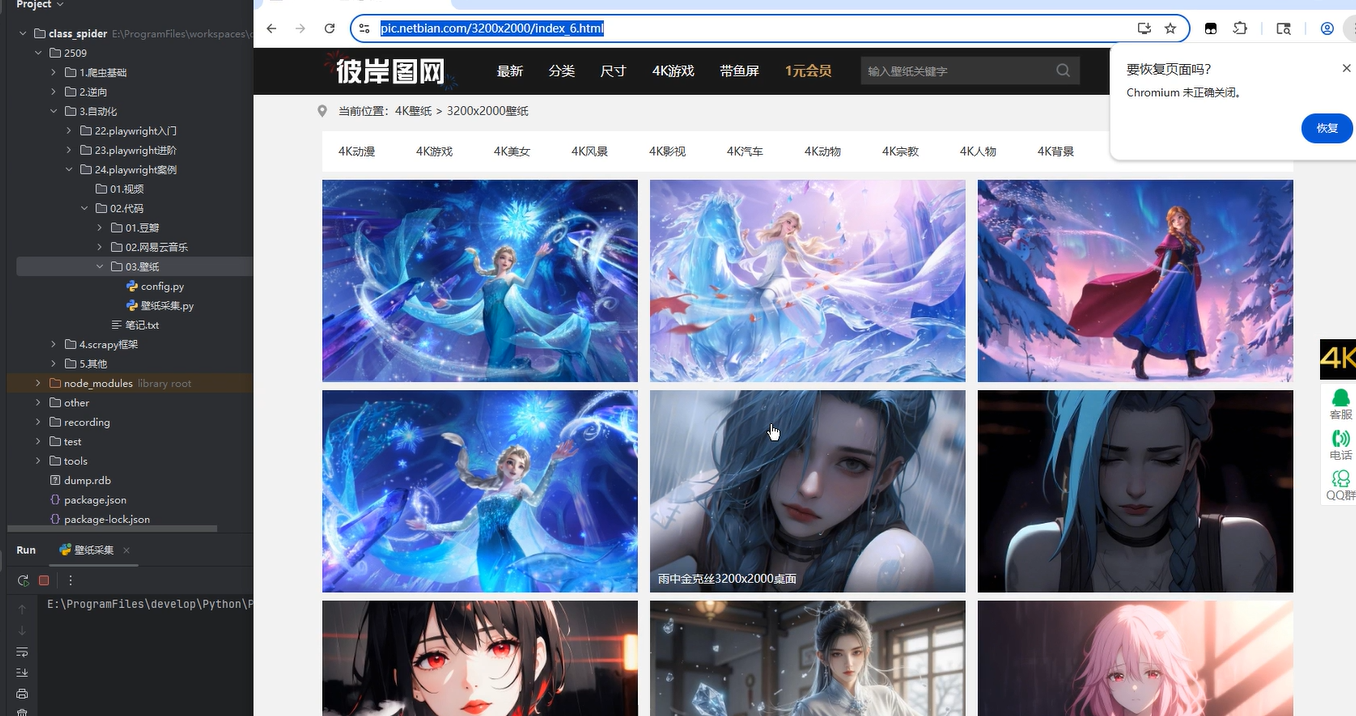
先提供一下最终的代码(已封装)
import os.path
import time
import subprocess
from playwright.sync_api import sync_playwright
import config

class DataCollectors():
    # 启动浏览器
    def lanuch_chrom(self):
        params = F"--remote-debugging-port={config.PORT}"
        cmd = f'"{config.BROWSER_PATH}" {params}'
        self.browser = subprocess.Popen(cmd)#赋值给属性,相当于创建了一个浏览器对象

    # 下载资源
    def download(self, response):
        # print("下载方法")
        # print(response.url)
        # 如果保存图片的目录不存在,则创建
        if not os.path.exists(config.IMAGE_STORE):
            os.mkdir(config.IMAGE_STORE)

        # 获取相应头中文件类型
        content_type = response.headers.get("content-type")

        # 注意,保存图片的时候,名称不要重复
        if content_type is not None and content_type == "image/jpeg":
            print(response.url)
        else:
            print("不是图片")


    # 解析数据
    def parse_data(self, page):
        print("解析数据")
        for page_no in range(1):
            page.wait_for_timeout(config.WAIT_TIME * 1000)

            # # 定位所有电影信息
            # li_list = page.locator('//*[@id="main"]/div[3]/ul/li').all()
            # # print(li_list)
            # for li in li_list:
            #     title = li.locator('xpath=./a/b').inner_text()
            #     print(title)

            # 定位 后页 按钮
            next_ele = page.locator('//*[@id="main"]/div[4]/a[text()="下一页"]')
            if next_ele.count() != 0:
                # 滚动到下一页按钮所在位置
                next_ele.scroll_into_view_if_needed()
                page.wait_for_load_state("networkidle")
                page.wait_for_timeout(config.WAIT_TIME*1000)
                # 存在下一页
                print("存在下一页")
                next_ele.click()
            else:
                print("不存在下一页了!!")

    def main(self):
        # 启动浏览器
        self.lanuch_chrom()

        time.sleep(2)#时间自己控制,可以移到config中进行自己调整

        # 连接浏览器
        with sync_playwright() as pw:
            browser = pw.chromium.connect_over_cdp(F"http://{config.CONNECT_IP}:{config.CONNECT_PORT}")
            context = browser.contexts[0]
            page = context.pages[0]

            # 监听资源,下载图片(自己判断是否要下载)
            page.on("response", self.download)

            # 访问目标网站
            page.goto(config.START_URL)

            # 解析数据
            self.parse_data(page)

            page.wait_for_timeout(5000)

        # 关闭程序
        self.browser.terminate()


if __name__ == '__main__':
    dc = DataCollectors()
    dc.main()
以上的代码配置的config(控制很简单)
# 大写的一般表示常量,不改变的量
# 启动浏览器参数
BROWSER_PATH = r"C:\Users\six\AppData\Local\ms-playwright\chromium-1187\chrome-win\chrome.exe"
PORT = 7899

# 爬虫程序参数
# 连接浏览器参数
CONNECT_IP = "127.0.0.1"
CONNECT_PORT = 7899

# 网站的起始 url
START_URL = 'https://pic.netbian.com/3200x2000/index_13.html'
# 等待时间【单位秒】
WAIT_TIME = 1
# 保存图片的文件夹
IMAGE_STORE = "images"

# //*[@id="main"]/div[4]/a[11]
# //*[@id="main"]/div[4]/a[9](两个xpath是不一样的,不能通过这个来判断)