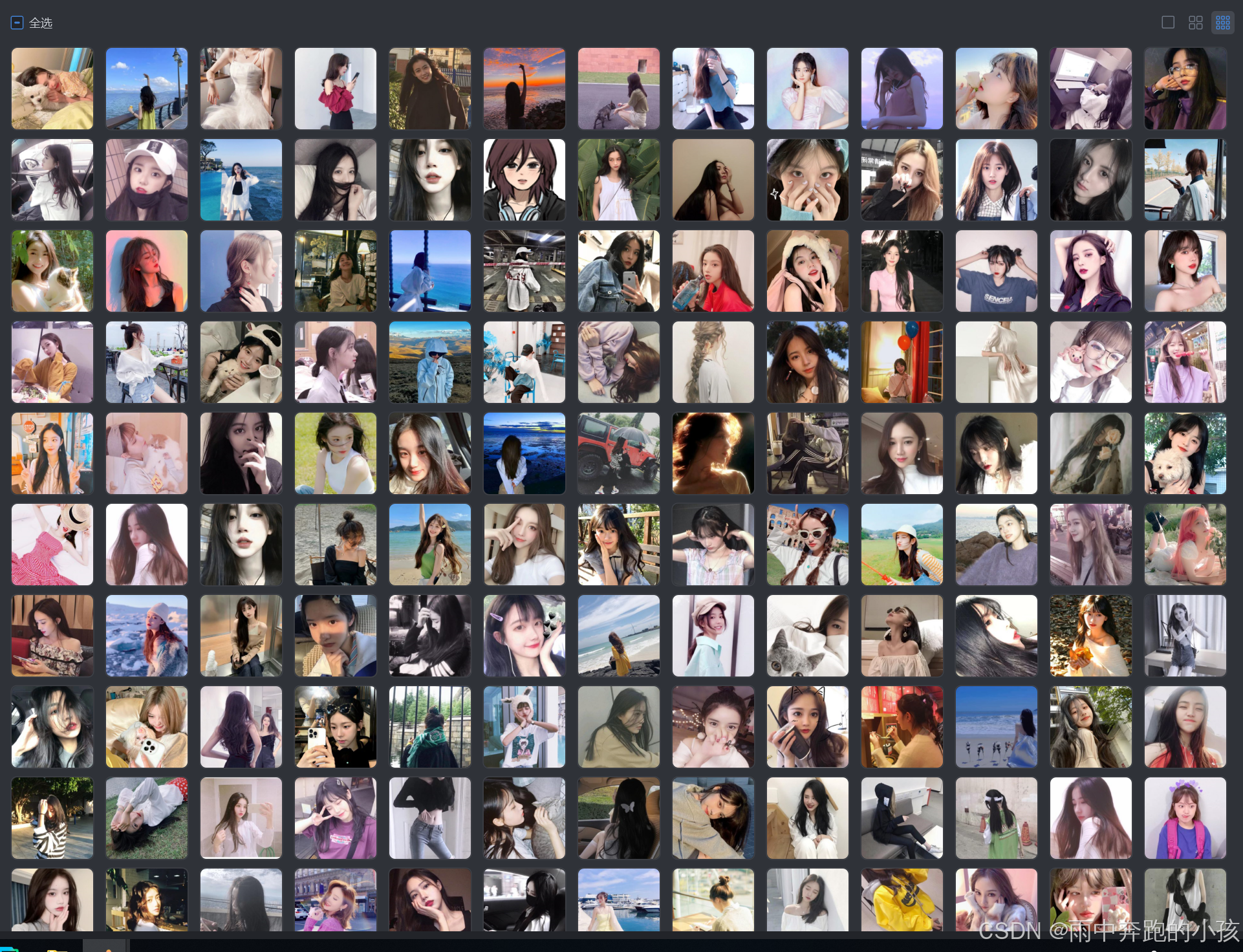
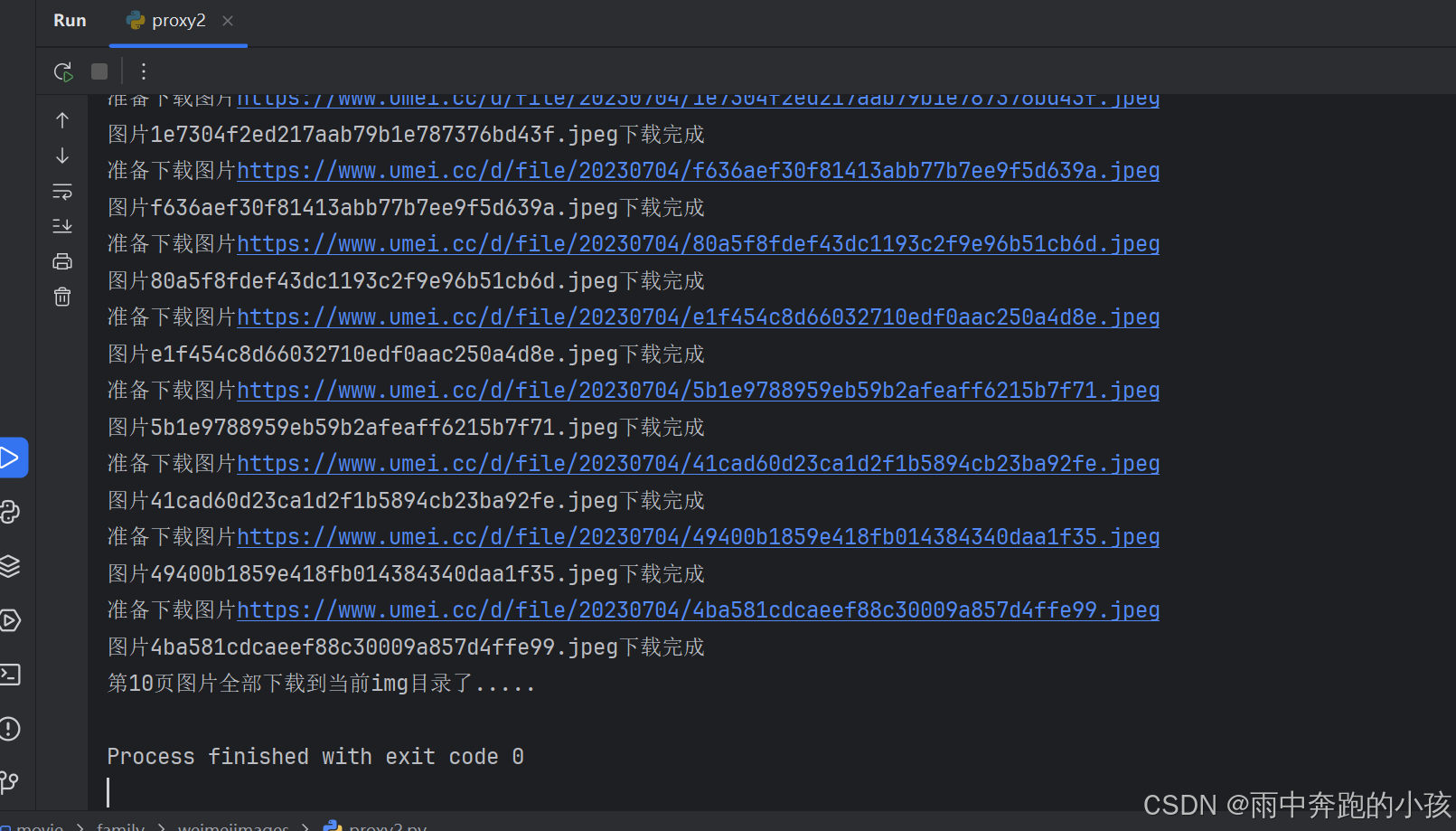
爬取美女图片
一页图片
安装依赖库文件
pip install selenium requests beautifulsoup4


import time
import requests
import random
from bs4 import BeautifulSoup
from selenium import webdriver
from selenium.webdriver.chrome.service import Service
from selenium.webdriver.chrome.options import Options
# 设置Chrome选项
chrome_options = Options()
chrome_options.add_argument("--headless")  # 无头模式,不打开浏览器窗口
chrome_options.add_argument("--disable-gpu")
chrome_options.add_argument("--no-sandbox")

# 设置ChromeDriver路径
service = Service('D:envpython3chromedriver.exe')
url = 'https://www.umei.cc/touxiangtupian/nvshengtouxiang/'
baseUrl = "https://www.umei.cc"
# 初始化WebDriver
driver = webdriver.Chrome(service=service, options=chrome_options)
driver.get(url)
time.sleep(random.uniform(5, 10))  # 等待页面加载
html = driver.page_source # 原页面
soup = BeautifulSoup(html, 'html.parser')
# print(soup)
# BeautifulSoup分析提取元素
divList = soup.find_all("div",class_= "item masonry_brick")
# print(divList)
# 一个美女信息
for divItem in divList:
    linkImage = divItem.find("div",class_ = "item_t").find("div",class_ = "img").find("a")["href"]
    linkImage = baseUrl + linkImage
    # 拿去子页面的大图
    driver.get(linkImage)
    time.sleep(random.uniform(5, 10))
    html = driver.page_source
    sonSoup = BeautifulSoup(html, 'html.parser')
    imgUrl = sonSoup.find("div",class_ = "tsmaincont-main-cont-txt").find("img")["src"]
    print(f"准备下载图片{imgUrl}")
    # 下载图片
    img_response = requests.get(imgUrl)
    img_name = imgUrl.split('/')[-1]
    with open("img"+img_name, "wb") as f:
        f.write(img_response.content)
    print(f"图片{img_name}下载完成")
print("第一页图片全部下载到当前目录了.....")
driver.quit()  # 关闭浏览器
爬取多页
import time
import requests
import random
from bs4 import BeautifulSoup
from selenium import webdriver
from selenium.webdriver.chrome.service import Service
from selenium.webdriver.chrome.options import Options
# 设置Chrome选项
chrome_options = Options()
chrome_options.add_argument("--headless")  # 无头模式,不打开浏览器窗口
chrome_options.add_argument("--disable-gpu")
chrome_options.add_argument("--no-sandbox")

# 设置ChromeDriver路径
service = Service('D:envpython3chromedriver.exe')
url = 'https://www.umei.cc/touxiangtupian/nvshengtouxiang/'
baseUrl = "https://www.umei.cc"
# 初始化WebDriver
driver = webdriver.Chrome(service=service, options=chrome_options)

def getImage(url,page):
    driver.get(url)
    print(f"正在爬取第{page}页图片资源源...")
    print(url)
    time.sleep(random.uniform(5, 10))  # 等待页面加载
    html = driver.page_source # 原页面
    soup = BeautifulSoup(html, 'html.parser')
    # BeautifulSoup分析提取元素
    divList = soup.find_all("div",class_= "item masonry_brick")
    for divItem in divList:
        linkImage = divItem.find("div",class_ = "item_t").find("div",class_ = "img").find("a")["href"]
        linkImage = baseUrl + linkImage
        # 拿取子页面的大图
        driver.get(linkImage)
        time.sleep(random.uniform(5, 10))
        html = driver.page_source
        sonSoup = BeautifulSoup(html, 'html.parser')
        imgUrl = sonSoup.find("div",class_ = "tsmaincont-main-cont-txt").find("img")["src"]
        print(f"准备下载图片{imgUrl}")
        # 下载图片
        img_response = requests.get(imgUrl)
        img_name = imgUrl.split('/')[-1]
        with open("img"+img_name, "wb") as f:
            f.write(img_response.content)
        print(f"图片{img_name}下载完成")
    print(f"第{page}页图片全部下载到当前img目录了.....")

# 爬取1-10页
# 控制爬取的页面数
for page in range(1, 11):
    if page == 1:
        getImage(url,page)
    else:
        pageUrl = f"{url}index_{page}.htm"
        getImage(pageUrl,page)
driver.quit()  # 关闭浏览器