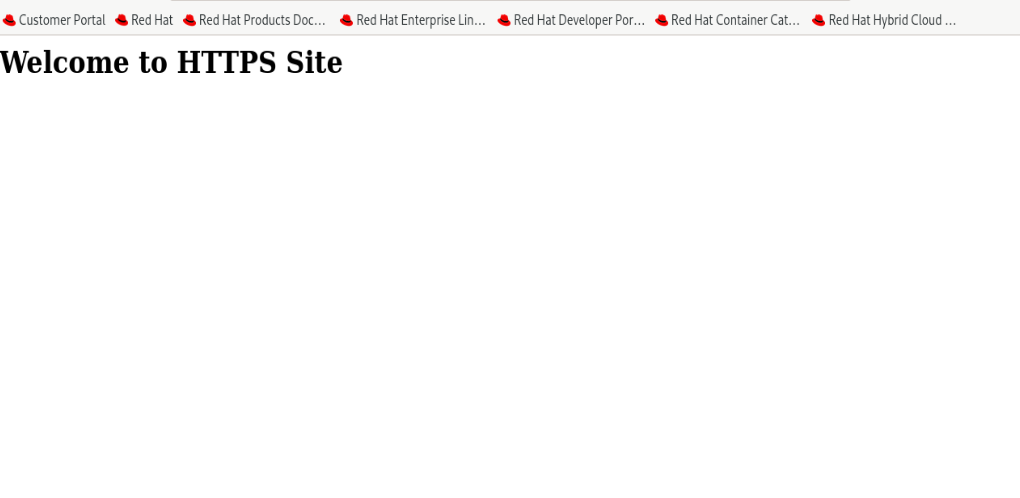
一、要求
1.防火墙不能关闭, 让其开发http协议和https协议
2.该网站具备账户验证
3.https
二、试验步骤
1、开启防火墙,并检查防火墙状态

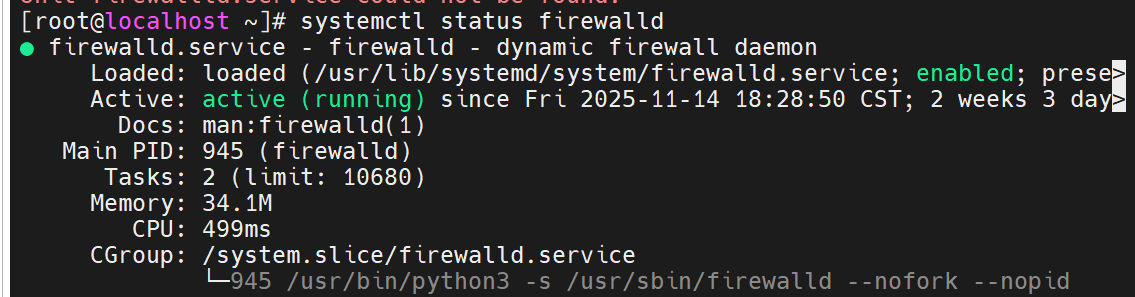
2、防火墙配置开放HTTP/HTTPS

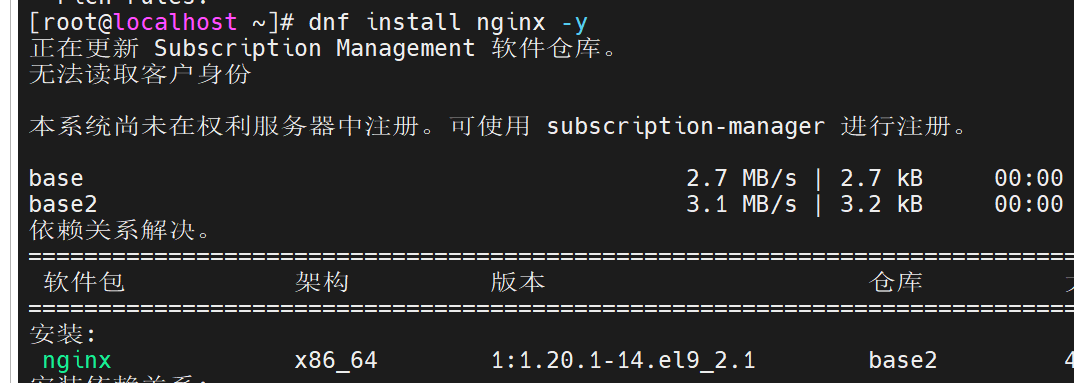
3、安装nginx,并启动 systemctl enable nginx
4、创建SSL证书和密钥

5、创建密码文件用于HTTP认证

6、将密码文件复制到Nginx配置目录并设置权限
将密码文件复制到/etc/nginx/passwd
cp passwd /etc/nginx/passwd
设置密码文件权限为644chmod 644 /etc/nginx/passwd
验证密码文件是否成功复制ls -la /etc/nginx/passwd
7、创建完整的Nginx HTTPS配置文件
vi /etc/nginx/nginx.conf
TypeScript
user nginx;
worker_processes auto;
error_log /var/log/nginx/error.log;
pid /run/nginx.pid;

include /usr/share/nginx/modules/*.conf;

events {
    worker_connections 1024;
}

http {
    log_format  main  '$remote_addr - $remote_user [$time_local] "$request" '
                      '$status $body_bytes_sent "$http_referer" '
                      '"$http_user_agent" "$http_x_forwarded_for"';

    access_log  /var/log/nginx/access.log  main;

    sendfile            on;
    tcp_nopush          on;
    tcp_nodelay         on;
    keepalive_timeout   65;
    types_hash_max_size 2048;

    include             /etc/nginx/mime.types;
    default_type        application/octet-stream;

    # Load modular configuration files from the /etc/nginx/conf.d directory.
    # See http://nginx.org/en/docs/ngx_core_module.html#include
    # for more information.
    include /etc/nginx/conf.d/*.conf;

    server {
        listen       80;
        server_name  _;
        root         /usr/share/nginx/html;

        # Load configuration files for the default server block.
        include /etc/nginx/default.d/*.conf;

        location / {
        }

        error_page 404 /404.html;
            location = /40x.html {
        }

        error_page 500 502 503 504 /50x.html;
            location = /50x.html {
        }
    }

    # HTTPS server configuration
    server {
        listen 443 ssl http2;
        server_name www.haqimi.com www.manbo.com;
        root /usr/share/nginx/html;

        # SSL certificate configuration
        ssl_certificate /etc/nginx/ssl/lyh.crt;
        ssl_certificate_key /etc/nginx/ssl/lyh.key;

        # SSL protocol and cipher configuration
        ssl_protocols TLSv1.2 TLSv1.3;
        ssl_prefer_server_ciphers on;
        ssl_ciphers "ECDHE-RSA-AES128-GCM-SHA256:ECDHE-RSA-AES256-GCM-SHA384:ECDHE-RSA-CHACHA20-POLY1305";
        ssl_session_cache shared:SSL:1m;
        ssl_session_timeout 10m;

        # HTTP Basic Authentication
        auth_basic "input your passwd";
        auth_basic_user_file /etc/nginx/passwd;

        location / {
            index index.html index.htm;
        }
    }

    # HTTP to HTTPS redirect
    server {
        listen 80;
        server_name www.haqimi.com www.manbo.com;
        return 301 https://$host$request_uri;
    }
}
8、创建SSL证书目录,复制证书和密钥到SSL目录
mkdir -p /etc/nginx/ssl
cp lyh.crt /etc/nginx/ssl/
cp lyh.key /etc/nginx/ssl/
9、重启Nginx服务以应用新配置、检查Nginx服务状态、测试Nginx配置文件语法是否正确
bash
systemctl restart nginx
systemctl status nginx
nginx -t
10、开放http80的端口和https443的端口
root@localhost \~# firewall-cmd --add-port=80/tcp --permanent
root@localhost \~# firewall-cmd --add-port=443/tcp --permanent
root@localhost \~# firewall-cmd --reload

11、添加域名解析记录到/etc/hosts,并用curl -I http://www.haqimi.com测试

12、浏览器验证