下载arthas工具
地址:arthas下载地址
调试
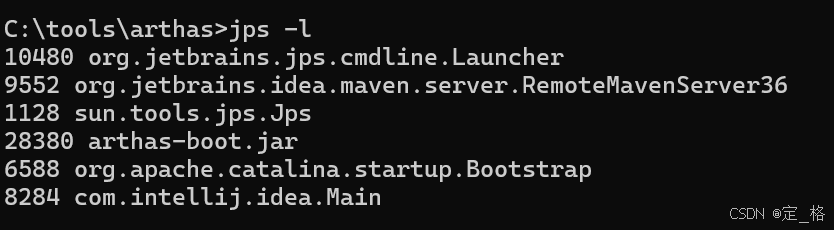
- 启动本地项目,并使用jps -l查看相关进程,并找到启动的进程号
- 启动arthas
java
java -jar arthas-boot.jar可能遇到问题
java
[ERROR] The telnet port 3658 is used by process 9552 instead of target process 11928, you will connect to an unexpected process.
[ERROR] 1. Try to restart arthas-boot, select process 9552, shutdown it first with running the 'stop' command.
[ERROR] 2. Or try to stop the existing arthas instance: java -jar arthas-client.jar 127.0.0.1 3658 -c "stop"
[ERROR] 3. Or try to use different telnet port, for example: java -jar arthas-boot.jar --telnet-port 9998 --http-port -1
shell
# 先停止可能存在的其他Arthas实例
java -jar arthas-client.jar 127.0.0.1 3658 -c "stop"
# 重新启动arthas-boot
java -jar arthas-boot.jar