【AI学习-comfyUI学习-第十四节-joycaption3课程工作流工作流-各个部分学习】
- 1,前言
- 2,说明
-
- [1:JoyCaption 的本质](#1:JoyCaption 的本质)
- 2:批量工作流逐节点解释
- 3,流程
-
- 1-第十三节-自动语义分割局部重绘工作流
-
- (1)调用模块
- [(2)输出 提示词](#(2)输出 提示词)
- (3)模型加载
- (4)生成图片
- (5)模块介绍参数说明
- 2-第十四节-批量打标工作流
- 4,细节部分
- 5,使用的工作流
- 6,总结
1,前言
最近,学习comfyUI,这也是AI的一部分,想将相关学习到的东西尽可能记录下来。
2,说明
1:JoyCaption 的本质
一篇话总结它的本质:
JoyCaption 的本质就是一种 多模态 Transformer 模型,
把图片通过视觉 Transformer 提取为 embedding,
再让语言大模型(LLM)通过 cross-attention 理解这些 embedding,
最后按语言概率模型逐词生成描述。
简单来说:
- "视觉编码 + 跨模态对齐 + LLM 文本生成"
就是 JoyCaption 的底层机制。
== 本质:视觉神经网络把图片编码 → 语言大模型根据视觉 token 自回归生成文本。
它是一种"图像理解 + 文本生成"的多模态 Transformer 机制。 ==
2:批量工作流逐节点解释
上传一个 ZIP → 自动拆成多张图片 → JoyCaption 给每张图生成一段长描述 → 变成纯文本 → 输出给 ShellAgent 保存或进一步处理。
3,流程
1-第十三节-自动语义分割局部重绘工作流
(1)调用模块
整个模块部分
这回整个模块都可以截截图下了
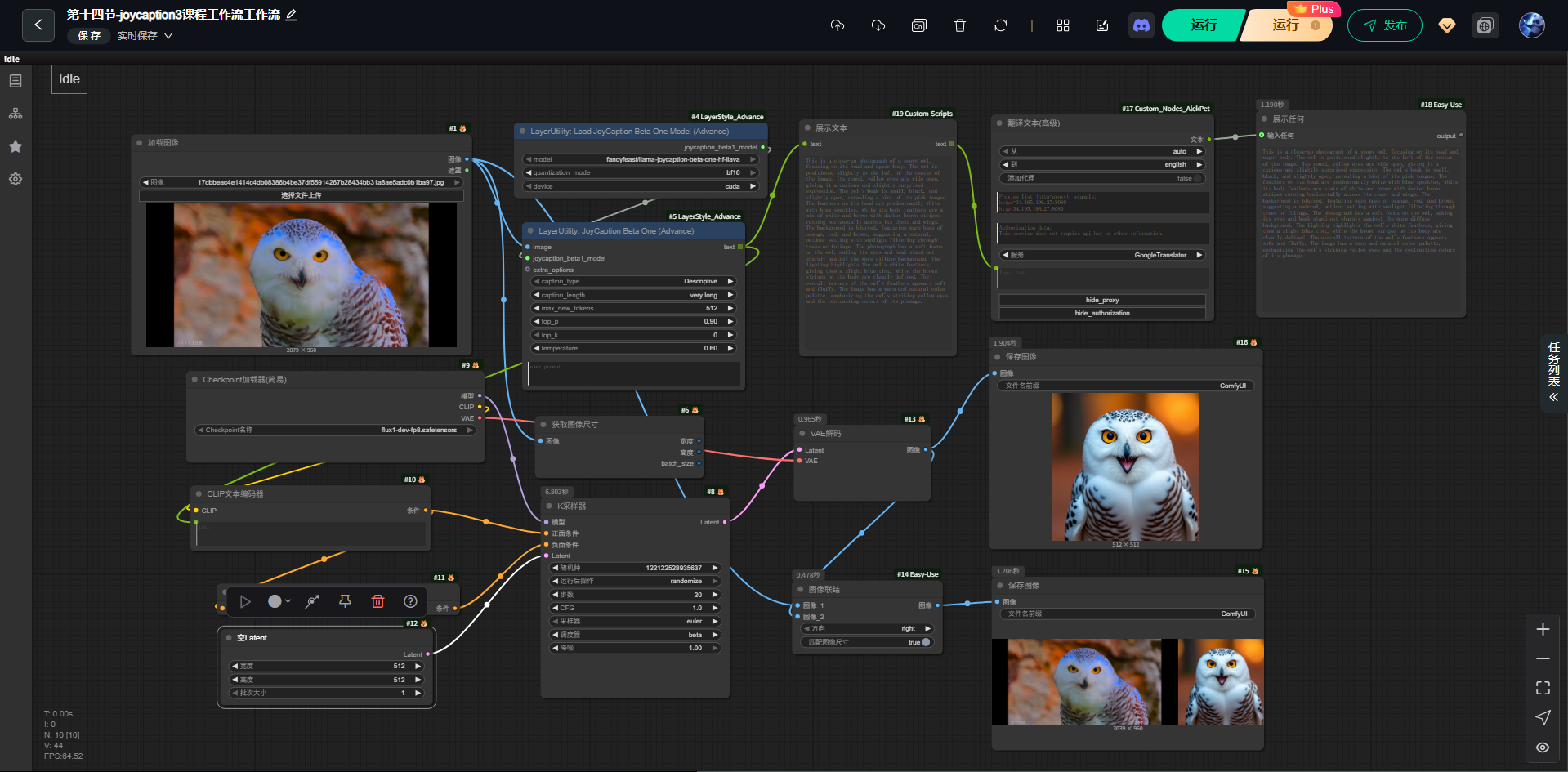
(2)输出 提示词
这次是得到得提示词
bash
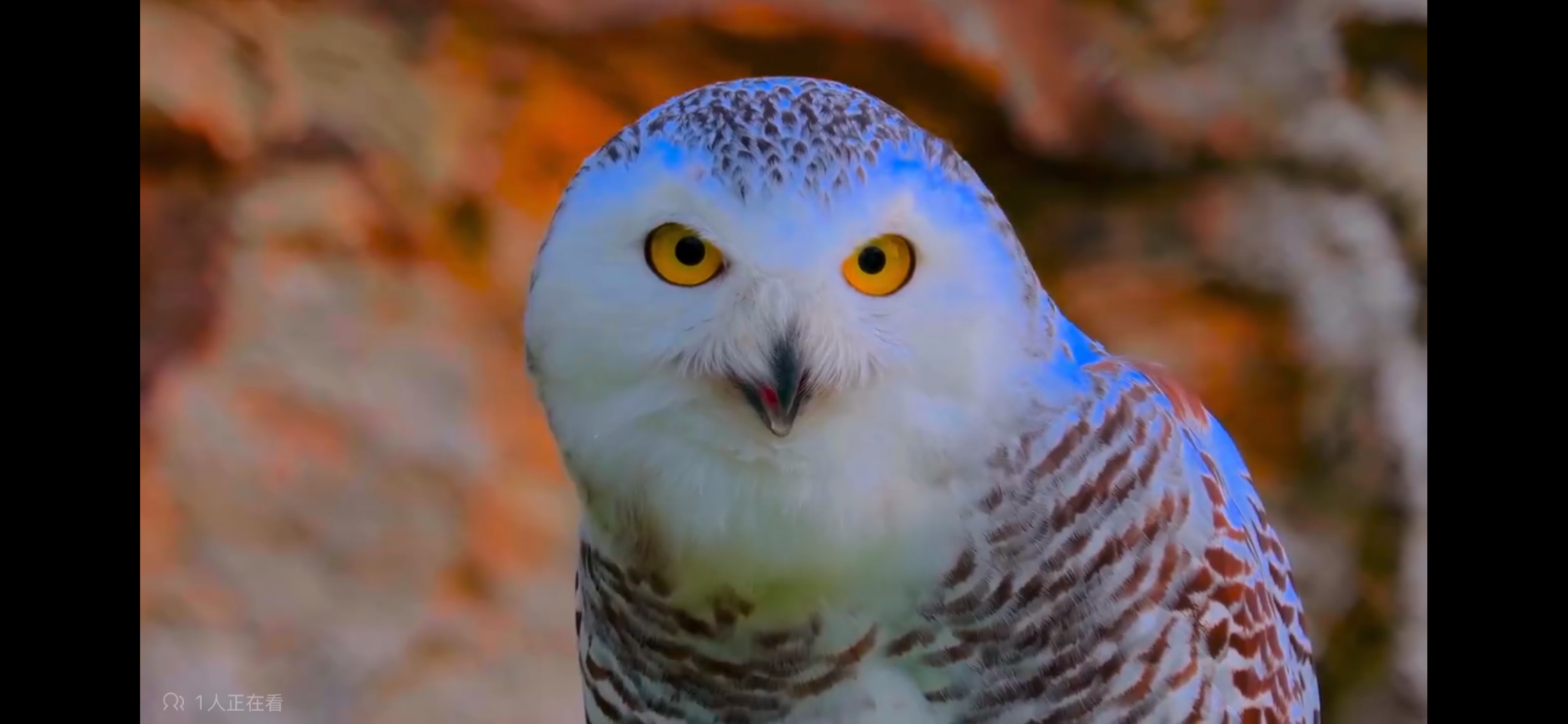
This is a close-up photograph of a snowy owl, focusing on its head and upper body. The owl is positioned slightly to the left of the center of the image. Its round, yellow eyes are wide open, giving it a curious and slightly surprised expression. The owl's beak is small, black, and slightly open, revealing a hint of its pink tongue. The feathers on its head are predominantly white with blue speckles, while its body feathers are a mix of white and brown with darker brown stripes running horizontally across its chest and wings. The background is blurred, featuring warm hues of orange, red, and brown, suggesting a natural, outdoor setting with sunlight filtering through trees or foliage. The photograph has a soft focus on the owl, making its eyes and beak stand out sharply against the more diffuse background. The lighting highlights the owl's white feathers, giving them a slight blue tint, while the brown stripes on its body are clearly defined. The overall texture of the owl's feathers appears soft and fluffy. The image has a warm and natural color palette, emphasizing the owl's striking yellow eyes and the contrasting colors of its plumage.(3)模型加载
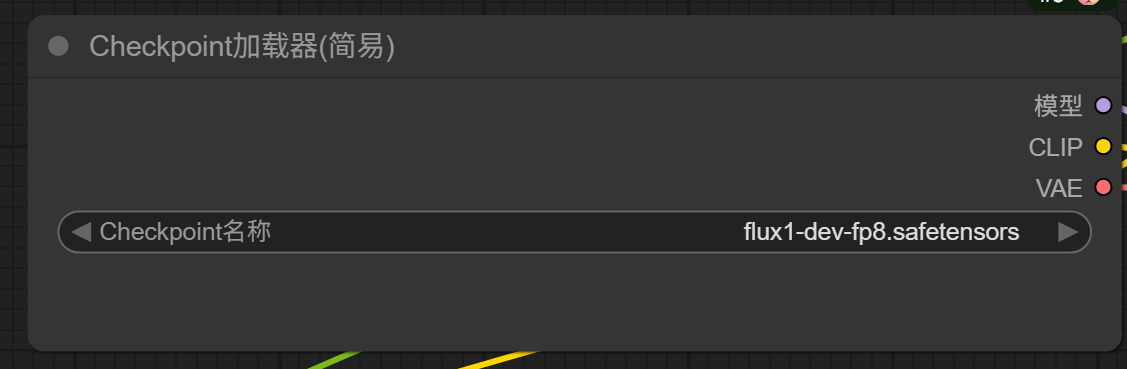
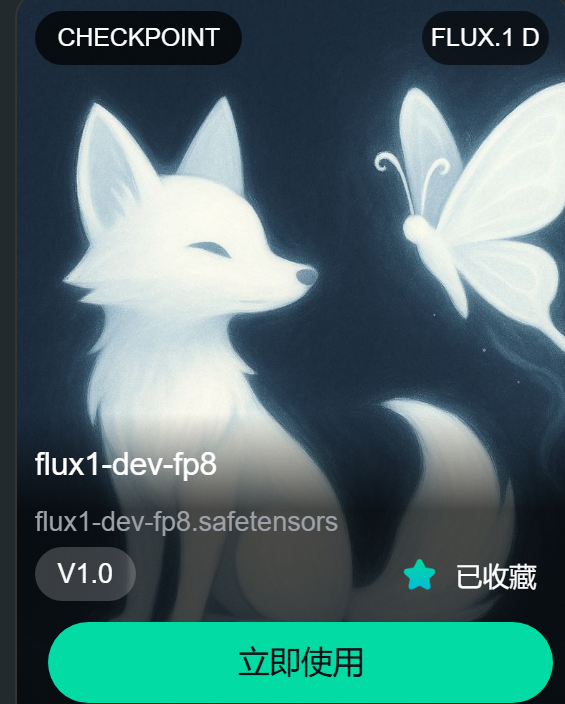
(4)生成图片
(1)原图片
(2)生成图片
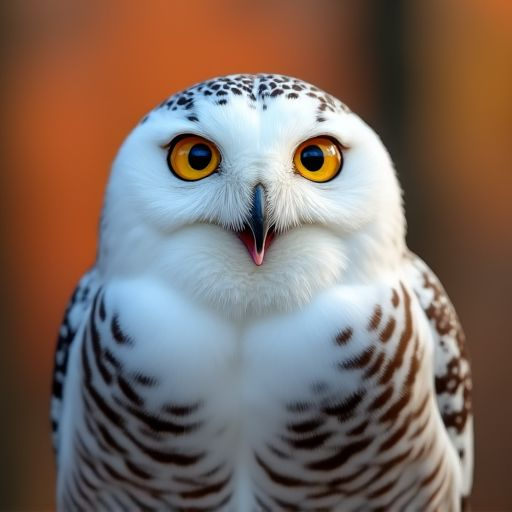
(5)模块介绍参数说明
JoyCaption 模型加载(两个 Advance 节点)
用了两个 Load JoyCaption Beta One 版本的节点:
✔ Load JoyCaption Beta One (Advance)
-
功能:加载 JoyCaption 的图像→文本模型
-
输入:无
-
输出:模型对象(model)
✔ JoyCaption 推理节点(大蓝框)
-
输入:image(左侧原图)
-
输出:text(很长的描述)
设置了:
- caption_length = very long
temperature = 0.6
所以它会生成特别长、特别详细的英文描述。
2-第十四节-批量打标工作流
(1)调用模块
整个模块部分
这回整个模块都可以截截图下了
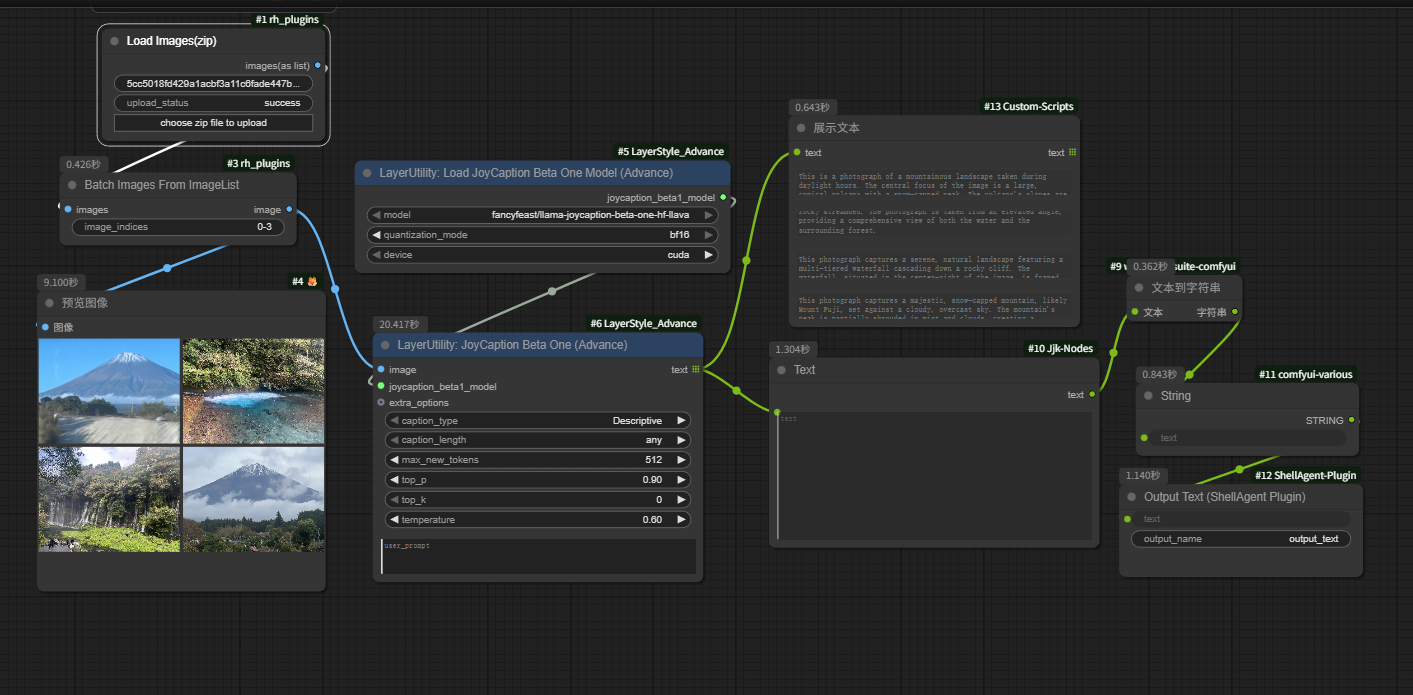
(2)调用模块
这里我使用了四张图片进行测试。
增加了从 ZIP 里面读出所有图片功能模块。
4,细节部分
5,使用的工作流
https://download.csdn.net/download/qq_22146161/92439356
6,总结
这也算各一个开始吧,我也在学习摸索中。