本文来做一个标准AES案例:采招网
找加密参数
这里有一个响应是密文,今天来解密响应内容:
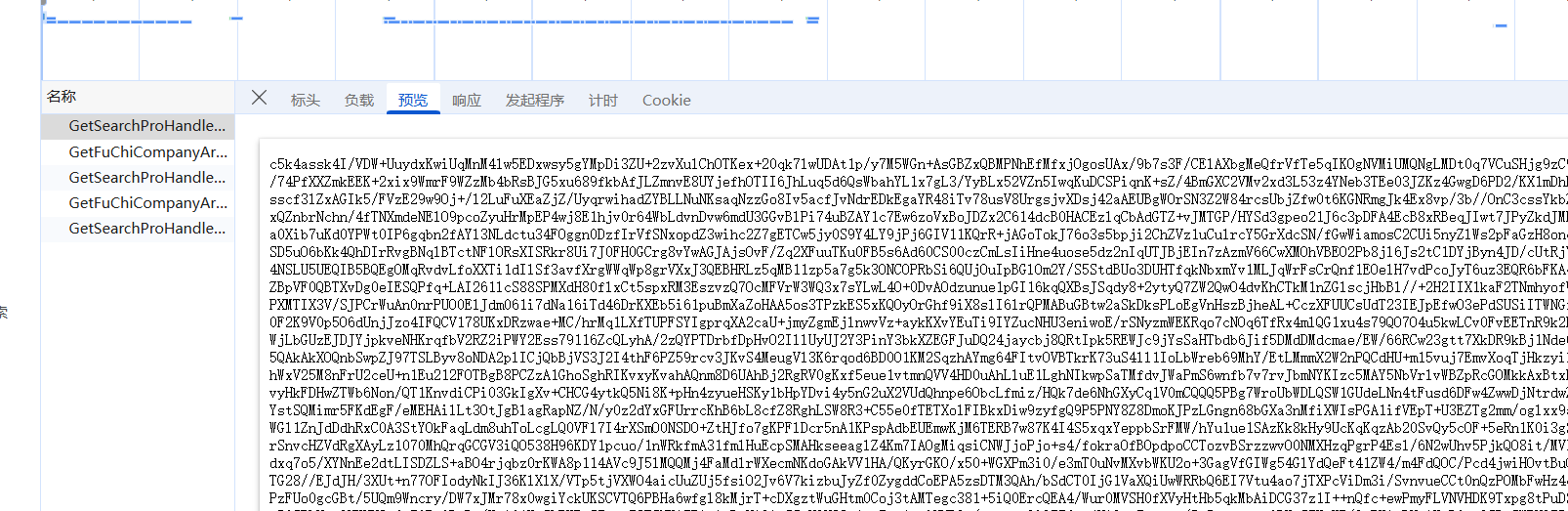
找解密位置
试过hook,直接pass掉,因为鼠标一移动到页面上就会断下来,可以试试再加些条件来判断(类似条件断点),本人不想想就直接关键字搜索了,搜的decrypt(然后全打断点段在这里:
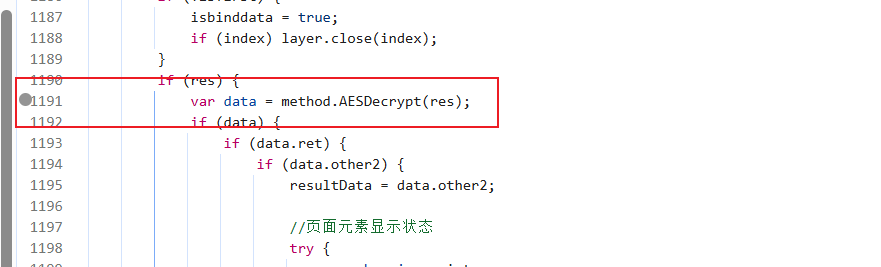
但是你往里看会发现还有一个断点:
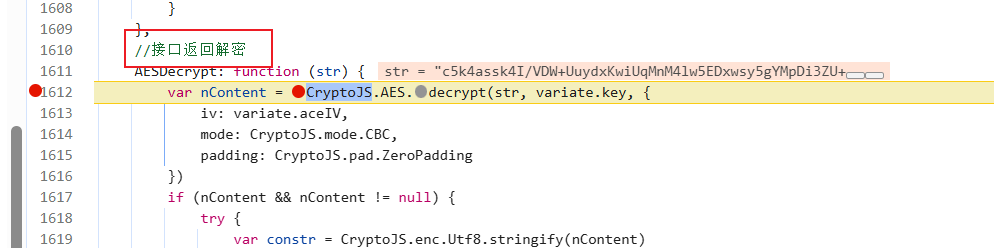
注释也写得明明白白,直接进来扣这里的代码
扣代码
扣这里,这里是核心代码,不用扣整个函数:
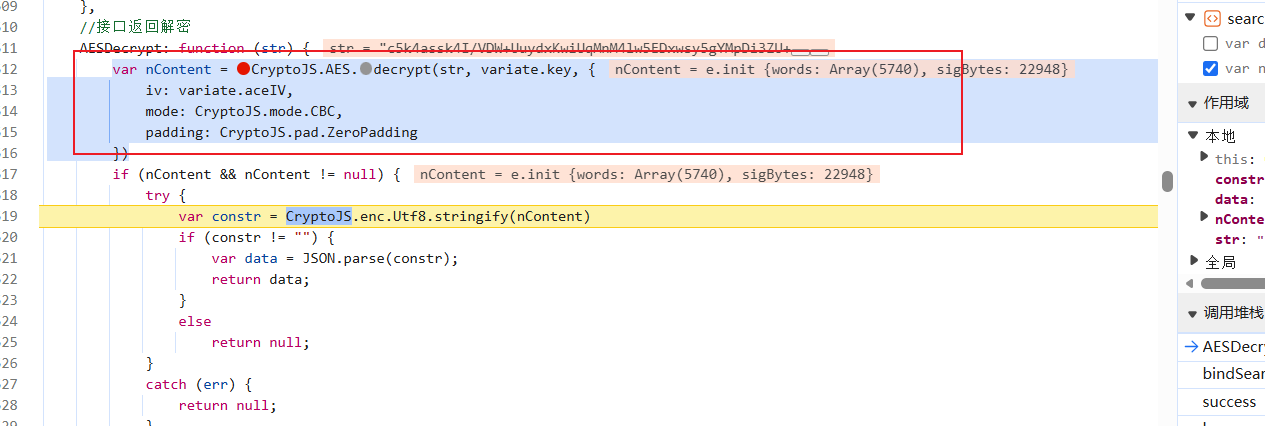
然后我们找一下密钥,看看是不是前端写死的:
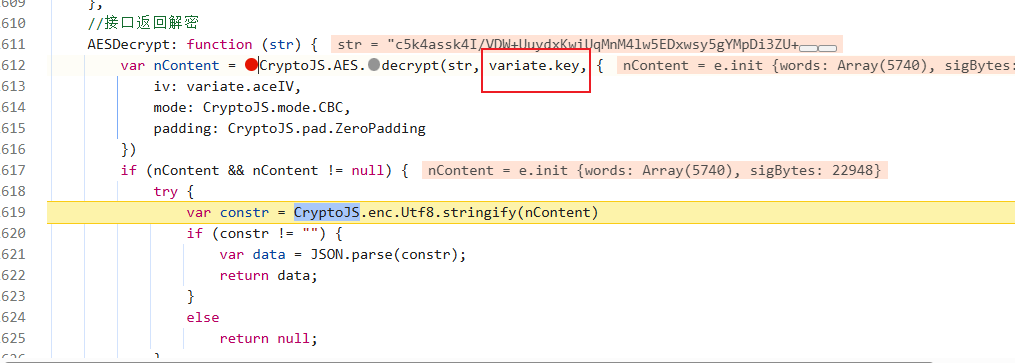
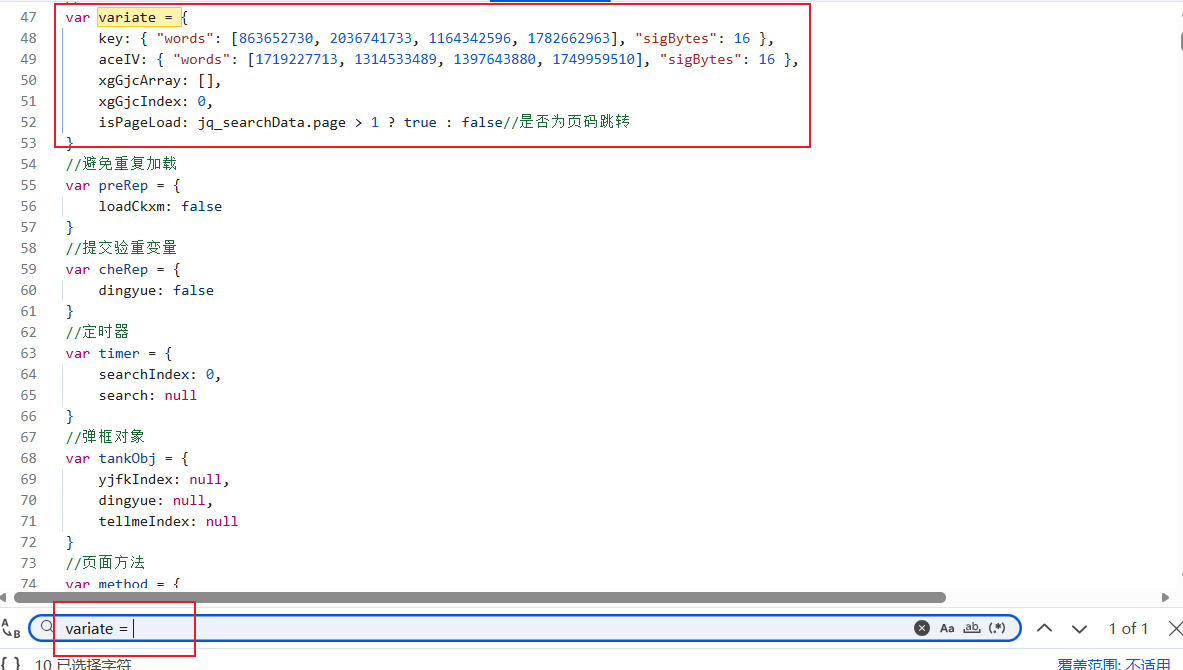
是写死的,直接拿过来,然后看一下CryptoJS是不是标准库:
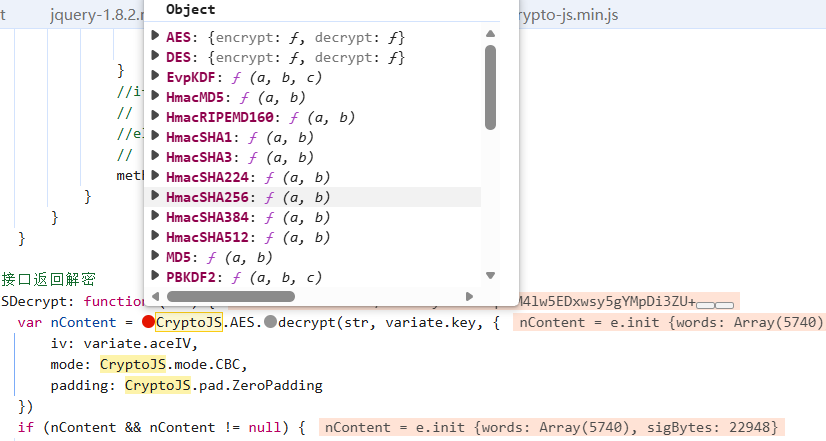
是标准的(没有FunctionLocation,而且里面内容齐全),补上库,然后运行一下:
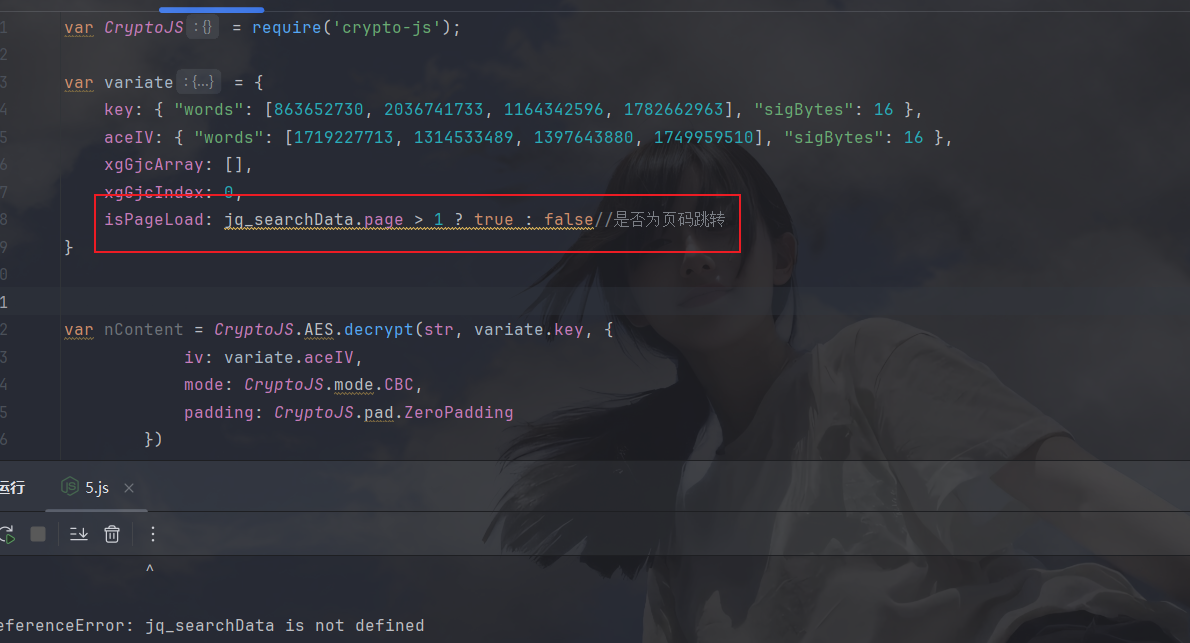
这个玩意儿根本没用上,先注释掉,再运行:
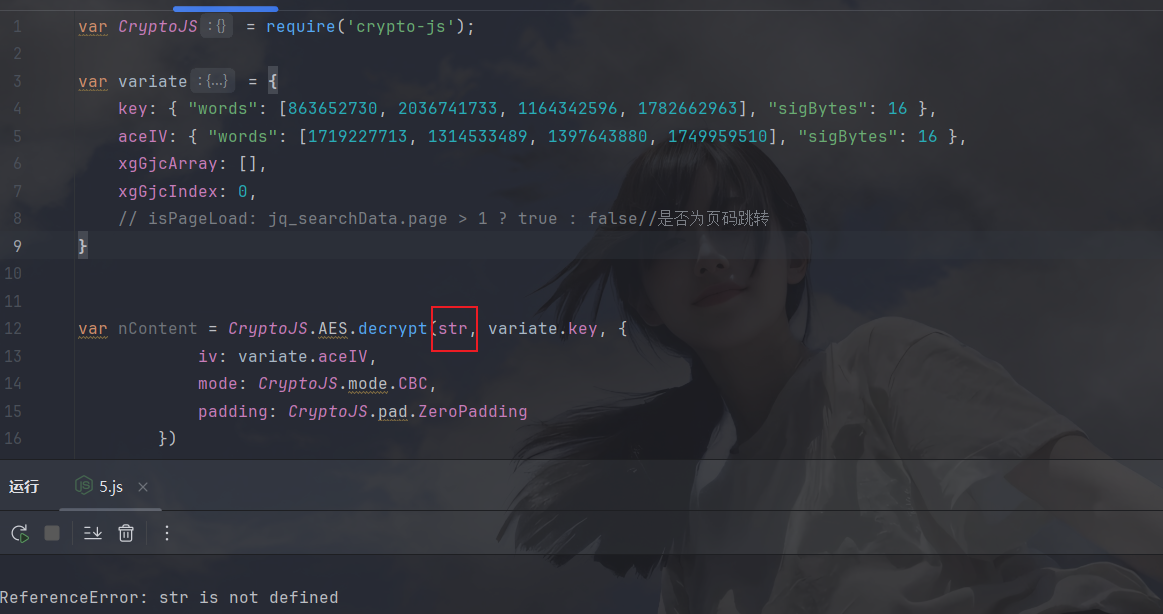
然后是解密的密文没有,拿一个过来测试一下:
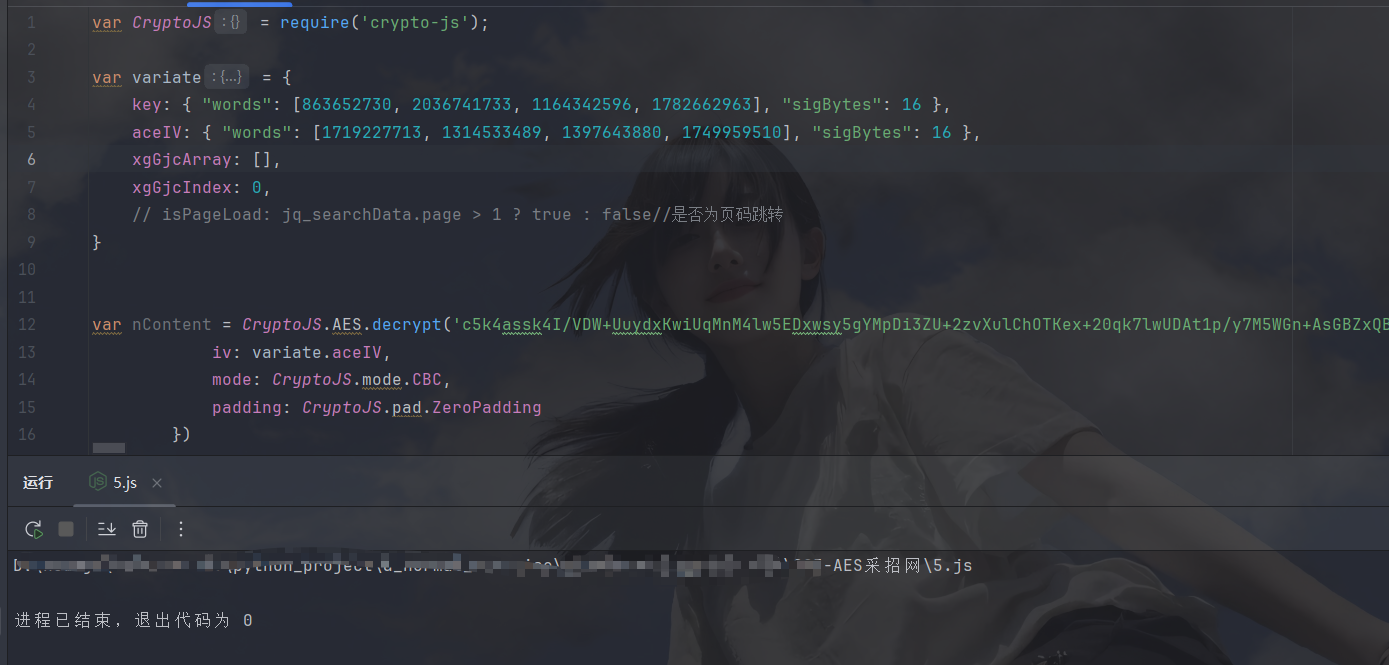
不报错了,好像没啥问题,打印一下看看:
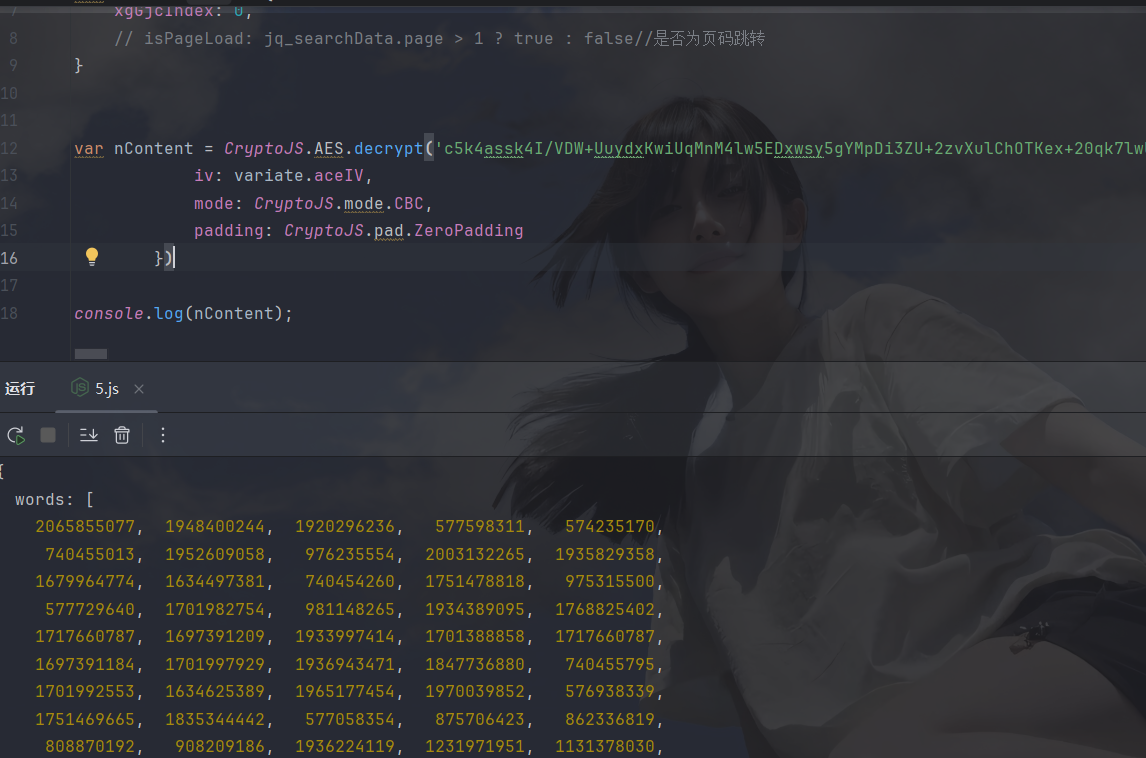
这样的需要toString一下:
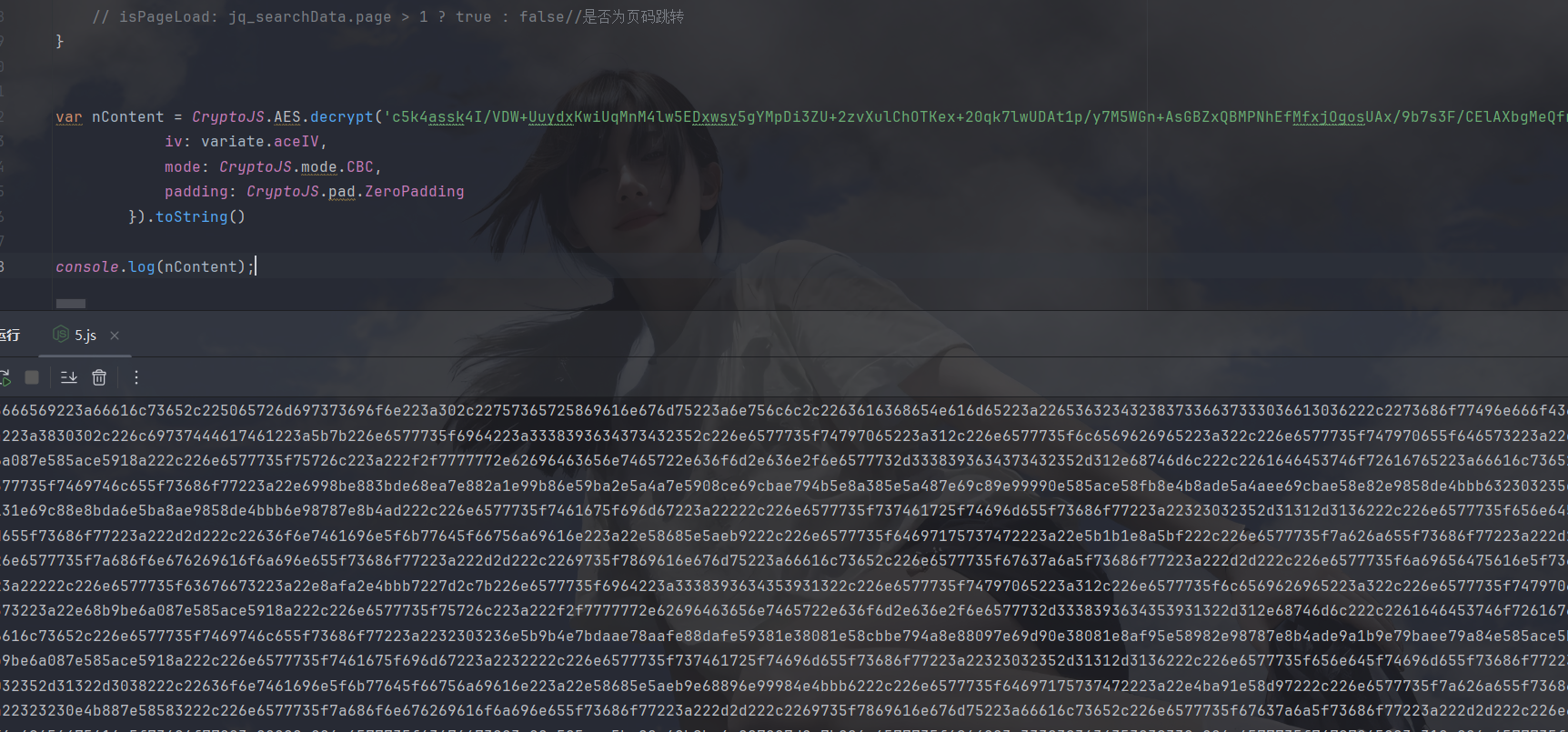
我去,还是密文,大意了,看一下网站里这里出来是啥:
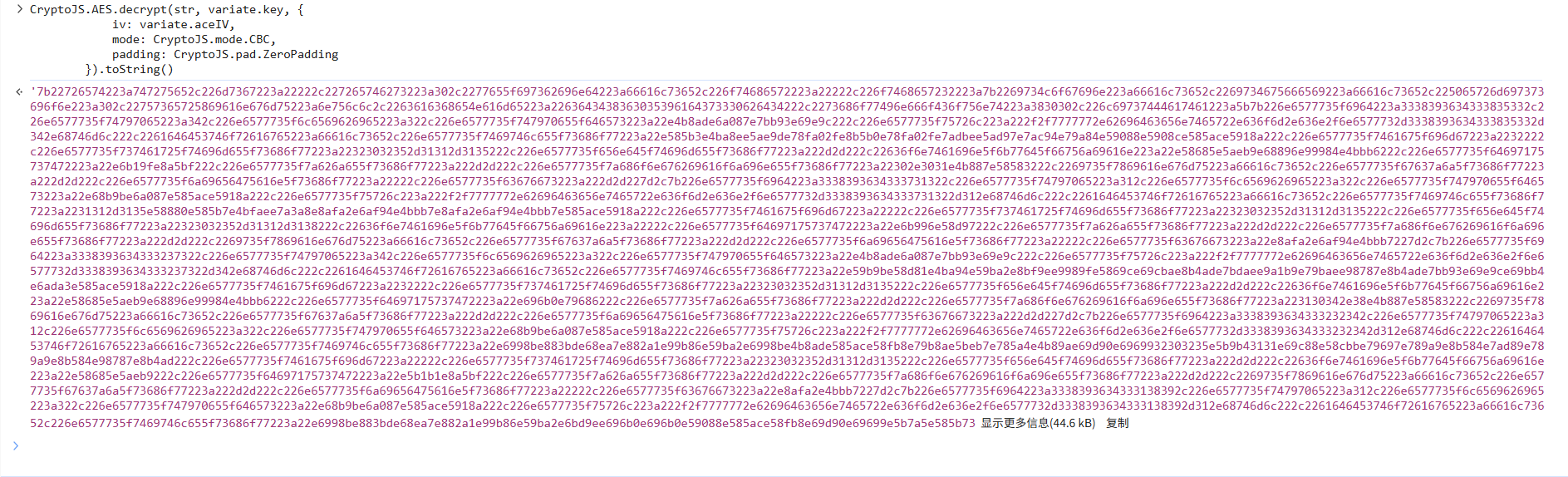
也是密文,那我放心了,解密位置应该在下面:
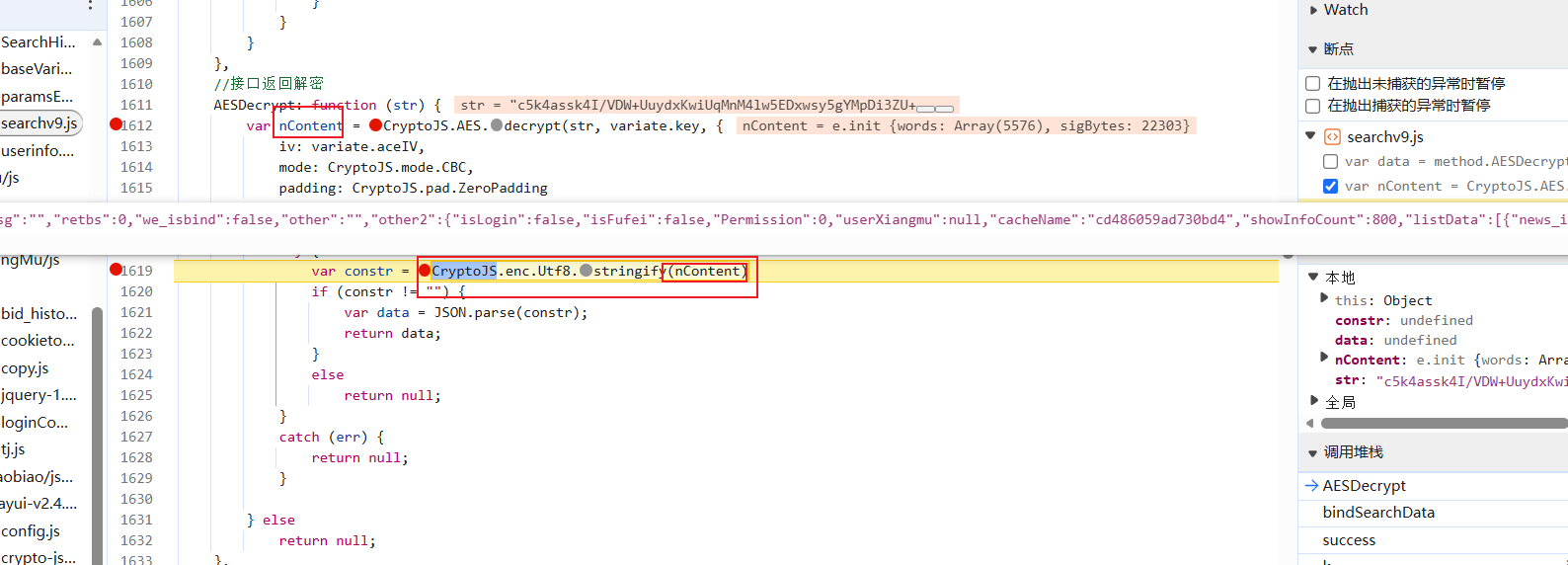
ok,将toString删掉,然后扣下这一行,将nContent传入:
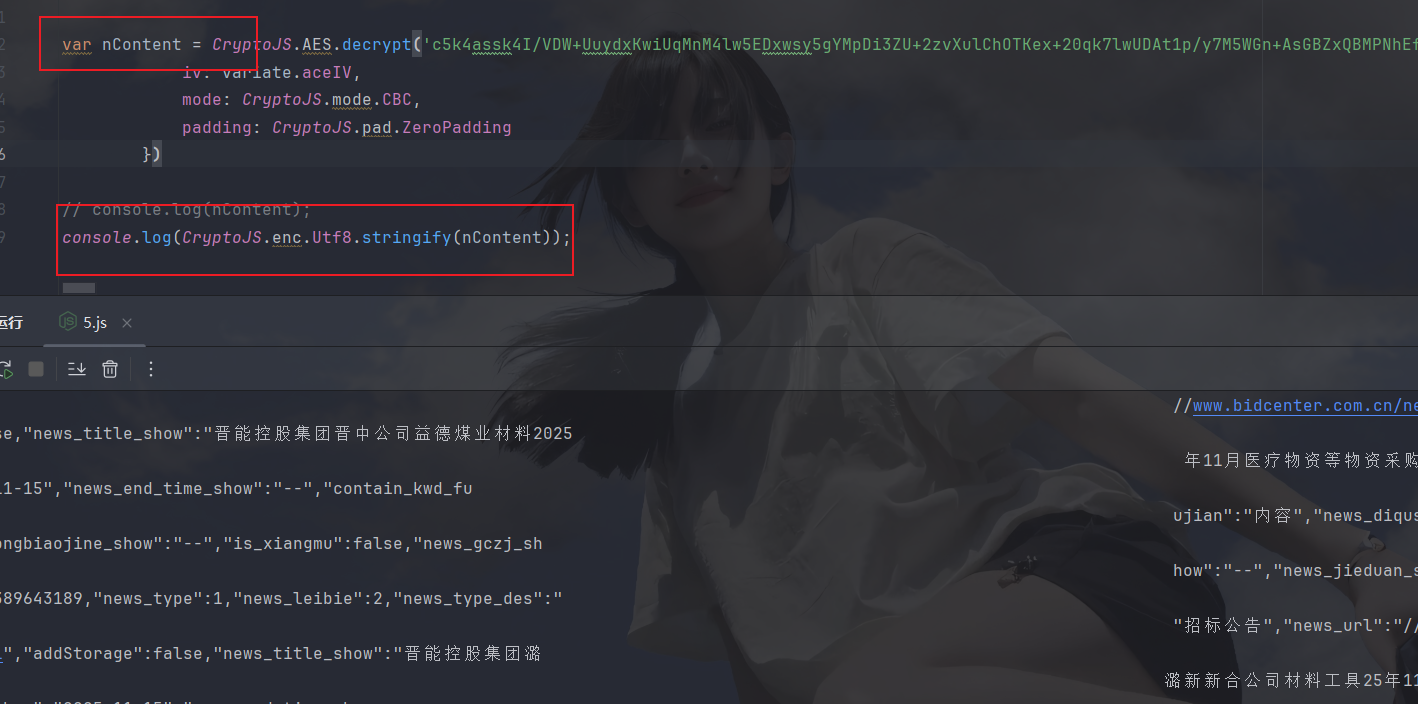
ok,拿下,接着py拿一下密文数据再传给js再返回给py即可
py代码
生成基础爬虫代码之后看一下哪些参数代表什么,比如翻页是page:
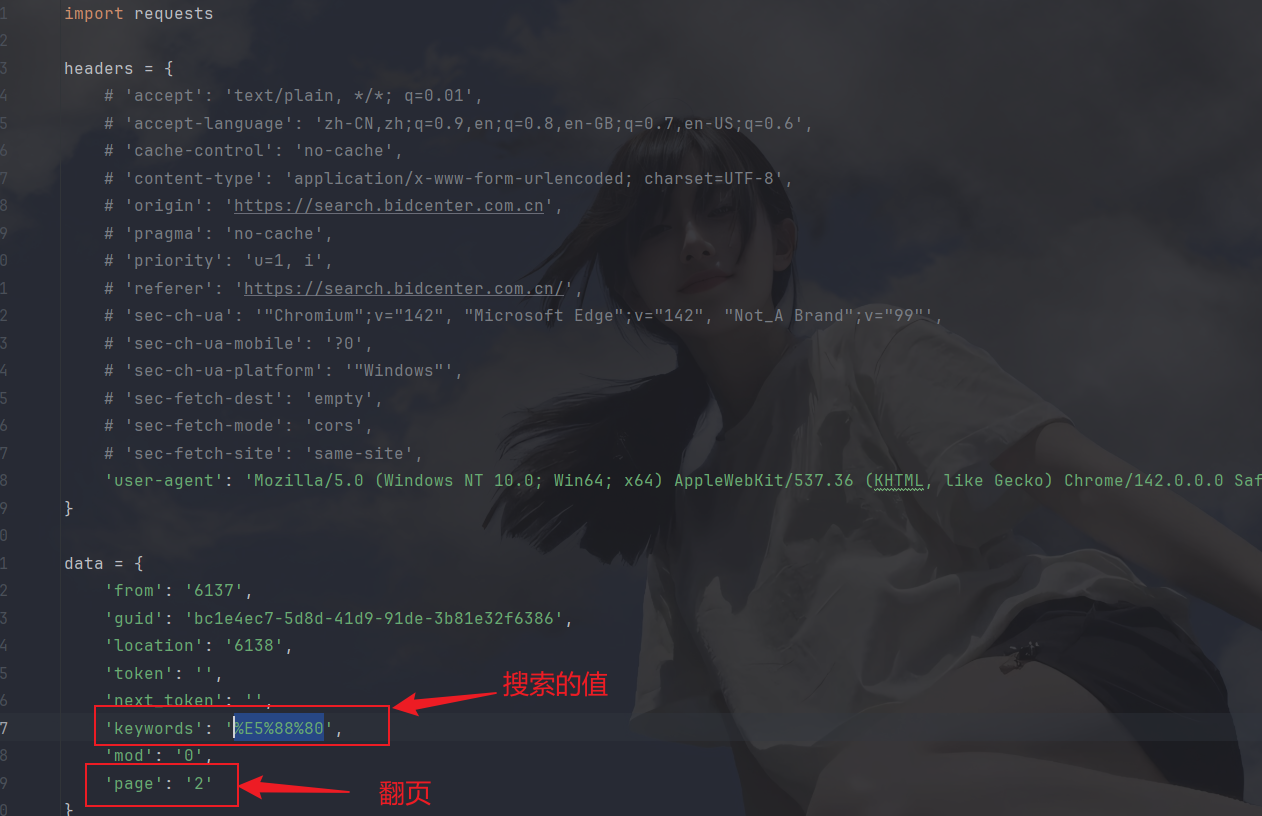
弄清楚这些后开始封装和传参, js分装如下:

下面是py封装和传参:
javascript
import requests
import os
import time
import execjs

class JSExecutor:
    def __init__(self, js_file_path):
        if not os.path.exists(js_file_path):
            print('error:' + js_file_path + '不存在!!!')
        with open(js_file_path, 'r', encoding='utf-8') as f:
            self.js_code = f.read()
        self.js_code = execjs.compile(self.js_code)

    def call(self, func_name, *args):
        return self.js_code.call(func_name, *args)

def get_data(page):
    headers = {
        # 'accept': 'text/plain, */*; q=0.01',
        # 'accept-language': 'zh-CN,zh;q=0.9,en;q=0.8,en-GB;q=0.7,en-US;q=0.6',
        # 'cache-control': 'no-cache',
        # 'content-type': 'application/x-www-form-urlencoded; charset=UTF-8',
        # 'origin': 'https://search.bidcenter.com.cn',
        # 'pragma': 'no-cache',
        # 'priority': 'u=1, i',
        # 'referer': 'https://search.bidcenter.com.cn/',
        # 'sec-ch-ua': '"Chromium";v="142", "Microsoft Edge";v="142", "Not_A Brand";v="99"',
        # 'sec-ch-ua-mobile': '?0',
        # 'sec-ch-ua-platform': '"Windows"',
        # 'sec-fetch-dest': 'empty',
        # 'sec-fetch-mode': 'cors',
        # 'sec-fetch-site': 'same-site',
        'user-agent': 'Mozilla/5.0 (Windows NT 10.0; Win64; x64) AppleWebKit/537.36 (KHTML, like Gecko) Chrome/142.0.0.0 Safari/537.36 Edg/142.0.0.0',
    }

    data = {
        'from': '6137',
        'guid': 'bc1e4ec7-5d8d-41d9-91de-3b81e32f6386',
        'location': '6138',
        'token': '',
        'next_token': '',
        'keywords': '%E5%88%80',
        'mod': '0',
        'page': f'{page}'
    }

    response = requests.post('https://interface.bidcenter.com.cn/search/GetSearchProHandler.ashx', headers=headers, data=data)
    return response.text


if __name__ == '__main__':
    js_executor = JSExecutor('5.js')
    for i in range(10):
        print(f' · · ---------------------------------------------------开始爬取并解密第{i}页---------------------------------------------------------- · ·')
        res = js_executor.call('decryptData', get_data(i))
        print(res)
        time.sleep(1)
运行如下:
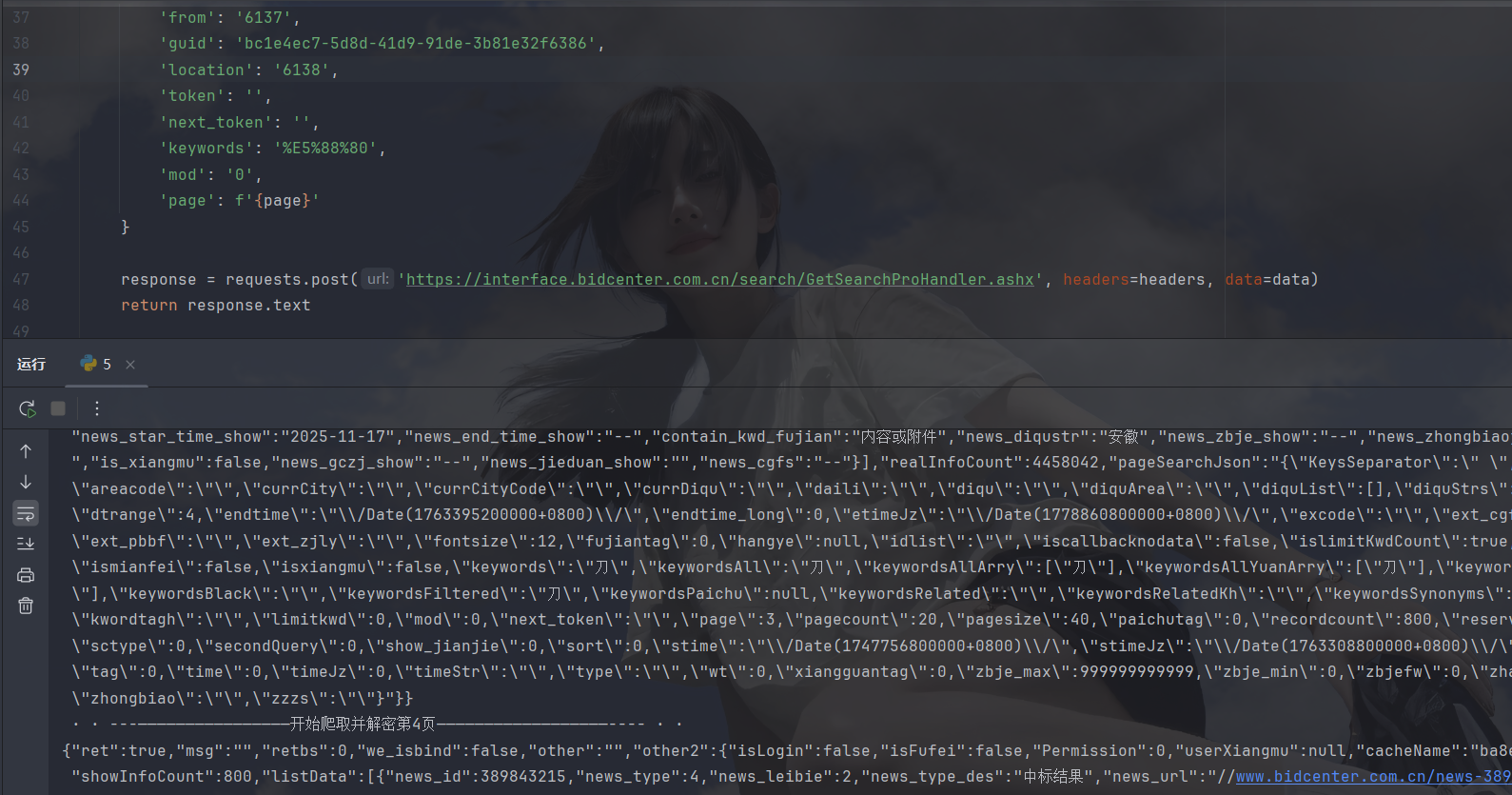
拿下✌
小结
本文就是一个标准的AES解密,如有什么问题发出来讨论哦,加油加油