视频链接:https://www.bilibili.com/video/BV1vCmiB1ENV/?vd_source=5ba34935b7845cd15c65ef62c64ba82f
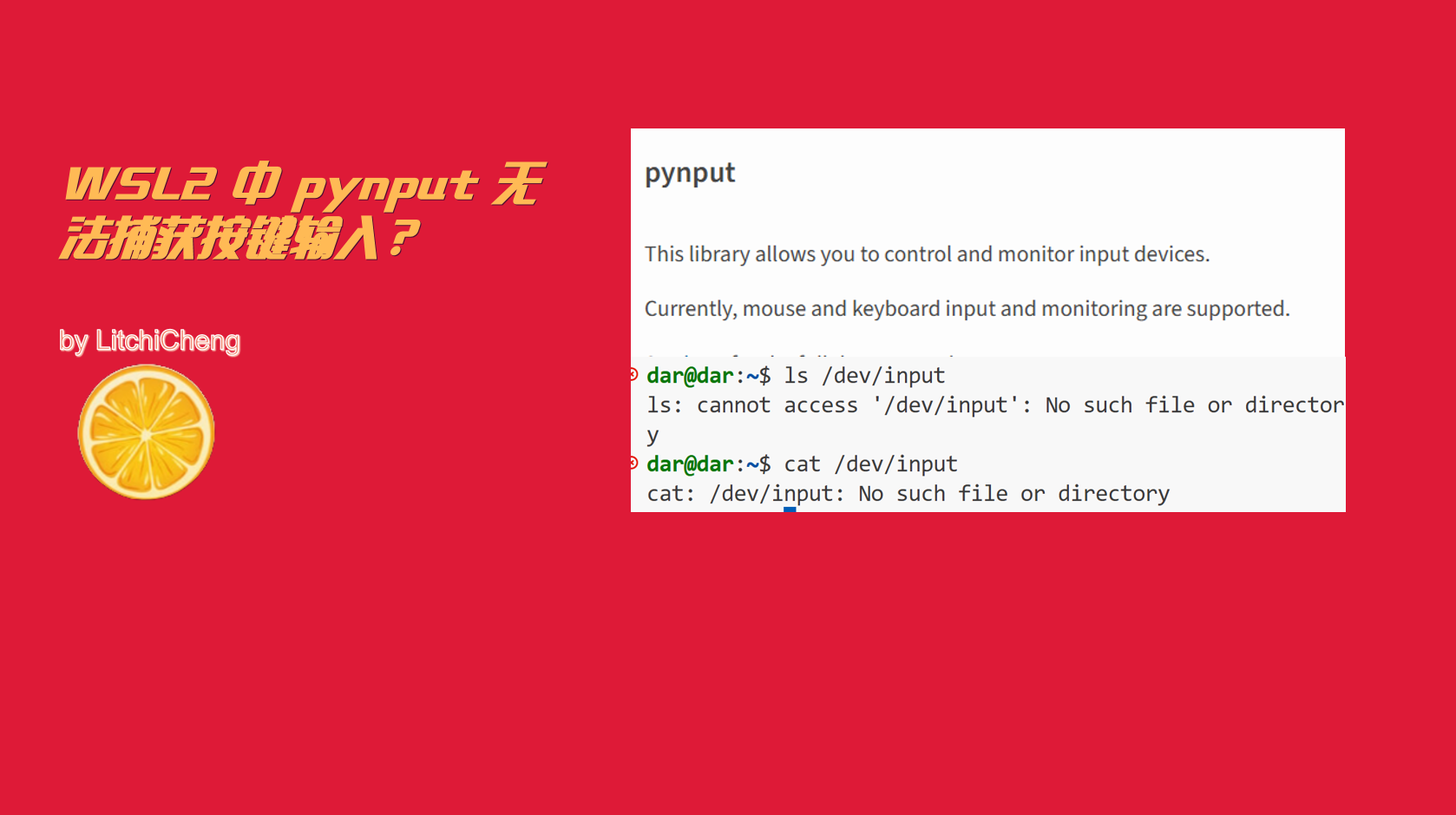
你是否遇到过在 WSL2 中,pynput 无响应,无法捕获键盘的输入?
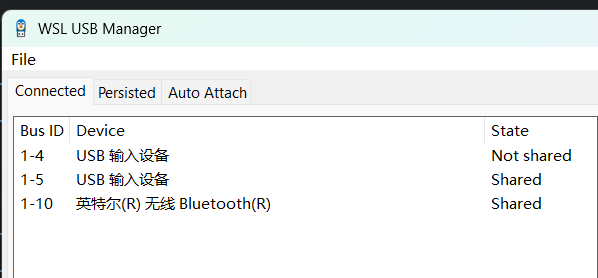
WSL2 本质是 Linux 内核子系统,无法直接访问 Windows 的硬件输入,通过输入 ls /dev 发现实际是没有 input,这里有两种方式:
- 通过 usb 重定向给 WSL2 也可以实现,比如之前用过的 WSL USB Manager 工具
-
Linux 下的 pynput 依赖 X11/Xorg(显示服务器)实现全局键盘监听,无 GUI 环境(X Server)时,pynput 无法注册 / 捕获任何键盘事件,所以随便创建一个 X11 显示窗口即可
import threading
import tkinter as tkdef startGui():
root = tk.Tk()
root.title("WSL2 X11 Bridge")
root.geometry("1x1")
root.iconify()
root.mainloop()def runGuiThread():
gui_thread = threading.Thread(target=startGui, daemon=True)
gui_thread.start()
完整测试代码如下:
from pynput import keyboard
import time

class KeyListener:
    def __init__(self, key_states, callbackFunc=None):
        self.listener = keyboard.Listener(on_press=self.onPress, on_release=self.onRelease)
        self.key_states = key_states
        self.callbackFunc = callbackFunc

    def join(self):
        self.listener.join()

    def start(self):
        self.listener.start()

    def stop(self):
        self.listener.stop()

    def onPress(self, key):
        if key in self.key_states:
            self.key_states[key] = True

        if key == keyboard.Key.esc:
            return False

    def onRelease(self, key):
        if key in self.key_states:
            self.key_states[key] = False

    def callbackFunc(self):
        pass

def test_callback():
    print('test_callback')

if __name__ == '__main__':
    key_states = {
        keyboard.Key.up: False,
        keyboard.Key.down: False,
        keyboard.Key.left: False,
        keyboard.Key.right: False,
        keyboard.Key.alt_l: False,
        keyboard.Key.alt_r: False,
    }
    key_listener = KeyListener(key_states, callbackFunc=test_callback)
    key_listener.start()

    import threading,tkinter as tk
    def startGui():
        root = tk.Tk()
        root.title("WSL2 X11 Bridge")
        root.geometry("1x1")
        root.iconify()
        root.mainloop()

    def runGuiThread():
        gui_thread = threading.Thread(target=startGui, daemon=True)
        gui_thread.start()

    runGuiThread()

    while True:
        if key_states[keyboard.Key.up]:
            print('up')
        if key_states[keyboard.Key.down]:
            print('down')
        if key_states[keyboard.Key.left]:
            print('left')
        if key_states[keyboard.Key.right]:
            print('right')
        if key_states[keyboard.Key.alt_l]:
            print('alt_l')
        if key_states[keyboard.Key.alt_r]:
            print('alt_r')
        time.sleep(0.01)
    key_listener.join()