wechat-emoji-editor组件效果
| 功能 | 效果 |
|---|---|
| 添加表情 | 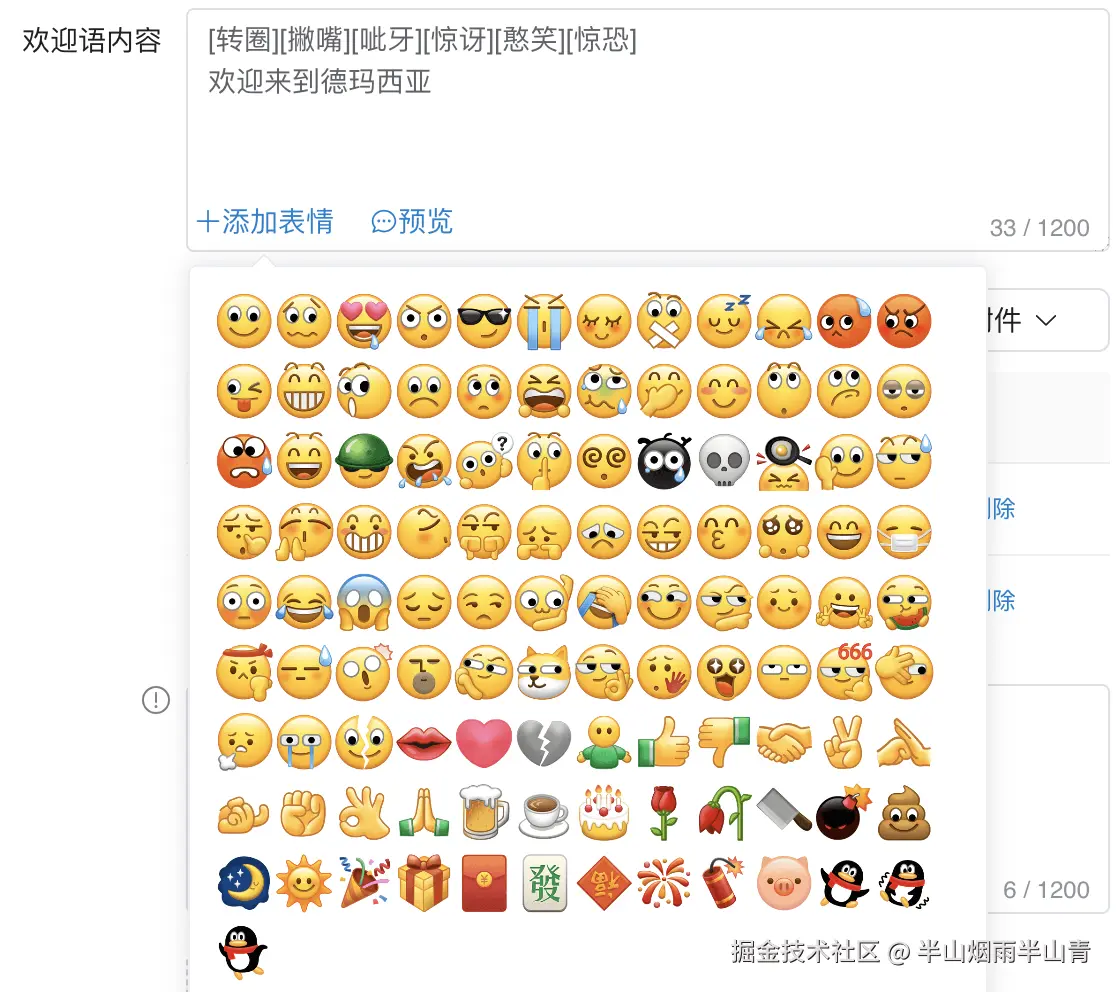 |
| 预览 |  |
| 目录 | 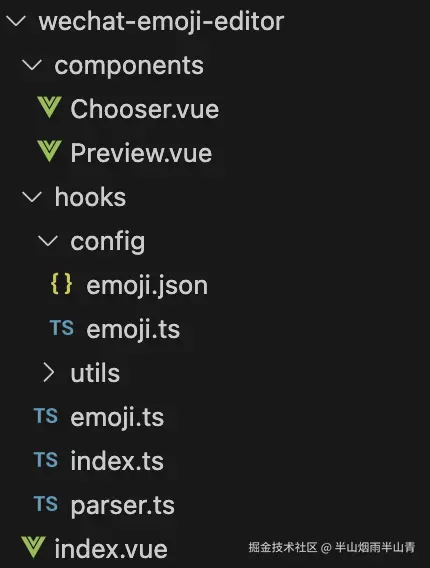 |
代码-组件: (需要源码留言)
ini
//
import WechatEmojiEditor from '@/components/wechat-emoji-editor/index.vue'
const welcomeMsg = ''

<WechatEmojiEditor
  :rows="4"
  type="textarea"
  :maxlength="1200"
  show-word-limit
  v-model="welcomeMsg"
></WechatEmojiEditor>
图片打包脚本 (需要源码留言)
package.json
bash
    {
              "name": "build",
              "version": "1.0.0",
              "description": "build",
              "main": "index.js",
              "scripts": {
                "test": "echo "Error: no test specified" && exit 1",
                "buildImg": "sudo node sharpbuild2.js",
                "build": "node sharpbuild3.js && vite build"
              },
              "devDependencies": {
                "sharp": "^0.34.3"
              }
            }
sharpbuild脚本
php
```
        const imgs = [
        {
            cn: "[微笑]",
            hk: "[微笑]",
            us: "[Smile]",
            code: "/::)",
            web_code: "/微笑",
            src: "/src/assets/emojis/Smile.png",
          },
          {
            cn: "[撇嘴]",
            hk: "[撇嘴]",
            us: "[Grimace]",
            code: "/::~",
            web_code: "/撇嘴",
            src: "/src/assets/emojis/Grimace.png",
          },
          // ...
        ]
        console.log('imgs', imgs)
        const list = imgs.map((item, index) => {
          return {
            input: `${__dirname}${item.src}`,
            top: Math.floor(index / 10) * 128, // 垂直偏移量
            left: (index % 10) * 128, // 水平偏移量
          };
        });
        const sharp = require("sharp");
        const fs = require("fs");
        // 指定输入文件路径
        const url = `${__dirname}/src/assets/wechat.png`;
        sharp({
          create: {
            width: 10 * 128,
            height: 11 * 128,
            channels: 3,
            background: { r: 255, g: 255, b: 255, alpha: 0 },
          },

        })

          .composite(list)
          .toFile(url)
          .then((info) => {
            console.log("Image composite successfully:", info);
          })
          .catch((error) => {
            console.error("Error processing image:", error);
          });
   ```