记录在听黑马课的时候的笔记以及课堂上练习的代码,文章图源于我在听课的时候所截的屏,所以有些不清晰,请见谅。下面是课程链接,可点击自行跳转。
 https://www.bilibili.com/video/BV1m84y1w7Tb/?share_source=copy_web&vd_source=d521b664e1113402904fa9336bd1d0ac
目录
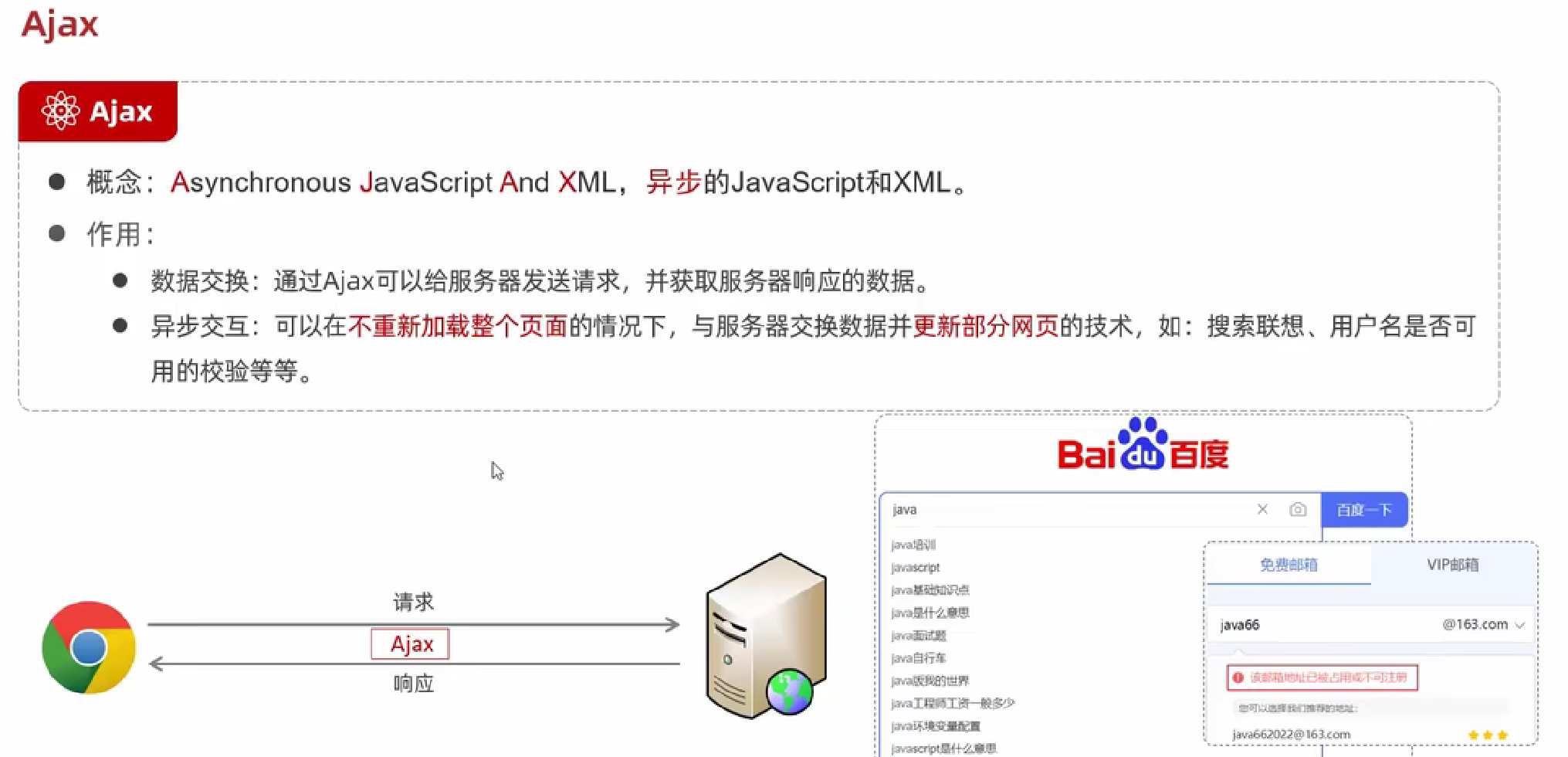
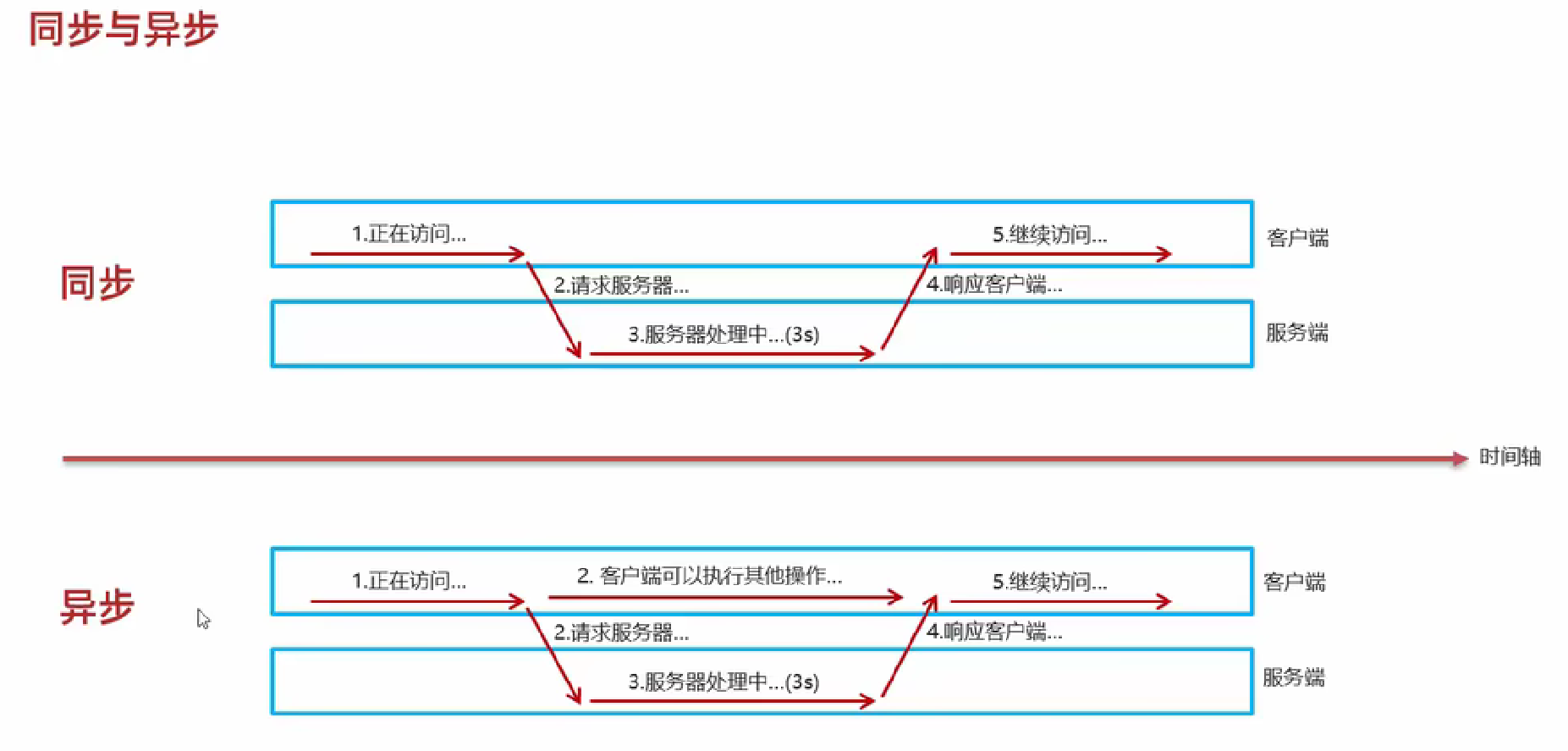
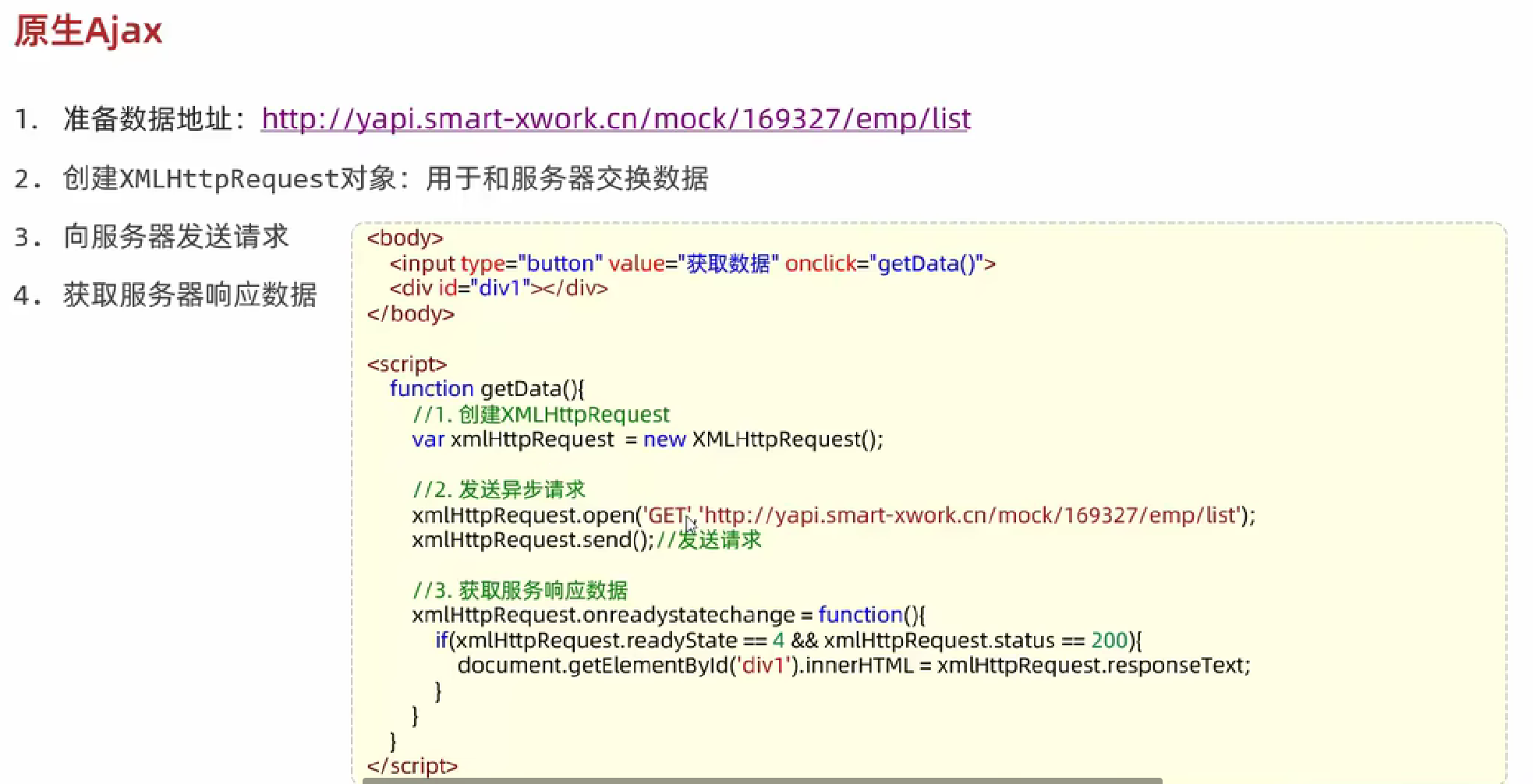
Ajax
介绍
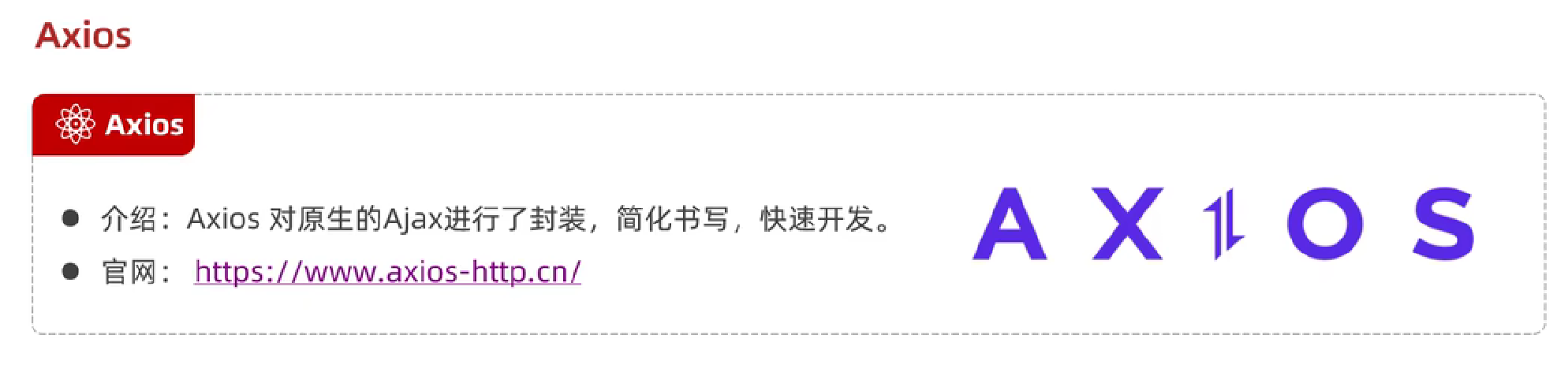
Axios
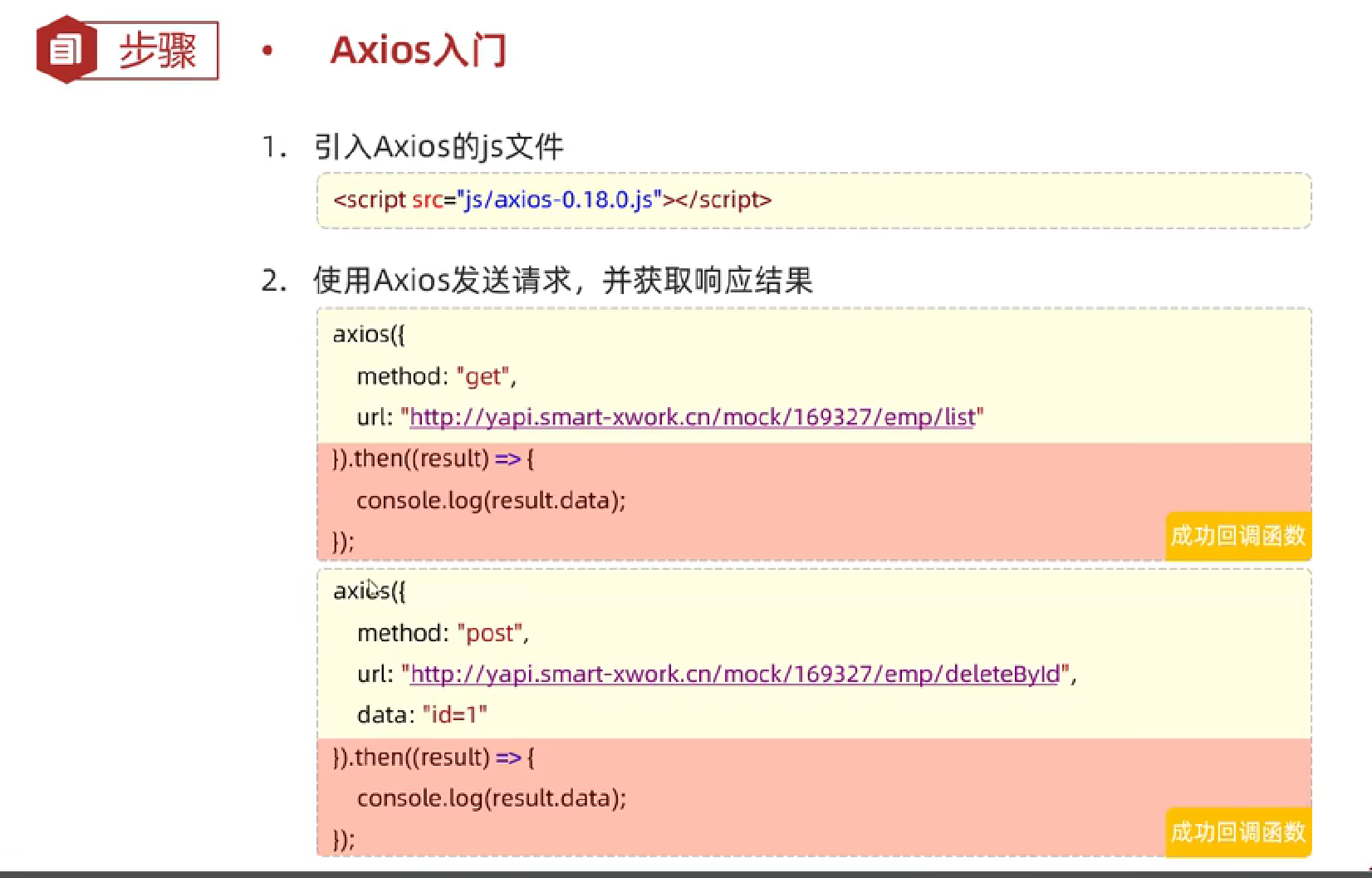
Axios的get和post方式实现:
html
<!DOCTYPE html>
<html lang="en">
<head>
    <meta charset="UTF-8">
    <meta http-equiv="X-UA-Compatible" content="IE=edge">
    <meta name="viewport" content="width=device-width, initial-scale=1.0">
    <title>Ajax-Axios</title>
    <script src="js/axios-0.18.0.js"></script>
</head>
<body>
    <input type="button" value="获取数据GET" onclick="get()">
    <input type="button" value="删除数据POST" onclick="post()">
</body>
<script>
    function get(){
        //通过axios发送异步请求-get
        axios({
            method: "get",
            url: "http://yapi.smart-xwork.cn/mock/169327/emp/list"
        }).then(result => {
            console.log(result.data);
        })
    }

    function post(){
        //通过axios发送异步请求-post
        axios({
            method: "post",
            url: "http://yapi.smart-xwork.cn/mock/169327/emp/deleteById",
            data: "id=1"
        }).then(result => {
            console.log(result.data);
        })
    }
</script>
</html>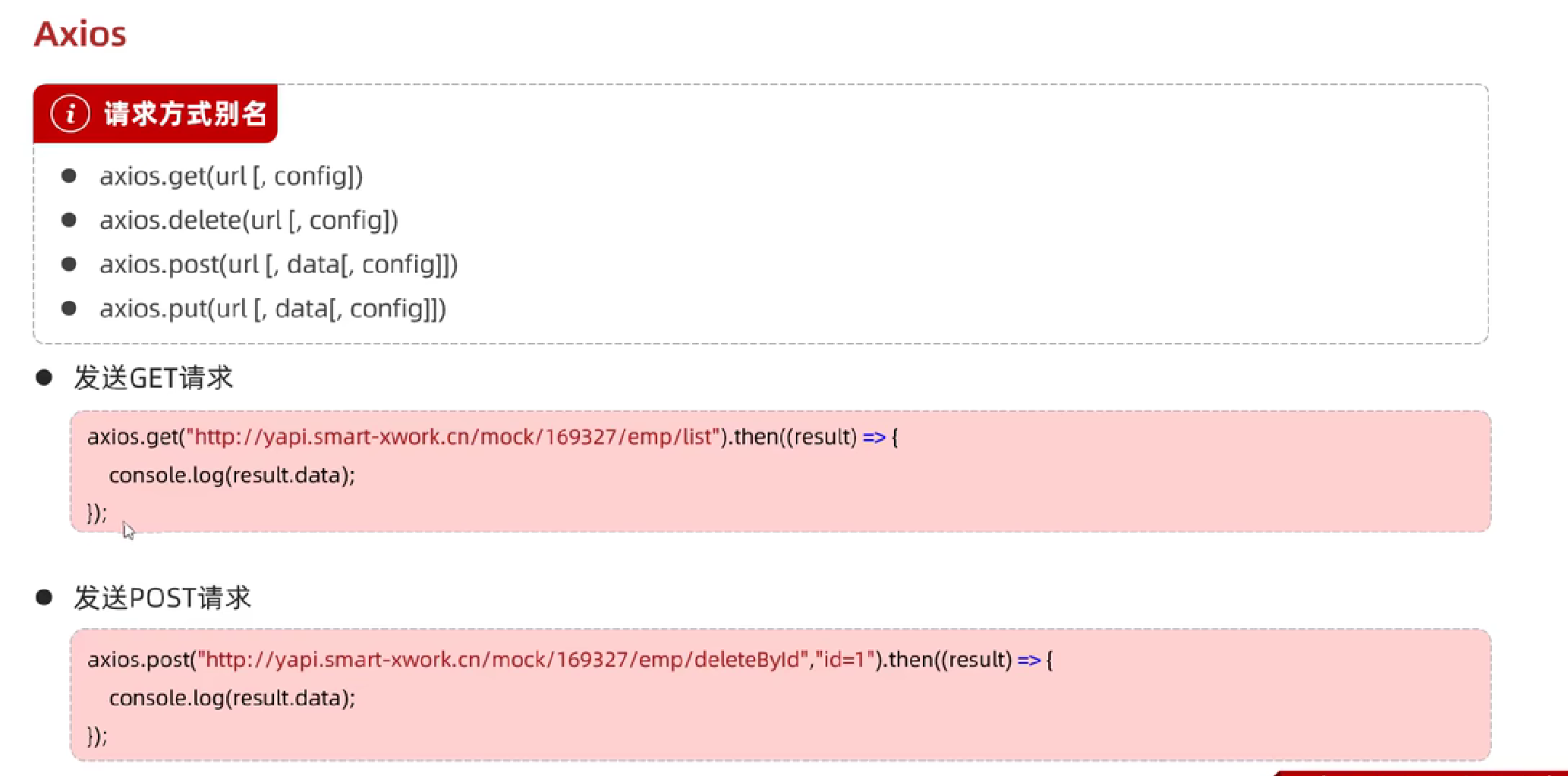
Axios的get和post方式实现优化(推荐):
html
<!DOCTYPE html>
<html lang="en">
<head>
    <meta charset="UTF-8">
    <meta http-equiv="X-UA-Compatible" content="IE=edge">
    <meta name="viewport" content="width=device-width, initial-scale=1.0">
    <title>Ajax-Axios</title>
    <script src="js/axios-0.18.0.js"></script>
</head>
<body>
    <input type="button" value="获取数据GET" onclick="get()">
    <input type="button" value="删除数据POST" onclick="post()">
</body>
<script>
    function get(){
        //通过axios发送异步请求-get
        // axios({
        //     method: "get",
        //     url: "http://yapi.smart-xwork.cn/mock/169327/emp/list"
        // }).then(result => {
        //     console.log(result.data);
        // })

        axios.get("http://yapi.smart-xwork.cn/mock/169327/emp/list").then(result => {
            console.log(result.data);
        })
    }

    function post(){
        //通过axios发送异步请求-post
        // axios({
        //     method: "post",
        //     url: "http://yapi.smart-xwork.cn/mock/169327/emp/deleteById",
        //     data: "id=1"
        // }).then(result => {
        //     console.log(result.data);
        // })

        axios.post("http://yapi.smart-xwork.cn/mock/169327/emp/deleteById", "id=1").then(result => {
            console.log(result.data);
        })
    }
</script>
</html>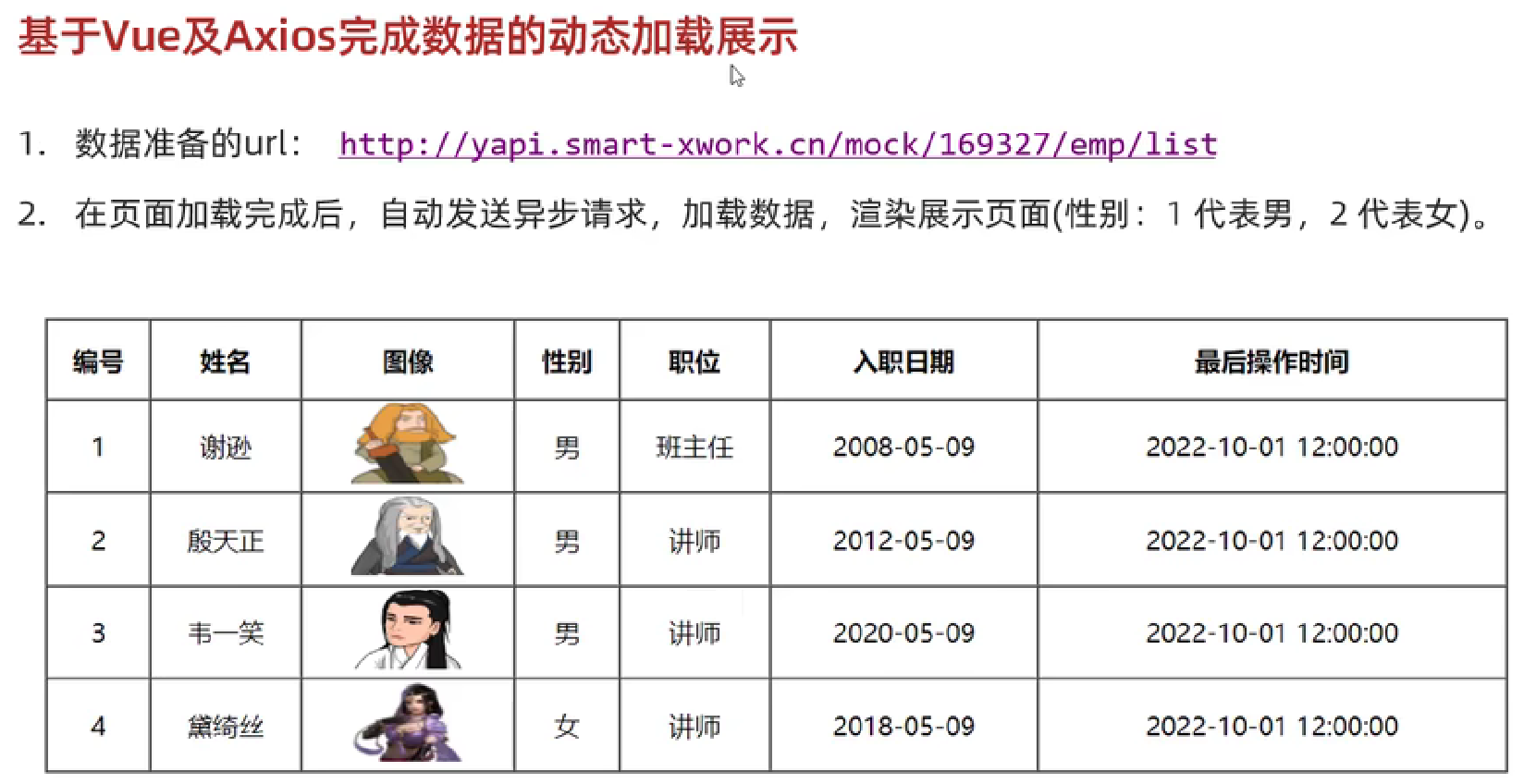
基于vue及axios完成数据的动态加载展示:
html
<!DOCTYPE html>
<html lang="en">
<head>
    <meta charset="UTF-8">
    <meta http-equiv="X-UA-Compatible" content="IE=edge">
    <meta name="viewport" content="width=device-width, initial-scale=1.0">
    <title>Ajax-Axios-案例</title>
    <script src="js/axios-0.18.0.js"></script>
    <script src="js/vue.js"></script>
</head>
<body>
    <div id="app">
        <table border="1" cellspacing="0" width="60%">
            <tr>
                <th>编号</th>
                <th>姓名</th>
                <th>图像</th>
                <th>性别</th>
                <th>职位</th>
                <th>入职日期</th>
                <th>最后操作时间</th>
            </tr>
            <tr align="center" v-for="(emp,index) in emps">
                <td>{{index + 1}}</td>
                <td>{{emp.name}}</td>
                <td>
                    <img :src="emp.image" width="70px" height="50px">
                </td>
                <td>
                    <span v-if="emp.gender == 1">男</span>
                    <span v-if="emp.gender == 2">女</span>
                </td>
                <td>{{emp.job}}</td>
                <td>{{emp.entrydate}}</td>
                <td>{{emp.updatetime}}</td>
            </tr>
        </table>
    </div>
    <script>
        new Vue({
            el: "#app",
            data: {
                emps: []
            },
            mounted () {
                //发送异步请求,加载数据
                axios.get("http://yapi.smart-xwork.cn/mock/169327/emp/list").then(result => {
                    this.emps = result.data.data;
                })
            }
        });
    </script>
</html>
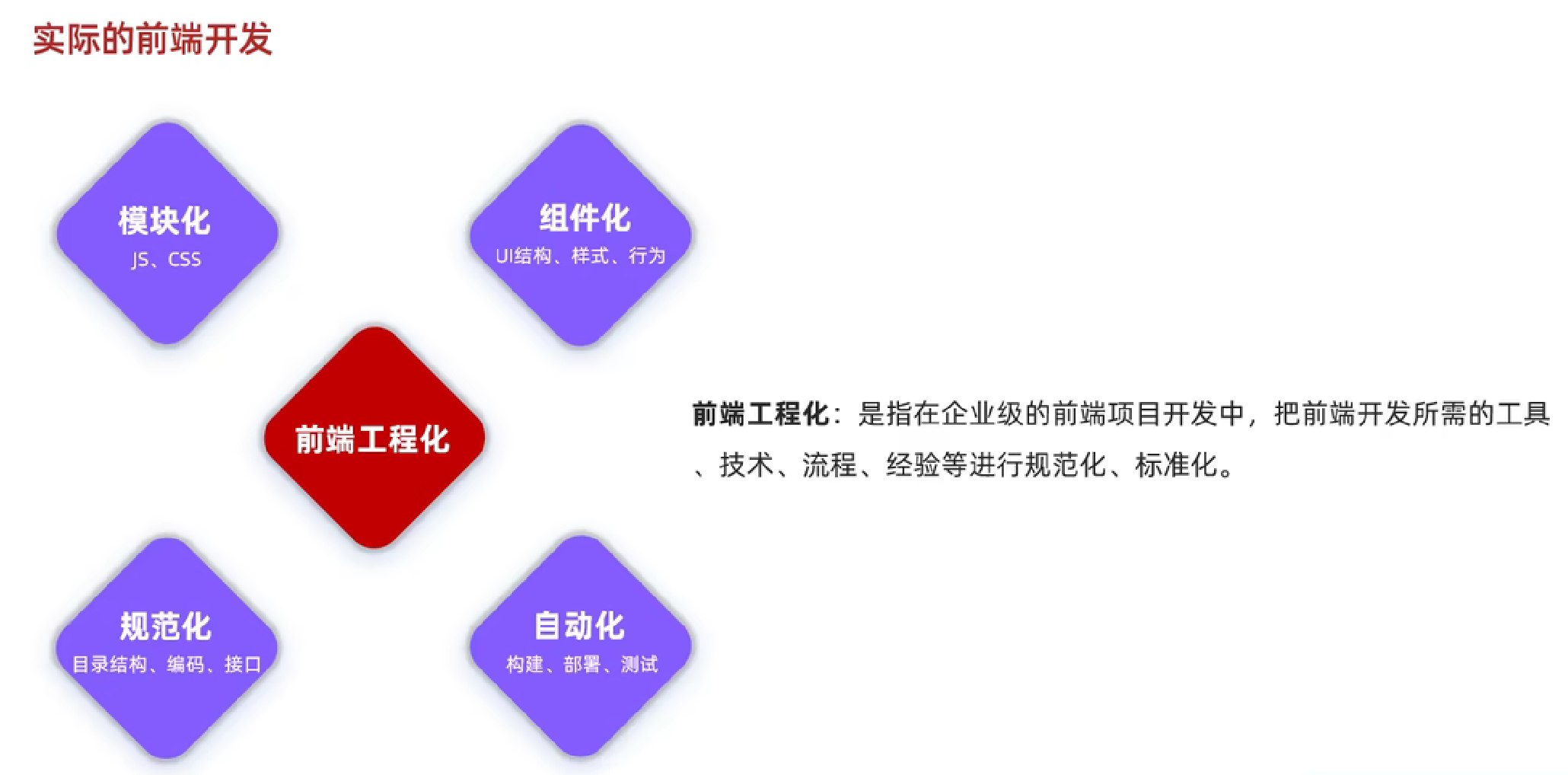
前端工程化
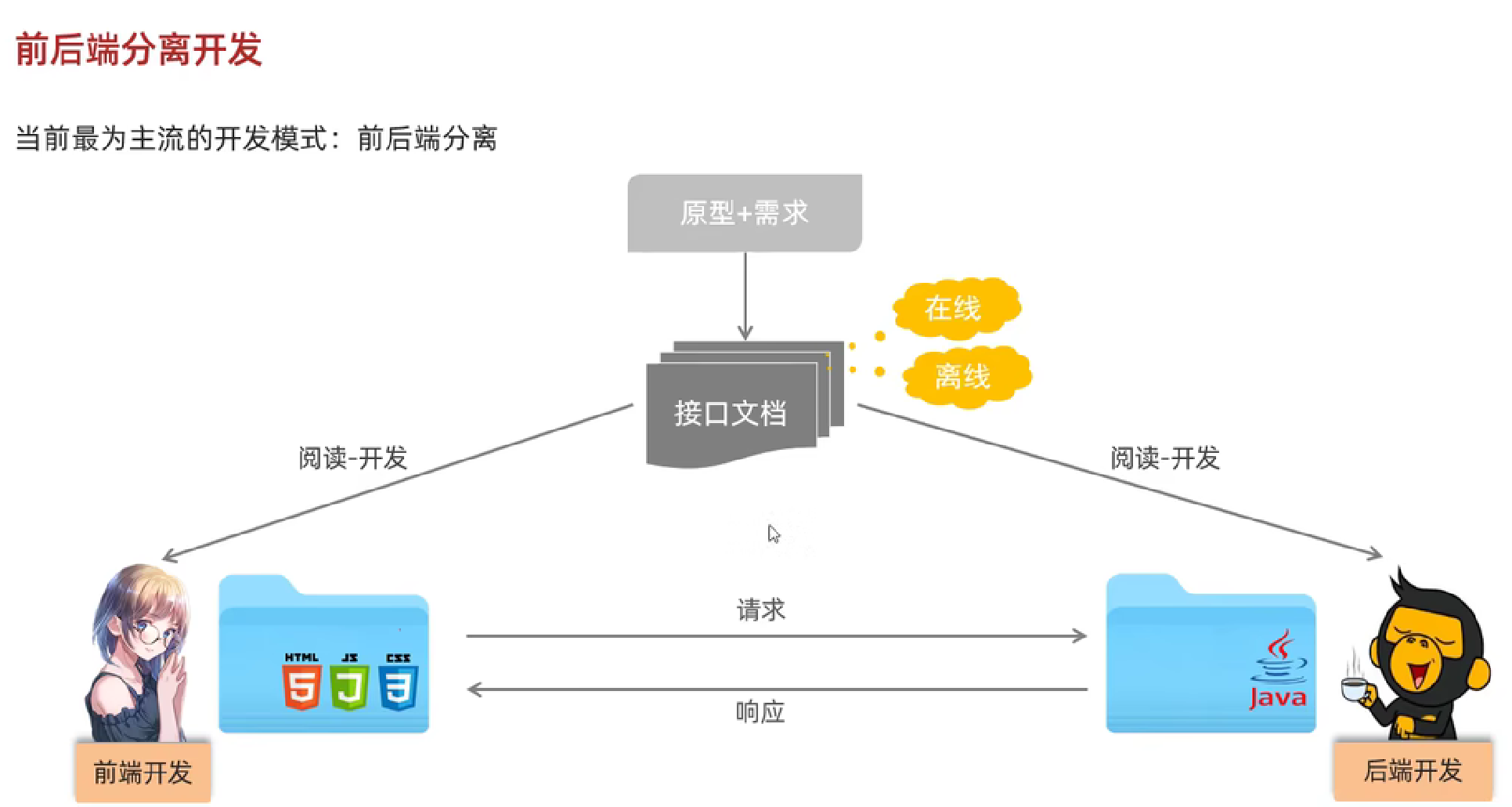
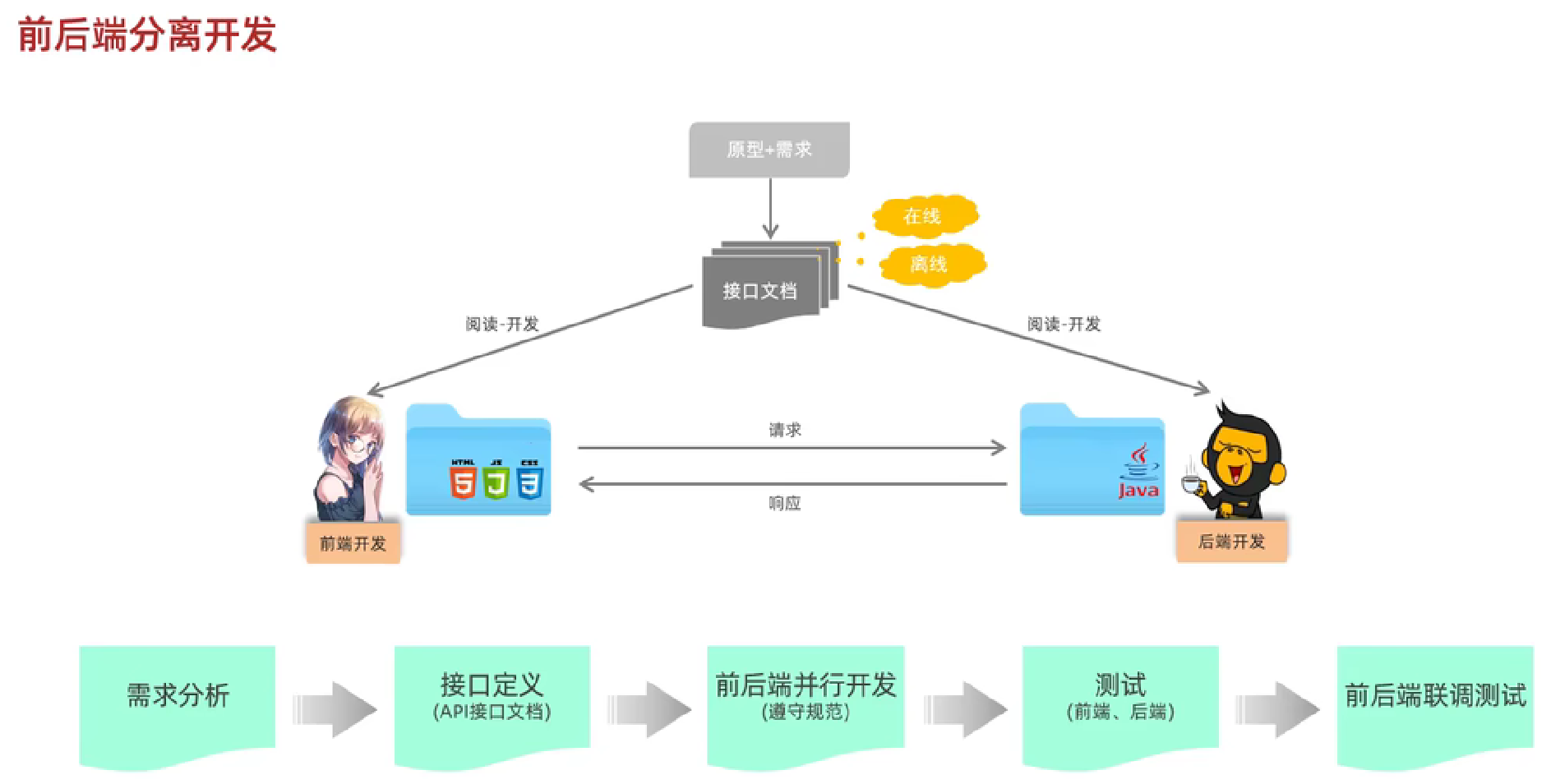
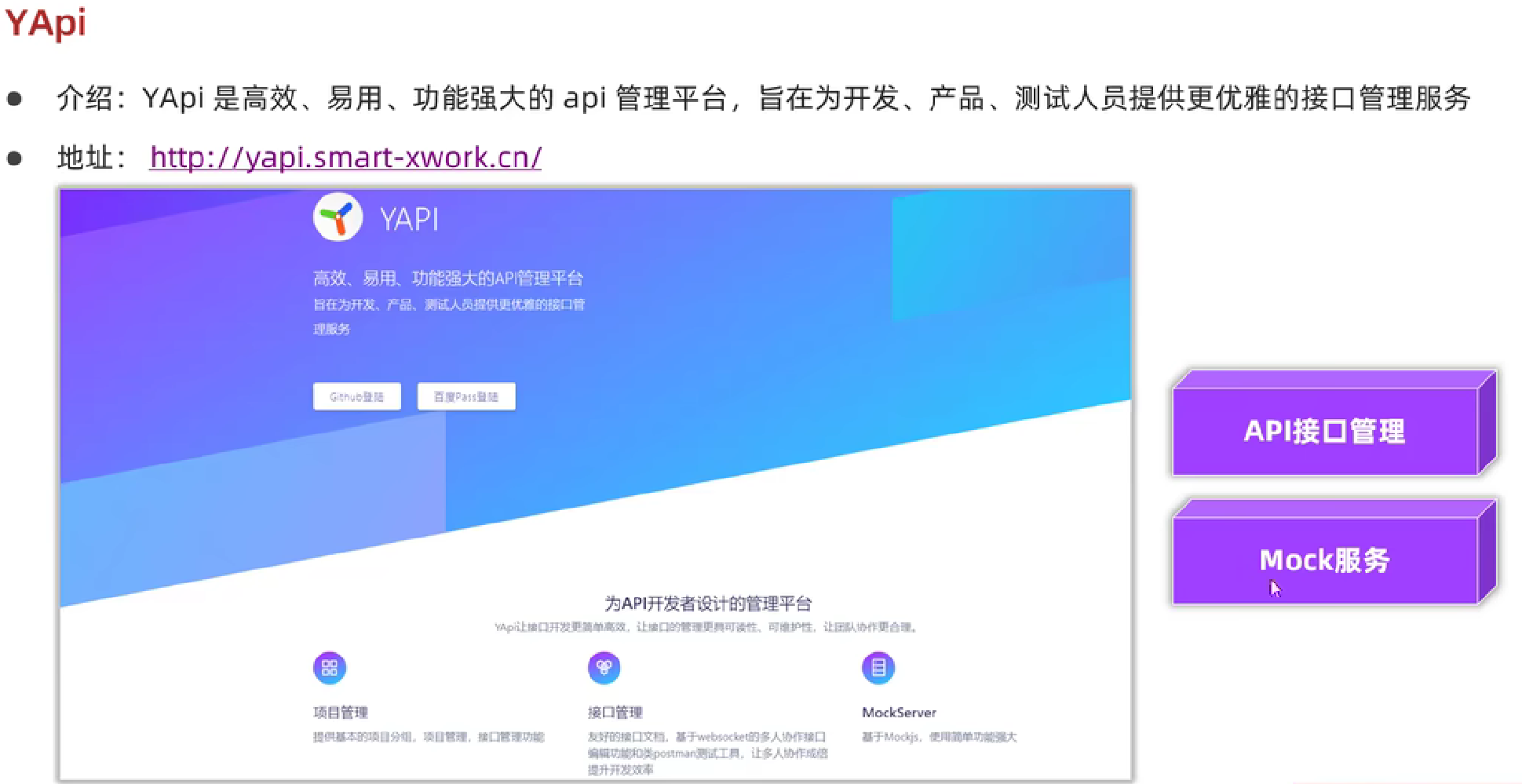
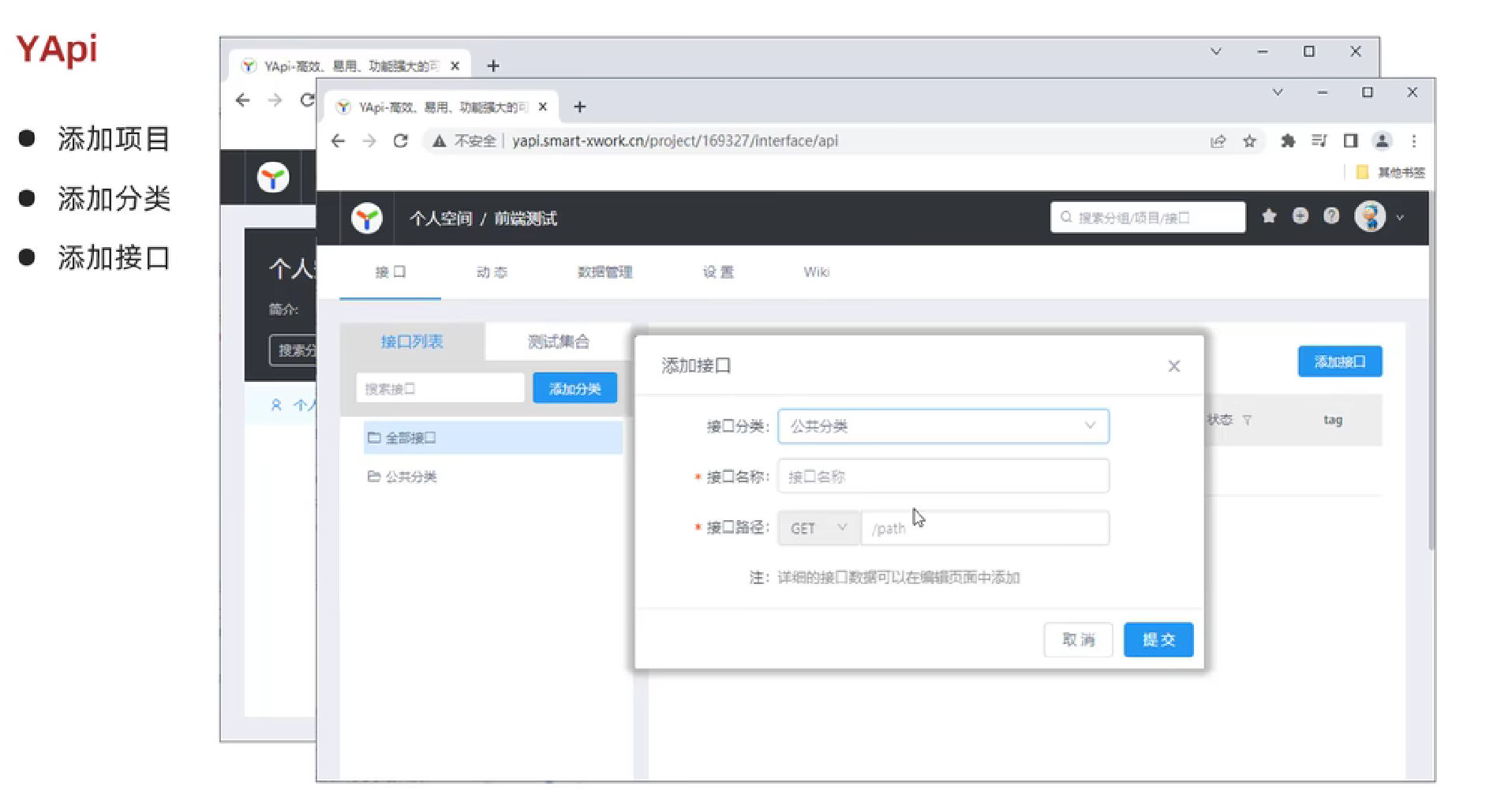
环境准备
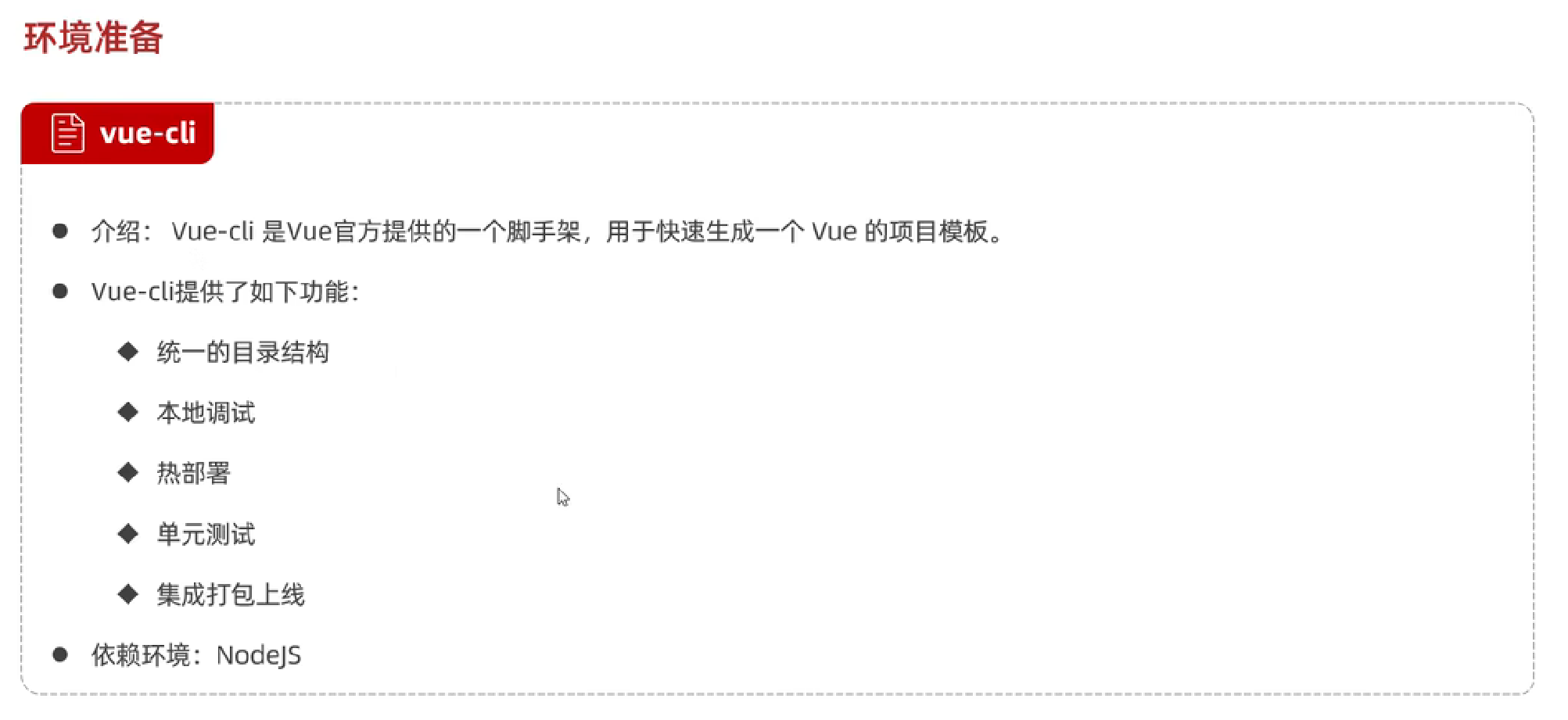
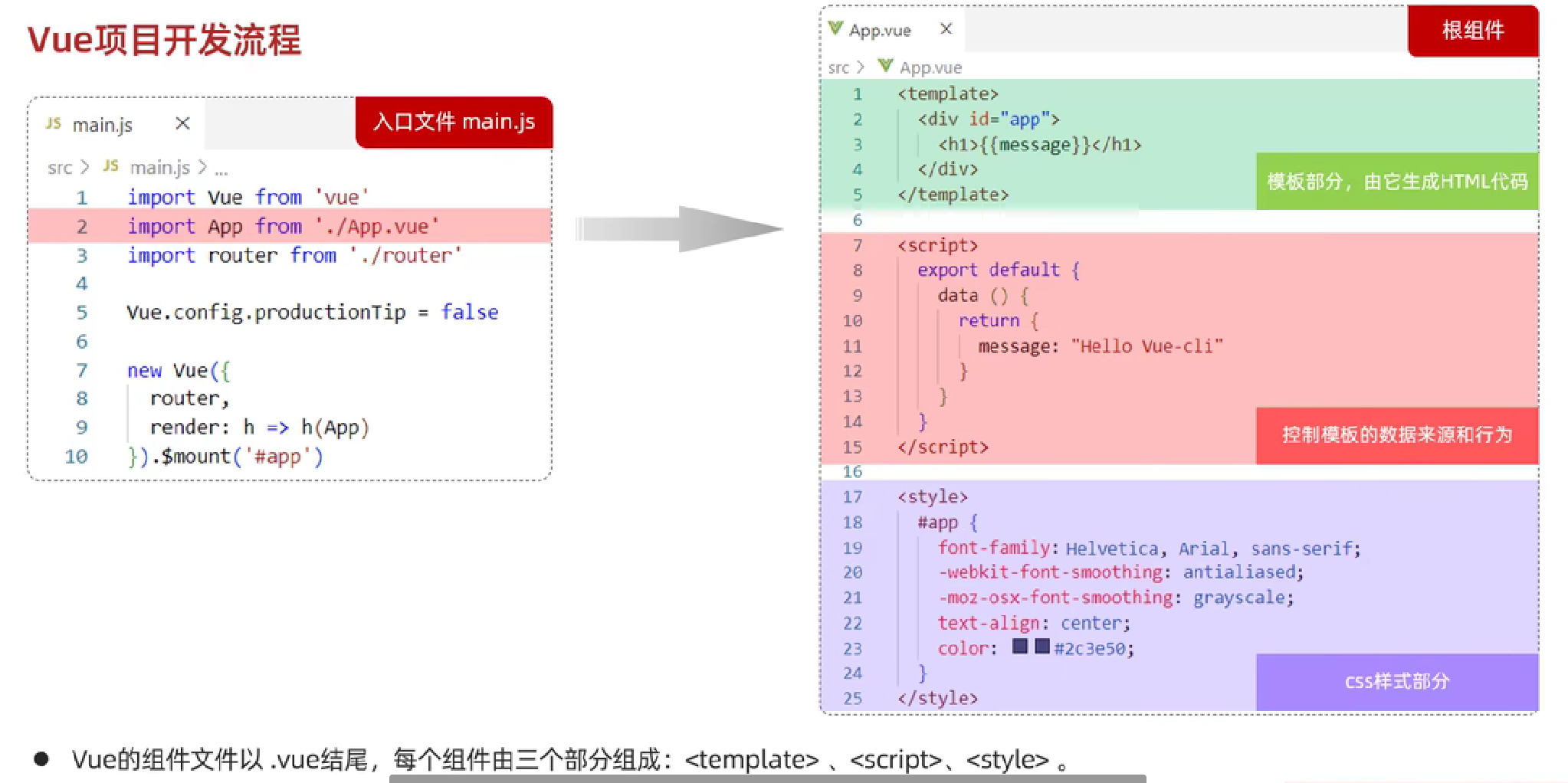
Vue项目简介
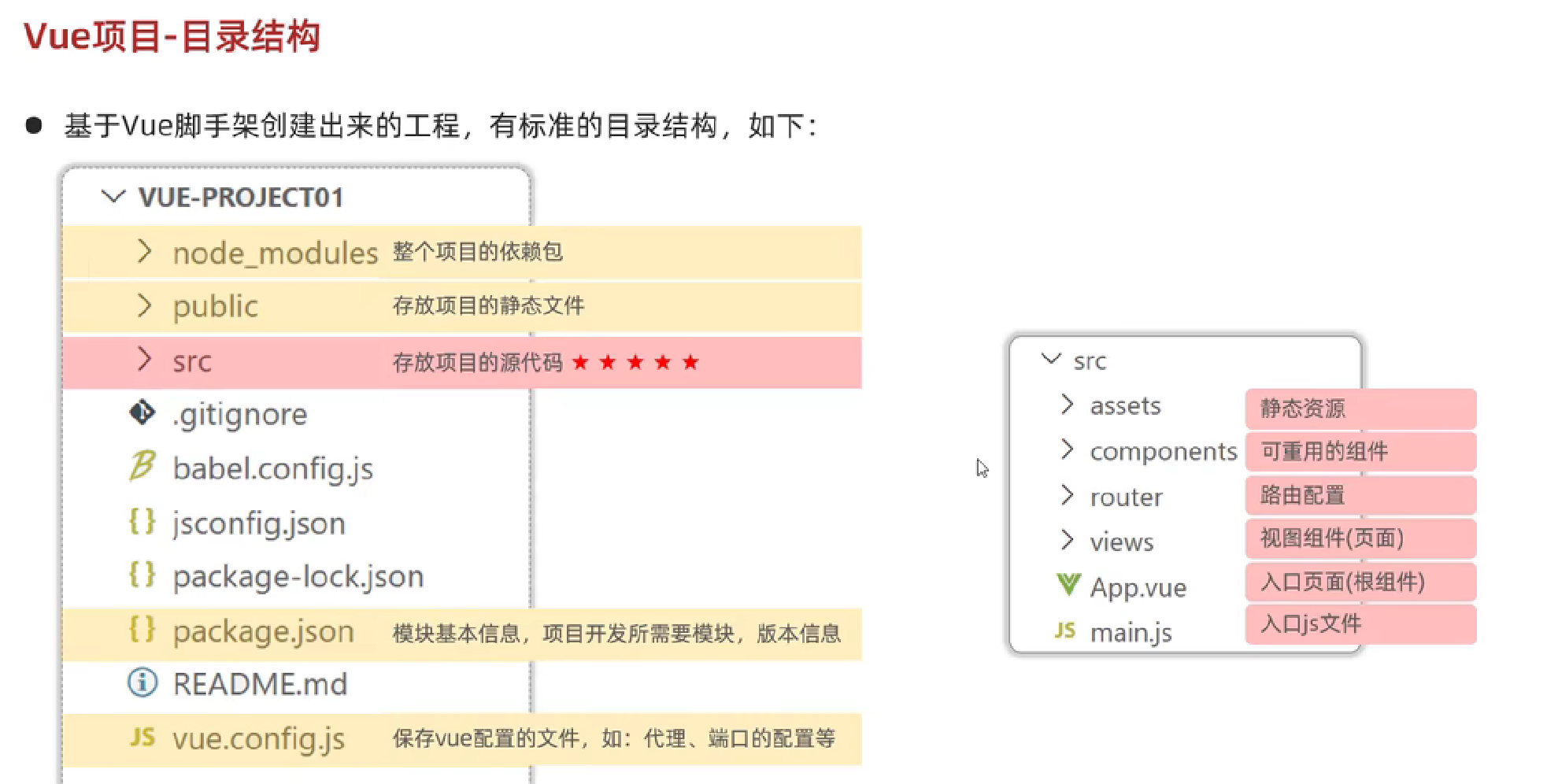
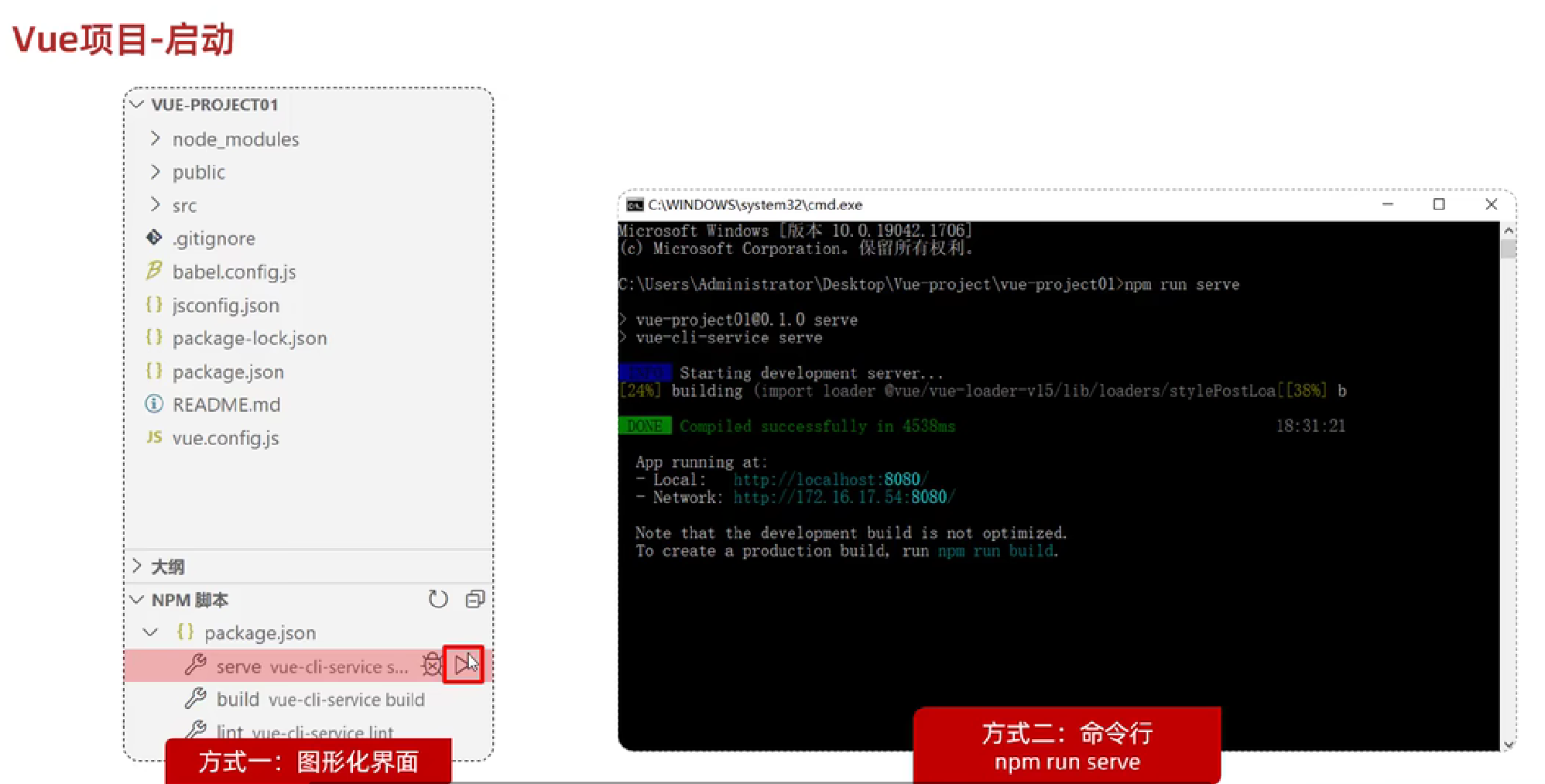
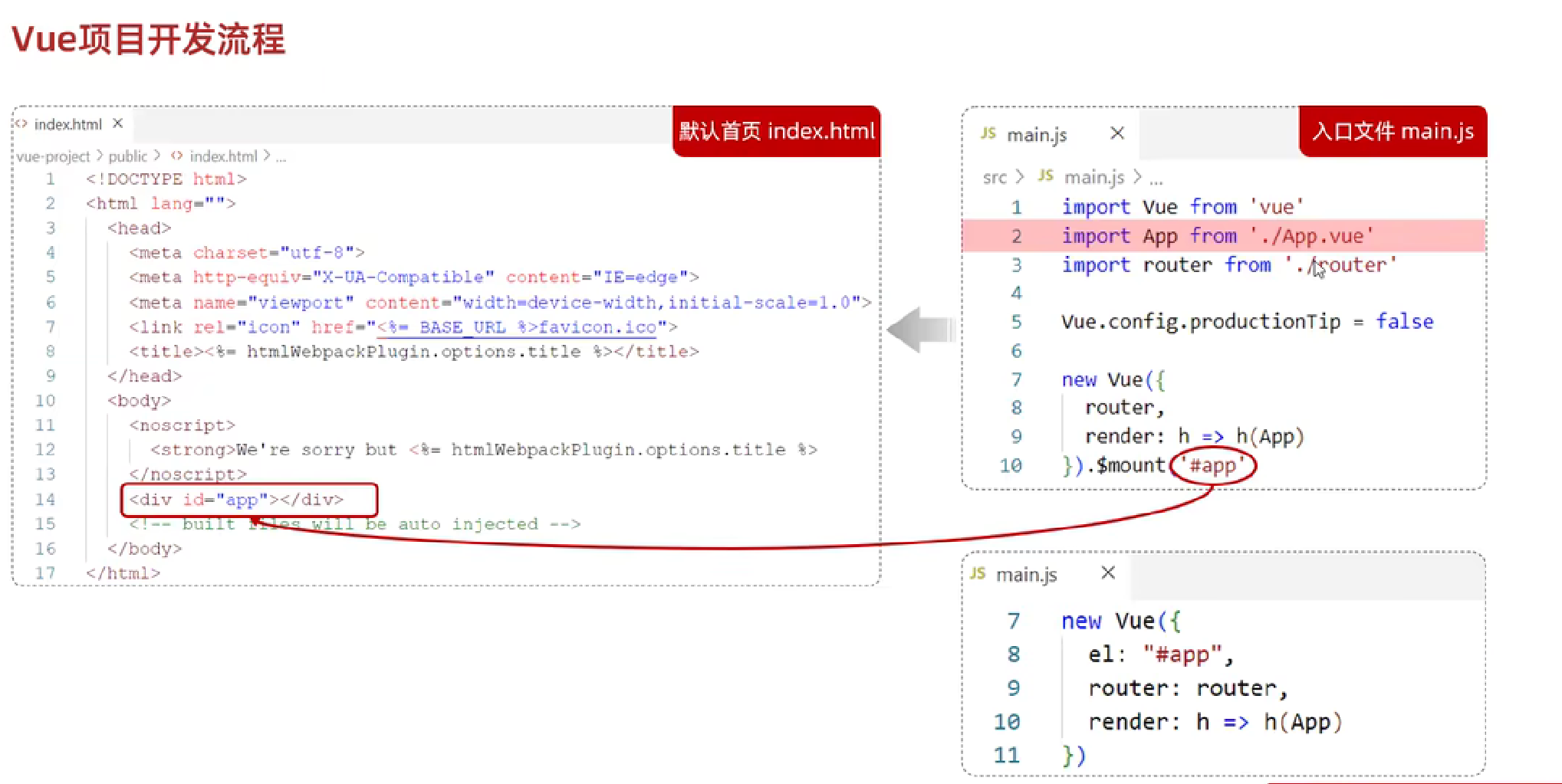
Maven
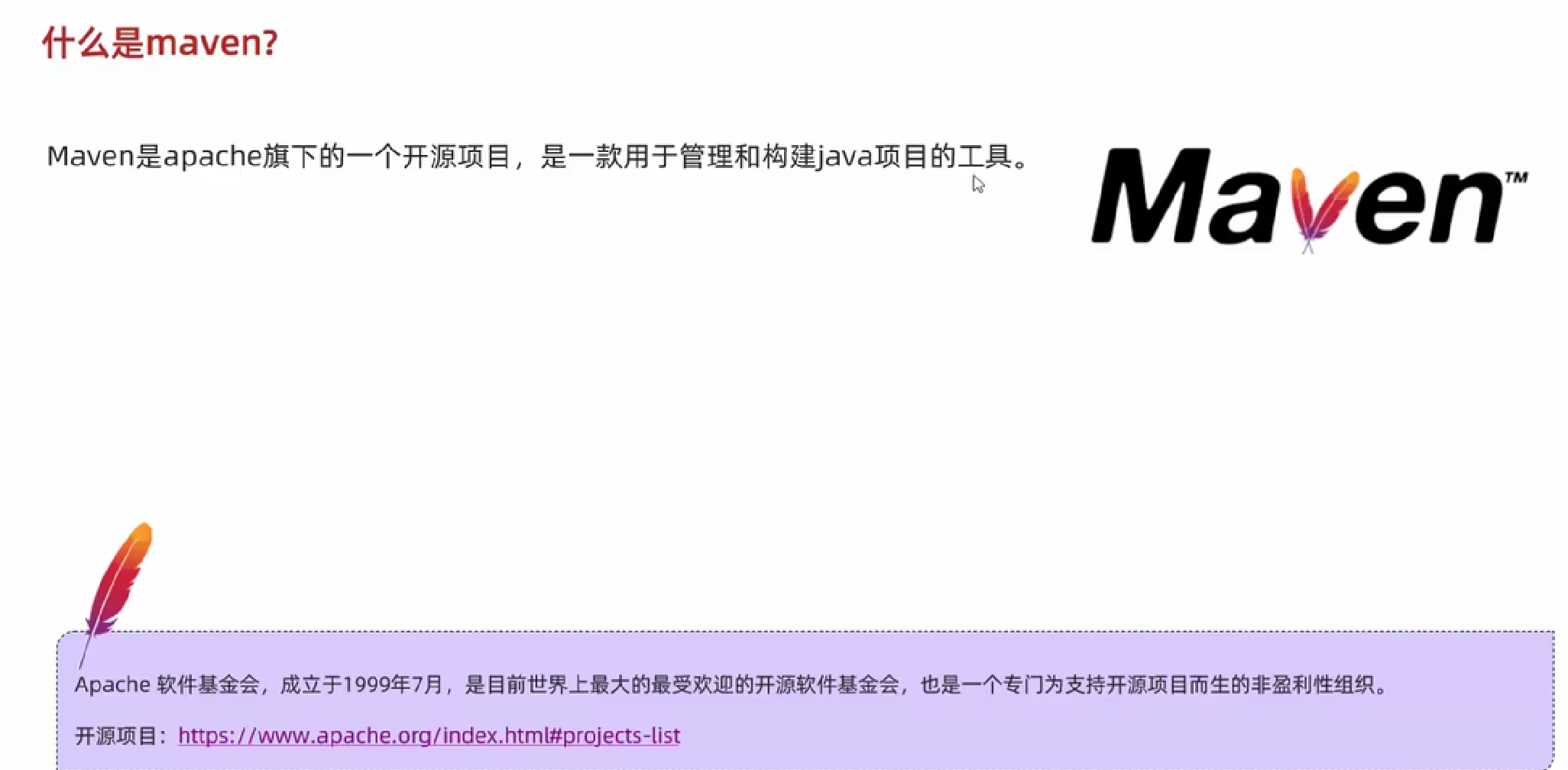
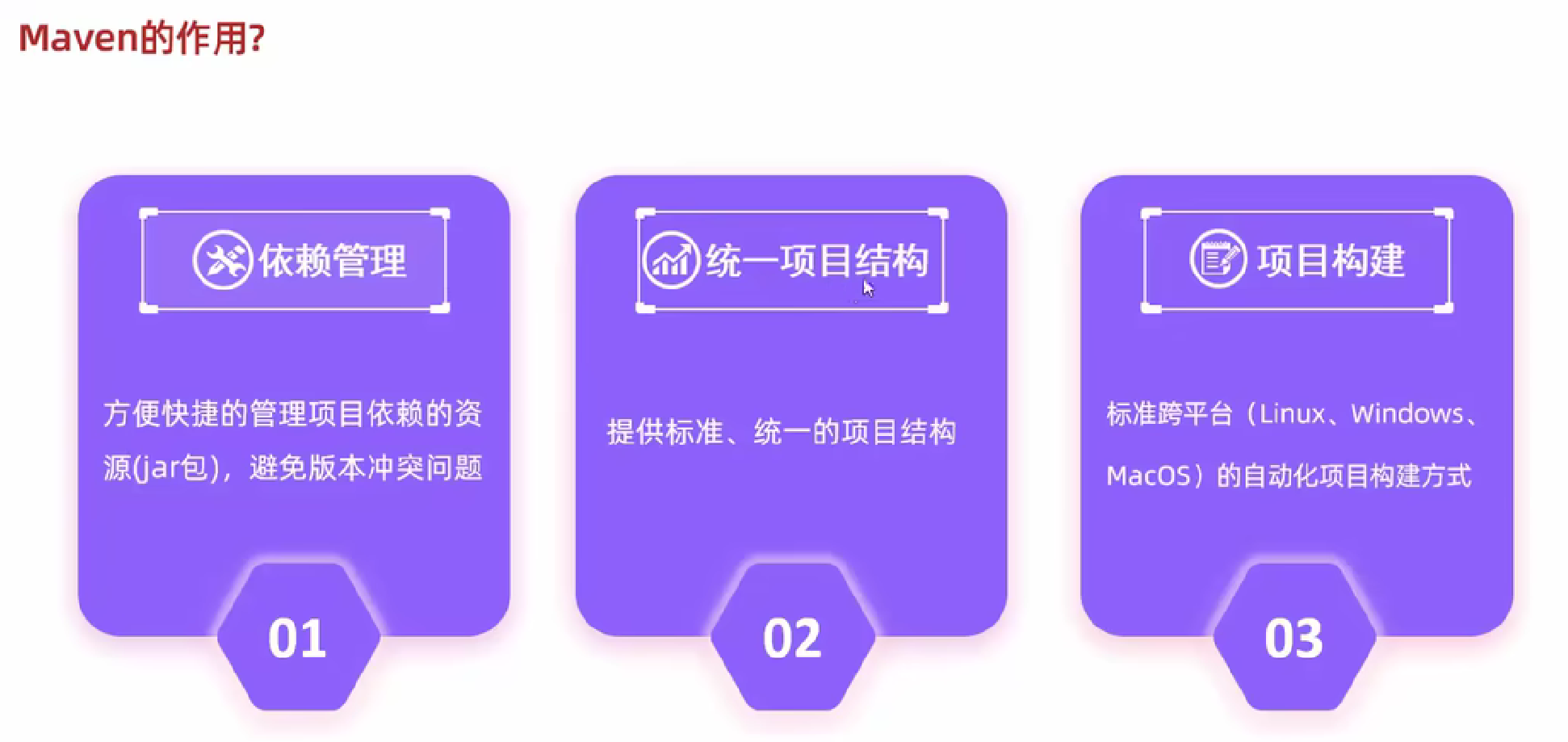
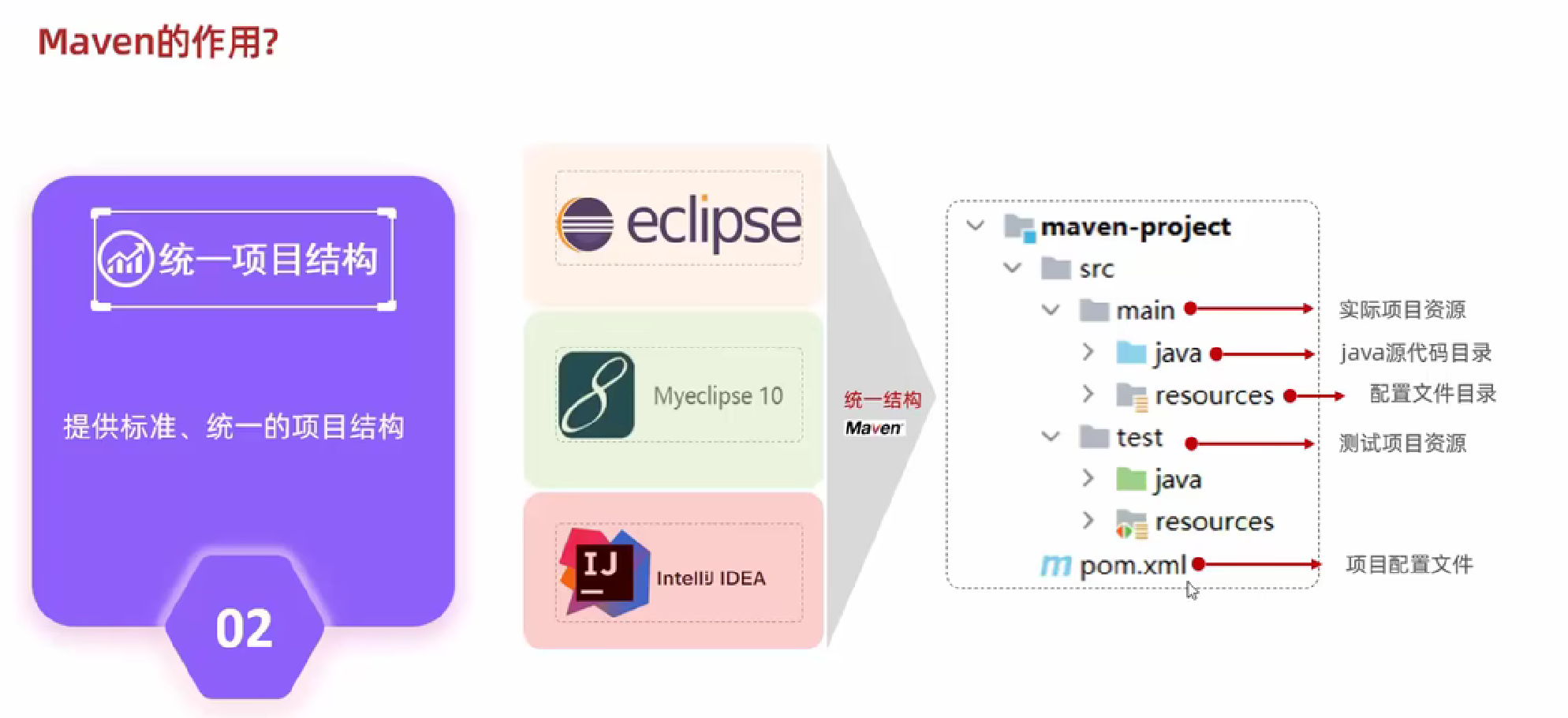
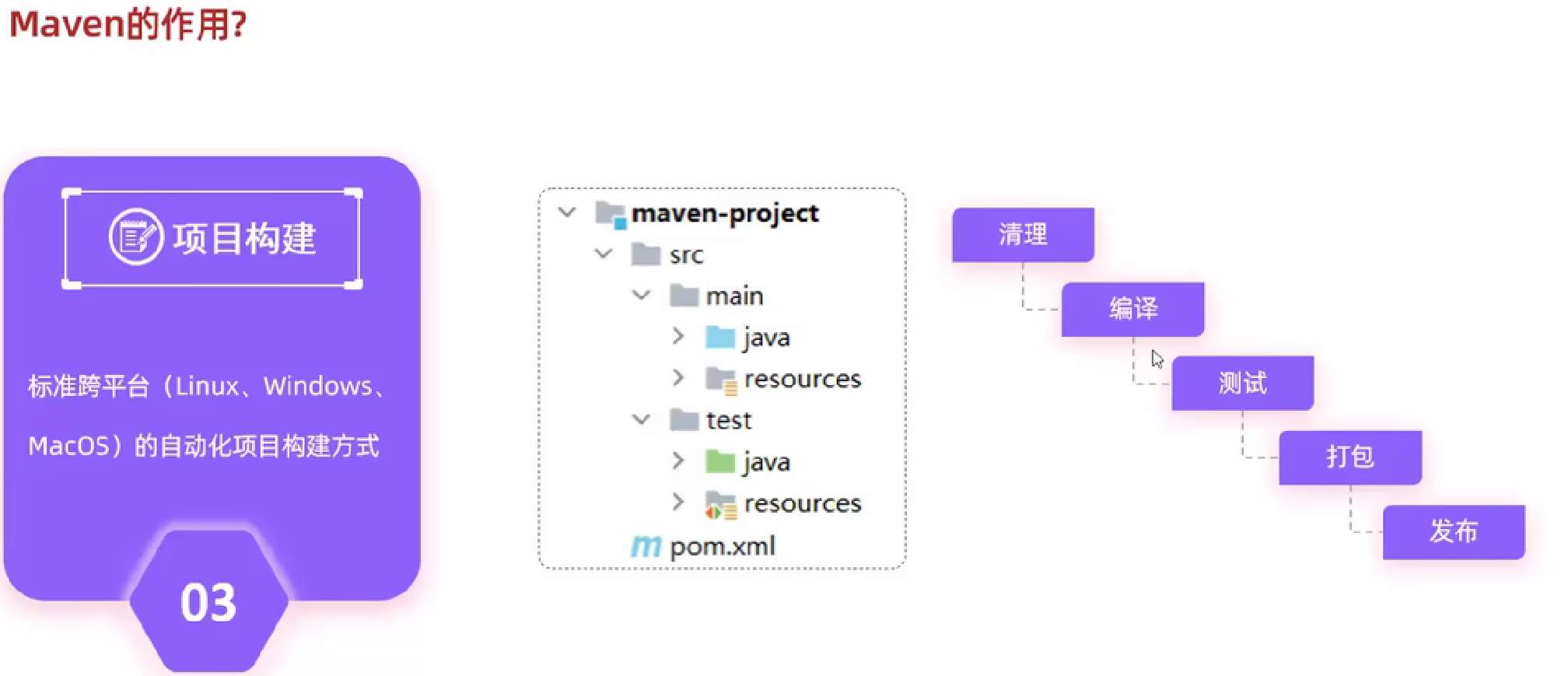
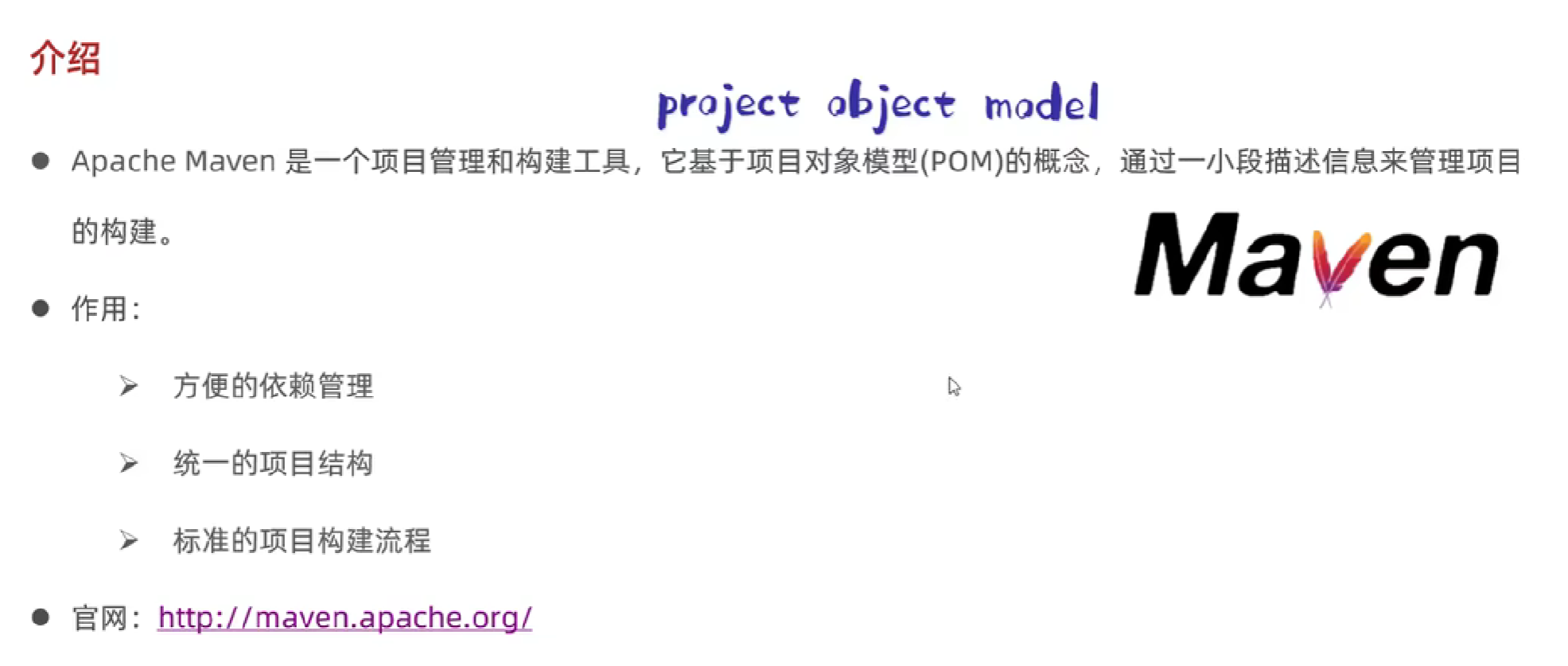
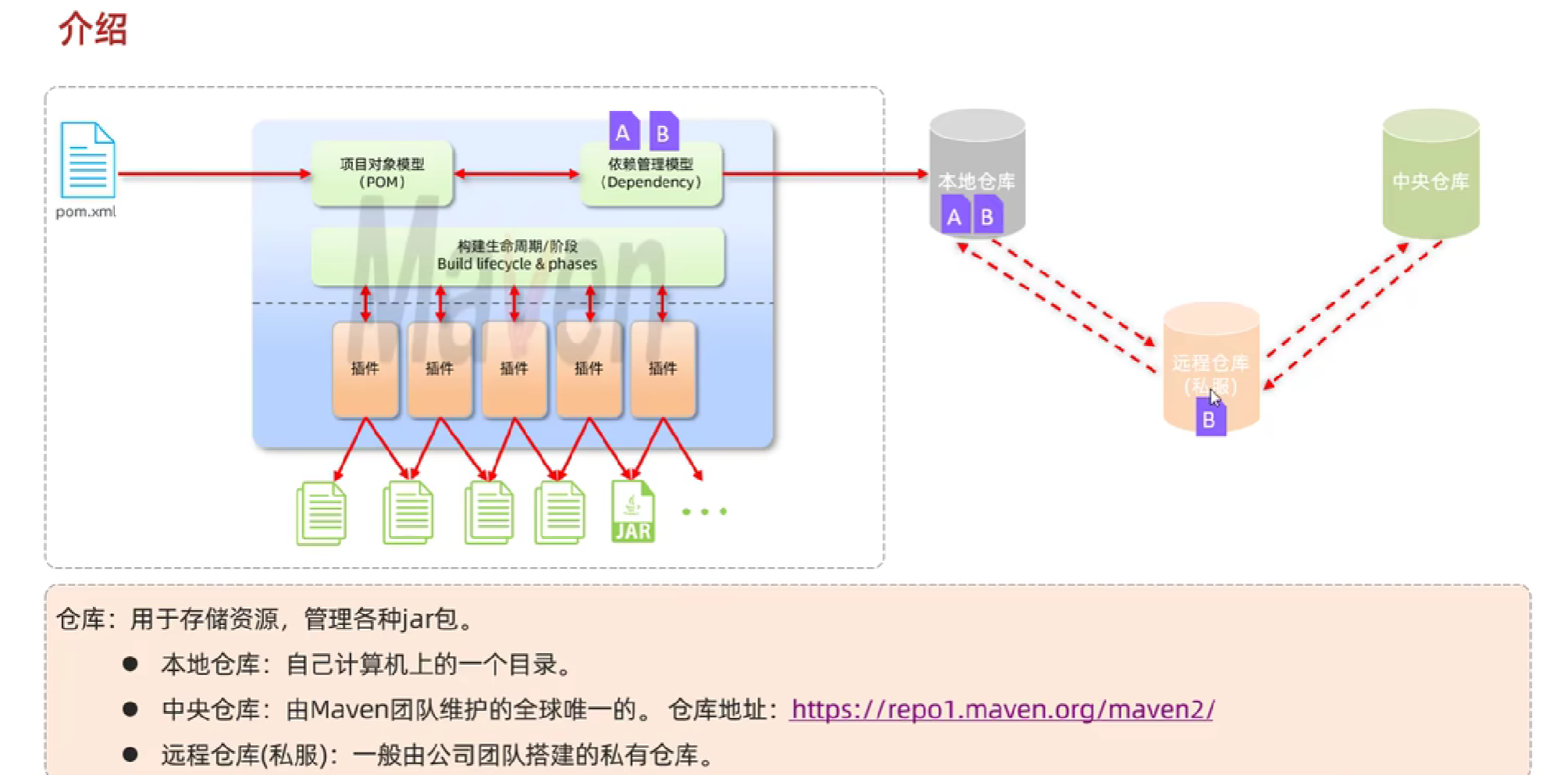
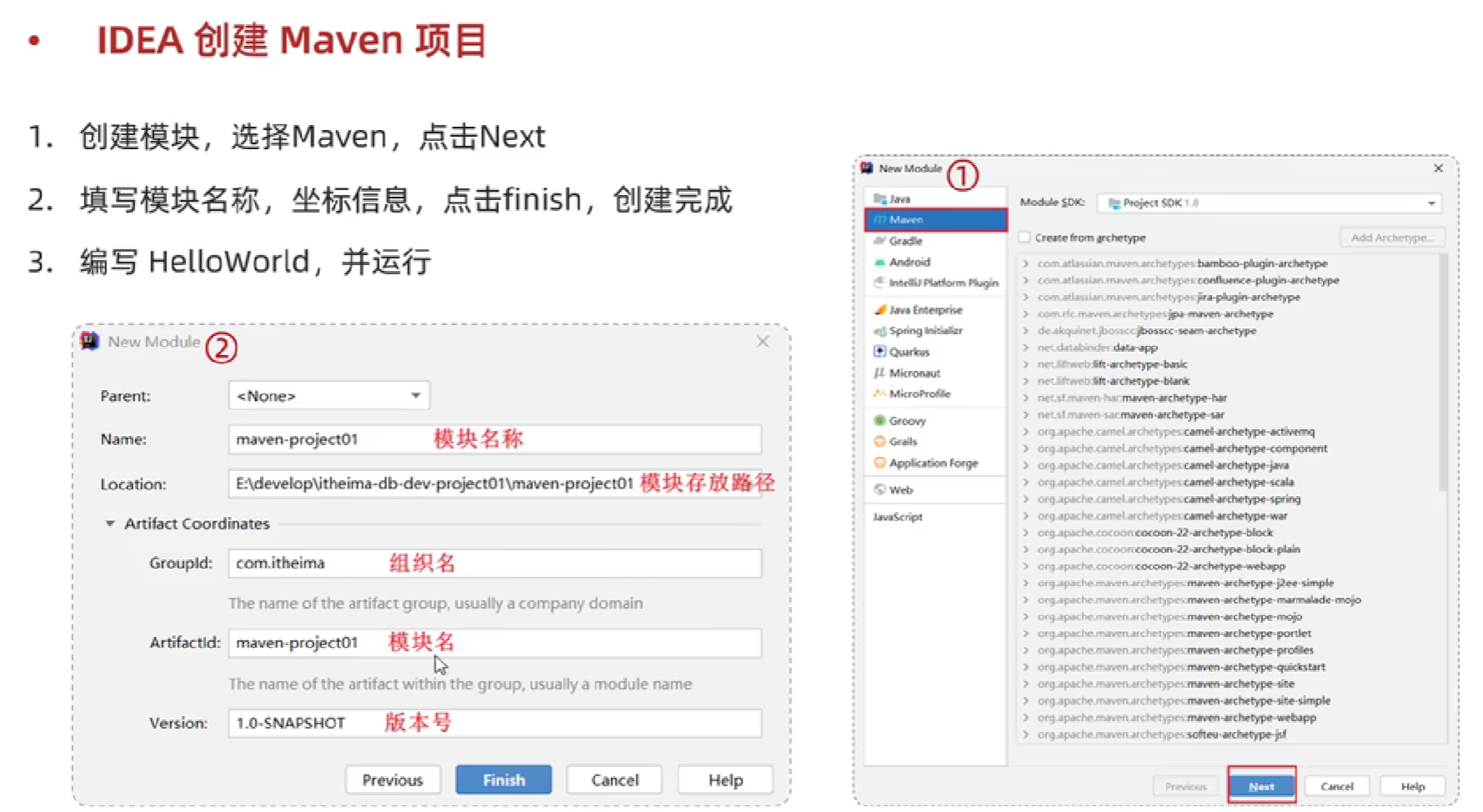
介绍
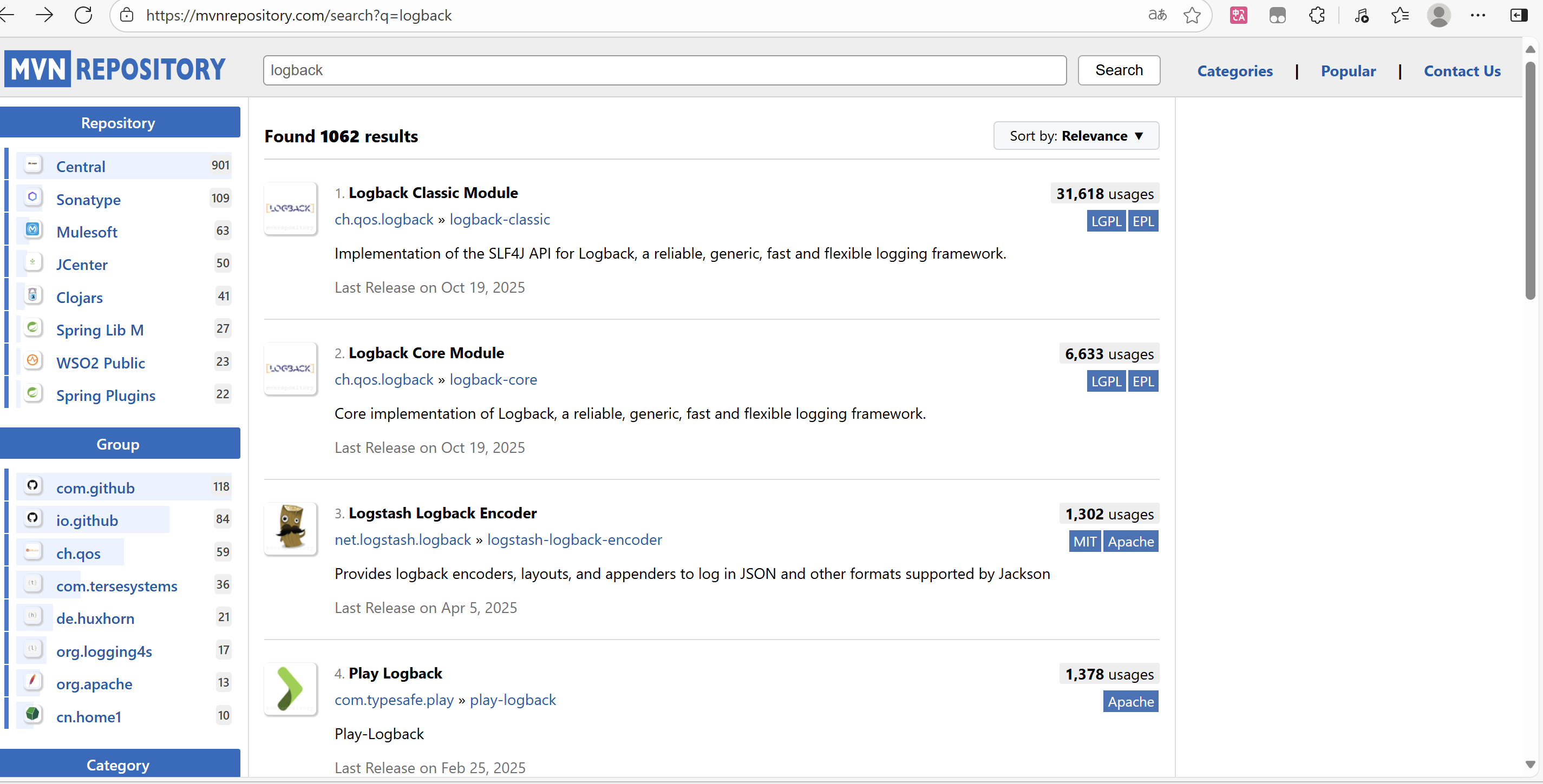
依赖管理
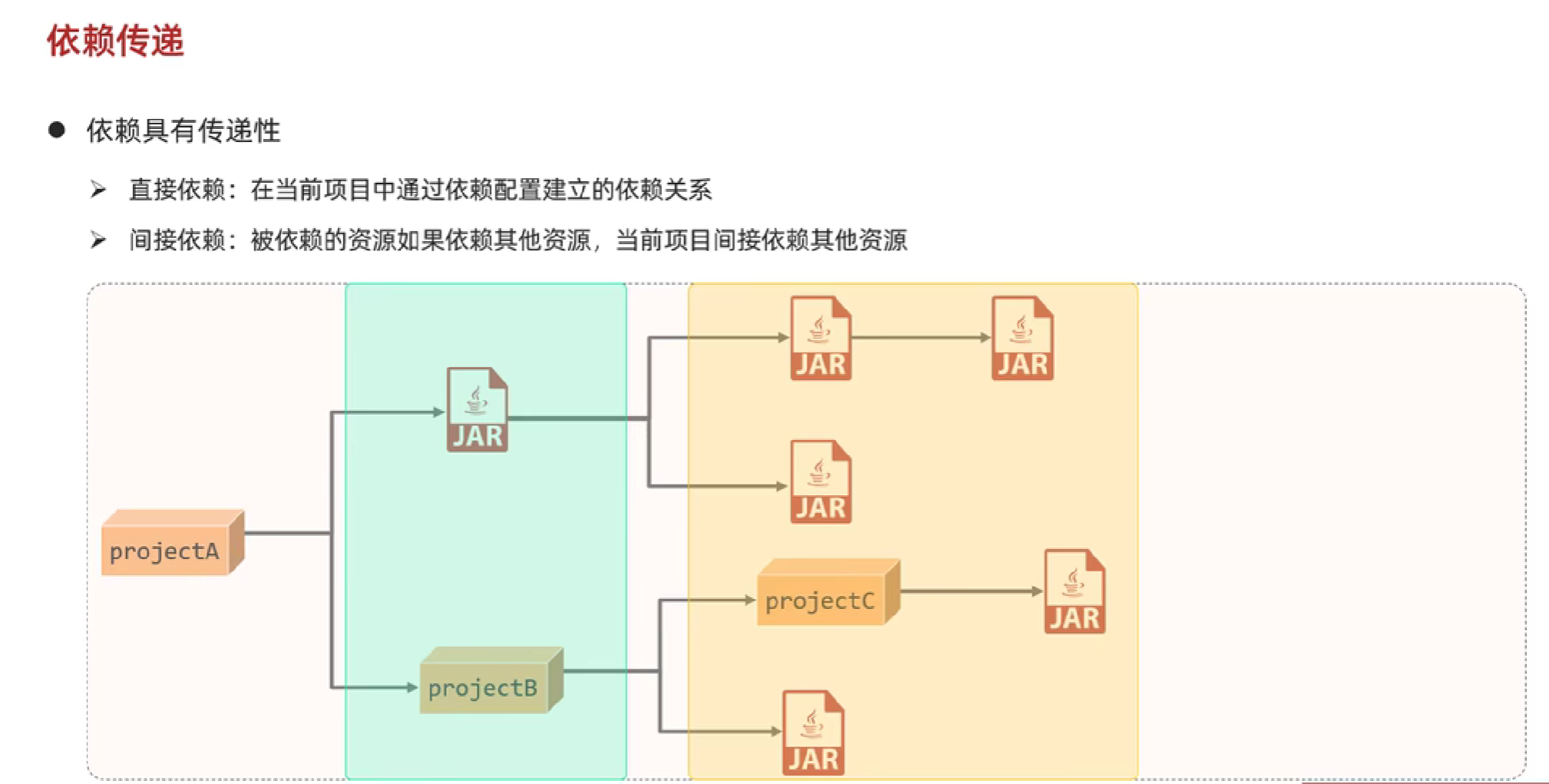
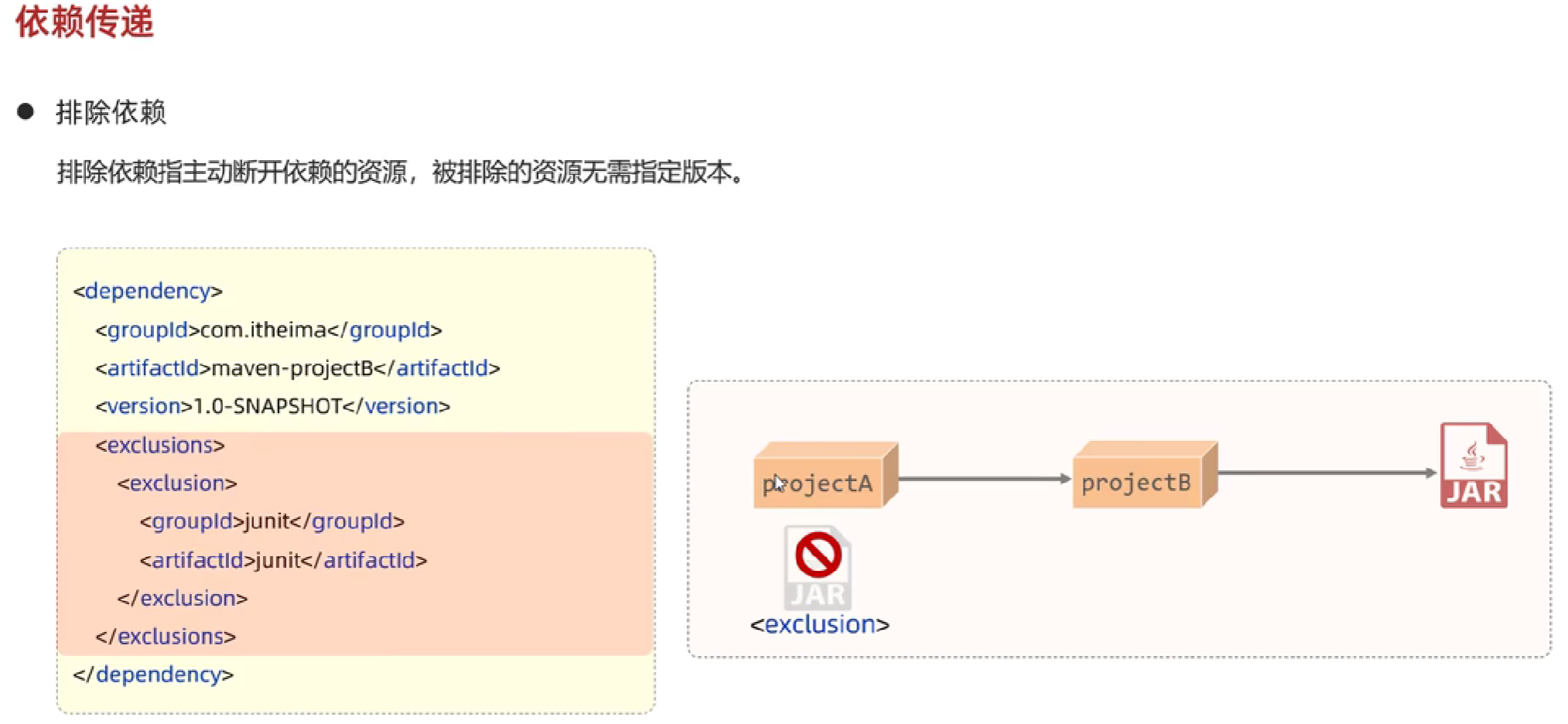
依赖传递
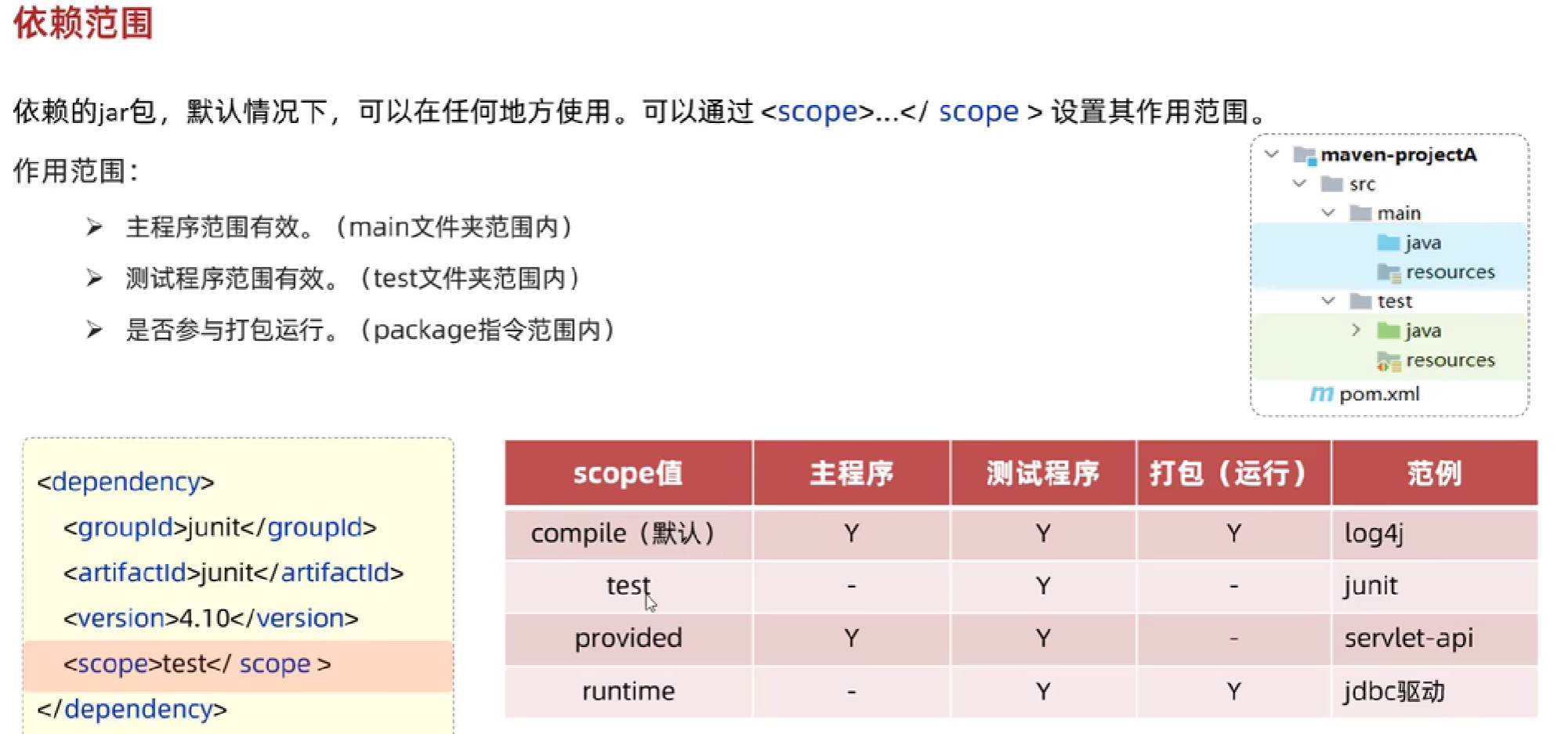
依赖范围
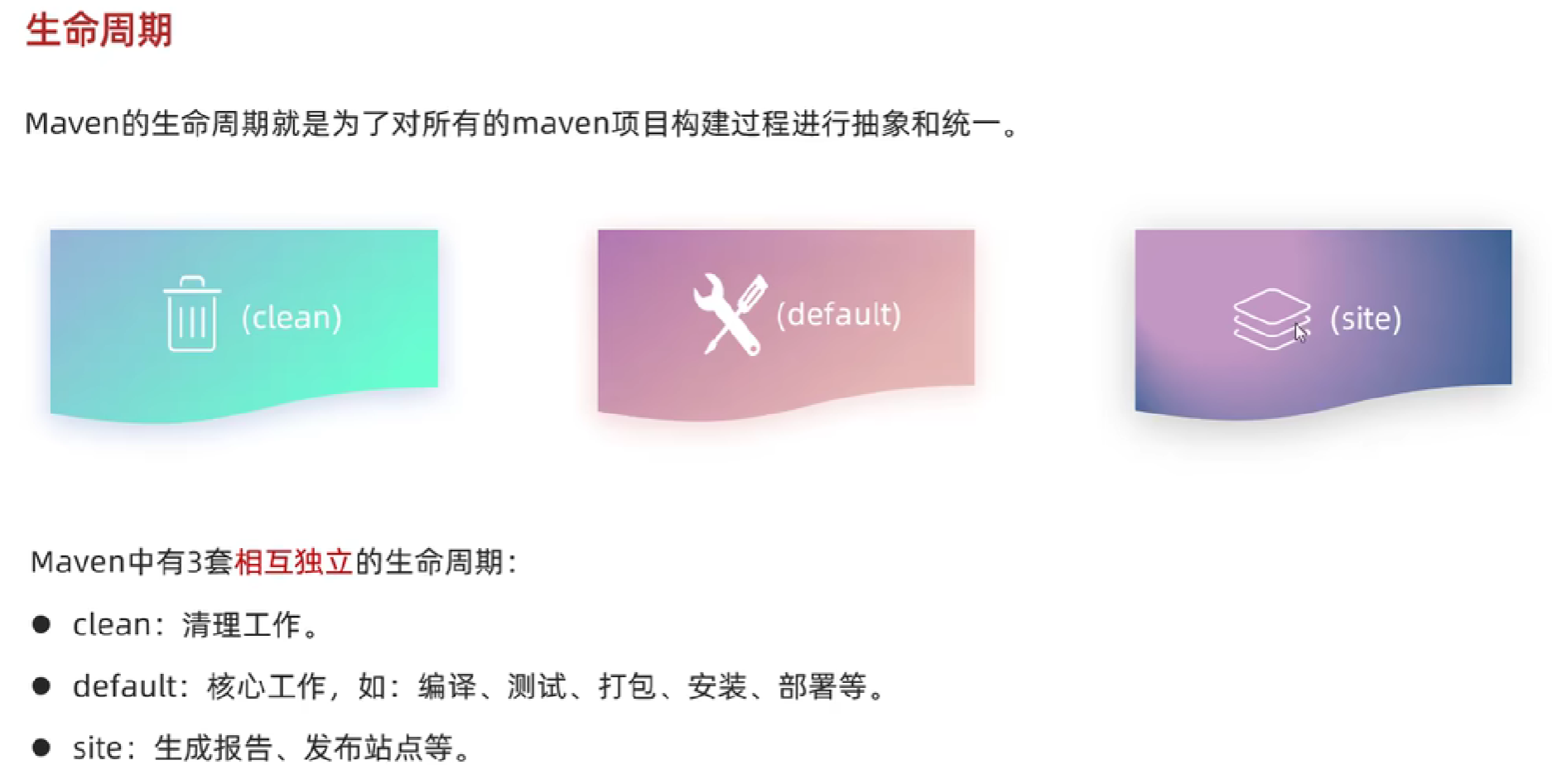
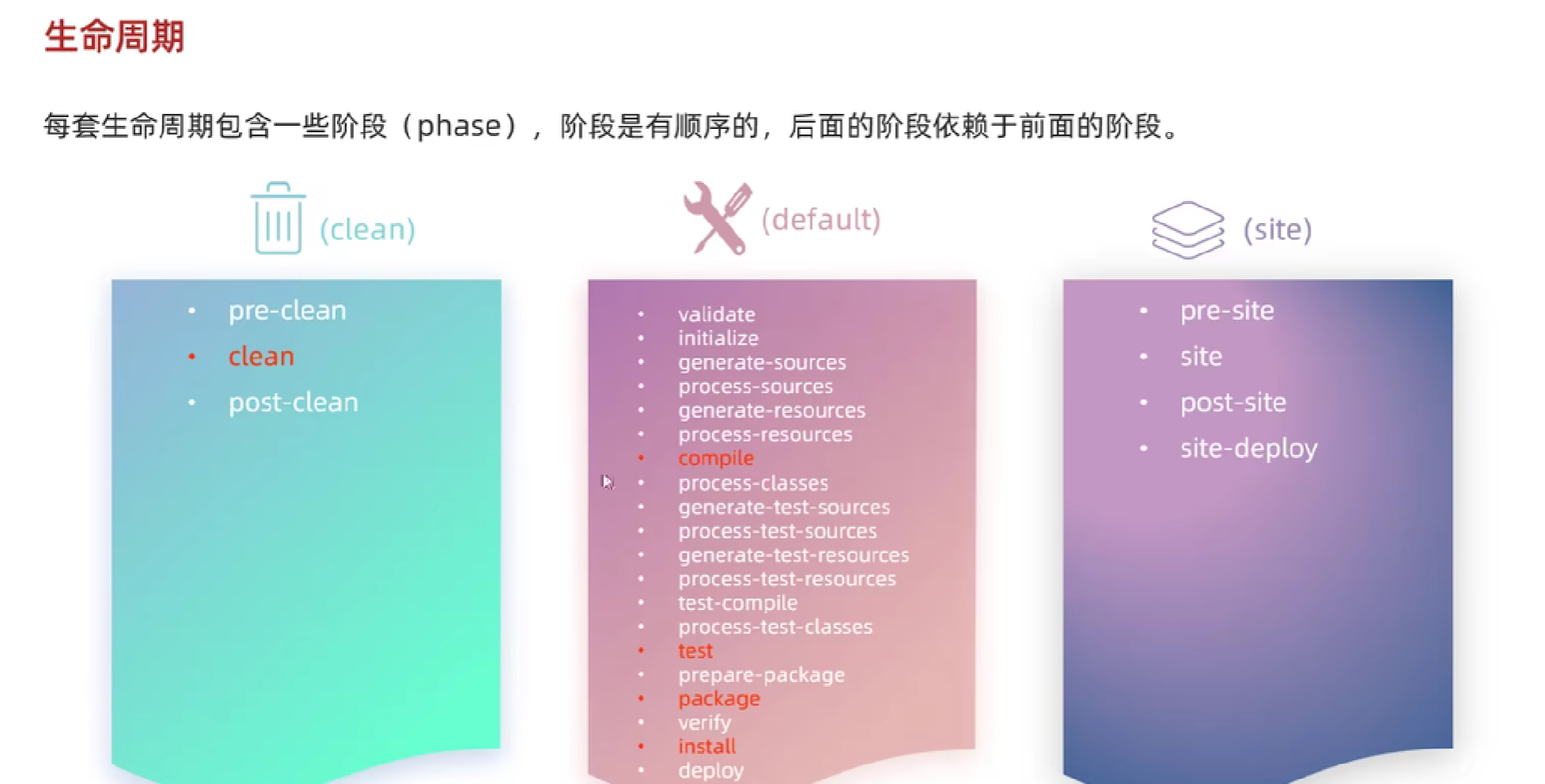
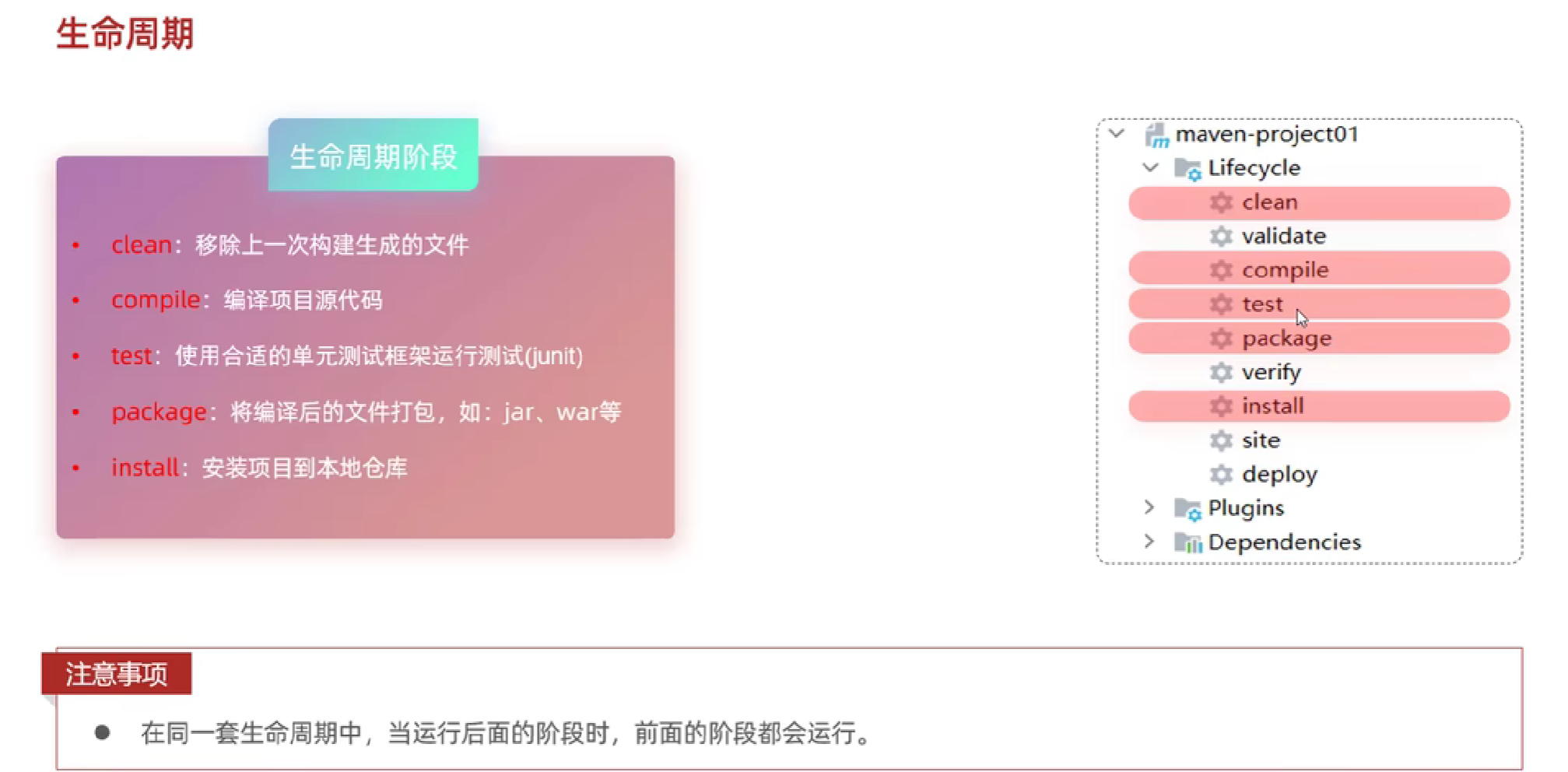
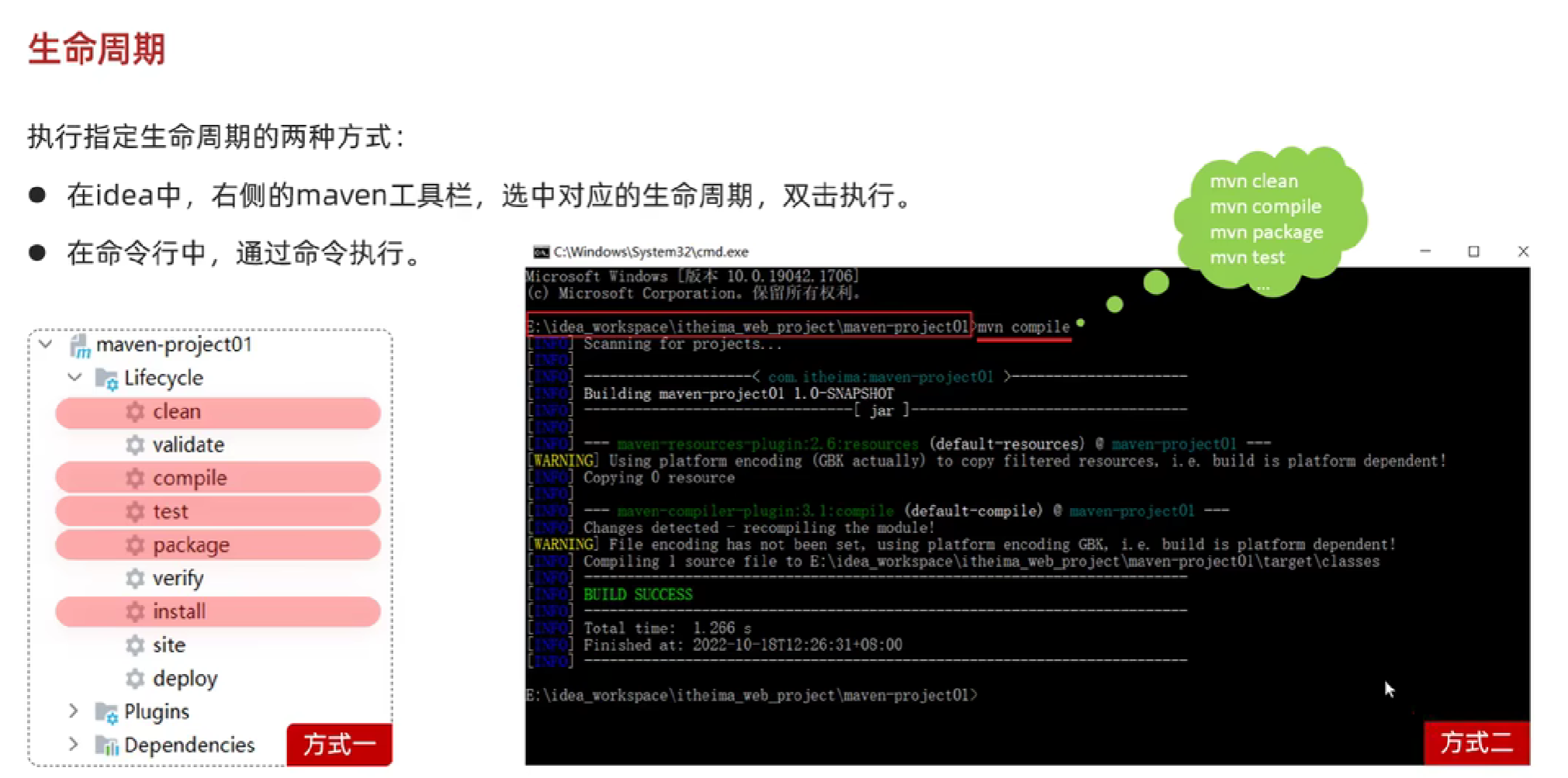
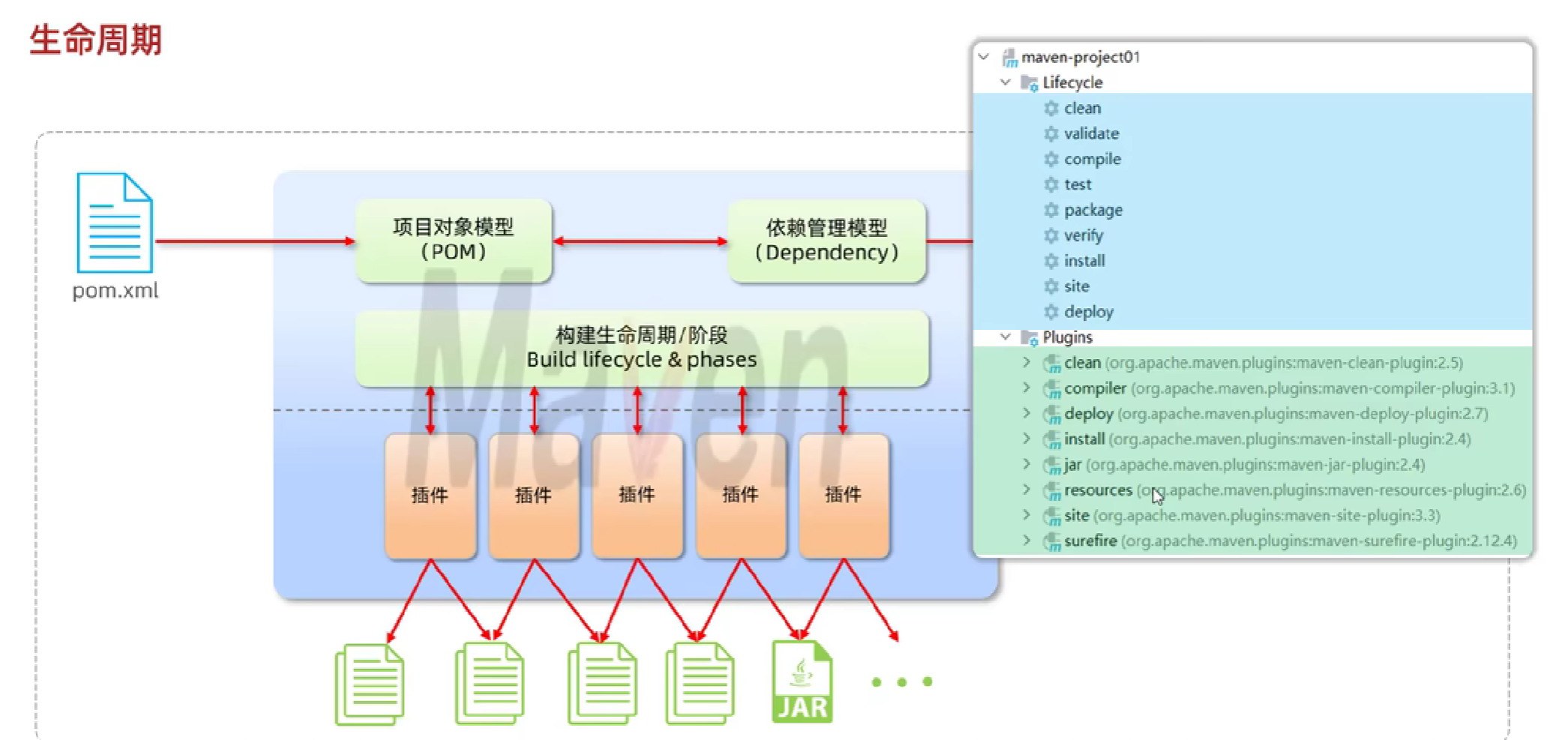
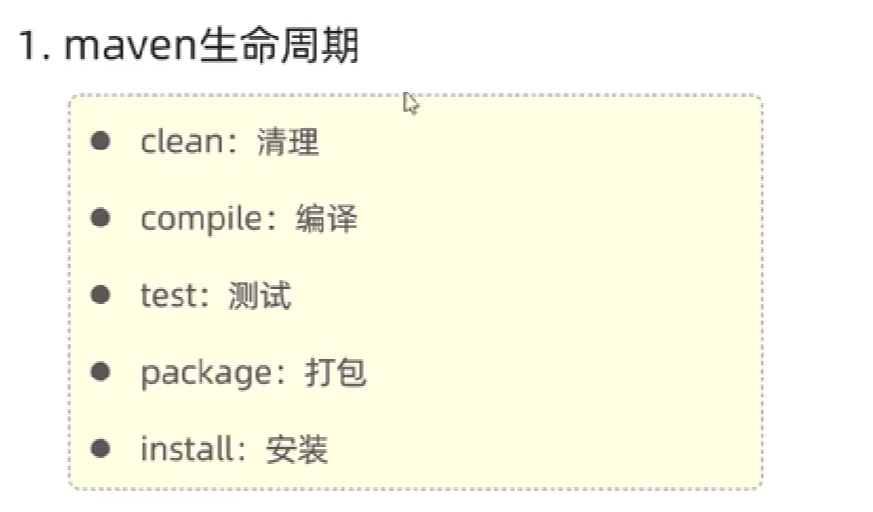
生命周期
这篇文章就先更到这里,接下来的内容可查看我的下一篇博客,感谢观看,希望对你有帮助。