一、介绍
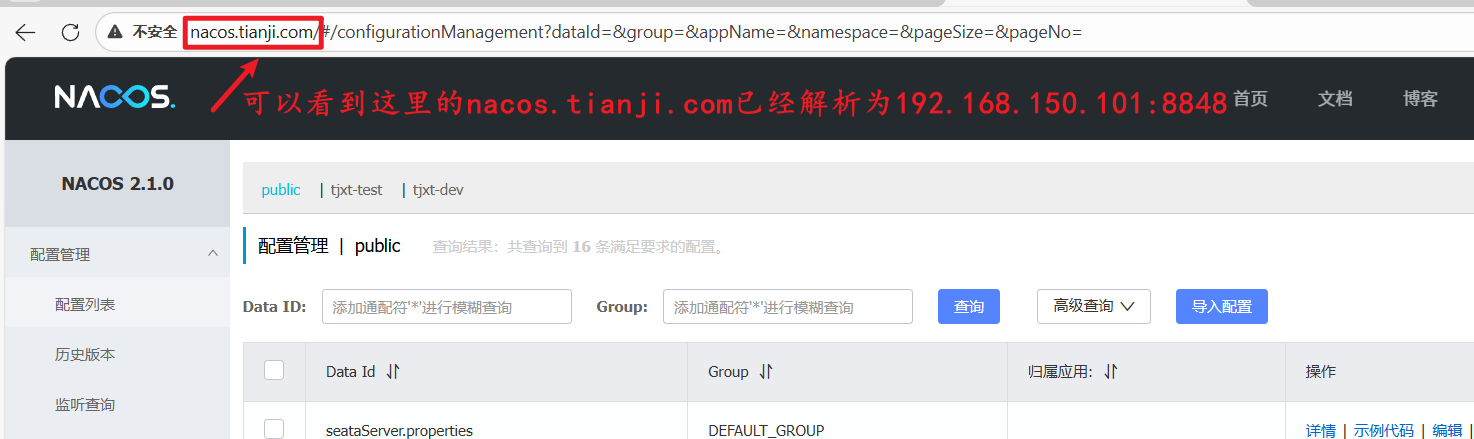
本文介绍通过switchhosts和nginx实现域名解析和端口反向代理,实现在windows系统下通过域名访问虚拟机的网卡地址和端口服务,下面介绍详细步骤:
二、步骤
a. 域名解析配置
1.下载switchhosts
SwitchHosts 是一款专注于管理hosts文件的工具
github源码地址:https://github.com/oldj/SwitchHosts/releases
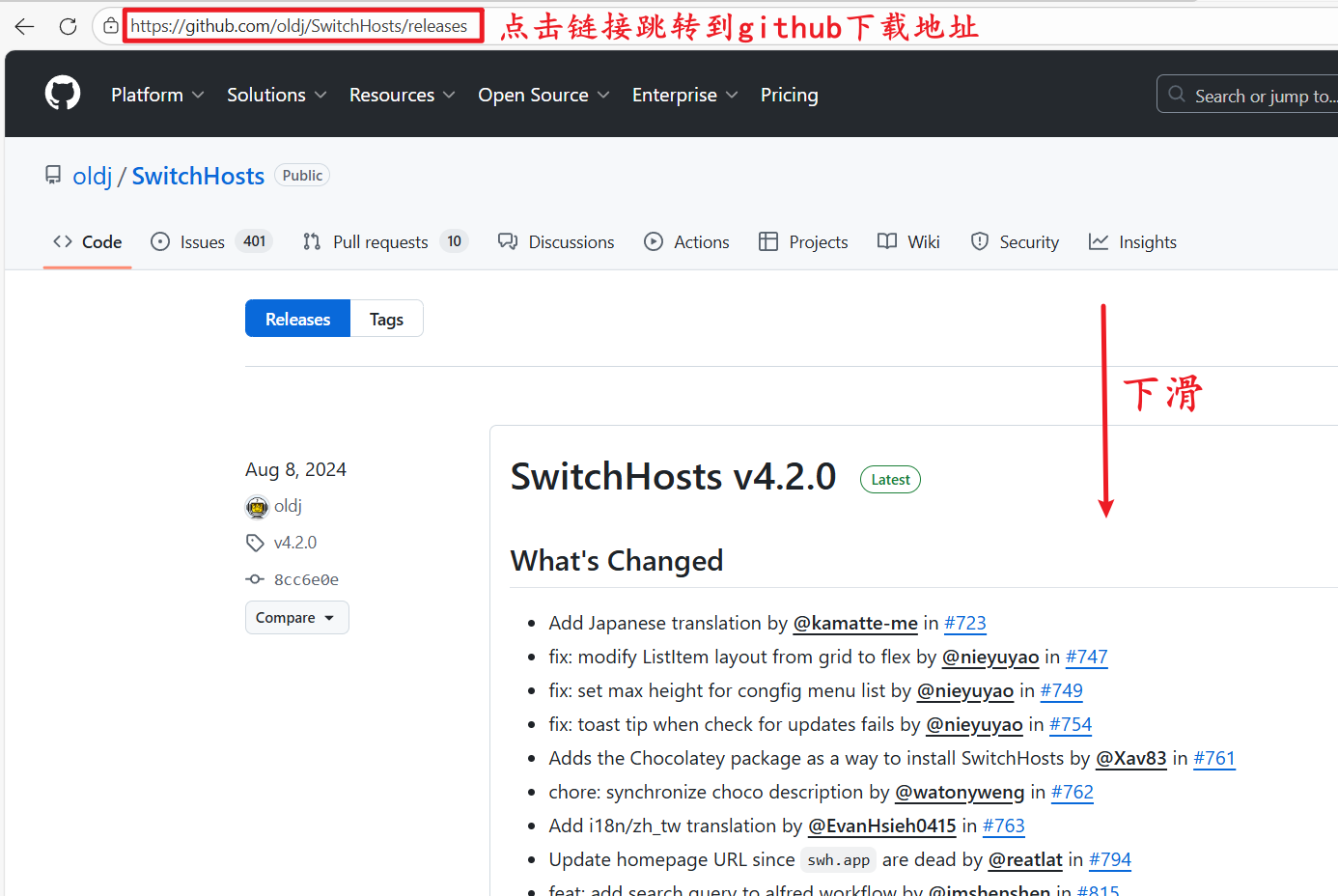
下滑找到assets:
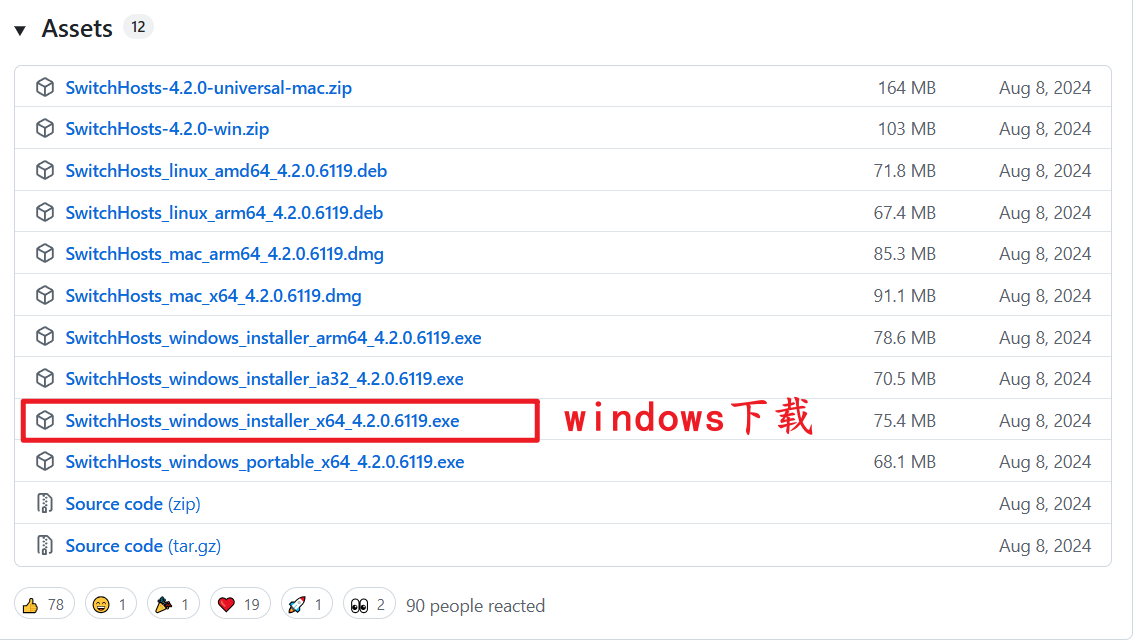
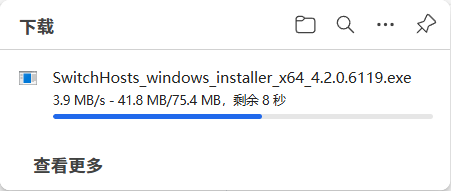
双击下载好的.exe文件,一直点击下一步安装即可(可自行修改安装目录)
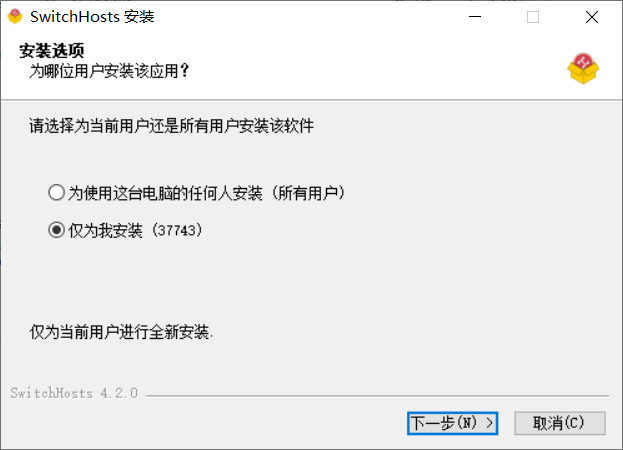
安装完成:

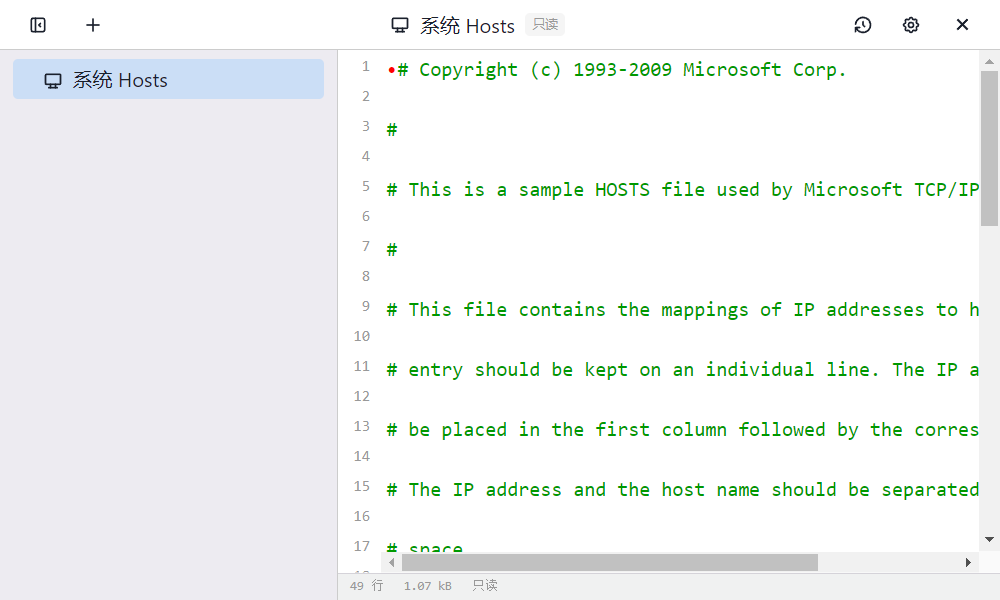
打开后:
权限不足问题
如果遇到没有写入Hosts文件的权限的提示:

- 第一步:将
SwitchHosts软件关闭,重新以管理员身份运行 - 第二步:取消
hosts文件的只读权限
找到hosts文件>右键>属性,如果此时只读属性是被选中的,请取消选中后>点击应用并确定,SwitchHosts即可正常使用
bash
# hosts文件默认存放路径
C:\Windows\System32\drivers\etc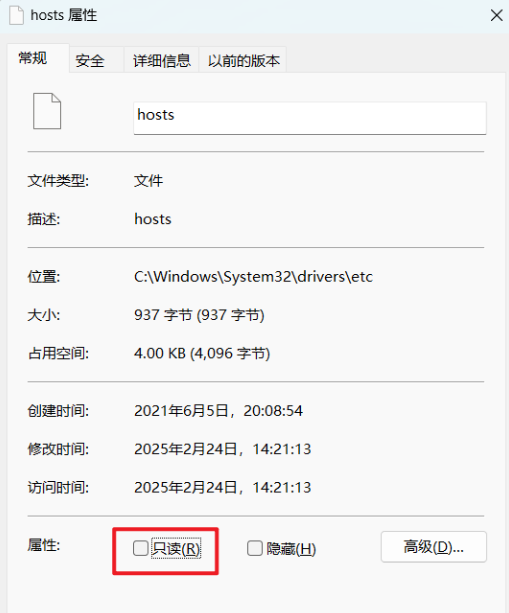
2. 添加hosts规则
点击加号添加新的hosts文件:
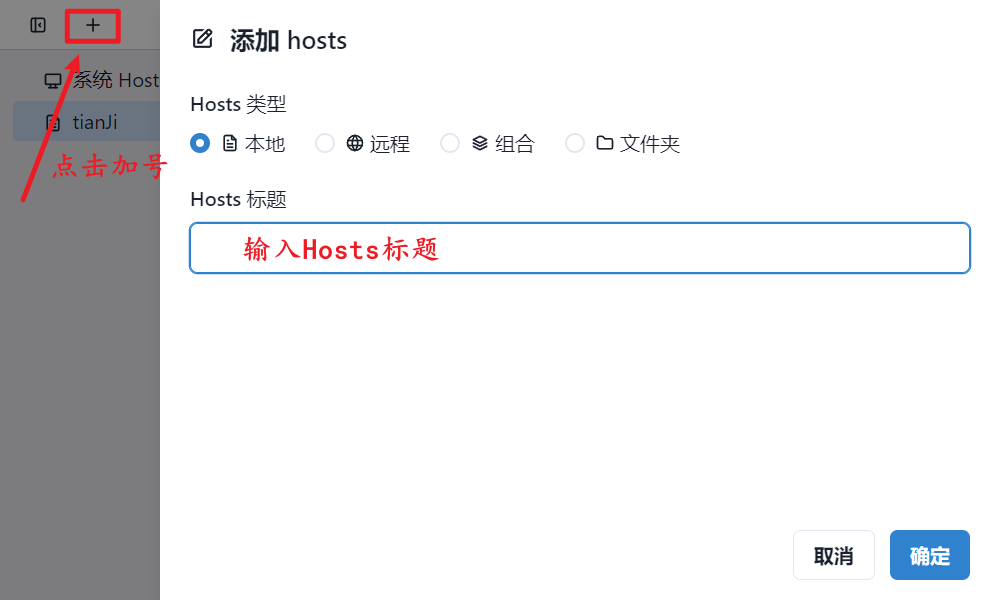
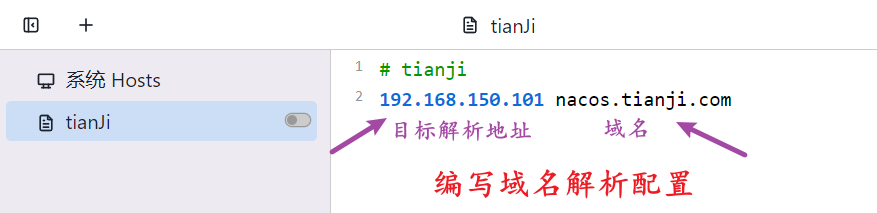
编写域名解析配置:
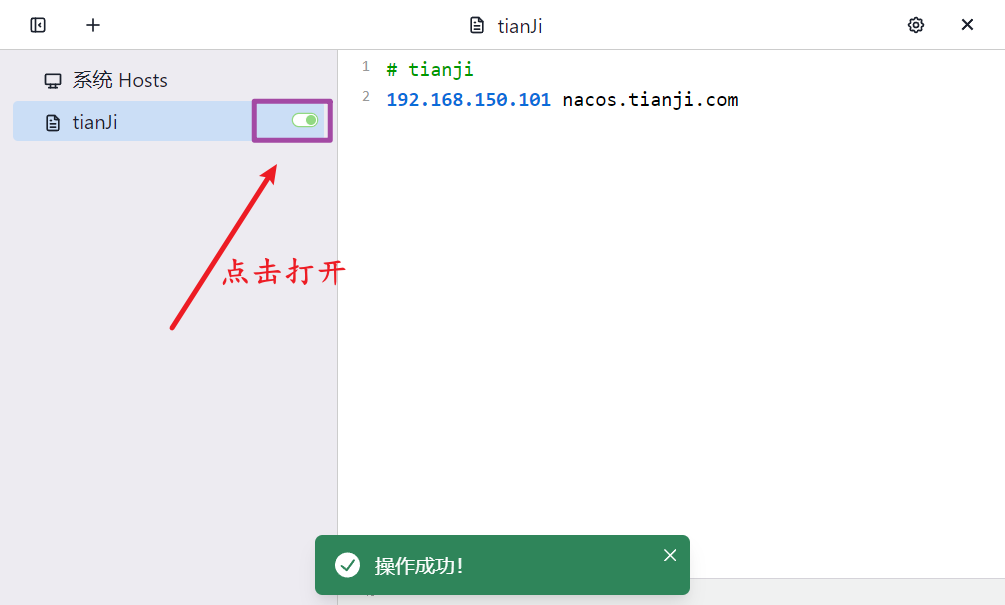
点击打开开关,应用配置:
3. 测试访问
打开cmd,通过ping测试 nacos.tianji.com
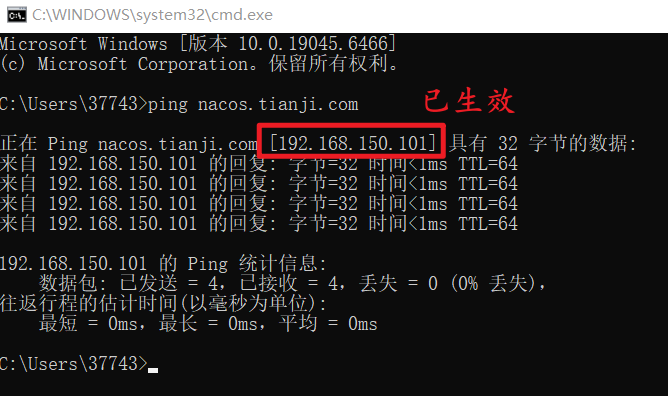
可以看到已经生效!!!
那么这是域名解析,端口的反向代理接下来开始配置:
b. 反向代理配置
1. 启动Nginx服务
使用docker部署Nginx容器并启动
部署步骤见:
https://blog.csdn.net/2401_84926677/article/details/151591240
2. 编写Nginx配置文件
找到nginx目录里的conf/nginx.conf文件

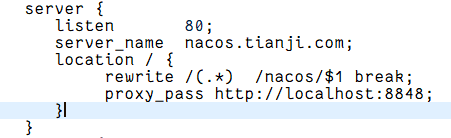
清空原有内容,替换为以下完整配置:
bash
worker_processes  1;

events {
    worker_connections  1024;
}

http {
    include       mime.types;
    default_type  application/octet-stream;

    sendfile        on;
    keepalive_timeout  65;

    # nacos.tianji.com 反向代理配置
    server {
       listen       80;
       server_name  nacos.tianji.com;

       # 传递必要的请求头,保证 Nacos 正常识别客户端信息
       proxy_set_header Host $host;
       proxy_set_header X-Real-IP $remote_addr;
       proxy_set_header X-Forwarded-For $proxy_add_x_forwarded_for;
       proxy_set_header X-Forwarded-Proto $scheme;

       location / {
            rewrite /(.*)  /nacos/$1 break;
            proxy_pass http://localhost:8848;
            # 若 Nacos 部署在 Linux 虚拟机其他地址,可修改为对应 IP,例如:
            # proxy_pass http://192.168.150.101:8848;
       }
    }
}
3. 测试
在浏览器中输入nacos.tianji.com 测试效果: