前言
记录fast-livo2的仿真主要修改一些参数
config
config文件夹里有雷达和相机的yaml文件,主要是内参
相机
bash
rostopic echo -n 1 /camera/color/camera_info > camera_info.yaml运行这个代码出现相机的yaml文件
K = | fx 0 cx |
| 0 fy cy |
| 0 0 1 |
畸变看D
主要看k然后填写,同时确认分辨率的问题,我的是640x480,还有1280的这个需要修改
雷达
接下来解决雷达yaml文件的参数
这里我的TF坐标没有出来信息,只能根据sdf进行估计
使用TF:
bash
rosrun tf tf_echo camera_link lidar_link还可以找插件
bash
ignition::math::Pose3d sensor_pose;自己估计
bash
<link name='/imu_link'>
  <pose>0 0 0 0 0 0</pose>
</link>

<joint name='/imu_joint' type='revolute'>
  <parent>base_link</parent>
  <child>/imu_link</child>
</joint>
IMU 和 base_link 完全重合
bash
<include>
  <uri>model://D435i</uri>
  <pose>0.12 0 0 1.5708 0 1.5708</pose>
</include>

<joint name="realsense_camera_joint" type="fixed">
  <parent>iris::base_link</parent>
  <child>D435i::camera_link</child>
</joint>
bash
<include>
  <uri>model://Mid360</uri>
  <pose>0 0 0.05 0 0 0</pose>
</include>

<joint name="livox_joint" type="fixed">
  <parent>iris::base_link</parent>
  <child>Mid360::livox_base</child>
</joint>
相机和IMU:
bash
extrinsic_T: [0.12, 0.0, 0.0]接下来就是计算,这个是仿真粗略标定
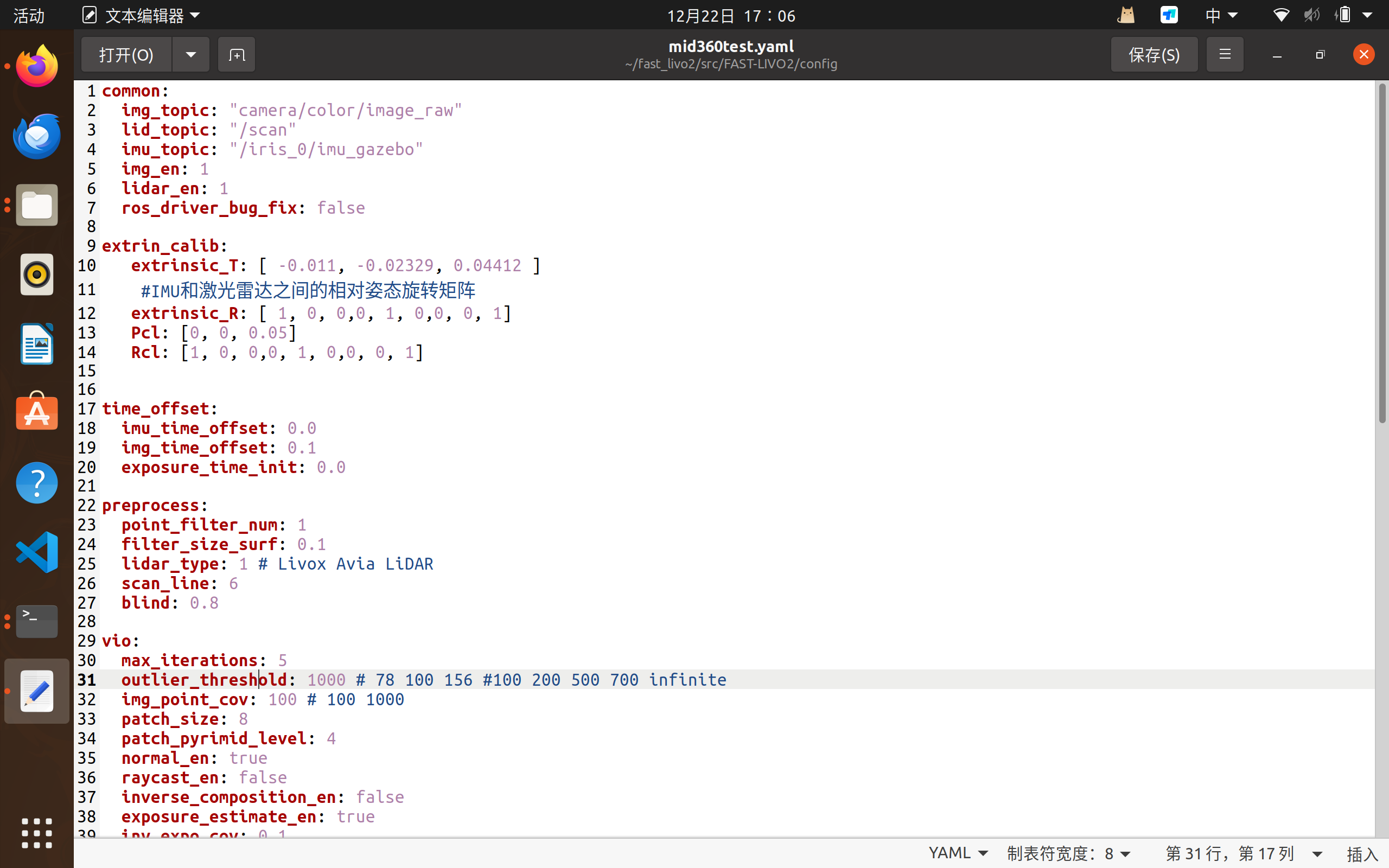
基本上就是这个简单实现