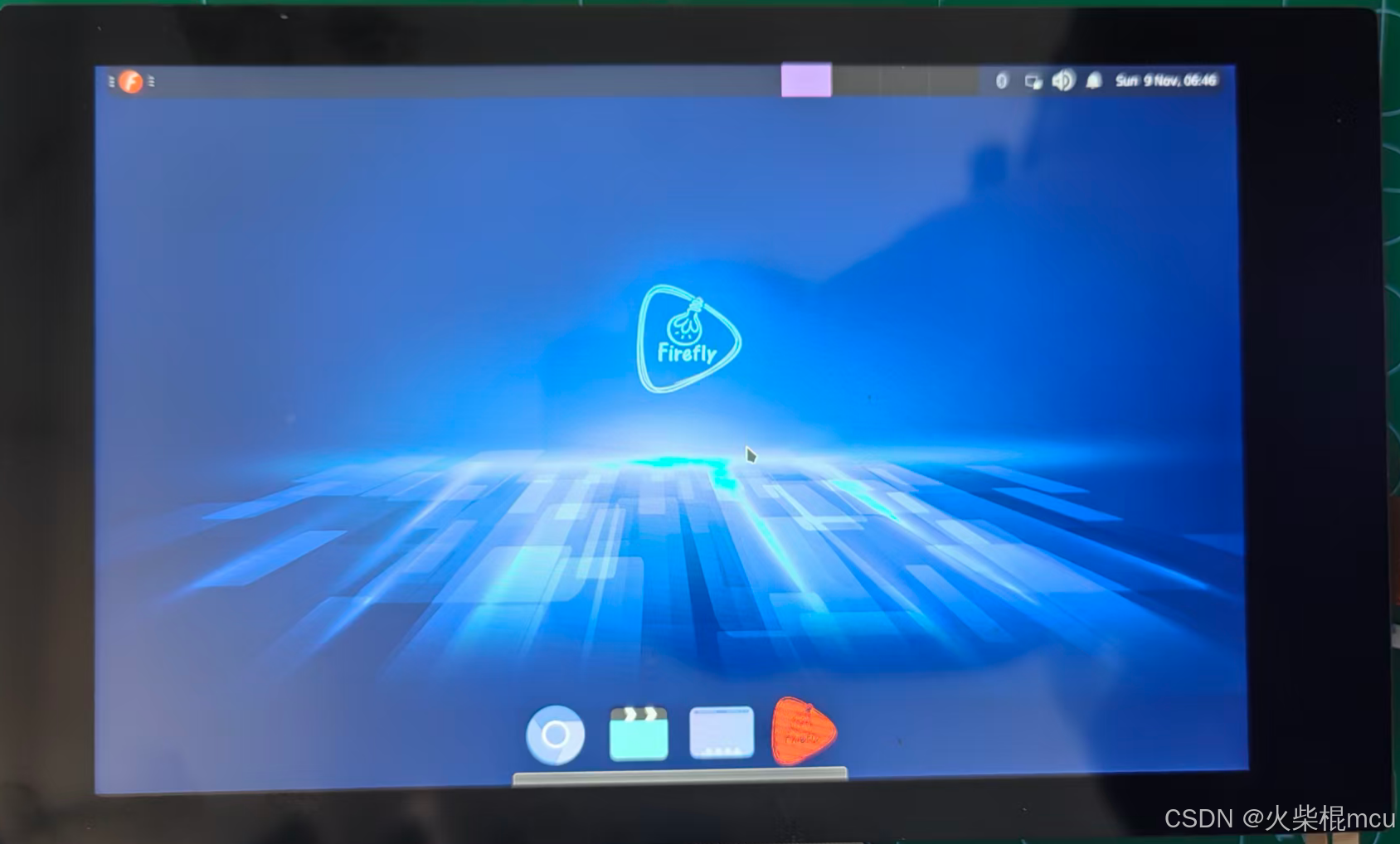
一、调试环境
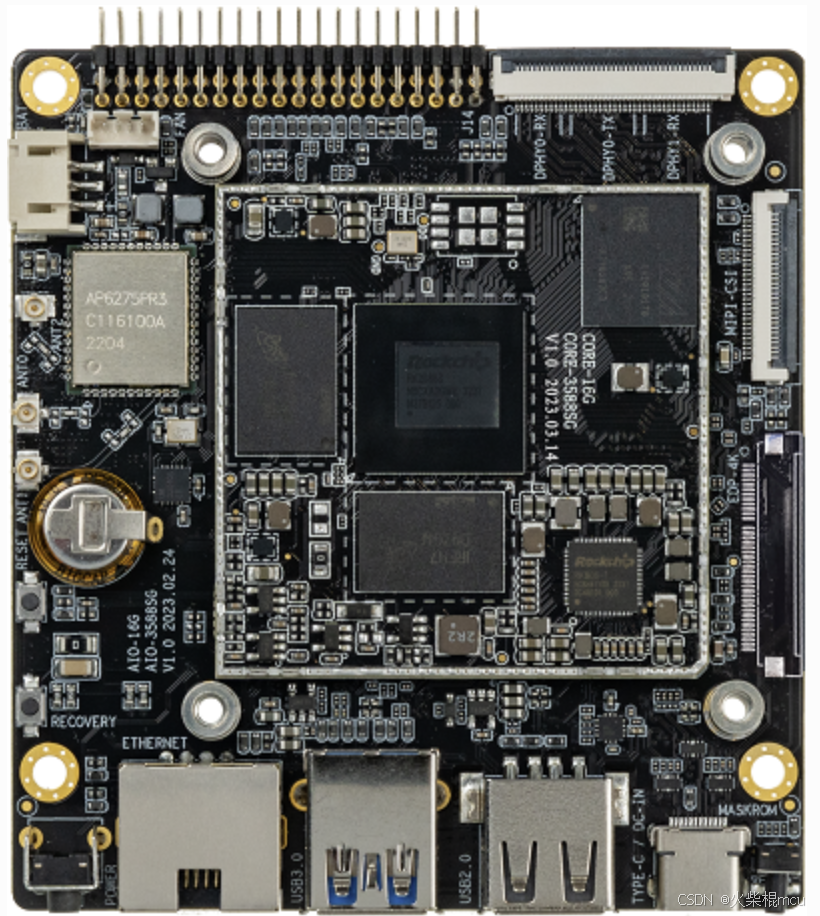
主板:AIO-3588SG
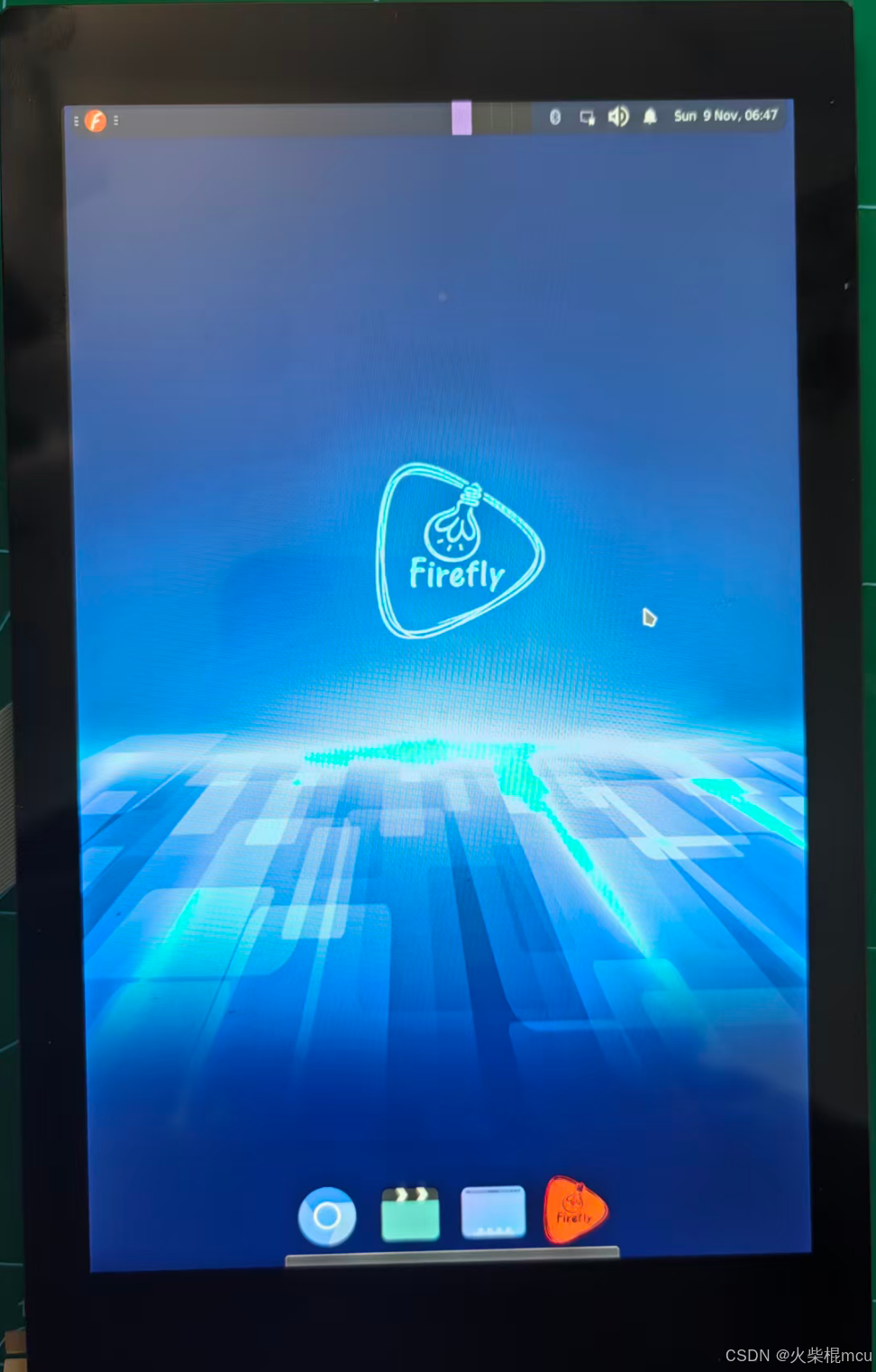
屏幕:7寸TFT带触摸竖屏分辨率800*1280
二、屏幕旋转
1、显示旋转
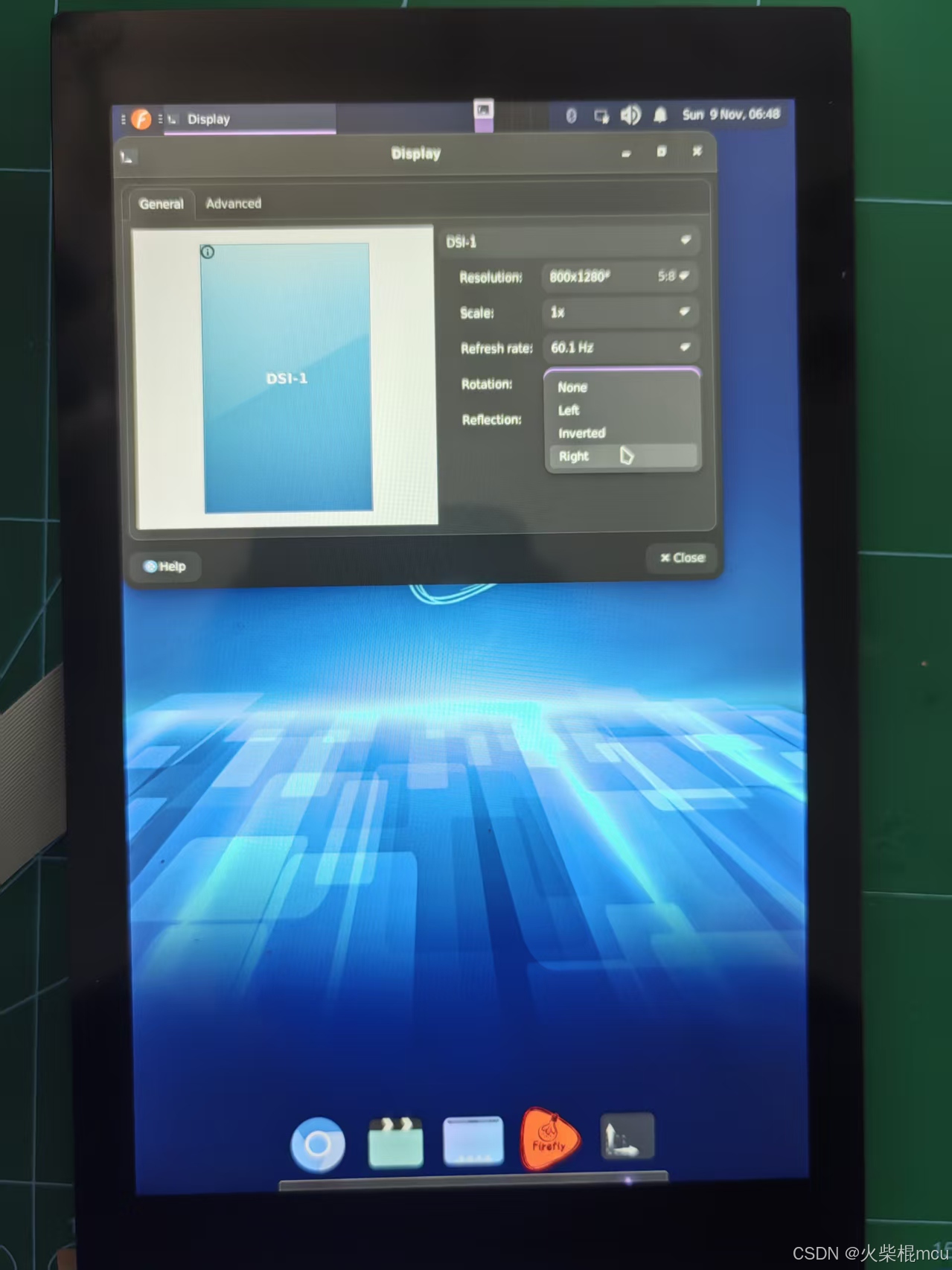
可通过系统界面设置,Menu->Settings->Display->Rotation,选择Right。
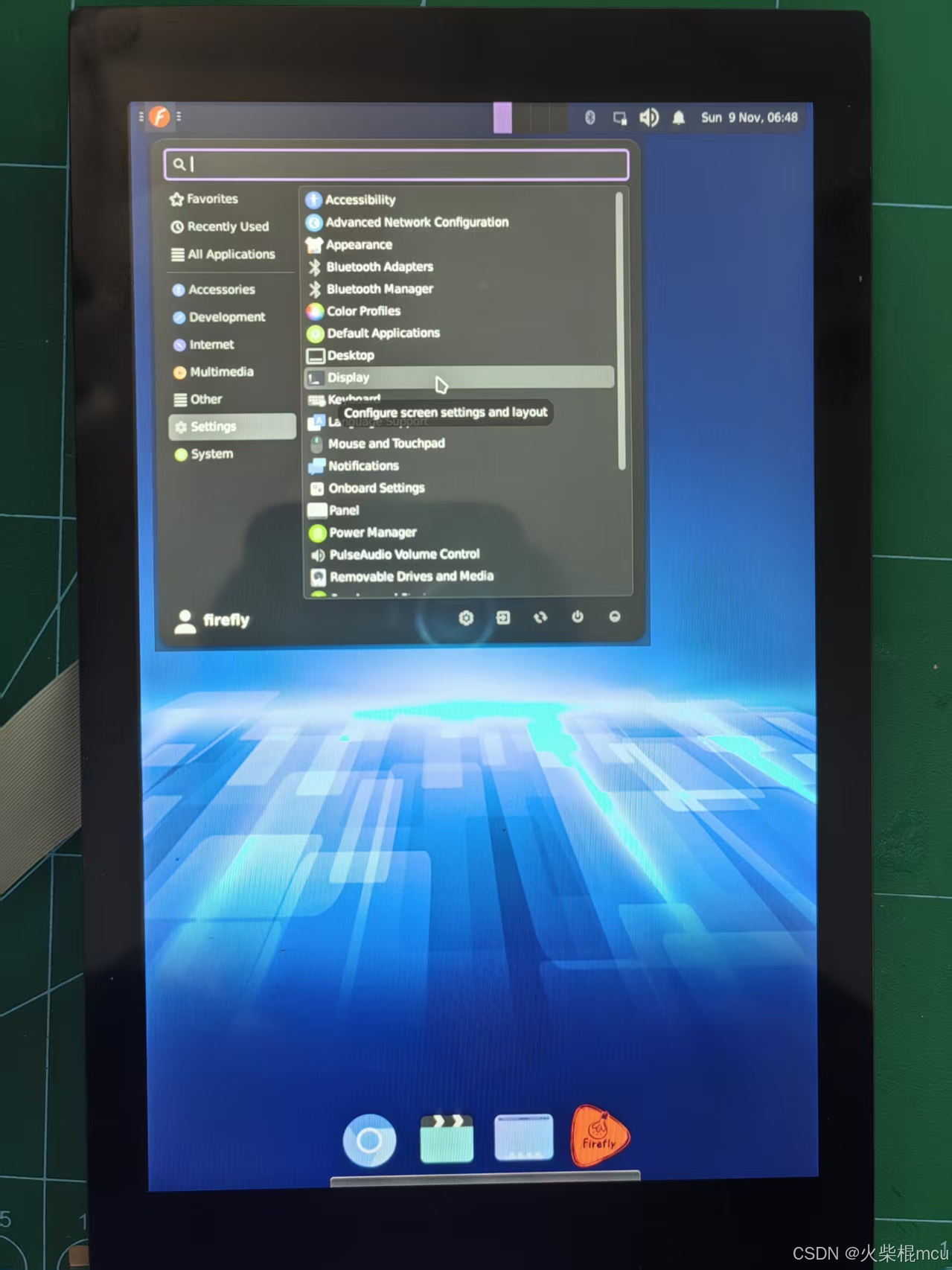
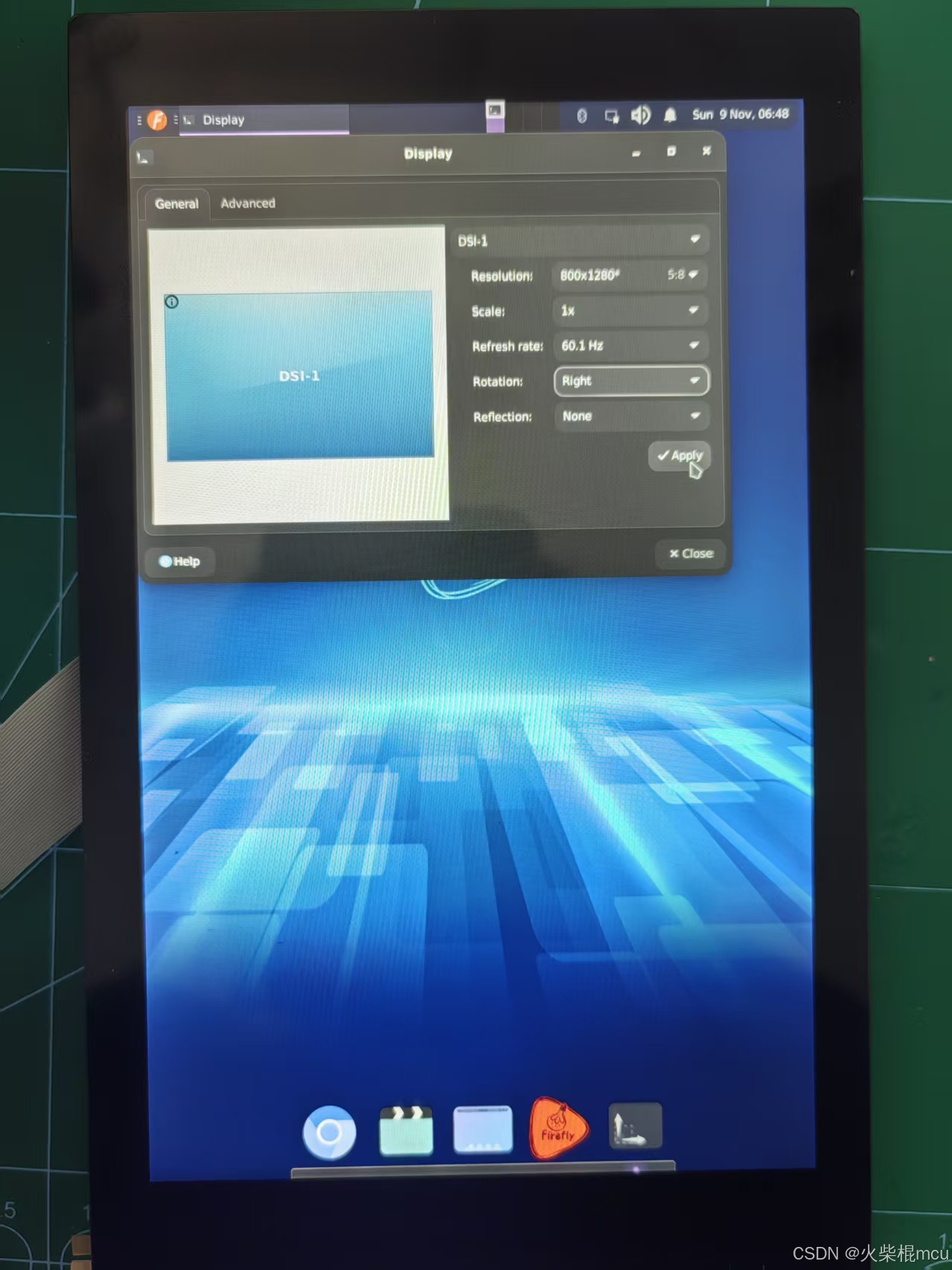
点击Apply
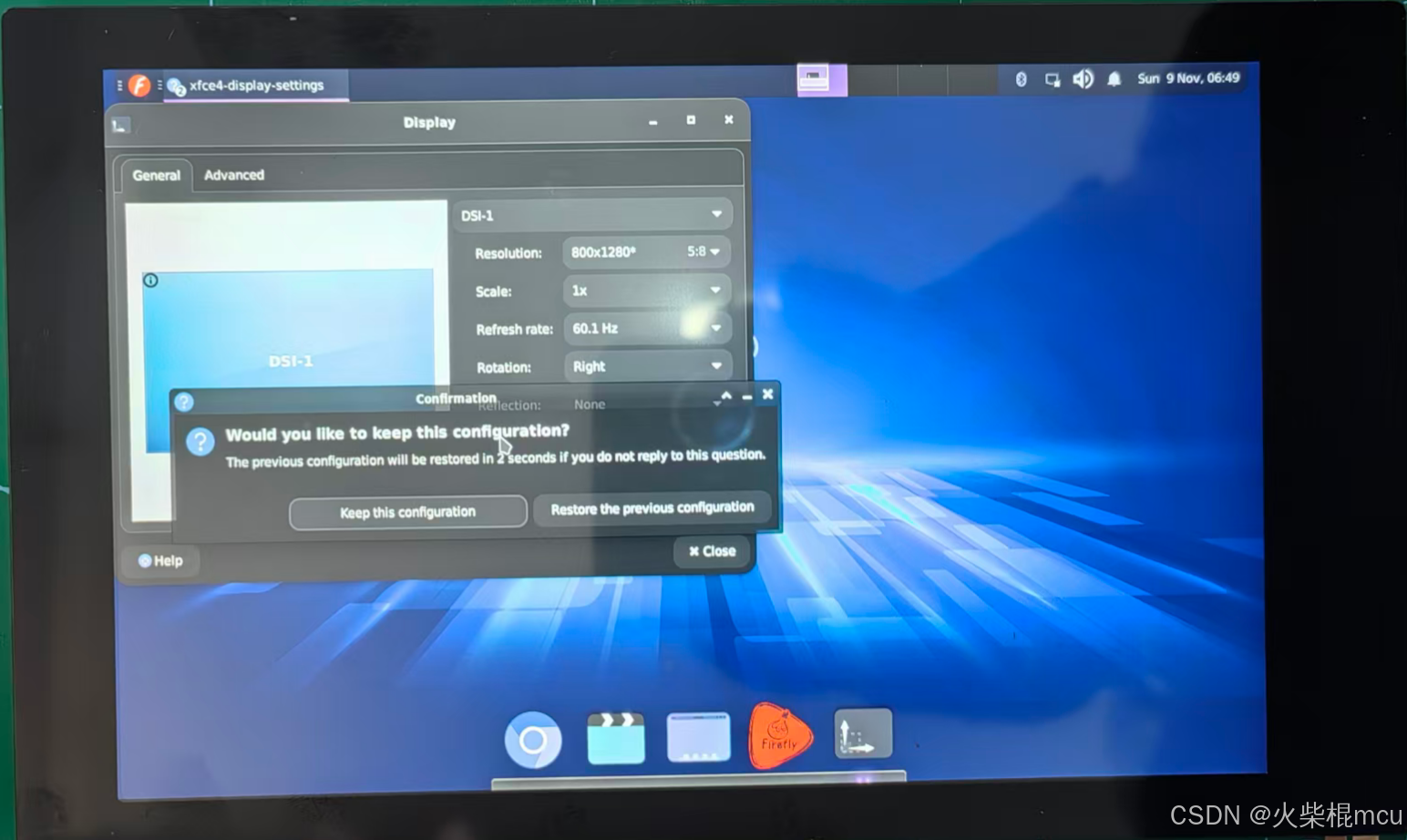
点击Keep this configuration,将配置保存,重启不会丢失。
2、触屏旋转
无法通过系统设置修改,需要修改配置文件。步骤如下:
接上串口
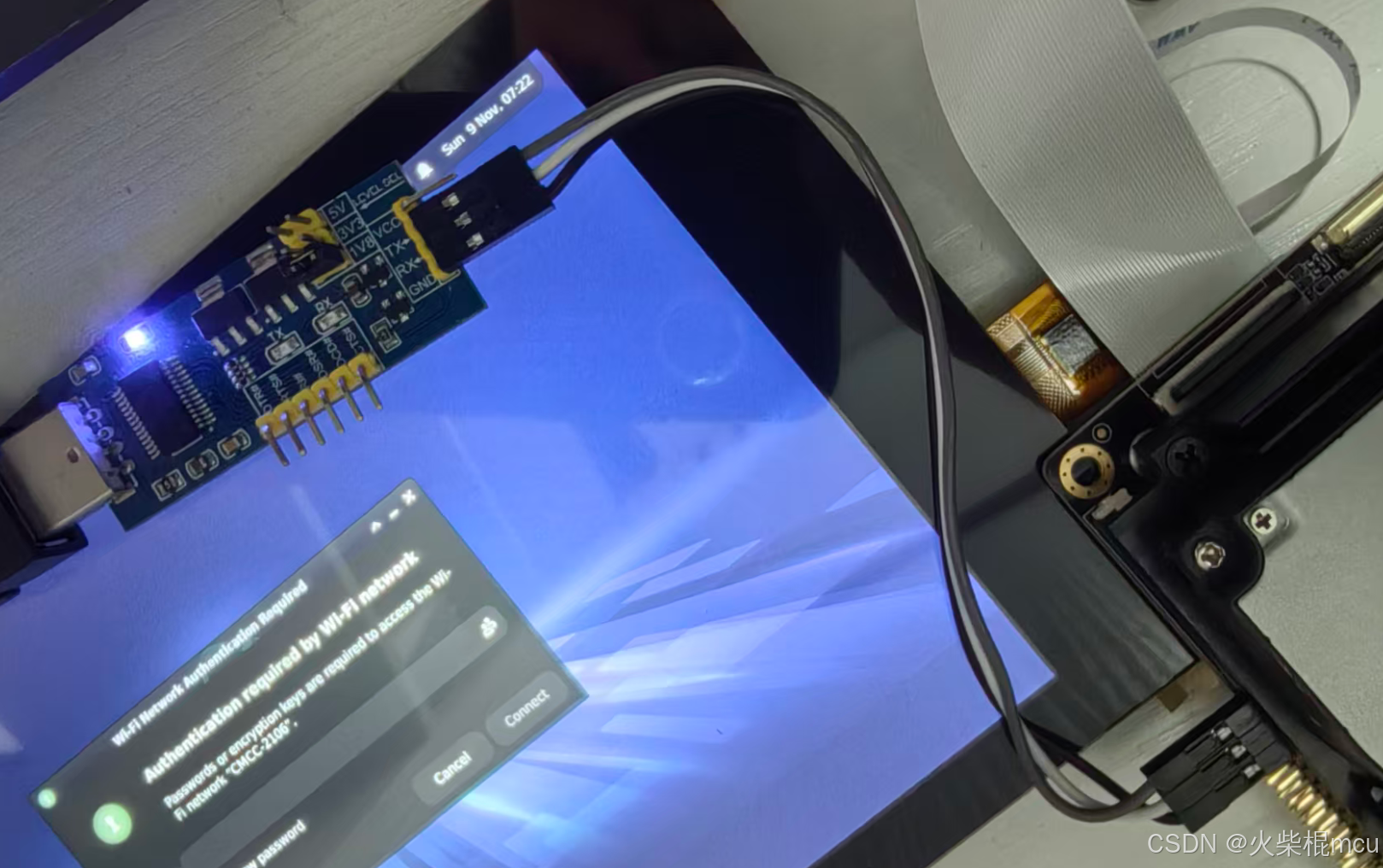
串口参数配置,波特率:1500000、数据位:8、停止位:1、奇偶校验:无、流控:无
执行以下命令,编辑40-libinput.conf文件
root@firefly:~# cd /usr/share/X11/xorg.conf.d/
root@firefly:~# vim 40-libinput.conf
在以下位置增加配置Option "TransformationMatrix" "0 1 0 -1 0 1 0 0 1"
Section "InputClass"
        Identifier "libinput touchscreen catchall"
        MatchIsTouchscreen "on"
        MatchDevicePath "/dev/input/event*"
        Driver "libinput"
+++     Option "TransformationMatrix" "0 1 0 -1 0 1 0 0 1"
EndSection
矩阵 画面方向
0 -1 1 1 0 0 0 0 1 left
0 1 0 -1 0 1 0 0 1 right
-1 0 1 0 -1 1 0 0 1 inverted
1 0 0 0 1 0 0 0 1 不转
修改之后重启设备即可。